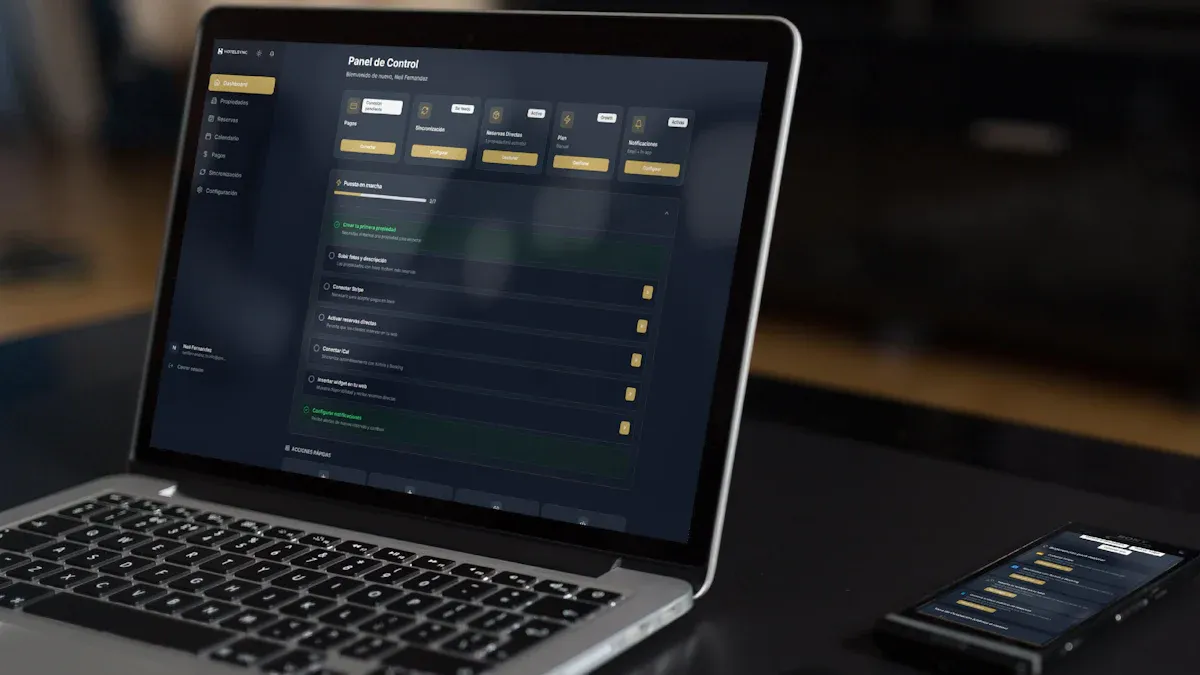
Looking for the top white label dashboard software for your agency in 2026? The following are 7 White Label Dashboard Solutions Every Agency Should Know:
FineBI
DashThis
Klipfolio
AgencyAnalytics
Databox
Oviond
TapClicks
Agencies love white-label dashboard platforms because they help you boost your brand, keep clients happy, and work more efficiently. You can often cut reporting time by 60–75% and reduce tech costs, all while impressing clients with custom-branded reports. As Joseph LeBlanc from Studio Eighty-Eight puts it:
"Customize your reports to align with your agency's branding and the client's specific needs to enhance professionalism and strengthen the agency-client relationship."
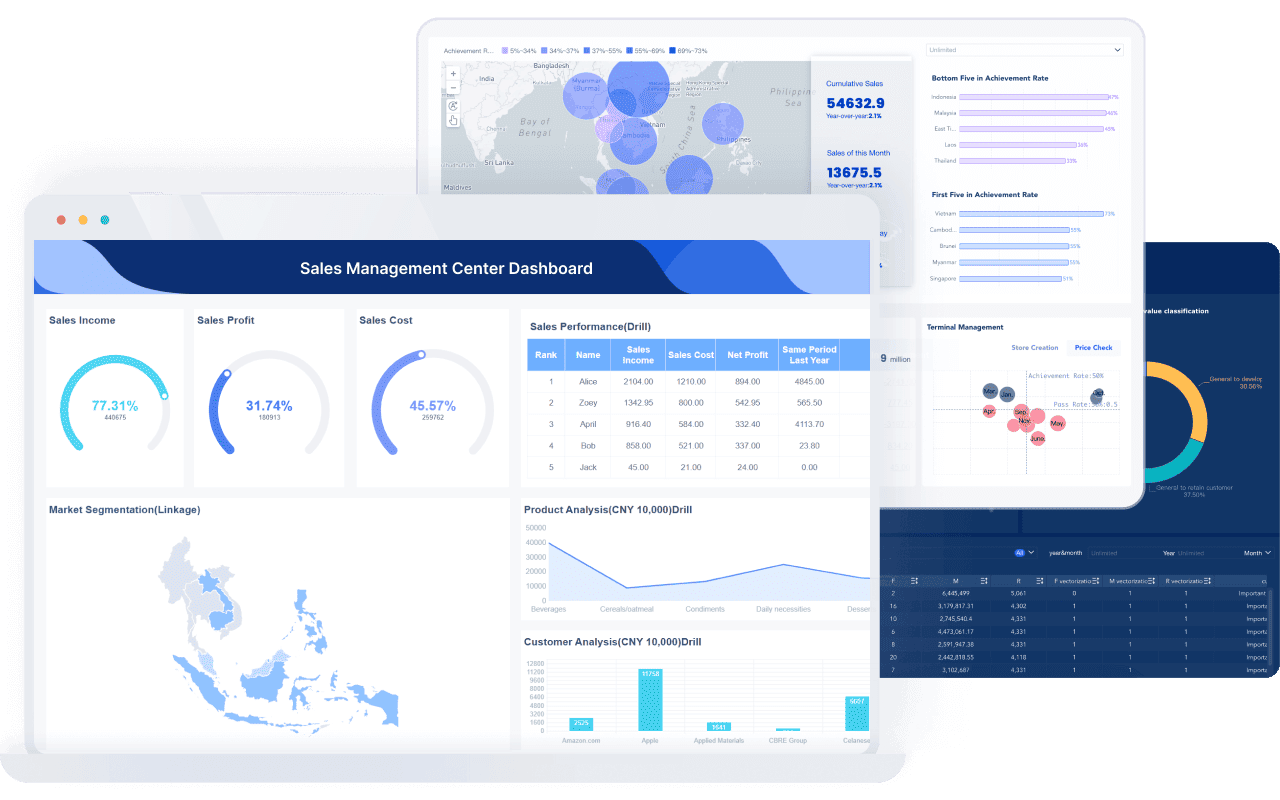
FineBI is a white-label and embedded analytics platform for companies that need to integrate dashboards into their own products, customer portals, or internal systems. It supports custom logos, custom domains, embedded dashboards, SSO, role-based permissions, tenant-level data isolation, and multi-tenant deployment.
What Is White Label Dashboard Software
White label dashboard software is an analytics platform you can fully rebrand and embed as your own product's native intelligence layer. End users see your logo, your color scheme, your domain, and your navigation — never the underlying vendor's branding.
Key Features For Agencies
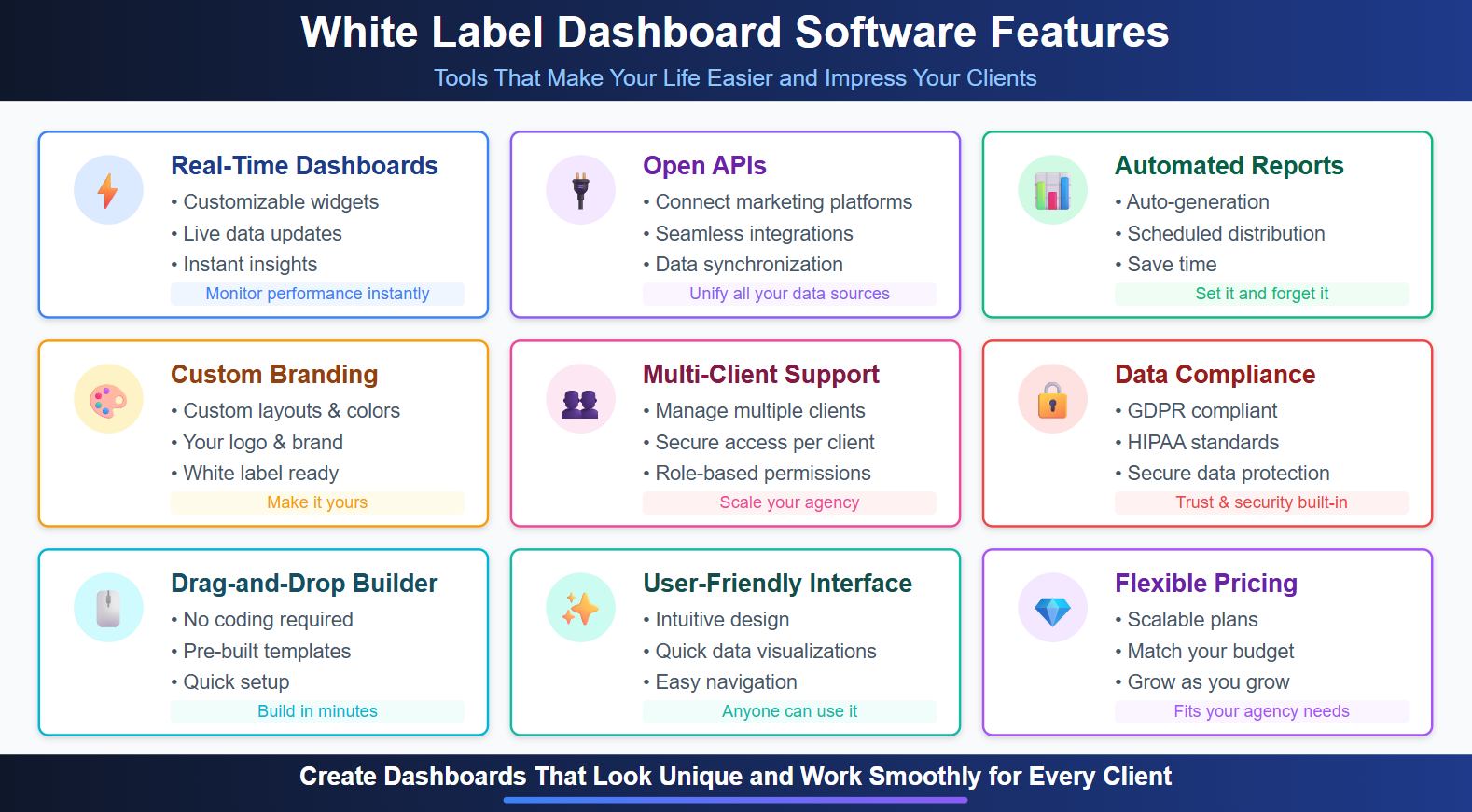
When you look for white label dashboard software, you want tools that make your life easier and impress your clients. Here are some features you should expect:
Multi-client support with secure access for each client.
Compliance with data protection standards like GDPR and HIPAA.
Drag-and-drop report builders and pre-built templates.
User-friendly interfaces for quick data visualizations.
Flexible pricing to match your agency’s needs.
These features let you create dashboards that look unique and work smoothly for every client.
Why Agencies Need White Label Solutions
You want your agency to stand out and grow fast. White label dashboard software helps you do just that. Take a look at how these solutions benefit agencies:
Feature/Advantage
Description
Brand Customization
You can fully customize the platform with your branding, building trust.
Scalability
Automate tasks and manage more clients as your agency grows.
Automation
Cut down on manual work and focus on strategy, not just reporting.
Cost-Effectiveness
Skip expensive in-house development and save money.
Did you know that 73% of millennials trust brands that offer a consistent experience everywhere? Agencies using scalable solutions grow 20% faster than those who stick to manual processes. If you want to boost client loyalty and streamline your workflow, a white-label dashboard is a smart move.
White Label vs Embedded Analytics vs Client Reporting
These terms are frequently conflated but describe distinct capabilities. Choosing the wrong category leads to feature gaps or unnecessary cost.
Dimension
White Label Dashboard
Embedded Analytics
Client Reporting
Primary use case
Rebranded analytics presented as your own
Analytics integrated into your product's UI
Periodic branded reports delivered to clients
Embedding method
Custom domain or iframe
Iframe, JS SDK, API within application
Email, PDF, or hosted link (no iframe)
SSO support
Typically yes
Yes (core requirement)
Rarely
Multi-tenant isolation
Varies
Core feature (row-level security)
Per-client workspace (not query-enforced)
Self-service exploration
Depends on platform
Core feature
Template-based only
Target buyer
SaaS vendors, portal operators, enterprises
SaaS product teams, platform builders
Marketing agencies, consultants
Example tools
FineBI, Tableau Embedded, Looker
FineBI, Power BI Embedded, Metabase
DashThis, AgencyAnalytics, Databox
FineBI spans white label and embedded analytics, serving both SaaS product teams and agencies delivering proprietary-feeling client portals. Client reporting tools (DashThis, AgencyAnalytics) serve a narrower use case and should not be evaluated against embedded analytics requirements.
Best White Label Dashboard Software: Quick Comparison
Tool
Best For
Custom Logo/Domain
Embedded Dashboard
SSO
Permissions
Multi-Tenant
AI Analytics
FineBI
SaaS, enterprise portals, embedded analytics
Yes
Yes
Yes
Yes
Yes
With Dora
Agency Analytics
Marketing agencies
Yes
Limited
Yes
Client-based
Limited
Basic
DashThis
Simple client reports
Yes
Limited
Limited
Basic
No
Limited
Key distinction: Tools like DashThis and AgencyAnalytics are client reporting platforms for marketing agencies. They automate branded PDF/link delivery but do not support true product embedding, SSO, or multi-tenant data isolation. FineBI, Tableau Embedded, Power BI Embedded, and Looker Embedded are embedded analytics platforms designed to become part of your application. Choose based on whether you need a reporting tool or a product-integrated analytics layer.
Top 7 White Label Dashboard Software For Agencies In 2025
FineBI provides enterprise-grade embedded analytics with full white-label control, designed for SaaS vendors, portal operators, and agencies delivering proprietary-feeling client experiences.
Core White-Label Capabilities
Custom logo and brand styling: Replace all vendor branding with your logo, color palette, typography, and favicon. Customize login pages, navigation bars, chart themes, and export templates to match your product's design system.
Custom domain: Serve dashboards from your own subdomain (analytics.yourproduct.com) with SSL certificate management. No vendor URLs exposed to end users.
Embedded dashboards inside customer products: Iframe embedding with responsive sizing, JavaScript SDK for programmatic control, and REST APIs for dashboard CRUD operations. Embed individual charts, full dashboards, or filtered views directly into your application UI.
Customer portal integration: Dedicated portal mode with simplified navigation, curated dashboard catalogs, and self-service filtering. Tenants access only their authorized content without seeing other customers' data or metadata.
SSO (Single Sign-On): Native SAML 2.0, OAuth 2.0, and JWT token authentication. Map external identity provider groups to FineBI roles automatically. Eliminate separate credential management for embedded users.
Role-based permissions: Granular control over dashboard access, data source visibility, export capabilities, and administrative functions. Define custom roles matching your product's permission model.
Tenant-level data isolation: Row-level security policies enforce data boundaries at the query engine level. Even if a user modifies URL parameters or API calls, they cannot access unauthorized data. Supports dynamic tenant context injection via SSO tokens.
Multi-tenant management: Centralized administration for provisioning tenants, assigning content, managing licenses, and monitoring usage across hundreds of customer instances. Bulk operations reduce operational overhead at scale.
Self-service analytics: Business users explore data, create ad-hoc analyses, and save personal views within governed boundaries. Semantic layer ensures consistent metric definitions regardless of who creates the visualization.
Dashboard sharing and scheduled reporting: Share dashboards via secure links, embed codes, or scheduled email/PDF delivery. Configure recipient-specific filters so each stakeholder receives personalized content automatically.
Enterprise deployment: On-premise, private cloud, or hybrid deployment options. Air-gapped environments supported. Kubernetes-native scaling for high-concurrency embedded workloads.
When to Choose FineBI
Use FineBI when...
Why it fits
You need dashboards inside your own SaaS product
FineBI can be embedded into existing applications
Each customer should only see their own data
permissions and tenant isolation help control access
You want your own logo, domain, and portal experience
white-label branding keeps the experience consistent
Clients need self-service analytics
users can explore data without asking your team for every report
You need enterprise SSO and access control
FineBI supports enterprise-grade login and permission management
Best for:
Agencies that want deep customization and control.
Teams that need to manage sensitive data or require on-premise options.
Agencies looking for the best white label reporting tools with AI-driven analytics.
User feedback: Agencies love the ease of use, the speed of setup, and the ability to scale as they grow. Many say FineBI helps them cut reporting time in half and impress clients with interactive dashboards.
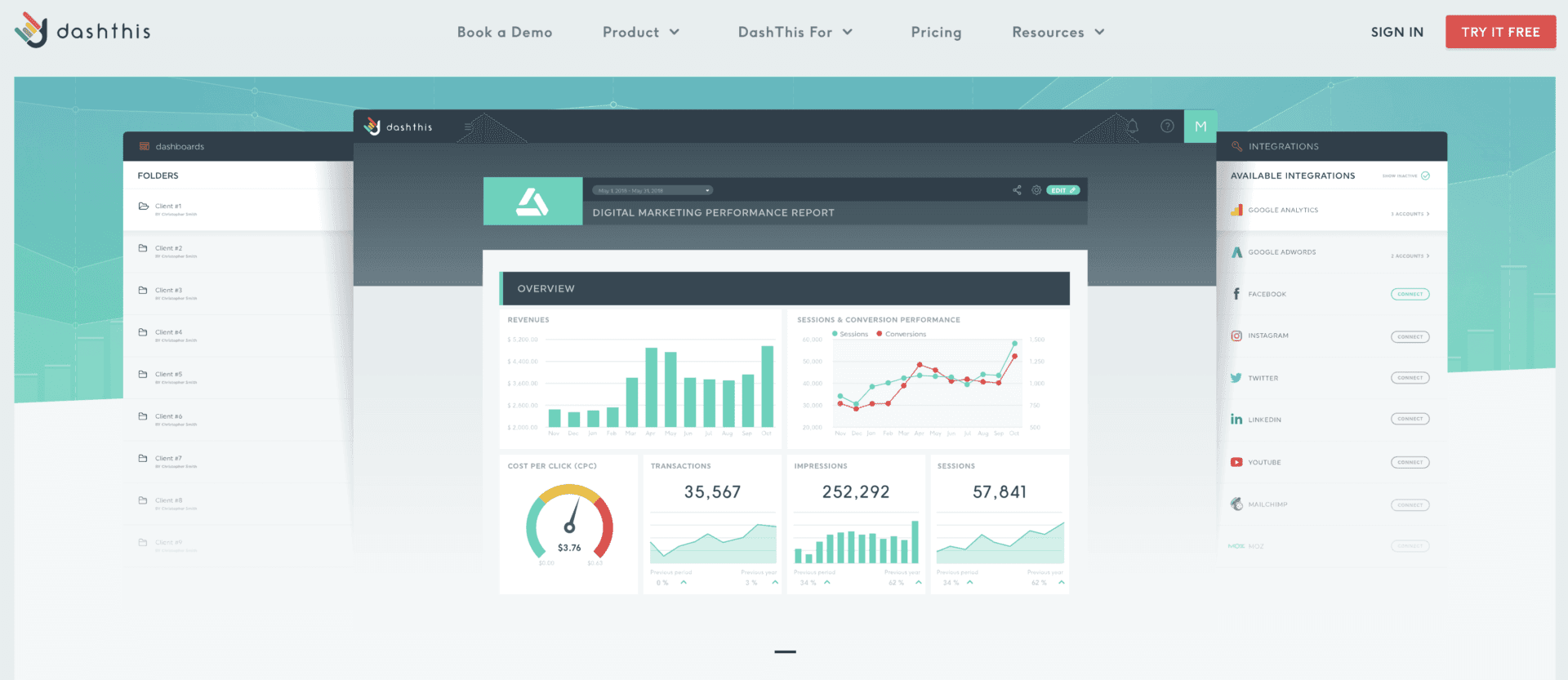
DashThis is a favorite among agencies that want simple, automated reporting tools for marketing agencies. You can set up dashboards quickly, connect to 29+ native integrations, and share reports with just a few clicks. The platform focuses on making reporting easy and visual.
White-label reports with your logo, domain, and themes.
Affordable for basic needs.
Cons:
Limited integrations and customization.
Data connectors can break without alerts.
Advanced features only in higher-priced plans.
Pricing:
Plan
Price (Monthly)
Included Dashboards
Key Features
Individual
$49
3
Unlimited users, 34+ integrations, support
Professional
$159
10
White label dashboards, custom domain/email
Business
$309
25
Priority support, onboarding, screen-sharing
Standard
$479
50
All features, more dashboards
Best for:
Agencies that need quick, automated reporting tools for marketing agencies.
Teams with basic reporting needs and a focus on speed.
User feedback: Agencies like Jelly Marketing and Search Station switched to DashThis to save time and automate manual reporting. Users praise the visual appeal and ease of use. Many say it’s a game changer for client communication.
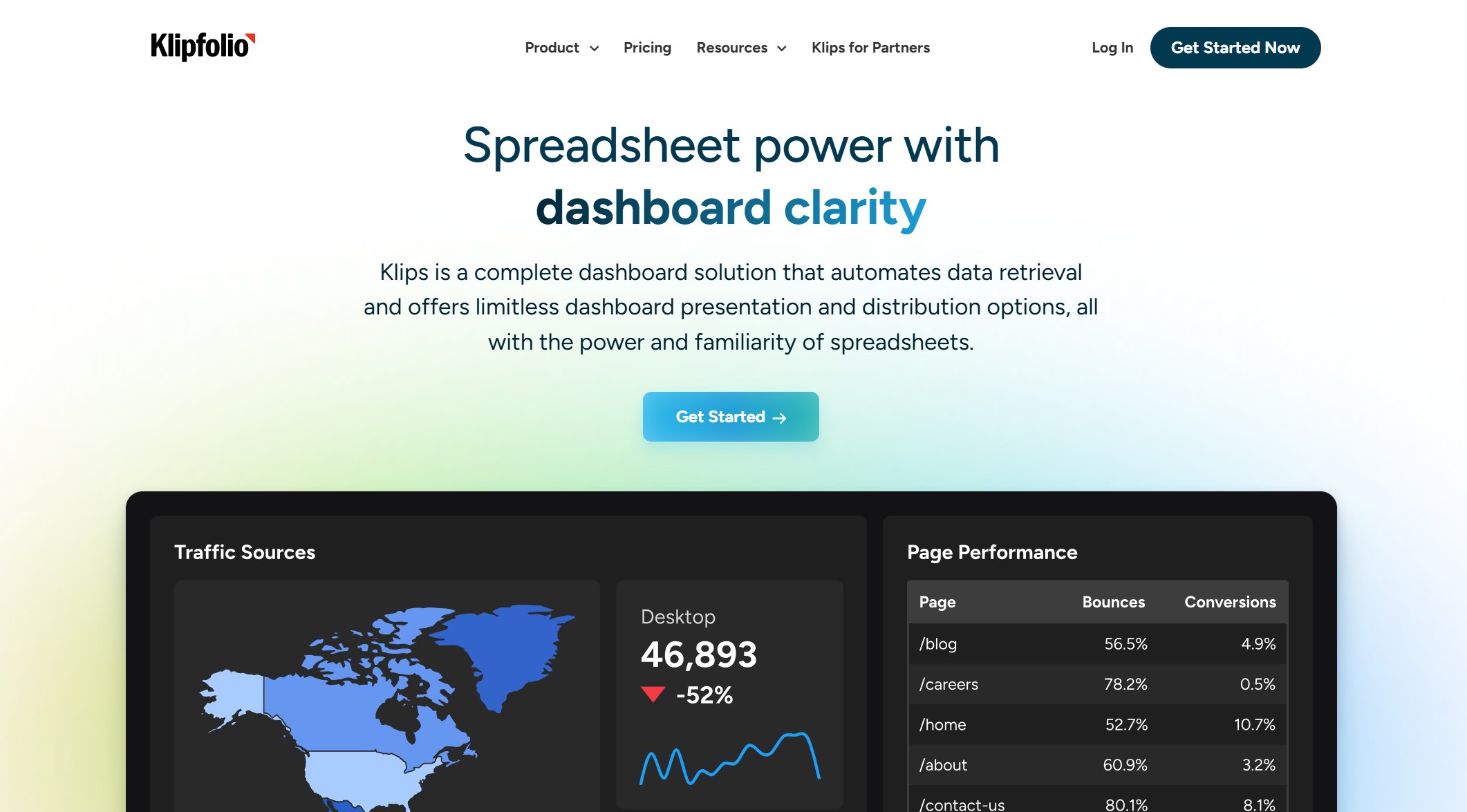
Klipfolio gives you powerful customization and a wide range of integrations. You can build dashboards for almost any data source, but you may need some technical skills to get the most out of it. Agencies use Klipfolio to create standardized, white-labeled dashboards for clients.
Feature/Plan
Description
Price
Free Plan
Basic metric tracking for up to two users
Free
Go Tier
More users, dashboards, faster data refresh
$125/month
Pro/Business
SSO, domain aliasing, white-labeling, advanced features
Higher tiers
Pros:
Powerful customization with Klips.
140+ integrations.
Drag-and-drop dashboard builder.
Good for tracking KPIs across departments.
Cons:
Steep learning curve; often requires coding or SQL.
Time-consuming to build and edit dashboards.
Some connectors can be unreliable.
Support is limited unless you pay for higher tiers.
Best for:
Agencies with technical teams who want full control.
Those who need to track many KPIs and use advanced reporting tools for marketing agencies.
User feedback: Users love the flexibility and the ability to track KPIs. Some find the setup process slow and wish for more templates and better support.
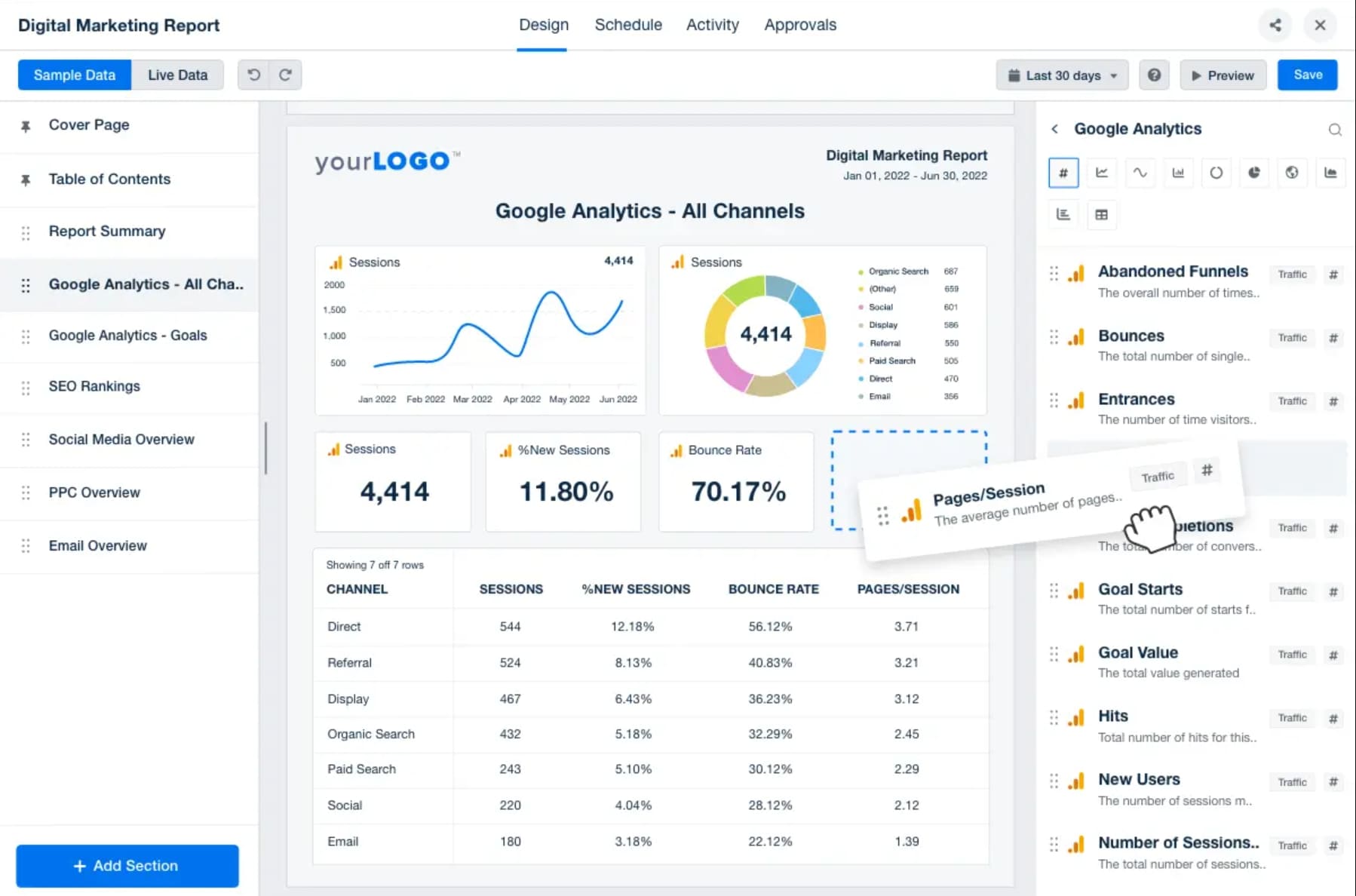
AgencyAnalytics is built for agencies that want to consolidate SEO, PPC, email, and social media data in one place. You can fully customize dashboards with your branding and automate client reporting.
Feature
Description
Client Dashboard
Real-time insights from 80+ marketing platforms.
Customizable
Add your branding and tailor dashboards to client goals.
White Labeling
Present dashboards as your own solution.
Plan
Price
Features
Basic
$239/month
10 clients, no API access
Agency Pro
$479/month
15 clients, API access, more features
Extra Client
$20/month
Add more clients to any plan
Pros:
Clean dashboards and attractive templates.
Pre-built integrations and report automation.
Branded reports and easy onboarding.
Cons:
Expensive per-client pricing.
API access only on higher plans.
Limited customization on lower tiers.
Best for:
Agencies that want to automate reporting tools for marketing agencies and present professional, branded dashboards.
User feedback: Many users praise the support team and the time saved on reporting. Some mention rigid dashboards and higher costs as drawbacks.
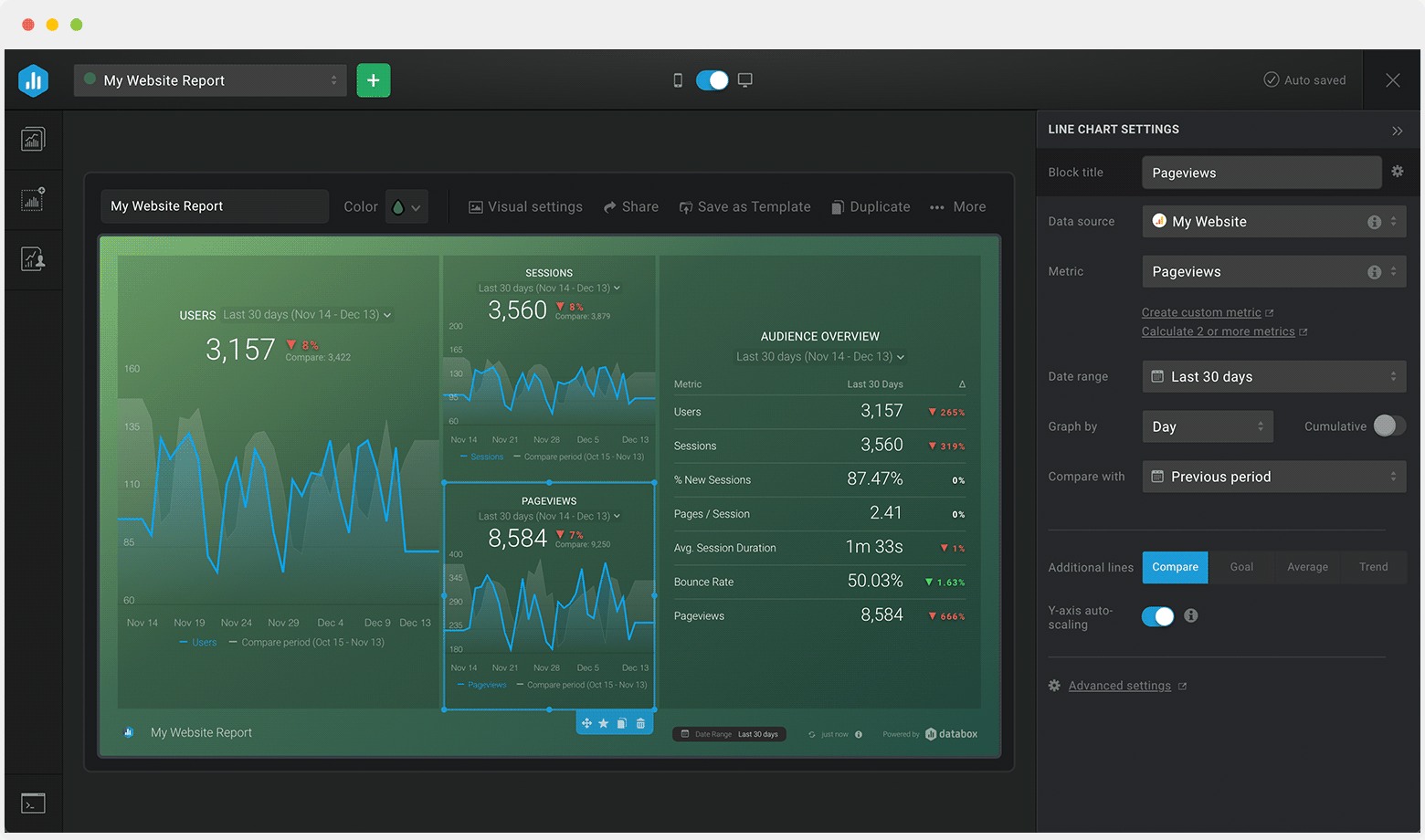
Databox helps you create real-time dashboards with your own branding. You can customize logos, colors, domains, and even mobile apps. The platform works well for agencies with data-savvy clients who want to track performance closely.
Feature/Aspect
Details
Real-Time Dashboards
Yes
Custom Branding
Logos, colors, custom domains, branded mobile apps
Pricing
$159/month (Professional), +$200/year for white-labeling
User Ratings
Great for data-driven agencies; not ideal for price-sensitive clients
Best for:
Agencies that want branded, real-time dashboards.
Teams that need the best white label reporting tools for advanced analytics.
Challenge Description
Aligning agency results with business goals
Gathering and analyzing data from multiple platforms
Avoiding vanity metrics
User feedback: Agencies like the real-time features and branding options. Some find the pricing high, especially for smaller teams.
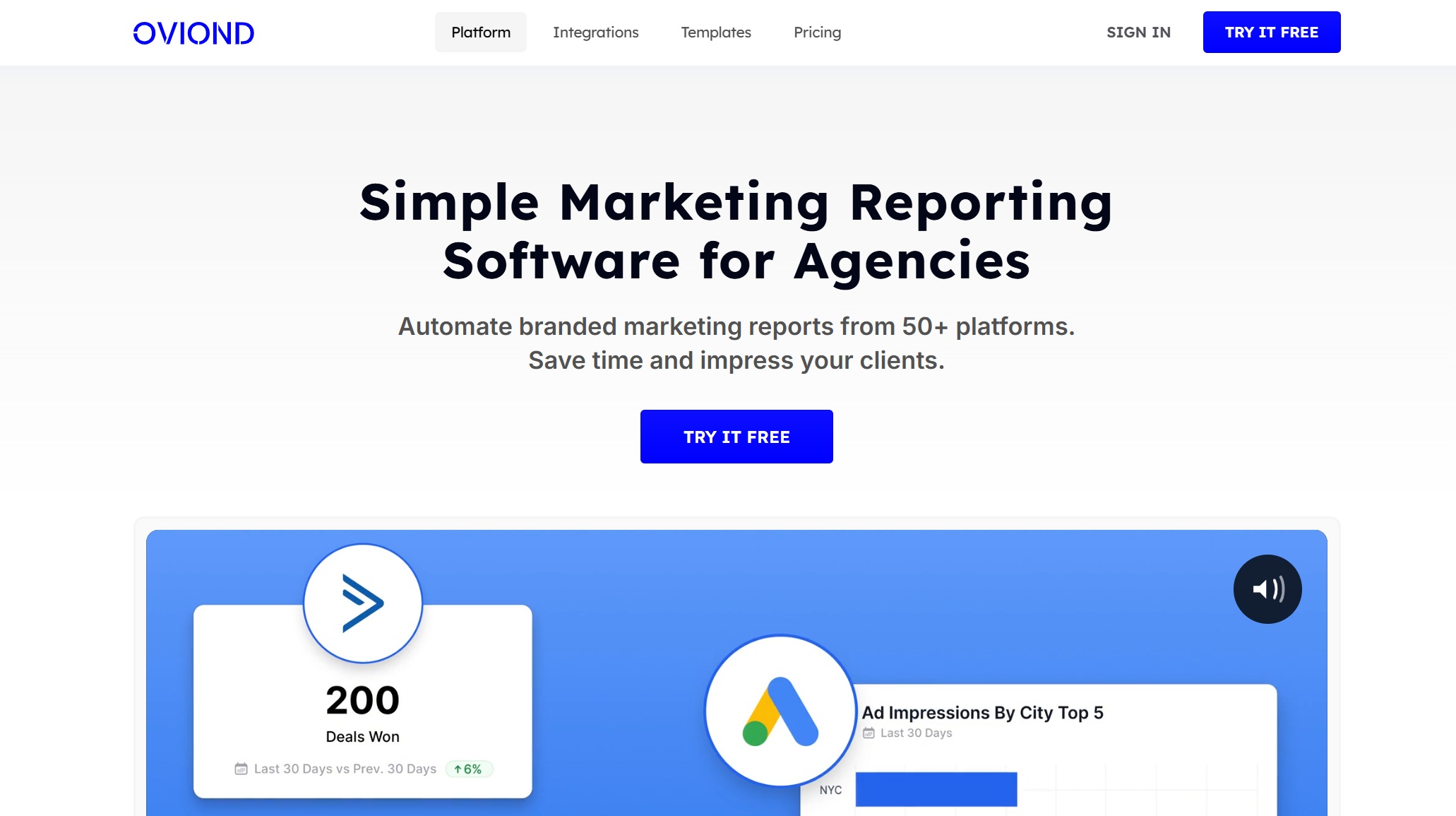
Oviond offers a simple way to connect with top marketing platforms and create dashboards that match your agency’s style. You can scale as your agency grows and keep client data secure.
Feature
Description
Integration Capabilities
Connect with leading marketing platforms for one-stop access.
Customization
Shape dashboards to fit your agency’s brand.
Scalability
Start small and expand as you grow.
Security
Strong protection for sensitive data.
Pros:
Easy setup and time-saving automation.
Clients enjoy real-time dashboards.
Works well with Notion for live data updates.
Cons:
Facebook integration is incomplete.
Shopify integration only covers sales data.
Limited filtering in some integrations.
Best for:
Agencies that want the best white label reporting tools for quick setup and real-time updates.
Teams that need to automate reporting tools for marketing agencies.
User feedback: Users appreciate the time savings and ease of connecting to different platforms. Some want more advanced integrations and filtering options.
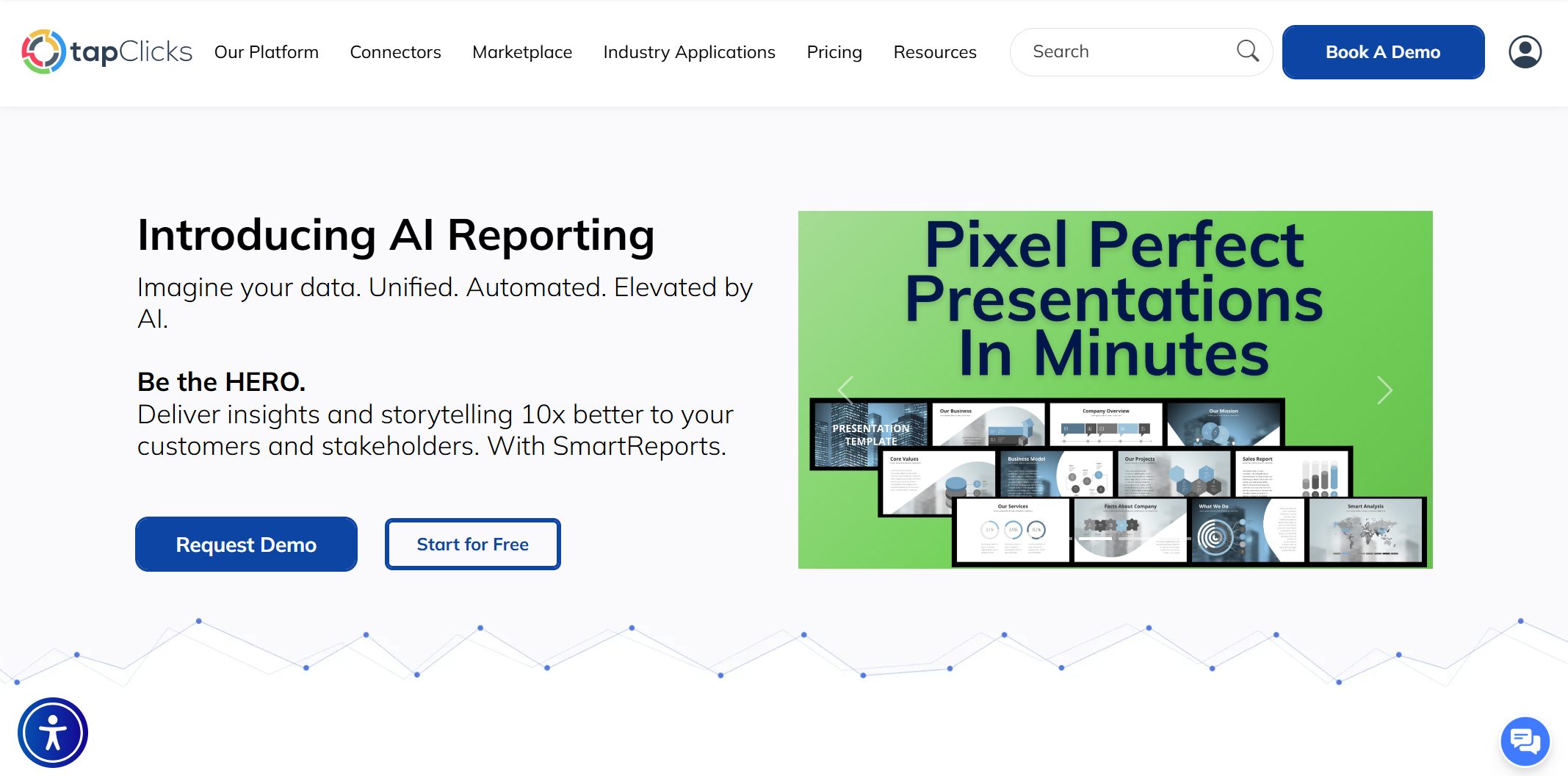
TapClicks is a top choice for agencies that need enterprise-level white-label dashboard solutions. You get a fully branded environment, client-facing portals, and automated cross-channel reporting. TapClicks helps you consolidate data from multiple sources and provide 24/7 access to live performance data.
Key Features
Best Use Cases
Fully branded environments
Client-facing reporting portals
Enterprise-grade privacy features
Custom analytics branding
Seamless client portal experience
Automated cross-channel reporting
Customizable dashboards
Consolidating reporting from multiple sources
Single sign-on from agency domain
Providing 24/7 access to live performance data
Tailored email communications
Elevating perceived value through branding
Best for:
Large agencies that need the best white label reporting tools for enterprise clients.
Teams that want to automate and scale reporting tools for marketing agencies.
User feedback: Agencies value the seamless client experience and the ability to manage many clients in one place. The platform’s branding options help agencies stand out.
If you want to find the best white label reporting tools for your agency, these seven platforms cover every need—from simple, automated dashboards to advanced, AI-powered analytics. Each one helps you deliver branded, professional reports that keep your clients happy and your agency growing.
Comparing White Label Dashboard Solutions
Choosing the right analytics platforms for your agency can feel overwhelming. You want a tool that fits your workflow, supports your clients, and gives you a real-time dashboard experience. Let’s break down how the top seven analytics platforms stack up so you can make a smart choice.
Feature Comparison Table
Here’s a quick look at how these analytics platforms compare on the features agencies care about most:
Solution
Real-Time Dashboard
Integrations
White Label Branding
Support Options
AI/Automation
FineBI
Yes
60+ sources, APIs
Full (logo, domain)
Docs, chat, training
Yes (Dora, alerts)
DashThis
Yes
29+ native
Logo, domain
Email, chat
Automated reports
Klipfolio
Yes
140+
Full
Email, docs
Custom formulas
AgencyAnalytics
Yes
80+
Full
Chat, onboarding
Automated reports
Databox
Yes
70+
Full, mobile app
Chat, docs
AI insights
Oviond
Yes
40+
Full
Email, chat
Automated updates
TapClicks
Yes
250+
Full, portals
24/7 support
Automated workflows
You’ll notice every platform offers a real-time dashboard, but the number of integrations and level of branding control can vary. Some analytics platforms focus on marketing data, while others, like FineBI, cover a wider range of business needs.
Subscription Tiers: Most analytics platforms use monthly plans based on dashboards, users, or clients. This helps you scale as you grow.
Per User/Client: Some tools, like AgencyAnalytics and TapClicks, charge per client or user. This works well if you manage a set number of accounts.
All-In-One Value: FineBI and TapClicks offer enterprise features, including advanced real-time dashboard options and deep customization, making them ideal for agencies with complex needs.
Tip: If you want to maximize value, look for analytics platforms that bundle real-time dashboard features, automation, and strong support in their base plans.
Pros And Cons Summary
Let’s wrap up with a quick summary to help you match each solution to your agency’s needs:
FineBI: Great for agencies needing advanced analytics platforms, real-time dashboard customization, and AI-powered insights.
DashThis: Perfect for quick, automated marketing reports with a simple real-time dashboard.
Klipfolio: Best if you want deep customization and lots of integrations, but expect a learning curve.
AgencyAnalytics: Ideal for agencies focused on SEO, PPC, and social, with easy white label branding.
Databox: Strong for agencies wanting branded, mobile-friendly real-time dashboard access.
Oviond: Good for fast setup and connecting to popular marketing tools.
TapClicks: Top pick for large agencies needing enterprise analytics platforms, client portals, and 24/7 support.
Remember, the best analytics platforms give you a real-time dashboard, flexible branding, and support that grows with your agency.
White Label Reporting And Analytics Features
Reporting Capabilities
When you run an agency, you need white label reporting that does more than just show numbers. You want reports that look professional, match your brand, and make your agency stand out. Every top dashboard platform gives you white label reporting, but the best ones go further. They let you add your logo, use your colors, and even send reports from your own domain. This makes your agency look polished and trustworthy.
Let’s break down the most important features you should look for in white label reporting:
Feature
Description
Custom Branding
Add your logo, colors, and style to every report.
Custom Domain
Send reports from your agency’s email for a seamless client experience.
Data Integration
Connect all your data sources for unified white label reporting.
Automation
Schedule white label reporting and save hours every week.
Full BI Functionalities
Get data management, analytics, and sharing in one place.
One Dashboard for All Clients
Manage every client’s white label reporting from a single dashboard.
Data Analytics
Turn raw data into insights with advanced white label analytics.
Data Visualization
Use interactive dashboards for clear, engaging white label reporting.
Data Sharing
Share white label reporting with clients easily and securely.
You want white label reporting that makes your life easier. Automation is key. You can set up white label reporting to run on a schedule, so you never miss a deadline. With strong data integration, you avoid mistakes and keep everything in sync. The best platforms let you manage all your clients’ white label reporting from one place, which saves time and reduces stress.
Analytics And AI Tools (Highlighting FineBI)
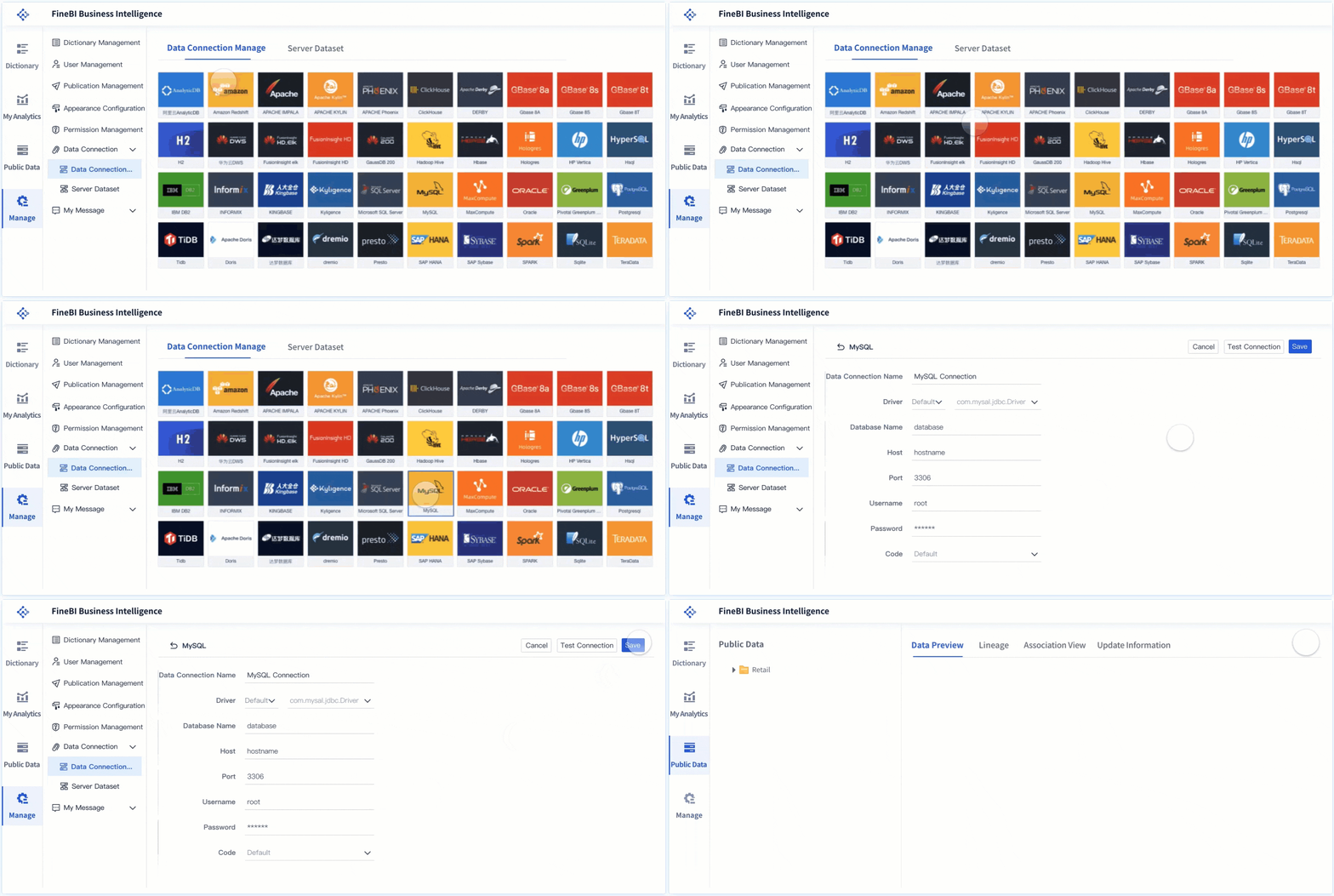
White label analytics is where you turn data into action. You want tools that help you dig deeper, spot trends, and answer client questions fast. FineBI stands out in white label analytics because it gives you both power and simplicity. You can connect to over 60 data sources, build custom dashboards, and use real-time data for white label reporting. FineBI’s white label analytics tools work for everyone on your team, from data pros to beginners.
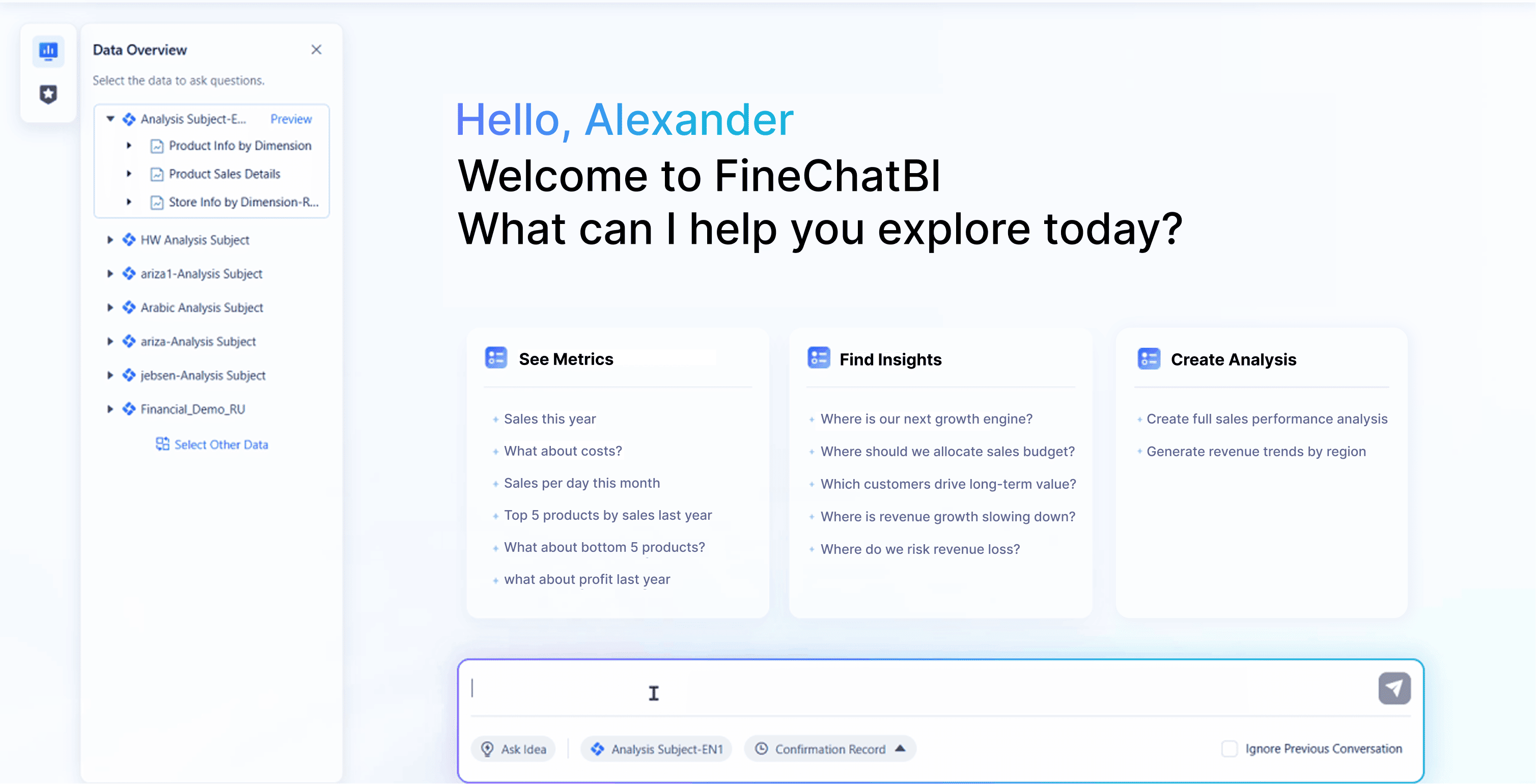
What makes FineBI special in white label analytics? You get predictive analytics, so you can forecast trends and help clients plan ahead. The platform supports embedded white label analytics, so you can add dashboards right into your client portals. Real-time updates mean your white label reporting is always fresh. FineBI’s AI tools, like Dora, let you ask questions in plain language and get instant answers. This makes white label analytics fast and easy.
Other platforms offer white label reporting and white label analytics, but FineBI gives you more flexibility. You can scale as your agency grows. You can handle complex data without extra work. You get a unified experience for all users. If you want white label reporting that goes beyond the basics, FineBI is a top choice.
Tip: Use white label analytics to show clients not just what happened, but why it happened. This builds trust and keeps clients coming back.
With the right white label reporting and white label analytics, you can impress clients, save time, and grow your agency faster.
White Label SaaS Integration And Customization
Integration With Data Sources
When you use a white label saas platform, you want it to connect with all your favorite tools. You might use Google Analytics, Stripe, or even Airtable. A good white label saas lets you pull in data from many sources without any hassle. You can set up real-time syncs, so your dashboards always show the latest numbers. You don’t need to worry about manual updates or missing data.
Many white label saas solutions give you open APIs. This means you can build custom connections if you have a unique system. You can also use no-code options to link up with other apps. This saves you time and helps you focus on your clients. You can even automate workflows, like sending reminders or updating reports, right from your white label saas dashboard.
You want your data to stay safe. Top white label saas platforms use encrypted storage and role-based permissions. You control who sees what. This keeps your client data secure and builds trust.
Custom Branding And Client Portals
A branded client portal is where your clients log in and see everything with your agency’s look and feel. You can add your logo, pick your colors, and even use your own domain. This custom branding makes your agency look professional and helps you stand out.
Let’s look at what a top white label saas offers for a branded client portal:
Feature
Description
Seamless Integration
Connect your portal with tools like Airtable, Google Drive, Stripe, and more.
Security & User Permissions
Robust access controls, role-based permissions, and encrypted data storage.
Tailor dashboards to show relevant data and generate reports.
Document Management
Easily upload, share, and track documents with version histories.
Communication Tools
Built-in messaging, comment threads, and real-time notifications.
Automation & Workflow Capabilities
Automate onboarding tasks, reminders, and approvals.
Mobile Accessibility
Ensure clients can securely access the portal anytime, anywhere, on any device.
No-Code Customization
Build and tailor your portal without any coding knowledge required.
Enterprise-Grade Security
Role-based permissions, encrypted storage, SSO, 2FA, and audit logs.
Branded Experience
Fully white-label your portal with custom logos, colors, and domain.
Dedicated Support
Access expert guidance and personalized support.
You can set up a branded client portal for each client. You can manage documents, chat with clients, and send real-time alerts. You can even automate onboarding and approvals. Your clients get a smooth experience every time they log in. You get to show off your agency’s brand with every click.
A white label saas gives you the power to create a branded client portal that feels like your own product. You don’t need to code or hire a developer. You just drag, drop, and launch. Your clients will love the easy access and clear reports. You will love how much time you save.
Tip: Use your white label saas to set up a branded client portal for every client. This keeps your agency top-of-mind and makes your service feel exclusive.
Choosing The Right White Label Dashboard For Your Agency
Key Selection Criteria
Picking the best dashboard for your agency can feel tricky. You want a solution that makes client management simple and keeps your team happy. Here’s what you should look for:
Comprehensive data integrations help you connect all your marketing tools and client management systems.
True scalability lets you grow your client management without slowing down.
Customization and branding options allow you to create dashboards that match your agency’s style and support white label crm needs.
Automated reporting and visualization save you time and keep client management running smoothly.
Cross-channel reporting and normalization give you a full view of your client management across platforms.
Security and role-based access protect your client management data and keep everything safe.
Responsive support and an easy-to-use interface make client management less stressful for your team.
Tip: Always test the dashboard with your client management workflow before making a final choice.
Common Pitfalls To Avoid
Many agencies run into trouble when choosing dashboard software. You can avoid these mistakes if you know what to watch for:
Quality control can slip if you don’t check your provider. Make sure your client management stays strong by setting up quality checks.
Lack of transparency can hurt your client management. Customize reports and share them with clients to keep everyone in the loop.
Weak client relationships may develop if you don’t communicate. Regular updates and meetings help build trust in your client management process.
Scalability issues pop up when your provider can’t handle more work. Choose a dashboard that grows with your client management needs.
Note: A strong white label crm helps you avoid these problems and keeps your client management on track.
Matching Solutions To Agency Needs
Every agency is different. You need a dashboard that fits your client management style and supports your goals. If you work with lots of clients, pick a platform that handles high-volume client management and offers white label crm features. For agencies focused on branding, look for deep customization and easy client management tools. If you want to automate tasks, choose a dashboard with built-in automation for client management.
Think about your team’s skills, your clients’ expectations, and your future plans. The right dashboard will make client management easier, help you deliver better results, and support your agency’s growth.
Emoji tip: 🚀 The right dashboard can launch your client management to new heights!
White Label Dashboard Software Features Checklist
Use this checklist when evaluating any white-label dashboard platform. Missing items indicate gaps that will surface during production deployment.
Category
Feature
Why It Matters
Branding
Custom logo and favicon
Eliminates vendor attribution; reinforces your product identity
Branding
Custom color palette and typography
Matches your design system; avoids visual dissonance
Branding
Custom domain with SSL
Professional URL structure; no vendor subdomains
Embedding
Iframe embedding with responsive sizing
Basic integration into any web application
Embedding
JavaScript SDK for programmatic control
Dynamic filtering, event handling, and UI coordination
Embedding
REST API for dashboard CRUD
Automated provisioning and content management at scale
Authentication
SSO (SAML 2.0 / OAuth 2.0 / JWT)
Seamless user experience; centralized identity management
Permissions
Role-based access control (RBAC)
Granular authorization matching your product's permission model
Data Security
Tenant-level data isolation (row-level security)
Prevents cross-tenant data leakage; enforced at query level
Integration
API and database connectivity
Connects to your existing data infrastructure
Content
Dashboard templates and reusable components
Accelerates deployment; ensures consistency across tenants
Distribution
Scheduled reports (email/PDF)
Automated delivery without manual intervention
Export
PDF, Excel, image export with branding
Offline consumption maintains professional appearance
Governance
Audit logging and data lineage
Compliance readiness; troubleshooting and accountability
AI
Natural-language summaries and anomaly detection
Reduces time-to-insight for non-analyst users
Real Agency Success Stories
FanRuan FineBI Case Study
You might wonder how FineBI works in the real world. Let’s look at SAMOA, a leading distributor for OPPO in Taiwan. SAMOA faced big challenges with data silos and slow, manual reporting. They needed a way to bring all their data together and make smarter decisions fast.
SAMOA chose FineBI to build a unified data system. The team connected data from sales, ERP, and custom apps. They set up interactive dashboards that gave managers real-time insights. Now, SAMOA tracks sales, staff performance, and bonuses all in one place. Executives no longer wait for manual reports. They see live numbers and act quickly.
“FineBI helped us standardize our reports and automate bonus calculations. We now make decisions based on real-time data, not guesswork.”
With FineBI, SAMOA saved hours every week. The company improved decision-making and built a foundation for global growth. You can read more about their journey if you want to see how embedded analytics software can transform agency operations.
Other Agency Feedback
Agencies everywhere see big wins with white label dashboards. Here’s what you can expect:
Fully branded reporting helps you upsell and keep clients longer.
Real-time dashboards let you spot problems early and fix them before they grow.
Quick setup means you can launch new client dashboards in minutes.
Branded platforms boost your credibility and make you look like a full-service pro.
For example, Digital Stream grew from a few clients to nearly 200 by using automated reporting. They cut out manual data collection and focused on strategy. Red Castle Services saved 1,200 hours in a year, giving their team more time to improve campaigns and upsell services.
Tip: When you deliver reports under your own brand, clients trust you more and see you as a true partner.
You can see how the right dashboard platform helps agencies scale, save time, and build stronger client relationships.
Picking the right white label dashboard can help your agency grow and keep clients happy. You want a tool that fits your style and works with your favorite apps. Look for these key features:
Scalability for easy growth
Branding flexibility to show off your agency
Integration with your current tools
Ongoing support for smooth management
Try out top solutions like FanRuan FineBI. Listen to user feedback and steer clear of common mistakes. Your agency deserves a dashboard that makes work easier and clients smile. 🚀
How Dora Enhances White Label Dashboards
After FineBI delivers governed, branded dashboards to your users, Dora adds an AI insight layer that makes analytics conversational and proactive:
Summarize dashboard changes in natural language: "Revenue increased 12% MoM driven by Enterprise segment; SMB churn rose 3pp due to onboarding delays."
Generate client-facing performance summaries: Automated narrative sections for customer portals explaining key metric movements without manual analyst effort.
Answer follow-up questions from governed dashboard data: Users ask "Why did conversion drop last week?" and receive sourced answers grounded in the same trusted data powering the dashboard.
Create weekly or monthly insights for customer portals: Scheduled briefings highlighting anomalies, trends, and recommended actions — delivered proactively within your branded environment.
Dora operates on governed FineBI assets. It inherits your white-label branding, tenant isolation, and permission model. End users experience AI-powered insights as a native feature of your product, not a separate tool.
Access a wealth of case studies, industry insights, and solution guides to accelerate digital transformation.
FAQ
What is a white label dashboard?
A white label dashboard lets you add your own branding. You can show your logo, colors, and style. Your clients see your agency’s brand, not the software provider’s.
Can I connect multiple data sources to these dashboards?
Yes! Most top platforms let you connect many data sources. You can pull in data from marketing tools, CRMs, spreadsheets, and more. This gives you a complete view in one place.
How secure is my client data on these platforms?
You get strong security features. Most dashboards offer encrypted storage, role-based access, and compliance with standards like GDPR. Always check each platform’s security page for details.
Do I need coding skills to use these tools?
No coding needed for most platforms. You can use drag-and-drop builders and templates. Some advanced features may need technical skills, but most agencies set up dashboards without code.
How do white label dashboards help my agency grow?
White label dashboards save you time and boost your brand. You impress clients with custom reports. You also automate reporting, so you can focus on strategy and grow your business faster. 🚀