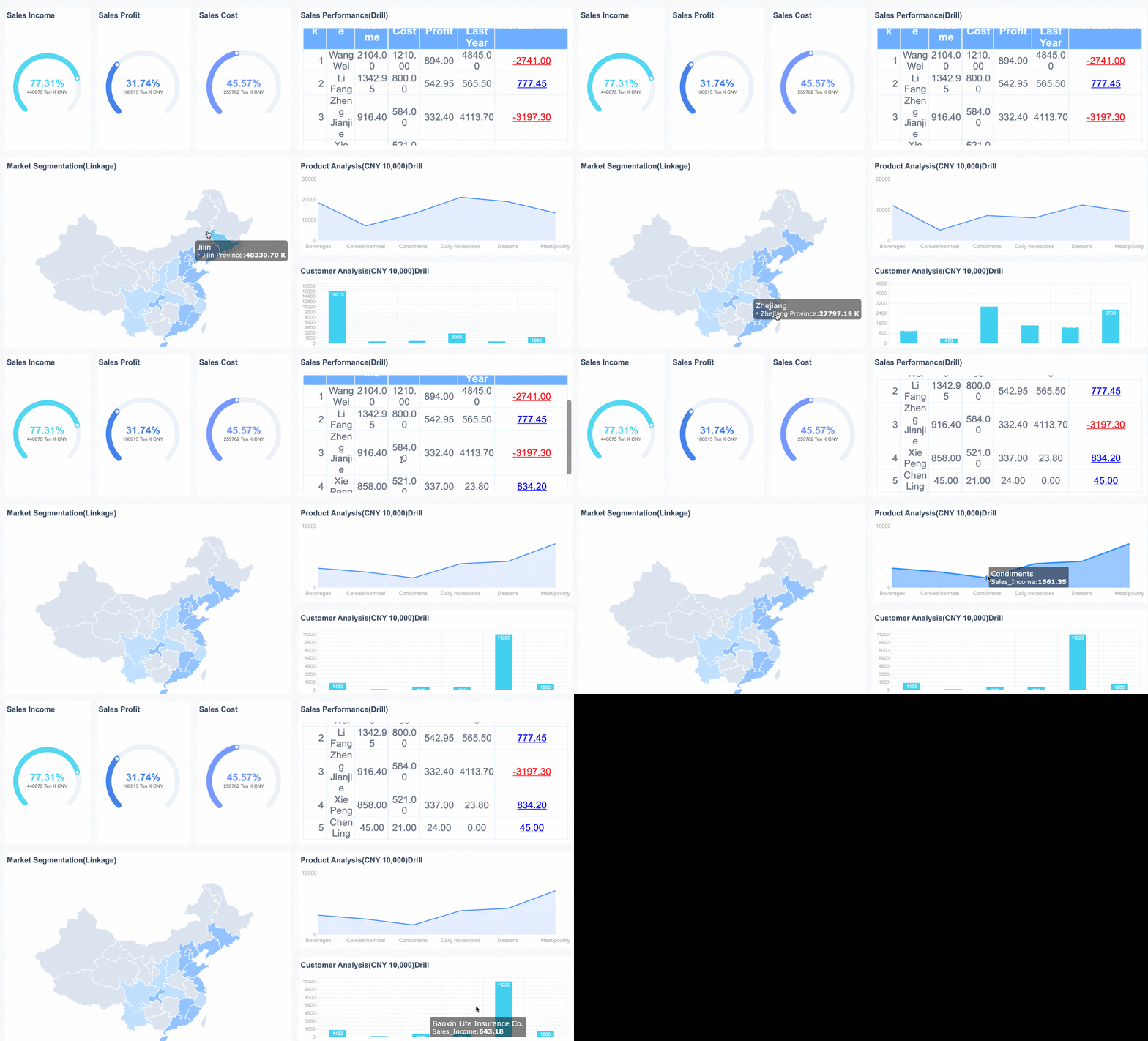
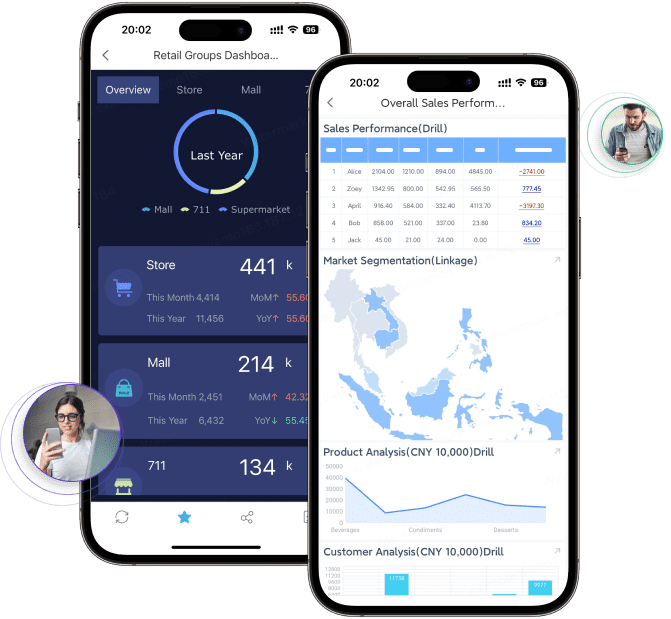
FineReport is a BI and reporting platform designed for pixel-perfect reports, dashboards, and enterprise-grade reporting workflows.
Quick Comparison of the 10 Best BI Reporting Tools
If you are comparing bi reporting tools in 2026, the fastest way to narrow your shortlist is to look at fit: self-service ease, enterprise governance, data connectivity, deployment flexibility, and total cost over time.
Below is a practical snapshot of the top options for different reporting needs.
Enterprise reporting is more structured and controlled. It usually supports regulated, recurring, or organization-wide reporting where consistency matters more than speed alone. The priorities are:
Central governance
Security and permissions
Certified metrics and semantic layers
Scheduled and burst reporting
Scalability across departments and regions
Auditability and administration
Many organizations need both. That is why the best business intelligence reporting tools and dashboards now try to balance user freedom with governance.
Reporting needs differ across finance, operations, sales, and executives. Some teams need ad hoc dashboards; others need highly formatted operational reports.
This is one reason FineReport deserves attention alongside mainstream BI platforms. It is especially strong when companies need both dashboarding and highly formatted enterprise reports, rather than dashboards alone.
3. Governance and security
As usage grows, governance becomes critical. Self-service without control often leads to conflicting metrics and duplicated dashboards.
Important governance capabilities include:
Role-based access control
Row-level or column-level security
Certified datasets and metrics
Data lineage
Version control
Audit logs
Approval workflows for published content
4. Data connectivity
Modern teams rarely use a single source. A useful tool should connect well to cloud warehouses, relational databases, spreadsheets, business apps, and APIs.
Well suited to financial, operational, and multi-page formatted reports
Useful when dashboards alone are not enough
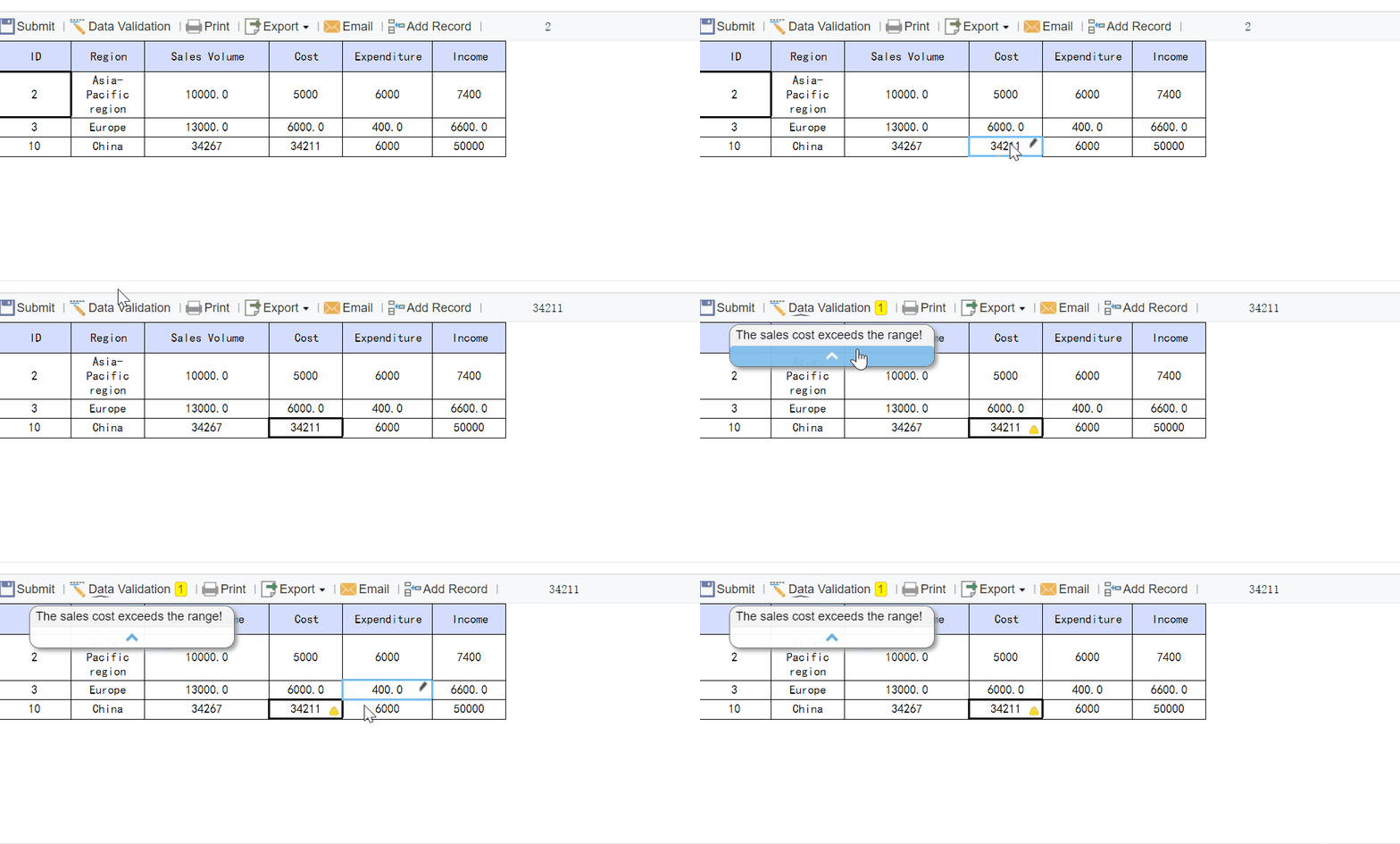
Can support both reporting and data collection workflows
Cons:
Less often discussed in mainstream Western BI comparisons
Buyers should validate ecosystem fit and local implementation support
May not be the first choice for purely exploratory visual analytics
Best For (Target user/scenario): Enterprises that need highly formatted reports, operational statements, dashboarding, and reporting workflows in one platform.
FineReport deserves attention in this market because many organizations do not just need dashboards. They also need print-ready reports, fixed-layout forms, periodic report books, and operational reporting processes. In those scenarios, FineReport can be a better fit than tools focused primarily on visual exploration.
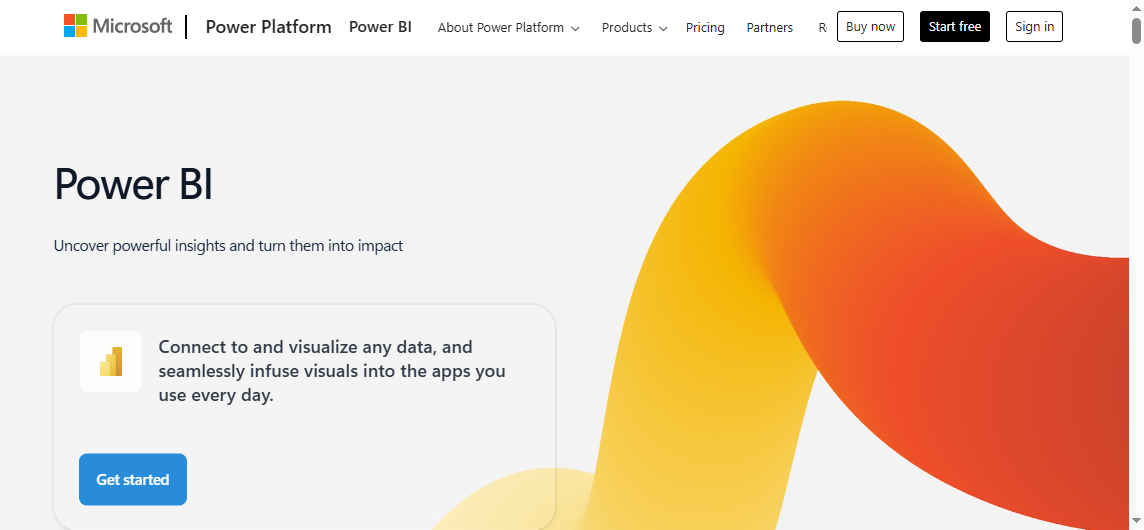
Microsoft Power BI
One-sentence overview: Microsoft Power BI is a widely adopted BI platform that combines self-service dashboarding, data modeling, and enterprise distribution at a relatively accessible starting price.
Key Features:
Strong integration with Excel, Teams, Azure, and Microsoft Fabric
Best For (Target user/scenario): Organizations invested in Microsoft products and teams that need strong visualization with a path from departmental dashboards to enterprise reporting.
Power BI remains one of the safest choices in the bi reporting tools market because it covers a wide range of use cases. It works well for analysts, finance teams, and operations managers who want interactive dashboards, and it scales into governed enterprise usage when paired with the broader Microsoft data stack.
Pricing is attractive at the entry level, but large-scale distribution, premium performance, and advanced governance can change the cost profile. It fits best where Microsoft 365, Azure, or Fabric already shape the analytics environment.
Tableau
One-sentence overview: Tableau is a leading analytics platform focused on rich visual analysis, interactive dashboards, and strong exploratory reporting.
Enterprise standardization may need extra governance discipline
Best For (Target user/scenario): Teams that prioritize advanced visual analysis and interactive dashboards for business users and analysts.
Tableau continues to be one of the most recognized business intelligence reporting tools for exploratory analytics. It shines when users need to interact with data, compare dimensions quickly, and communicate patterns visually.
Its best fit is organizations with active analyst teams and a strong dashboard culture. If your reporting needs lean heavily toward highly formatted operational statements, other platforms may be more suitable.
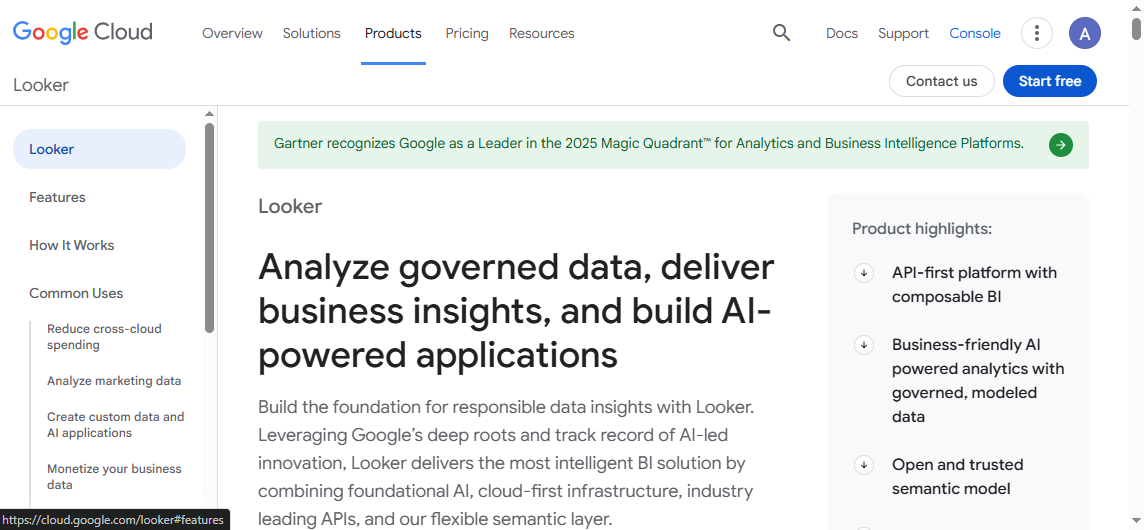
Looker
One-sentence overview: Looker is a modern BI platform centered on governed metrics, semantic consistency, and scalable reporting across business teams.
Less friendly for teams seeking instant self-service simplicity
Enterprise pricing can be significant
Best For (Target user/scenario): Organizations that need governed metrics and scalable reporting across many teams using centralized data models.
Looker is often chosen when consistency matters more than dashboard design flair. If your main problem is conflicting KPI definitions across sales, finance, and operations, Looker’s modeling-first approach can be a major advantage.
It is better suited to companies with established data teams and warehouse-centric architectures than to teams seeking a quick plug-and-play tool.
Qlik Sense
One-sentence overview: Qlik Sense is a BI platform known for associative analysis, flexible exploration, and strong support for uncovering non-obvious data relationships.
Useful balance of guided and free-form exploration
Cons:
May feel less intuitive to some new users
Licensing and architecture can take time to understand
Formatting-heavy reporting is not its primary strength
Best For (Target user/scenario): Teams that need flexible data exploration and want to analyze relationships across multiple data dimensions.
Qlik Sense is often appreciated by teams that do not want rigid drill paths. Its associative model can reveal related insights more fluidly than traditional filter-based tools.
For organizations with active analysts and curious business users, it can be a strong choice. For highly formal enterprise report packs, however, another platform may fit better.
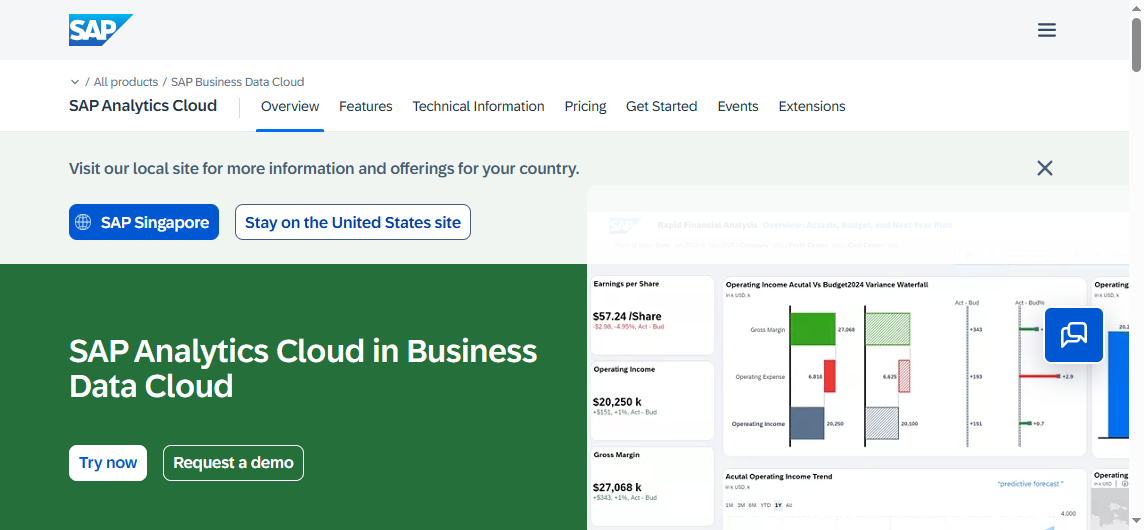
SAP Analytics Cloud
One-sentence overview: SAP Analytics Cloud combines BI, planning, and analytics in a single cloud platform with deep alignment to SAP ecosystems.
Useful for aligning analytics with planning processes
Enterprise-grade governance
Consolidated analytics environment
Cons:
Best value often depends on existing SAP investment
Can be excessive for smaller teams
Learning and implementation effort can be substantial
Best For (Target user/scenario): Enterprises that need planning, analytics, and broad SAP integration.
SAP Analytics Cloud is not the most universal recommendation, but for SAP-heavy organizations it can simplify architecture and support broader performance management processes. It is especially relevant where planning and reporting need to live close together.
Oracle Analytics Cloud
One-sentence overview: Oracle Analytics Cloud is an enterprise analytics platform built for large organizations that need strong reporting, data management alignment, and administrative control.
Oracle Analytics Cloud suits enterprises that prioritize control, scale, and integration with broader Oracle systems. It is less appealing for teams seeking lightweight self-service, but stronger in centralized reporting environments.
Domo
One-sentence overview: Domo is a cloud-first BI platform designed for rapid deployment, accessible dashboards, and broad business visibility.
Less flexible than some tools for deep custom modeling
Complex enterprise governance needs may require careful evaluation
Best For (Target user/scenario): Cloud-first teams that want fast deployment and strong executive dashboard experiences.
Domo is appealing when speed matters. It is often shortlisted by companies that want business-facing dashboards up quickly without building a large analytics stack first. For broad enterprise reporting standardization, buyers should assess governance depth carefully.
Sisense
One-sentence overview: Sisense is a BI platform with strong embedded analytics capabilities, making it particularly relevant for product-facing reporting.
Pricing may be better justified in embedded use cases
Best For (Target user/scenario): SaaS companies and product teams that need embedded analytics or customer-facing reporting.
Sisense stands out less as a general internal dashboard tool and more as a strategic embedded analytics platform. If reporting is part of your product experience, it deserves serious consideration.
Metabase
One-sentence overview: Metabase is an approachable analytics and reporting platform that offers fast setup, easy self-service querying, and open source flexibility.
Key Features:
Visual query builder
SQL editor for advanced users
Interactive dashboards
Open source deployment option
Basic embedding capabilities
Fast setup and accessible user experience
Pros & Cons:
Pros:
Very approachable for non-technical teams
Fast time to value
Open source option lowers entry cost
Good balance between simple UI and analyst flexibility
Cons:
Less comprehensive enterprise governance than some larger platforms
Advanced reporting and formatting capabilities are more limited
Complex large-scale deployments may need more evaluation
Best For (Target user/scenario): Teams that want approachable open source analytics with fast setup.
Metabase is one of the most practical budget-friendly entries among bi reporting tools. It is often enough for startups, internal operations teams, and companies that want self-service dashboards without committing to a large enterprise platform.
Apache Superset
One-sentence overview: Apache Superset is a flexible open source BI platform aimed at technically capable teams that want broad customization and control.
Key Features:
Open source dashboarding and visualization
SQL-based exploration
Wide database compatibility
Customizable architecture
Large-scale deployment potential
Strong fit with engineering-led data stacks
Pros & Cons:
Pros:
No software license cost
Flexible and extensible
Good fit for modern data platforms
Appeals to engineering and analytics teams comfortable with open source
Cons:
Requires technical setup and maintenance
Less polished for non-technical business users
Support depends on internal capability or third-party help
Best For (Target user/scenario): Technically capable teams seeking flexible open source BI options.
Superset can be powerful, but it is rarely the easiest option. It works best where engineering ownership is acceptable and internal teams can support deployment, permissions, upgrades, and performance tuning.
Which BI Tool Fits Your Reporting Needs Best?
Best for self-service reporting
For self-service reporting, the priority is usability. Business users should be able to build or customize dashboards without relying on technical teams for every change.
Top choices:
Power BI: Strong balance of usability, scale, and price
Metabase: Excellent for quick setup and approachable analytics
Domo: Good for rapid cloud deployment and business visibility
If low setup friction matters most, Metabase and Domo are especially attractive. If you need broader long-term scalability, Power BI often becomes the more practical choice.
Best for enterprise reporting
Enterprise reporting needs more than dashboard creation. It requires control, repeatability, security, and trusted definitions.
Top choices:
Looker: Excellent for governed metrics and semantic consistency
Power BI: Strong enterprise path, especially in Microsoft environments
SAP Analytics Cloud: Best for SAP-heavy organizations
Oracle Analytics Cloud: Suitable for large, controlled enterprise deployments
If your organization publishes recurring, compliance-sensitive, or multi-department reports, governance and report formatting matter as much as visualization. That is where FineReport, Looker, and enterprise-oriented suites become more compelling.
Best open source and budget-friendly picks
For lower-budget or open source-first environments, two tools stand out:
Metabase: Best for teams that want simplicity and fast deployment
Apache Superset: Best for teams that prioritize flexibility and have technical resources
The main tradeoff is straightforward:
Metabase offers easier adoption and better accessibility for business users
Superset offers more technical flexibility but higher maintenance burden
Power BI can also be budget-friendly at smaller scales, though it is not open source.
Most impressive options beyond the usual picks
Some tools are less frequently mentioned in generic lists but deserve more attention.
FineReport: Strong for enterprises needing formatted reporting and operational workflows
Sisense: Highly relevant for embedded analytics and customer-facing use cases
Qlik Sense: Valuable for users who benefit from associative exploration rather than standard drill paths
Domo: Attractive for fast business rollout and executive dashboarding
These are worth a closer look when your needs go beyond the standard “build dashboards from warehouse data” scenario.
Your primary need is self-service internal reporting
Choose Apache Superset if:
Your team is technical
Open source flexibility is a priority
You can support ongoing maintenance internally
Choose FineReport if:
Your organization needs structured, pixel-perfect enterprise reports
Dashboards must coexist with print-ready statements, forms, or scheduled report packs
Reporting workflows are as important as visualization
In the end, the best bi reporting tools are the ones your team will actually adopt, trust, and maintain. For many organizations, that means balancing self-service speed with enterprise control. If your needs lean heavily toward governed dashboards, Power BI and Looker are strong contenders. If your reporting requires more structured layouts and enterprise-ready formatted outputs, FineReport is well worth adding to the shortlist.
FAQs
Focus on ease of use, dashboard and report flexibility, governance, data connectivity, and total cost of ownership. The best choice depends on whether you prioritize self-service speed, enterprise control, or a balance of both.
Self-service reporting helps business users create and explore reports quickly with minimal technical support. Enterprise reporting emphasizes standardized metrics, security, scheduling, and governance for organization-wide use.
Smaller teams often start with tools like Metabase, Power BI, or Domo because they are faster to adopt and generally easier to manage. The right option depends on your budget, technical skills, and reporting complexity.
FineReport is a strong fit when you need highly formatted, pixel-perfect reports alongside dashboards and enterprise workflows. It is especially useful for organizations with operational reporting, scheduled reporting, or strict layout requirements.
Costs can rise beyond the base subscription through creator and viewer licensing, infrastructure, training, and admin effort. It is important to compare long-term operating costs, not just entry-level pricing.
Product Trial
FineReport
Pixel-perfect reports · Interactive dashboards · Easy data entry · Digital twins