If you are searching for employee data management software, you are usually trying to solve one of three problems: fragmented employee records, too many manual updates across systems, or weak visibility across HR, IT, and operations. The right platform helps centralize employee profiles, documents, permissions, workflows, and reporting so teams can onboard faster, reduce data errors, and stay audit-ready.
This guide is built for HR leaders, IT admins, people operations teams, and business operations managers comparing modern platforms in 2026. Some tools are full HR suites. Others are stronger in identity management, workflow automation, document storage, or cross-system data governance. The key is choosing software that matches your operating model rather than buying the broadest feature list.
Best Employee Data Management Software in 2026: What This Comparison Covers
Employee data management software is used to store, maintain, govern, and analyze employee information across the lifecycle of employment. For HR teams, that often means personnel files, contracts, compensation-related records, leave history, and compliance documentation. For IT, it often includes identity-related data, provisioning workflows, access approvals, and integrations with identity providers or ticketing systems. For operations, it supports organizational structure, process consistency, headcount visibility, and handoffs between departments.
Less suited for advanced cross-system orchestration
Tiered or quote-based
HR admin teams
This comparison uses practical buying criteria rather than feature-count marketing. The most important factors are:
Data accuracy: Can the system reduce duplicate records, outdated fields, and manual re-entry?
Permissions and governance: Does it support role-based access, auditability, and secure handling of sensitive documents?
Integrations: Can it connect with HRIS, payroll, identity tools, ticketing systems, and collaboration apps?
Automation: Does it streamline onboarding, offboarding, approvals, and record updates?
Reporting: Can managers and business teams turn employee data into operational insight?
Compliance support: Does it help teams maintain records properly, control access, and prepare for audits?
Total cost of ownership: What will implementation, administration, support, and future expansion actually cost?
This guide is especially useful if you are deciding between:
An all-in-one employee management system
A specialized employee database tool
A combined HR + IT lifecycle platform
A data management or analytics layer that sits on top of existing HR systems
10 Best Employee Management Systems of 2026: Side-by-Side Comparison
Modern employee management platforms often claim to do everything, but in practice they are optimized for different priorities. Some are strongest for centralized records, while others stand out in onboarding workflows, access management, document handling, or cross-functional collaboration.
Biggest Tradeoffs Buyers Should Expect
Before shortlisting vendors, expect these common tradeoffs:
All-in-one suites simplify vendor management but can be expensive and slower to customize.
Specialized tools may be easier to deploy but often require more integrations.
HR-first platforms are strong for people records but may be weaker for IT provisioning.
IT-first platforms handle identity and access well but usually need an HR system of record alongside them.
Flexible work management tools can model workflows effectively but require governance design to become reliable employee database software.
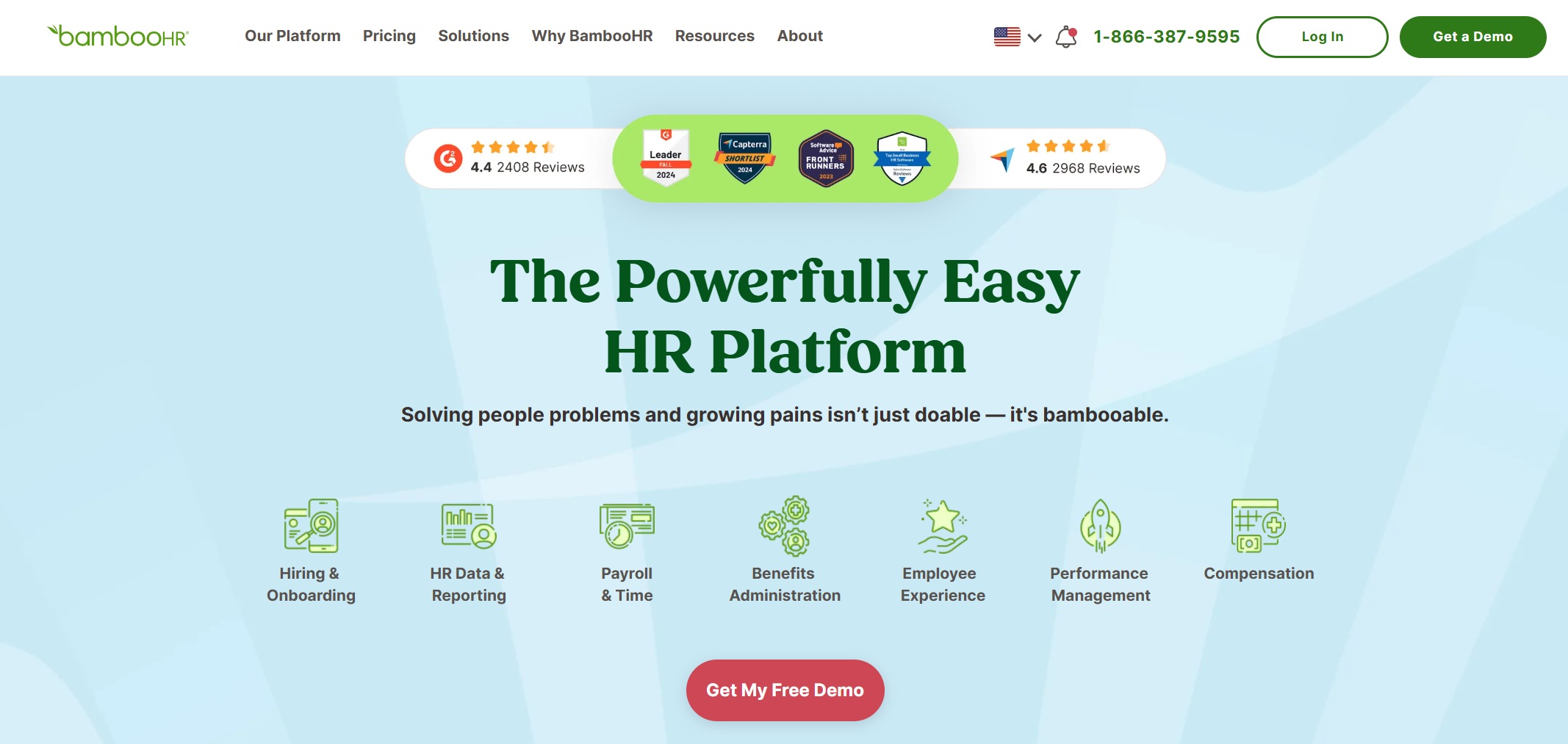
BambooHR is a well-known HR platform for small and mid-sized organizations that want a clean system for employee records, onboarding, and core HR administration. It is often shortlisted by teams moving away from spreadsheets or scattered documents.
It fits best when HR owns the process and needs a straightforward, employee-friendly system without heavy enterprise complexity.
Notable limitations include less flexibility for very large organizations with advanced multi-country governance, highly customized approval chains, or deep IT lifecycle orchestration.
2. Features that matter most for employee records
BambooHR typically covers the core areas most buyers expect from employee data management software:
Employee profiles and personnel records
Document storage and e-signature-related workflows
Basic org charts and employee directories
Role-based access by admin type
Onboarding task flows
Standard reporting for HR visibility
It commonly integrates with payroll, benefits, and other HR tools, though teams with broader IT automation needs may need additional systems.
3. Pros, cons, and pricing considerations
Pros
User-friendly for HR teams
Good fit for replacing manual employee record processes
Stronger adoption potential for smaller organizations
Cons
Advanced enterprise governance may require other platforms
Cost can rise as add-ons or adjacent modules are introduced
Less ideal for IT-led access management use cases
Pricing is generally quote-based, so buyers should assess implementation services, support scope, and future module expansion.
4. Best-fit recommendations by team
Shortlist BambooHR if: you are an SMB or mid-market HR team prioritizing clean records, usability, and standard HR processes. Look elsewhere if: you need deep enterprise complexity, broad IT lifecycle automation, or master-data-style governance.
2. Rippling
1. Tool overview and best use case
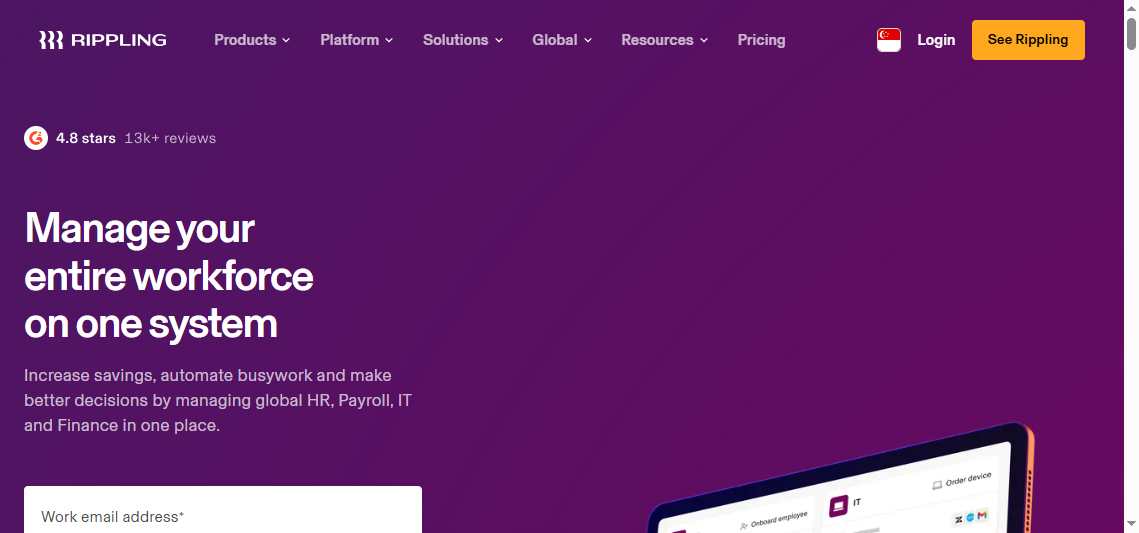
Rippling is often considered when organizations want one platform to connect HR, IT, and finance-related employee lifecycle processes. Its strongest appeal is the ability to trigger downstream tasks when employee data changes, such as onboarding, app access, device assignment, or offboarding.
It is best for cross-functional teams that want one system to drive employee lifecycle automation, not just HR recordkeeping.
A key drawback is that the platform can become more expensive or operationally dense as teams add more modules.
2. Features that matter most for employee records
Rippling’s relevant capabilities typically include:
Centralized employee records
Workflow automation tied to lifecycle events
Identity and app access provisioning
Device and system management support
Document collection and policy acknowledgments
Permissions and approval flows
Integrations are a major part of its value, especially for IT and operations-heavy environments.
3. Pros, cons, and pricing considerations
Pros
Strong HR + IT coordination
Useful for onboarding and offboarding consistency
Good automation potential across apps and teams
Cons
Module sprawl can complicate budgeting
Some organizations may prefer a simpler HR-first interface
Governance still depends on good process design
Pricing is usually customized, so evaluate base platform costs, module dependencies, and support expectations.
4. Best-fit recommendations by team
Shortlist Rippling if: your employee data changes need to trigger actions across HR and IT. Look elsewhere if: you only need a simple employee database with light workflows.
3. Workday
1. Tool overview and best use case
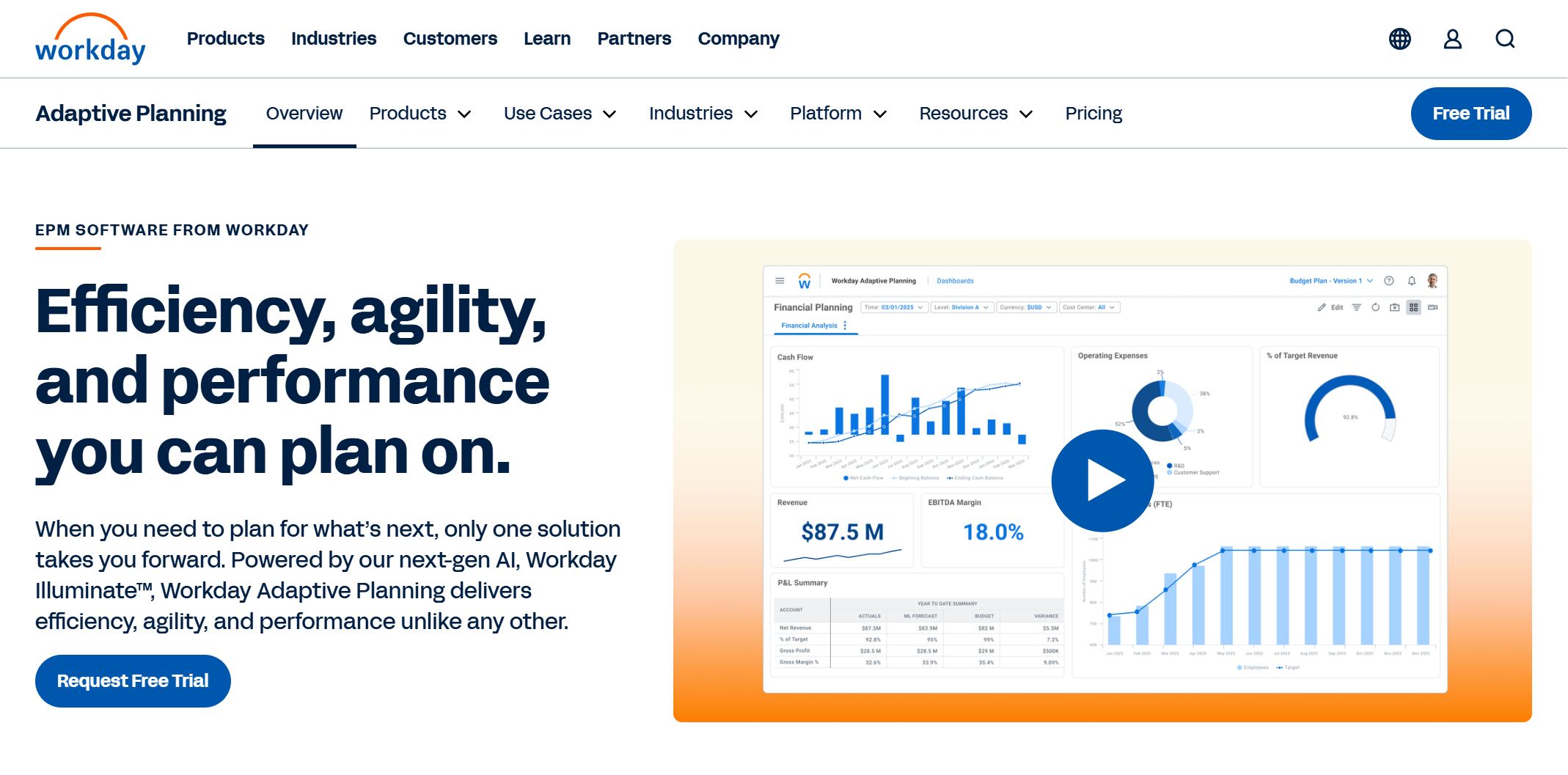
Workday is a major enterprise HCM platform used by large organizations for broad workforce management, planning, and governance. It is often selected when scale, process depth, and international operations matter more than speed of lightweight deployment.
It fits best for large enterprises with mature HRIS ownership and structured implementation resources.
Its main drawback is complexity. Many organizations will not use its full breadth without substantial internal ownership.
Good governance and cross-functional data structure
Cons
Longer implementation cycles
Higher total cost of ownership
More admin effort than many mid-market teams need
Pricing is quote-based and should be assessed as a long-term program cost, not only a software subscription.
4. Best-fit recommendations by team
Shortlist Workday if: you are a large enterprise with global process needs and internal implementation maturity. Look elsewhere if: you need fast deployment, lower admin overhead, or SMB-friendly simplicity.
4. ADP Workforce Now
1. Tool overview and best use case
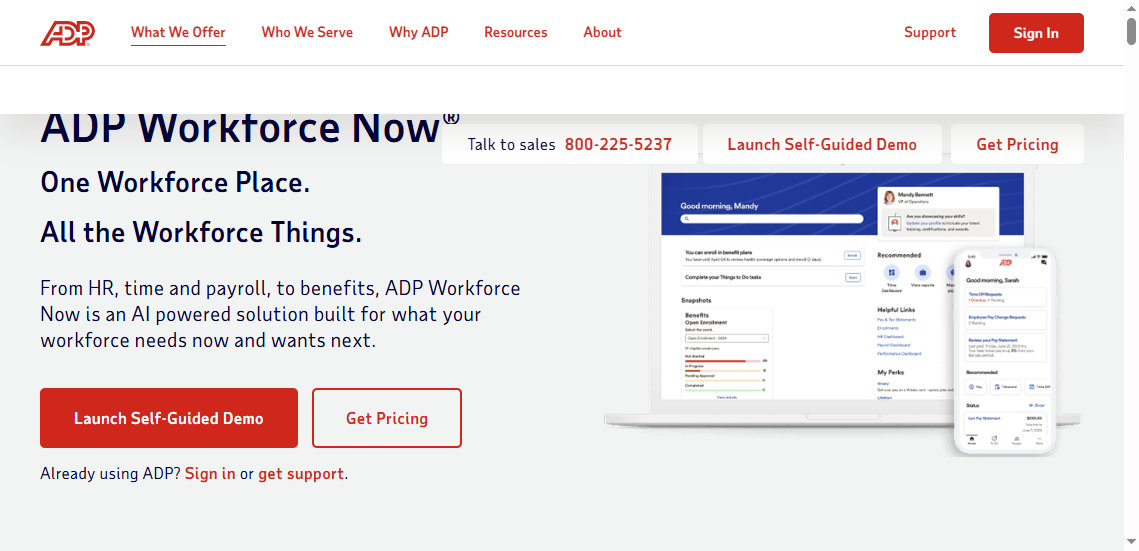
ADP Workforce Now is commonly evaluated by organizations that want payroll-adjacent employee management software with established workforce administration capabilities. It is often attractive to businesses that value payroll integration and standardized workforce operations.
It fits best for HR and payroll teams seeking a broad workforce platform with proven administrative depth.
The main limitation is that not every organization finds it equally flexible for highly customized employee data workflows outside its core strengths.
2. Features that matter most for employee records
Typical capabilities include:
Employee records and workforce administration
Payroll-linked employee data
Benefits and time-related connections
Compliance-related reporting support
Standard workflows and manager self-service
3. Pros, cons, and pricing considerations
Pros
Strong payroll connection
Established platform presence
Useful for standardized HR administration
Cons
UX can feel less streamlined than newer platforms
Custom reporting and nonstandard workflows may need extra effort
Cost clarity can be difficult before detailed scoping
4. Best-fit recommendations by team
Shortlist ADP Workforce Now if: payroll accuracy and standardized workforce administration are top priorities. Look elsewhere if: you want highly flexible process orchestration or a modern lightweight experience.
5. HiBob
1. Tool overview and best use case
HiBob is often chosen by modern people operations teams that want a more engaging HR system while still centralizing employee data. It balances HR administration with employee experience and people operations workflows.
It works well for mid-sized businesses seeking a cleaner experience than traditional enterprise suites.
A limitation is that organizations with very heavy compliance, payroll complexity, or deep IT workflow needs may outgrow it or pair it with other systems.
2. Features that matter most for employee records
Relevant capabilities often include:
Employee profiles and directories
Org charts and team visibility
Workflow approvals
Document collection
Reporting for people operations
Self-service updates
3. Pros, cons, and pricing considerations
Pros
Good user experience
Strong fit for modern HR and people ops teams
Helpful for visibility into organizational structure
Cons
May need supporting systems for broader enterprise complexity
Some advanced use cases depend on integration strategy
Quote-based pricing reduces early comparison transparency
4. Best-fit recommendations by team
Shortlist HiBob if: people ops adoption and modern HR usability matter most. Look elsewhere if: your primary need is enterprise-grade access management or very complex regulatory administration.
6. Zoho People
1. Tool overview and best use case
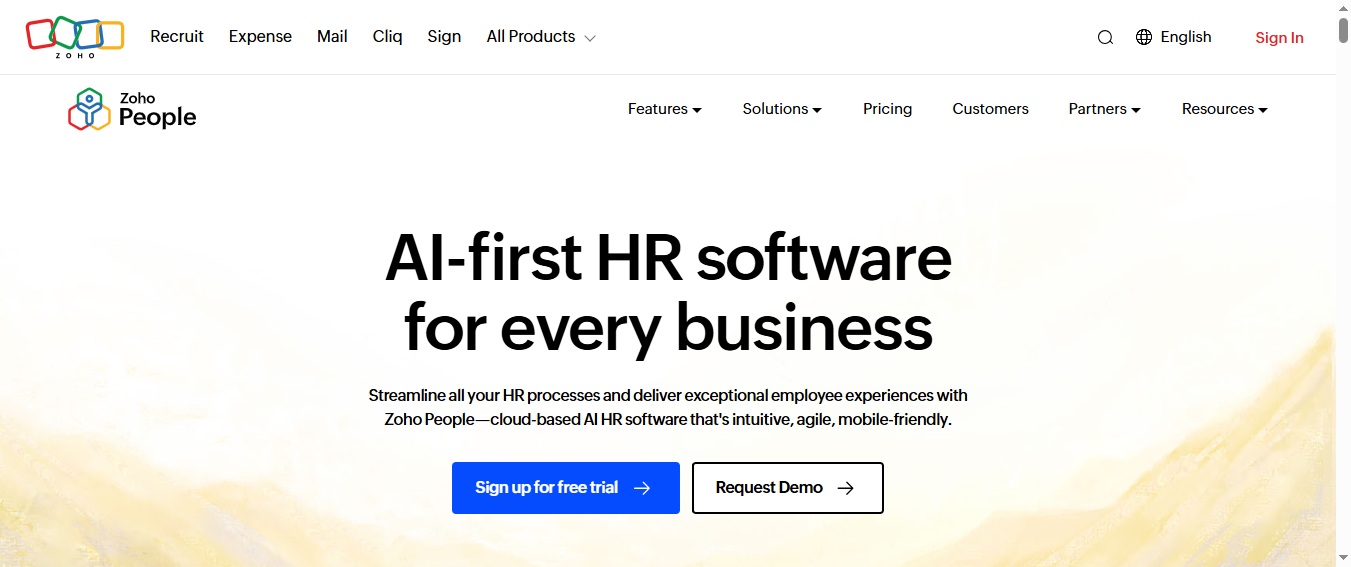
Zoho People is an affordable HR platform often considered by smaller businesses that need employee database software without enterprise pricing. It is especially relevant for teams already using other Zoho products.
It is best for SMB HR teams that want practical employee record management and self-service at a lower entry point.
Its limitation is that larger or more regulated organizations may eventually need deeper governance and broader ecosystem alignment.
2. Features that matter most for employee records
Common capabilities include:
Employee records and forms
Document storage
Organization structure support
Access controls
Approval workflows
Self-service portals
It also benefits from integration options inside the broader Zoho environment.
3. Pros, cons, and pricing considerations
Pros
Accessible pricing tiers
Solid basics for employee management software
Good fit for smaller teams
Cons
Advanced enterprise requirements may exceed its scope
Best value often depends on wider Zoho ecosystem usage
Customization and reporting depth vary by plan
4. Best-fit recommendations by team
Shortlist Zoho People if: budget and speed matter, and your needs are mostly core HR record management. Look elsewhere if: you need extensive enterprise governance or IT-centric provisioning workflows.
7. SAP SuccessFactors
1. Tool overview and best use case
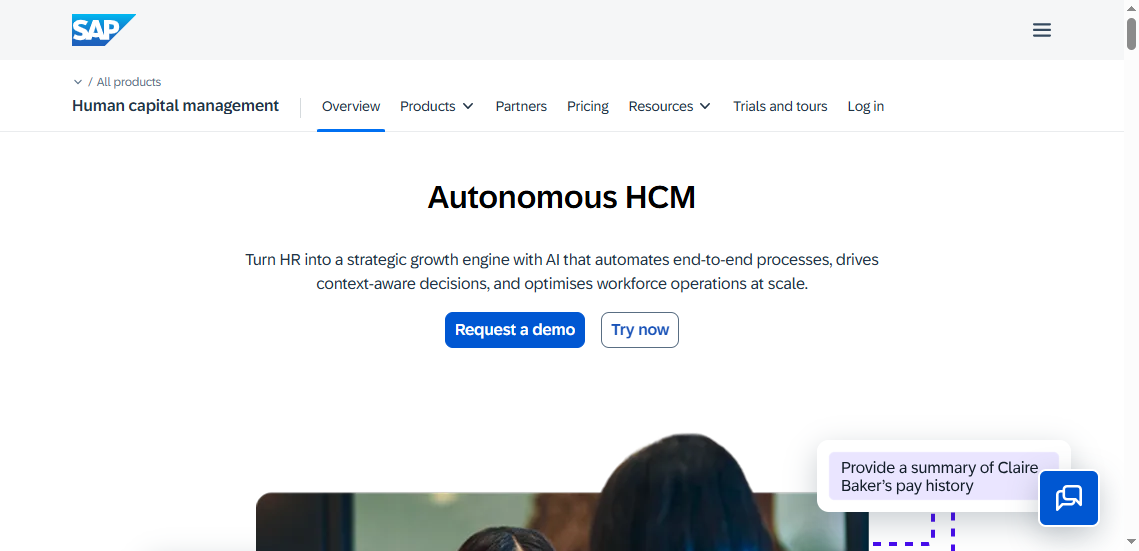
SAP SuccessFactors is a large-scale HCM platform used by enterprises that need broad human capital management across regions and business units. It is often part of a larger enterprise systems landscape.
It fits best for large organizations already operating complex enterprise architecture.
The tradeoff is implementation complexity, internal administration demands, and longer time to value.
Good fit where enterprise process standardization is a priority
Cons
Higher implementation overhead
Requires stronger internal admin capability
May be too heavy for mid-sized teams
4. Best-fit recommendations by team
Shortlist SAP SuccessFactors if: you are a large enterprise with global HR process needs. Look elsewhere if: you want a lighter or faster-deploying employee data management tool.
8. Okta
1. Tool overview and best use case
Okta is not a traditional employee management system, but it is highly relevant when employee data is tightly linked to identity and access management. Many IT teams use it as a critical part of employee lifecycle operations.
It fits best for organizations where access provisioning, security, and app lifecycle management are central concerns.
Its limitation is clear: it is not a full employee database software replacement for HR.
2. Features that matter most for employee records
Important strengths include:
Identity and access lifecycle controls
Role-based access
App provisioning and deprovisioning
Security and policy enforcement
Auditability for access changes
Integrations with HR systems are usually central so employee status changes can trigger access workflows.
HR document and personnel file needs require other tools
4. Best-fit recommendations by team
Shortlist Okta if: your priority is secure employee access management tied to lifecycle events. Look elsewhere if: you need a standalone HR employee records platform.
9. monday.com
1. Tool overview and best use case
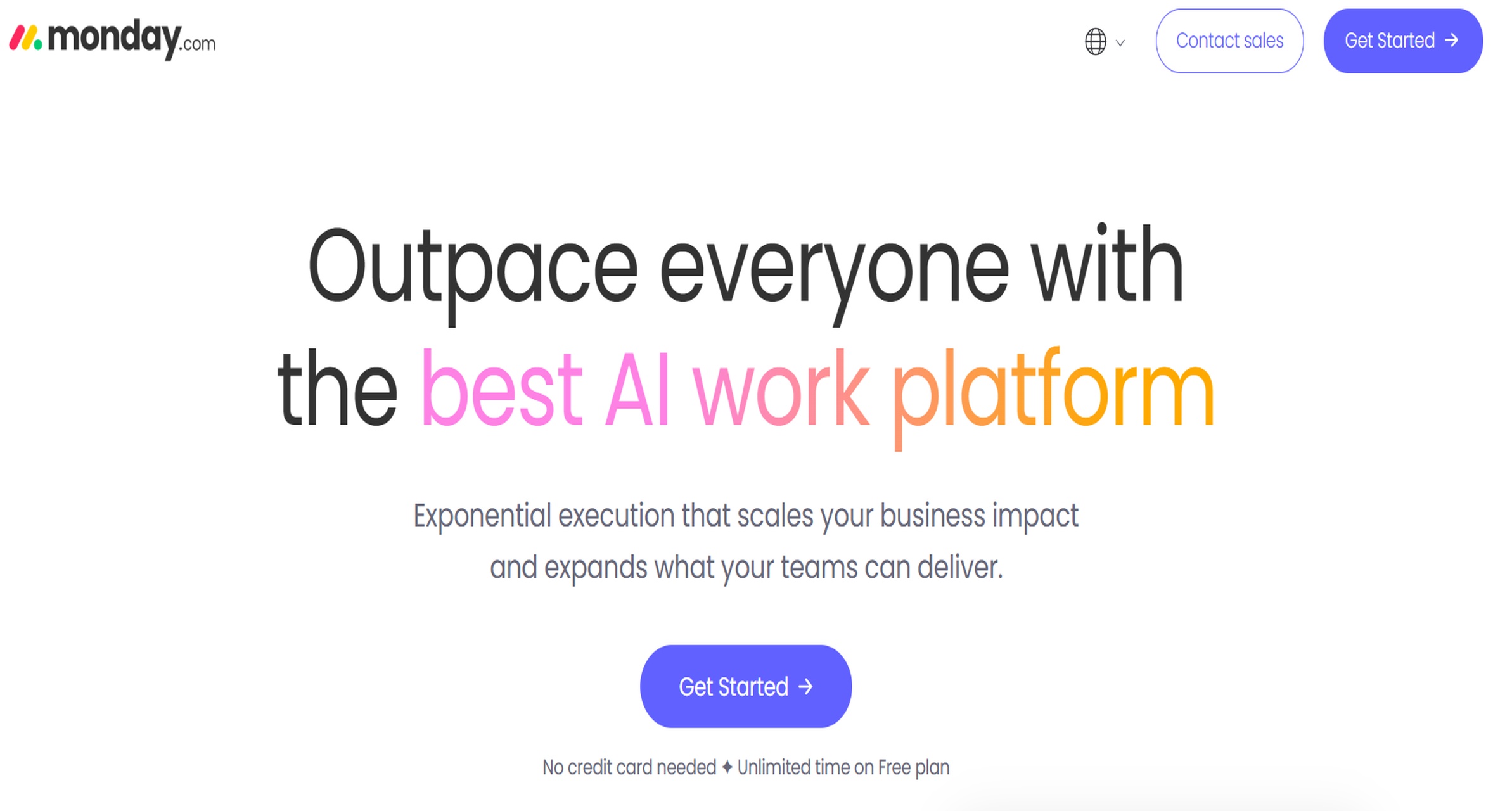
monday.com is a flexible work management platform sometimes adapted for onboarding, employee requests, and operational workflows. It is not a dedicated HRIS by default, but some teams use it to standardize repeatable employee-related processes.
It fits best for operations-led teams needing visual process coordination across departments.
The drawback is that governance, retention, and employee record structure must be designed carefully to avoid creating another scattered system.
2. Features that matter most for employee records
Potentially relevant capabilities include:
Workflow boards for onboarding and approvals
Task automation
Team coordination and visibility
Integration with collaboration tools
Dashboards for operational tracking
3. Pros, cons, and pricing considerations
Pros
Flexible process design
Good for cross-functional coordination
Fast to prototype workflows
Cons
Not a purpose-built employee database software platform
Sensitive record governance requires careful setup
May need companion systems for compliance and document security
4. Best-fit recommendations by team
Shortlist monday.com if: your main goal is process standardization across teams. Look elsewhere if: you need a true employee system of record.
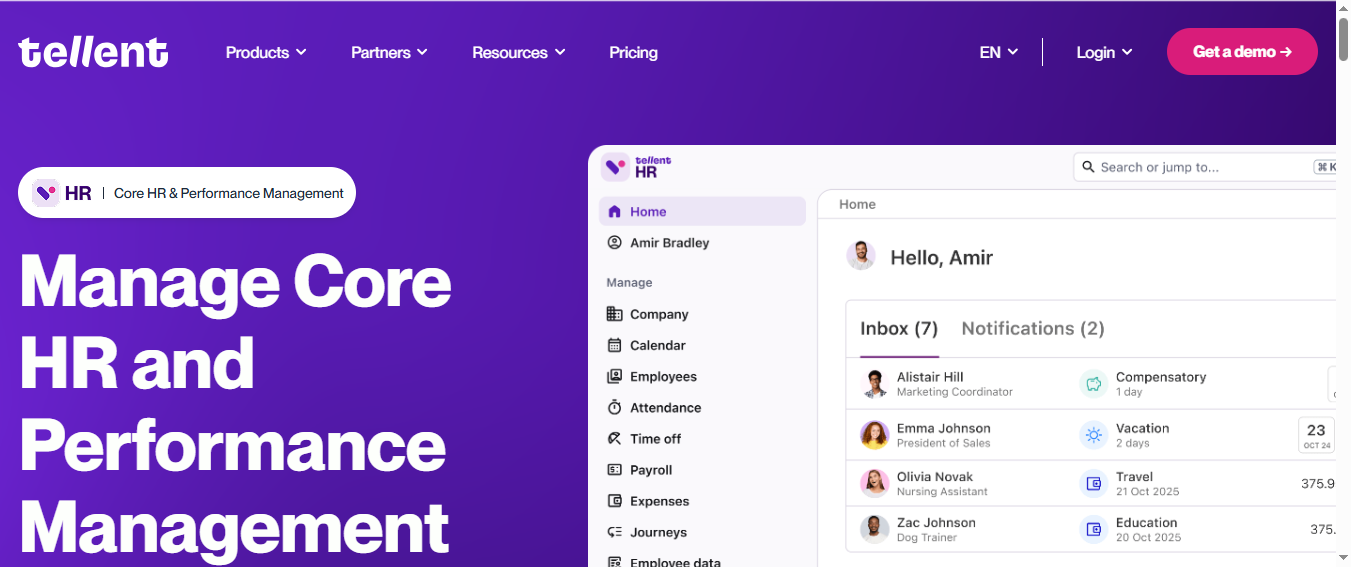
10. Tellent HR or Similar Employee Database Tools
1. Tool overview and best use case
Straightforward HRIS platforms focused on employee directories, digital personnel files, and self-service can be a strong fit for smaller organizations that simply need an employee database software foundation.
These tools work well when the main pain point is centralizing employee information and reducing spreadsheet-based administration.
Their limitation is that advanced analytics, automation depth, and broader cross-functional orchestration may require other systems.
2. Features that matter most for employee records
Typical strengths include:
Employee profiles
Digital personnel files
Org charts
Access controls
Employee self-service
Basic reporting and imports/exports
3. Pros, cons, and pricing considerations
Pros
Simpler rollout
Strong fit for core recordkeeping
Lower operational overhead
Cons
Less support for complex enterprise process design
Broader integrations may be limited
Cross-functional lifecycle automation may require add-ons
4. Best-fit recommendations by team
Shortlist these tools if: you need a simple, structured employee database. Look elsewhere if: HR, IT, and operations all need one orchestration layer.
How to Choose Employee Database Software for HR, IT, and Operations
The best choice depends less on brand recognition and more on how employee data flows through your business.
Start by matching software to four realities:
Your operating model: Is HR the owner, or does IT share responsibility?
Your headcount and complexity: A 150-person company has very different needs from a 15,000-person one.
Your compliance burden: Regulated industries need stronger access control, retention, and audit support.
Your internal ownership: Some platforms require dedicated admins and integration support.
Dedicated employee database software is often enough when your main goal is secure records, employee self-service, and better organization. Broader employee management software makes more sense when you also need onboarding, payroll connections, approvals, device provisioning, or coordinated workflows across departments.
Key Buying Factors for HR & Employee Data Management Software
Data quality, governance, and compliance
Poor employee data creates downstream problems everywhere: payroll errors, delayed onboarding, access mistakes, and weak reporting. Strong employee data management software should help prevent duplicate entries, support approvals for sensitive changes, and maintain a reliable record of what changed and when.
Look for:
Validation rules and structured fields
Duplicate prevention or merge support
Approval workflows for key data changes
Role-based access and segregation of duties
Secure document handling
Audit trails and reporting readiness
If you operate across regions, also assess how the vendor supports privacy controls, retention processes, and access governance in practice.
Integration and workflow automation
The value of employee data increases when it moves reliably across systems. HR should not have to update the same employee change in five places. IT should not manually recheck every role change. Operations should not build separate status trackers for onboarding.
Prioritize:
Native integrations where they matter most
API maturity and documentation
Sync reliability and failure visibility
Workflow automation for joiners, movers, and leavers
Approval routing and notification logic
The right platform reduces manual work not by adding more dashboards alone, but by making updates flow to the right systems at the right time.
Adoption, administration, and ROI
Even a feature-rich platform underperforms if employees and admins avoid it. Usability matters for both administrators and end users.
Assess:
Ease of updating records
Employee self-service quality
Training and admin burden
Change management effort
Time saved from reduced manual tasks
Reduction in data errors
Better operational visibility
For many organizations, ROI comes from fewer handoffs, cleaner records, faster onboarding, and easier audit preparation rather than from one headline feature.
Here are five practical recommendations from a BI and operations perspective:
Map your employee data flow before booking demos.
Document where employee information is created, approved, synced, and consumed across HR, IT, payroll, and operations.
Run a real onboarding and offboarding scenario in every trial.
Do not rely on feature checklists alone. Test what happens when a new employee joins, changes departments, or leaves.
Audit your permissions model early.
Sensitive employee data often fails at the access layer, not the interface layer. Make vendors show role-based controls, logs, and approval boundaries.
Price the operating model, not just the license.
Include implementation, integrations, support, admin time, and likely module expansion over two to three years.
Plan reporting from day one.
If your data cannot be analyzed across systems, your records may be centralized but still not decision-ready.
Using FineBI to Make Employee Data More Actionable
Tools like BambooHR, Workday, ADP, and Rippling are widely used in the employee data management software market, but many organizations still face a separate challenge after implementation: turning employee data into clear, cross-functional insight.
That is where a BI platform can become important. If your employee data lives across HRIS, payroll, IT systems, document repositories, and operational tools, teams may still struggle to answer questions like:
Where are onboarding bottlenecks happening?
Which departments have incomplete employee records?
How quickly are role changes reflected across systems?
Which teams have the highest workflow delays or approval backlogs?
How consistent is access provisioning by region or business unit?
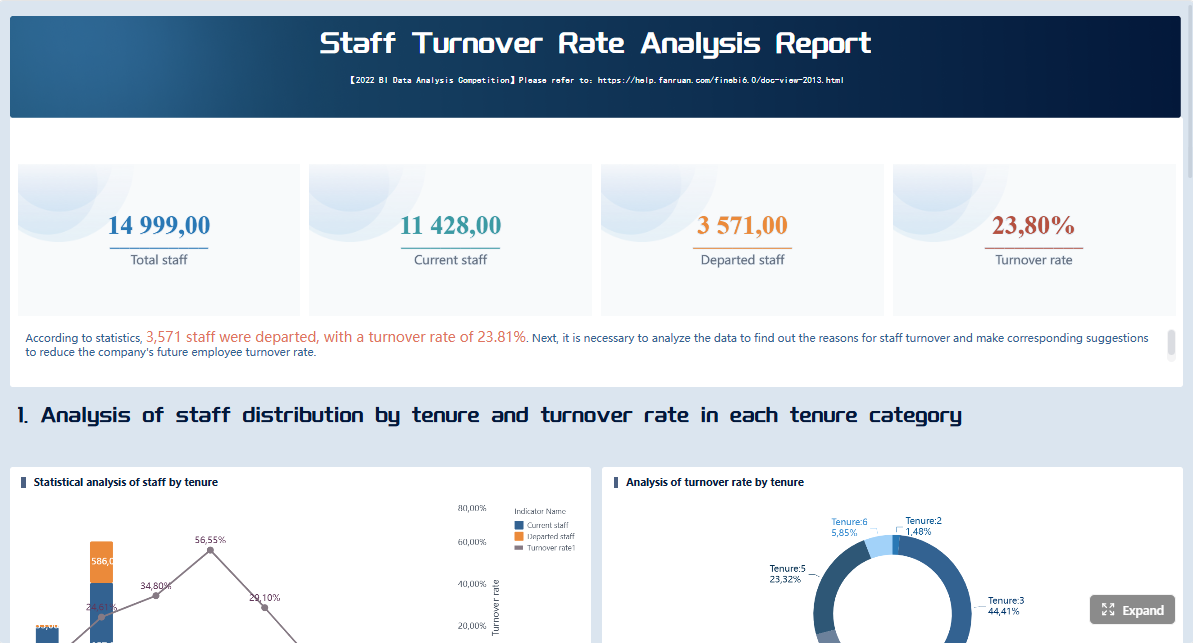
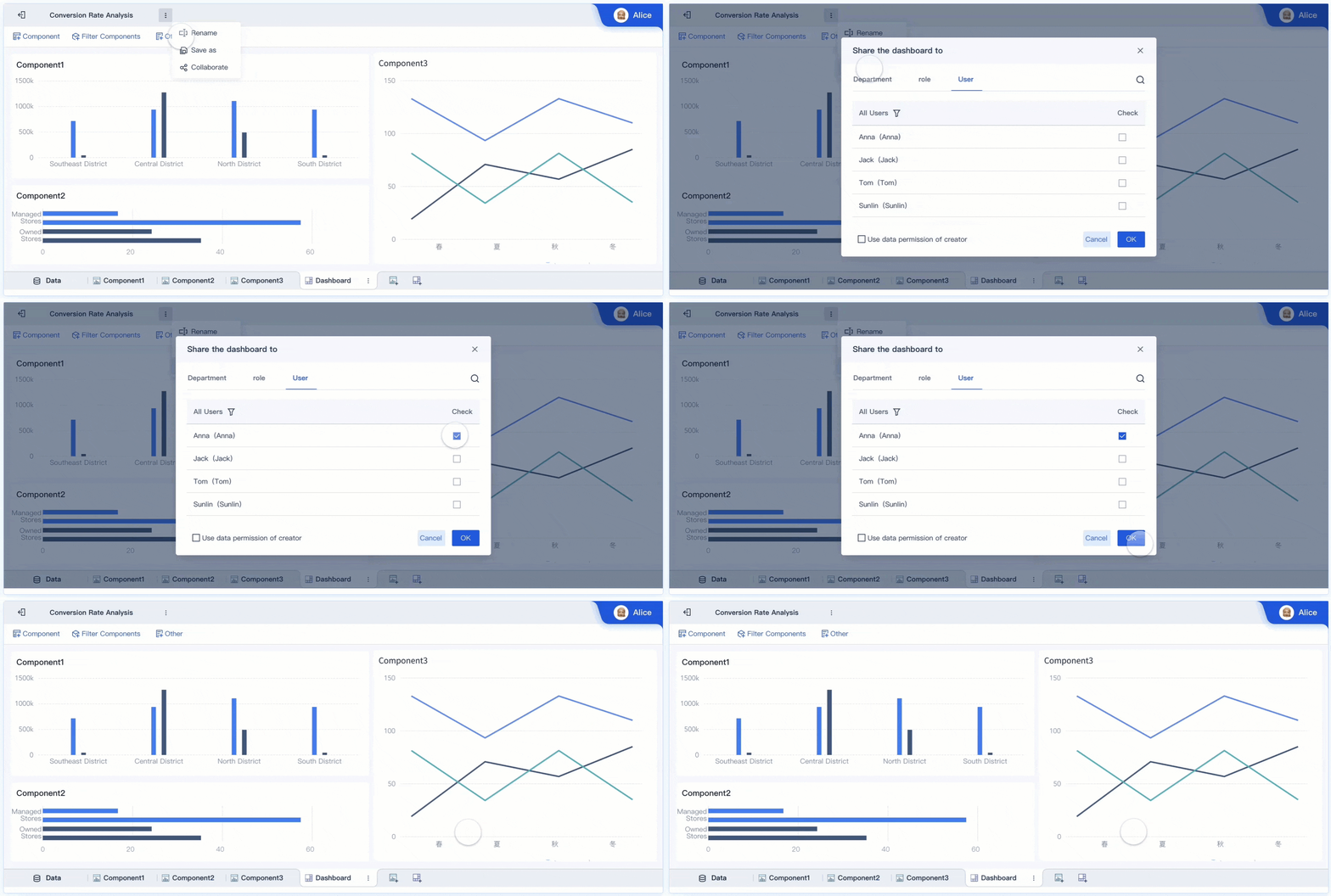
FineBI is a practical option for teams that need self-service BI, interactive dashboards, and faster business-user adoption. Rather than replacing your employee management system, FineBI can help teams analyze workforce-related operational data from multiple sources in one place.
Faster iteration for HR, IT, and operations reporting
This is especially useful when employee data is spread across multiple platforms and decision-makers need a unified view without waiting on long reporting cycles.
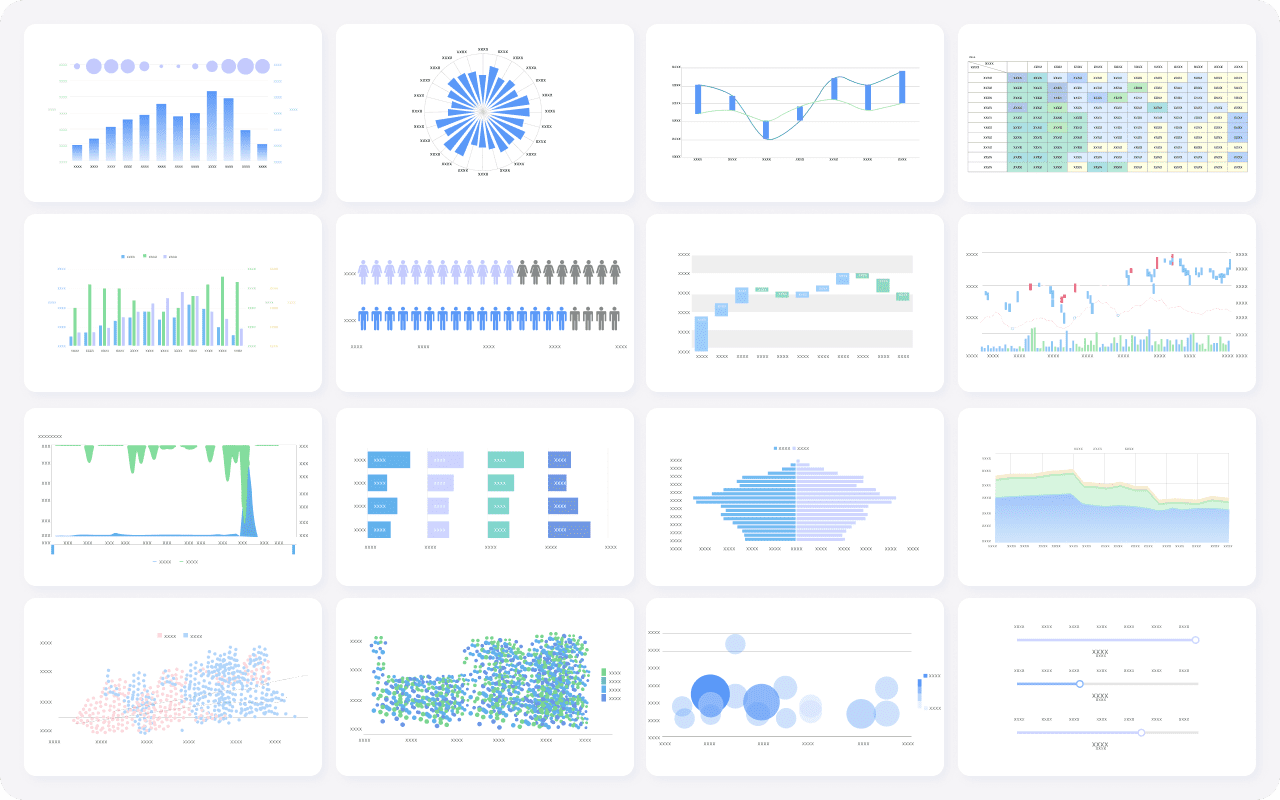
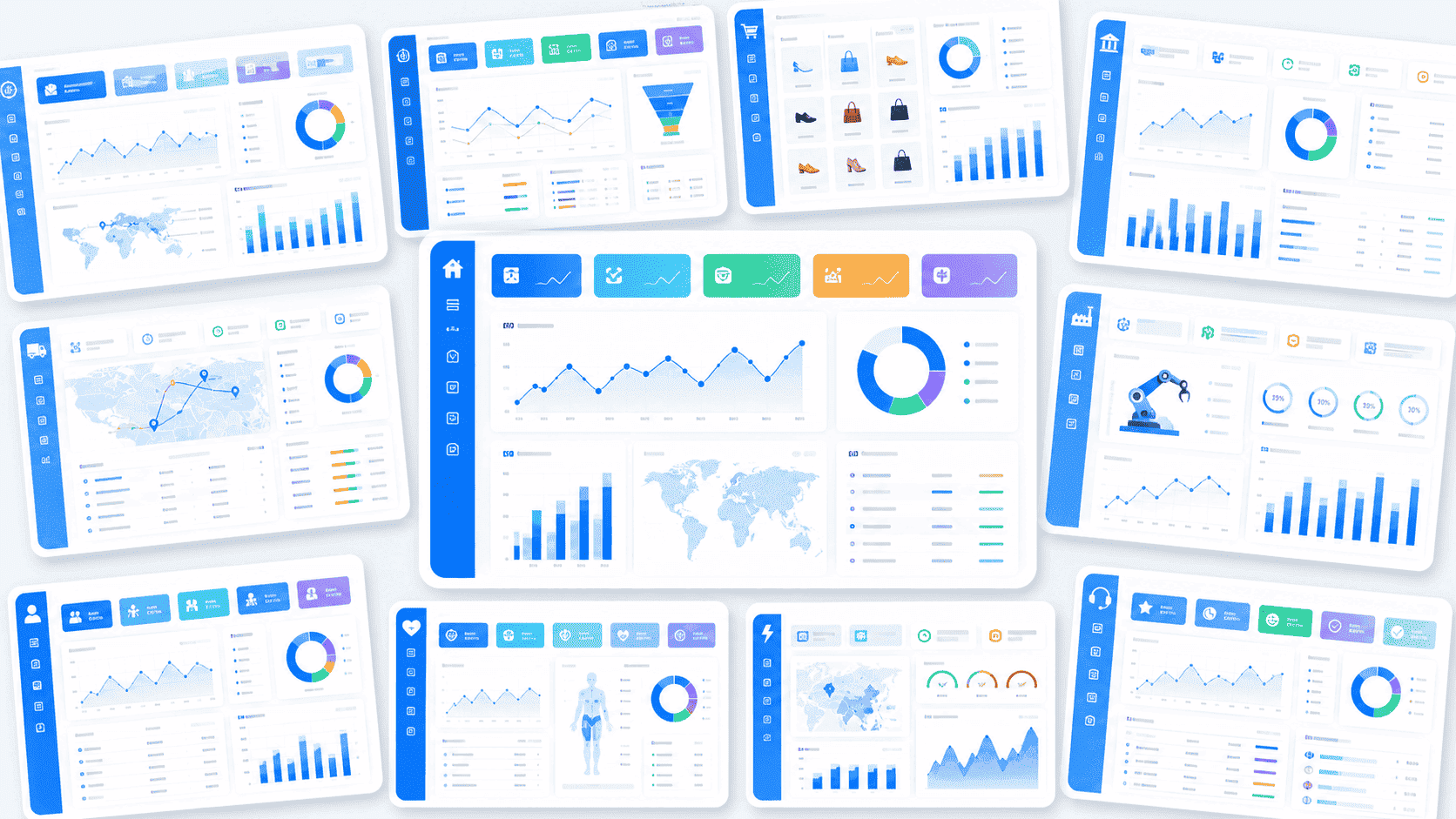
Get Ready-to-Use Dashboard Templates in Fine Gallery
For example, HR may use an HRIS as the system of record, IT may manage identity data elsewhere, and operations may track onboarding tasks in another workflow tool. FineBI can help create a business-facing layer for monitoring employee lifecycle performance across those environments.
That makes it relevant for organizations that do not just want to store employee data, but also want to use it to improve coordination, visibility, and execution.
Final Recommendations: Which Platform Fits Your Team Best?
If you are narrowing a shortlist, these are the most practical categories to use:
Best for SMBs: BambooHR, Zoho People, and simpler HRIS tools
Best for mid-market cross-functional teams: Rippling and HiBob
Best for enterprise environments: Workday and SAP SuccessFactors
Best for payroll-led workforce administration: ADP Workforce Now
Best for IT-led provisioning and access workflows: Okta alongside an HR system
Best for operations-driven process standardization: monday.com with careful governance, or a more structured HR + IT platform if records are central
You can also frame your decision by ownership model:
HR-led deployment: prioritize employee records, document handling, self-service, and ease of administration
Operations-led deployment: prioritize workflow standardization, reporting visibility, and cross-team handoffs
A practical shortlist framework is simple:
Choose three tools that fit your size and ownership model.
Test one real employee lifecycle scenario in each.
Review permissions and reporting in detail.
Compare 2-year operating cost, not just first-year price.
Decide whether you also need an analytics layer like FineBI to unify reporting across systems.
The right employee data management software should make employee information more accurate, more secure, and more useful across the business. If your current stack stores data but still leaves teams blind to process performance, adding a BI layer can be the difference between digital recordkeeping and actual operational control.
Employee data management software centralizes employee records, documents, permissions, and workflows in one system. It helps HR, IT, and operations reduce manual updates, improve accuracy, and maintain better visibility across the employee lifecycle.
Focus on centralized records, role-based access controls, integrations, workflow automation, reporting, and compliance support. The best choice depends on whether your priority is HR administration, IT provisioning, cross-system governance, or analytics.
An HRIS often focuses on core HR functions like employee profiles, leave, and payroll-related administration. Employee data management software can be broader, including identity access, document governance, workflow orchestration, and data quality across multiple systems.
Yes, many platforms support audit readiness through access controls, document storage, record history, and approval tracking. They can also help teams retain records properly and reduce the risk of missing or inconsistent employee data.
Small businesses often prefer simpler tools like BambooHR, HiBob, or Zoho People for ease of use and faster setup. Larger enterprises usually need platforms like Workday or SAP SuccessFactors for deeper governance, scale, and complex global processes.
Product Trial
FineReport
Pixel-perfect reports · Interactive dashboards · Easy data entry · Digital twins