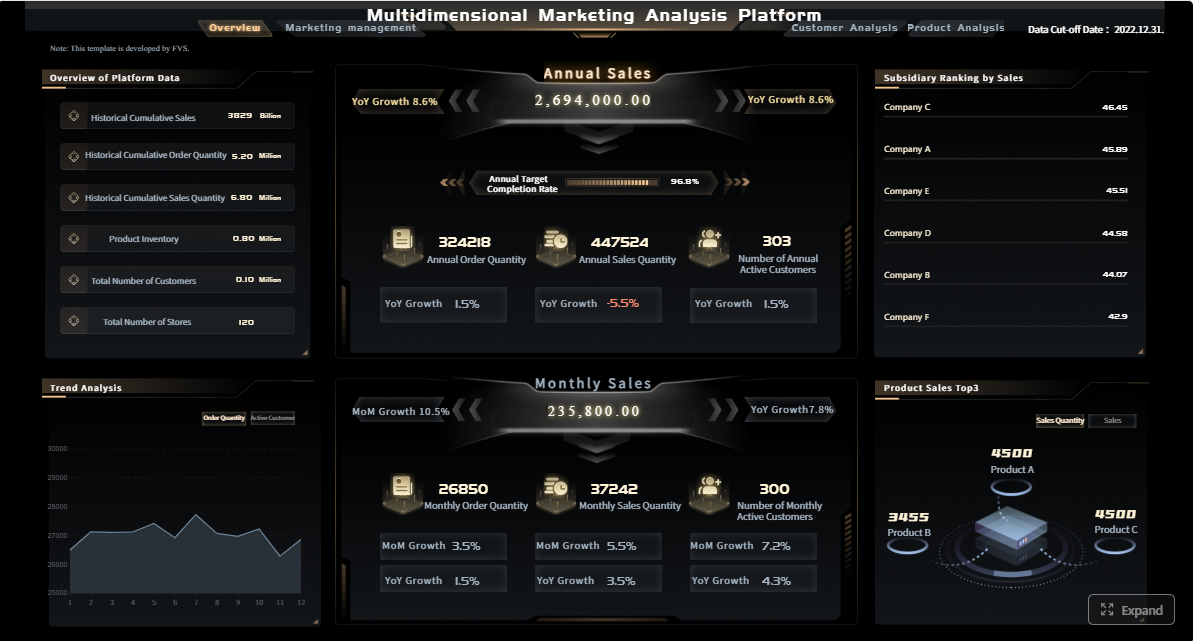
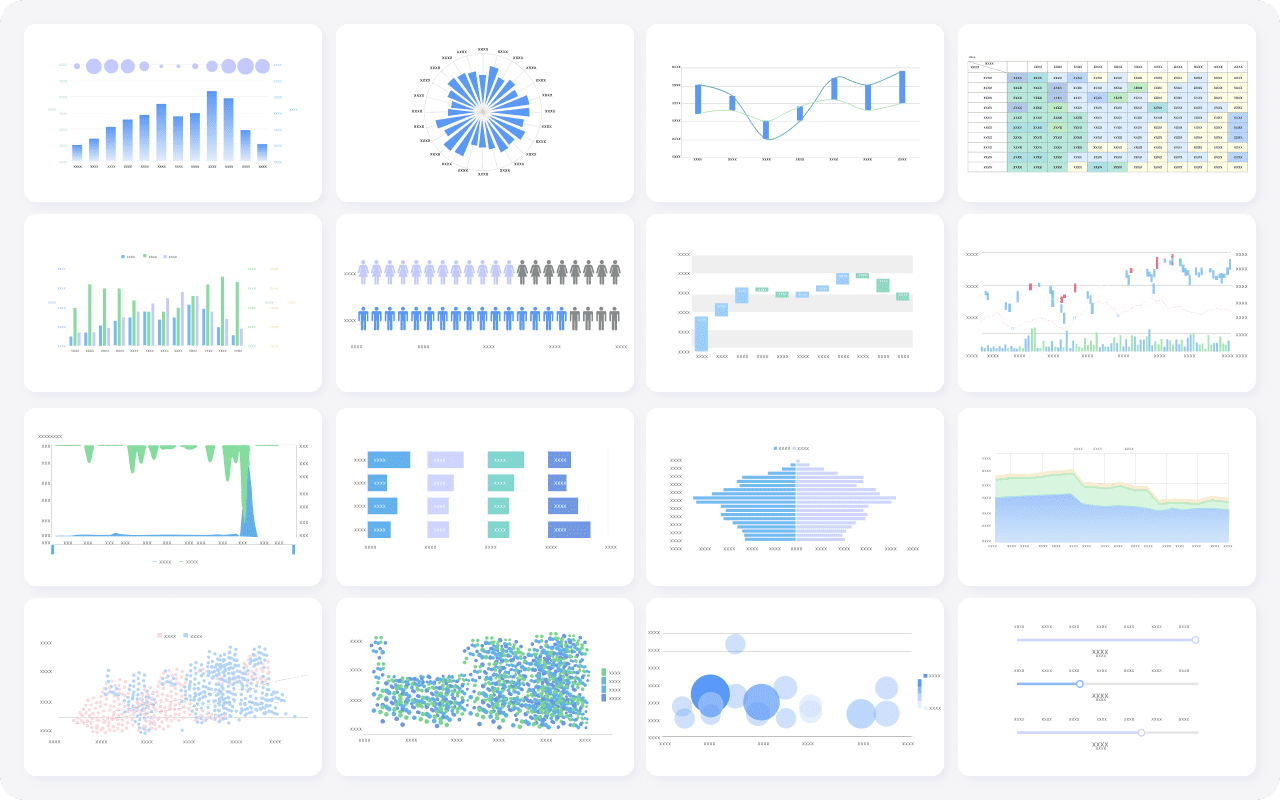
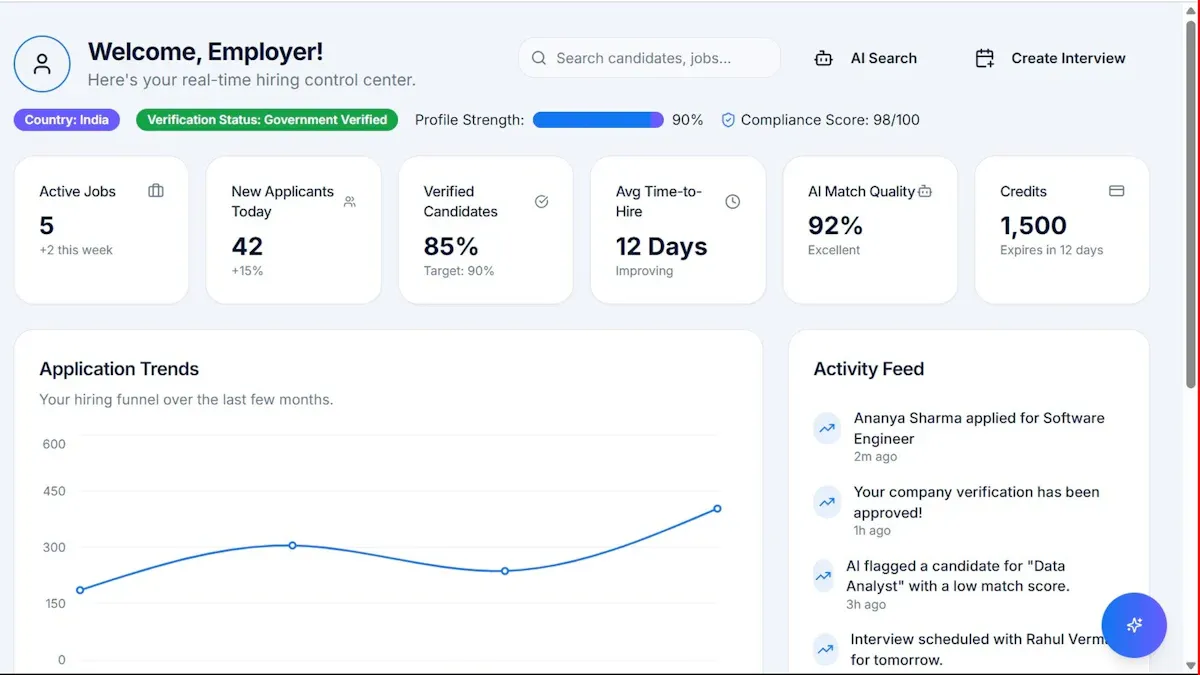
FineReport is an enterprise reporting and dashboard platform that helps marketing teams turn campaign data from multiple systems into scalable, customizable, and decision-ready reports.
Click To Try The Dashboard
10 best marketing campaign management software tools compared
Tool-by-tool comparison snapshot
Below is a practical comparison of the best marketing campaign management software options for 2026, with a strong focus on planning, execution, collaboration, and reporting.
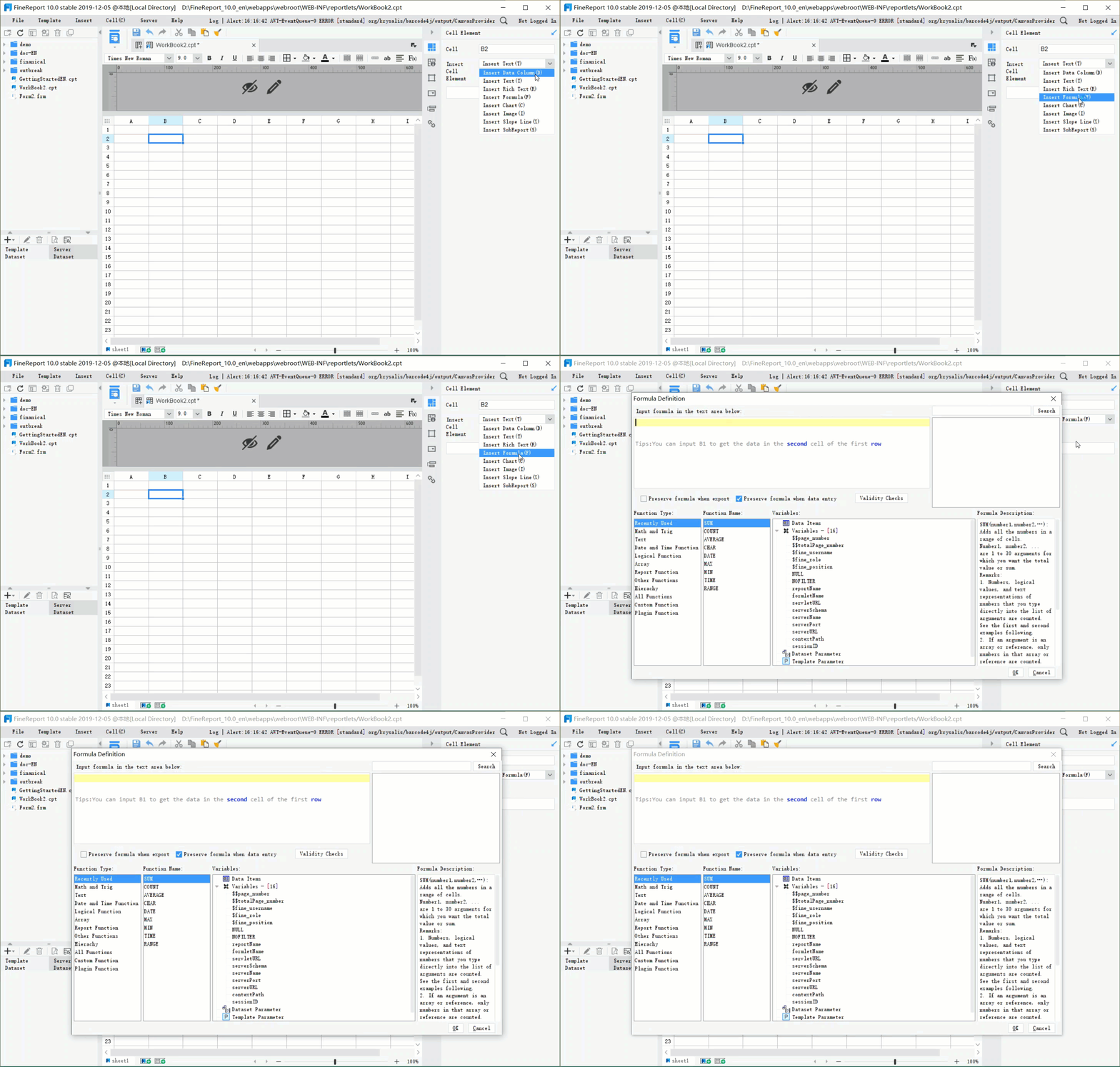
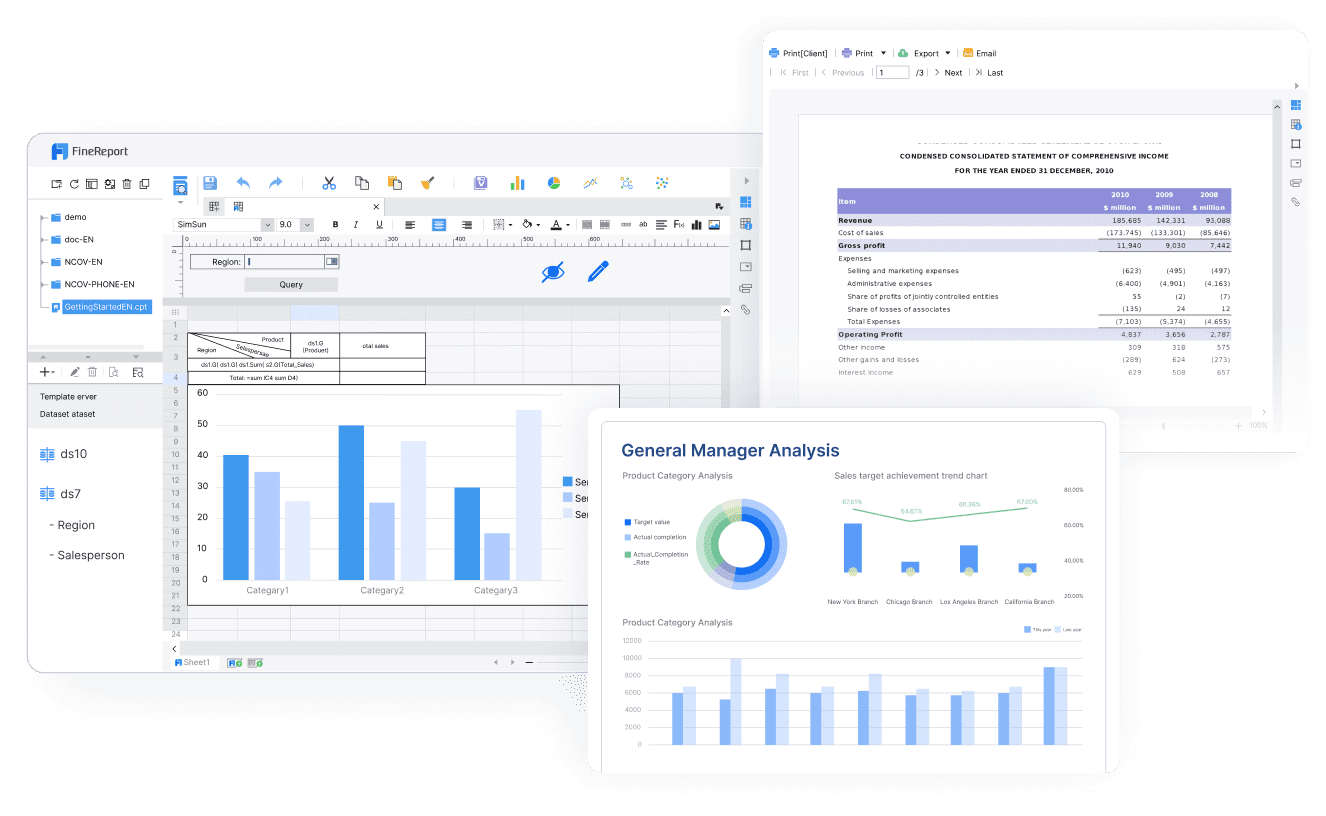
1. FineReport — best for customizable reporting and dashboards
One-sentence overview:FineReport is ideal for organizations that need highly customizable campaign reporting, executive dashboards, and unified performance views across multiple marketing systems.
Cons: Not a campaign execution platform by itself, works best alongside planning and activation tools
Best For (Target user/scenario): Reporting-heavy organizations that need to consolidate campaign results from CRM, ad, email, and web analytics tools into one decision layer.
2. HubSpot Marketing Hub — best for all-in-one campaign planning and execution
One-sentence overview: HubSpot Marketing Hub combines campaign planning, marketing automation, CRM connectivity, and reporting in one widely adopted platform.
Pros: Easy to adopt, broad feature set, strong CRM alignment, good educational resources
Cons: Advanced automation and reporting can become expensive, some limits by tier
Best For (Target user/scenario): Mid-sized marketing teams that want one platform for campaign planning, launch, lead management, and reporting.
3. Asana — best for enterprise workflow control and approvals
One-sentence overview: Asana is a work management platform that helps large teams standardize campaign workflows, deadlines, approvals, and cross-functional collaboration.
Key Features:
Campaign calendars and project templates
Task dependencies and workload management
Approval workflows
Team collaboration and status updates
Integration with creative, communication, and analytics tools
Cons: Not a true campaign execution engine, reporting depends on setup and integrations
Best For (Target user/scenario): Enterprise marketing teams that need process control, stakeholder alignment, and structured approvals.
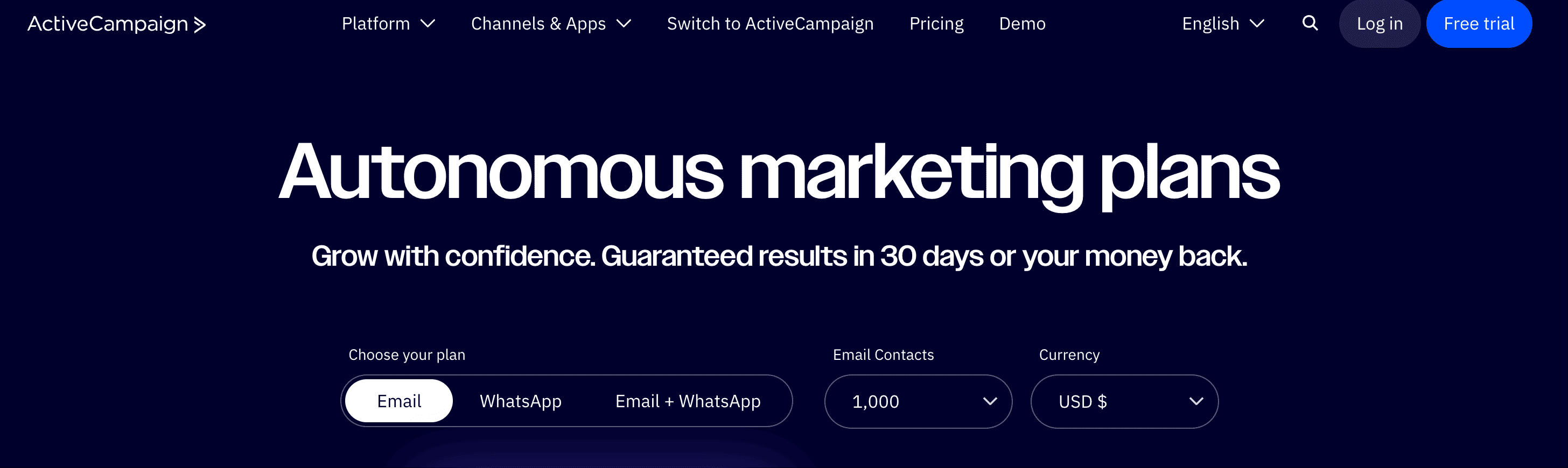
4. ActiveCampaign — best for multichannel automation and reporting
One-sentence overview: ActiveCampaign is a marketing automation platform built for personalized journeys across email, SMS, and customer lifecycle campaigns.
Key Features:
Visual automation builder
Email and SMS campaigns
Segmentation and behavioral triggers
Sales automation integrations
Conversion and engagement reporting
Pros & Cons:
Pros: Strong automation depth, flexible audience targeting, solid value for growth-stage teams
Cons: Less suited to complex enterprise governance, interface can feel dense at first
Best For (Target user/scenario): Growing companies that want stronger automation without moving into full enterprise software complexity.
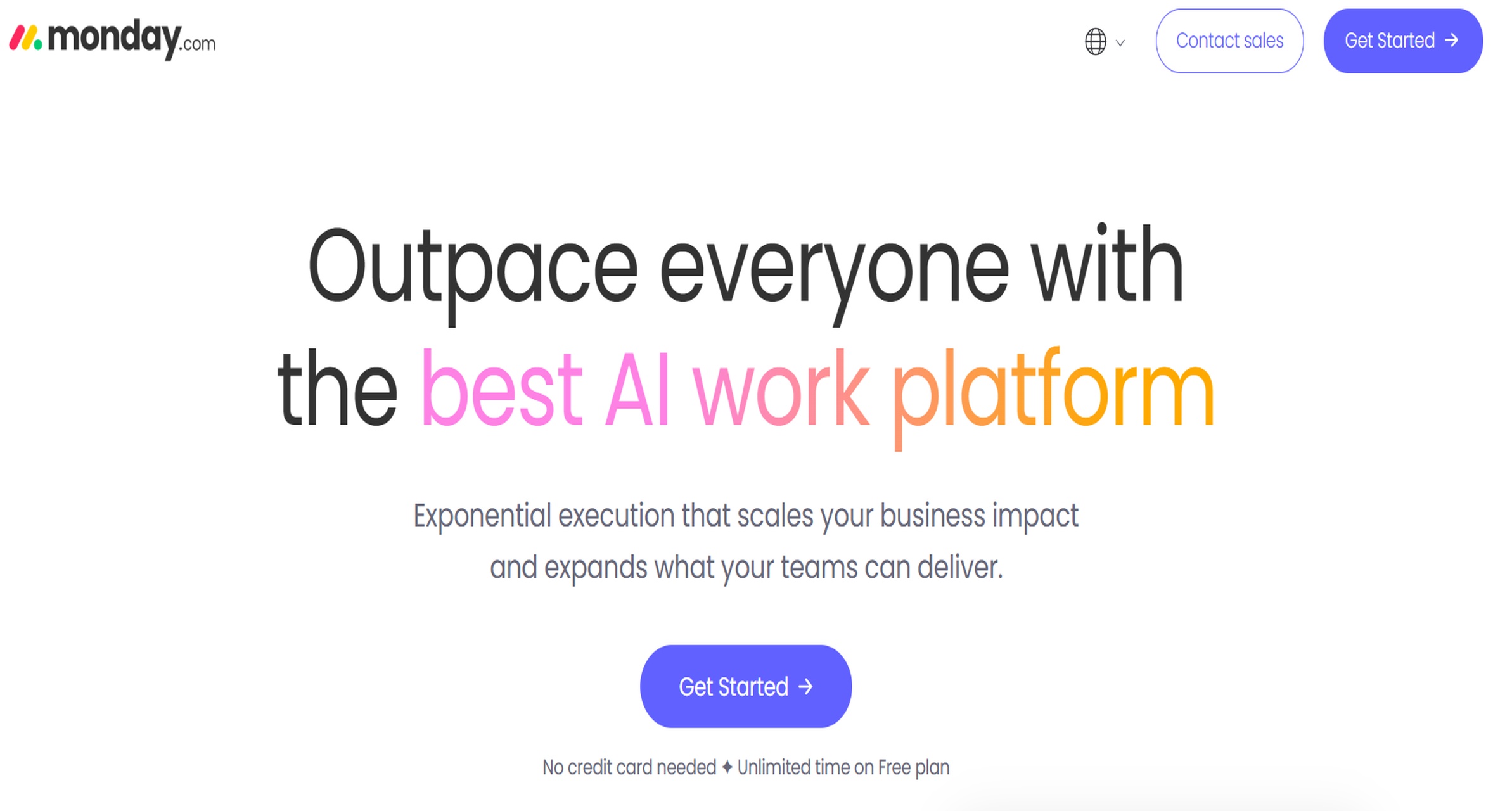
5. Monday.com — best for agencies managing multiple clients
One-sentence overview: Monday.com gives agencies a flexible workspace to coordinate campaign timelines, client deliverables, and team workloads across accounts.
Pros: Highly visual, flexible setup, useful for managing multiple clients and parallel projects
Cons: Execution and analytics capabilities depend on integrations, customization takes planning
Best For (Target user/scenario): Agencies and service teams managing campaign operations across multiple brands or clients.
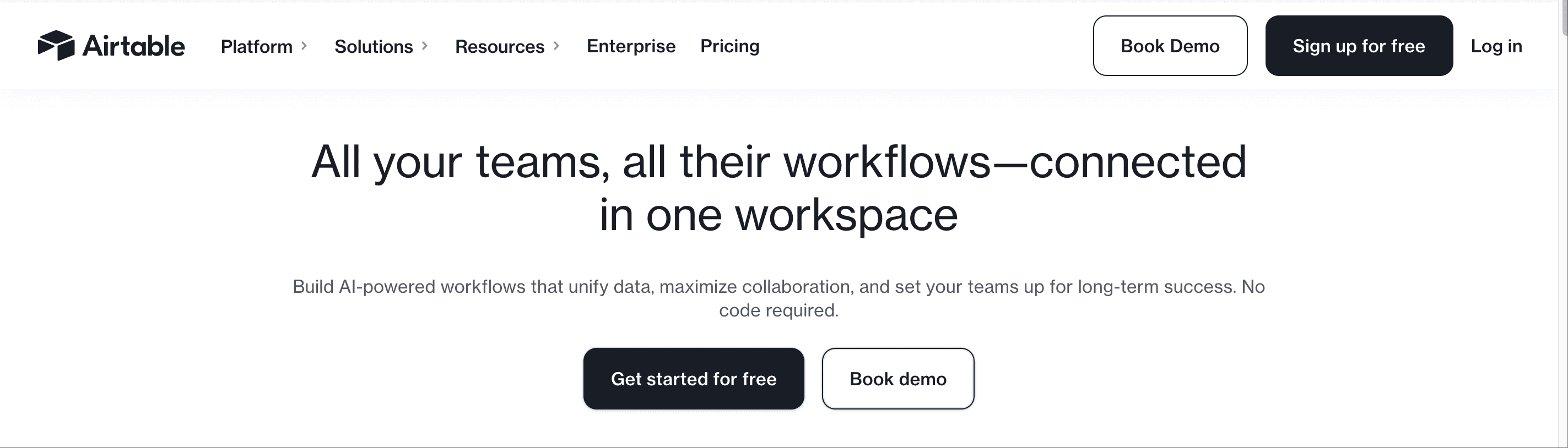
6. Airtable — best for content-heavy campaign coordination
One-sentence overview: Airtable blends spreadsheet simplicity with database flexibility for teams managing content-rich campaigns and editorial workflows.
Key Features:
Custom campaign databases
Content calendars and asset tracking
Collaboration fields and approval statuses
Automations and forms
Interface dashboards for campaign visibility
Pros & Cons:
Pros: Very flexible, excellent for content operations, easy to adapt to custom workflows
Cons: Reporting is lighter than dedicated BI tools, structure requires upkeep as complexity grows
Best For (Target user/scenario): Content marketing teams coordinating large volumes of assets, deadlines, and stakeholders.
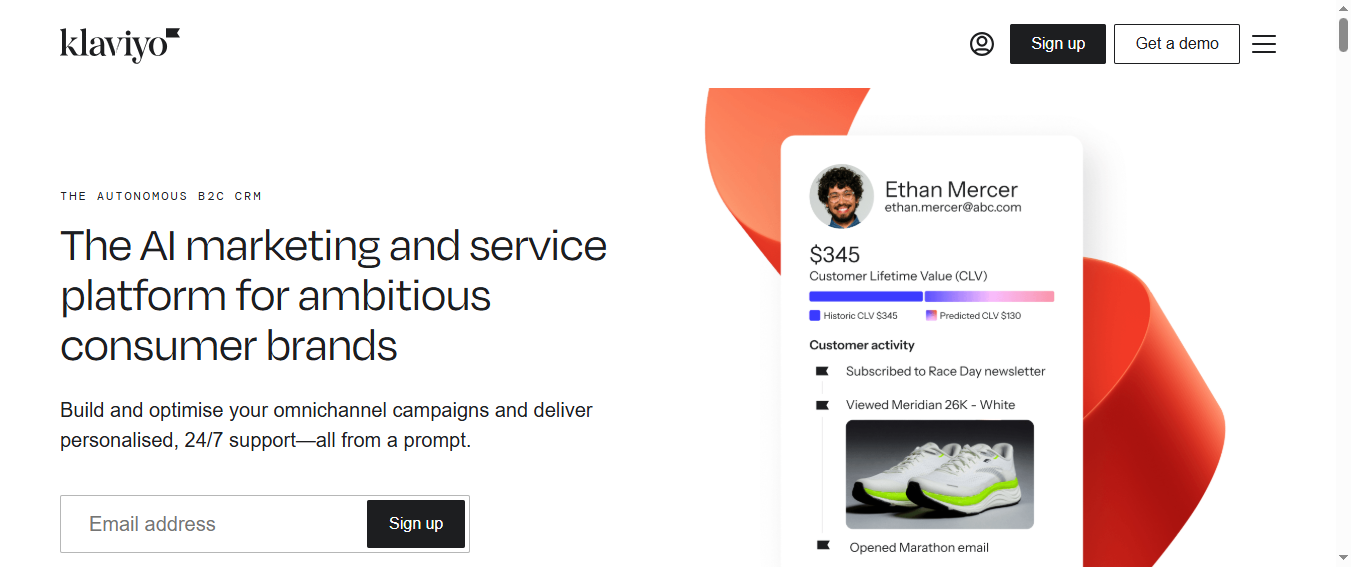
7. Klaviyo — best for ecommerce campaign orchestration
One-sentence overview: Klaviyo is a customer marketing platform built for ecommerce brands running personalized email and SMS campaigns tied to revenue outcomes.
Cons: Best fit is ecommerce, less useful for broad non-retail campaign operations
Best For (Target user/scenario): Ecommerce teams focused on lifecycle marketing, retention, and repeat purchase growth.
8. Mailchimp — best for budget-conscious teams
One-sentence overview: Mailchimp remains a practical entry point for smaller teams that need basic campaign management, email automation, and straightforward reporting.
Key Features:
Email campaign builder
Basic customer journeys
Audience segmentation
Landing pages and forms
Standard campaign analytics
Pros & Cons:
Pros: Accessible entry point, easy to use, fast setup for smaller teams
Cons: Advanced workflows and analytics are limited compared with larger platforms
Best For (Target user/scenario): Small businesses and lean teams that want quick deployment with manageable costs.
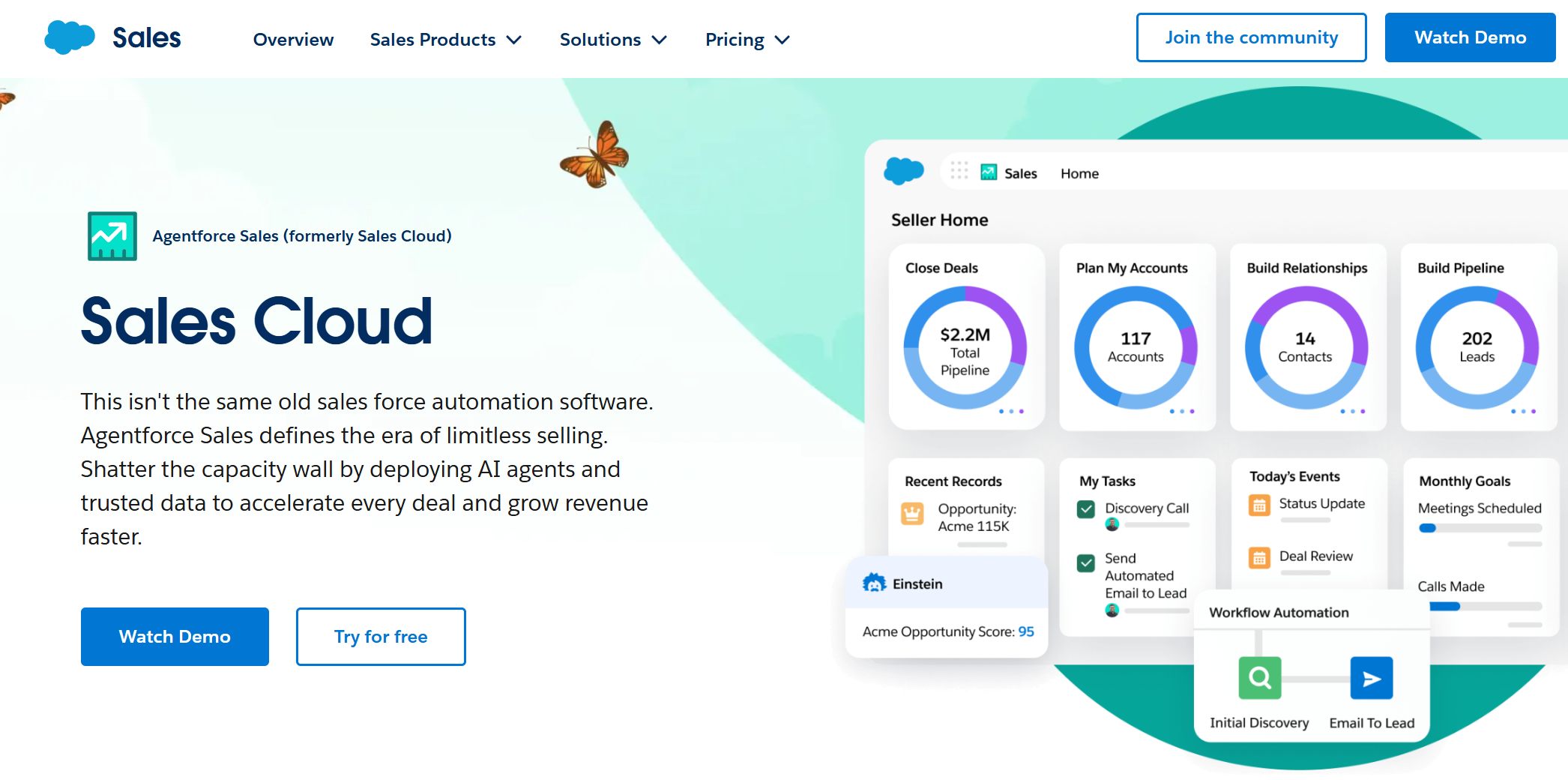
9. Salesforce Marketing Cloud Account Engagement — best for data-driven performance marketers
One-sentence overview: Salesforce Marketing Cloud Account Engagement supports B2B marketers with lead nurturing, scoring, and campaign performance tied closely to sales outcomes.
Key Features:
Lead scoring and grading
Automation rules and nurture flows
Salesforce CRM connectivity
B2B reporting and attribution support
Form, landing page, and email tools
Pros & Cons:
Pros: Strong B2B alignment, robust CRM integration, useful for marketing and sales handoff
Cons: Setup can be complex, pricing can rise quickly, less intuitive for smaller teams
Best For (Target user/scenario): B2B performance teams that need campaign operations deeply connected to pipeline and revenue tracking.
10. Zoho Marketing Automation — best for CRM-connected campaign operations
One-sentence overview: Zoho Marketing Automation offers practical campaign orchestration for businesses already invested in the Zoho ecosystem.
Key Features:
Journey orchestration
Email campaign management
Lead nurturing and scoring
Audience segmentation
Native Zoho CRM connectivity
Pros & Cons:
Pros: Good value, strong fit within Zoho stack, useful for SMB campaign operations
Cons: User experience can feel uneven, some advanced features are less polished than top-tier rivals
Best For (Target user/scenario): SMBs that want affordable campaign management software tied directly to CRM workflows.
Pros, cons, and standout features
The best marketing campaign management software is rarely the one with the longest feature list. It is the one that matches how your team actually runs campaigns.
HubSpot Marketing Hub stands out for breadth. It covers planning, execution, and reporting well enough for many teams without requiring a patchwork stack. The main trade-off is cost expansion as contact volumes and feature needs grow.
Asana excels in process visibility. If missed deadlines, approval bottlenecks, and unclear ownership are your biggest campaign problems, it is a strong choice. The trade-off is that you still need separate tools for email, ads, and deeper analytics.
ActiveCampaign is strongest in automation. It works well when campaign success depends on triggered journeys, lead nurturing, and segmentation. The trade-off is that enterprise governance and cross-department reporting may need supplemental tools.
Monday.com is strong for agency operations because it can organize client work clearly. The trade-off is that campaign analytics and activation are not native strengths.
Airtable shines in content and campaign coordination. It is especially useful for editorial calendars, asset workflows, and launch tracking. The limitation is that advanced attribution and executive reporting usually require external analytics or BI tools.
Klaviyo is a specialized winner for ecommerce. It handles lifecycle campaigns and revenue reporting very well. The trade-off is narrower fit outside ecommerce-driven marketing.
Mailchimp is attractive for smaller teams due to speed and simplicity. The trade-off is that complex, multi-stage operations outgrow it.
Salesforce Marketing Cloud Account Engagement is powerful for B2B teams focused on lead quality and pipeline contribution. The trade-off is a steeper learning curve and a more involved implementation.
Zoho Marketing Automation offers value and ecosystem alignment. The trade-off is that some teams may find the UX less refined than larger competitors.
FineReport stands out when reporting is the real bottleneck. Many teams already have tools for execution, but they still struggle to produce clean, board-ready, cross-channel reports. FineReport solves that gap well by consolidating data into flexible dashboards and operational reports.
A useful buying rule is this: if your biggest pain is campaign execution, choose a platform with automation and delivery tools; if your biggest pain is campaign coordination, choose a workflow-first platform; if your biggest pain is campaign reporting, prioritize a reporting layer like FineReport.
Higher implementation demands: Salesforce Marketing Cloud Account Engagement, Asana at enterprise scale, FineReport when building a robust multi-source reporting architecture
Hidden costs to watch for:
Add-on analytics modules
Additional seats for executives or external partners
Premium integrations
API or data refresh limits
Professional services for setup
Advanced security and governance packages
Ongoing admin time for workflow maintenance
If reporting is a board-level requirement, it is often more cost-effective to combine a campaign execution platform with a dedicated reporting product like FineReport rather than forcing a single tool to handle every use case poorly.
Best marketing campaign management software in 2026: what matters most
Modern campaign management is no longer just about sending emails or scheduling ads. The best marketing campaign management software now needs to support four connected layers of work:
Execution: email sends, ad coordination, landing pages, nurture flows, social scheduling, and triggered automations
Collaboration: approvals, comments, ownership, version control, and cross-functional visibility
Reporting: real-time dashboards, attribution insights, executive summaries, and post-campaign analysis
For modern teams, these layers have to work together. A campaign plan without execution data creates blind spots. Execution without collaboration creates bottlenecks. Reporting without clean data and context leads to weak decisions.
Not every business needs a dedicated campaign platform, however.
Who needs a dedicated platform?
A dedicated platform makes the most sense for:
Teams running multiple campaigns at once
Businesses marketing across several channels
Organizations with approvals, compliance, or cross-team dependencies
Usability: How quickly can marketers build, launch, and monitor campaigns?
Automation: Can the tool reduce repetitive work and support triggered actions?
Integrations: Does it connect with CRM, email, ad platforms, analytics, ecommerce, and reporting tools?
Analytics: Can it show performance clearly across channels and over time?
Pricing: Is the full cost reasonable after seats, add-ons, and support are included?
Scalability: Will the platform still fit as campaign complexity, users, and data volume grow?
What is campaign management software?
Campaign management software is a platform that helps marketing teams plan, launch, coordinate, track, and report on campaigns from one central workspace or connected system.
In practical terms, these platforms help teams:
Build campaign calendars
Assign tasks and deadlines
Manage approvals and creative handoffs
Launch campaigns across email, social, paid media, web, or SMS
Track engagement, conversions, pipeline, or revenue
Report outcomes to internal stakeholders
How it differs from other tools
Campaign management software overlaps with several marketing categories, but it is not identical to them.
CRM: A CRM manages customer and pipeline data. Campaign management software organizes campaign work and execution around that data.
Project management software: Project tools track tasks and deadlines, but they usually lack native audience targeting, automation, and campaign analytics.
Email marketing tools: Email platforms manage sends and automations, but they may not handle broader campaign planning or cross-channel operations.
Ad-only tools: Advertising platforms manage paid placements, but they do not usually provide full campaign workflow coordination across channels.
The best setups often combine these systems. For example, a team might use HubSpot or ActiveCampaign for execution, Asana for operational control, and FineReport for unified campaign reporting.
Main benefits for different teams
B2B marketing teams
B2B marketers benefit from better lead nurturing, clearer sales handoff, and stronger campaign-to-pipeline tracking.
Ecommerce teams
Ecommerce marketers gain faster lifecycle automation, revenue-based optimization, and more personalized retention campaigns.
Agencies
Agencies benefit from clearer client workflows, better deadline management, and easier multi-account coordination.
Multi-channel marketing teams
Teams running campaigns across web, email, paid, social, and events benefit most from centralized visibility and consistent reporting.
How we compared the best campaign management software tools
We compared tools based on how well they support the full campaign lifecycle, not just one isolated function.
Evaluation criteria
Campaign planning and workflow management
We looked at campaign calendars, task assignments, approvals, templates, workload visibility, and the ability to coordinate cross-functional work.
Cross-channel execution support
We considered whether tools support email, automation, social, landing pages, SMS, CRM-triggered workflows, or broader campaign activation.
Dashboards, attribution, and reporting depth
We evaluated native reporting quality, executive dashboard readiness, attribution flexibility, and whether the platform can support recurring stakeholder reporting. This is also where FineReport becomes especially relevant, since many campaign tools handle execution better than reporting depth.
Integration ecosystem and data sync
We prioritized platforms that connect cleanly with CRM systems, analytics platforms, ad networks, ecommerce systems, and data tools.
Pricing transparency and total cost of ownership
We looked beyond starting price and considered contacts, users, implementation, services, and feature gating.
Who each tool is best for
Small teams that need fast setup
Mailchimp, Zoho Marketing Automation, and ActiveCampaign are often the easiest starting points.
Growing companies that want stronger automation
HubSpot, ActiveCampaign, Klaviyo, and Airtable can support more sophisticated campaign operations as volume grows.
Enterprise teams that need approvals, governance, and advanced reporting
Asana, Salesforce Marketing Cloud Account Engagement, and FineReport are strong options when process control and reporting maturity matter most.
How to choose the right tool for your team
Choosing the right marketing campaign management software starts with understanding your operating model, not chasing the broadest feature set.
Match software to your campaign model
Single-channel versus omnichannel needs
If most of your activity is email or lifecycle messaging, a specialized tool may be enough. If campaigns span email, paid, content, web, sales follow-up, and executive reporting, you need broader orchestration and stronger integrations.
In-house team versus agency workflow requirements
In-house teams usually prioritize speed, internal collaboration, and pipeline visibility. Agencies often need client approvals, repeatable templates, workload balancing, and portfolio reporting.
Simple reporting versus advanced attribution and executive dashboards
If your team only needs basic open, click, and conversion data, many platforms will suffice. If leadership expects regional views, budget pacing, multi-source dashboards, and custom campaign scorecards, a dedicated reporting layer such as FineReport can be the better long-term solution.
Questions to ask before you buy
Before selecting a platform, ask these questions:
Which integrations are essential on day one?
How many stakeholders need access, approvals, or reporting views?
What level of automation will save the most time?
How will success be measured after implementation?
Also ask:
Do we need one platform or a connected stack?
Will this tool still work when campaign volume doubles?
Can we generate executive-ready reports without manual spreadsheet work?
What internal resources are required to maintain the system?
The best marketing campaign management software depends on whether your biggest need is execution, workflow control, affordability, or reporting.
Best overall option for most marketing teams
HubSpot Marketing Hub is the strongest overall option for many teams because it balances usability, campaign execution, CRM alignment, and reporting in one platform.
Best choice for enterprise campaign operations
Asana is the best choice for enterprise campaign operations when governance, approvals, and structured collaboration are the main priorities. If deep B2B sales alignment is also critical, Salesforce Marketing Cloud Account Engagement is another strong contender.
Best value option for smaller teams
Mailchimp remains a solid value option for smaller teams that need simple setup and manageable costs. Zoho Marketing Automation is also worth shortlisting for budget-conscious organizations already using Zoho.
Best option for reporting-heavy organizations
FineReport is the best option for reporting-heavy organizations that need flexible dashboards, cross-platform campaign reporting, and customized executive views. It is especially effective when native reporting in campaign tools is too limited or too rigid.
Quick shortlist based on budget, complexity, and growth stage
Best for most teams: HubSpot Marketing Hub
Best for enterprise workflow control: Asana
Best for automation-focused growth: ActiveCampaign
Best for agencies: Monday.com
Best for content operations: Airtable
Best for ecommerce: Klaviyo
Best for smaller budgets: Mailchimp
Best for B2B pipeline alignment: Salesforce Marketing Cloud Account Engagement
Best for Zoho users: Zoho Marketing Automation
Best for advanced reporting and dashboards:FineReport
If your team is struggling most with campaign visibility and stakeholder reporting, prioritize FineReport on your shortlist. Many organizations already have enough execution tools; what they lack is a reliable way to unify campaign results into reports that marketers, managers, and executives can actually use.
FAQs
Marketing campaign management software helps teams plan, launch, coordinate, and measure campaigns from one place. It is used to manage workflows, assets, timelines, automation, and reporting across channels.
Start by matching the tool to your main need, such as workflow control, multichannel automation, ecommerce marketing, or reporting. Then compare ease of use, integrations, scalability, and how well it supports your campaign process.
The most important features usually include campaign planning, collaboration, approvals, automation, audience segmentation, integrations, and performance reporting. Teams managing complex programs may also need dashboards and customizable workflows.
Tools with strong built-in analytics or reporting layers are best when performance visibility is a priority. Platforms like HubSpot and ActiveCampaign offer campaign reporting, while FineReport is useful for turning data from multiple systems into customizable dashboards and decision-ready reports.
Yes, many platforms support campaigns across email, SMS, landing pages, CRM-connected workflows, and other channels. The right option depends on whether you need execution in one system or coordination across several integrated tools.
Product Trial
FineReport
Pixel-perfect reports · Interactive dashboards · Easy data entry · Digital twins