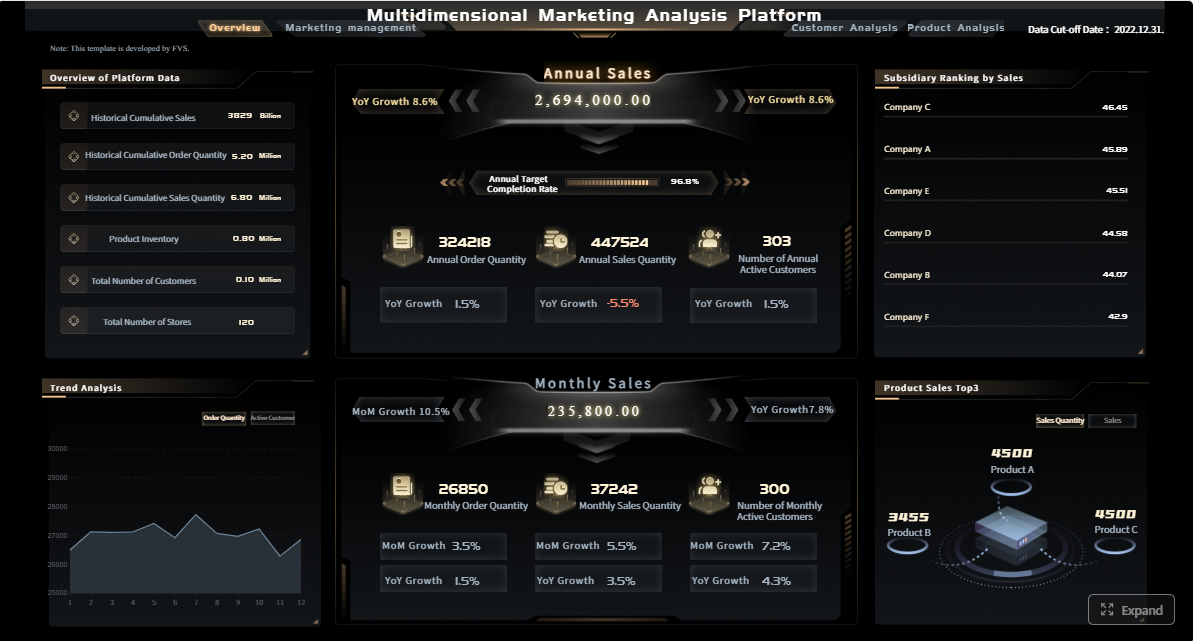
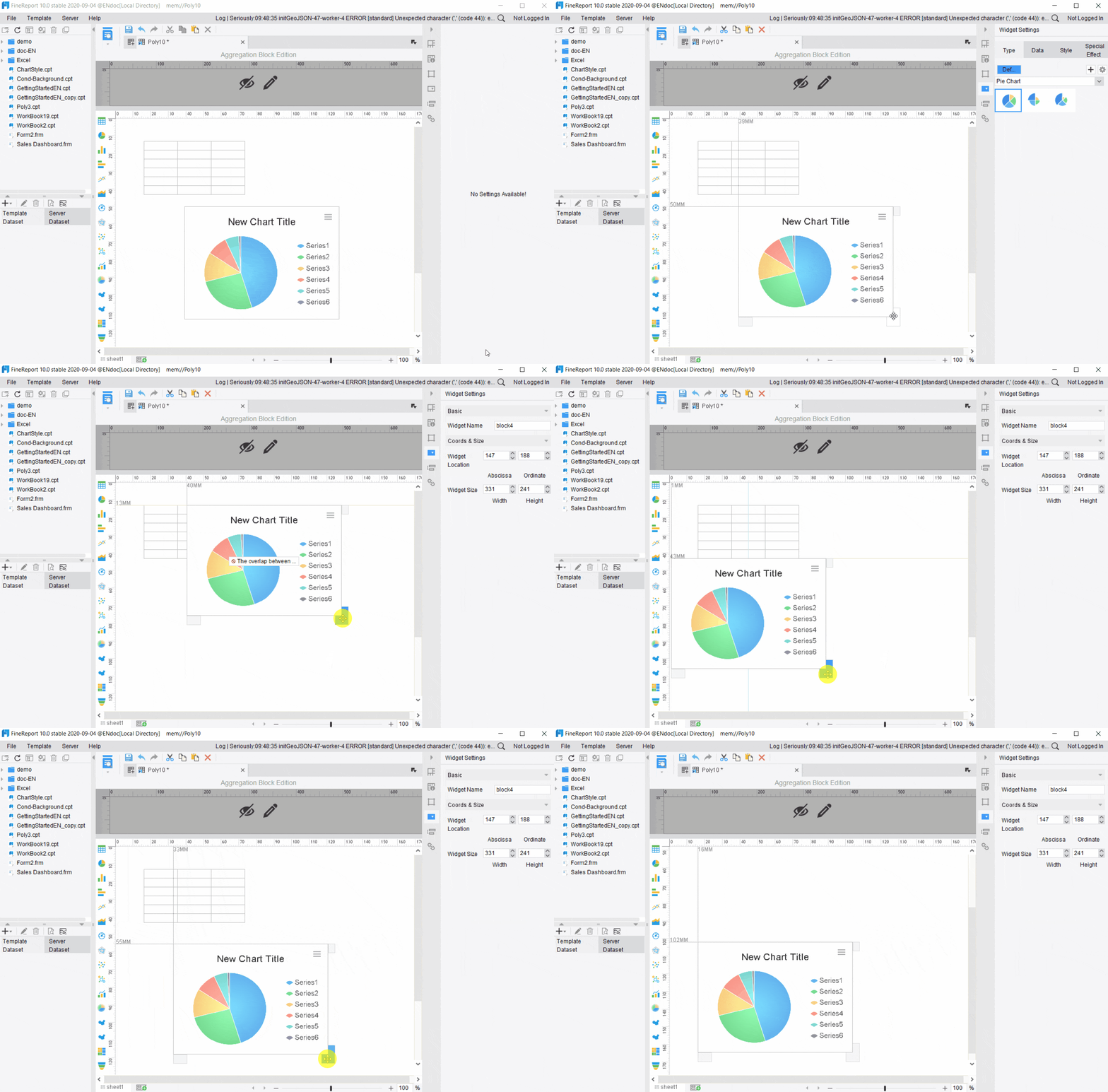
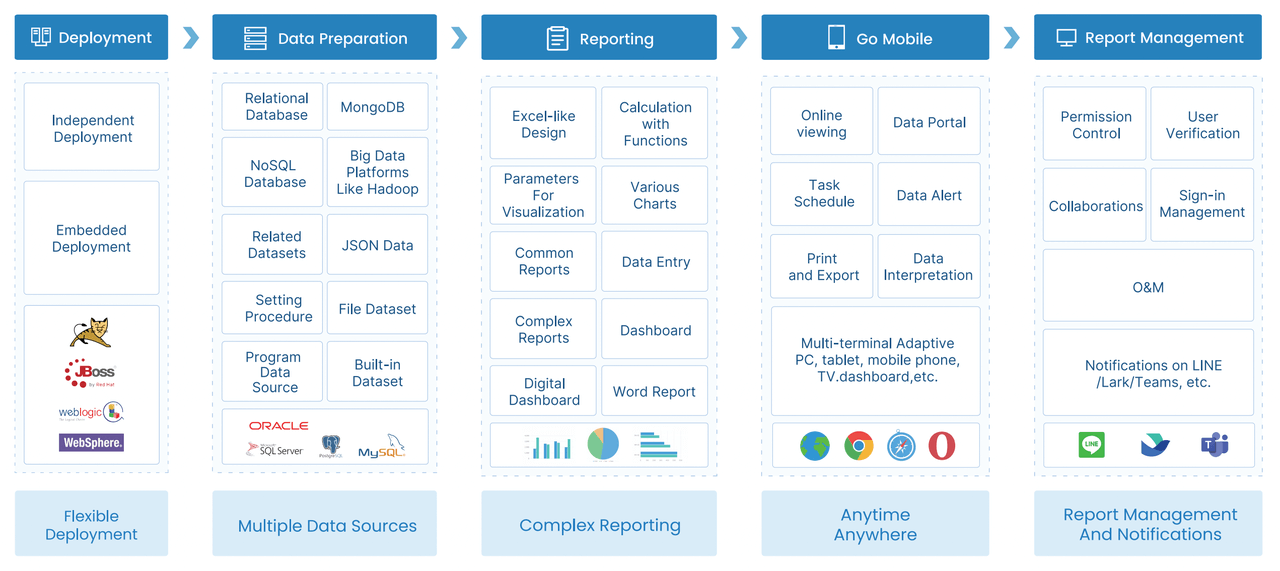
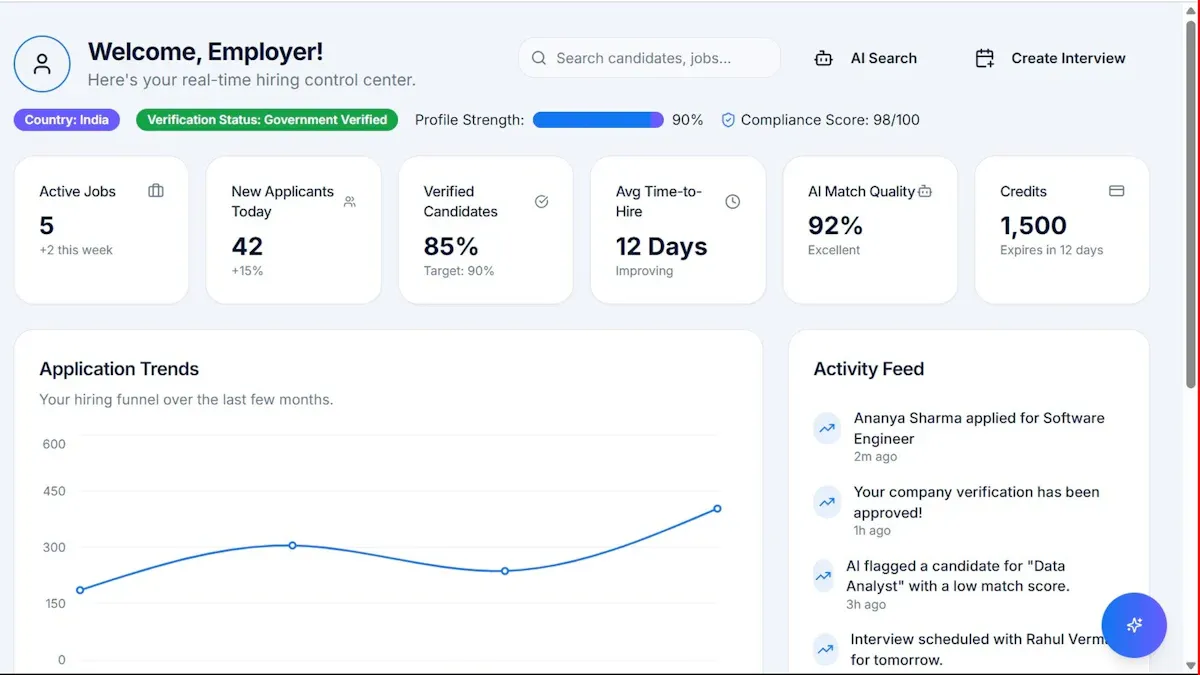
FineReport is an enterprise reporting and dashboard platform that helps marketing teams centralize campaign data, automate stakeholder reporting, and improve cross-team visibility.
Click To Try The Dashboard
Best marketing management software for cross-team planning and reporting
Below are eight widely used tools that cover different parts of the marketing management software category, from campaign planning and approvals to reporting and executive visibility.
Marketing management software typically includes:
Campaign planning and timeline management
Workflow coordination across teams
Task ownership and deadline tracking
Review and approval processes
Marketing calendars
Reporting dashboards and status summaries
Stakeholder visibility across departments
This category is most useful for:
In-house marketing teams managing multiple campaigns at once
Agencies coordinating client work, approvals, and reporting
Demand generation teams aligning with sales on launch timing and funnel performance
Cross-functional growth teams working with design, content, ops, product, and leadership
It is also important to distinguish marketing management platforms from adjacent software categories:
Marketing management platforms focus on planning, collaboration, approvals, visibility, and reporting for campaigns and teams.
Project management tools are broader work management systems that may support marketing workflows but are not always built with campaign reporting in mind.
Automation platforms focus on email, lead nurturing, triggers, and audience journeys rather than team planning.
Analytics suites focus on performance measurement and attribution, but often lack workflow, approvals, and campaign execution controls.
For teams that need both operational coordination and strong reporting, the best choice is usually a platform that can connect planning with measurable outcomes. That is one reason FineReport stands out in this category: it complements marketing operations with flexible dashboards, executive summaries, and data integration across business systems.
How we compared the 8 tools
To compare these eight platforms fairly, we used a practical evaluation lens centered on how marketing teams actually work across departments.
Our review criteria included:
Planning workflows: campaign setup, task dependencies, calendars, and recurring processes
Collaboration features: comments, shared views, handoffs, proofing, and approvals
Reporting depth: dashboards, custom reports, executive summaries, and drill-down analysis
Integrations: CRM, analytics, content, communication, and file management systems
Automation support: alerts, recurring workflows, status changes, and triggered actions
Usability: ease of adoption for marketers, managers, and stakeholders
Scalability: ability to support larger teams, more workflows, and governance needs
Pricing transparency: whether buyers can understand cost and packaging before a sales call
We also assessed each tool through the lens of cross-team planning. That means we looked beyond simple task boards and considered handoffs between:
Marketing
Sales
Design
Content
Operations
Leadership
For reporting, we prioritized features that matter in real marketing environments:
Flexible dashboards for different stakeholder groups
Campaign-level visibility across channels
Attribution support or integration readiness
Executive-friendly summaries for weekly and monthly updates
Clear status reporting without manual slide creation
Some tools on this list are stronger for execution, some for reporting, and some for customizable workflows. FineReport deserves specific consideration for teams where reporting is a major buying factor, especially when leadership expects polished dashboards, real-time KPIs, and broad stakeholder access.
8 tools compared at a glance
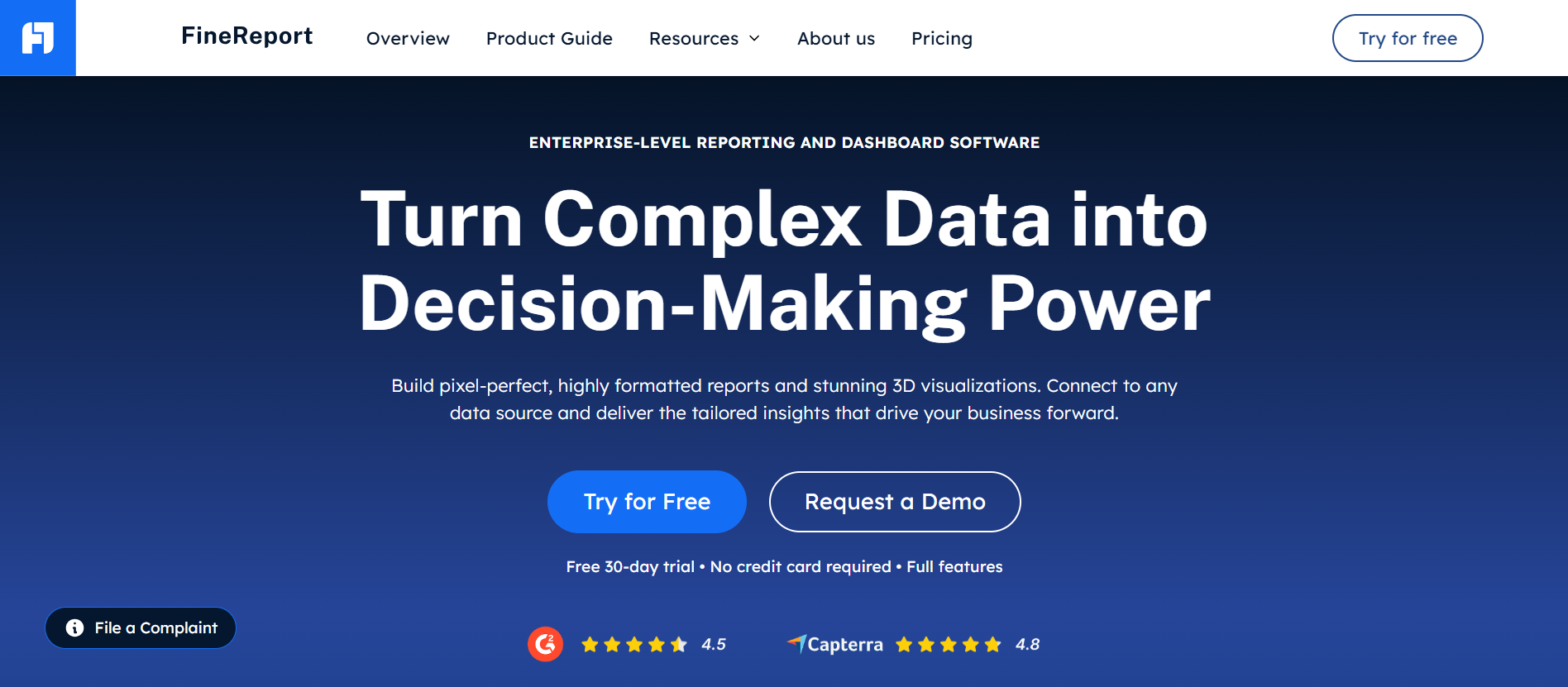
Tool 1: FineReport
One-sentence overview:FineReport is a reporting-first platform designed for teams that need flexible dashboards, stakeholder updates, and unified campaign visibility across business systems.
Key Features:
Pixel-level dashboard and report design
Real-time data connections across CRM, ERP, databases, and marketing systems
Cons: Not a native campaign task management tool, requires data setup to unlock full value
Best For (Target user/scenario): Organizations that prioritize reporting dashboards and stakeholder updates, especially teams with complex data environments.
FineReport is a strong fit when reporting is not just a supporting feature but a core requirement. If your marketing managers spend significant time consolidating metrics from multiple platforms for leadership, regional teams, or clients, FineReport can reduce manual reporting overhead and improve visibility. It is especially valuable in companies where marketing performance must be presented alongside sales, finance, or operations data.
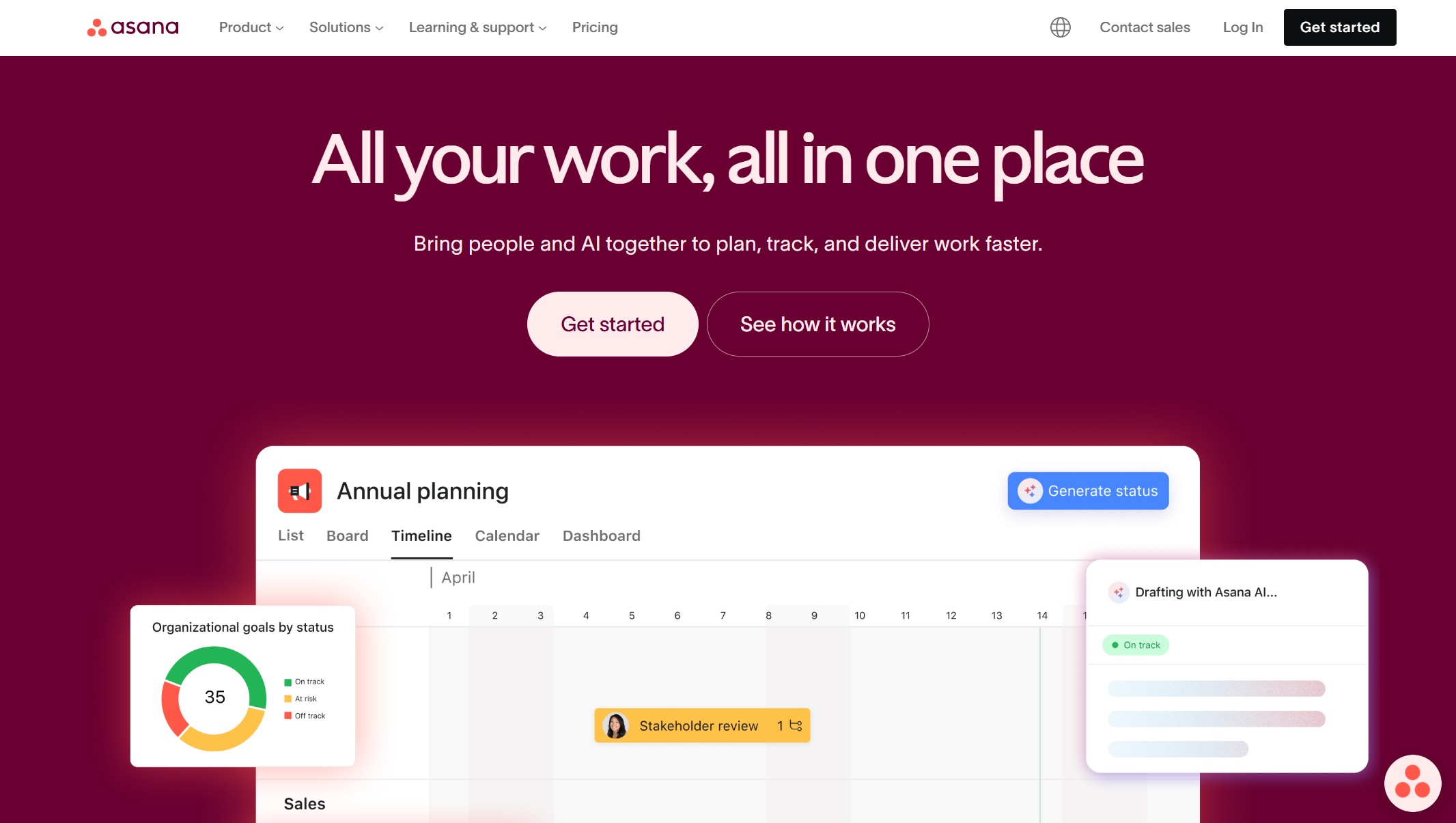
Tool 2: Asana
One-sentence overview: Asana is a structured work management platform that helps marketing teams centralize campaign planning, assign ownership, and track deadlines across functions.
Key Features:
Project timelines and calendar views
Task dependencies and workload planning
Request forms for campaign intake
Approval workflows
Portfolio views for tracking multiple campaigns
Integrations with Slack, Google Workspace, Adobe, and CRM tools
Pros & Cons:
Pros: Clean interface, strong task ownership, reliable deadline management, good for repeatable campaign processes
Cons: Reporting is useful but less advanced than dedicated BI tools, complex setups can require admin effort
Best For (Target user/scenario): Teams that need centralized campaign planning with clear ownership and deadlines, especially mid-sized marketing organizations.
Asana is one of the safest choices for teams that need planning discipline first. It is particularly effective when campaign work moves through multiple contributors and managers want clarity on who owns what and when handoffs happen.
Tool 3: Wrike
One-sentence overview: Wrike is a collaborative work management platform with strong proofing, approvals, and workflow controls for marketing teams handling high-volume campaign execution.
Key Features:
Custom request forms and work intake
Built-in approvals and proofing
Dynamic dashboards
Gantt charts and workload views
Asset review support
Automation rules for status changes and alerts
Pros & Cons:
Pros: Strong approval flows, useful for creative reviews, robust project visibility, suitable for multi-step campaigns
Cons: Interface can feel complex for new users, reporting depth varies by plan
Best For (Target user/scenario): Teams managing multi-channel campaigns with frequent approvals, especially creative and campaign-heavy marketing departments.
Wrike performs well where campaigns involve repeated review cycles, asset revisions, and multiple stakeholders. It is often a better fit than lighter project tools when approval governance matters.
Tool 4: monday.com
One-sentence overview: monday.com is a flexible work operating system that helps marketing teams connect planning with data and integrate campaign workflows across tools.
Key Features:
Custom boards for campaign tracking
Dashboards and workload views
CRM and analytics integrations
Automations for recurring processes
Content and campaign calendars
Cross-team collaboration views
Pros & Cons:
Pros: Flexible setup, broad integration ecosystem, easy to adapt for different marketing workflows
Cons: Can become messy without governance, reporting is solid but not as advanced as dedicated reporting platforms
Best For (Target user/scenario): Teams that need strong integrations with CRM, analytics, and content systems, from small businesses to larger cross-functional teams.
monday.com works best for organizations that want one configurable environment for campaign operations. It can be shaped to fit different planning styles, though success often depends on how clearly the workspace is designed upfront.
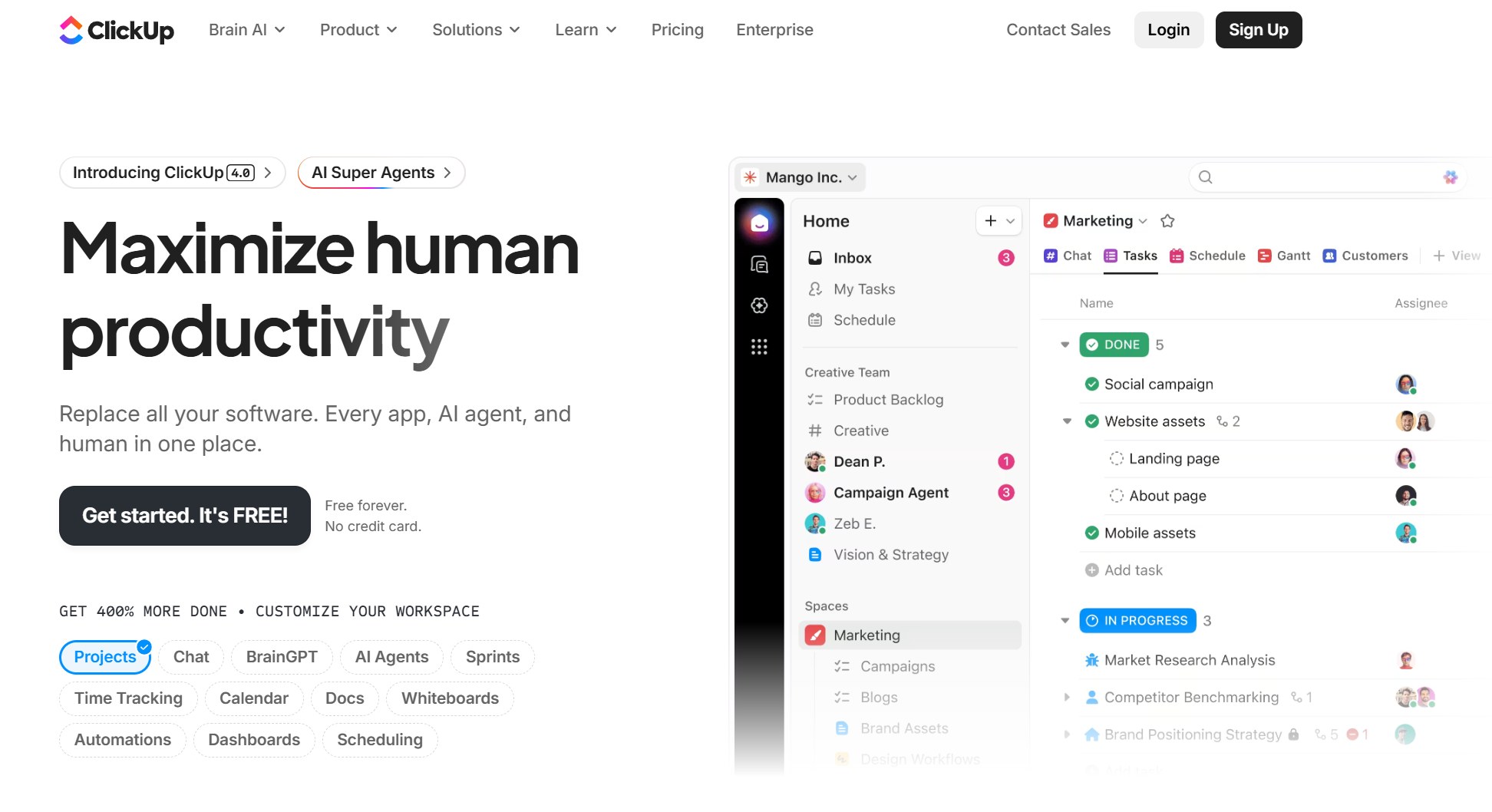
Tool 5: ClickUp
One-sentence overview: ClickUp is a highly configurable productivity platform that supports automated workflows, templates, and fast-moving campaign operations.
Key Features:
Custom task statuses and views
Docs and embedded collaboration
Workflow automations
Templates for campaign launches
Dashboards and goals
Time tracking and workload management
Pros & Cons:
Pros: Strong feature breadth, automation support, flexible views, good value for feature-conscious teams
Cons: Can feel overloaded, setup discipline is essential, some teams may find the interface too dense
Best For (Target user/scenario): Fast-moving teams looking for automation and repeatable workflows, especially growth and performance teams.
ClickUp appeals to teams that want to standardize recurring campaign motions without buying multiple tools. It is often a good choice when operational flexibility matters more than polished stakeholder reporting.
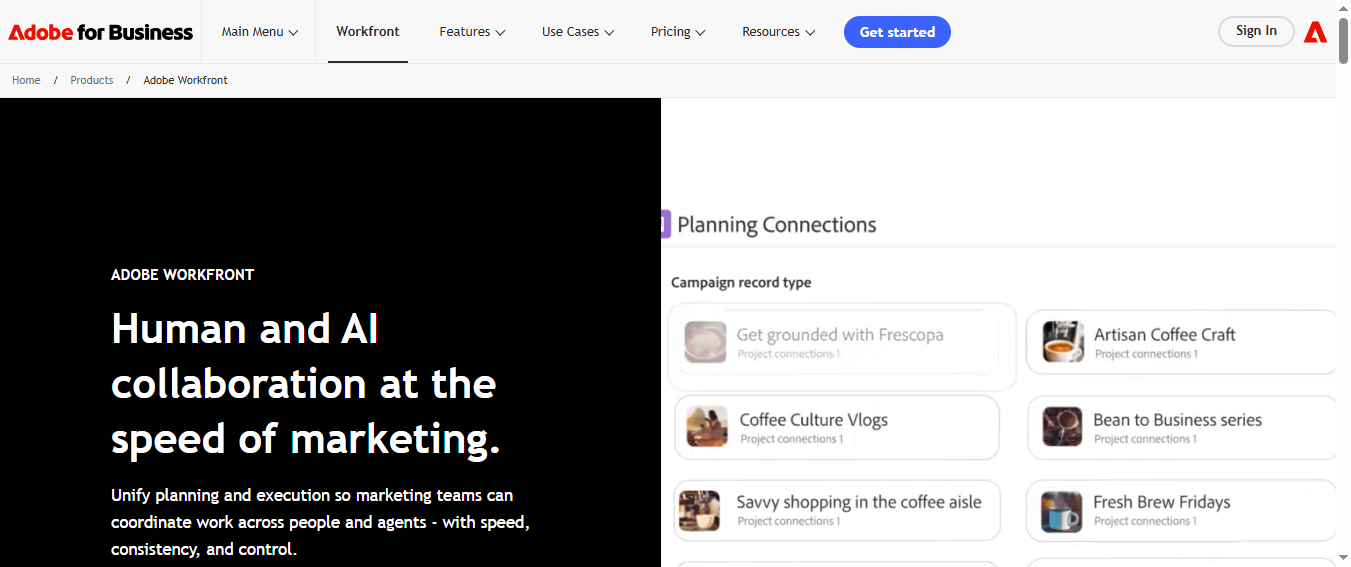
Tool 6: Workfront
One-sentence overview: Adobe Workfront is an enterprise work management platform built for large organizations with complex approvals, permissions, and reporting structures.
Cons: Higher complexity, longer implementation cycles, pricing may be less accessible for smaller teams
Best For (Target user/scenario): Enterprise teams with complex permissions, multiple stakeholders, and layered reporting needs.
Workfront is designed for scale and process control. It is often chosen by large marketing organizations that need strict operating structure across business units, regions, or brands.
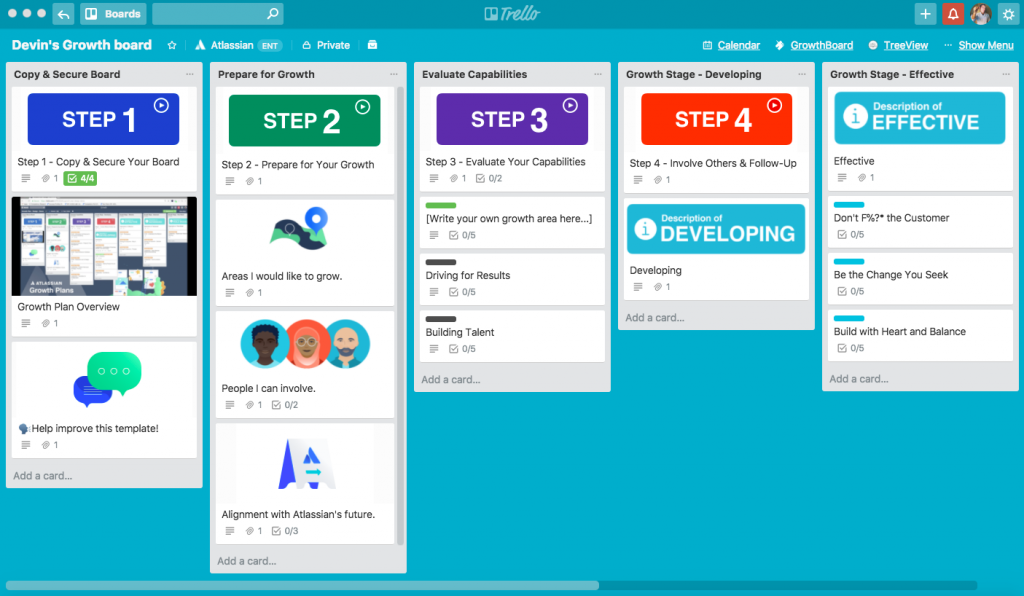
Tool 7: Trello
One-sentence overview: Trello is a lightweight visual planning tool that gives smaller marketing teams an easy way to manage calendars, tasks, and campaign progress.
Key Features:
Kanban boards
Checklists and due dates
Calendar and timeline add-ons
Basic automation with Butler
Easy collaboration and labeling
Simple template-based workflows
Pros & Cons:
Pros: Easy to adopt, affordable, intuitive interface, low training burden
Cons: Limited reporting depth, less suitable for complex cross-team governance, can outgrow quickly
Best For (Target user/scenario): Smaller teams that need an affordable and easy-to-adopt option.
Trello is a practical starting point for lean marketing teams that primarily need visibility and execution control rather than advanced reporting or enterprise workflow management.
Tool 8: Airtable
One-sentence overview: Airtable combines spreadsheet-like flexibility with database structure, giving marketing teams a customizable way to manage plans, assets, and reporting views.
Key Features:
Custom tables, views, and linked records
Campaign calendars and content planning
Interface builder for stakeholder views
Automations and integrations
Flexible field structures for campaign metadata
Collaborative bases for marketing operations
Pros & Cons:
Pros: Highly customizable, strong for content and campaign planning, adaptable to unique workflows
Cons: Reporting is lighter than BI tools, governance can become inconsistent at scale, setup quality matters significantly
Best For (Target user/scenario): Teams that want flexible customization for planning and reporting, particularly operations-minded marketing teams.
Airtable is especially useful for teams that do not fit neatly into prebuilt software models. It can support rich planning systems, though organizations needing formal executive reporting may still pair it with a stronger analytics or reporting tool such as FineReport.
Which tools do marketing managers use?
Marketing managers rarely rely on a single platform for everything. In practice, most teams use a stack that combines planning, reporting, automation, and communication tools.
Here is how common stacks break down by team type.
Content marketing teams
Content teams often use:
Asana, ClickUp, Airtable, or Trello for editorial planning
Google Workspace or Notion for drafting and collaboration
CMS tools for publishing
FineReport or another dashboard layer for content performance summaries
In these environments, the management tool handles calendars, briefs, and approvals, while the reporting layer tracks traffic, engagement, conversions, and content ROI.
Performance marketing teams
Performance teams commonly combine:
monday.com, Asana, or ClickUp for launch planning
Ad platforms and analytics tools for campaign metrics
CRM systems for pipeline or revenue visibility
FineReport for cross-channel dashboards and stakeholder reporting
These teams usually care about fast optimization cycles, so they need both operational coordination and reporting visibility in one workflow ecosystem.
Brand marketing teams
Brand teams often prefer:
Wrike or Workfront for review-heavy workflows
Asset proofing and approval systems
Calendar-based campaign planning tools
Reporting dashboards for launch status and brand activity summaries
Because brand work often includes more stakeholders and review rounds, approval workflows become as important as performance tracking.
Lifecycle and CRM teams
Lifecycle teams usually work with:
Automation platforms for journeys and triggers
Project or work management tools for campaign coordination
Collaboration tools for alignment with sales and customer success
In this setup, marketing management software organizes launches and ownership, while reporting tools show engagement, retention, and revenue outcomes.
Agencies
Agency managers often use:
Wrike, monday.com, Asana, or Airtable for project and campaign management
Client communication tools for approvals and updates
Dashboards for client-facing reporting
FineReport when clients need customizable, presentation-ready reporting views
Agency environments place extra value on stakeholder visibility, deadline control, and clear reporting outputs. If clients expect tailored summaries, dashboard flexibility becomes a major advantage.
When an all-in-one platform is a better fit
An all-in-one approach usually makes sense when:
The team is growing quickly
Handoffs are becoming messy
Leadership wants one source of truth
Reporting is spread across spreadsheets and slides
Tool sprawl is slowing execution
A mixed stack can still work well, but only when integrations are strong and ownership is clear. Otherwise, teams end up duplicating data, missing deadlines, and manually rebuilding reports each week.
If your team runs structured launches with many owners and deadlines, Asana or Wrike may fit well. If you want greater configurability, Airtable or monday.com may be a better match. If your environment is highly governed and enterprise-heavy, Workfront is often more appropriate.
Evaluate reporting needs before you buy
Many teams underestimate reporting requirements during software selection.
This is where FineReport has a clear advantage. If your team needs flexible executive dashboards, cross-source campaign reporting, and automated stakeholder updates, it can fill a gap that many planning tools do not fully address.
Look at integrations and automation potential
A good platform should fit your broader marketing stack.
Check integration compatibility with:
CRM systems
Analytics platforms
Ad channels
CMS tools
Collaboration software
File storage systems
AI-assisted workflow features
Also consider whether automations can reduce repetitive admin work such as:
Assigning recurring tasks
Triggering review requests
Updating statuses
Sending reminders
Distributing reports
The more cross-functional your marketing operation is, the more integration quality matters.
Weigh total cost, adoption, and long-term scalability
The cheapest plan is not always the most economical option.
Evaluate:
Onboarding effort
Admin overhead
Pricing structure
User and guest limits
Reporting add-on costs
Scalability across more teams or regions
Trello may be easy to adopt, but some teams outgrow it quickly. Workfront may support scale, but implementation effort is higher. FineReport may require stronger setup on the data side, but it can deliver substantial long-term value for organizations where reporting complexity continues to grow.
Choose FineReport if reporting sophistication, dashboard flexibility, and stakeholder visibility are top priorities.
Choose Asana if your main challenge is campaign planning clarity and deadline ownership.
Choose Wrike if approvals and creative workflows are slowing delivery.
Choose monday.com if you want broad integrations and customizable cross-team workflows.
Choose ClickUp if automation and repeatable execution matter most.
Choose Workfront if you operate in a large enterprise with formal governance.
Choose Trello if you need a low-friction option for a smaller team.
Choose Airtable if your team wants customization and operational flexibility.
The best way to make a final decision is to run a trial or pilot with a real campaign. Involve the actual stakeholders who will use the tool: marketers, designers, sales partners, operations leads, and executives. Test planning workflows, approval cycles, reporting outputs, and ease of adoption before rolling out company-wide.
For teams that want stronger reporting without losing operational visibility, FineReport is well worth including on the shortlist.
FAQs
Marketing management software helps teams plan campaigns, assign work, manage approvals, and track progress across departments. Many platforms also include reporting features so stakeholders can see status and results in one place.
Marketing management software is built around campaign workflows, calendars, approvals, and reporting needs specific to marketers. General project management tools can support tasks well, but they often need extra setup for marketing visibility and performance tracking.
The most important features usually include shared calendars, task ownership, dependencies, approval flows, dashboards, and integrations with CRM and analytics tools. These capabilities help marketing, sales, design, and leadership stay aligned.
FineReport is a strong option for teams that care most about dashboards, executive reporting, and unified campaign visibility across systems. It is less focused on task management, so it works best alongside a planning or workflow tool when execution is also a priority.
Start by identifying whether your biggest need is planning, collaboration, reporting, or a balance of all three. Then compare tools based on integrations, ease of use, scalability, and how well they support your campaign workflow and stakeholder reporting needs.
Product Trial
FineReport
Pixel-perfect reports · Interactive dashboards · Easy data entry · Digital twins