If you are searching for the best reporting tools for in-house teams, you are likely trying to solve a practical problem: how to give internal stakeholders reliable dashboards, recurring reports, and operational visibility without creating a reporting stack that is too hard to manage.
For in-house teams, reporting is usually not just about attractive charts. Operations teams need timely status updates. Finance teams need structured recurring reports. Marketing teams need campaign visibility. Leadership needs clean dashboards with consistent KPIs. And IT or BI teams need governance, maintainability, and predictable admin effort.
That is why the right reporting tool depends less on hype and more on whether it supports the reporting jobs your team actually needs to handle every week.
Best Reporting Tools for In-House Teams: What Matters Most
Choosing among the best reporting tools for in-house teams starts with defining the work your reports need to do.
Dashboards for monitoring
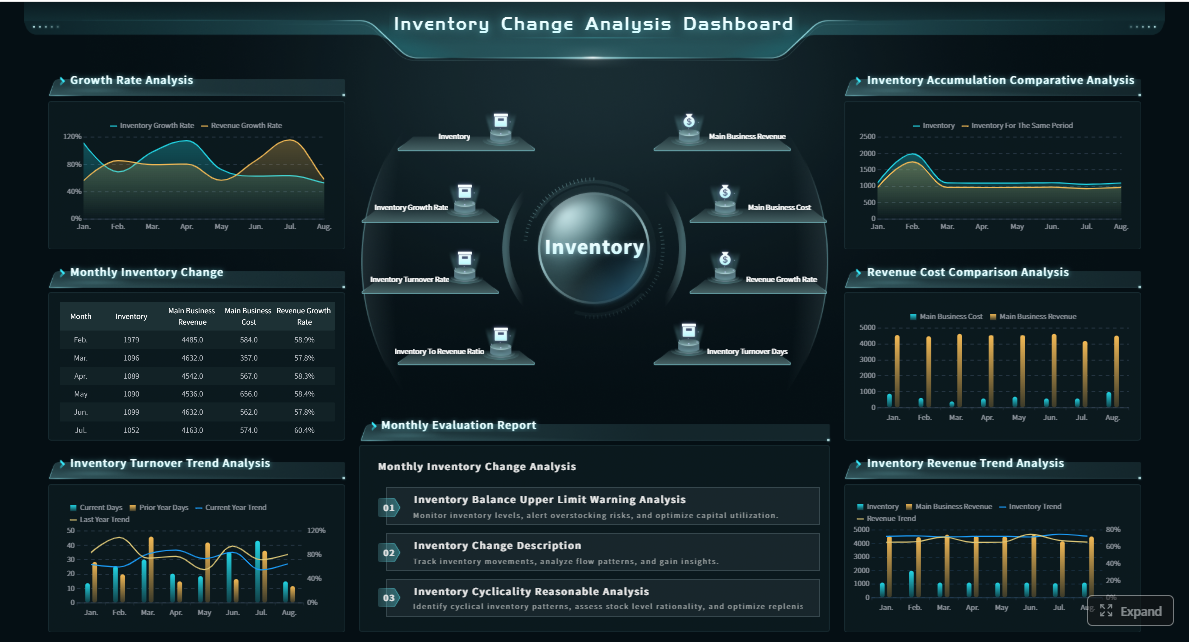
Dashboards help teams monitor KPIs quickly. These are useful for executives, sales leaders, marketing managers, and operations heads who need at-a-glance visibility into business performance. Strong dashboard tools make it easy to:
Track trends
Compare targets vs actuals
Drill into exceptions
Share live views across teams
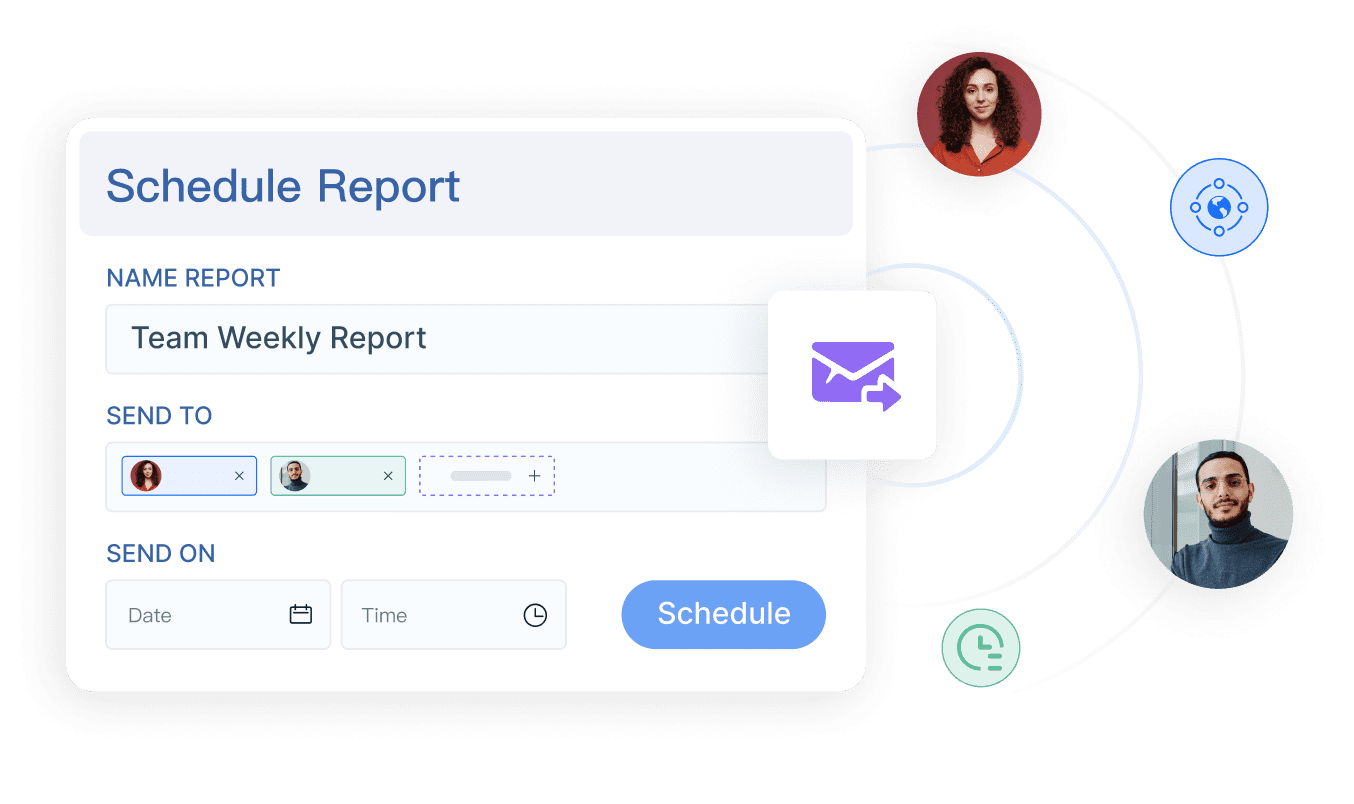
Scheduled reports for recurring updates
Many internal stakeholders still rely on recurring reports sent daily, weekly, or monthly. These reports often need more structure than dashboards, especially in finance, compliance, procurement, or branch operations. Good scheduled reporting should support:
Automated delivery
Filtered views by department, region, or manager
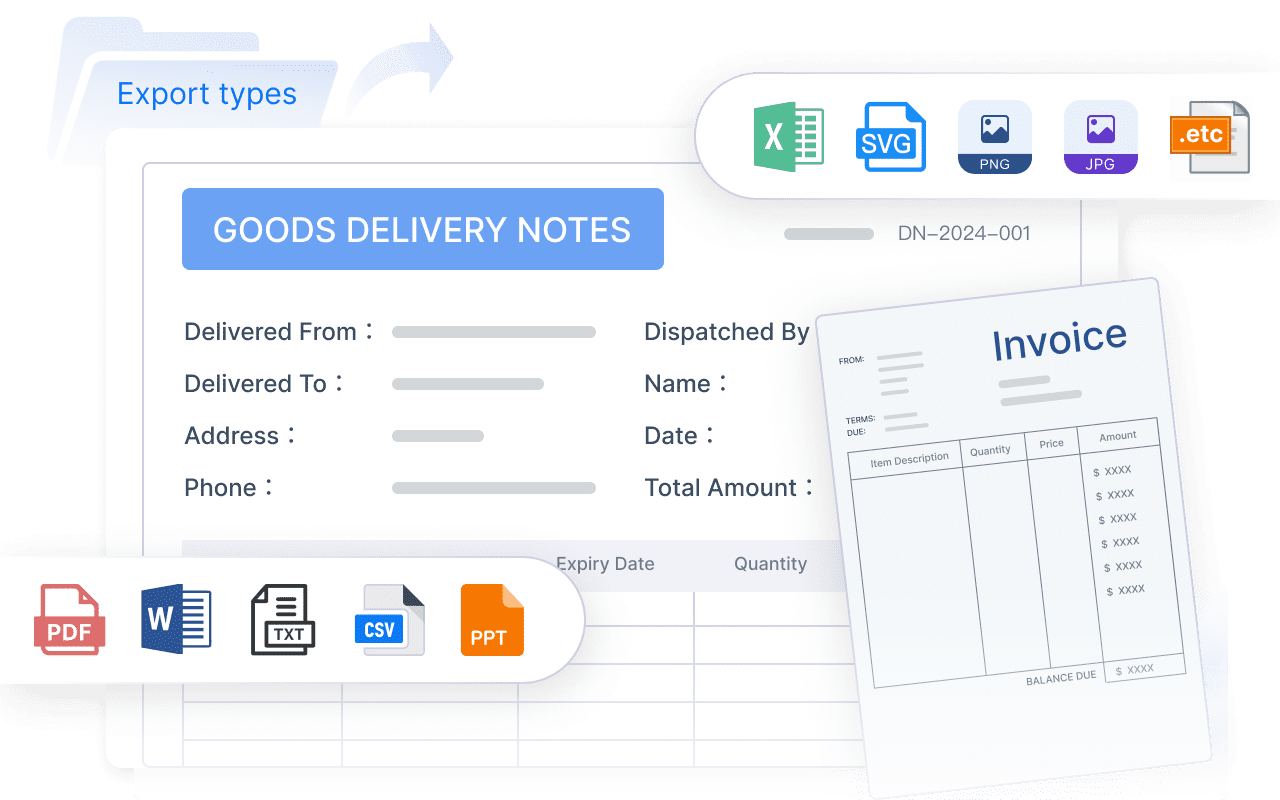
Printable or export-ready formats
Consistent layouts for recurring review
Operational reporting for day-to-day decisions
Operational reporting is where many teams discover the limits of dashboard-first BI tools. These reports support daily workflows such as:
Order and shipment tracking
Production status reporting
Inventory checks
Budget control
Store or branch performance reviews
Exception handling and follow-up
These use cases often need parameter queries, tabular detail, printable layouts, and report logic that mirrors business processes.
What to compare beyond features
For internal teams, the best reporting tool is rarely the one with the longest feature list. It is the one that fits your environment and user behavior. Key buying criteria include:
Usability: Can business users consume reports easily?
Automation: Can it handle recurring delivery without manual work?
Governance: Can IT control access, definitions, and refresh schedules?
Collaboration: Can teams share insights without duplication?
Total cost: Does the tool stay manageable as usage grows?
The goal is not to buy the most advanced BI platform. The goal is to choose a tool that helps internal stakeholders make decisions reliably without adding unnecessary complexity.
How We Compared the 7 Options
To evaluate the best reporting tools for in-house teams fairly, we compared each option across the capabilities that matter most in everyday internal reporting.
1. Setup time
Some tools are easy to launch with cloud connectors and prebuilt templates. Others require more technical setup, modeling, or infrastructure. For lean internal teams, faster deployment can matter as much as raw capability.
2. Dashboard flexibility
We looked at how well each tool supports KPI dashboards, drill-down analysis, and stakeholder-friendly visual layouts. This is especially important for leadership, sales, and marketing reporting.
3. Scheduled delivery
Many in-house teams need more than live dashboards. They also need reports delivered on a schedule in formats stakeholders can actually use. We considered whether each tool supports recurring delivery reliably and with enough flexibility.
4. Operational reporting depth
This is a major differentiator. Some tools are excellent for exploration and visualization but less suited to detailed operational reports with filters, forms, structured tables, or print-ready output.
5. Maintenance requirements
Internal teams also need to think about long-term admin effort. A reporting tool that looks powerful in a demo can become difficult to govern, scale, or maintain if it requires too much specialized support.
6. Cross-functional support
Most in-house reporting environments serve more than one department. We considered how well each platform supports finance, operations, marketing, management, and other internal stakeholders with different reporting needs.
7. Trade-offs that matter in real teams
Every tool involves trade-offs between:
Ease of use
Customization
Scalability
Admin overhead
Reporting depth
Cost predictability
The best choice depends on who builds reports, who maintains them, and how those reports are used in day-to-day work.
Microsoft Power BI is one of the most widely used reporting and BI platforms for internal teams. It is often a strong fit for organizations already invested in the Microsoft ecosystem and looking for a mix of interactive dashboards, governance, and broad data access.
Best for
Power BI is best for teams that want strong visualization and enterprise controls, especially if they already use Microsoft 365, Azure, Excel, or related services.
Pros
Broad range of data connectors
Strong interactive dashboards and drill-down analysis
Widely adopted in enterprise environments
Good governance and security options
Familiar appeal for Excel-oriented organizations
Cons
Licensing and deployment decisions can become complex
Less technical business users may face a steeper learning curve
Paginated or highly formatted reporting may require additional Microsoft reporting components or workflows
If your internal reporting needs include highly structured recurring reports, print-oriented layouts, or operational workflows with parameterized reporting, you may need to assess whether Power BI alone is enough or whether supplementary reporting capabilities are required.
2. Tableau
Tableau is widely respected for data visualization, exploration, and dashboard design. It is often chosen by organizations that want analysts and business users to interact deeply with data and build polished visual experiences.
Best for
Tableau is best for teams prioritizing visual exploration and advanced dashboard design.
Pros
Polished and flexible visualizations
Strong support for interactive analysis
Mature ecosystem and active user community
Well suited to analytical storytelling
Cons
Higher cost can be a factor for broader internal rollouts
Less naturally aligned with highly structured, pixel-specific reporting needs
Where Tableau fits well
Tableau is a good choice for:
Executive dashboards
Business review dashboards
Trend analysis
Marketing performance exploration
Data-driven presentations for leadership
Where teams should evaluate carefully
If internal users rely heavily on recurring structured reports, printable forms, or operational detail views, Tableau may need complementary processes to cover those requirements smoothly.
3. Looker Studio
Looker Studio is a lightweight reporting option often used for simple dashboards and web or marketing reporting. It is attractive for teams that want accessible sharing and a relatively low barrier to entry.
Best for
Looker Studio is best for cost-conscious teams that want lightweight reporting and simple collaboration.
Pros
Accessible interface
Easy sharing and collaboration
Strong fit for marketing and web analytics reporting
Can feel restrictive for organizations with advanced governance or formatting requirements
Where Looker Studio fits well
Looker Studio works well for:
Website and campaign reporting
Basic executive summaries
Simple cross-channel KPI dashboards
Lightweight departmental reporting
Where teams should evaluate carefully
As reporting needs become more complex, especially around data governance, workflow-driven operations, or highly formatted recurring outputs, teams often need to look beyond lightweight dashboard tools.
4. Metabase
Metabase is popular with teams that want self-service analytics without a heavy enterprise BI footprint. It is often appreciated for its ease of use and relatively fast time to value.
Best for
Metabase is best for internal teams that want a simpler analytics and reporting layer.
Pros
User-friendly query and exploration experience
Quick deployment
Approachable dashboard building
Good fit for product, operations, and startup reporting environments
Cons
Fewer advanced enterprise controls than larger BI platforms
Limited depth for highly formatted reporting
May require workarounds for more formal reporting workflows
Where Metabase fits well
Metabase is useful for:
Operational monitoring
Internal product analytics
Team dashboards
Lightweight recurring reporting
Where teams should evaluate carefully
For organizations needing strong governance, sophisticated scheduling, or report designs tailored to formal business workflows, Metabase may feel too lightweight.
5. Apache Superset
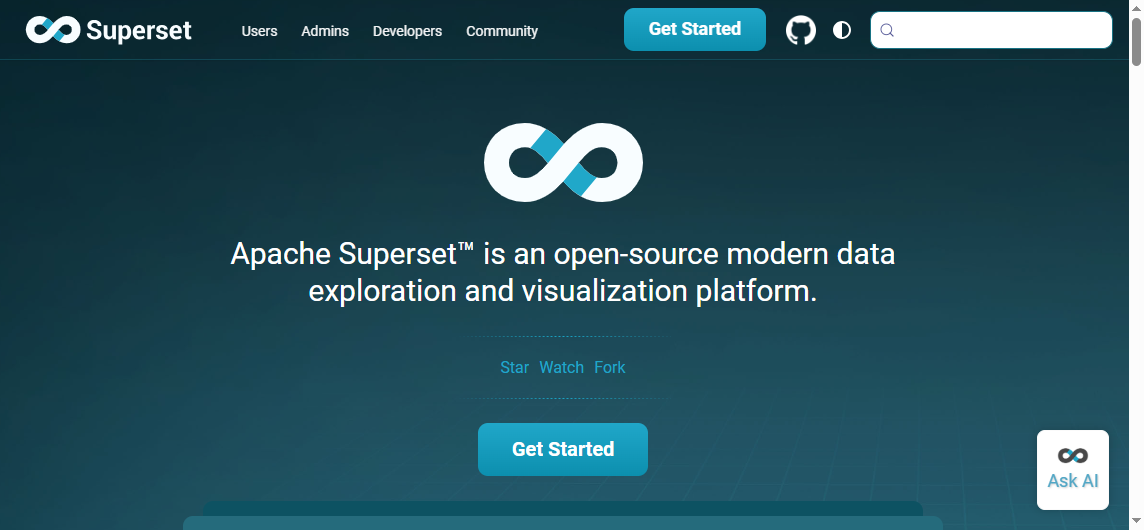
Apache Superset is an open-source BI platform that appeals to organizations with technical resources and a desire for flexibility without per-seat licensing.
Best for
Superset is best for teams with technical support that want open-source flexibility.
Pros
Highly customizable
Strong charting capabilities
No traditional per-seat licensing model
Suitable for engineering-led data environments
Cons
More setup and maintenance effort
Less friendly for non-technical users
Operational success depends heavily on internal technical support
Where Superset fits well
Superset can be effective for:
Technical analytics teams
Internal BI environments with engineering ownership
If your users are mostly business stakeholders who need polished, low-friction reporting, Superset may require more technical mediation than commercial tools designed for broader internal adoption.
6. Klipfolio
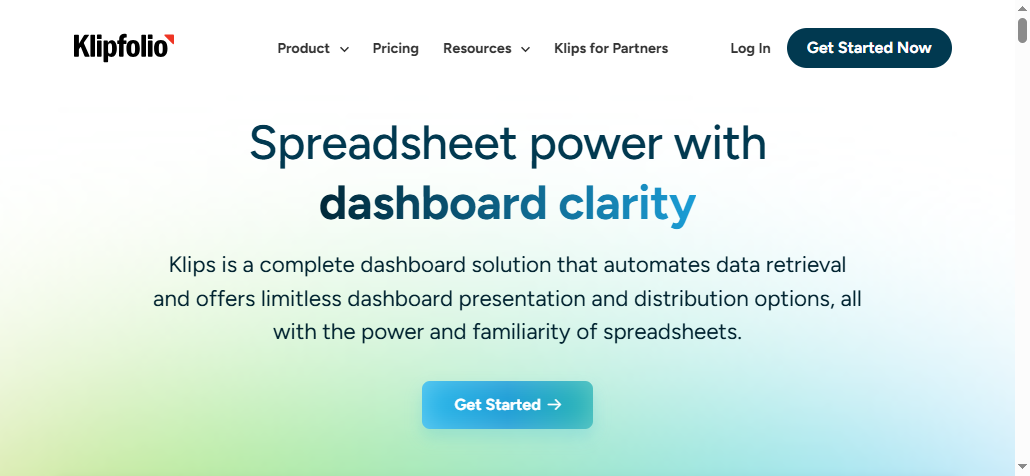
Klipfolio is designed around KPI tracking and business metric visibility. It is often chosen by teams that want cloud-connected dashboards and recurring performance updates.
Best for
Klipfolio is best for KPI dashboards and scheduled reporting across multiple business tools.
Pros
Strong metric tracking
Useful cloud integrations
Scheduled delivery options
Good fit for performance monitoring use cases
Cons
Dashboard customization may feel narrower than full BI suites
If your stakeholders need highly interactive analysis or detailed operational reports, a KPI-centered platform may feel too narrow over time.
7. Zoho Analytics
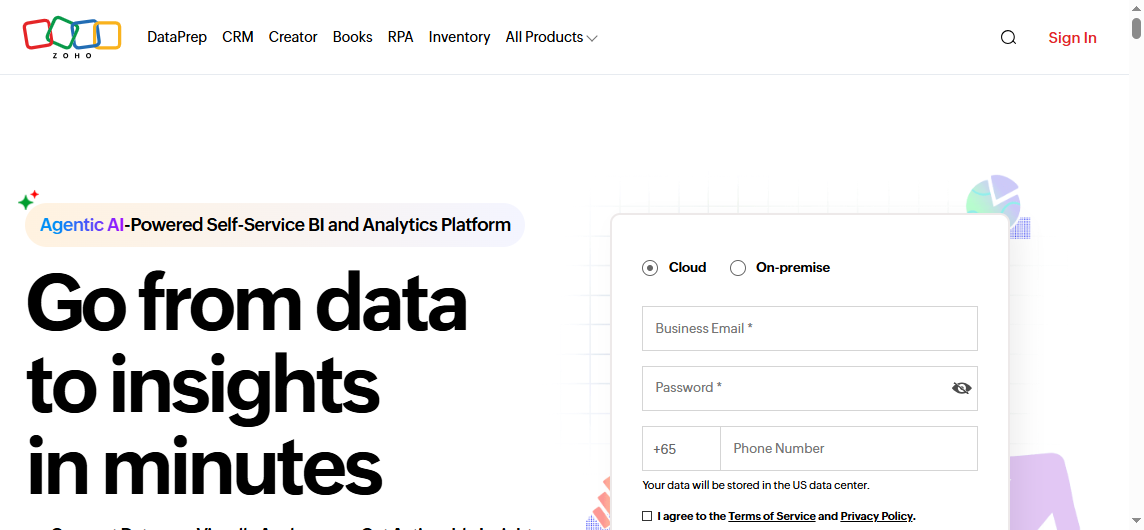
Zoho Analytics offers a broad set of dashboarding and reporting capabilities at a price point that often appeals to smaller and midsize internal teams.
Best for
Zoho Analytics is best for in-house teams that want balanced reporting features at a lower price point.
Pros
Broad feature coverage
Automation support
Relatively approachable pricing
Suitable for organizations that want more than simple dashboards without moving to heavier enterprise tools
Cons
Interface experience may vary by use case
Performance can depend on reporting complexity and scale
Some teams may outgrow it as governance and customization needs expand
Where Zoho Analytics fits well
Zoho Analytics is a practical option for:
SMB reporting environments
Finance and sales reporting
Cross-functional dashboards
Teams that want scheduled outputs with moderate complexity
Where teams should evaluate carefully
If your internal reporting estate becomes highly customized, governance-heavy, or operationally complex, you may eventually need a more specialized reporting architecture.
Different in-house teams define “best” very differently. Here is how to think about fit by reporting scenario.
Best for executive dashboards
Executive dashboards should prioritize clarity, speed, and consistency. The strongest choices here are typically:
Power BI for Microsoft-centered enterprises
Tableau for polished visual storytelling
Klipfolio for KPI-focused leadership reporting
Zoho Analytics for cost-conscious midsize teams
What matters most is fast refresh, easy access, and a layout that highlights high-level KPIs without clutter.
Best for scheduled reports
Scheduled reports matter when stakeholders expect recurring updates in a stable format. Strong options include:
Power BI, especially in enterprise environments with established workflows
Klipfolio for recurring KPI distribution
Zoho Analytics for balanced automation and affordability
FineReport for teams that need more structured, formatted, and operationally aligned report delivery
If your users rely on emailed reports, printable outputs, or parameter-based report generation, this category deserves extra attention during evaluation.
Best for operational reporting
Operational reporting usually needs more than visual dashboards. It often requires granular filters, dependable data freshness, tabular detail, and structured outputs that match day-to-day business workflows.
Dashboards are excellent for monitoring and exploration, but they do not always replace recurring business reports. This is where teams often benefit from a reporting platform built for both visualization and operational reporting.
A Practical Option for Teams with Complex Internal Reporting Needs
Tools like Tableau and Power BI are widely used for visualization and BI analysis, but teams with complex reporting workflows may also need a dedicated enterprise reporting platform like FineReport.
FineReport is particularly relevant when in-house teams need more than interactive dashboards. It is designed for organizations that require:
Pixel-perfect report design for structured business outputs
Paginated and printable reports for recurring internal use
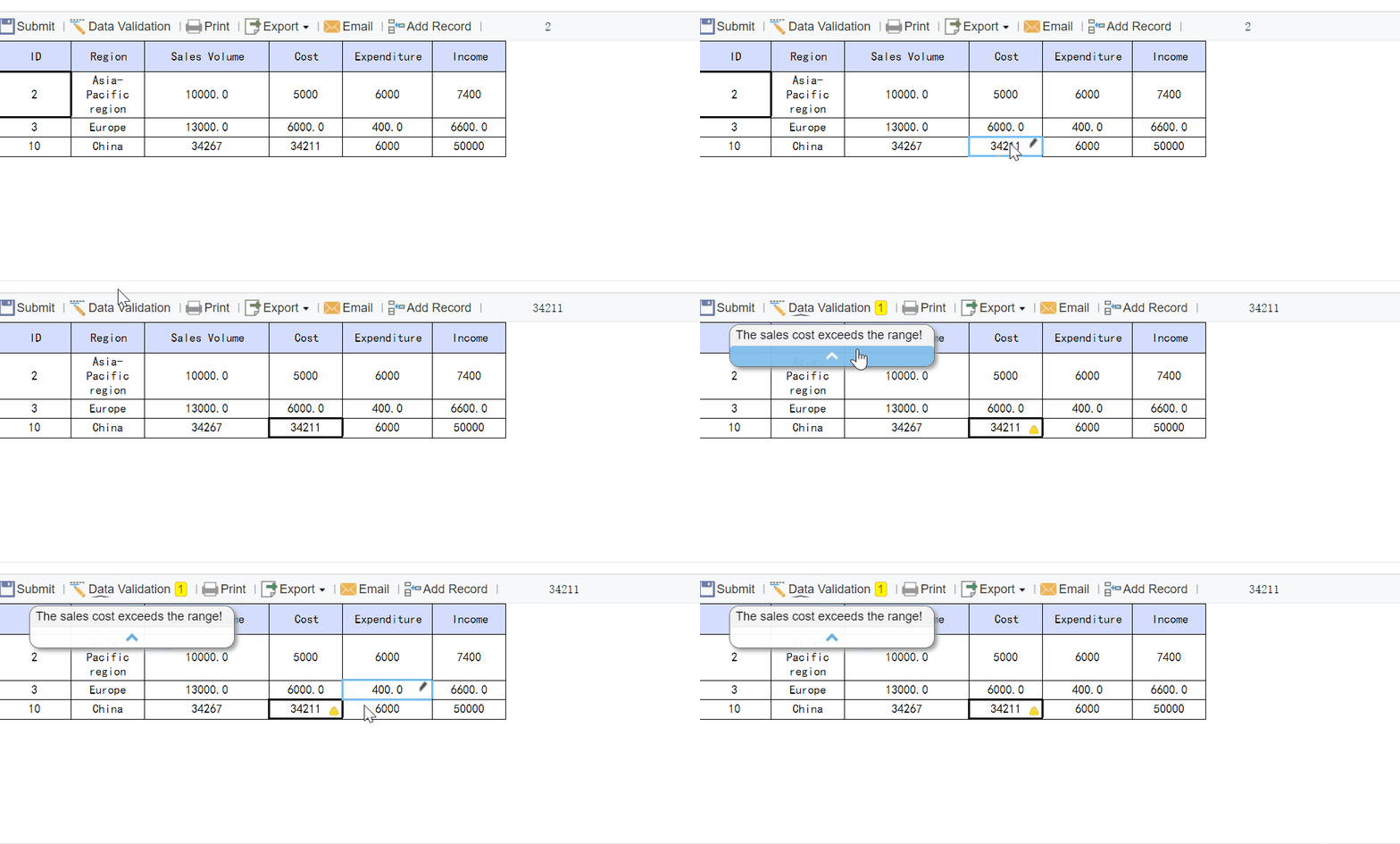
Operational workflows that combine report consumption with data input
FineReport is not just for dashboard display. It is useful when internal reporting needs to function as part of a business process.
Get Ready-to-Use Dashboard and Report Templates in Fine Gallery
Actionable Recommendations Before You Choose
If you are comparing the best reporting tools for in-house teams, these practical steps can save time and reduce the risk of buying the wrong platform.
1. Separate dashboard needs from reporting workflow needs
Do not assume one flashy dashboard demo covers all use cases. List which stakeholders need real-time dashboards versus scheduled, structured, or printable reports.
2. Test one operational use case, not just one executive dashboard
Many tools perform well for summary dashboards. The real test is whether they can support a full operational workflow such as filtered regional reports, recurring finance packs, or branch-level status tracking.
3. Identify who builds, governs, and maintains reports
A tool that works for analysts may not work for business-led teams. Be clear about whether report creation will sit with IT, BI, finance, operations, or a mixed ownership model.
4. Evaluate scheduling and distribution early
Recurring delivery is often treated as a secondary feature, but for in-house stakeholders it can be central. Check how each tool handles automated delivery, role-based access, and format flexibility.
5. Choose based on reporting maturity, not feature volume
A smaller team may succeed with a lighter tool. A larger enterprise with operational complexity may need a platform that supports governance, structured reports, and workflow-based reporting from the start.
Before committing to a reporting platform, review this checklist:
Confirm which data sources you need now and which may be added later
Identify who will build reports, who will maintain them, and who only needs to consume them
Test one or two real reporting workflows before making a final decision
Validate scheduling, permissions, and stakeholder delivery requirements
Check whether you need dashboards only or dashboards plus operational reports
Choose the tool that matches your team’s reporting maturity, not just the longest feature list
For many teams, Power BI, Tableau, Looker Studio, Metabase, Superset, Klipfolio, or Zoho Analytics can be strong choices depending on priorities. But if your internal reporting environment includes structured recurring reports, operational workflows, print-ready layouts, and multi-department governance, FineReport is worth serious consideration.
The best tool depends on your reporting needs, internal workflows, and technical environment. Teams that need dashboards, scheduled reports, and operational reporting often benefit most from a platform that balances usability, automation, and governance.
Dashboard tools focus on visual KPI monitoring and quick trend analysis, while reporting tools often support structured, recurring, and printable outputs. Many in-house teams need both, especially for finance, operations, and leadership reporting.
Tools with strong scheduling, automated delivery, and consistent export formats are usually best for recurring internal reports. This matters most for teams that send daily, weekly, or monthly updates across departments or regions.
Look for support for detailed tables, parameter-based queries, printable layouts, and workflow-friendly report logic. These features are important for day-to-day use cases like inventory tracking, budget control, and exception management.
FineReport can be a strong fit for enterprise teams that need structured reporting, operational visibility, and scheduled distribution in one platform. It is especially relevant for finance, operations, manufacturing, and other process-heavy departments.
Product Trial
FineReport
Pixel-perfect reports · Interactive dashboards · Easy data entry · Digital twins



 Microsoft Power BI is one of the most widely used reporting and BI platforms for internal teams. It is often a strong fit for organizations already invested in the Microsoft ecosystem and looking for a mix of interactive dashboards, governance, and broad
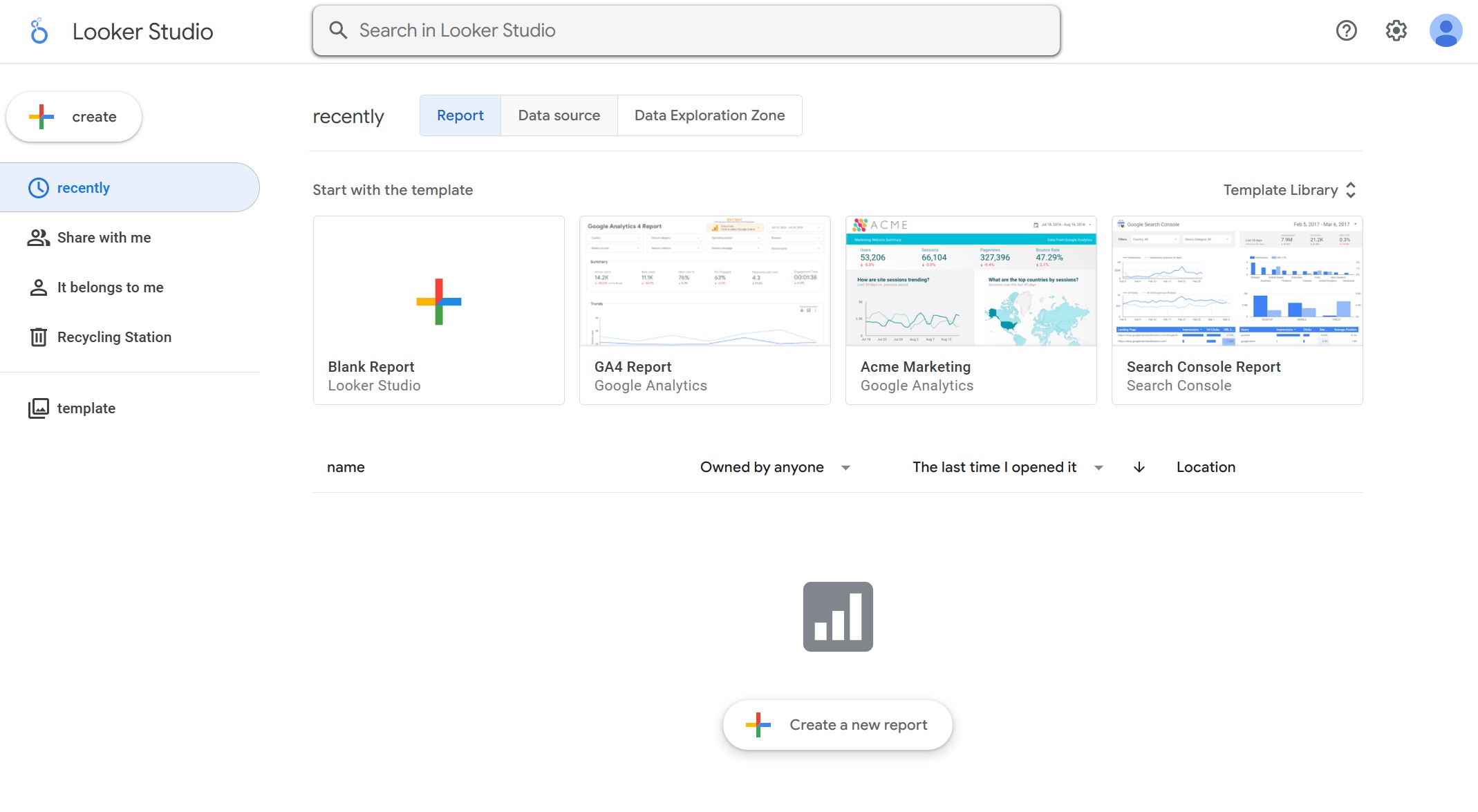 Looker Studio is a lightweight reporting option often used for simple dashboards and web or
  Metabase is popular with teams that want
  Apache Superset is an open-source
  Klipfolio is designed around
  Zoho Analytics offers a broad set of dashboarding and reporting capabilities at a price point that often appeals to smaller and midsize internal teams.