Small business dashboard software is a tool that pulls key business data into one visual workspace so owners and teams can track performance, spot issues, and make faster decisions.
Best Small Business Dashboard Software in 2026 at a Glance
Here is a quick comparison of the best small business dashboard software options for 2026 based on fit, pricing, usability, and reporting depth.
What these Small Business Dashboard Software do well in 2026
The best dashboard tools are no longer just chart builders. In 2026, strong platforms help small businesses:
Connect data from multiple systems
Automate recurring reporting
Customize views by team or role
Support mobile and browser access
Scale from simple KPI tracking to more detailed analysis
Best platform snapshots by business type
If you want the short version:
Startups and solo operators: Looker Studio, Databox, Geckoboard
Service businesses and agencies: Databox, Klipfolio, FineBI
Ecommerce brands: Looker Studio, Power BI, Zoho Analytics
Growing teams needing more control:FineBI, Power BI, Tableau
What makes a dashboard tool worth the investment
A dashboard platform is worth paying for when it saves reporting time, reduces spreadsheet dependency, improves visibility across sales and operations, and gives your team trusted numbers in one place. For many small businesses, the real value comes from fewer manual updates and faster decisions rather than from advanced visuals alone.
How to Choose Small Business Dashboard Software
Choosing the right small business dashboard software starts with matching the tool to your reporting complexity, team skills, and growth plans.
Core features to compare
Before choosing a platform, compare these essentials:
Reporting and dashboard creation: Can you build both simple KPI views and more detailed reports?
Integrations: Does it connect to your CRM, accounting software, ecommerce platform, spreadsheets, and ad channels?
Customization: Can you tailor dashboards for owners, sales teams, finance, and operations?
Automation: Does it refresh data automatically and send scheduled reports or alerts?
Mobile access: Can you check performance on mobile without losing usability?
Data blending: Can it combine data from multiple tools into one view?
Permissions and sharing: Can you control who sees what?
Key buying factors
For small businesses, software fit is often less about having the most features and more about having the right balance.
Budget
Some tools look inexpensive at first but add costs for more users, connectors, storage, or advanced features. Always check:
Base subscription
Per-user pricing
Additional connector costs
Viewer vs editor licensing
Support or onboarding fees
Setup time
If your team needs dashboards live next week, prioritize tools with templates and simple integrations. If you can invest more time upfront, more flexible BI tools may pay off later.
Team size
A very small team may only need a handful of dashboards. A growing company often needs role-based reporting, permission control, and shared standards.
Technical skill level
Some tools are built for non-technical users. Others are more powerful but require stronger data modeling or setup knowledge. Be realistic about who will maintain the system after launch.
All-in-one platforms vs specialized reporting tools
This is one of the biggest trade-offs.
All-in-one BI platforms like FineBI, Power BI, and Zoho Analytics are better when you want:
Specialized dashboard tools like Databox and Geckoboard are better when you want:
Faster setup
Simpler KPI monitoring
Easier client or team visibility
Less technical administration
Red flags to watch for
Before committing to a subscription, watch for these issues:
Limited connectors for your core systems
Weak export and sharing options
Dashboards that slow down with larger datasets
Pricing that climbs sharply with user growth
Heavy dependence on manual CSV uploads
Poor permission controls
Minimal support for custom metrics or calculations
If your business expects to grow beyond basic dashboarding, choosing a scalable platform early can prevent a painful migration later.
8 Small Business Dashboard Software Reviewed: Features, Pricing, Pros, Cons, and Best Fit
1. FineBI
One-sentence overview:FineBI is a self-service business intelligence platform that gives small businesses flexible dashboards, interactive analysis, and multi-source reporting without requiring an enterprise-scale setup.
Key Features:
Strong balance between ease of use and analytical depth
Supports more advanced reporting needs than many lightweight dashboard tools
Good fit for businesses combining data from several systems
Useful for teams that want both dashboards and deeper exploration
Cons:
More robust than very small teams may need at the beginning
Pricing is not as simple or transparent as some self-serve SaaS tools
May require a more structured setup than basic KPI platforms
Best For (Target user/scenario): Growing small businesses that need more than surface-level KPI tracking and want a dashboard platform that can scale with operations, sales, finance, and management reporting.
FineBI stands out because it bridges the gap between basic dashboard tools and heavier BI platforms. For small businesses that are outgrowing spreadsheets, it offers a stronger foundation for connected reporting. It is especially useful if you need to bring together data from multiple business systems and allow different teams to explore it without depending entirely on IT.
Pricing
Pricing is typically customized based on deployment, users, and business requirements, so it is best suited to teams willing to evaluate value beyond entry-level self-serve pricing.
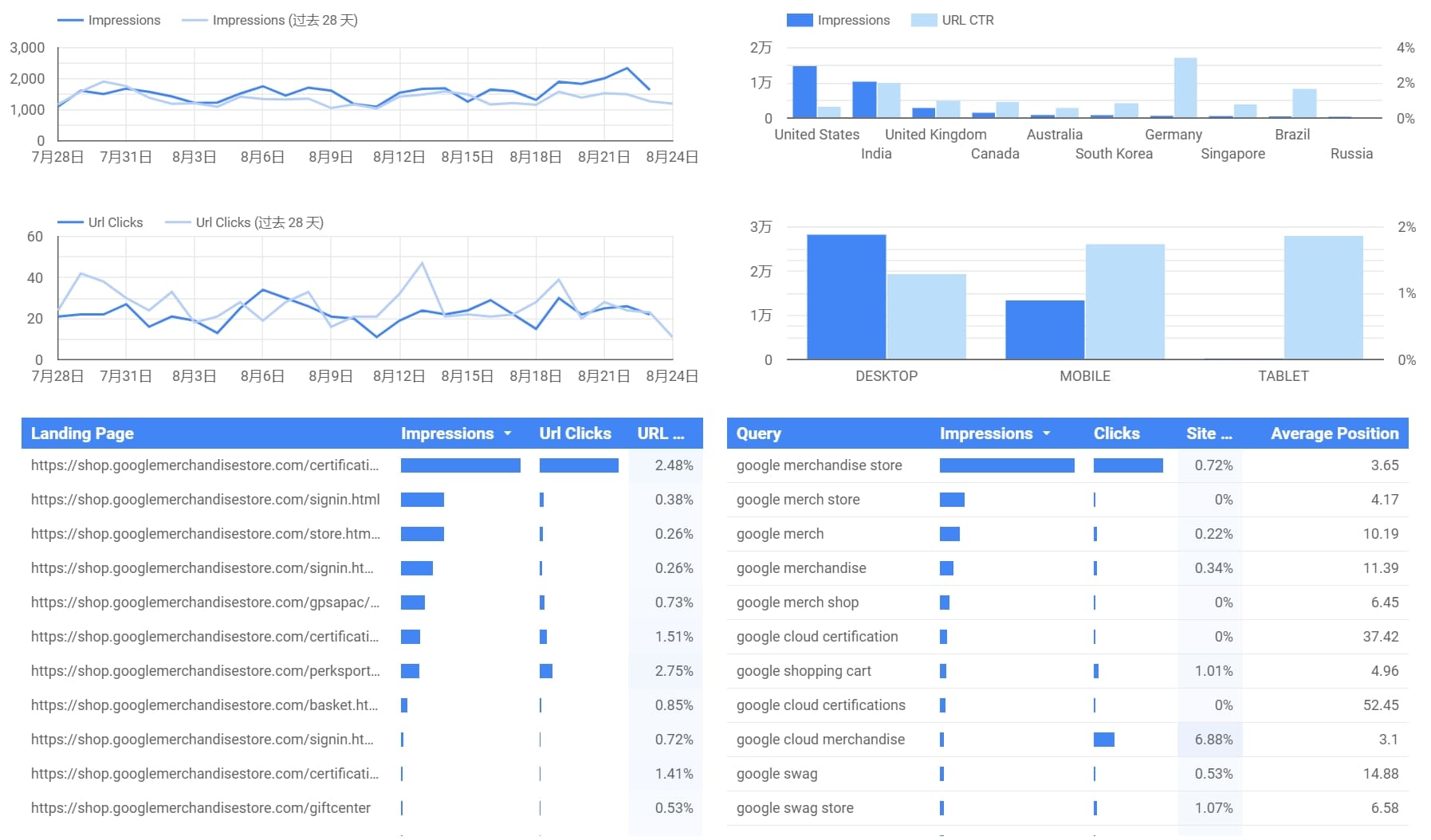
One-sentence overview: Looker Studio is a free dashboard and reporting tool that works especially well for small businesses already using Google products and marketing data sources.
Key Features:
Free dashboard builder
Native Google Analytics, Google Ads, and Sheets integration
Shareable live reports
Custom charts and community connectors
Web-based collaboration
Pros & Cons:
Pros:
Very low barrier to entry
Excellent for marketing and website reporting
Easy to share with stakeholders
Good option for startups on tight budgets
Cons:
Performance can vary with larger datasets
Advanced modeling is limited compared with full BI tools
Connector quality may depend on third parties
Less suitable for complex operational reporting
Best For (Target user/scenario): Startups, freelancers, marketers, and small ecommerce businesses that need affordable reporting quickly.
Standout features
Looker Studio is best known for quick dashboard setup and easy sharing. If your business lives in Google Analytics, Google Ads, Search Console, and Sheets, it can cover a lot of reporting needs at no software cost.
Pricing
The core product is free, though some third-party connectors may carry separate fees.
3. Zoho Analytics
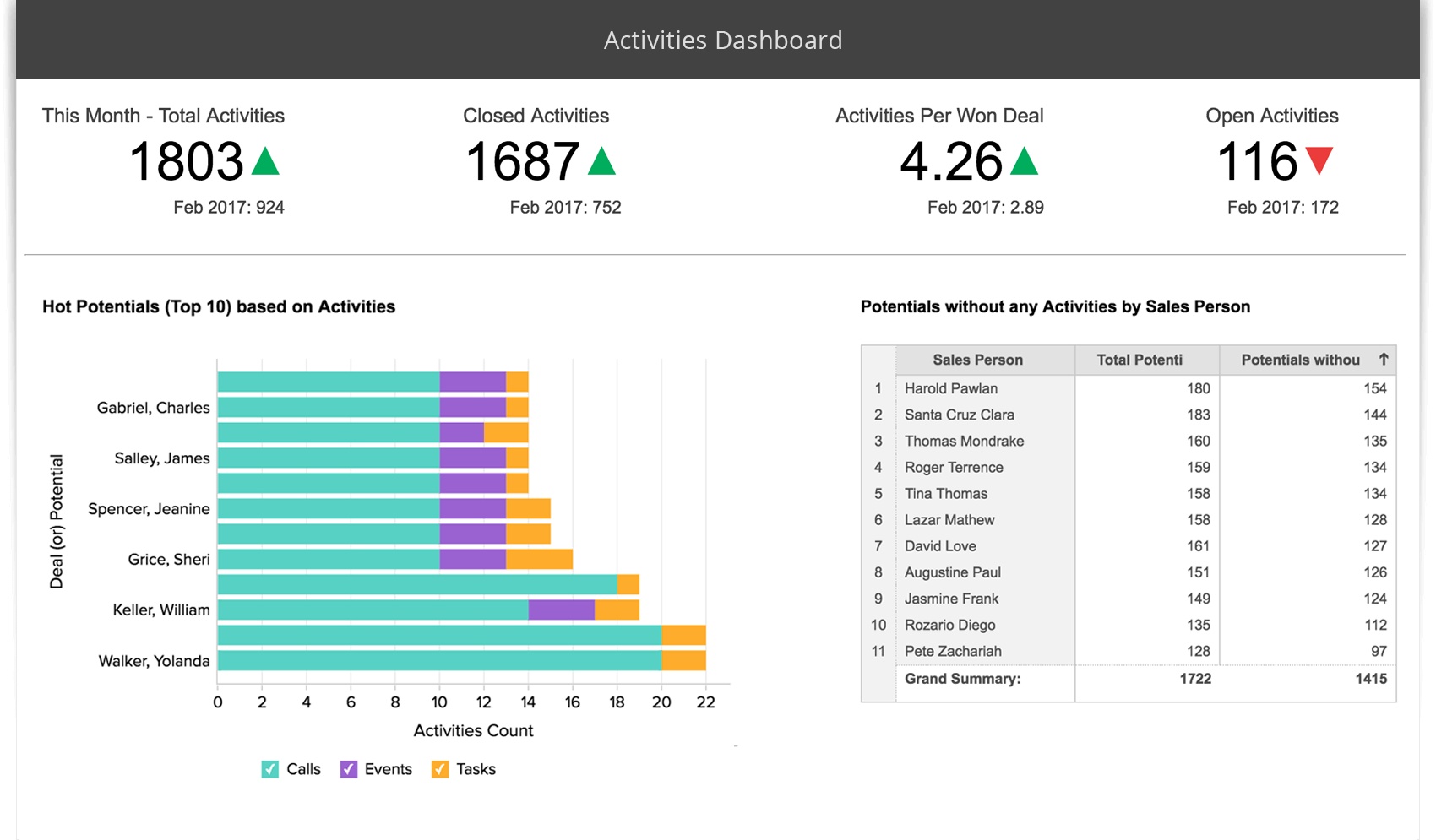
One-sentence overview: Zoho Analytics is an affordable BI and dashboard platform that gives small businesses a broad set of reporting features with relatively approachable setup.
Key Features:
Helpful for businesses already using Zoho CRM or Zoho Books
Cons:
User interface may feel less polished than some competitors
Advanced customization can take time
Very complex reporting needs may stretch the platform
Best For (Target user/scenario): Small businesses seeking affordable BI with decent flexibility, especially those already invested in Zoho apps.
Standout features
Zoho Analytics offers a useful middle ground. It goes beyond lightweight dashboard tools but remains more accessible and budget-friendly than some premium analytics platforms.
Pricing
Zoho Analytics generally offers tiered monthly pricing based on users, rows, and features, making it one of the more budget-conscious options in this category.
4. Tableau
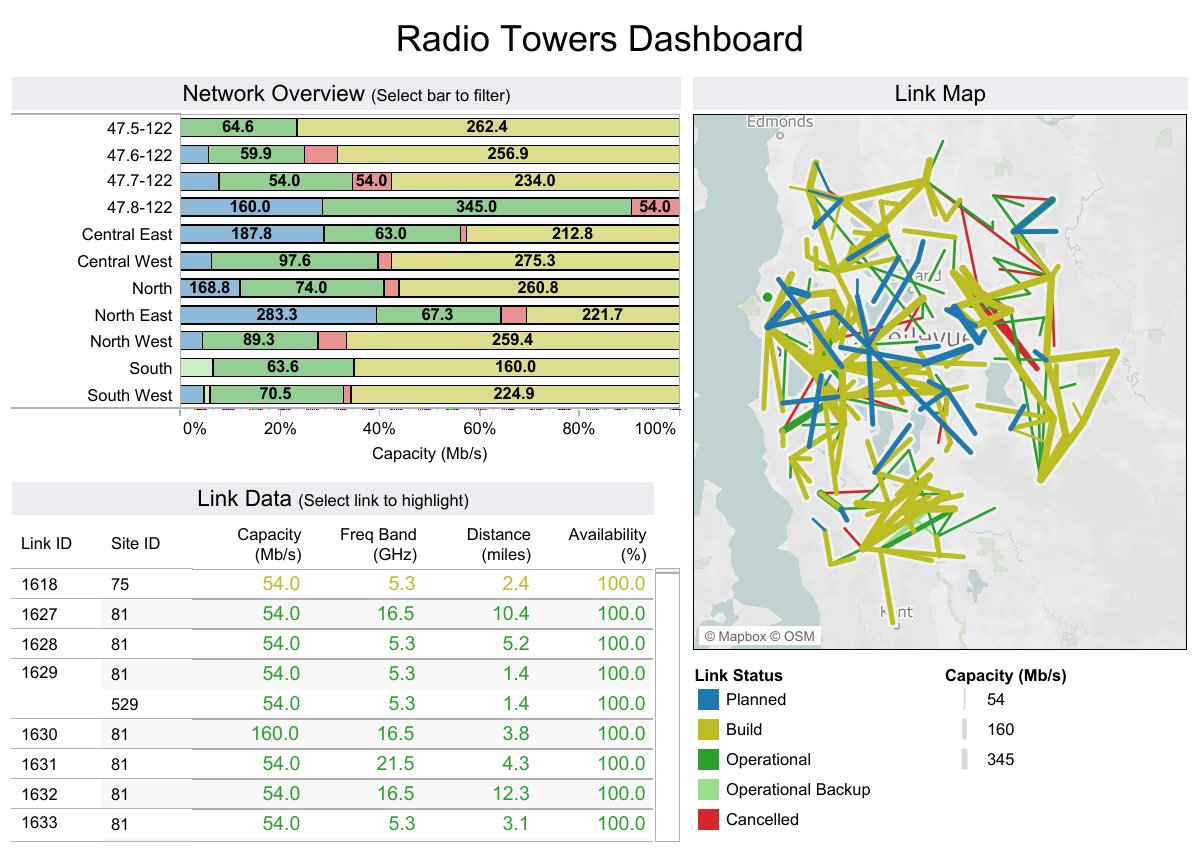
One-sentence overview: Tableau is a leading analytics platform known for advanced visual exploration and highly interactive dashboards.
Key Features:
Best For (Target user/scenario): Data-driven small businesses with more advanced analytical needs and the resources to support implementation.
Standout features
Tableau remains one of the strongest options for visual analytics. If your team values deep exploration and presentation-quality dashboards, it is a compelling choice. For many very small businesses, however, it may be more power than necessary.
Pricing
Tableau typically uses per-user subscription pricing at a higher tier than budget-oriented dashboard tools.
5. Microsoft Power BI
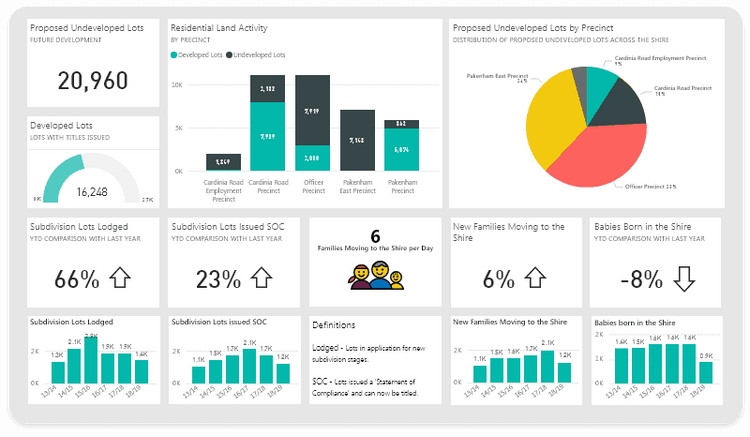
One-sentence overview: Power BI is a feature-rich dashboard and reporting platform that offers strong value for small businesses, especially those already using Microsoft products.
Key Features:
Best For (Target user/scenario): Small businesses already operating in Microsoft 365 and those that need a scalable reporting environment at a reasonable price.
Standout features
Power BI is often the value leader for businesses that need more than simple dashboards. It is particularly effective when Excel is still central to your workflows and you want a path toward more disciplined reporting.
Pricing
Power BI usually starts with affordable per-user pricing, though enterprise-level sharing and capacity costs can increase as usage expands.
6. Databox
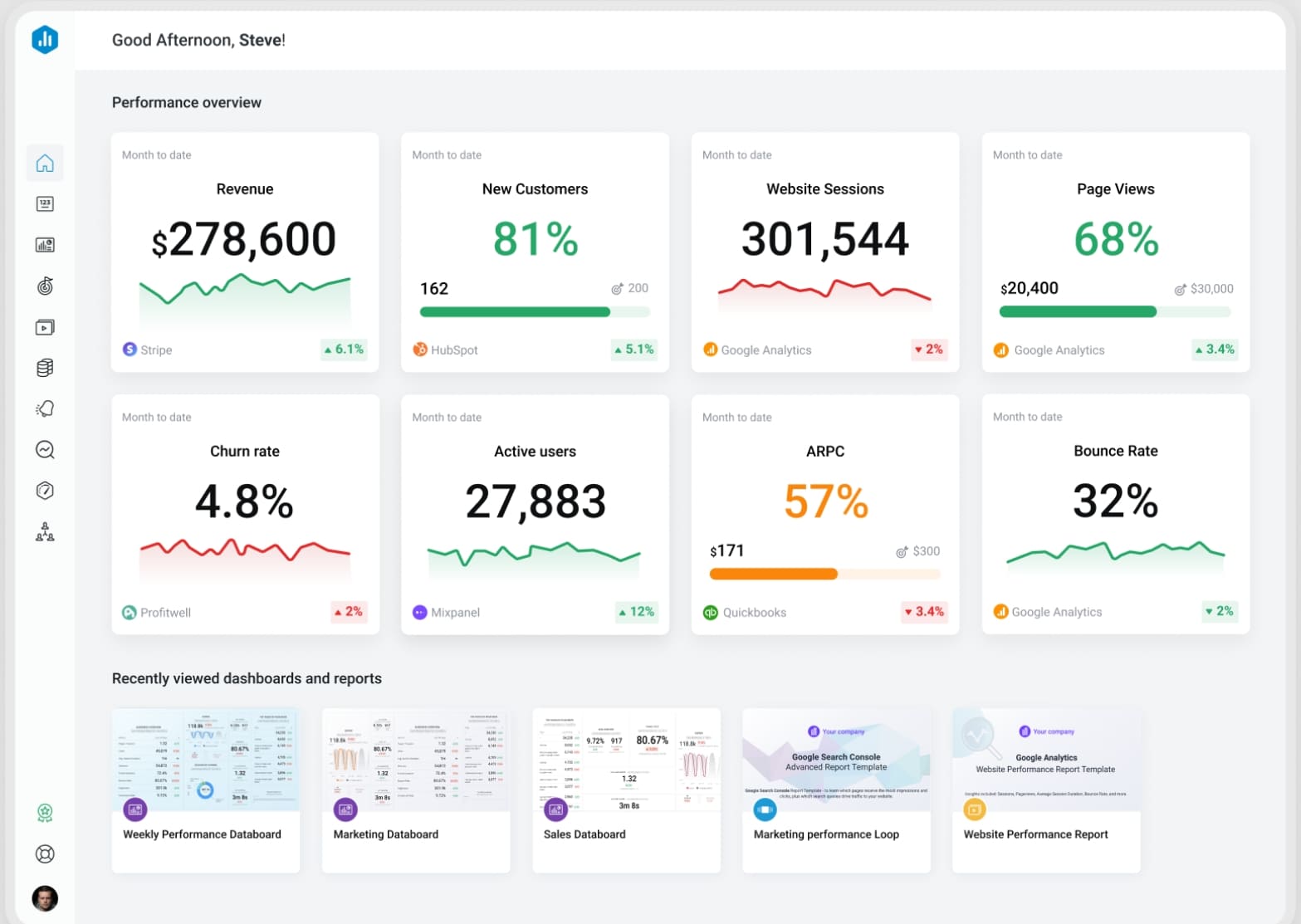
One-sentence overview: Databox is a KPI-focused dashboard platform built for fast setup, clear scorecards, and straightforward business performance tracking.
Key Features:
Prebuilt templates
Mobile app and alerts
Goal tracking
Client-facing reporting
Integrations with CRM, marketing, and sales platforms
Pros & Cons:
Pros:
Very easy to set up
Strong for agency and client reporting
Great mobile experience
Useful for executive KPI visibility
Cons:
Less suitable for deep analysis
Complex custom reporting can be limiting
Some advanced use cases may require higher tiers
Best For (Target user/scenario): Agencies, consultants, and service businesses that need quick KPI dashboards and recurring client reporting.
Standout features
Databox is built for speed and simplicity. If your primary need is monitoring a handful of important metrics across sales, marketing, and revenue, it can deliver value quickly without a heavy implementation process.
Pricing
Databox offers a free plan and paid tiers, with pricing increasing based on users, dashboards, and data sources.
7. Klipfolio
One-sentence overview: Klipfolio is a customizable dashboard platform designed for teams that want highly tailored KPI tracking and live business metrics.
Key Features:
Real-time dashboards
Custom formulas and metrics
Many cloud app integrations
TV and wallboard display options
Flexible KPI visualization
Pros & Cons:
Pros:
Strong customization for metric tracking
Useful for real-time operational visibility
Good range of integrations
Helpful for businesses with specific KPI definitions
Cons:
Setup can take time
Interface is less beginner-friendly than simpler tools
Not as strong for broad BI use cases as full analytics platforms
Best For (Target user/scenario): Small businesses that are highly KPI-driven and want custom dashboard logic rather than basic templates.
Standout features
Klipfolio is a solid choice when your business wants dashboards to reflect specific formulas, targets, and operational metrics. It fits organizations that care less about broad BI and more about precision KPI monitoring.
Pricing
Klipfolio generally uses subscription-based pricing that scales with users, data services, and platform needs.
8. Geckoboard
One-sentence overview: Geckoboard is a simple live dashboard tool that helps small teams display core metrics clearly with minimal setup.
Key Features:
Real-time dashboards
Goal and target tracking
TV mode for office display
Common business app integrations
Simple chart and metric widgets
Pros & Cons:
Pros:
Very easy for non-technical teams
Clean interface
Effective for shared team visibility
Good for straightforward scoreboards
Cons:
Limited analytical depth
Not ideal for complex reporting
Fewer advanced customization options
Best For (Target user/scenario): Very small teams, sales teams, and operations teams that want simple real-time dashboards without BI complexity.
Standout features
Geckoboard does one thing well: visible, live metrics. It is especially useful for teams that want a dashboard on a screen or a quick performance snapshot without needing full analytical workflows.
Pricing
Geckoboard typically uses tiered subscription pricing based on the number of dashboards, users, and integrations.
Which Dashboard Tool Fits Your Business Type?
The best small business dashboard software depends heavily on your business model, reporting habits, and internal resources.
Best choices for solo owners and very small teams
If you need fast visibility without much setup, prioritize ease of use and low cost.
Best options:
Looker Studio for free reporting and simple marketing dashboards
Geckoboard for live team metrics and simple scoreboards
Databox for easy KPI tracking with mobile access
These tools work well when you need quick answers and do not have time for significant implementation.
Best options for sales-driven businesses and client reporting
Service businesses, agencies, and sales-led teams usually need recurring KPI reports, target tracking, and shareable views.
Best options:
Databox for client dashboards and executive KPI reporting
Klipfolio for tailored KPI logic and live metric tracking
FineBI for broader cross-functional reporting across sales, finance, and operations
If your business needs dashboards across multiple departments or wants to reduce spreadsheet-driven reporting, these tools are usually better long-term choices.
Final Verdict and Shortlist Recommendations
If you are comparing the best small business dashboard software in 2026, the right choice comes down to how much reporting depth you need now and how much complexity you expect later.
Best overall choice for most small businesses
FineBI is the best overall choice for many growing small businesses because it offers a practical mix of dashboard usability, self-service analytics, and scalability. It is especially strong for teams that want more than basic KPI widgets and need to unify reporting across several systems.
Best budget-friendly option
Looker Studio is the best budget-friendly option thanks to its free entry point and strong fit for marketing, website, and simple business dashboards.
Best for ease of use
Databox and Geckoboard are the easiest tools to get running quickly. Databox is better for broader KPI and client reporting, while Geckoboard is ideal for simple live visibility.
Best for advanced reporting and scalability
Power BI is the strongest value option for advanced reporting, while FineBI is an excellent choice for businesses that want scalable self-service analytics with flexible dashboarding. Tableau remains a top option for visual depth, but it is often better suited to teams with more analytical maturity.
How to narrow your final decision
Use this simple shortlist logic:
Choose Looker Studio if cost is your top concern
Choose Databox if you want quick KPI dashboards with minimal setup
Choose Geckoboard if simplicity matters more than analytical depth
Choose Zoho Analytics if you want affordable BI with broad app integration
Choose Power BI if you already use Microsoft heavily
Choose Tableau if advanced visualization is your main priority
Choose Klipfolio if custom KPI tracking is central to your workflow
Choose FineBI if you need a scalable platform that supports both dashboarding and deeper business analysis
For most small businesses, the best software is not the one with the longest feature list. It is the one your team will actually use consistently, trust confidently, and grow with over time. If your business is moving beyond spreadsheets and basic reporting, FineBI is one of the most practical platforms to put on your shortlist.
FAQs
The best option depends on your budget, data complexity, and team skills. Looker Studio and Databox work well for simple KPI tracking, while FineBI, Power BI, and Zoho Analytics are better for deeper reporting and growth.
Start by checking integrations, ease of use, automation, customization, and total pricing. The right tool should match your current reporting needs while still supporting future growth.
Free tools can be enough if you need basic dashboards and simple reporting. As your business grows, paid platforms usually offer better data blending, permissions, automation, and scalability.
The most important features are data integrations, automated refreshes, customizable dashboards, role-based sharing, and mobile access. If you report across several systems, data blending and flexible calculations also matter.
A BI platform is designed for broader analysis, deeper customization, and more complex data modeling. A simple KPI dashboard tool focuses on quick setup and clear performance tracking for everyday visibility.
Product Trial
FineReport
Pixel-perfect reports · Interactive dashboards · Easy data entry · Digital twins


 Key Features:
 Key Features:
 Key Features:
 Key Features:
 Key Features:
 Key Features:
 Key Features:







