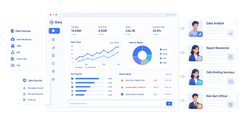
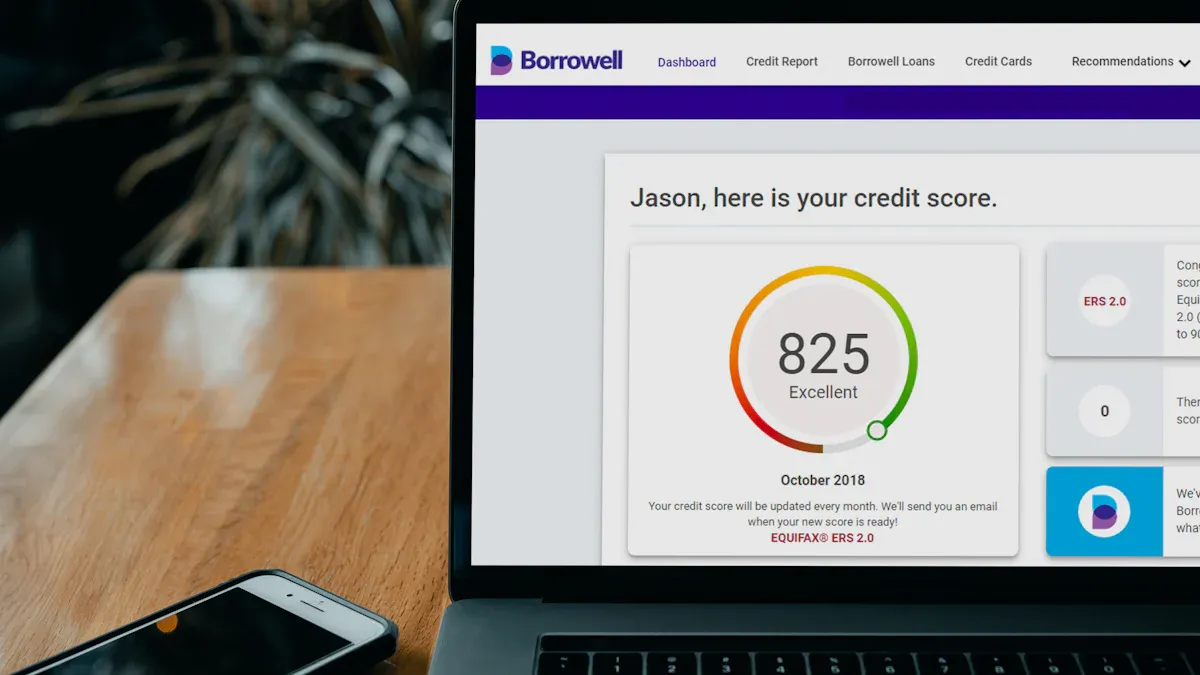
Performance reporting is the discipline of turning operational data into clear decisions. For IT managers, operations directors, PMO leaders, analysts, and executives, the value is simple: it shows whether goals are being met, where performance is slipping, and what actions should happen next. Without a strong performance reporting process, teams rely on disconnected spreadsheets, inconsistent definitions, and delayed updates that make accountability difficult and decisions slower than they should be.
All reports in this article are built with FineReport.
Performance reporting explained: what it is and why it matters
Performance reporting is the structured process of collecting, analyzing, and presenting business results against goals. It helps organizations answer four practical questions:
What happened?
How are we performing against target?
Why did results change?
What should we do next?
For enterprise teams, performance reporting is not just a documentation exercise. It supports:
Decision-making: leaders can allocate budget, resources, and attention based on evidence
Accountability: owners and teams can be measured against agreed outcomes
Continuous improvement: trends and root causes reveal where processes need to change
Transparency: stakeholders see a consistent view of progress, risks, and priorities
A well-built performance report reduces noise. It highlights what matters most instead of flooding stakeholders with raw numbers.
Raw data vs metrics vs KPIs vs a finished report
Many reporting problems start because teams use these terms interchangeably. They are not the same.
Raw data: unprocessed facts from source systems, such as tickets closed, revenue booked, defects logged, or hours worked
Metrics: measurements derived from data, such as average resolution time or conversion rate
KPIs: the small set of metrics that matter most because they track progress toward a strategic objective
Finished report: the packaged output that combines KPIs, supporting metrics, trends, explanations, and recommended actions
A useful way to think about it is:
Data becomes metrics. Metrics become KPIs. KPIs become decisions when presented in a report with context.
Common use cases for performance reporting
Performance reporting is used across nearly every function. The format may differ, but the purpose is consistent: align execution with outcomes.
Common use cases include:
Team reporting: monitor productivity, service levels, quality, and workload
Program reporting: track milestones, deliverables, outcomes, and compliance obligations
Operations reporting: measure throughput, cycle time, incident volume, and resource utilization
Project reporting: compare actual progress to scope, schedule, and budget
Leadership updates: summarize strategic progress, major variances, risks, and required decisions
How to create a performance reporting step by step
A strong performance reporting process is repeatable, auditable, and easy to understand. Below is the framework I recommend when advising enterprise teams.
1) Set the purpose, audience, and reporting period
Start with the business decision the report must support. Too many teams begin by pulling data before clarifying the report's purpose.
Define:
Audience: executives, department heads, program sponsors, or frontline managers
Primary decisions: resource shifts, corrective actions, strategic review, or status validation
Reporting cadence: daily, weekly, monthly, quarterly, or by milestone
Scope: business unit, team, program, process, or enterprise-wide performance
If your audience is the executive team, they want signals, risks, and decisions. If your audience is an operations manager, they need more detail on bottlenecks, process stability, and owner-level actions.
Consultant tip
Match reporting frequency to decision speed. If a KPI changes daily but the report is reviewed quarterly, the report is too slow to influence outcomes.
2) Choose the right KPIs and supporting metrics
This is where performance reporting either becomes actionable or turns into vanity reporting.
Choose a limited set of indicators that reflect:
progress
efficiency
quality
outcomes
You should also define each KPI clearly so everyone interprets it the same way.
Key Metrics (KPIs)
Actual performance: the current measured result for the reporting period
Target: the expected performance level or planned result
Variance: the gap between actual performance and target
Trend: the direction of performance over time, such as improving, declining, or stable
Progress toward goal: how far the team has moved toward a defined objective or milestone
Cycle time: the total time required to complete a process or deliver an output
Productivity or throughput: the volume of work completed in a given time frame
This is the foundation of reporting consistency and data governance.
3) Collect, validate, and organize the data
Once KPIs are defined, build a disciplined data pipeline. This is where many reporting workflows break down.
Key tasks include:
extracting data from source systems
reconciling definitions across teams
identifying missing or duplicated records
validating totals and calculation logic
structuring data into a repeatable format for reporting
The goal is not just accuracy. It is also maintainability. If your reporting process depends on manual file merges and last-minute formula checks, it will not scale.
Data validation checklist
confirm time periods are aligned
check for null values or missing entries
verify units and formats are consistent
compare totals to source systems
test KPI formulas on sample records
flag outliers that require explanation
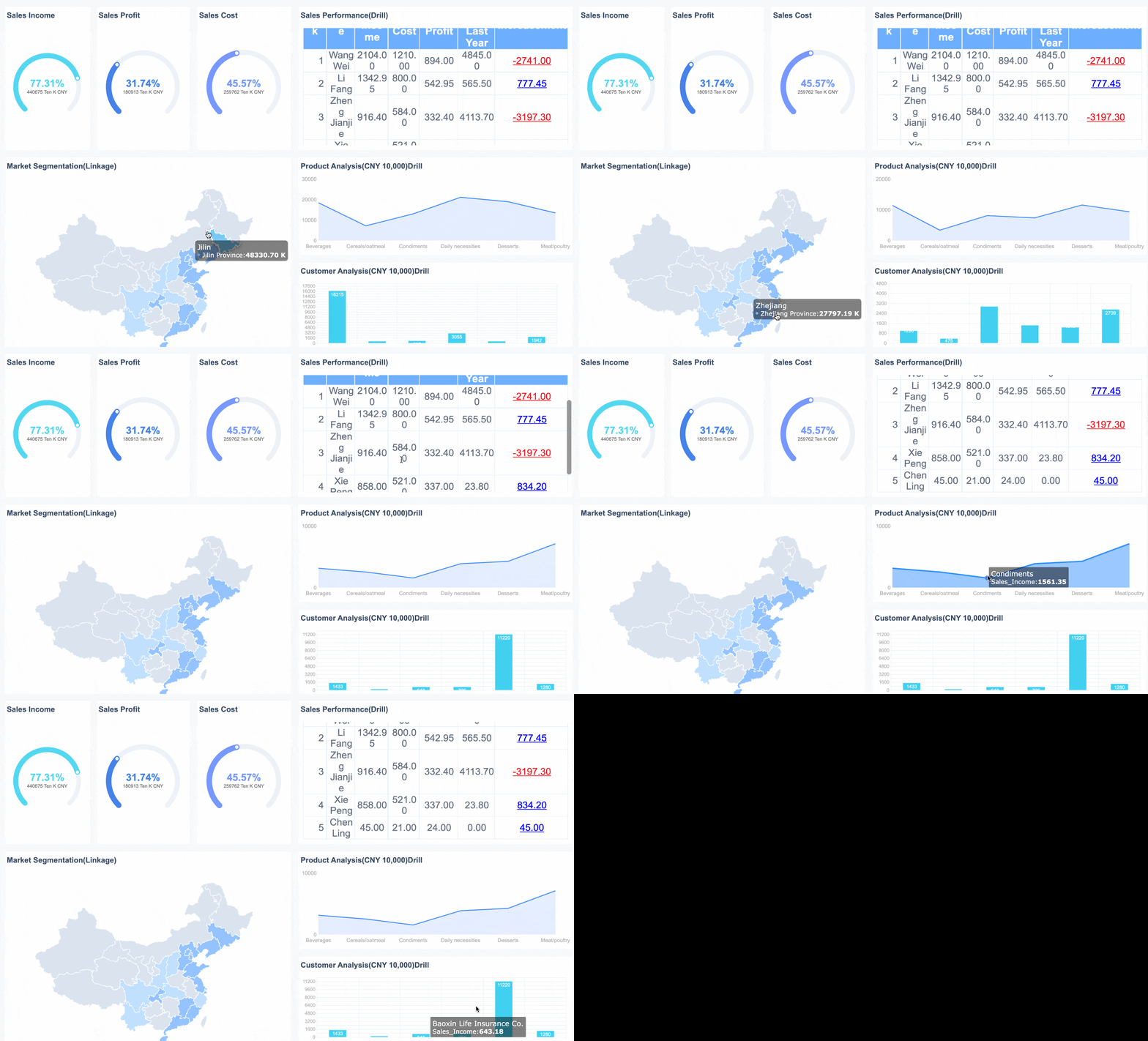
With FineReport, teams can centralize data from multiple business systems and standardize dashboard logic, which is especially useful when different departments need the same KPI definitions but different reporting views.
4) Write the narrative and highlight actions
Numbers alone do not create alignment. A performance report must explain the story behind the results.
Your narrative should cover:
what improved
what declined
what drove the change
what the impact is
what action is recommended
Keep commentary focused. A reader should understand the issue and the next step in less than a minute.
A practical reporting narrative often follows this format:
Result: what happened
Reason: why it happened
Impact: why it matters
Action: what should happen next
Example:
Result: SLA attainment fell from 96% to 91% this month
Reason: ticket volume increased 18% while staffing remained flat
Impact: response delays are now affecting high-priority accounts
Action: reassign two analysts temporarily and review automation opportunities in the intake queue
Recommended performance reporting structure
The best performance reporting structure balances speed, clarity, and depth. It should let executives scan fast while giving managers enough detail to act.
Executive summary
This section is the decision layer. It should answer the most important questions at a glance.
Include:
top results
critical risks
major variances
decisions required
overall performance status
An executive summary is not a data dump. It is a prioritization tool.
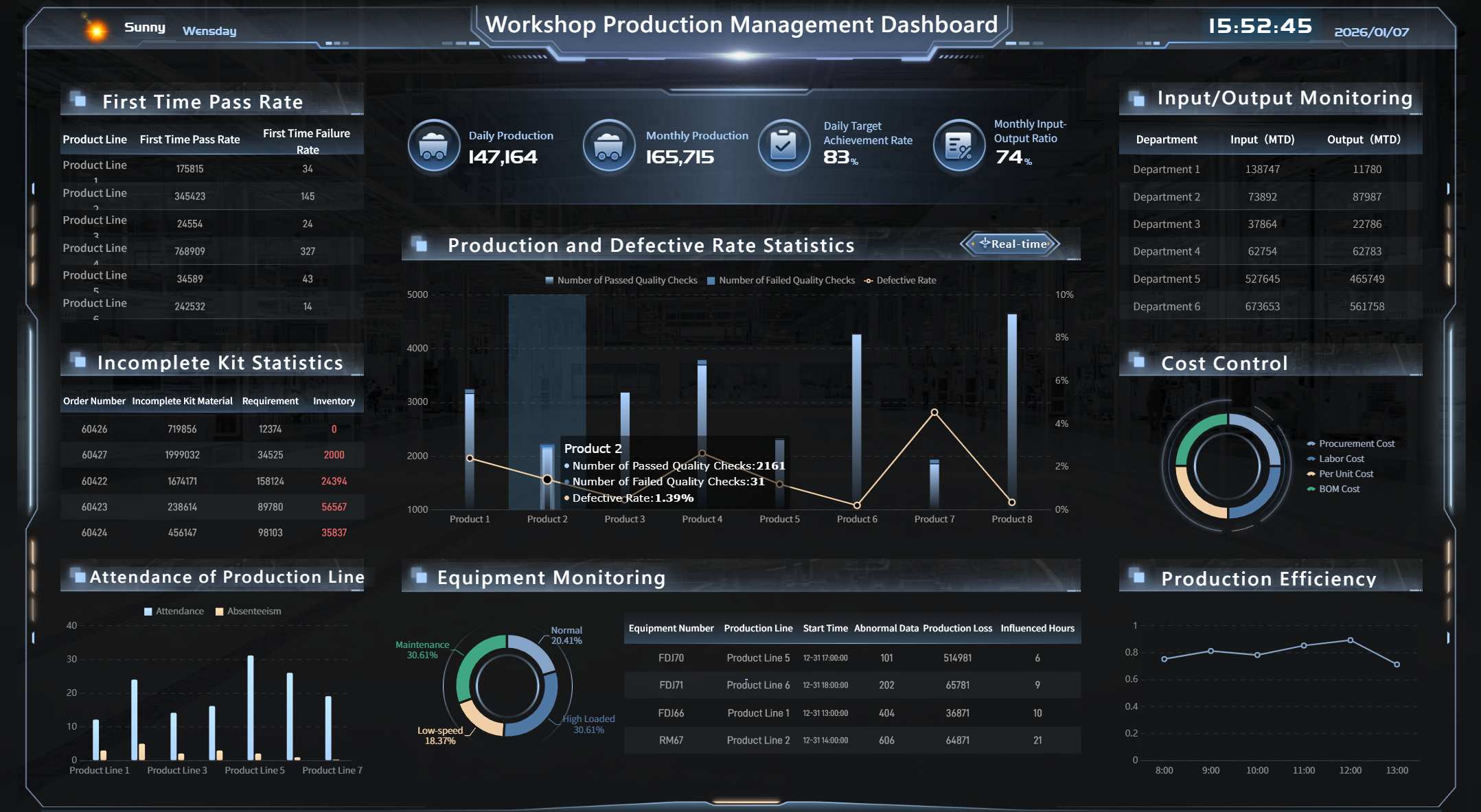
KPI dashboard and trend analysis
This is the visual core of the report. It should show:
current KPI values
targets
variance
historical trends
performance by segment, team, or region when relevant
Use charts that are easy to scan. For most enterprise reporting, the most effective choices are:
line charts for trends
bar charts for comparisons
gauges sparingly for status
tables for target vs actual detail
conditional formatting for exception management
The goal is to make deviations obvious.
Insights, context, and root causes
This section explains why results changed. It should connect KPI movements to business conditions, process shifts, or external drivers.
Examples of useful context:
staffing changes
seasonality
process redesign
supply chain constraints
policy updates
market demand shifts
system outages
campaign launches
This is where mature performance reporting separates itself from simple status updates.
Action plan and follow-up items
Every report should end with action. If there is no owner, timeline, or follow-up measure, the report becomes informational rather than operational.
Include:
action item
owner
due date
expected outcome
tracking method
A simple action table works well here.
Action
Owner
Due Date
Expected Result
Status
Rebalance support queue staffing
Operations Manager
May 15
Improve SLA attainment by 3%
In progress
Standardize KPI definitions across regions
BI Lead
May 22
Remove reporting discrepancies
Planned
Review backlog automation workflow
IT Manager
May 30
Reduce manual intake workload
Not started
KPI selection best practices and common performance reporting mistakes
Good performance reporting depends more on KPI quality than dashboard complexity.
KPI selection best practices
Tie KPIs directly to objectives. If a metric does not support a goal, it probably does not belong in the report.
Favor actionability. A useful KPI should help someone decide what to do next.
FineReport is especially relevant when enterprises need pixel-perfect reports, dashboards, scheduled distribution, and integration across varied data environments. It can support both executive-level summaries and detailed operational reporting without forcing teams to maintain separate reporting logic in disconnected files.
Actionable best practices for implementing performance reporting
If you want performance reporting to drive decisions rather than become a reporting ritual, follow these practices.
1. Build a KPI dictionary before building the dashboard
Document every KPI definition, formula, threshold, owner, and source system first. This prevents endless disputes later about what the numbers mean.
2. Design the report around decisions, not around available data
Ask, “What action should this section trigger?” If a chart does not support a decision, remove it.
3. Automate data collection wherever repetition exists
Manual copy-paste work increases cycle time and error rates. Prioritize automation for recurring inputs, refreshes, and distribution.
4. Use exception-based reporting
Do not give every metric equal visual weight. Highlight off-target KPIs, unusual changes, and urgent actions so readers focus on what matters.
5. Run a monthly review of report usefulness
Ask stakeholders:
which KPIs influenced decisions
which sections were ignored
what definitions need clarification
what new risks should be tracked
This is how reporting evolves from static output into a management system.
Simple checklist to build your first performance report
Use this checklist to create a practical performance reporting process:
Performance reporting works when it turns measurement into management. The strongest reports are not the longest or most complex. They are the clearest. They show what matters, explain why it changed, and make the next action obvious.
If your current process still depends on fragmented spreadsheets, inconsistent KPI definitions, or manual updates, now is the right time to standardize it. A modern reporting platform can dramatically improve speed, trust, and visibility across the organization.
Performance reporting is the process of collecting, analyzing, and presenting results against goals so teams can see what happened, why it happened, and what to do next. It turns raw data into decision-ready insight.
A metric measures something, while a KPI is a high-priority metric tied directly to a strategic objective. In short, every KPI is a metric, but not every metric is a KPI.
A strong performance report usually includes KPI status, targets versus actuals, variance, trends, context for changes, and recommended actions. The goal is to help stakeholders make decisions quickly, not just review numbers.
Reporting frequency should match how fast decisions need to be made and how often the underlying KPI changes. Some teams review daily or weekly, while executive reporting is often monthly or quarterly.
Teams can improve reporting by standardizing KPI definitions, using trusted data sources, automating refreshes where possible, and keeping one consistent report structure for each audience. This reduces manual errors and avoids conflicting interpretations.
Product Trial
FineReport
Pixel-perfect reports · Interactive dashboards · Easy data entry · Digital twins



 A
A