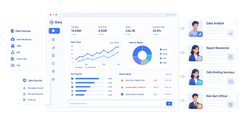
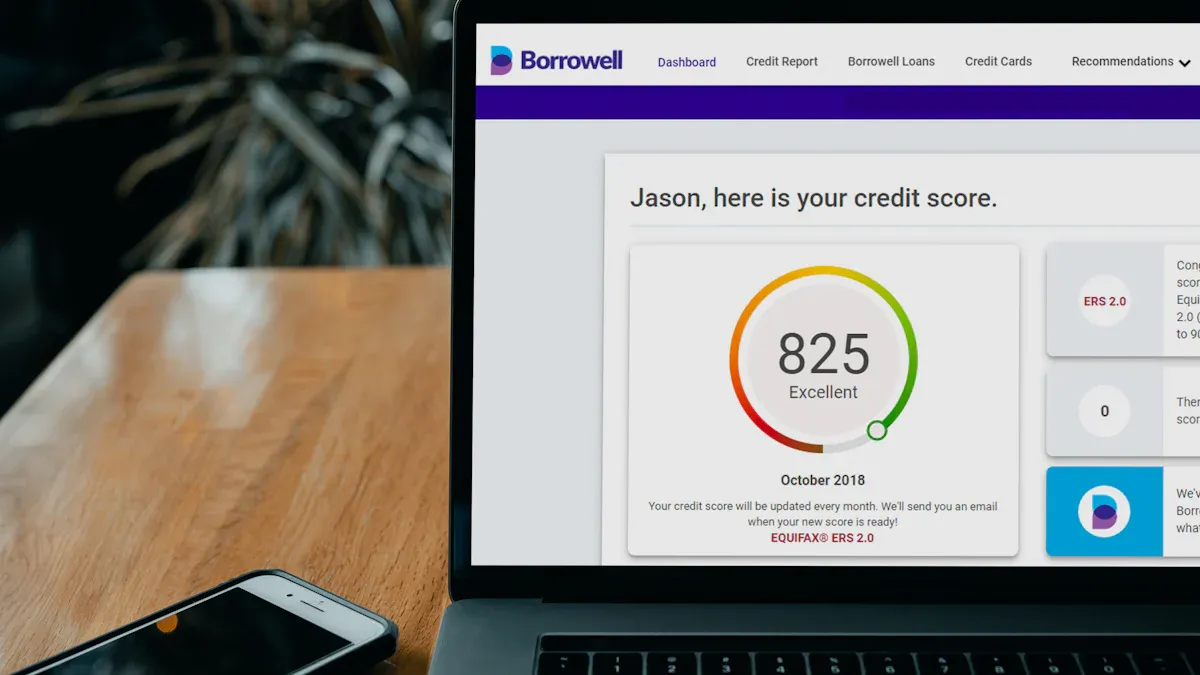
Marketing reporting software is a platform that pulls performance data from multiple marketing channels into client-ready dashboards and automated reports.
8 best marketing reporting software platforms for agencies in 2026
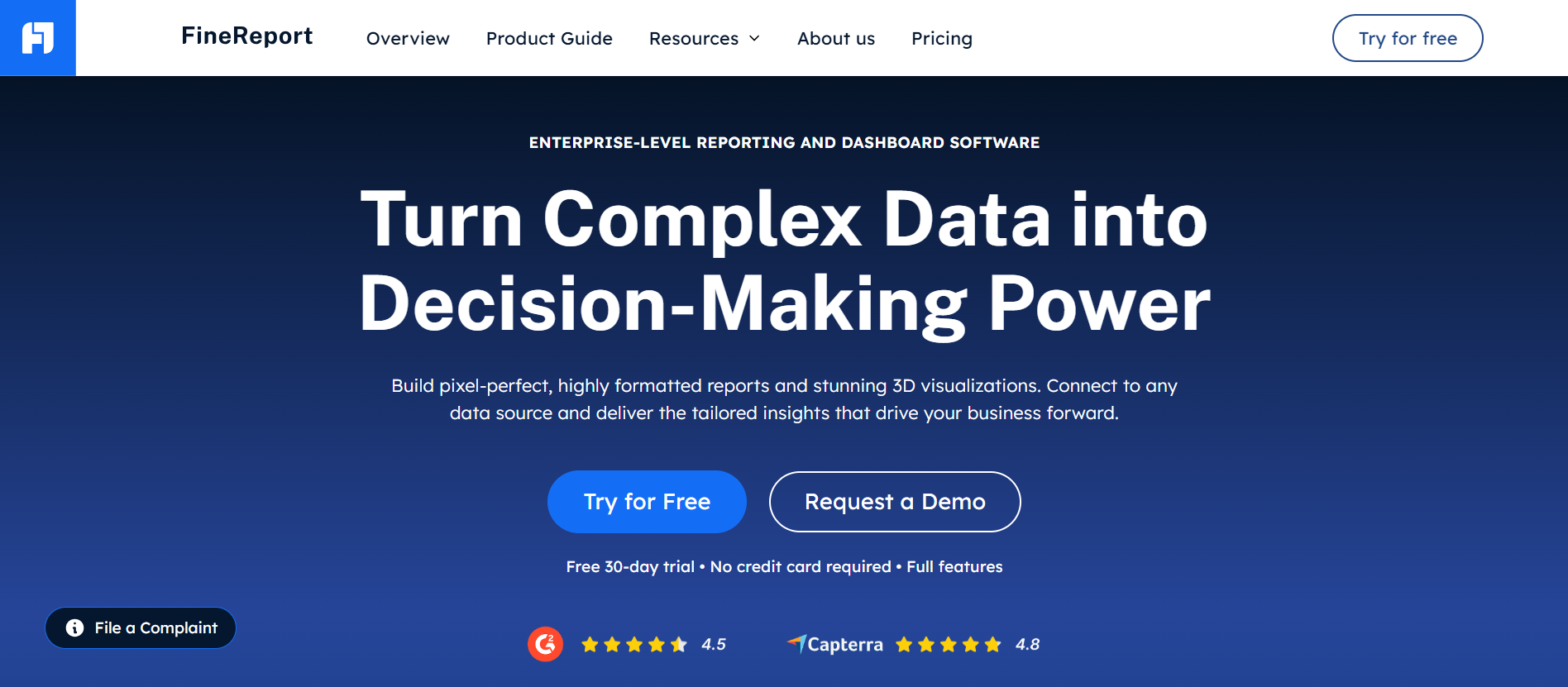
One-sentence overview:FineReport is an enterprise-grade reporting and dashboard platform that gives agencies strong white-label control, flexible report design, and broad support for complex multi-source marketing reporting.
Interactive dashboards, drill-down analysis, and printable reports
Role-based permissions for teams and clients
Pros & Cons:
Pros: Very flexible report design, strong governance, suitable for complex client reporting environments, scalable for large teams
Cons: More setup effort than lightweight agency tools, may be more capability than very small agencies need
Best For: Agencies, multi-brand teams, and enterprise marketing operations that need highly customized white-label reporting beyond basic templates
Platform overview and best fit
FineReport stands out when agencies need more than simple marketing dashboards. It is especially effective for firms managing multiple clients, business units, or regional teams that want a polished reporting layer with deeper customization than most plug-and-play tools offer.
For agencies building branded client portals, executive dashboards, or cross-functional reports that combine marketing with CRM, ecommerce, and revenue data, FineReport is one of the strongest options in this list. It is also a practical fit for organizations that need both dashboard-style visibility and print-ready scheduled reports from the same system.
Strengths and limitations
The main strength of FineReport is flexibility. Many agency-focused tools are fast to launch but restrictive once you need custom layouts, complex formulas, or stricter permission controls. FineReport gives teams more control over how data is modeled, presented, and distributed to clients.
The trade-off is implementation depth. Teams looking for an instant, template-led reporting tool may face a longer onboarding process. But for agencies that have outgrown basic reporting platforms, that extra setup can pay off in stronger standardization and more tailored client experiences.
White-label reporting and client automation capabilities
FineReport is particularly strong in white-label reporting. Agencies can create branded dashboards, customized client portals, and role-specific views that align with their service model. Instead of showing clients a generic vendor interface, teams can deliver reporting under their own identity.
Automation is also a key advantage. Agencies can schedule recurring reports, refresh dashboards automatically, and manage different access levels for internal analysts, account managers, and clients. This helps reduce manual reporting cycles while maintaining consistency across accounts.
Pricing and scalability snapshot
Pricing depends on deployment scope and business requirements, so agencies typically need a custom quote. In practice, FineReport is best evaluated as a scalable platform for growing and enterprise teams rather than an entry-level reporting app.
For small agencies, it may feel heavier than necessary. For larger agencies with many stakeholders, multiple data sources, and higher reporting standards, it offers room to scale without quickly hitting customization limits.
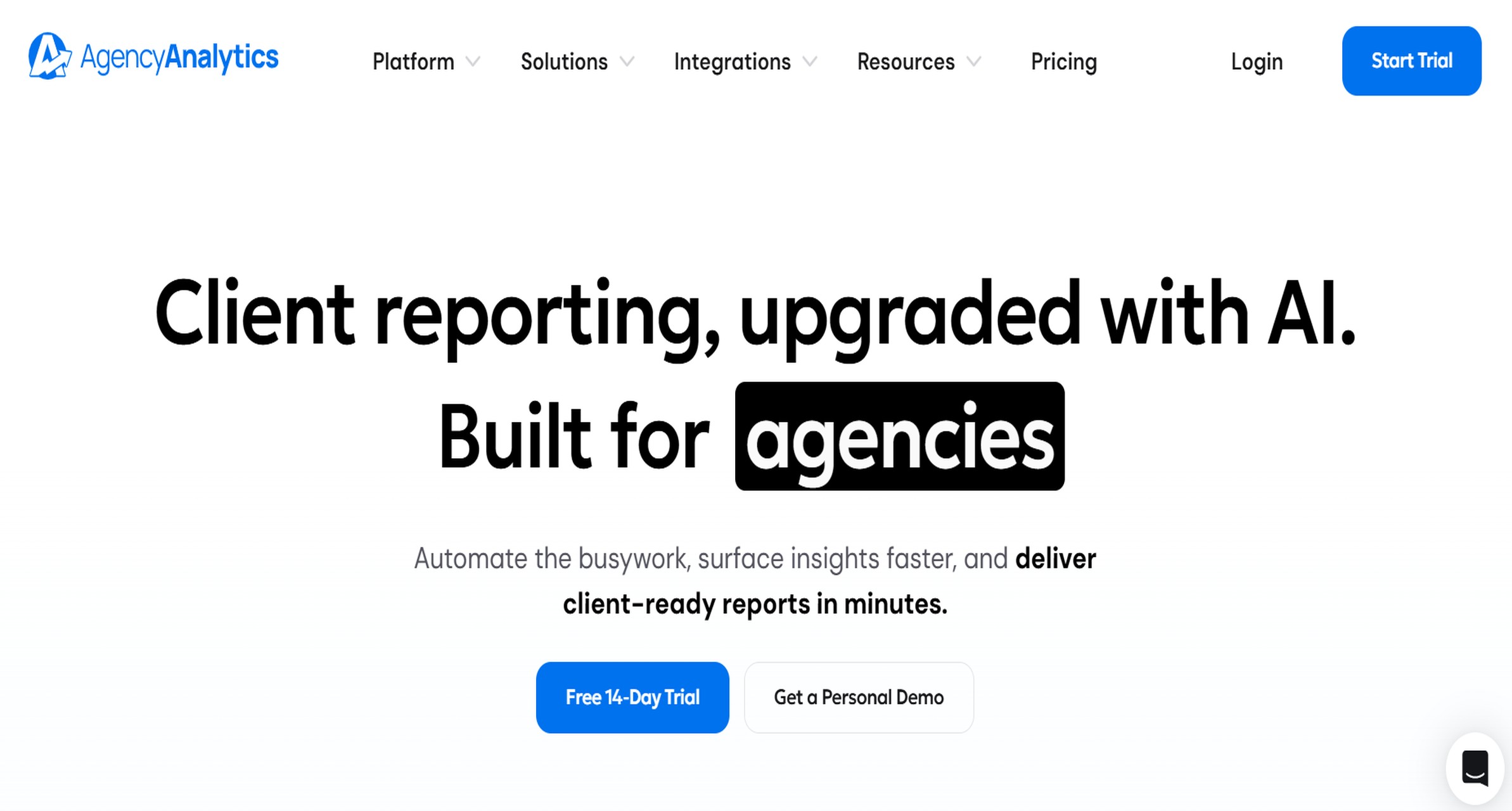
One-sentence overview: AgencyAnalytics is a purpose-built agency reporting platform focused on fast setup, white-label dashboards, and broad marketing connector coverage.
Key Features:
White-label dashboards and report templates
SEO, PPC, call tracking, and social integrations
Automated scheduled reports
Client and staff user permissions
Built-in agency workflow features
Pros & Cons:
Pros: Designed for agencies, quick onboarding, solid connector library, easy recurring reporting
Cons: Less flexible for advanced custom data modeling, costs can rise with client count
Best For: Small to mid-sized agencies that want agency-specific reporting without heavy technical setup
Platform overview and best fit
AgencyAnalytics is one of the most agency-centered platforms in the market. Its interface, templates, and workflow design all support recurring client reporting, especially for SEO, PPC, and digital marketing retainers.
It works best for agencies that want to get dashboards live quickly and avoid building reporting systems from scratch. The platform is especially useful when speed, usability, and straightforward client delivery matter more than advanced BI-style customization.
Strengths and limitations
Its strengths are ease of use and agency alignment. Teams can set up multiple client accounts, apply templates, and automate monthly or weekly reporting with relatively little friction.
Its limitations become clearer when agencies need deeper customization, broader non-marketing data blending, or more advanced transformation logic. It is efficient for standard digital marketing reporting, but less suited for highly tailored enterprise reporting needs.
White-label reporting and client automation capabilities
AgencyAnalytics includes white-label dashboards, custom branding, and automated report delivery. Agencies can share client-facing reports through links, portals, or scheduled emails while keeping the agency brand front and center.
This makes it a strong choice for agencies that need to standardize client communication and reduce manual reporting time across many recurring accounts.
Pricing and scalability snapshot
Pricing generally scales by campaigns or client accounts. That works well for smaller agencies but can become expensive as account volume increases.
For agencies with dozens of clients, the platform remains practical, but cost planning becomes important as reporting complexity and client count grow together.
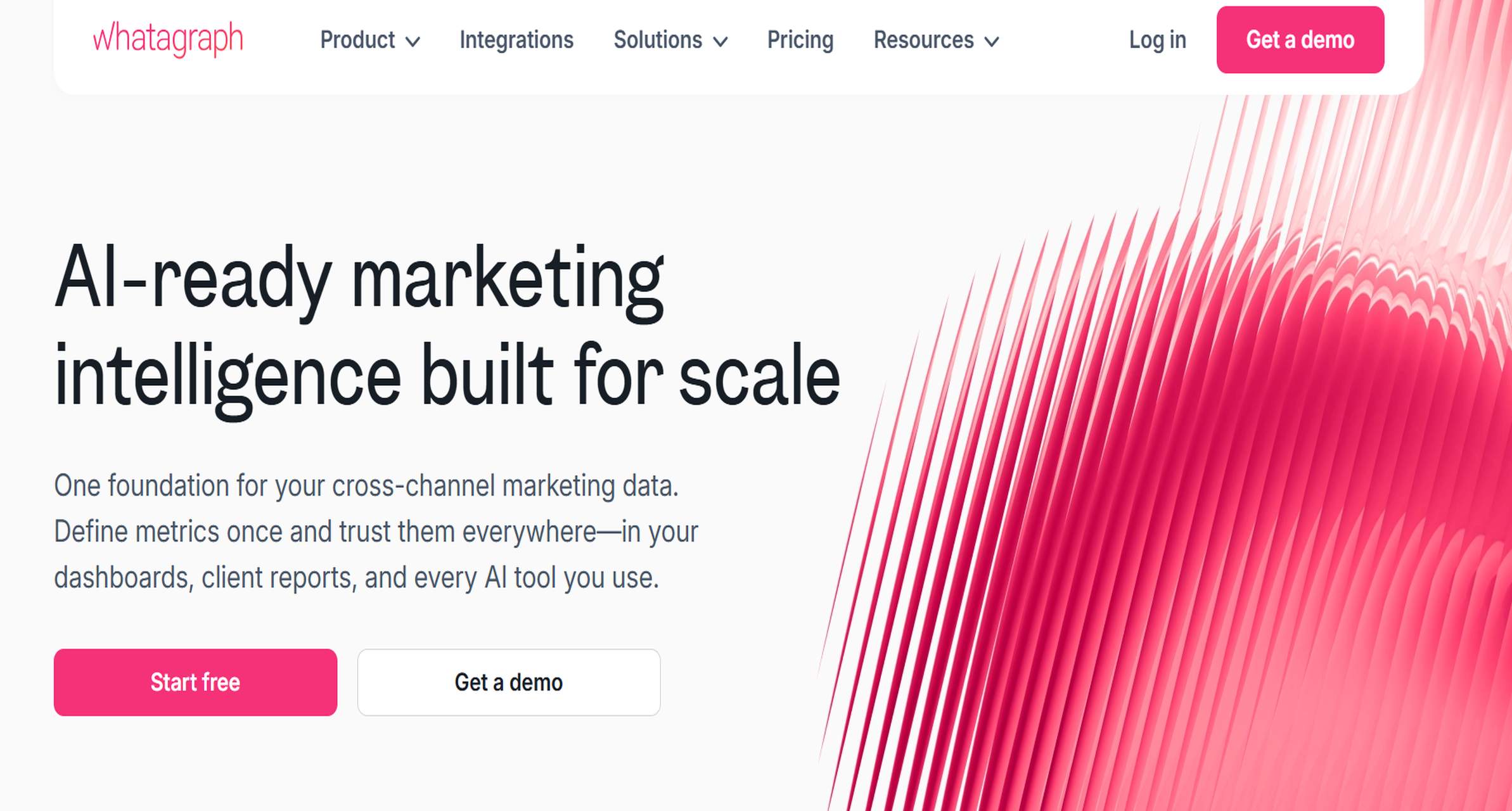
One-sentence overview: Whatagraph is a polished cross-channel reporting platform known for visually clean dashboards, reusable templates, and marketing-focused data blending.
Pros: Strong presentation quality, easy for client-facing reports, good template experience
Cons: Higher entry pricing than some simpler tools, less suited for deep enterprise-grade modeling
Best For: Agencies and media teams that prioritize professional presentation and shareable marketing reports
Platform overview and best fit
Whatagraph is well suited to agencies that need reports to look polished from day one. Its core appeal is visual clarity, which matters when reports are regularly shared with clients, executives, or non-technical stakeholders.
It performs best in environments where presentation quality and reporting speed are equally important. Agencies running cross-channel campaigns across paid, social, email, and web analytics often find the built-in structure helpful.
Strengths and limitations
The biggest strength is report usability. Templates are modern, dashboards are easy to interpret, and report building is accessible to non-technical teams.
The limitation is that agencies needing highly custom data architecture or deeper operational analytics may eventually want more flexibility than the platform offers out of the box.
White-label reporting and client automation capabilities
Whatagraph supports white-label reports, branding elements, live dashboards, and automated scheduled delivery. Agencies can create repeatable client reporting workflows with a relatively low learning curve.
It is particularly useful when the client experience depends on visually clear dashboards rather than raw data exploration.
Pricing and scalability snapshot
Whatagraph tends to sit in the mid-market range. It is often affordable for growing agencies, though costs may rise with added users, sources, or advanced needs.
For agencies scaling from manual spreadsheets to standardized reporting, it is often a manageable step up.
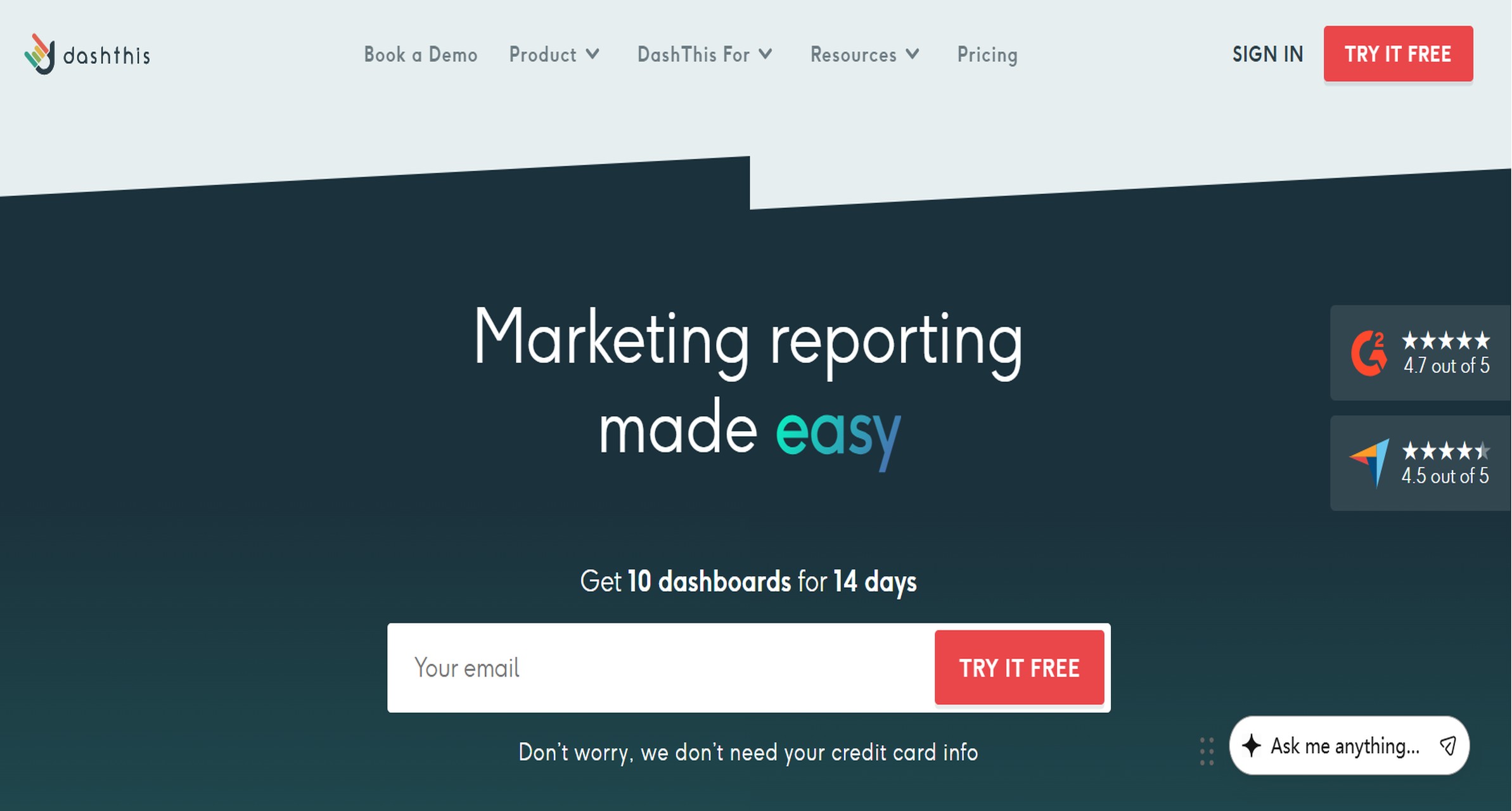
One-sentence overview: DashThis is a streamlined marketing reporting software built for agencies that want quick dashboard setup, simple automation, and easy white-label sharing.
Best For: Lean agencies and consultants that want a low-friction way to automate client reports
Platform overview and best fit
DashThis is built for speed. Agencies can connect common marketing channels, apply templates, and start producing branded dashboards quickly. That makes it a practical tool for teams replacing repetitive spreadsheet-based reporting.
It is best for agencies that value simplicity over deep customization. If your reporting process is mostly about recurring KPI summaries across paid, SEO, social, and analytics channels, DashThis can cover the essentials well.
Strengths and limitations
The strength of DashThis is operational efficiency. It reduces setup time, supports template reuse, and keeps recurring reporting manageable for smaller teams.
Its limits appear when agencies need complex calculations, broader operational reporting, or more advanced portal-style client experiences.
White-label reporting and client automation capabilities
DashThis includes white-label options, branded URLs, scheduled emails, and dashboard sharing. Agencies can standardize their monthly reporting process and reduce manual preparation substantially.
It is especially effective for teams that want clients to receive easy-to-read dashboards without building a full custom reporting environment.
Pricing and scalability snapshot
DashThis is generally accessible for small and mid-sized agencies. Pricing scales by dashboard count, which is predictable for account-based reporting teams.
For high-volume agencies, the cost should be reviewed against the number of active client dashboards required.
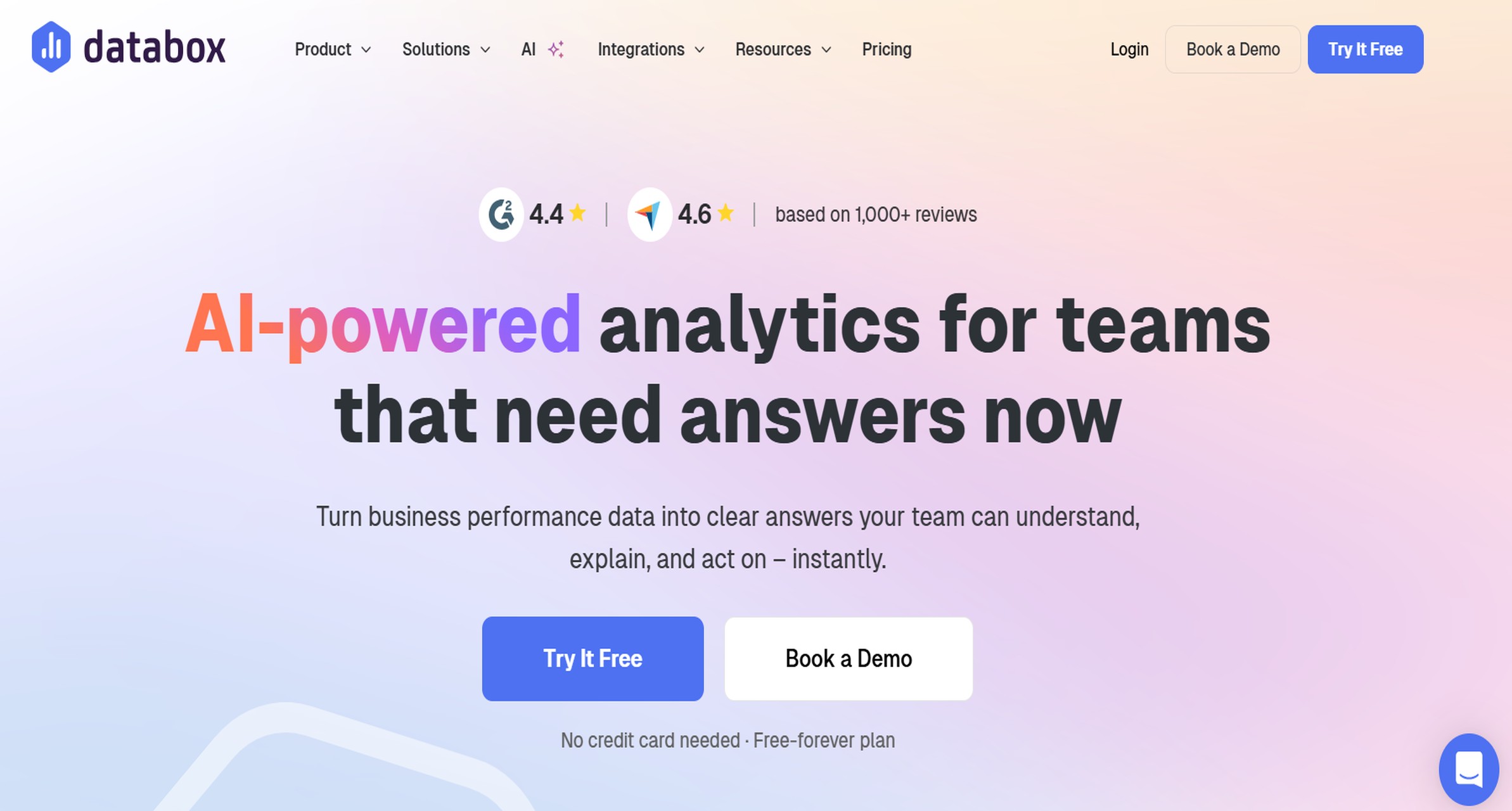
One-sentence overview: Databox combines dashboards, KPI tracking, reporting automation, and performance monitoring in a user-friendly platform for agencies and in-house teams.
Pros: Easy to use, broad integrations, useful for live performance monitoring, solid executive reporting
Cons: White-label depth is not as agency-specialized as some competitors, advanced customization may require more workarounds
Best For: Agencies and marketing teams that want both live dashboards and recurring stakeholder reports
Platform overview and best fit
Databox is a good fit for agencies that want a balance of usability and visibility. It works well for teams that need always-on dashboards internally while also distributing periodic reports to clients or leadership.
Because it supports both operational monitoring and executive summaries, it can serve agencies with mixed reporting needs across account managers, strategists, and decision-makers.
Strengths and limitations
Its main strengths are accessibility and breadth. Teams can connect multiple marketing platforms quickly and create clear dashboards without needing BI expertise.
Its limitations are most noticeable for agencies that need highly branded client portals or very specific white-label workflows. It supports reporting well, but not every agency will find it as client-centric as dedicated agency tools.
White-label reporting and client automation capabilities
Databox supports report sharing, dashboard links, and automated sends. It also offers customization options that help agencies tailor what stakeholders see.
For many agencies, that is sufficient. But if white-labeling is the primary buying criterion, some specialized competitors may offer more client-facing branding control.
Pricing and scalability snapshot
Databox offers multiple pricing tiers, making it viable for small teams as well as larger organizations. Agencies should examine feature limits around data sources, dashboards, and users before scaling.
It is often a strong value option for teams that want flexible reporting without moving into heavier enterprise software.
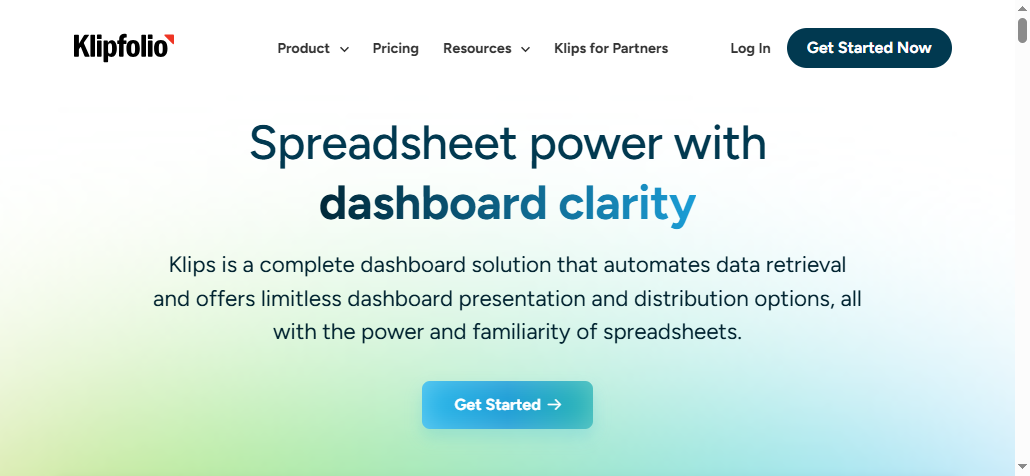
One-sentence overview: Klipfolio is a customizable dashboard and reporting platform that gives agencies strong control over KPI visualization and multi-source reporting workflows.
Klipfolio has long appealed to teams that need customizable dashboards with stronger formula logic than simple reporting apps provide. It fits agencies that want to build reusable KPI frameworks across clients and channels.
It is a better fit for teams comfortable investing some time in setup and metric configuration. Agencies with technically minded analysts often get more value from it than purely account-service-led teams.
Strengths and limitations
The strength of Klipfolio is flexibility in dashboard construction. It supports custom KPIs, source combinations, and visual logic that can be useful for agencies building more nuanced reporting models.
The downside is speed to value. Compared with simpler marketing reporting software, it can take longer to configure and standardize for team-wide use.
White-label reporting and client automation capabilities
Klipfolio supports white-label and embedded options, which can be useful for agencies wanting a branded client delivery layer. Scheduled updates and sharing features also help automate recurring reporting.
Still, some agencies may need extra setup work to create the kind of turnkey client experience that more agency-specific platforms provide by default.
Pricing and scalability snapshot
Klipfolio pricing varies by features and deployment needs. It can work for small teams, but the strongest value usually appears when agencies actively use its customization depth.
For growing agencies, it is a practical middle ground between simple dashboard tools and larger BI systems.
One-sentence overview: TapClicks is a reporting and operations platform designed for agencies and media organizations that need broad integrations, workflow automation, and scalable client reporting.
Pros: Strong agency orientation, broad data coverage, scalable for complex reporting programs
Cons: Can be expensive, onboarding may require more effort than lightweight tools
Best For: Growing and enterprise agencies managing high account volume and diverse channel reporting
Platform overview and best fit
TapClicks is suited for agencies that need scale. It often appears in larger environments where teams are managing many campaigns, multiple teams, and a wider set of reporting demands than standard SMB tools can easily handle.
It works best when agencies need one platform to support reporting, automation, and more complex account structures across paid media, SEO, CRM, and other client data.
Strengths and limitations
Its strengths are breadth and scalability. Agencies with more complex client operations often benefit from its wider capabilities and stronger process orientation.
Its limitations are cost and implementation complexity. Smaller agencies may find it too heavy relative to their needs.
White-label reporting and client automation capabilities
White-label support is a major reason agencies choose TapClicks. Branded dashboards, automated report generation, and client-facing access all support repeatable reporting at scale.
For agencies delivering reporting as a core service component, those capabilities can help standardize quality and reduce manual effort significantly.
Pricing and scalability snapshot
TapClicks typically targets mid-market to enterprise buyers. Pricing is often customized based on configuration and usage.
It is rarely the cheapest option, but for agencies with larger reporting operations, the scalability can justify the investment.
One-sentence overview: Supermetrics is a marketing data pipeline tool that helps agencies automate data extraction into spreadsheets, BI platforms, and dashboards for custom reporting workflows.
Key Features:
Large connector library across marketing platforms
Automated data pulls into Sheets, Excel, warehouses, and BI tools
Pros: Excellent for data collection automation, broad connector support, works with existing reporting workflows
Cons: Not a full client-facing reporting platform by itself, white-label experience depends on the destination tool
Best For: Agencies that already use spreadsheets, BI tools, or custom dashboards and need reliable marketing data pipelines
Platform overview and best fit
Supermetrics is different from the other platforms in this list because it focuses more on data movement than end-user reporting. It is often the right fit when agencies do not want an all-in-one reporting app but need automated access to channel data.
It works especially well for agencies building custom dashboards in tools they already use or for teams standardizing reporting through Google Sheets, Excel, or data warehouses.
Strengths and limitations
The strongest advantage is connector coverage and data extraction efficiency. Agencies can automate manual exports and feed reporting environments they already trust.
The limitation is obvious: it is not a complete white-label reporting platform on its own. Agencies still need a destination environment to present data to clients.
White-label reporting and client automation capabilities
Supermetrics supports automation extremely well at the data layer, but white-label reporting depends on where the data goes next. If paired with a branded BI or portal layer, it can become part of a strong client reporting stack.
As a standalone choice, however, it is better described as reporting infrastructure than a full client-facing solution.
Pricing and scalability snapshot
Pricing depends on connectors, destinations, and plan level. It can be cost-effective for agencies with existing reporting systems, especially compared with replacing their entire stack.
For agencies starting from scratch, it may need to be combined with another reporting interface.
Why marketing reporting software matters for agencies in 2026
Agencies in 2026 need more than a monthly PDF with top-line metrics. Clients expect near-real-time visibility across paid media, SEO, social, email, CRM, and ecommerce performance. That means marketing reporting software has become core infrastructure, not a nice-to-have add-on.
The pressure is coming from three directions at once:
Clients want faster answers and clearer proof of ROI
Agencies need to manage more channels with less manual work
Leadership teams expect executive-ready reporting that supports decisions, not just data dumps
A good platform helps agencies consolidate fragmented channel data into one reporting layer. Instead of exporting numbers from separate tools and stitching them together in spreadsheets, teams can automate collection, standardize KPIs, and deliver reports in a repeatable format.
White-label dashboards and automated delivery are now central evaluation criteria because reporting is part of the client experience. Agencies are not just sharing numbers; they are presenting their own process, credibility, and strategic value. A branded dashboard, client portal, or scheduled executive summary often shapes how professional the agency appears.
It is also important to separate internal analytics tools from client-facing reporting platforms. Internal tools may be excellent for analysts, but many are not built for polished external delivery. Client-facing reporting platforms prioritize branding, permissions, easy navigation, and scheduled communication, which agencies increasingly need to scale.
How we ranked the best marketing reporting software platforms for white-label reporting
Evaluation criteria for agencies
To rank the best options, we focused on the factors agencies actually use to compare reporting platforms in real buying scenarios.
1. White-label branding options, template flexibility, and client portal experience
We prioritized tools that let agencies deliver reports under their own brand. This includes logo and color customization, custom domains, portal design, and the ability to create repeatable templates for different client types.
2. Data source integrations across SEO, PPC, social, email, CRM, and ecommerce platforms
A reporting platform is only as useful as the data it can unify. We looked for tools that connect across the most common agency reporting stack, including ad platforms, analytics tools, SEO platforms, CRM systems, and ecommerce sources.
3. Automation features for scheduled reports, alerts, and dashboard refreshes
Automation reduces reporting labor and improves consistency. We gave higher marks to tools that support scheduled report delivery, automatic dashboard refreshes, triggered alerts, and efficient cloning or template reuse.
4. Pricing, scalability, onboarding speed, and team usability
Some agencies need a simple platform they can launch this week. Others need a system that can scale across teams, regions, and service lines. We considered cost structure, time to implement, learning curve, and long-term scalability.
Who this comparison is for
This comparison is designed for:
Agencies managing multiple client accounts
Brands and media teams that need executive-ready reporting
Teams replacing manual spreadsheets or fragmented dashboards
If your team is trying to standardize recurring reports, improve client visibility, or reduce reporting time without sacrificing quality, these are the platforms most worth shortlisting.
Side-by-side comparison: which marketing reporting software is best for your agency model
Best for small agencies and lean teams
If your priorities are affordability, quick setup, and reliable reporting essentials, these options are usually the strongest fit:
DashThis for simple recurring marketing dashboards
AgencyAnalytics for agency-specific workflows and broad channel coverage
Databox for easy dashboards plus KPI monitoring
These platforms are generally easier to onboard and require less technical setup. They work well for agencies that need client-ready reporting fast and do not want to build a custom data environment.
Best for growing multi-client agencies
Agencies that are scaling usually need stronger automation, more reusable templates, and better data flexibility. The top fits here are:
Whatagraph for polished cross-channel reporting
Klipfolio for customizable KPI dashboards
TapClicks for broader agency-scale reporting operations
These tools offer more room to standardize reporting across many accounts while giving teams more control over templates, metrics, and delivery workflows.
Best for enterprise agencies, brands, and CMOs
For organizations dealing with advanced governance, cross-team visibility, and high reporting complexity, the best fits are:
FineReport for highly customized white-label reporting and scalable deployment
TapClicks for large-scale agency reporting environments
Supermetrics when paired with a broader BI or reporting stack
These platforms are better suited to organizations that need more than simple dashboards and want reporting to support operational scale, executive visibility, and complex data structures.
How to choose the right marketing reporting software for your clients
Questions to ask before you commit
Before choosing a platform, ask a few practical questions.
Which channels and data sources must be connected from day one?
List the platforms your agency uses most often: Google Ads, Meta Ads, GA4, LinkedIn, HubSpot, Shopify, call tracking, SEO tools, and so on. A reporting platform should handle your core stack without workarounds.
How much white-label control do your clients actually expect?
Not every client needs a fully branded portal. Some only need a clean PDF or shareable dashboard. Others expect a premium branded experience. Match the tool to the level of polish your accounts require.
Does your team need live dashboards, scheduled PDFs, or both?
Some agencies rely on always-on dashboards for ongoing optimization. Others still operate around monthly reporting decks. The best tool is the one that fits how your team and clients actually communicate.
Common mistakes to avoid
Choosing based on feature lists instead of workflow fit
A long feature list does not always mean a better reporting process. Focus on how the platform fits your reporting cadence, team structure, and client communication model.
Underestimating implementation time and data cleanup needs
Even the best software will not fix inconsistent naming conventions, poor UTM discipline, or messy source data. Plan for cleanup and onboarding time.
Ignoring client experience, permissions, and long-term reporting consistency
Agencies often focus on dashboard creation but overlook how clients will navigate reports over time. Access controls, layout consistency, and ease of interpretation matter just as much as integrations.
Final verdict: the best marketing reporting software choice by agency size, reporting complexity, and budget
If you need the short version, here it is:
Best overall for advanced white-label reporting:FineReport
Best for agency-specific ease of use:AgencyAnalytics
Best for polished visual reporting:Whatagraph
Best for simple dashboard automation:DashThis
Best for KPI dashboards and live monitoring:Databox
Best for customizable reporting logic:Klipfolio
Best for larger reporting operations:TapClicks
Best for custom reporting pipelines:Supermetrics
Quick recommendations by use case
Small agency with limited time: Start with DashThis or AgencyAnalytics
Growing digital agency with more client accounts: Consider Whatagraph or Databox
Technical agency building custom KPI frameworks: Look at Klipfolio or Supermetrics
Enterprise agency needing deeper customization and white-label control: Prioritize FineReport
Prioritize automation if your main bottleneck is repetitive monthly reporting. In that case, faster setup, cloning, templates, and scheduled delivery will likely generate the fastest return.
Prioritize customization if reporting is part of your premium service offering, if clients need tailored portals, or if your data structure goes beyond standard channel dashboards. That is where platforms like FineReport become more valuable.
What to test in a trial before making a long-term switch
During a trial, do not just build one dashboard. Test the real workflow:
Share a dashboard with internal and external users
Schedule automated delivery
Check branding and permission controls
Measure how long setup actually takes
Evaluate whether clients can understand the dashboard without explanation
The best marketing reporting software is the one that reduces manual work, improves client communication, and scales with your agency model. For agencies that need stronger white-label control and deeper reporting flexibility, FineReport deserves the first look.
It is software that pulls data from multiple marketing platforms into dashboards and automated reports for clients and internal teams. Agencies use it to reduce manual reporting and present performance in a clear, branded format.
Focus on white-label branding, strong integrations, automated scheduling, flexible dashboard design, and user permissions. If you report across many clients or data sources, customization and scalability matter even more.
Small agencies often do best with a platform that is easy to launch, has ready-made templates, and supports common channels like SEO, PPC, and social. Tools like AgencyAnalytics are usually a better fit when speed and simplicity matter more than deep customization.
FineReport makes more sense when you need highly customized layouts, branded client portals, complex multi-source reporting, or stricter access control. It is usually a stronger fit for growing agencies and enterprise teams than for very small shops.
Yes, especially when the platform combines ad, analytics, CRM, ecommerce, and revenue data in one view. That makes it easier to connect campaign activity to leads, sales, and client business outcomes.
Product Trial
FineReport
Pixel-perfect reports · Interactive dashboards · Easy data entry · Digital twins


 Website:
  Website:
  Website:
  Website:
  Website:
  Website:
  Website: