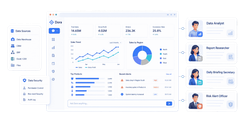
A PPC reporting tool is software that consolidates paid advertising data into automated, client-ready dashboards and reports.
Top 10 PPC reporting tools compared at a glance
1. FineReport
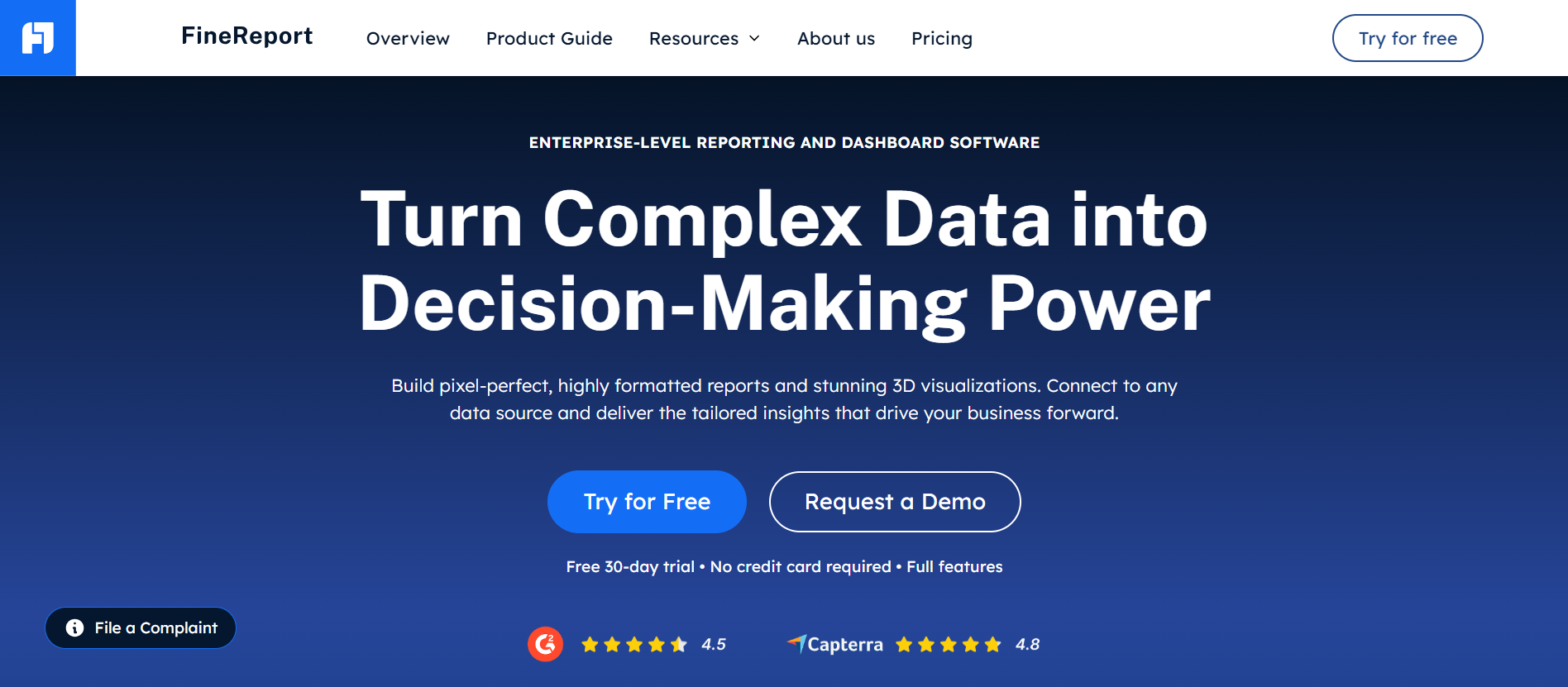
- One-sentence overview: FineReport is a BI-style reporting platform that helps agencies centralize PPC data, build highly customized dashboards, and automate client reporting at scale.
- Key Features
- Cross-channel dashboard building
- Pixel-level report customization
- Scheduled report distribution
- Permission controls and client-facing portals
- Strong data blending and custom KPI modeling
- Pros & Cons
- Pros: Highly flexible, strong for complex data modeling, supports enterprise reporting governance, suitable for multi-client environments
- Cons: Requires more setup than lightweight agency dashboard tools, best value comes with internal data and reporting resources
- Best For (Target user/scenario): Agencies that want deeper reporting control than standard PPC reporting tools and need BI-grade customization across clients, channels, and internal teams.
2. AgencyAnalytics
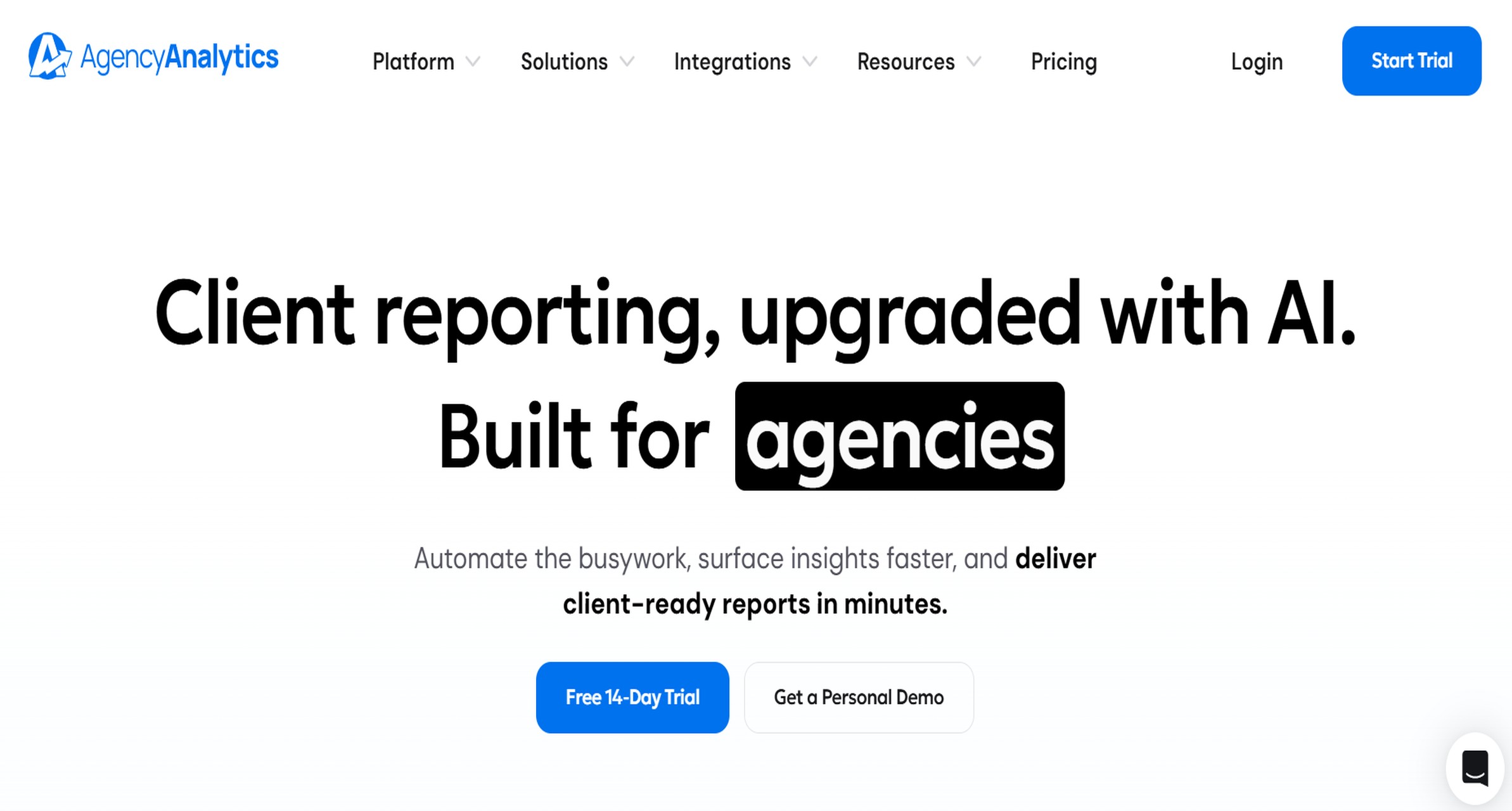
Website: https://agencyanalytics.com/
- One-sentence overview: AgencyAnalytics is a fast-to-deploy reporting platform built for agencies that need white-label PPC reports and client-friendly dashboards with minimal setup.
- Key Features
- White-label dashboards and reports
- Client portals
- Automated report scheduling
- Multi-channel marketing integrations
- Goal and performance monitoring
- Pros & Cons
- Pros: Easy onboarding, agency-focused workflow, broad marketing reporting coverage
- Cons: Advanced customization is more limited than BI-style platforms, pricing rises with client count
- Best For (Target user/scenario): Small to mid-sized agencies that want speed, simplicity, and polished recurring reports.
3. Whatagraph
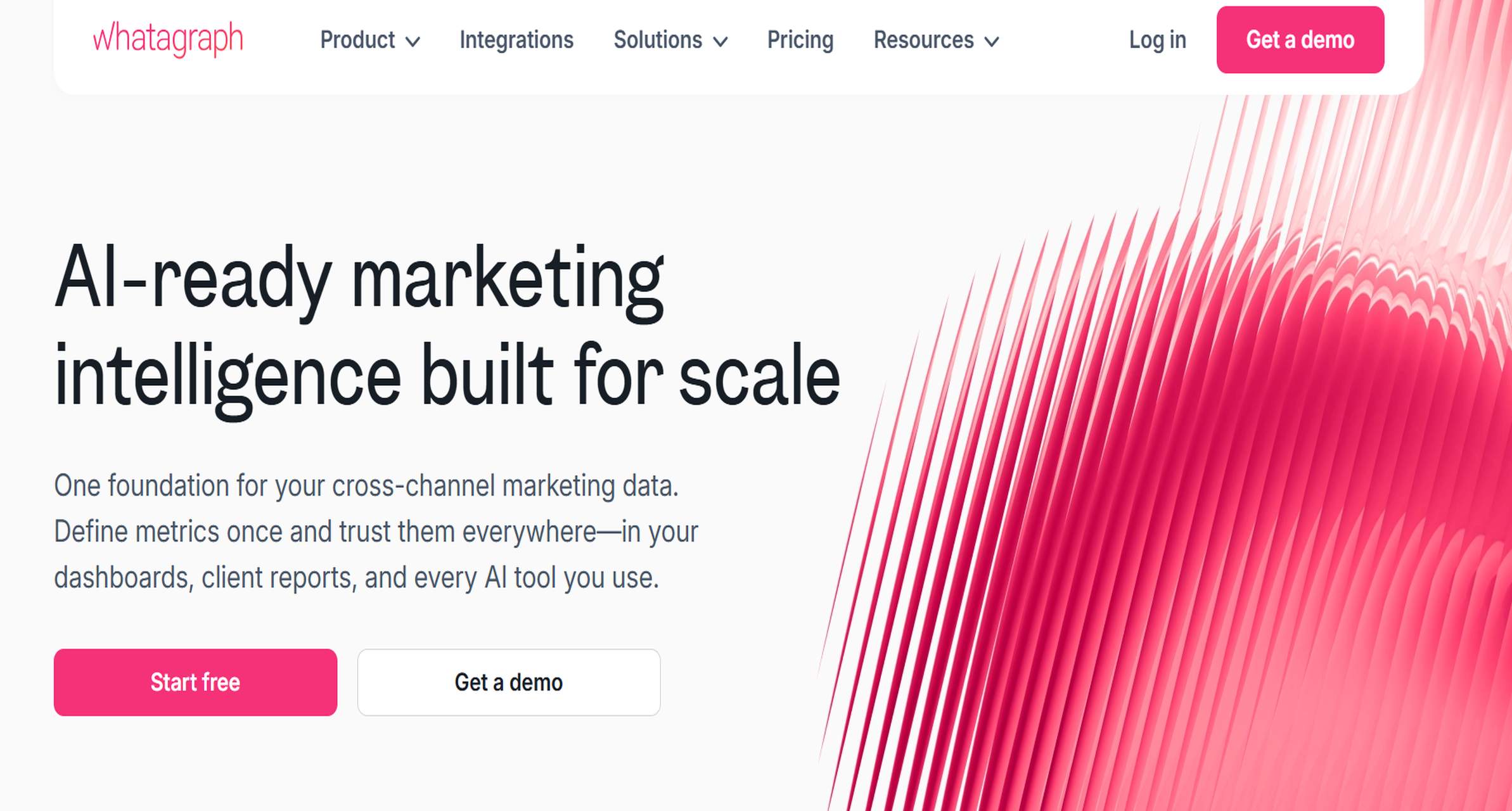
Website: https://whatagraph.com/
- One-sentence overview: Whatagraph is a visual reporting platform designed for agencies that prioritize presentation-ready PPC dashboards and polished client communication.
- Key Features
- Strong visualization templates
- Multi-source reporting
- Automated report generation
- White-label options
- AI-assisted summaries and insights
- Pros & Cons
- Pros: Strong report presentation, good for executive-friendly reporting, suitable for multi-channel agencies
- Cons: Higher entry pricing, some teams may want more back-end data control
- Best For (Target user/scenario): Agencies that deliver frequent stakeholder reports and care about visual storytelling.
4. Swydo
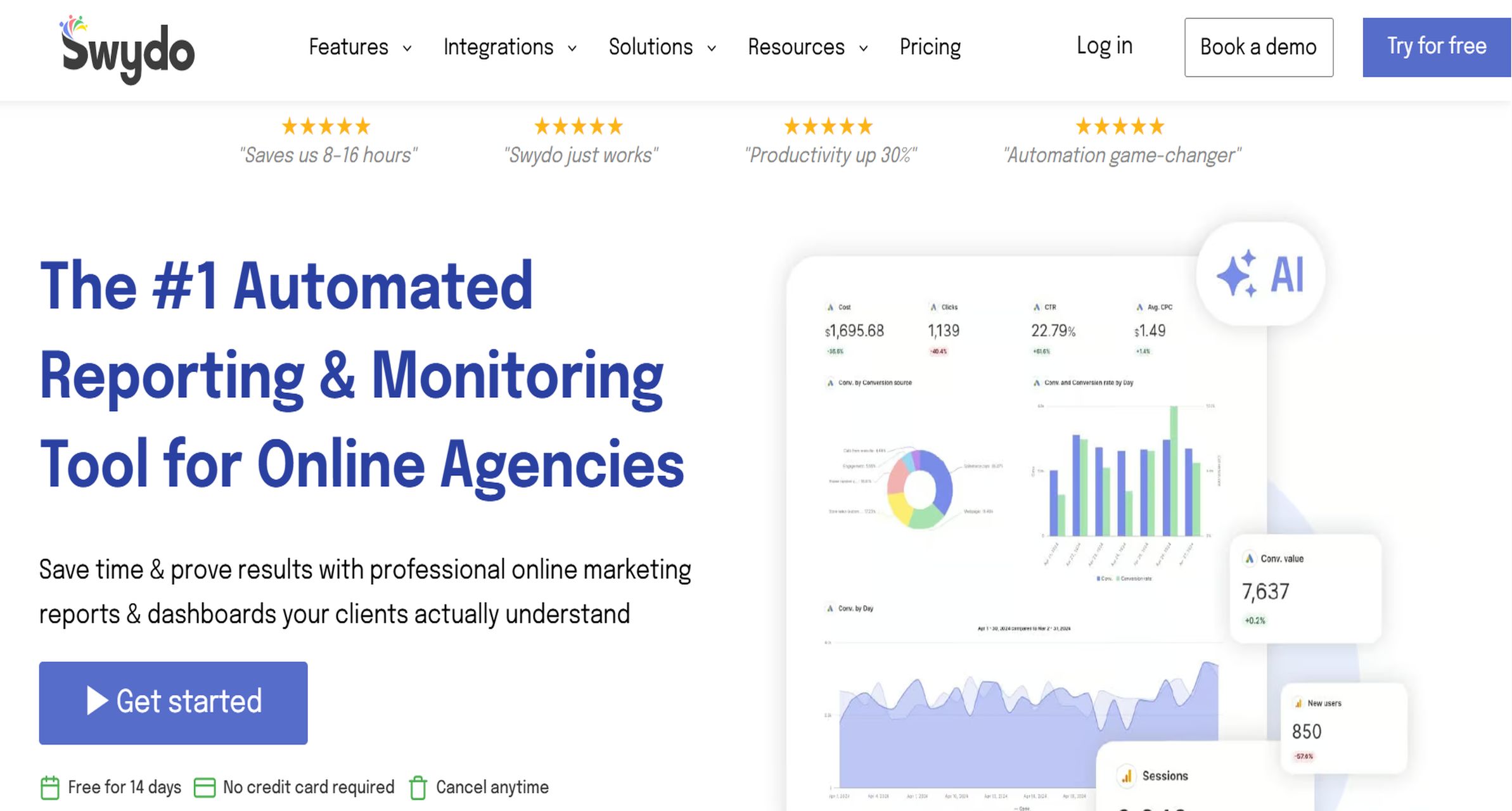
Website: https://www.swydo.com/
- One-sentence overview: Swydo is a PPC-focused reporting solution built for agencies that want flexible templates, KPI tracking, and scheduled reporting workflows.
- Key Features
- PPC report templates
- White-label reports
- Scheduled delivery
- Goal tracking
- Monitoring dashboards
- Pros & Cons
- Pros: PPC-centric workflow, efficient template reuse, straightforward recurring reporting
- Cons: Per-data-source pricing can scale quickly, less suited to highly custom BI use cases
- Best For (Target user/scenario): PPC agencies managing repeatable reporting across multiple similar client accounts.
5. Supermetrics
Website: https://supermetrics.com/
- One-sentence overview: Supermetrics is a data extraction and connector platform that powers custom PPC reporting workflows across spreadsheets, dashboards, and BI tools.
- Key Features
- Broad connector library
- Data delivery to Sheets, Excel, BI tools, and warehouses
- Scheduled refreshes
- Field-level data control
- Transformation-friendly workflows
- Pros & Cons
- Pros: Strong data portability, flexible stack integration, ideal for custom reporting setups
- Cons: Not an out-of-the-box reporting layer by itself, needs another front-end for client presentation
- Best For (Target user/scenario): Agencies with analysts or operations teams that want to build tailored reporting pipelines.
6. DashThis
Website: https://dashthis.com/
- One-sentence overview: DashThis is a simple reporting tool for agencies that need quick recurring PPC dashboards without a heavy setup process.
- Key Features
- Prebuilt dashboard templates
- Automated reporting
- White-label branding
- Multi-platform integrations
- Shareable dashboards
- Pros & Cons
- Pros: Fast setup, easy to use, suitable for small teams
- Cons: Less advanced than enterprise or BI alternatives, limited depth for complex attribution analysis
- Best For (Target user/scenario): Freelancers and small agencies that want speed over customization.
7. NinjaCat
Website: https://www.ninjacat.io/
- One-sentence overview: NinjaCat is an agency reporting and performance platform built for larger teams managing complex, multi-channel PPC and marketing accounts.
- Key Features
- Advanced reporting and dashboards
- Call tracking support
- Multi-channel campaign visibility
- White-label delivery
- Deeper attribution and monitoring features
- Pros & Cons
- Pros: Strong enterprise capability, good for complex reporting operations, supports larger client portfolios
- Cons: Higher cost, may be excessive for smaller agencies
- Best For (Target user/scenario): Large agencies that need more than basic PPC reporting automation.
8. TapClicks
Website: https://www.tapclicks.com/
- One-sentence overview: TapClicks combines marketing reporting with workflow, analytics, and operations capabilities for enterprise service providers.
- Key Features
- Extensive integration coverage
- Automated reporting
- White-label dashboards
- Workflow and order management extensions
- AI and analytics capabilities
- Pros & Cons
- Pros: Broad platform scope, strong for enterprise reporting ecosystems, supports large data environments
- Cons: Can be complex to implement, pricing and feature depth suit larger organizations more than smaller teams
- Best For (Target user/scenario): Enterprises and large agencies needing reporting plus operational process support.
9. Funnel
Website: https://funnel.io/
- One-sentence overview: Funnel is a data normalization platform that helps agencies centralize PPC and marketing data for controlled, scalable reporting.
- Key Features
- Data normalization
- Warehouse-friendly architecture
- Extensive connector support
- Governance and transformation controls
- Destination flexibility
- Pros & Cons
- Pros: Excellent for data consistency, scalable infrastructure, strong for analytics maturity
- Cons: Not the simplest option for client-ready dashboards out of the box, often better for technical teams
- Best For (Target user/scenario): Agencies and in-house teams focused on clean data pipelines and advanced reporting control.
10. ReportGarden
Website: https://reportgarden.com/
- One-sentence overview: ReportGarden combines PPC reporting, campaign tracking, and client management tools in one agency-oriented platform.
- Key Features
- PPC and marketing reporting
- Client management workflows
- Budget and campaign tracking
- White-label reporting
- Scheduled reports
- Pros & Cons
- Pros: Combines reporting with operational features, useful for account servicing workflows
- Cons: Interface and depth may feel dated compared with newer reporting tools, less flexible than BI-first platforms
- Best For (Target user/scenario): Agencies that want reporting plus campaign and client administration in one system.
What to look for in PPC reporting tools for agencies
In 2026, the best ppc reporting tools do more than visualize clicks and conversions. They reduce manual work, improve client transparency, and help account managers identify performance issues before clients ask about them.
The must-have features for 2026
When evaluating tools, focus on capabilities that directly affect agency efficiency and reporting quality:
- Cross-channel reporting: Agencies rarely run paid media on one platform only. Your tool should unify Google Ads, Microsoft Ads, Meta Ads, LinkedIn Ads, TikTok Ads, and analytics data where relevant.
- Pacing alerts: Campaigns can drift off-target long before month-end reports go out. Pacing visibility helps account managers catch underdelivery, overspend, and budget risks early.
- White-label dashboards: Agencies need reports that reflect their own brand, not the software vendor’s.
- Client portals: Always-on access reduces ad hoc reporting requests and makes client communication smoother.
- Automated insights: AI-generated summaries and anomaly detection are increasingly useful when they save review time rather than add noise.
For many agencies, tools like FineReport stand out when standard templates are not enough. If your reporting needs include custom attribution logic, internal profitability views, or client-specific KPI frameworks, a more flexible platform can be a better long-term fit than lightweight dashboard software.
How to evaluate accuracy, data freshness, attribution depth, and ease of use
Not all ppc reporting tools are equally reliable. A polished dashboard loses value if the numbers are delayed or mismatched.
Here’s what to assess during a trial:
- Accuracy: Compare the tool’s numbers against native ad platform data for a sample of campaigns.
- Data freshness: Check how often the tool refreshes ad spend, conversions, and revenue-related data.
- Attribution depth: Some tools only present platform-level metrics, while others allow blended or modeled reporting across channels.
- Ease of use for account managers: Reports should be easy to update without analyst support for every minor change.
- Ease of use for clients: A client-facing dashboard should highlight outcomes, not overwhelm with every possible metric.
A useful test is to build one live report for a client running campaigns across at least three paid channels. If the workflow is fragile or requires too many manual fixes, that is a warning sign.
Which pricing models work best for different agency sizes
Pricing structures vary widely, and the cheapest starting plan is not always the lowest real-world cost.
- Small agencies and freelancers: Dashboard-based pricing or lower-tier plans usually work best if client count is low and reporting needs are simple.
- Growing teams: Watch for per-client or per-data-source pricing that scales sharply as you add accounts and channels.
- Enterprise service providers: Governance, API access, access controls, and advanced data architecture often matter more than entry-level pricing.
If your agency expects reporting complexity to increase, it may be more cost-effective to adopt a scalable platform such as FineReport earlier rather than switching tools once client demands outgrow basic templates.
Top 10 PPC reporting tools compared at a glance
Choosing among ppc reporting tools often comes down to five variables: pricing, agency size fit, white-label support, automation depth, and supported ad platforms.
A quick comparison of core differences
| Tool | Typical Best Fit | White-Label | Automation Depth | Reporting Style |
|---|---|---|---|---|
| FineReport | Growing to enterprise agencies | Yes | High | BI-style custom dashboards |
| AgencyAnalytics | Small to mid-sized agencies | Yes | High | Agency dashboards |
| Whatagraph | Mid-sized agencies | Yes | High | Visual presentation reports |
| Swydo | PPC-focused agencies | Yes | Medium-High | Template-driven reports |
| Supermetrics | Data-savvy agencies | Limited by destination | Medium | Data pipeline enablement |
| DashThis | Small agencies and freelancers | Yes | Medium | Simple recurring dashboards |
| NinjaCat | Large agencies | Yes | High | Advanced multi-channel reporting |
| TapClicks | Enterprise agencies | Yes | High | Reporting plus operations |
| Funnel | Technical teams and enterprises | Depends on destination | High | Data normalization layer |
| ReportGarden | Agencies wanting admin plus reporting | Yes | Medium | Combined reporting and management |
The biggest differences between platform types
Not all ppc reporting tools serve the same purpose. They generally fall into three categories:
1. All-in-one marketing dashboards
These tools focus on quick setup, recurring reports, and client accessibility.
Examples:
- AgencyAnalytics
- Whatagraph
- DashThis
- Swydo
Best when:
- You need to launch fast
- Your team prefers templates over custom builds
- Clients want simple dashboards and monthly PDFs
2. PPC reporting specialists
These tools lean more heavily into agency PPC workflows, recurring delivery, and campaign-centric reporting.
Examples:
- Swydo
- ReportGarden
- NinjaCat
Best when:
- PPC is a core service line
- Your agency reports on similar metrics across many accounts
- Template standardization matters
3. BI-style reporting platforms
These tools are stronger when customization, data modeling, and governance are priorities.
Examples:
- FineReport
- Funnel
- Supermetrics-powered custom stacks
Best when:
- You need custom formulas or unified data logic
- Clients require unique dashboard structures
- Internal reporting and client reporting must coexist in one system
Who each tool is best for
A practical way to shortlist ppc reporting tools is by client volume and reporting complexity:
- Low client volume, low complexity: DashThis, AgencyAnalytics
- Mid client volume, standardized PPC reporting: Swydo, Whatagraph
- High client volume, multi-channel complexity: NinjaCat, TapClicks
- Advanced data control and custom analytics: FineReport, Funnel, Supermetrics
PPC reporting tools In-depth reviews: pros, cons, pricing, and ideal use cases
1. FineReport
- One-sentence overview: FineReport is a flexible BI-style alternative among PPC reporting tools for agencies that need advanced customization, data blending, and scalable client reporting automation.
- Key Features
- Custom dashboards and report layouts
- Cross-channel data integration
- Scheduled and burst reporting
- Role-based permissions and client access control
- Advanced KPI calculation and data modeling
- Pros & Cons
- Pros: Very strong flexibility, supports complex reporting logic, suitable for internal and external reporting, scalable across agency growth
- Cons: More implementation effort than plug-and-play tools, better suited to teams with structured reporting operations
- Best For (Target user/scenario): Agencies that have outgrown simple dashboard tools and need deeper control over how PPC performance is modeled, segmented, and presented.
Why agencies should consider FineReport: Many agency reporting stacks start with lightweight dashboards and later hit limitations around customization, governance, or blended analytics. FineReport is a strong choice when your team needs one platform to support executive dashboards, account-level reporting, and client-facing deliverables without relying on fragile workarounds.
Standout automation features:
- Automated scheduled distribution
- Dashboard personalization by client or team
- Embedded and portal-based access
- Advanced multi-source report design
Pricing: Typically better evaluated as a long-term reporting infrastructure investment than as a simple monthly dashboard subscription.
2. AgencyAnalytics
- One-sentence overview: AgencyAnalytics is one of the most accessible PPC reporting tools for agencies that need fast setup, white-label reporting, and client-friendly dashboards.
- Key Features
- White-label dashboards and reports
- Client portals
- Scheduled automated reports
- Broad integrations across PPC, SEO, and social
- Goal tracking and templated workflows
- Pros & Cons
- Pros: Easy to launch, broad agency use case coverage, good balance of functionality and usability
- Cons: Costs can rise with more clients, deeper custom reporting needs may exceed native flexibility
- Best For (Target user/scenario): Agencies that want a reliable, low-friction reporting system for paid media and adjacent channels.
Why agencies choose it: AgencyAnalytics is widely used because it reduces reporting time quickly. Teams can deploy client dashboards without extensive technical setup, and account managers can usually manage report maintenance themselves.
Standout automation features:
- Recurring report scheduling
- Branded client portals
- Reusable report templates
- Broad out-of-the-box integrations
Pricing: Usually structured by plan and client volume, so agencies should model future growth before committing.
3. Whatagraph
- One-sentence overview: Whatagraph is a strong option for agencies that prioritize visual reporting and polished, presentation-ready PPC reports.
- Key Features
- Clean dashboard design
- Multi-channel data consolidation
- Automated reports
- White-label customization
- AI-generated summaries
- Pros & Cons
- Pros: Strong visual output, useful for executive reporting, good fit for agencies that present frequently
- Cons: Higher pricing than simpler tools, not always the most flexible for highly technical data workflows
- Best For (Target user/scenario): Agencies that need to communicate PPC results clearly to non-technical clients and stakeholders.
Why agencies choose it: Whatagraph is often selected when report appearance directly affects client experience. It works well for agencies that want dashboards to function as both analysis and presentation assets.
Standout automation features:
- Automated data pulls
- Client-ready layouts
- Scheduled report sending
- Narrative summaries for performance context
Pricing: Premium-leaning relative to basic dashboard tools, so it fits best when visual delivery is a clear priority.
4. Swydo
- One-sentence overview: Swydo is a practical PPC reporting tool for teams that want flexible templates and dependable scheduled reporting.
- Key Features
- PPC-focused templates
- KPI monitoring
- White-label reports
- Automated scheduling
- Cross-client report management
- Pros & Cons
- Pros: Efficient for repeatable reporting, PPC-oriented workflow, easy template scaling
- Cons: Per-data-source pricing can become expensive, less suitable for complex custom analytics
- Best For (Target user/scenario): PPC teams managing many accounts that follow similar reporting structures.
Why agencies choose it: Swydo is especially useful when multiple clients require similar monthly reports. It helps standardize delivery and reduces repetitive manual formatting.
Standout automation features:
- Template reuse across accounts
- KPI goal tracking
- Bulk reporting workflows
- Scheduled export and sending
Pricing: Often starts affordably, but real cost depends on how many data sources the agency connects.
More PPC reporting tools worth considering
5. Supermetrics
- One-sentence overview: Supermetrics is best for agencies that need strong data extraction and custom reporting workflows rather than a packaged dashboard product.
- Key Features
- Extensive connectors
- Delivery into reporting destinations
- Scheduled refresh automation
- Data field control
- Support for custom pipelines
- Pros & Cons
- Pros: Highly flexible, works with existing tools, strong for custom stacks
- Cons: Requires a separate visualization layer, not ideal for teams wanting instant client dashboards
- Best For (Target user/scenario): Agencies with analysts or technical operators building tailored PPC reporting systems.
6. DashThis
- One-sentence overview: DashThis is best for simple agency reporting and fast recurring client dashboards.
- Key Features
- Prebuilt templates
- White-labeling
- Automated updates
- Quick dashboard sharing
- Basic multi-channel support
- Pros & Cons
- Pros: Fast setup, easy adoption, low operational burden
- Cons: Less depth for advanced attribution and custom data logic
- Best For (Target user/scenario): Freelancers and small agencies that need efficiency and clarity more than customization.
7. NinjaCat
- One-sentence overview: NinjaCat is best for larger agencies managing multi-channel campaigns and deeper performance reporting.
- Key Features
- Advanced dashboarding
- White-label report delivery
- Multi-channel monitoring
- Call tracking support
- Agency-scale reporting workflows
- Pros & Cons
- Pros: Strong for complexity, useful for large client portfolios, supports richer performance analysis
- Cons: Higher cost, implementation and management can be heavier
- Best For (Target user/scenario): Larger agencies with more sophisticated reporting operations.
8. TapClicks
- One-sentence overview: TapClicks is best for enterprises that want reporting plus workflow and operations capabilities.
- Key Features
- Extensive integrations
- Enterprise dashboards
- Automated reporting
- Operational workflow support
- AI and analytics extensions
- Pros & Cons
- Pros: Broad functionality, enterprise-ready, useful for standardized large-scale environments
- Cons: More platform than many agencies need, complexity may slow smaller teams
- Best For (Target user/scenario): Enterprise agencies and service providers that need more than reporting alone.
9. Funnel
- One-sentence overview: Funnel is best for teams focused on data normalization, warehousing, and advanced reporting control.
- Key Features
- Data normalization rules
- Wide connector support
- Warehouse destinations
- Governance support
- Scalable data infrastructure
- Pros & Cons
- Pros: Strong data consistency, scalable architecture, good for mature analytics environments
- Cons: Not primarily a front-end reporting experience for clients, may require downstream tools
- Best For (Target user/scenario): Teams that treat PPC reporting as part of a broader marketing data system.
10. ReportGarden
- One-sentence overview: ReportGarden is best for agencies that want campaign tracking, reporting, and client management in one place.
- Key Features
- PPC reports
- Budget tracking
- Client and campaign management
- White-label support
- Automated scheduling
- Pros & Cons
- Pros: Useful hybrid of reporting and operations, practical for servicing workflows
- Cons: Less modern and flexible than some alternatives, not ideal for advanced custom analytics
- Best For (Target user/scenario): Agencies that want operational convenience alongside reporting.
Which PPC reporting tool is best for your agency type?
The best ppc reporting tools depend less on feature checklists and more on how your agency operates day to day.
Best options for small agencies and freelancers
Small teams usually need affordability, speed, and low maintenance.
Top fits:
- DashThis for simple recurring dashboards
- AgencyAnalytics for broad agency use and easy client access
- Swydo for PPC-specific recurring reports
Choose these if:
- You manage a limited number of clients
- Reports follow similar formats every month
- You do not have a dedicated analyst or BI resource
Best options for growing agencies
Growing teams need more automation, stronger standardization, and enough flexibility to avoid replatforming too soon.
Top fits:
- AgencyAnalytics for broad client service reporting
- Whatagraph for stronger presentation quality
- FineReport for agencies expecting higher customization and internal reporting demands
- Swydo for PPC-heavy service models
Choose these if:
- Client count is increasing steadily
- Different account managers need consistent reporting frameworks
- Leadership wants both client reporting and internal performance dashboards
Best options for enterprise agencies
Enterprise agencies need governance, scale, and support for more complex attribution and data structures.
Top fits:
- FineReport for BI-style control and scalable custom reporting
- NinjaCat for larger multi-channel agency environments
- TapClicks for reporting plus operations
- Funnel for normalization and warehouse-centric reporting stacks
Choose these if:
- You manage large data volumes
- Multiple teams need role-based access
- Reporting includes custom attribution, data blending, or operational analytics
How to choose the right PPC reporting tool and avoid switching later
Switching reporting tools is disruptive. It affects account managers, reporting workflows, client expectations, and internal documentation. The best way to avoid that cost is to stress-test your shortlist before signing.
Questions to ask before committing
Ask each vendor:
- Which ad platforms are supported natively?
- How often is data refreshed?
- What onboarding help is included?
- Are white-label dashboards and client portals included or add-ons?
- How are overages priced?
- Are contracts monthly, annual, or custom?
- Can the tool scale as you add clients, channels, and internal users?
- What support model is available when connectors fail or metrics mismatch?
For agencies with more advanced needs, also ask:
- Can we create custom calculated fields?
- Can we manage access by client, team, or role?
- Can this support both client-facing and internal reporting?
These are areas where FineReport can be especially attractive if your team needs long-term reporting flexibility rather than only a basic dashboard layer.
How to test whether a tool can track PPC campaigns across multiple channels
A short trial is only useful if you test realistic scenarios.
Use this method:
- Pick one client with campaigns on at least three paid platforms.
- Connect all relevant ad and analytics sources.
- Recreate the monthly report your team actually sends.
- Validate spend, conversions, and core KPIs against native platforms.
- Test whether account managers can update the report without technical help.
- Share the dashboard with a client-like viewer and evaluate clarity.
If the report still needs spreadsheets, manual exports, or explanation-heavy workarounds, the tool may not be the right fit.
A practical shortlist method
To narrow down your options, score each platform on:
- Clients served
- Channels supported
- White-label quality
- Automation depth
- Customization flexibility
- Ease of use
- Scalability
- Total cost at your projected size
A simple buying framework looks like this:
- Need fast, client-ready dashboards: AgencyAnalytics or DashThis
- Need polished visual reporting: Whatagraph
- Need PPC template efficiency: Swydo
- Need advanced data control and scalable customization: FineReport
- Need enterprise workflow and reporting depth: NinjaCat or TapClicks
- Need custom data pipelines: Supermetrics or Funnel
The strongest ppc reporting tools are the ones that match both your current workflow and your next stage of growth. For agencies that expect increasing reporting complexity, FineReport is worth serious consideration because it helps reduce the risk of outgrowing your reporting stack too quickly.
FAQs
A PPC reporting tool pulls paid advertising data from platforms like Google Ads, Meta, and LinkedIn into one place, then turns it into dashboards and scheduled client reports. Agencies use it to save time, reduce manual work, and present results more clearly.