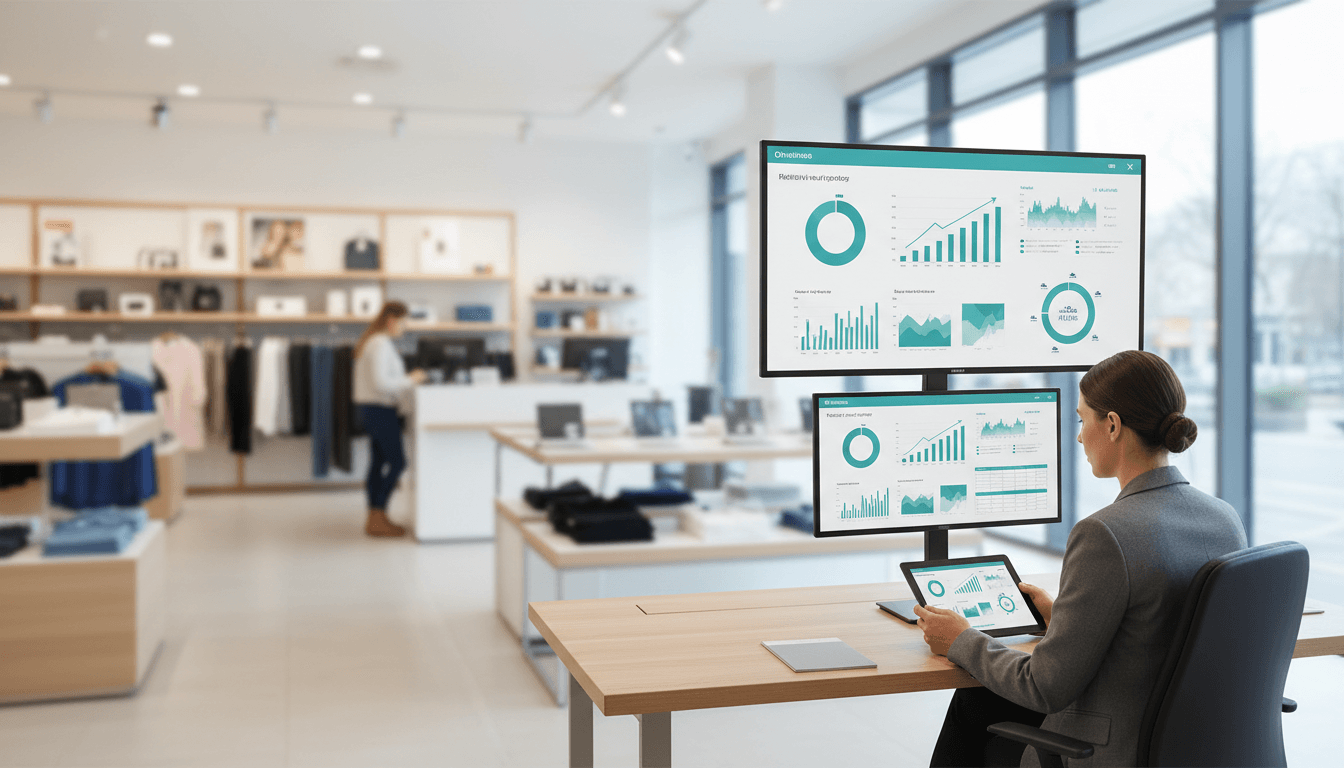
A retail business dashboard is a visual tool that helps store owners, managers, and retail teams track the numbers that matter most in one place. Instead of checking separate systems for sales, inventory, staffing, and customer activity, a dashboard brings that information together so teams can quickly see how the business is performing and where action is needed.
For modern retailers, speed matters. A store can lose revenue because of a stockout, poor staffing during busy hours, or a promotion that is not converting as expected. A well-designed retail business dashboard makes those issues easier to spot early, helping stores improve performance, reduce waste, and make better decisions every day.
What Is a Retail Business Dashboard?
A retail business dashboard is a centralized screen or interface that displays key retail metrics in a simple, visual format. It usually includes charts, tables, trend lines, alerts, and KPI cards that show current performance at a glance.
In simple terms, it is the control center for a retail operation.
Rather than pulling data manually from multiple systems, a dashboard combines information from:
Point-of-sale systems
Inventory management tools
E-commerce platforms
Customer loyalty programs
Marketing platforms
Staffing and labor systems
This gives retail teams one clear view of what is happening across the business.
A retail business dashboard is especially useful because store performance depends on many connected factors. For example, rising foot traffic is good, but if conversion rate drops, sales may still underperform. Likewise, strong demand does not help much if top-selling items are out of stock. A dashboard helps teams understand these relationships instead of looking at each number in isolation.
It is also important to understand how a dashboard differs from a report or spreadsheet:
Dashboard: A live or frequently updated visual summary of the most important KPIs
Report: A more detailed document focused on reviewing results over a set period
Spreadsheet: A raw or manually organized data file used for calculations and analysis
A spreadsheet can hold data, and a report can explain performance, but a dashboard is designed for quick monitoring and fast decisions. That is what makes it so valuable in retail, where conditions can change hour by hour.
Key Metrics to Track for Store Performance
The best retail business dashboard focuses on the metrics that directly affect profit, efficiency, and customer experience. While every retailer has different priorities, most dashboards include four major categories of KPIs.
Sales and revenue metrics
Sales metrics are the core of any retail business dashboard because they show how effectively the store is generating revenue.
Important sales and revenue metrics include:
Total sales: The overall revenue generated during a specific period
Average order value: The average amount spent per transaction
Units per transaction: The number of items purchased in each sale on average
Gross margin: Revenue minus the cost of goods sold, showing true profitability
These metrics help retailers answer practical questions such as:
Are sales growing or slowing?
Are customers buying more items or just spending more on single products?
Is revenue increasing because of volume, price, or product mix?
Are margins healthy enough to support profit goals?
For example, a store may show strong total sales, but if gross margin is declining, discounting or poor product mix could be hurting profitability. That is why sales should never be viewed on revenue alone.
Inventory and product metrics
Inventory is one of the biggest cost and performance drivers in retail. Too little stock leads to missed sales. Too much creates cash flow pressure and markdown risk.
A useful retail business dashboard should track:
Stock levels: Current inventory on hand for each SKU or category
Sell-through rate: The percentage of inventory sold during a given period
Inventory turnover: How often stock is sold and replaced
Stockouts: Products unavailable when customers want to buy
Shrinkage: Inventory lost due to theft, damage, errors, or other causes
These metrics help stores maintain balance. High sell-through may be a positive sign, but if it is paired with frequent stockouts, replenishment may be too slow. Low inventory turnover may suggest overbuying or weak demand. Shrinkage can reveal operational problems that quietly reduce profit.
Product-level visibility is especially valuable for identifying:
Fast-moving items
Slow sellers
Seasonal trends
Category performance
Reorder priorities
Customer and marketing metrics
Retail performance is not only about products and sales totals. It is also about understanding customer behavior and the effectiveness of promotions.
Key customer and marketing metrics include:
Foot traffic: The number of people entering the store
Conversion rate: The percentage of visitors who make a purchase
Repeat purchase rate: How often customers come back to buy again
Customer lifetime value: The long-term revenue a customer generates
Promotion performance: Sales lift or return generated by campaigns and offers
These KPIs can reveal why performance is changing.
For instance:
High traffic with low conversion may signal pricing, assortment, or service issues
High conversion with low repeat purchase may point to a weak post-purchase experience
A promotion that drives revenue but lowers gross margin too much may not be worthwhile
Retailers that monitor customer metrics alongside sales metrics get a fuller view of store health and can improve both acquisition and retention.
Staff and operations metrics
Store operations have a direct effect on revenue, service quality, and cost control. That is why operational KPIs belong on a retail business dashboard as well.
Common staff and operations metrics include:
Labor cost: The cost of staffing relative to sales
Sales per employee: Revenue generated per team member
Return rate: The percentage of purchases that are returned
Checkout wait time: How long customers wait to complete a purchase
These indicators help store leaders balance service and efficiency.
For example, cutting labor costs too aggressively may hurt customer support and reduce conversion. On the other hand, overstaffing can reduce profitability if traffic does not justify payroll levels. Monitoring labor cost together with sales per employee gives a clearer picture of staffing effectiveness.
Return rate is another important operational metric. A rising return rate may suggest product quality issues, inaccurate product descriptions, or problems with customer expectations. Checkout wait time matters because long lines can create abandoned purchases and poor customer experiences.
Examples of Retail Dashboards in Action
Different dashboards serve different users. Store associates, inventory planners, and executives all need a different level of detail. Here are some common examples of how a retail business dashboard can be used in practice.
Daily store performance dashboard
A daily store performance dashboard is built for store managers and frontline leaders who need to make fast decisions throughout the day.
It often highlights:
Same-day sales
Hourly sales trends
Top-performing categories
Transactions and average basket size
Conversion rate
Staffing coverage by time block
This type of dashboard helps managers answer immediate questions such as:
Is the store on track to hit today’s target?
What hours are busiest?
Which categories are driving sales today?
Do we need more staff on the floor during peak traffic?
If sales drop sharply during a high-traffic period, the dashboard may show whether conversion has fallen, whether checkout wait times are too long, or whether top items are out of stock. That allows a manager to take action in real time instead of waiting until the day is over.
Inventory management dashboard
An inventory management dashboard is focused on product flow and stock health. It is especially useful for buyers, inventory planners, operations teams, and store managers.
Typical elements include:
Fast-moving products
Low-stock alerts
Overstock risks
Days of inventory on hand
Reorder status
Supplier lead times
This dashboard helps retailers reduce both stockouts and excess inventory. For example, if a product is selling faster than expected, the dashboard can flag low-stock risk early. If another item has high on-hand inventory and weak sell-through, the team can plan markdowns or shift stock to another location.
Supplier timing is another major benefit. If a vendor has a long lead time, replenishment decisions need to happen sooner. A dashboard makes these timing issues more visible so the business can respond before shelves go empty.
Multi-store executive dashboard
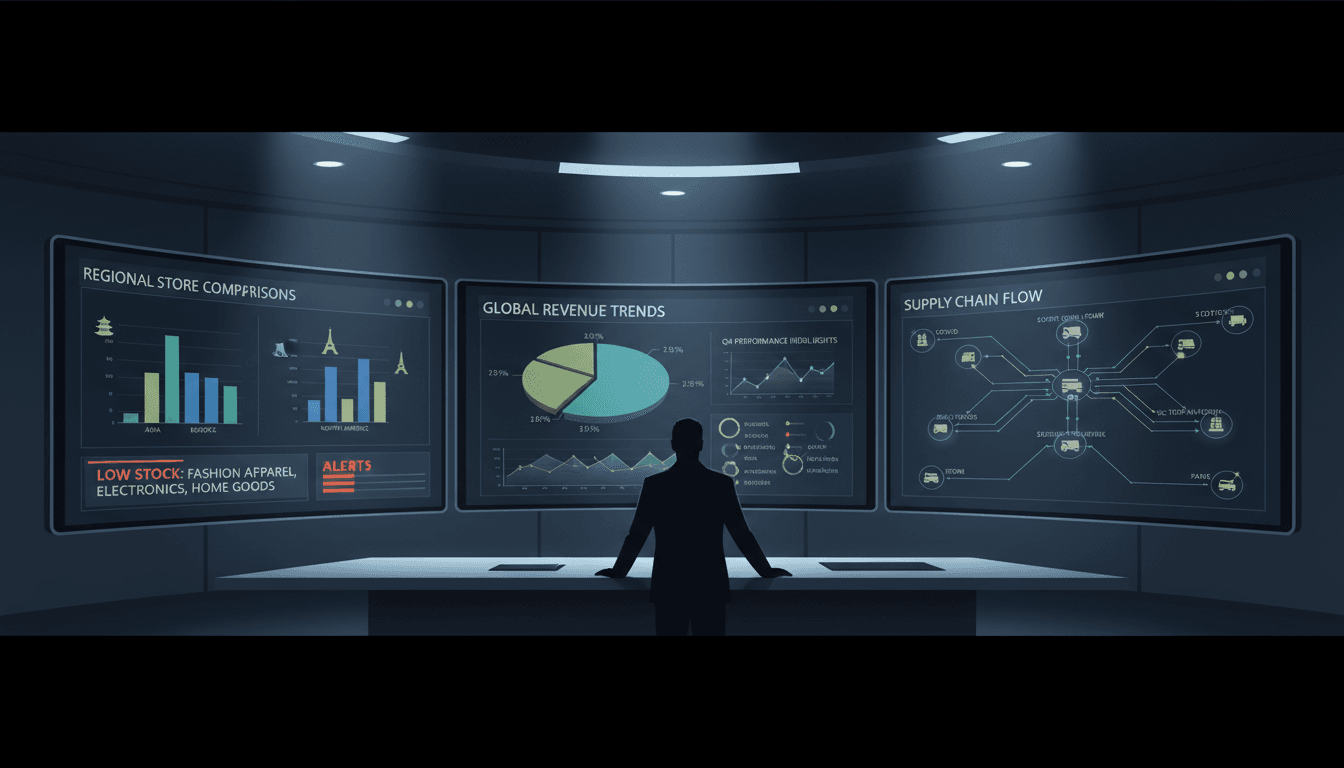
A multi-store executive dashboard gives regional managers, directors, and business owners a high-level view across locations.
It usually compares:
Store performance by location
Regional trends
Sales versus target
Margin by store
Inventory health across locations
Exception alerts for unusual changes
This type of retail business dashboard is useful for identifying which stores need attention and why.
For example, one store may be exceeding its sales goal but showing unusually high labor cost. Another may have strong traffic but weak conversion. A third may be underperforming because of repeated stockouts in top categories. By comparing locations side by side, leaders can find best practices, spot risks, and allocate support more effectively.
Exception alerts are especially helpful at the executive level. Instead of reviewing every metric for every store in detail, leaders can focus on locations that fall outside expected ranges.
Benefits of Using a Retail Dashboard
A retail business dashboard delivers value far beyond convenience. It improves visibility, speed, and alignment across the organization.
One of the biggest benefits is faster decision-making with real-time visibility into store performance. When data updates quickly, teams do not have to wait for end-of-day reports to know what is happening. They can respond to issues while there is still time to change the outcome.
Another major benefit is better inventory control and fewer lost sales from stock issues. Dashboards make it easier to see low-stock trends, slow-moving items, and imbalances between stores. That leads to smarter replenishment and less revenue lost to empty shelves.
Retail dashboards also create clearer accountability for teams, managers, and store leaders. When KPIs are visible and shared, expectations become easier to understand. Each person can see how their actions affect performance, whether the goal is improving conversion, reducing shrinkage, or increasing average order value.
A strong dashboard also supports better forecasting and planning based on historical trends. By reviewing patterns over time, retailers can improve staffing schedules, prepare for seasonal demand, set more accurate targets, and make smarter purchasing decisions.
Additional benefits often include:
Better alignment between store operations and business strategy
Improved communication across departments
Faster identification of unusual trends or risks
More confidence in planning and budgeting
In short, a retail business dashboard helps turn data into action.
How to Choose and Use a Dashboard Effectively
Not all dashboards are equally useful. The best one is not necessarily the one with the most charts. It is the one that helps the right people make better decisions quickly and consistently.
Features to look for
When evaluating a retail business dashboard, look for features that improve usability and decision-making.
Important features include:
Real-time updates: So teams can react to changes as they happen
Customizable views: So executives, store managers, and planners each see relevant KPIs
Mobile access: So users can monitor performance from the sales floor or while traveling
Easy integrations: So data from POS, inventory, e-commerce, CRM, and staffing systems flows together smoothly
Other useful features may include:
Alerting and notifications
Drill-down capability from summary to detail
Role-based permissions
Visual trend analysis
Store and region comparison tools
A dashboard should make complex retail data easier to understand, not harder. Clear design and relevant metrics matter as much as technical capability.
Common mistakes to avoid
Retailers often reduce the value of a dashboard by using it poorly. Some of the most common mistakes include:
Tracking too many metrics: Too much information creates noise and hides what matters most
Ignoring data quality: A dashboard is only as reliable as the data feeding it
Failing to act on insights: Visibility alone does not improve performance unless teams respond
Another common issue is using the same dashboard for every role. Executives usually need summary trends and exceptions, while store managers need operational detail. If the dashboard is not tailored to the user, it becomes less actionable.
It is also a mistake to focus only on lagging indicators like monthly revenue without including leading indicators such as traffic, conversion, stock availability, or staffing coverage. Leading indicators help teams prevent problems, not just review them later.
Tips for getting started
If you are implementing a retail business dashboard for the first time, start simple.
A practical approach is to:
Begin with core KPIs that directly affect store performance
Set review routines for daily, weekly, and monthly analysis
Align the dashboard with store goals so every metric has a clear purpose
For many retailers, a strong starting set of KPIs includes:
From there, you can expand based on the needs of the business.
It also helps to assign ownership. Someone should be responsible for reviewing dashboard accuracy, monitoring trends, and making sure insights turn into action. Teams should know what steps to take when a KPI goes off target.
Finally, review the dashboard regularly and improve it over time. As the business changes, your metrics and dashboard design should evolve too.
Final Thoughts
A retail business dashboard is one of the most useful tools for improving store performance. It gives retailers a clear, connected view of sales, inventory, customer behavior, and operations, all in one place. That visibility makes it easier to spot problems early, identify opportunities, and keep teams focused on the metrics that drive results.
Whether you manage a single store or a growing chain, the right dashboard can help you make faster decisions, improve inventory control, and strengthen accountability across the business. Start with the core KPIs, keep the dashboard focused, and use the insights consistently. When done well, a retail business dashboard becomes more than a reporting tool. It becomes a daily guide for smarter retail performance.
FAQs
A retail business dashboard brings sales, inventory, customer, and operational data into one visual view so teams can monitor performance quickly. It helps store managers spot issues early and make faster decisions.
A strong retail dashboard usually tracks sales, gross margin, average order value, stock levels, sell-through rate, stockouts, foot traffic, conversion rate, and promotion results. The best mix depends on the store’s goals and daily decisions.
A dashboard is designed for fast, ongoing monitoring with visual KPIs that update regularly. Reports and spreadsheets are more useful for detailed review, manual analysis, or historical records.
Inventory metrics help retailers avoid stockouts, reduce overstock, and protect cash flow. They also show which products are moving quickly, which items are underperforming, and where replenishment is needed.
It improves store performance by making trends and problems easier to see, such as falling conversion, weak margins, or poor promotion results. With clearer visibility, teams can respond faster and improve revenue, efficiency, and customer experience.
Product Trial
FineReport
Pixel-perfect reports · Interactive dashboards · Easy data entry · Digital twins