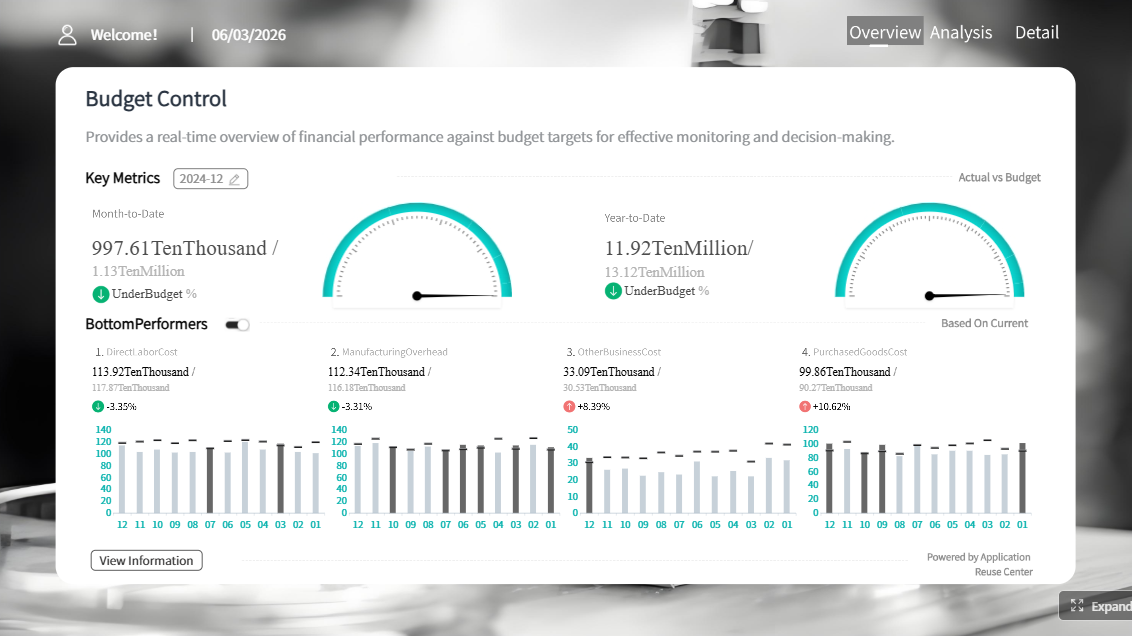
FineReport is an enterprise reporting and dashboard platform for building pixel-perfect reports, interactive analytics, and scalable multi-source data applications for agencies and client-facing teams.
Best agency reporting software for 2026 at a glance
Below is a practical comparison of the best agency reporting software for teams that manage multiple clients, multiple marketing channels, and recurring reporting cycles.
This comparison is for:
Marketing agencies handling many client accounts at once
PPC, SEO, social, and full-service teams that need repeatable reporting workflows
Agencies that want to reduce spreadsheet work and manual exports
Teams that need branded dashboards, scheduled reports, and clearer client communication
What we evaluated across all tools:
Dashboard flexibility
Automated reports and scheduling
Integrations across ad platforms, analytics, CRM, and ecommerce tools
Best for cross-channel executive dashboards:FineReport
Best for budget-conscious teams: Looker Studio
How to choose software for multi-client dashboards and automated reports
Core features that matter most for agencies
When evaluating agency reporting software, these are the capabilities that usually have the biggest impact on day-to-day operations.
Multi-client account management and permission controls
Agencies need a clean way to separate client workspaces, dashboards, and user permissions. Role-based access is especially important when account managers, analysts, and clients all need different views.
Automated report scheduling and delivery options
Monthly and weekly reporting should not depend on someone manually exporting PDFs at the last minute. Look for scheduled email delivery, shared live dashboards, and flexible refresh frequency.
Custom dashboards, templates, and white-label branding
The best tools help agencies standardize reporting while keeping enough flexibility for different client goals. Reusable templates, cloned dashboards, and branded portals matter.
Data source coverage for ad platforms, analytics, CRM, and ecommerce tools
Strong connector coverage reduces manual work. For many agencies, the minimum stack includes Google Ads, Meta Ads, GA4, Search Console, LinkedIn Ads, Shopify, HubSpot, and sometimes custom data imports.
How much setup and maintenance will your team need each month?
Some tools are quick to launch but limited later. Others are powerful but require ongoing technical support.
Can clients self-serve dashboards without creating confusion?
A client-facing dashboard should be simple enough to explore without generating more support requests.
Does the pricing scale reasonably as clients, users, and data sources grow?
Many tools look affordable at first, then become expensive once you add connectors, white-labeling, or more dashboards.
What support, onboarding, and migration help is included?
If your team is replacing spreadsheets or a legacy reporting setup, implementation support can save weeks of work.
10 agency reporting tools compared
1) AgencyAnalytics
One-sentence overview: AgencyAnalytics is a purpose-built agency reporting platform focused on fast setup, polished client reporting, and broad marketing integrations.
Key Features:
Large library of marketing integrations
Client portals and white-label reporting
Automated report scheduling
Templates for SEO, PPC, call tracking, ecommerce, and more
Cons: Less flexible for deep custom modeling than BI-style platforms; advanced customization can be more limited than fully open dashboard tools
Best For (Target user/scenario): Agencies that want to get reporting live quickly without building a custom reporting stack
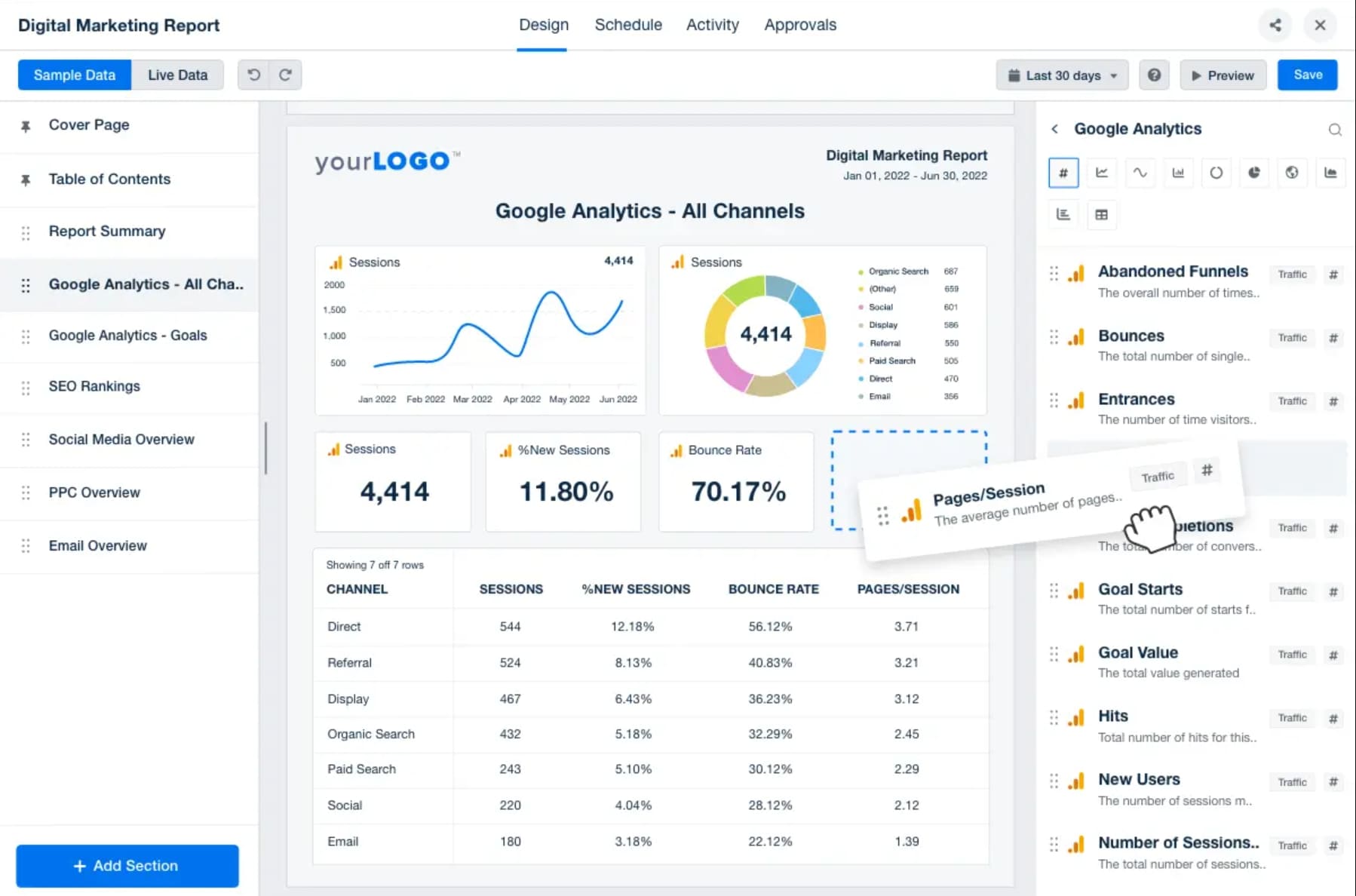
AgencyAnalytics is one of the most recognizable names in agency reporting software because it is designed specifically for client reporting workflows rather than general business intelligence. It performs well for agencies that need reusable templates, branded dashboards, and a central place to monitor many client accounts.
Its biggest strength is speed. Teams can usually connect common marketing platforms quickly and launch polished recurring reports without much technical effort. The platform also supports client access, which is useful for agencies that want to reduce ad hoc status-update requests.
The main limitation is that it is optimized for agency reporting, not deep data engineering. If your agency needs complex transformations, highly custom calculated logic, or advanced warehouse-based modeling, you may eventually outgrow it.
Pricing fit: Usually best for agencies willing to pay for convenience, speed, and agency-specific workflows. Ideal agency size: Small to mid-sized agencies, though larger agencies may also use it for standardized reporting operations.
2) Oviond
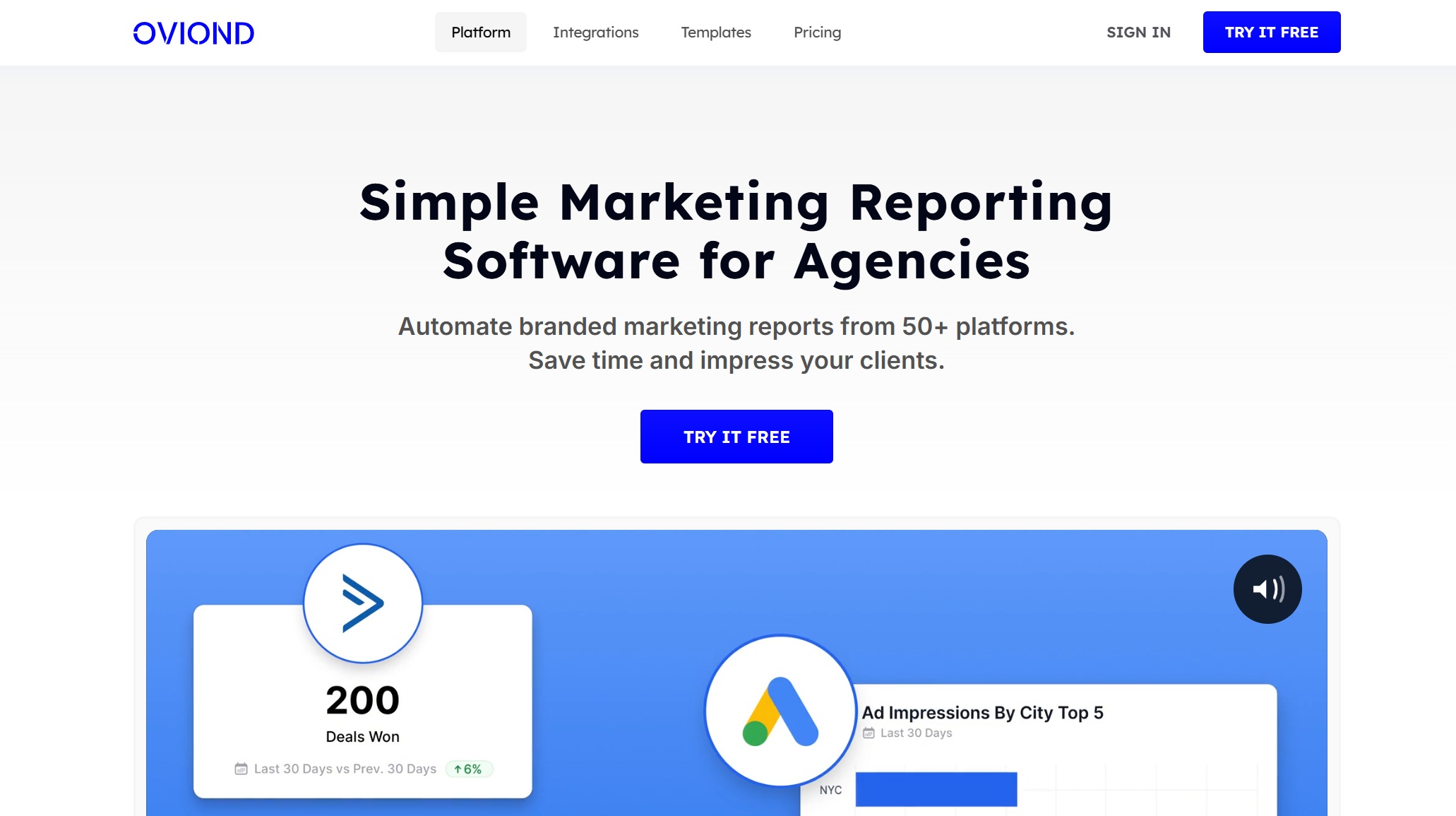
One-sentence overview: Oviond is a streamlined marketing reporting platform built for agencies that want simple reporting, clear dashboard templates, and less operational complexity.
Pros: Easy to learn, visually clean templates, straightforward reporting workflow, good fit for agencies that value simplicity
Cons: May feel lighter for teams needing advanced data modeling, custom governance, or highly specialized enterprise workflows
Best For (Target user/scenario): Agencies that want a simpler reporting experience with less setup overhead
Oviond focuses on usability. For agencies that do not want a steep learning curve, that can be appealing. The platform emphasizes marketing reporting basics: connecting sources, selecting templates, customizing the layout, and automating delivery.
This makes it a good option for smaller teams or agencies that need to improve reporting consistency fast. It is also useful where account managers, not analysts, will be the primary users.
The tradeoff is depth. Agencies with complicated attribution models, unusual connector needs, or advanced cross-source metric logic may find the platform too lightweight over time.
Pricing fit: Often attractive for agencies that want an easier reporting stack without paying for heavy BI functionality. Ideal agency size: Small and growing agencies focused on straightforward digital marketing reporting.
3) Looker Studio
One-sentence overview: Looker Studio is a flexible dashboarding tool that gives agencies broad customization, especially if they can manage setup and connector complexity themselves.
Key Features:
Highly customizable dashboards
Native Google ecosystem compatibility
Broad connector ecosystem through partners
Shareable live dashboards
Flexible visualization layouts
Pros & Cons:
Pros: Low barrier to entry, flexible design, strong fit for Google-centric reporting, cost-effective for many teams
Cons: Connector quality varies, maintenance can increase over time, white-labeling and governance are less agency-native than specialized platforms
Best For (Target user/scenario): Agencies with in-house reporting skills that want flexible dashboards at a lower software cost
Looker Studio remains popular because it can be inexpensive and adaptable. Agencies often use it when they want more control over dashboard structure than template-led tools provide. It is particularly common for SEO, PPC, and GA4 reporting.
However, flexibility comes with overhead. Teams may need third-party connectors, manual fixes, and more maintenance than they expected. As the number of clients grows, keeping templates, connectors, and data definitions consistent can become difficult.
It is still a good choice for cost-conscious agencies, especially those already comfortable with Google tools and willing to manage the reporting environment internally.
Pricing fit: Strong for budget-conscious teams, especially at smaller scale. Ideal agency size: Freelancers, small agencies, and technically capable teams that can handle connector management.
4) DashThis
One-sentence overview: DashThis is an easy-to-use reporting platform focused on recurring reports and straightforward client-facing dashboards.
Pros: Simple setup, attractive dashboards out of the box, easy recurring reporting, low training burden
Cons: Less suitable for advanced data modeling or highly custom BI use cases
Best For (Target user/scenario): Agencies that want fast recurring reports without a lot of technical administration
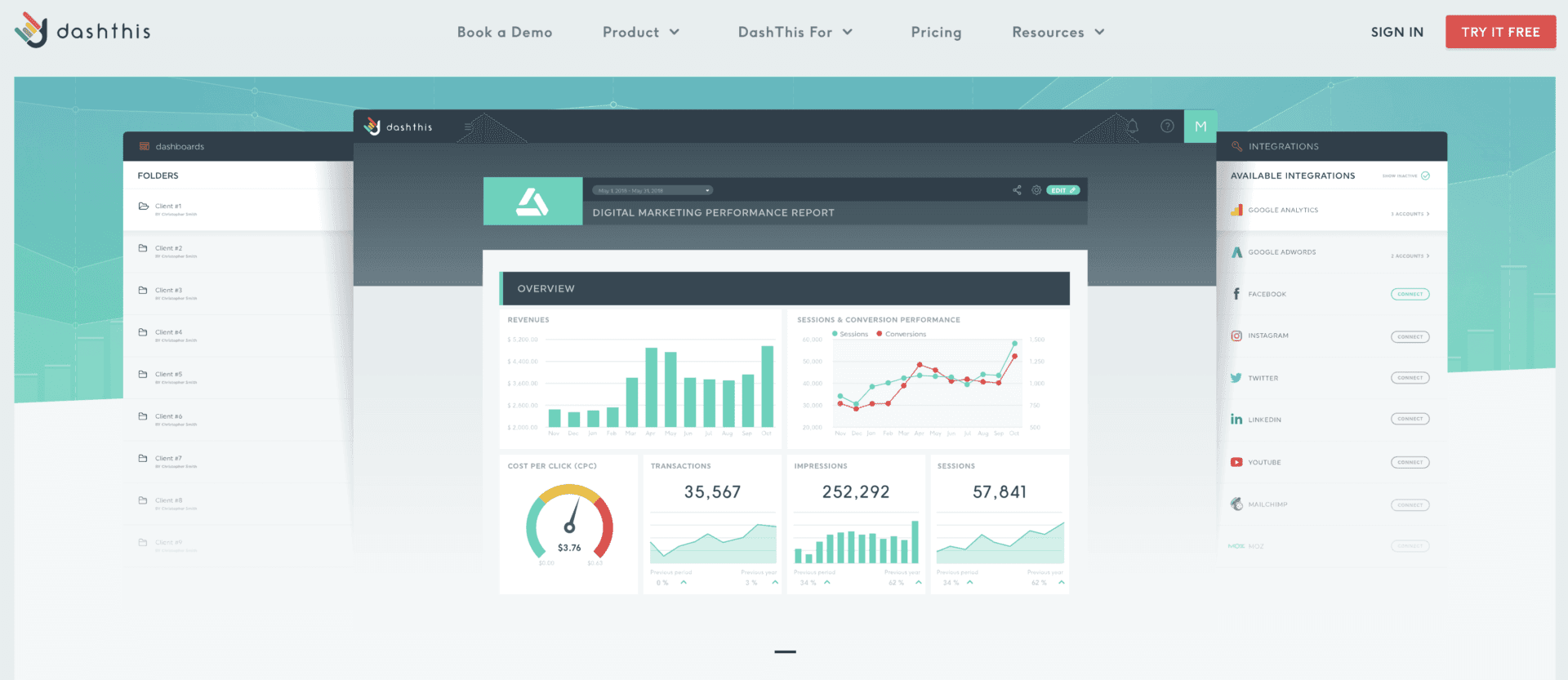
DashThis is built around simplicity. Its value is not in being the deepest analytics platform, but in helping agencies create clean, repeatable reports quickly. For many client reporting teams, that is exactly the point.
If your agency mainly needs to pull data from common marketing platforms, present clear KPIs, and automate monthly or weekly delivery, DashThis can cover that use case well. It is especially practical for agencies with small internal teams and limited analytics engineering capacity.
The main downside is similar to other simplified reporting tools: if your reporting needs become heavily customized, you may run into limits.
Pricing fit: Good for agencies that want straightforward reporting without enterprise overhead. Ideal agency size: Small to mid-sized agencies that prioritize ease of use.
6 more tools worth considering
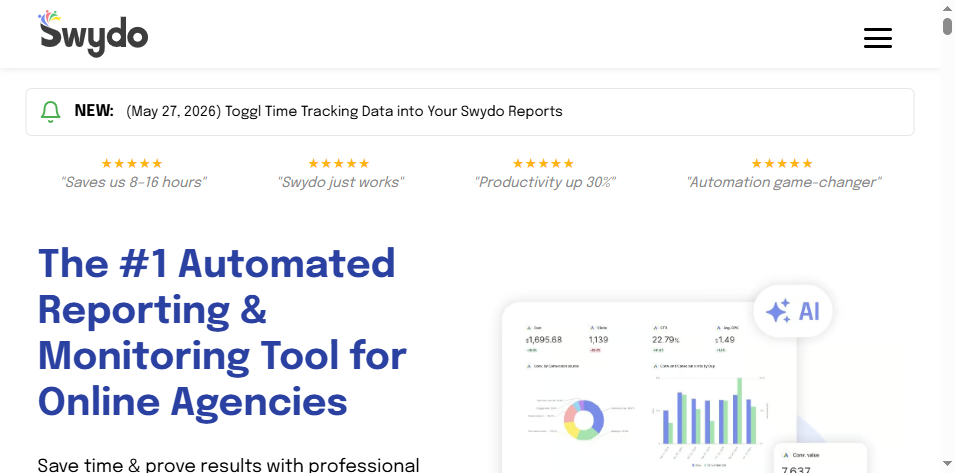
5) Swydo
One-sentence overview: Swydo is an agency-focused reporting tool known for automation, templates, and practical workflows for recurring marketing reports.
Key Features:
Automated scheduled reports
White-label reporting
Template-driven report building
Marketing channel integrations
Agency workflow support
Pros & Cons:
Pros: Good automation support, useful templates, practical for SEO and PPC reporting, agency-friendly structure
Cons: Interface and flexibility may feel narrower than more modern or BI-style tools
Best For (Target user/scenario): Agencies that prioritize scheduled reports and consistent client deliverables
Swydo has long been used by agencies that need dependable, repeatable reporting. It is often appreciated for making monthly reporting cycles more manageable, especially where templates and automated delivery are central to the workflow.
For SEO and PPC agencies, Swydo remains relevant because it focuses on operational efficiency rather than trying to be an all-purpose analytics environment.
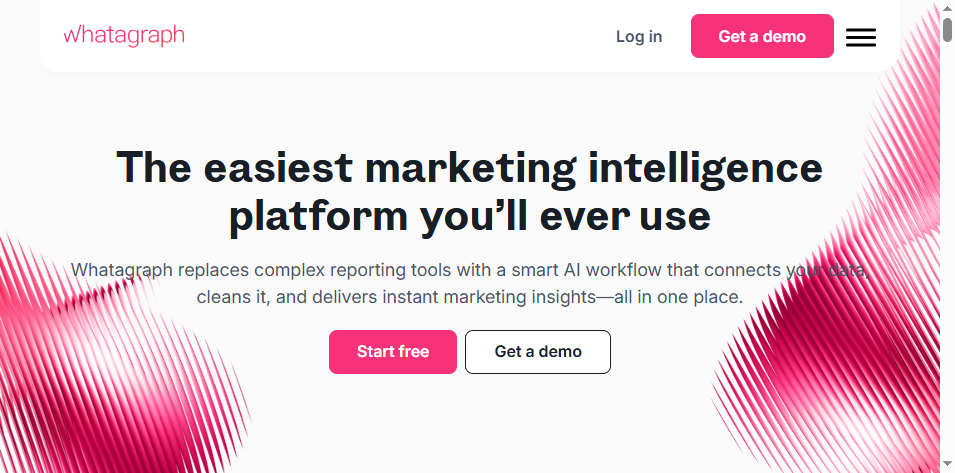
6) Whatagraph
One-sentence overview: Whatagraph is a visual reporting platform designed for cross-channel marketing dashboards and presentation-ready reports.
Key Features:
Strong visual report design
Cross-channel dashboard creation
Automated data pulls and scheduled delivery
White-label presentation support
Marketing-focused templates
Pros & Cons:
Pros: Strong visual output, good for executive-level reporting, accessible for non-technical users
Cons: Some agencies may want deeper customization or more advanced back-end modeling
Best For (Target user/scenario): Agencies that need polished, presentation-friendly client reporting
Whatagraph stands out when presentation quality matters. Agencies that frequently share reports in meetings with marketing leaders or business stakeholders may appreciate its clean visual style. It helps bridge the gap between performance data and executive readability.
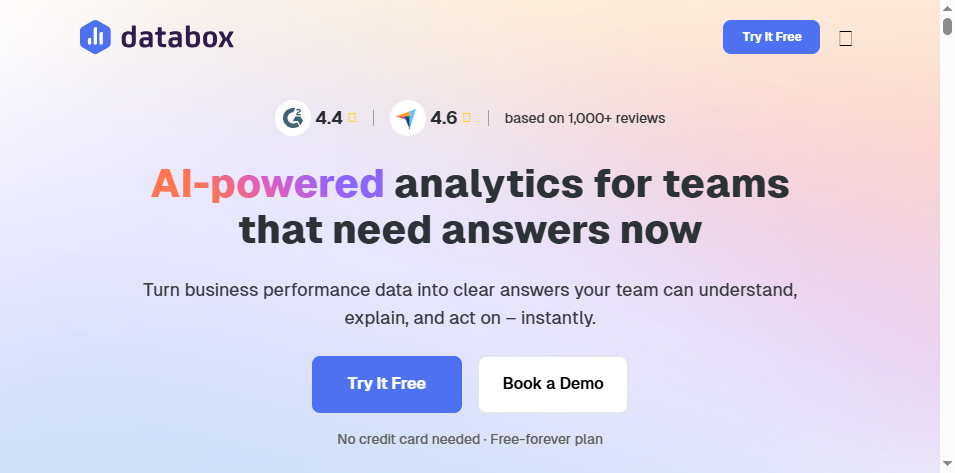
7) Databox
One-sentence overview: Databox is a KPI and scorecard-driven reporting platform that helps agencies track performance and surface executive-level metrics clearly.
Key Features:
KPI dashboards and scorecards
Goal tracking
Alerts and performance visibility
Dashboard sharing
Broad business reporting use cases
Pros & Cons:
Pros: Strong for KPI visibility, useful mobile and executive reporting experience, good for goal-oriented reporting
Cons: Can require more setup to fit complex multi-client agency structures; not always as agency-specific as specialized tools
Best For (Target user/scenario): Agencies that want executive visibility and KPI tracking more than heavily customized client portals
Databox works well when agencies want fast access to top-level metrics across accounts. Its strength is dashboard visibility rather than deep narrative reporting. If your leadership team needs to monitor client health across the portfolio, it can be a strong option.
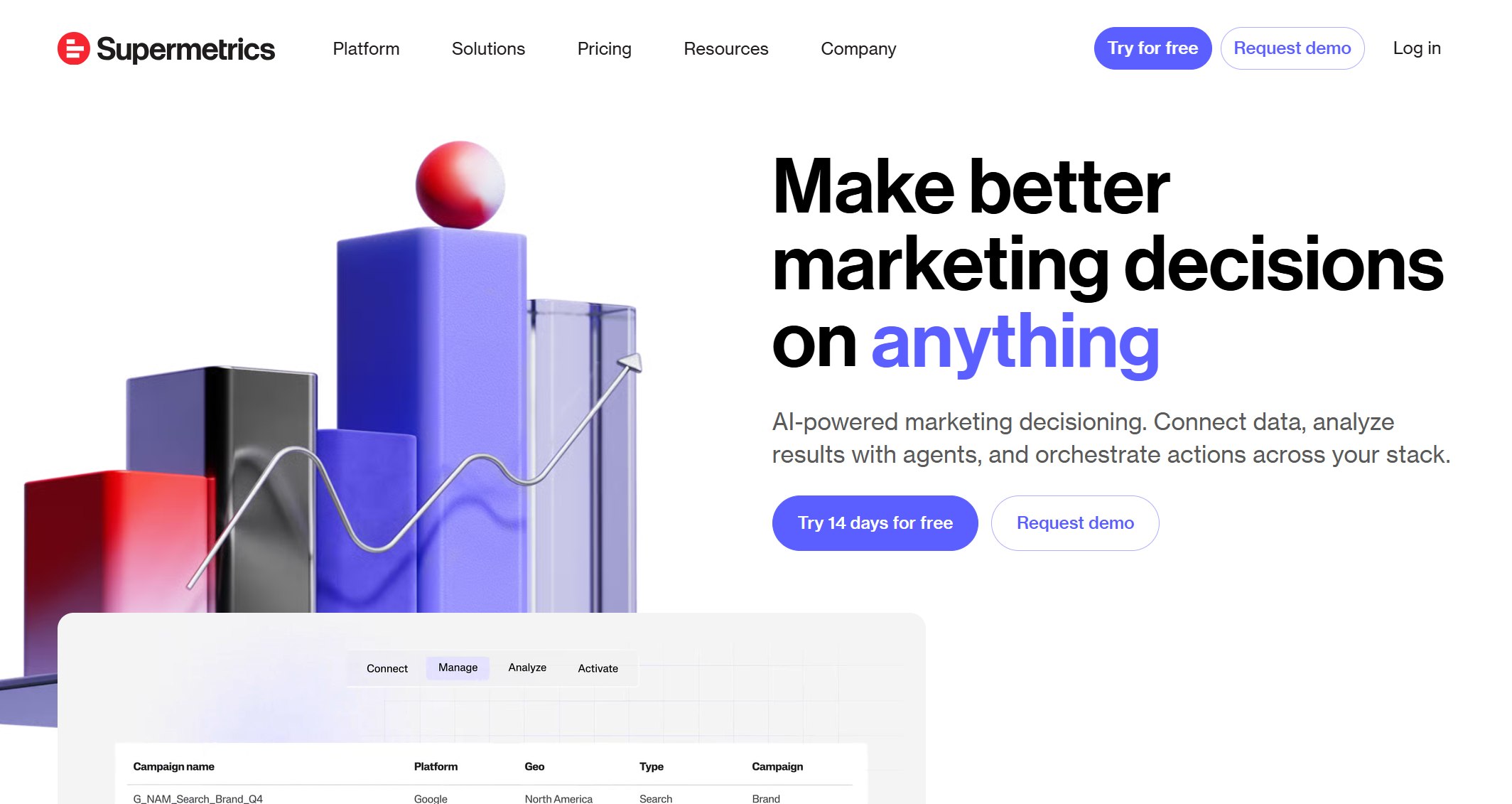
8) Supermetrics
One-sentence overview: Supermetrics is primarily a data movement and connector platform that helps agencies send marketing data into spreadsheets, warehouses, and BI tools.
Key Features:
Large connector library
Exports to spreadsheets, warehouses, and BI environments
Scheduled data refreshes
Flexible destination options
Supports custom reporting stacks
Pros & Cons:
Pros: Strong data extraction capability, good connector coverage, works well in modular reporting setups
Cons: Not a complete client reporting platform by itself for many agencies; often needs a dashboard layer on top
Best For (Target user/scenario): Agencies building a custom reporting stack with Sheets, BigQuery, Looker Studio, Power BI, or FineReport
Supermetrics is a strong option when your agency does not want an all-in-one reporting tool. Instead, it helps move data where you want it. That can be useful for more advanced teams that prefer to control transformation and visualization separately.
For agencies considering a more flexible reporting architecture, Supermetrics plus a dashboard platform can be more scalable than relying on a template-only reporting tool.
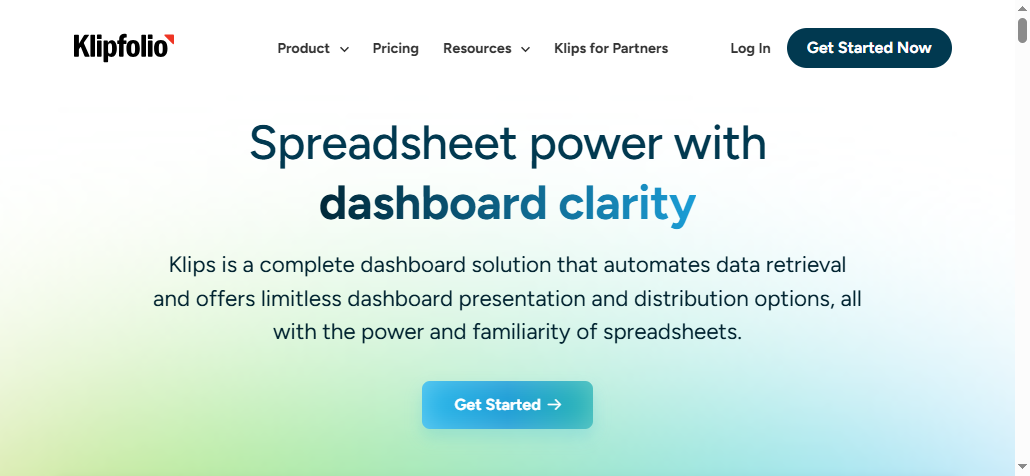
9) Klipfolio
One-sentence overview: Klipfolio is a customizable dashboard platform suited to teams that need more control over metrics, calculations, and dashboard behavior.
Pros: More control than many agency-first reporting tools, useful for custom metrics, adaptable to varied use cases
Cons: Can require more effort to build and maintain; less plug-and-play for standard agency reporting
Best For (Target user/scenario): Agencies that need custom metrics and more dashboard control without going fully enterprise BI
Klipfolio fits agencies that are beyond simple templates but not ready for a full data platform project. It provides more customization than many turnkey client reporting tools, which is valuable when standard widgets and reports are too limiting.
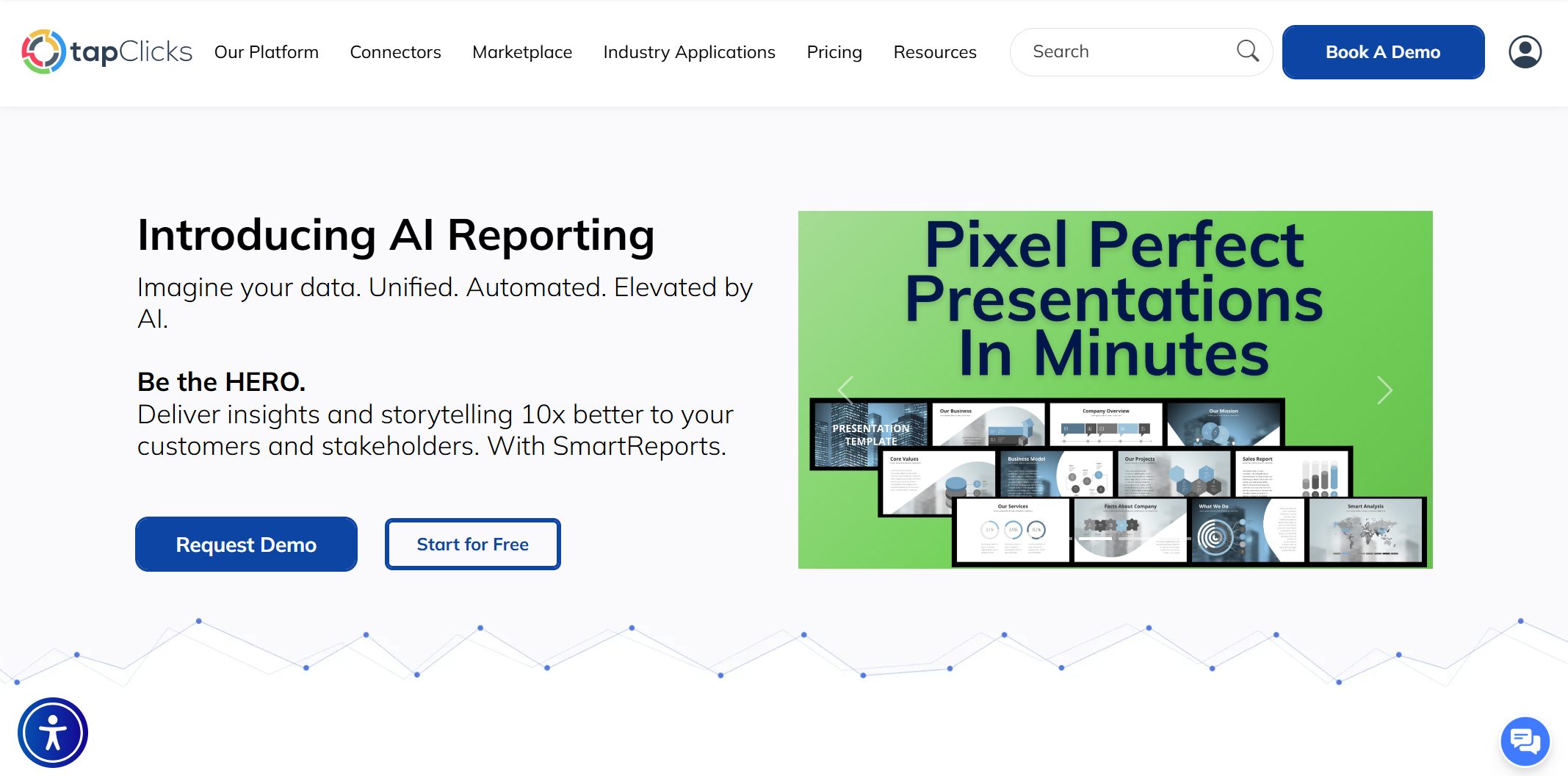
10) TapClicks
One-sentence overview: TapClicks is a broader reporting and operations platform aimed at larger agencies that need reporting plus workflow and operational scale.
Key Features:
Multi-client reporting
Broad connector support
Workflow and campaign operations capabilities
White-label and dashboard options
Enterprise-oriented feature set
Pros & Cons:
Pros: Broad scope, suitable for larger agency operations, can support more complex reporting environments
Cons: Can be heavier, more expensive, and more involved to implement than simpler tools
Best For (Target user/scenario): Larger agencies needing reporting tied to broader operational processes
TapClicks is better suited to agencies with more scale, more stakeholders, and more complex internal workflows. It is not usually the first choice for a small agency wanting lightweight reporting, but it can make sense where reporting is part of a larger delivery and operations ecosystem.
Which client reporting tool is best for your agency?
Best options by agency type
Best for small agencies that need speed and simplicity
DashThis
Oviond
AgencyAnalytics
These tools are easiest to launch and require less internal technical support. They are well suited to agencies that want to automate recurring reports quickly and keep client communication clean.
Best for growing agencies that need scalable automation
AgencyAnalytics
Swydo
Whatagraph
These options balance usability with enough structure to support larger client rosters and more standardized reporting operations.
Click To Try The Dashboard
Best for advanced teams that need custom data modeling and BI-style flexibility
FineReport deserves special attention here. If your agency needs more than template-based dashboards, FineReport is a strong choice for building highly customized multi-client reporting systems. It supports complex report layouts, interactive dashboards, parameter-driven filtering, permissions, scheduled distribution, and integration with multiple databases and enterprise systems. That makes it especially useful for agencies serving sophisticated clients or combining marketing, sales, finance, and operational data in one reporting environment.
Pixel-perfect output for executive and client delivery
Flexible permission management across many client accounts
The ability to build a branded reporting portal
Strong compatibility with broader BI and enterprise data environments
For agencies that have outgrown lightweight marketing dashboards but do not want to compromise on presentation quality, FineReport can be a smart long-term platform.
Best for enterprise and multi-location reporting environments
These tools are better aligned with larger reporting environments, especially where governance, scale, and broader business visibility matter.
Final decision checklist
Before choosing your next agency reporting software, use this checklist:
Match the tool to your reporting complexity, client expectations, and internal resources
Prioritize reliability, integration quality, and total cost of ownership over flashy features
Run a pilot with real client accounts before a full rollout
A simple rule works well here:
Choose AgencyAnalytics, DashThis, or Oviond if you want speed and lower operational friction
Choose Looker Studio or Klipfolio if your team wants more dashboard customization
Choose Supermetrics if you are building a modular reporting stack
Choose TapClicks if you need a more enterprise-oriented agency platform
Choose FineReport if your agency needs customizable, scalable, multi-client dashboards with stronger BI-style flexibility and polished client-ready reporting
The best tool is the one your team will actually maintain well, your clients will understand, and your agency can scale without rebuilding the reporting process every six months.
FAQs
Agency reporting software helps agencies pull data from multiple marketing platforms into one place, automate recurring reports, and share client-friendly dashboards. It reduces manual spreadsheet work and makes it easier to show performance across accounts.
The most important features are multi-client account management, automated report scheduling, strong integrations, white-label branding, and clear permission controls. Reusable templates and client portal access also matter for scaling reporting efficiently.
Start by checking connector coverage, dashboard flexibility, pricing as you grow, and how easy it is to standardize reports across clients. You should also compare setup effort, support quality, and whether clients can self-serve without confusion.
Looker Studio can work well for budget-conscious agencies that need basic dashboards and custom reporting flexibility. However, teams often outgrow it when they need stronger white-labeling, easier automation, or simpler multi-client management.
A BI-style platform is a better fit when your agency needs highly customized dashboards, cross-source analysis, pixel-perfect reports, or more advanced data modeling. Simpler agency tools are usually faster to launch, but they can be limiting for complex reporting needs.
Product Trial
FineReport
Pixel-perfect reports · Interactive dashboards · Easy data entry · Digital twins