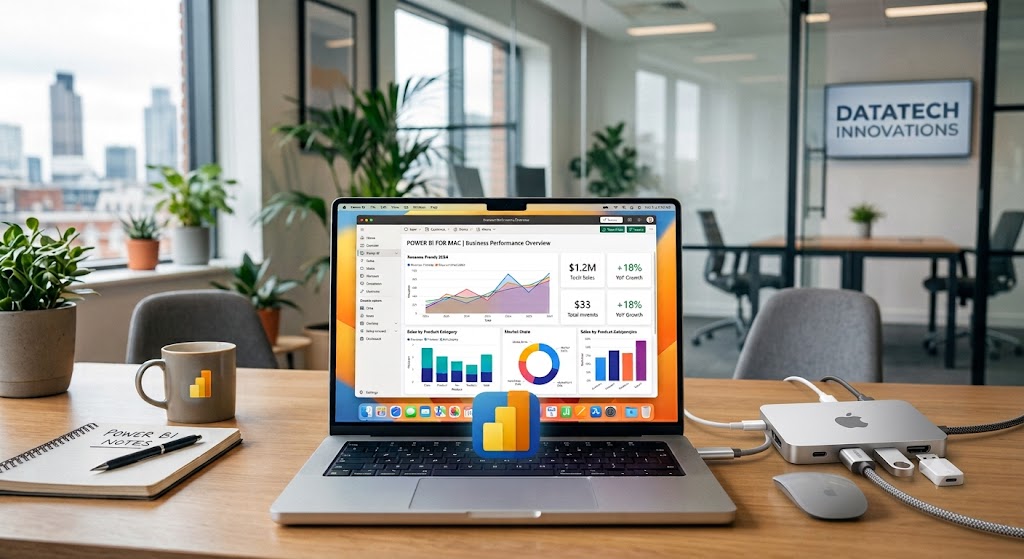
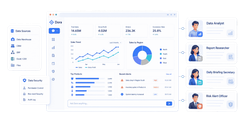
Construction reporting software is a digital tool that helps contractors capture, organize, and share field and project data such as daily logs, labor, materials, equipment, safety notes, and progress updates.
1. FineReport
 Website: https://www.fanruan.com/en/finereport
FineReport is a flexible reporting and dashboard platform that works well for construction companies needing highly customized reports, mobile-friendly dashboards, and multi-project visibility beyond basic daily logs.
- One-sentence overview: FineReport is best suited for contractors that want to build tailored construction reports, real-time dashboards, and management views without being limited to rigid report templates.
- Key Features:
- Custom construction report design for daily logs, progress tracking, labor summaries, material usage, and equipment reporting
- Interactive dashboards for project managers, executives, and back-office teams
- Data integration with ERP, finance, HR, and project systems
- Mobile access for viewing and submitting reports
- Scheduled report distribution and export to PDF, Excel, and web formats
- Drill-down analytics across projects, teams, cost centers, and time periods
- Pros & Cons:
- Pros: Highly customizable; strong dashboarding and analytics; good fit for multi-project oversight; useful for both field and management reporting
- Cons: More configuration than plug-and-play daily report apps; may require setup support for advanced workflows
- Best For: Mid-sized to large contractors, multi-project general contractors, and firms that need advanced reporting rather than only a simple daily report app
2. Procore
 Website: https://www.procore.com/
Procore is a full-suite construction management platform with reporting tied to project execution, documentation, and financial workflows.
- One-sentence overview: Procore combines construction reporting software capabilities with broader project controls, making it a common choice for general contractors managing multiple stakeholders.
- Key Features:
- Daily logs, observations, RFIs, submittals, and document control
- Mobile app for field reporting, photos, and updates
- Project dashboards and portfolio reporting
- Budget and cost tracking integrations
- Custom report building and stakeholder sharing
- Pros & Cons:
- Pros: Strong ecosystem; good collaboration tools; reporting connects to core project workflows
- Cons: Higher cost; onboarding can take time; some teams may find it broader than needed for reporting alone
- Best For: General contractors and larger firms that want reporting inside a full construction management platform
3. Autodesk Construction Cloud
 Website: https://construction.autodesk.com/
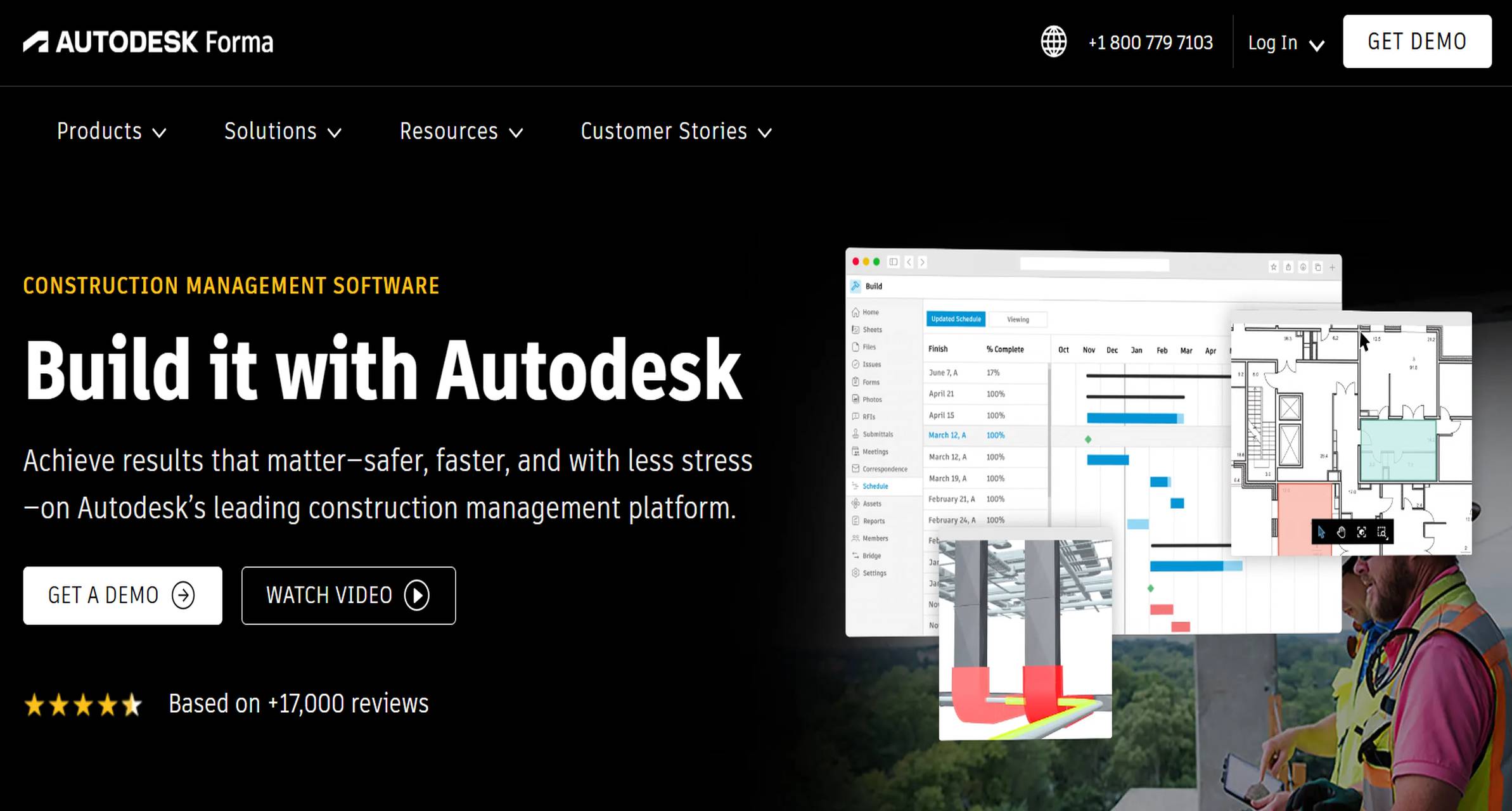
Autodesk Construction Cloud offers reporting across project management, document control, cost, and field coordination.
- One-sentence overview: Autodesk Construction Cloud is a good fit for teams that want construction reporting software linked to design coordination, issue tracking, and enterprise project visibility.
- Key Features:
- Daily reporting and field issue tracking
- Centralized project documents and drawing workflows
- Analytics dashboards across projects
- Cost and project control visibility
- Mobile tools for site teams
- Pros & Cons:
- Pros: Strong for complex project environments; broad visibility; useful for design-build and large capital projects
- Cons: Can be complex for smaller firms; implementation effort is higher than standalone reporting apps
- Best For: Enterprise contractors, large commercial builders, and teams managing document-heavy projects
4. Buildertrend
 Website: https://buildertrend.com/
Buildertrend is a construction management platform widely used by residential builders, remodelers, and smaller contractors.
- One-sentence overview: Buildertrend delivers practical reporting and project tracking features for contractors that need field-to-office visibility without enterprise-level complexity.
- Key Features:
- Daily logs and client communication tools
- Scheduling, selections, and change order tracking
- Mobile access for site activity updates
- Budget and job progress reporting
- Document and photo management
- Pros & Cons:
- Pros: Easier to adopt than many enterprise systems; solid all-around functionality; suitable for residential workflows
- Cons: Less advanced analytics than specialized reporting platforms; may be limiting for highly complex commercial operations
- Best For: Residential contractors, remodelers, and growing small to mid-sized builders
5. Raken
 Website: https://www.rakenapp.com/
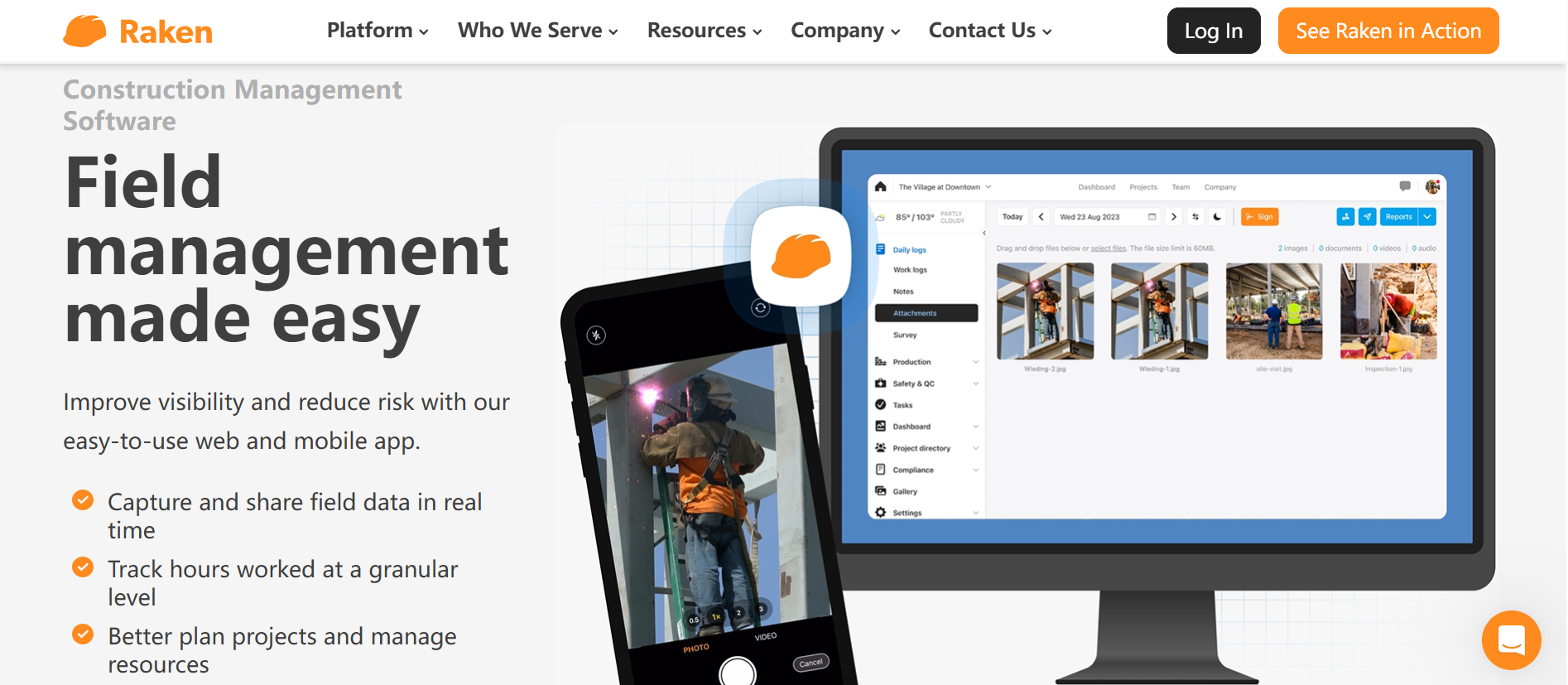
Raken is one of the best-known standalone daily report tools for construction field reporting.
- One-sentence overview: Raken focuses on making daily reporting fast for field crews, with mobile-first workflows for labor, production, notes, and safety documentation.
- Key Features:
- Daily reports with labor, materials, equipment, and notes
- Mobile app with photo capture and voice-to-text support
- Time and production tracking
- Safety forms and checklists
- Automated report sharing and PDF outputs
- Pros & Cons:
- Pros: Strong field usability; fast report completion; good for standard daily logs
- Cons: Less comprehensive than full project management suites; customization depth may be limited for advanced enterprise reporting
- Best For: Contractors that want a dedicated daily reporting app for field teams
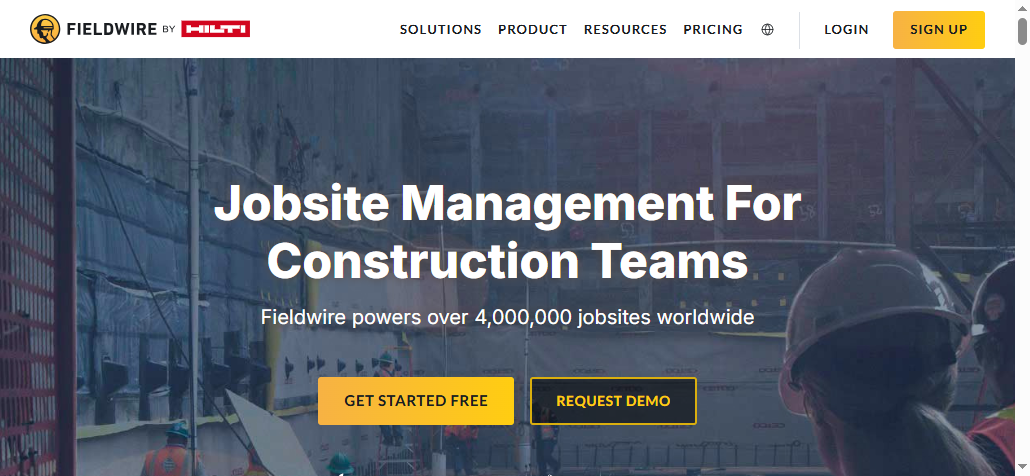
6. Fieldwire
 Website: https://www.fieldwire.com/
Fieldwire emphasizes task coordination, punch management, and field communication, with reporting built around site execution.
- One-sentence overview: Fieldwire is a practical option for teams that want jobsite reporting connected to drawings, tasks, and issue tracking.
- Key Features:
- Daily reports and field updates
- Drawing management and version control
- Task tracking and punch workflows
- Mobile collaboration with photo markups
- Progress and issue reporting
- Pros & Cons:
- Pros: Strong usability in the field; good plan-based coordination; efficient for supervisors and foremen
- Cons: Reporting depth is not as advanced as dedicated BI-style platforms; broader back-office controls are limited
- Best For: Site teams, specialty contractors, and field-heavy projects needing drawing-based coordination
7. CMiC
 Website: https://cmicglobal.com/
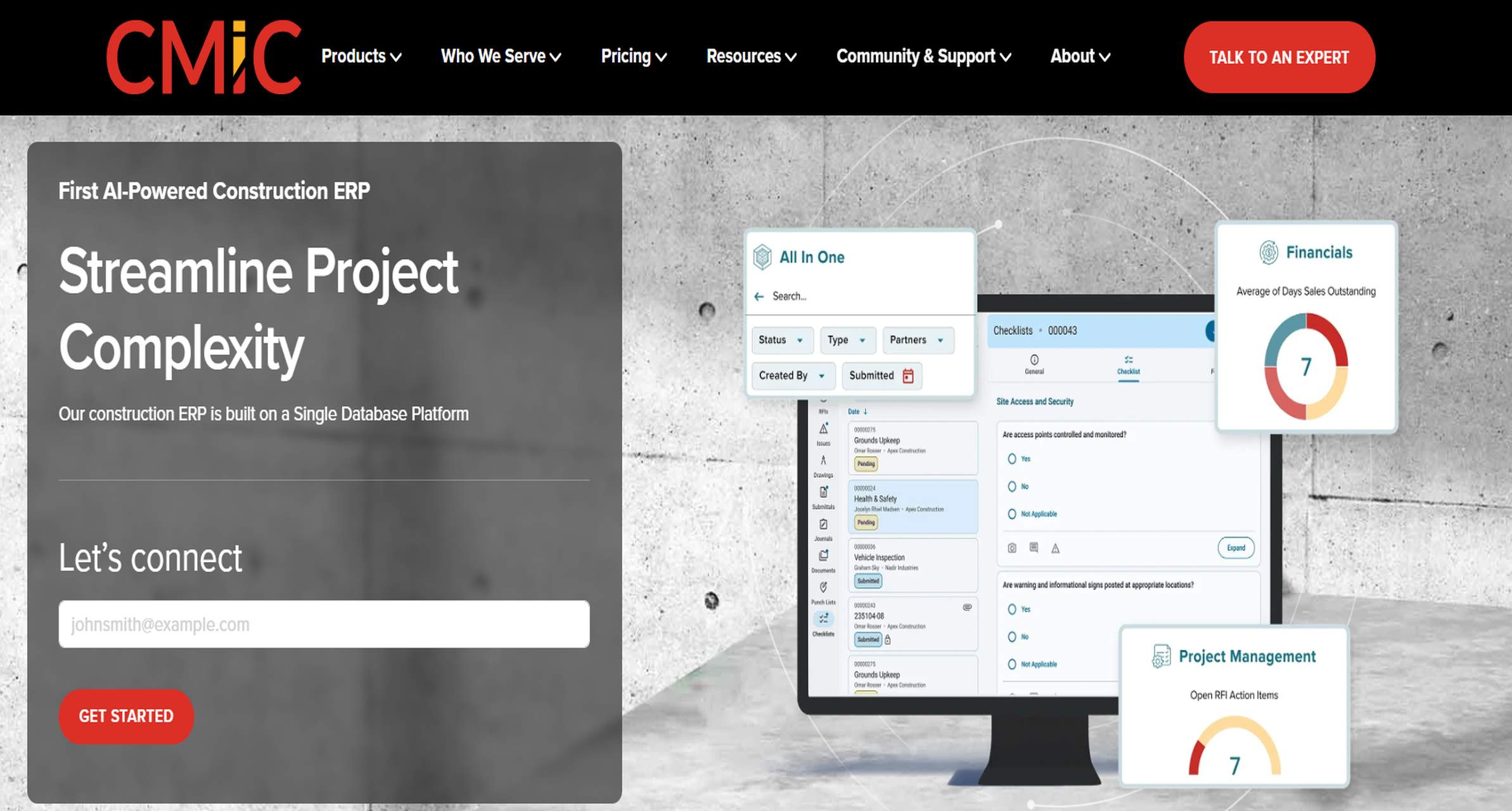
CMiC is an integrated construction ERP and project management platform with broad reporting coverage.
- One-sentence overview: CMiC is designed for contractors that need construction reporting software tied closely to accounting, project controls, and enterprise operations.
- Key Features:
- Project and financial reporting
- Daily field reporting and workflow automation
- Cost management and forecasting
- Document management and compliance tracking
- Executive dashboards across departments
- Pros & Cons:
- Pros: Deep operational coverage; strong for enterprise standardization; links reporting with finance and project controls
- Cons: Complex implementation; heavier system than many small or mid-sized firms need
- Best For: Large contractors and enterprise organizations needing ERP-connected construction reporting
8. eSUB
 Website: https://esub.com/
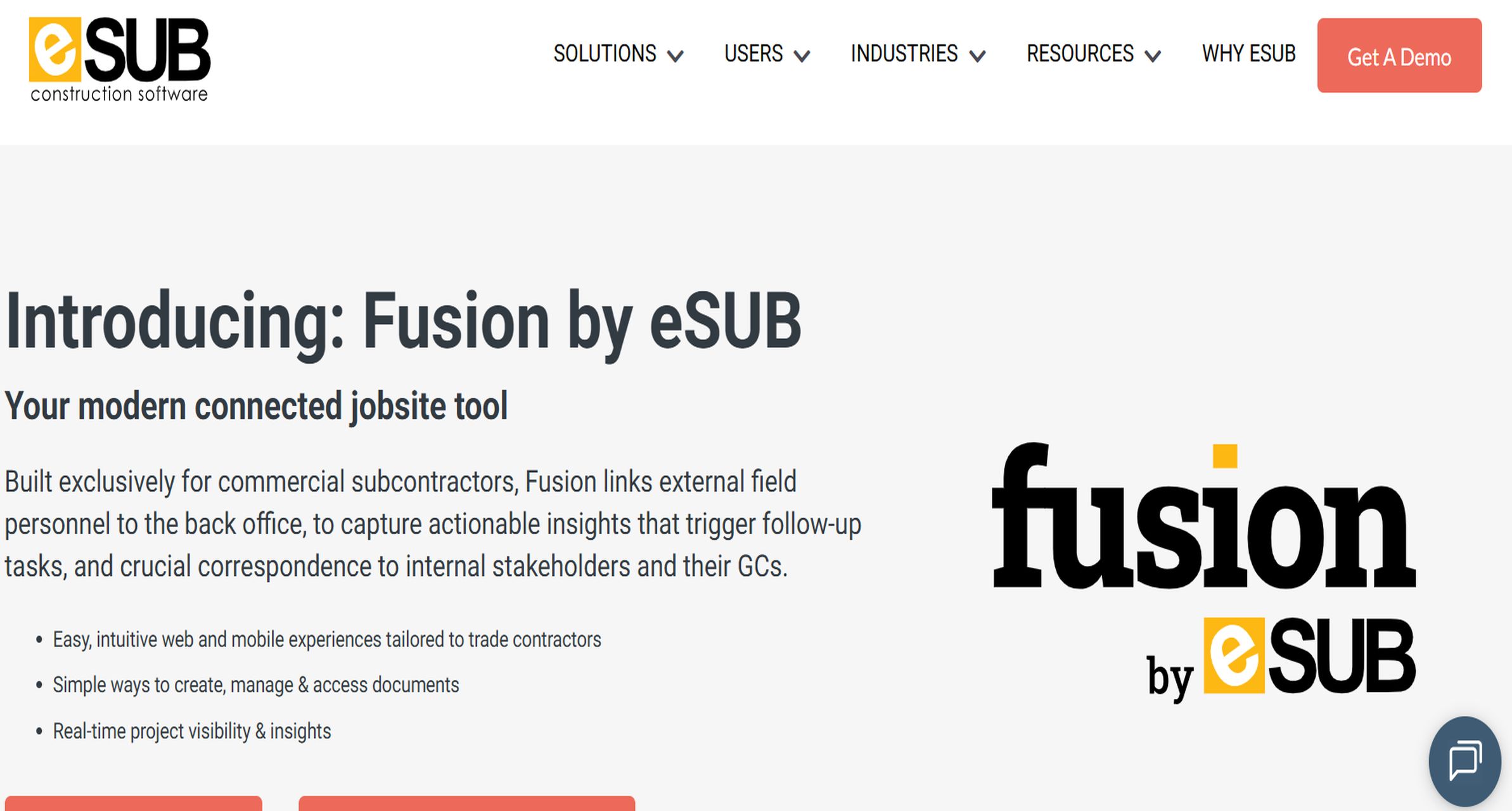
eSUB is built primarily for subcontractors that need field reporting, labor tracking, and documentation management.
- One-sentence overview: eSUB works best for trade contractors that want reporting tools aligned with field productivity and subcontractor workflows.
- Key Features:
- Daily logs and field notes
- Labor tracking and workforce reporting
- RFIs, submittals, and change documentation
- Mobile photo capture and document access
- Basic project cost visibility
- Pros & Cons:
- Pros: Tailored to subcontractor needs; useful field documentation features; accessible for trade workflows
- Cons: Less suitable as a broad general contractor platform; accounting and analytics depth may be limited
- Best For: Specialty trades and subcontractors managing labor-heavy field work
9. Contractor Foreman
 Website: https://contractorforeman.com/
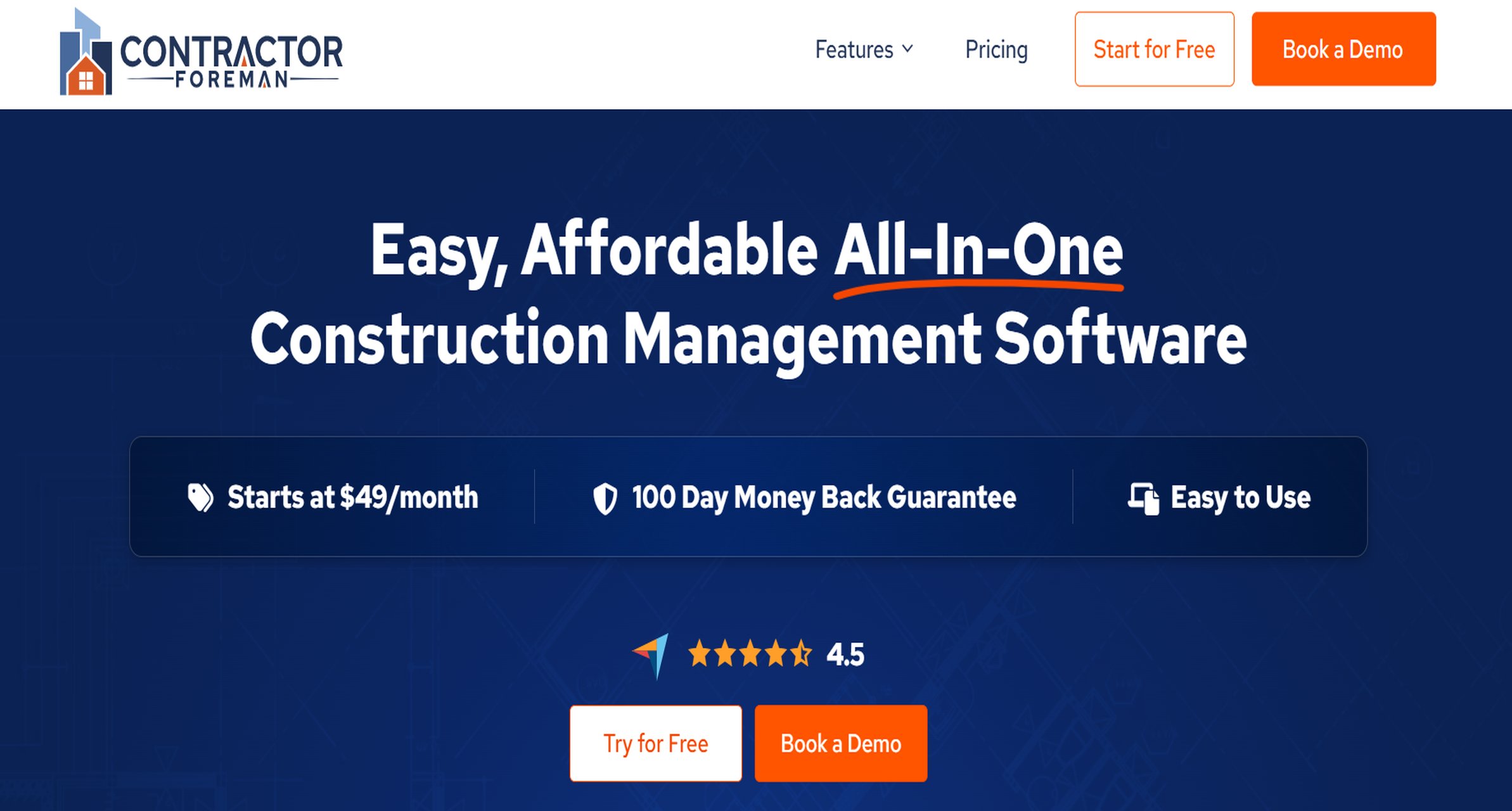
Contractor Foreman is an affordable all-in-one platform aimed at smaller contractors.
- One-sentence overview: Contractor Foreman provides a broad set of reporting and management features at a lower price point than many larger construction software platforms.
- Key Features:
- Daily logs and project documentation
- Time tracking and to-do management
- Safety forms and inspections
- Budget tracking and change order tools
- Mobile app and reporting exports
- Pros & Cons:
- Pros: Competitive pricing; wide feature set; suitable for smaller teams needing value
- Cons: Interface and scalability may not match higher-end platforms; advanced dashboarding is more limited
- Best For: Small contractors and firms seeking good value in construction reporting software
10. Jonas Construction Software
 Website: https://www.jonasconstruction.com/
Jonas Construction Software combines project management, service management, and accounting with built-in reporting.
- One-sentence overview: Jonas is a strong option for contractors that want operational reporting connected to accounting and service workflows.
- Key Features:
- Job cost and financial reporting
- Daily project updates and field documentation
- Service and work order management
- Accounting integration
- Management dashboards
- Pros & Cons:
- Pros: Good operational-financial linkage; useful for contractors with service divisions; centralizes reporting
- Cons: User experience may feel less modern than newer field-first tools; setup varies by deployment scope
- Best For: Contractors needing accounting-connected reporting and service management visibility
11. Miter
 Website: https://www.miter.com/
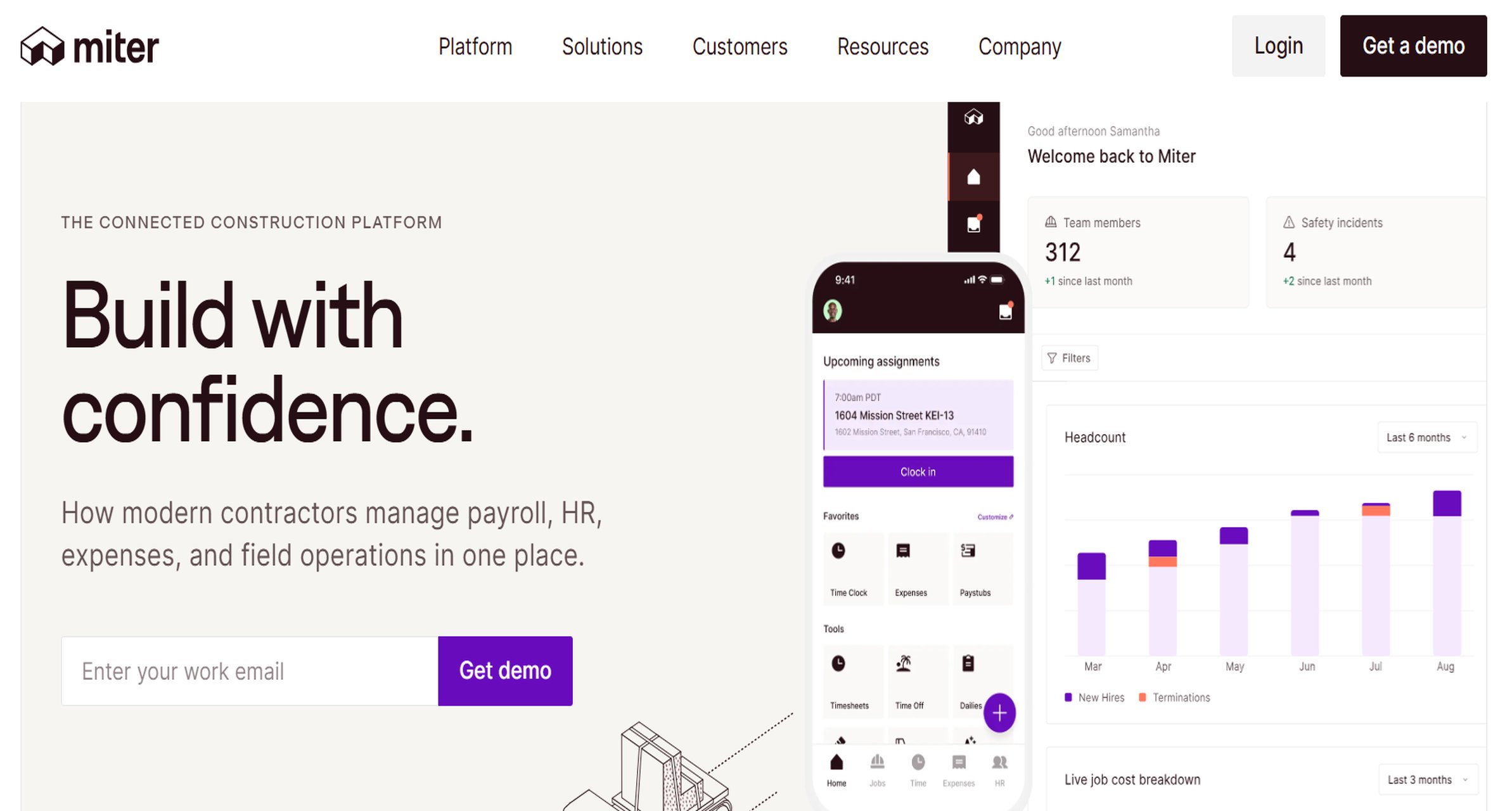
Miter focuses heavily on construction daily reports, labor, equipment, and production data capture from the field.
- One-sentence overview: Miter is a strong standalone choice for contractors that want fast field reporting with automatic connections to timesheets and jobsite activity.
- Key Features:
- Daily logs with labor, equipment, materials, notes, and weather
- Branded PDF reports and automated sharing
- Mobile reporting for supervisors
- Digital signatures
- Integrations with accounting and project systems
- Pros & Cons:
- Pros: Very strong daily report workflow; practical mobile usability; reduces duplicate entry
- Cons: More specialized around field reporting than full project lifecycle management
- Best For: Contractors prioritizing daily jobsite reporting and labor/equipment visibility
12. Construction Daily Reports (CDR)
 Website: https://www.constructiondailyreports.com/
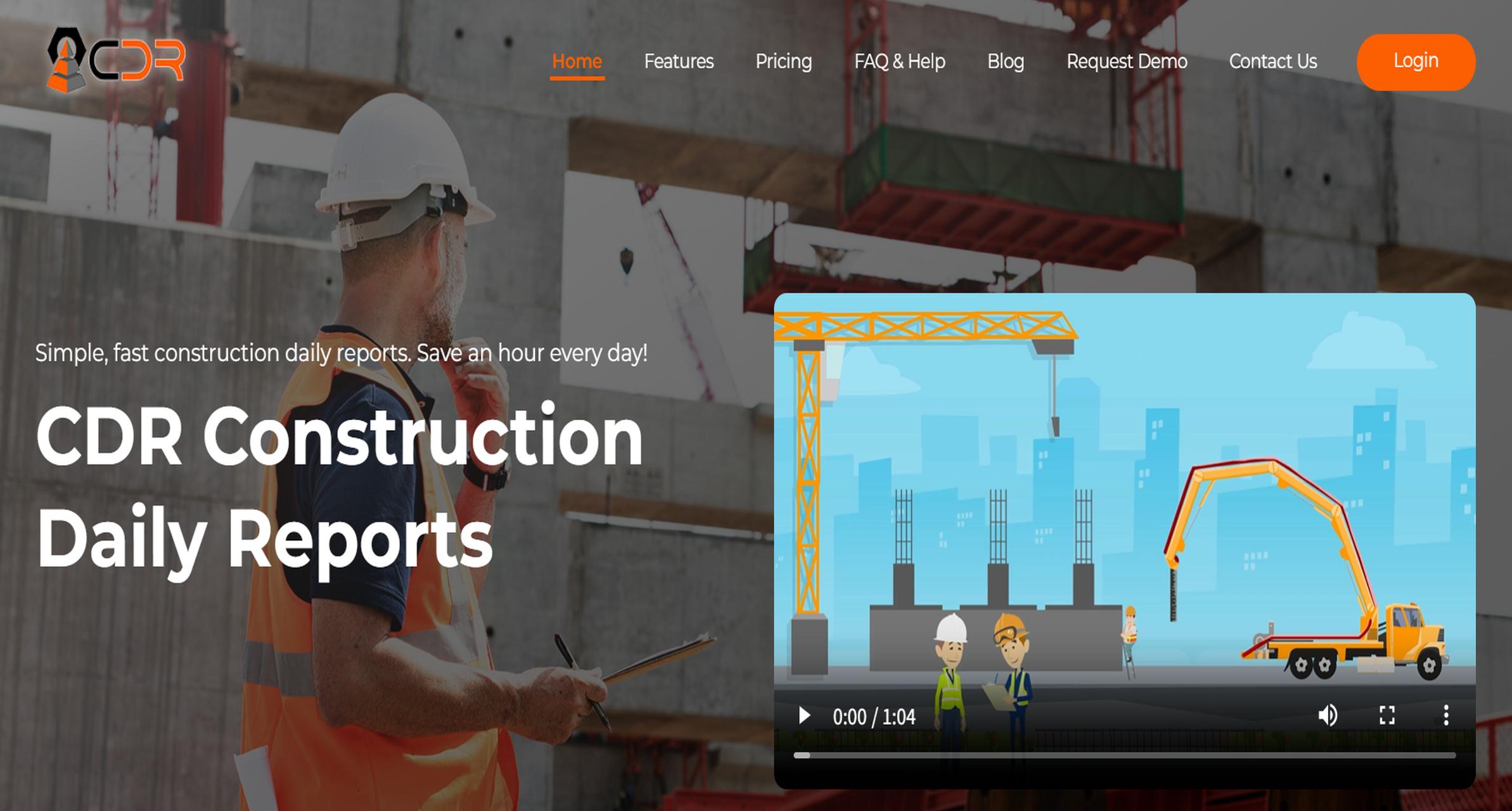
CDR is a dedicated construction daily report app built around speed and simplicity.
- One-sentence overview: CDR is designed for contractors that want a straightforward construction reporting software option focused almost entirely on daily logs and summaries.
- Key Features:
- Daily report creation on mobile and web
- Weekly and monthly report summaries
- Photo management
- Custom PDF report output
- Automated emailing and cloud storage
- Pros & Cons:
- Pros: Simple to use; fast for daily reporting; narrower learning curve than full suites
- Cons: Limited broader project management capabilities; not ideal if you need deep analytics or enterprise workflows
- Best For: Small teams and contractors that only need a standalone daily reporting tool
What to look for in construction reporting software
Choosing construction reporting software is less about the longest feature list and more about how well the tool fits the way your teams actually work in the field and the office.
Core reporting features contractors use every day
At a minimum, contractors should expect the software to handle the reports that drive daily jobsite visibility. That includes:
- Daily logs
- Labor hours and crew tracking
- Material usage reporting
- Equipment utilization logs
- Site progress updates
- Safety notes and incidents
- Weather capture
- Photo documentation
- Delays, disruptions, and change-related notes
The best tools reduce double entry. For example, if labor, equipment, and production data already exist elsewhere in the system, strong software should pull them directly into the daily report instead of making supervisors type everything twice.
Contractors with more complex operations should also look for:
- Custom report templates by project or client
- Standardized forms across multiple jobsites
- Approval workflows
- Signature capture
- Audit trails
- Searchable report archives
Mobile usability for field teams
Mobile usability is often the deciding factor. A construction reporting software platform may look strong in demos, but if superintendents and foremen avoid using it in the field, reporting quality drops quickly.
The most useful mobile capabilities include:
- Offline access for low-connectivity jobsites
- Fast form completion on phones and tablets
- Photo capture with report attachment
- Voice-to-text notes
- Reusable templates
- Minimal training requirements
Field teams usually need speed more than complexity. Standalone tools like Raken, Miter, and CDR often perform well here because they are built around daily site reporting first. Full-suite platforms can also work well, but only if the mobile workflow is streamlined enough for on-site use.
Dashboard, analytics, and export options
Construction reporting software should not stop at collecting data. Office teams, project managers, owners, and executives need the information turned into something they can act on.
Look for platforms that support:
- Real-time dashboards
- Cross-project portfolio visibility
- Labor and productivity trends
- Equipment and material summaries
- Cost and budget comparisons
- Export to PDF and Excel
- Automated report distribution
- Drill-down analysis by project, date, crew, or cost code
This is one area where FineReport stands out. For contractors that need more than simple field logs, it provides stronger dashboarding, data visualization, and customizable reporting for project and executive stakeholders.
Pricing, implementation time, and platform scope
Pricing varies widely across the market. Standalone construction reporting software tools are usually faster to deploy and easier to budget for, while broader construction management platforms often involve more onboarding, configuration, and internal process change.
When comparing options, ask:
- Is this a standalone reporting tool or part of a larger suite?
- How long does implementation take?
- Will field teams need extensive training?
- Can the system scale as we add projects or users?
- Are dashboards and custom reports included or sold separately?
- Does the vendor support integrations with accounting, payroll, or ERP systems?
A small specialty contractor may benefit from a lightweight daily report app, while a larger general contractor may get better long-term value from a platform that connects reporting with scheduling, budgets, RFIs, and document control.
Pros, cons, and best-fit scenarios of construction reporting software by contractor type
Different contractor types need different levels of reporting depth. The right decision often comes down to whether you need a focused field reporting tool or a larger operational platform.
Standalone daily report tools
Standalone daily report tools make sense when the main priority is getting consistent field data from crews quickly.
These tools are often the best fit when:
- You want to replace paper reports immediately
- Foremen need to submit logs from the jobsite in minutes
- Your projects do not require a full project management platform
- You already use separate systems for scheduling, accounting, or document management
- Simplicity matters more than broad feature depth
Common strengths of standalone tools include:
- Faster deployment
- Better mobile usability
- Easier adoption by field staff
- Lower initial cost
- Simple daily log workflows
Common trade-offs include:
- Less customization
- Fewer integrations
- Limited executive analytics
- Weaker long-term scalability
- Separate systems for reporting and project controls
Among this group, Raken, Miter, and CDR are strong choices depending on whether you value usability, field data integration, or pure simplicity most.
Full-suite construction management platforms
Full-suite platforms are a better fit when reporting should be connected to the full project lifecycle.
These systems make more sense when:
- Reporting needs to link with schedules, RFIs, submittals, and budgets
- Multiple departments need access to the same source of project data
- You want fewer disconnected tools
- The company manages many concurrent projects
- Leadership wants portfolio-level reporting and standardization
Their main strengths include:
- Connected workflows
- Better cross-department visibility
- Stronger document control
- More complete project oversight
- Better long-term scalability for growing firms
The trade-offs are usually:
- Higher software cost
- Longer onboarding time
- More internal setup work
- Potential overkill for small contractors
- Greater training requirements
Procore, Autodesk Construction Cloud, CMiC, and Buildertrend fit this category, though Buildertrend is generally more approachable for smaller builders than enterprise-focused options.
Choosing by company size and project complexity
Here is a practical way to narrow the market by business type.
Best fit for small contractors
Small contractors typically need:
- Affordable pricing
- Fast setup
- Easy mobile reporting
- Daily logs, photos, and basic exports
Good fits include:
- Contractor Foreman
- CDR
- Buildertrend
- Raken
If reporting needs are basic, a dedicated app may be enough. If the company also wants scheduling and project organization, Buildertrend or Contractor Foreman may offer better value.
Best fit for growing firms
Growing firms usually need better process standardization, more customization, and reporting that supports multiple projects.
Good fits include:
- FineReport
- Procore
- Fieldwire
- Miter
This is where the decision becomes strategic. If the business already has operational systems in place but lacks strong dashboards and custom reporting, FineReport can be the strongest option. If the company wants a more all-in-one workflow, Procore may be more suitable.
Best fit for specialty trades
Specialty contractors often care most about labor visibility, field documentation, and communication between the office and the jobsite.
Good fits include:
- eSUB
- Raken
- Miter
- Fieldwire
Trade contractors should prioritize ease of use and jobsite speed over enterprise complexity unless they also manage large-scale multi-project operations.
Best fit for multi-project general contractors
Larger general contractors need reporting tied to project controls, documents, cost visibility, and executive dashboards.
Good fits include:
- FineReport
- Procore
- Autodesk Construction Cloud
- CMiC
For firms that want the strongest custom analytics and reporting flexibility, FineReport is especially compelling. For firms standardizing on a broad construction operations platform, Procore or Autodesk Construction Cloud may be the better organizational fit.
Final verdict: which construction reporting software is best for your team?
The best construction reporting software depends on whether you need a fast field reporting app, a full construction management suite, or a customizable analytics and reporting layer that gives leadership deeper visibility.
Best overall option
FineReport is the best overall option for contractors that need flexible construction reporting software with strong dashboards, custom templates, and multi-project visibility. It is especially well suited to firms that want better decision-making across field operations, management, and back-office reporting.
Best value option
Contractor Foreman offers the best value for teams that want a broad feature set at a more accessible price point. It is a practical option for smaller contractors that need more than just daily logs.
Best for small contractors
Buildertrend is a strong choice for small contractors, especially in residential construction, because it balances usability, reporting, and broader project workflow support.
Best for enterprise teams
Autodesk Construction Cloud and CMiC are the strongest fits for enterprise teams with complex project portfolios, though Procore remains a leading choice for firms wanting a mature all-in-one ecosystem.
Best standalone choice for daily reports
Raken is the best standalone choice for daily reports thanks to its field-first design, fast mobile workflows, and practical reporting structure. Miter is also a close alternative for teams that want stronger connections between daily reports, labor, and equipment data.
If your team only needs a simple daily report app, choose a lightweight standalone tool. If reporting should connect to budgets, documents, and project controls, choose a full-suite platform. If you want the most flexible reporting environment for custom construction dashboards and cross-project insights, FineReport is the tool to put at the top of your shortlist.
FAQs
Construction reporting software helps contractors capture and share jobsite data such as daily logs, labor hours, materials, equipment usage, safety notes, and progress updates. It gives field and office teams a more consistent view of what is happening across projects.