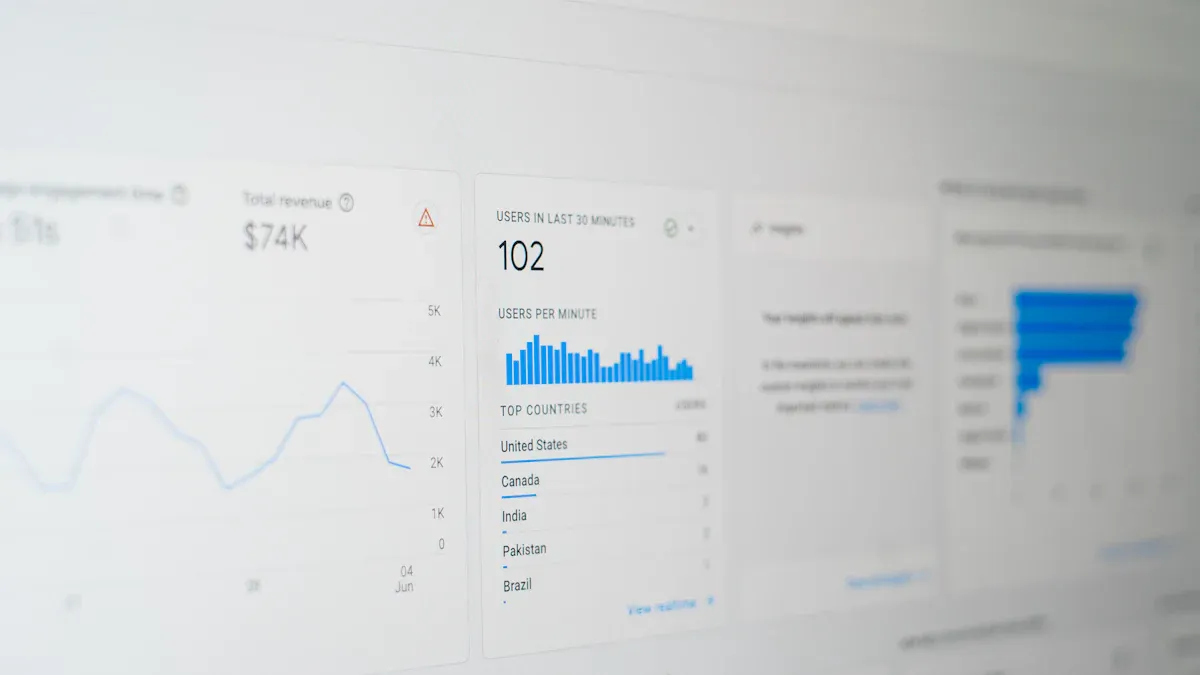
A data management tool is software that helps organizations collect, organize, govern, secure, integrate, and maintain data so it stays accurate, accessible, and useful across the business.
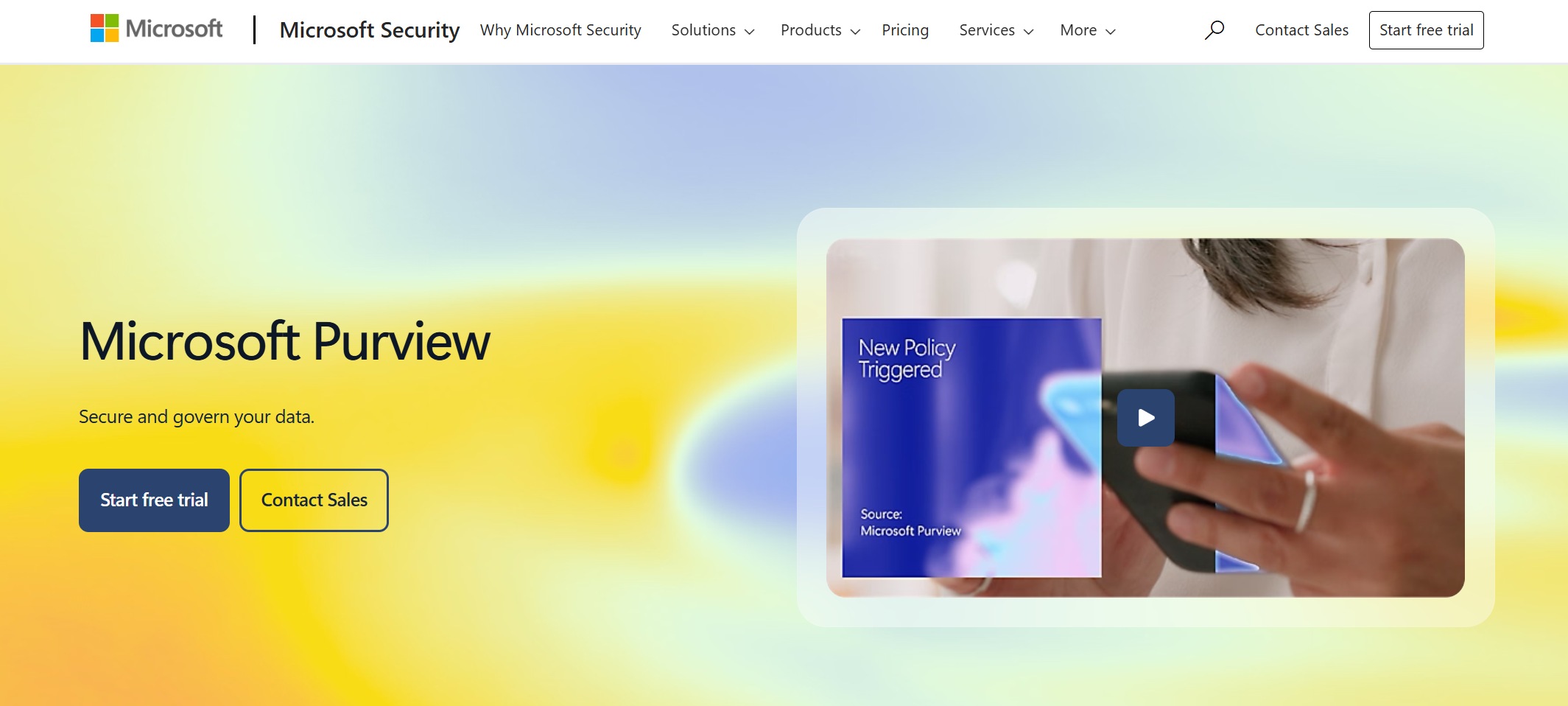
One-sentence overview: Microsoft Purview is a unified data governance and cataloging platform designed to help organizations discover, classify, and govern data across Microsoft-centric and hybrid environments.
Key Features:
Best value often depends on broader Microsoft adoption
Can feel governance-first rather than usability-first for non-technical users
Pricing and deployment scope may become complex in large estates
Best For (Target user/scenario):
Organizations focused on data cataloging, governance, and compliance across Microsoft ecosystems
Enterprises standardizing governance across Azure-based data assets
3. Talend Data Fabric
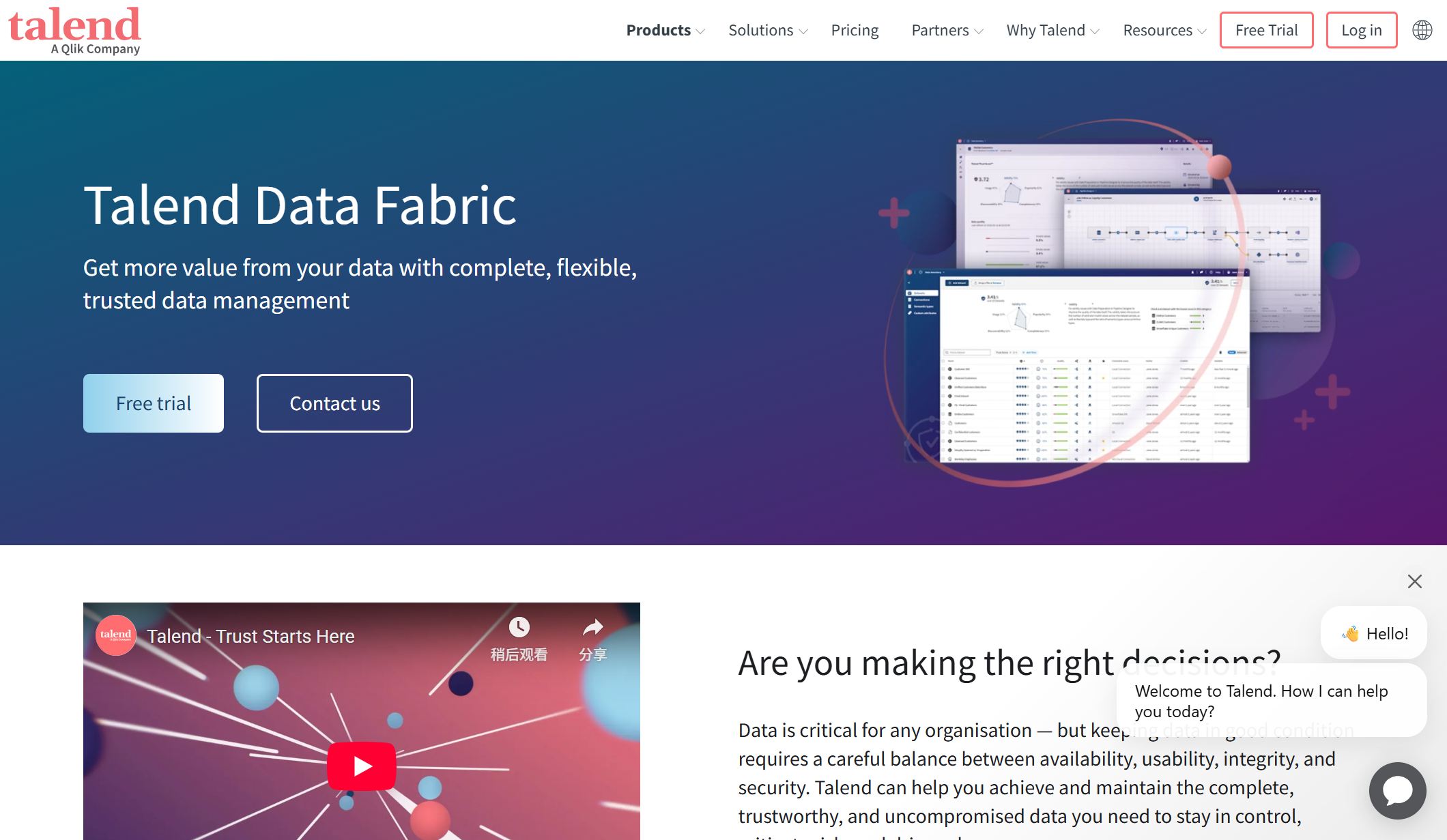
One-sentence overview: Talend Data Fabric is a unified platform for data integration, quality, governance, and API-enabled data movement across cloud and hybrid environments.
Key Features:
Strong combination of integration and data quality functions
Helpful for teams that want multiple data management capabilities in one platform
Good support for hybrid data environments
Mature tooling for pipeline development
Cons:
Can require technical expertise for implementation and maintenance
User experience may vary depending on module and deployment model
Enterprise-scale rollouts may increase cost and complexity
Best For (Target user/scenario):
Teams that need strong data quality, integration, and governance in one platform
Organizations building trusted data pipelines for analytics and operational reporting
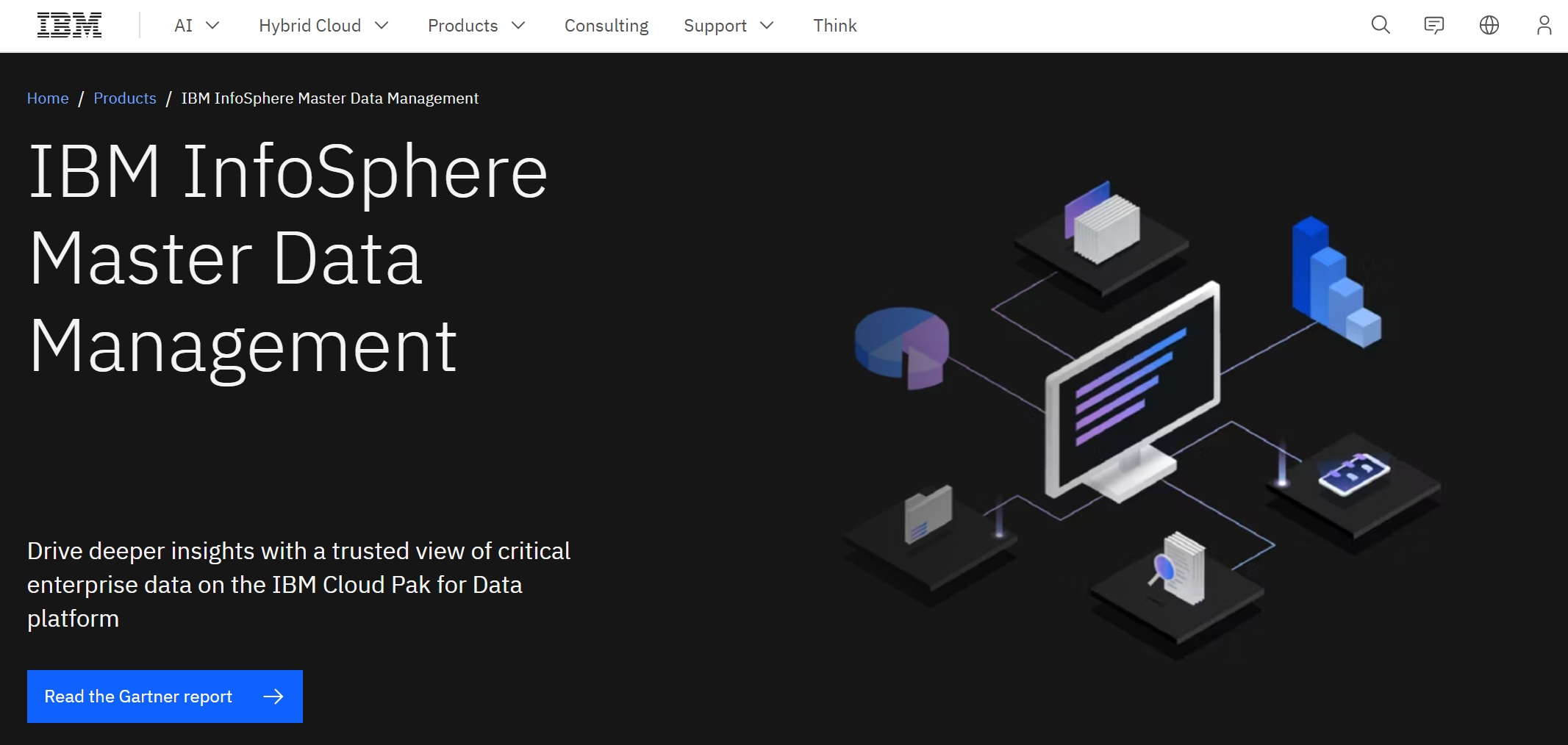
4. IBM InfoSphere / IBM Cloud Pak for Data
One-sentence overview: IBM InfoSphere and IBM Cloud Pak for Data support enterprise-grade data integration, governance, quality, and AI-ready data management in complex hybrid environments.
Key Features:
Data governance and metadata management
Master data and data quality capabilities
Integration across hybrid and multi-cloud systems
Cataloging, lineage, and policy management
Support for large-scale enterprise workloads
Broader ecosystem for analytics and AI workflows
Pros & Cons:
Pros:
Strong fit for large organizations with diverse data landscapes
Deep governance and enterprise control capabilities
Suitable for regulated environments and complex operations
May be too heavy for smaller organizations or simpler use cases
Best For (Target user/scenario):
Large organizations with complex hybrid data environments and governance requirements
Enterprises needing robust control across multiple data domains
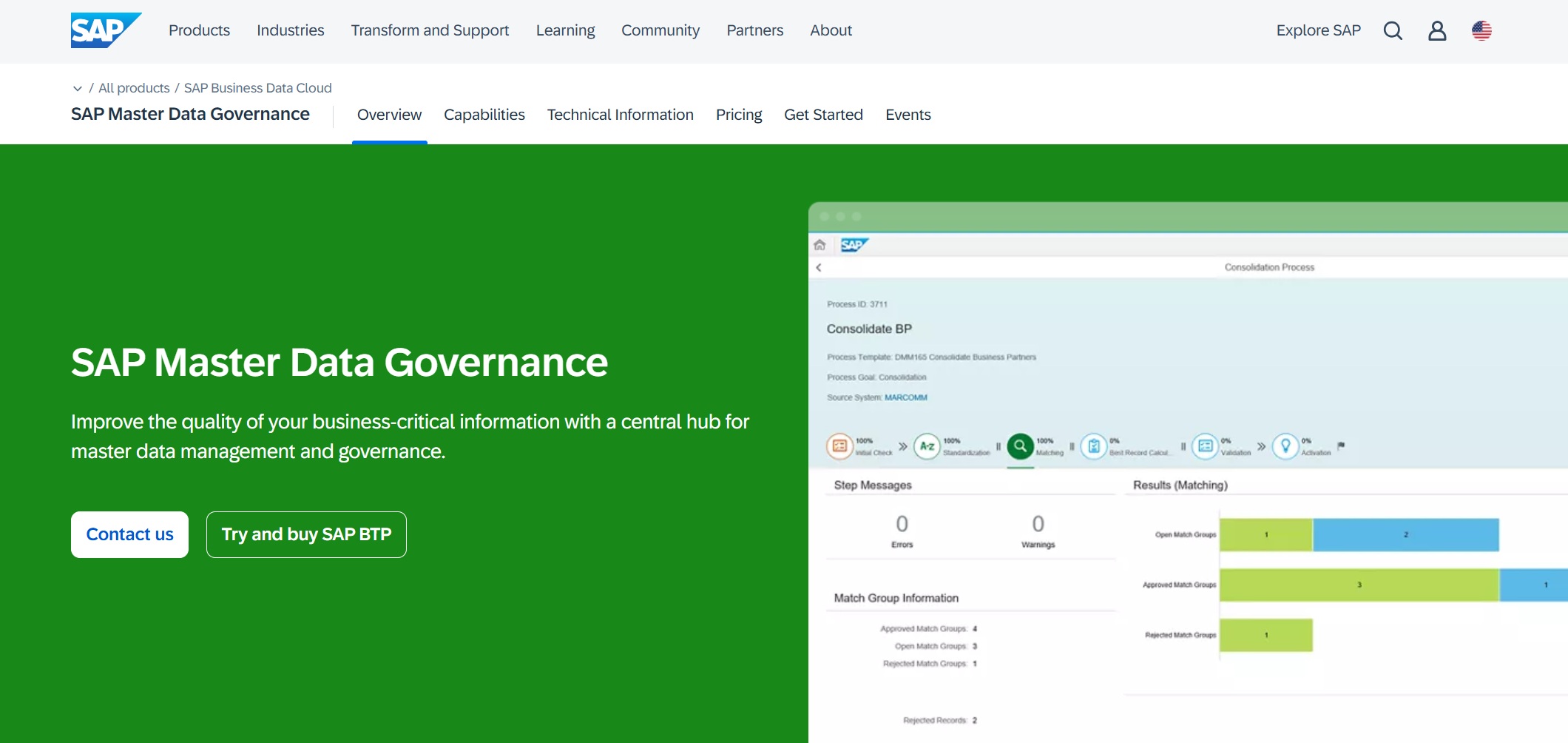
5. SAP Master Data Governance
One-sentence overview: SAP Master Data Governance is an enterprise master data management platform built to centralize, validate, and govern core business data across SAP-led processes.
Key Features:
Centralized master data governance for domains such as customer, supplier, finance, and material
Effective for controlling critical master data at enterprise scale
Built-in governance workflows support stewardship
Useful for organizations needing standardized business entities
Cons:
Best suited to SAP-centered landscapes
Implementation can be lengthy and process-heavy
Less appealing for organizations seeking lightweight deployment
Best For (Target user/scenario):
Enterprises managing critical master data across finance, supply chain, and operations
SAP-led organizations focused on consistency and governance of core records
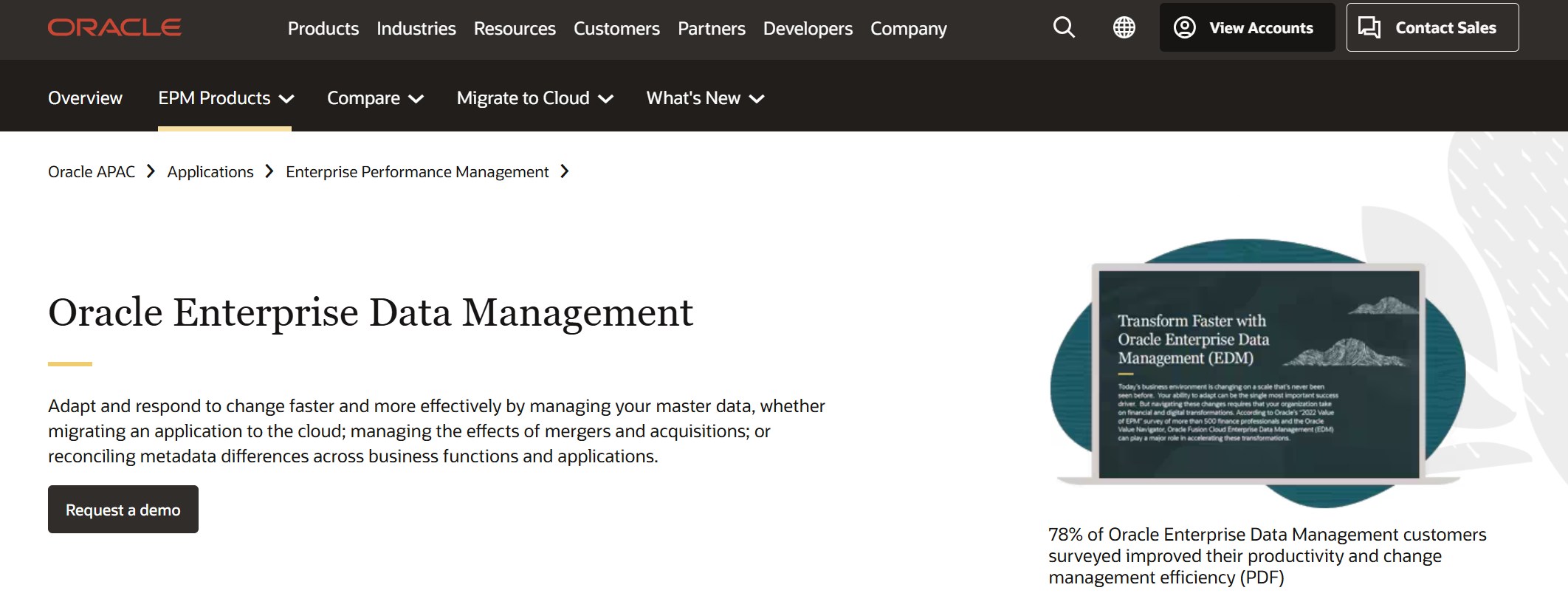
6. Oracle Enterprise Data Management
One-sentence overview: Oracle Enterprise Data Management helps businesses govern and standardize master and reference data across multiple business functions and systems.
Key Features:
Broader value may depend on Oracle ecosystem usage
Can be more specialized in governance than in broad data integration
Enterprise setup may involve significant configuration
Best For (Target user/scenario):
Businesses standardizing and governing enterprise data across multiple domains
Organizations needing stronger control over hierarchies, reference data, and structural changes
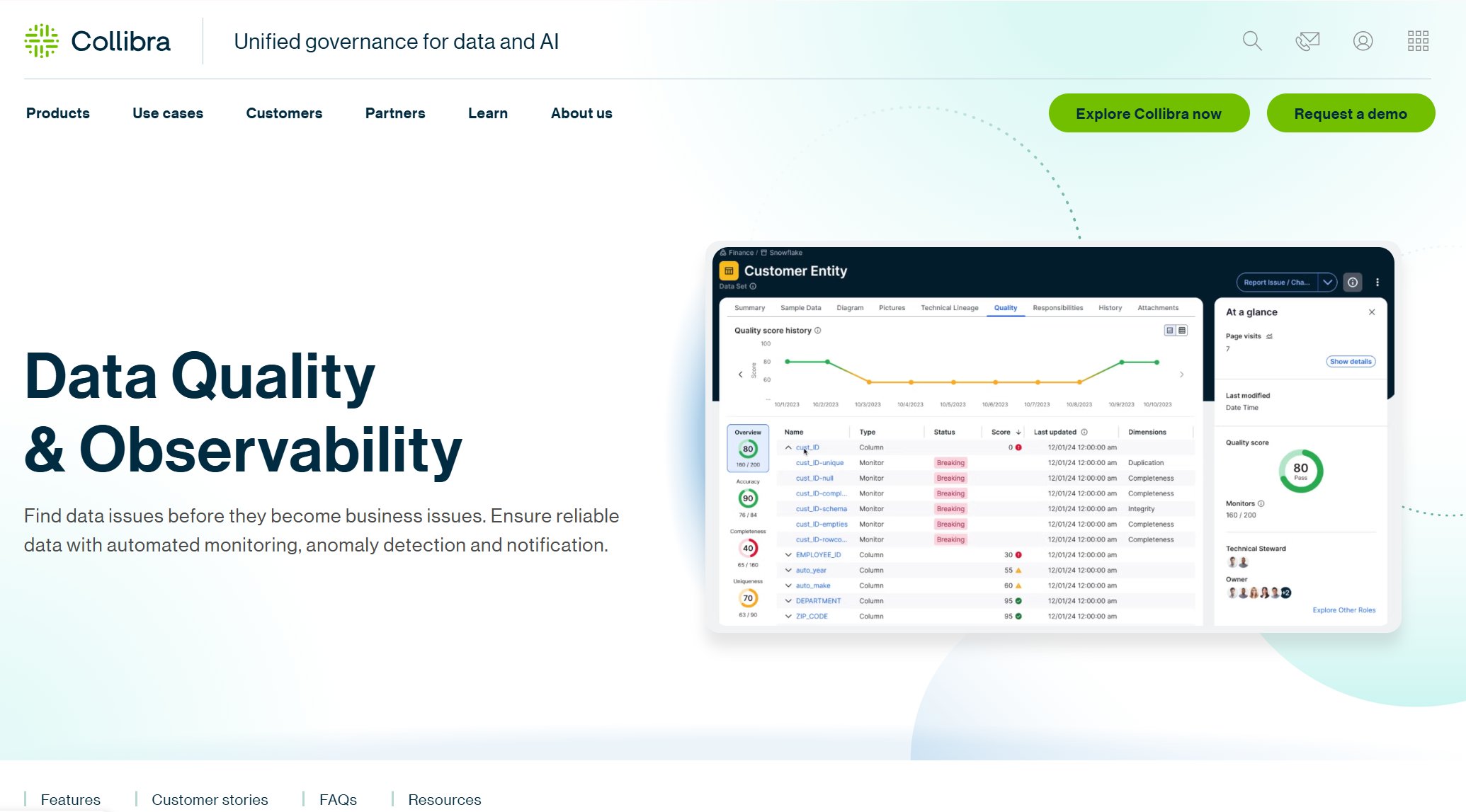
7. Collibra Data Intelligence Platform
One-sentence overview: Collibra is a data intelligence and governance platform focused on cataloging, stewardship, policy control, and business context for enterprise data assets.
Key Features:
Data catalog and metadata management
Business glossary and stewardship workflows
Data lineage and governance policy management
Data quality and trust-oriented capabilities
Role-based access and accountability features
Cross-functional collaboration between business and technical teams
Pros & Cons:
Pros:
Highly regarded for governance and stewardship programs
Can require substantial process maturity to deliver full value
Not the simplest choice for smaller teams
Implementation effort may be considerable
Best For (Target user/scenario):
Companies prioritizing data governance, stewardship, and business glossary management
Enterprises formalizing data ownership and policy enforcement
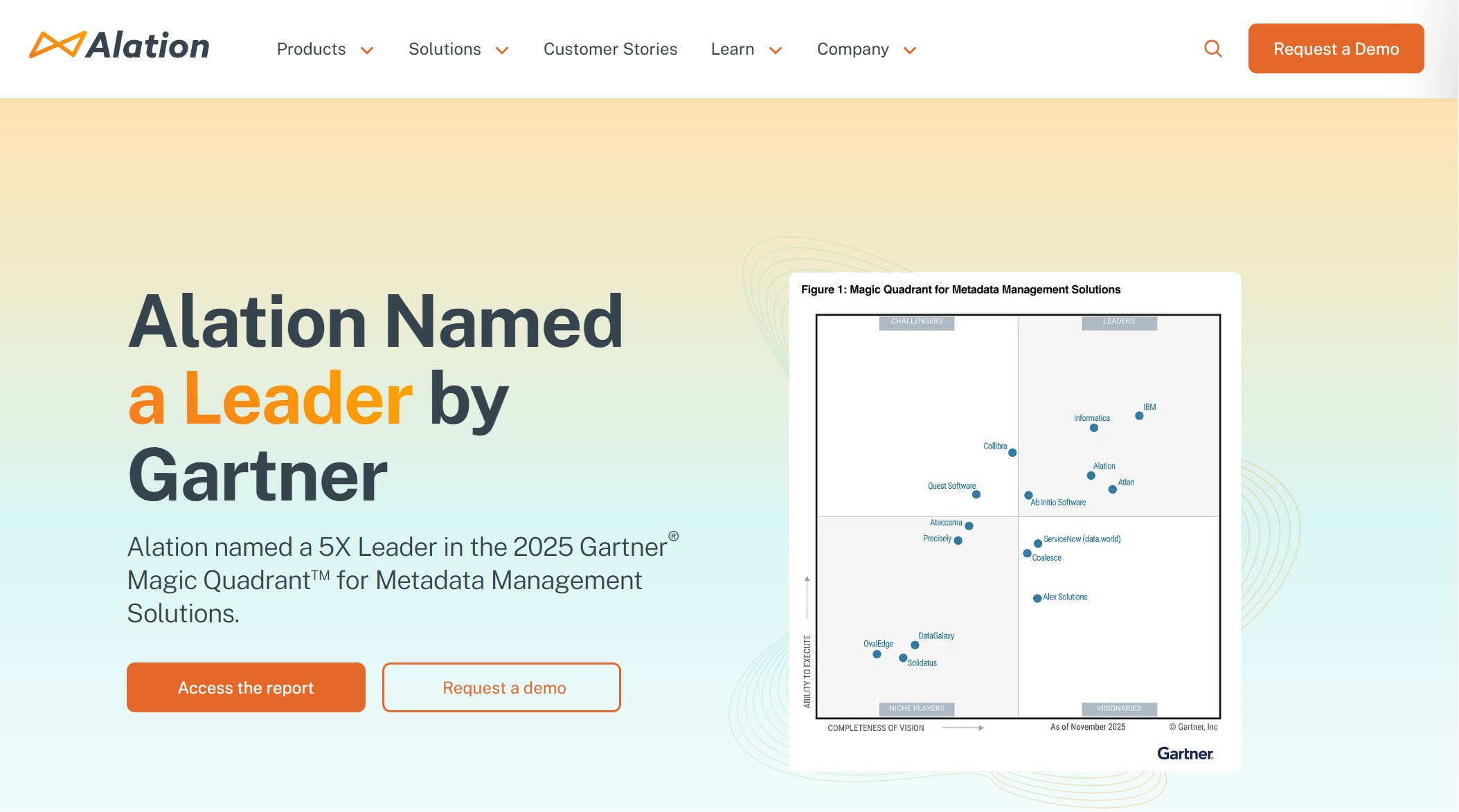
8. Alation Data Catalog
One-sentence overview: Alation Data Catalog is a searchable metadata and discovery platform that helps users find, understand, and trust data assets more quickly.
Key Features:
Search-first data catalog experience
Metadata discovery and documentation
Data lineage and usage insights
Collaboration, annotations, and stewardship support
Query behavior intelligence
Data literacy and documentation workflows
Pros & Cons:
Pros:
User-friendly discovery experience for analysts and business users
Strong focus on searchability and documentation
Helps improve data literacy and adoption
Useful for reducing time spent locating trusted datasets
Cons:
More catalog-centric than full-spectrum data management platforms
Governance depth may need complementary tools in some environments
Value depends on ongoing metadata curation
Best For (Target user/scenario):
Teams that want searchable, user-friendly discovery and documentation for data assets
Organizations trying to improve findability and trust in distributed data environments
9. DBeaver Community
One-sentence overview: DBeaver Community is a free open-source database management tool for querying, administering, and exploring relational databases through a unified interface.
Key Features:
Multi-database connectivity
SQL editor and query execution
Schema browsing and database object management
Data import and export utilities
ER diagrams and database exploration tools
Cross-platform desktop support
Pros & Cons:
Pros:
Free and open source
Broad database compatibility
Practical for developers, analysts, and database administrators
Limited suitability for organization-wide stewardship programs
Advanced support and enterprise controls are not its core focus
Best For (Target user/scenario):
Users who need a free open-source database management option for querying and administration
Small teams, technical users, and cost-conscious buyers needing direct database access
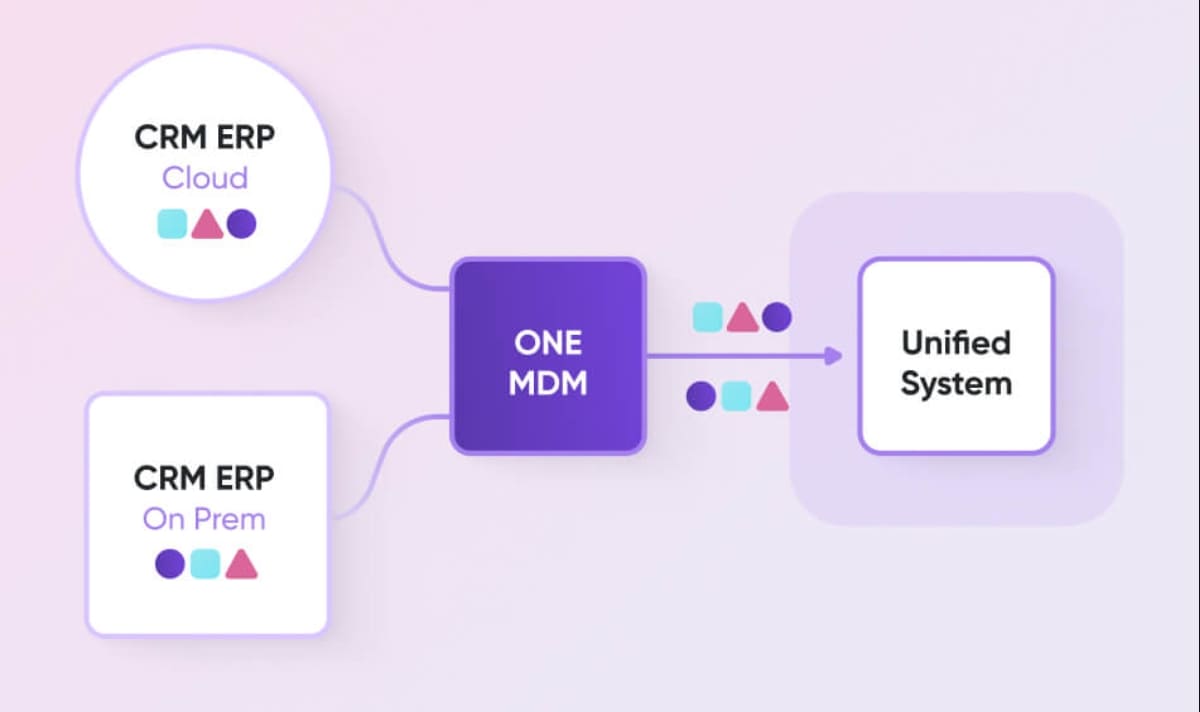
10. Ataccama ONE
One-sentence overview: Ataccama ONE combines data quality, governance, master data management, and metadata capabilities in a unified enterprise platform.
Key Features:
Support for cloud and enterprise-scale deployments
Pros & Cons:
Pros:
Strong all-in-one positioning across quality and governance
Useful for organizations trying to reduce tool sprawl
Supports trust, control, and operational data improvement
Capable of scaling across large data estates
Cons:
May be more platform than smaller teams need
Rollout and administration can be complex
Best outcomes often require clear governance ownership
Best For (Target user/scenario):
Organizations combining data quality, governance, and metadata management in one environment
Enterprises seeking a more consolidated data trust platform
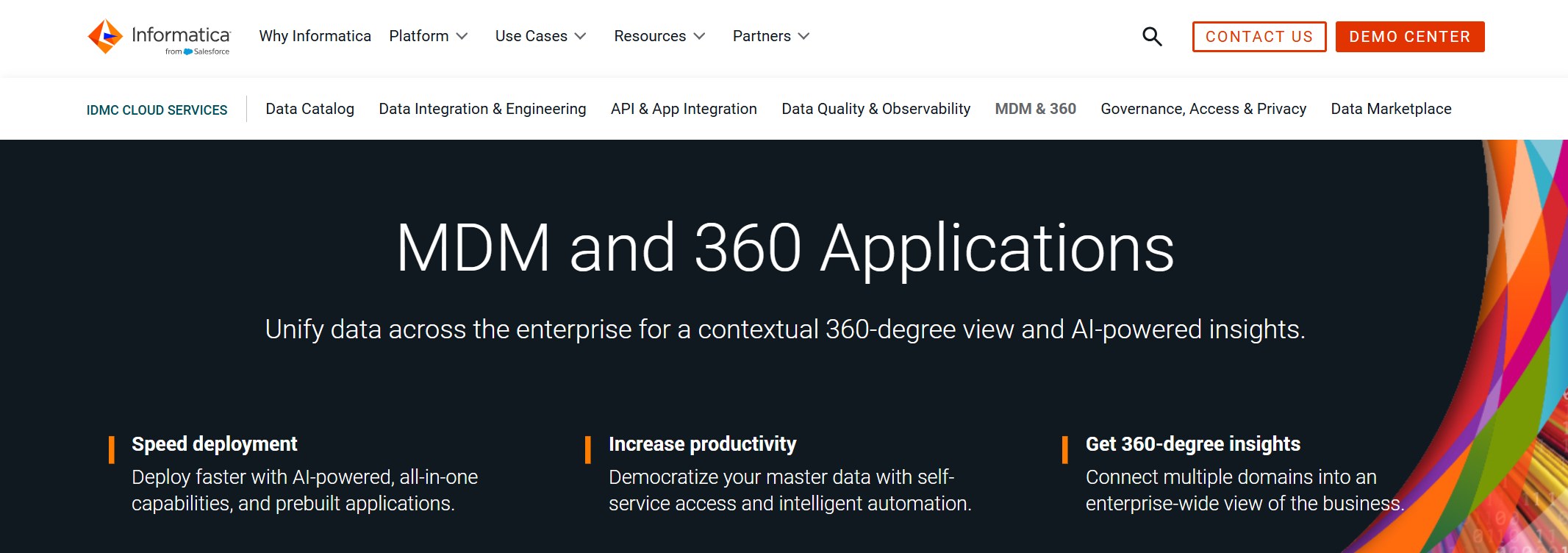
11. Informatica Intelligent Data Management Cloud
One-sentence overview: Informatica Intelligent Data Management Cloud is an enterprise cloud platform for data integration, governance, quality, master data, and metadata-driven automation.
Key Features:
Product breadth may increase learning curve and implementation scope
Some buyers may only need a subset of its capabilities
Best For (Target user/scenario):
Enterprise-scale data integration, governance, and master data initiatives
Large organizations modernizing data management across cloud and on-premises systems
Why choosing the right data management tool matters in 2026
Modern organizations expect more from a data management tool than simple storage or database administration. In 2026, buyers typically need platforms that support governance, integration, automation, security, and usability at the same time. That shift is driven by hybrid data stacks, stricter compliance requirements, growing AI workloads, and the need to give both technical and business users access to trusted data.
A poor fit creates problems quickly. Teams may end up with disconnected pipelines, inconsistent master records, weak data quality controls, or governance processes that exist only on paper. The right platform, by contrast, improves operational consistency and makes analytics, reporting, and AI projects more reliable.
Several factors shape the best choice:
Business size: Smaller companies often prioritize speed, simplicity, and lower cost, while enterprises need auditability, stewardship, and scale.
Data volume: High-growth environments need tools that can handle expanding sources and more frequent refresh cycles.
Compliance needs: Regulated industries usually need stronger lineage, access control, classification, and policy enforcement.
Technical complexity: A lightweight database management tool will not solve the same problems as an enterprise-wide governance or MDM platform.
Common buying mistakes are also easy to spot when comparing similar products:
Choosing a platform based only on brand recognition
Overbuying enterprise functionality that the team will not operationalize
Ignoring implementation timelines and internal skill requirements
Treating data cataloging, master data management, and integration as interchangeable categories
Failing to assess how well a tool fits the existing data stack
How we compared the best data management tools
To evaluate each data management tool fairly, we focused on the criteria most buyers actually use during shortlisting and proof-of-concept reviews.
Deployment options: Cloud, on-premises, hybrid, and multi-environment support
Integrations: Compatibility with databases, enterprise apps, cloud platforms, and analytics tools
Scalability: Ability to support growing data complexity and organizational adoption
Pricing transparency: How easy it is to estimate cost and total ownership
Support and ecosystem: Vendor maturity, implementation complexity, training, and partner availability
What “best” means for different buyers
The word “best” does not mean the same thing for every organization. A startup may want a data management tool that is fast to deploy and affordable. A mid-market company may want a balanced platform that supports governance without creating a large internal change program. An enterprise data team may need advanced stewardship, workflow, compliance, and cross-domain control.
That is why this list includes different categories of tools rather than forcing a single winner.
Short-term ease of use vs long-term data strategy
Some tools are easier to adopt in the short term because they focus on one narrow problem, such as database administration or data discovery. Others require more planning but support a broader long-term strategy around governance, master data, and enterprise trust.
A strong buying decision weighs both realities:
Will teams actually use the tool within the first 90 days?
Can the platform still support broader needs two years from now?
Will it reduce fragmentation or add another silo?
For organizations that want practical value without disconnecting analytics from data operations, platforms like FineBI can be appealing because they combine governed access, data modeling, and business usability. And if your priority is reliable cross-system data movement and synchronization, FineDataLink is worth considering as part of the stack. It helps organizations connect data sources, streamline integration workflows, and reduce the friction between operational systems and analytics environments.
Pros, cons, and best use cases by buyer type
Best for small teams and budget-conscious buyers
Small teams usually need lower barriers to entry, straightforward setup, and strong day-to-day usefulness.
Top picks:
DBeaver Community
Best for free, open-source database querying and administration
Strong choice when governance requirements are minimal
How to choose the right data management tool for your organization
The best data management tool is the one that fits your architecture, team capability, and operating model, not simply the one with the longest feature list.
Match tool strengths to your data stack, team skills, and operating model
Start by clarifying what problem you are trying to solve:
Is your biggest issue integration and pipeline reliability?
Do users struggle with finding and trusting data?
Do you mainly need a database management tool for technical work?
Then map those needs against your environment:
Existing cloud provider and ecosystem
Number and type of source systems
Business user vs technical user ratio
Internal governance maturity
Data engineering and administration capacity
Ask vendors about implementation timelines, hidden costs, and migration complexity
Vendor demos often emphasize ideal workflows, not the real effort required to deploy and govern the system. Ask direct questions about:
Time to first production use
Required internal roles and skills
Professional services dependency
Connector limitations or extra costs
Metadata ingestion complexity
Migration effort from legacy tools
If integration is a major concern, this is where a supporting solution like FineDataLink can add value. It helps bridge systems more efficiently, improving data flow across applications and reducing manual integration overhead that often slows larger platform rollouts.
Use a shortlist and proof of concept to validate fit before committing
A shortlist should include only tools that clearly match your top use cases. Then test them in a proof of concept against real scenarios, such as:
Cataloging and discovering critical datasets
Applying governance rules and access controls
Synchronizing data from source systems
Supporting a business reporting workflow
Handling updates, lineage, and stewardship reviews
A proof of concept should not just confirm whether a product works. It should show whether your team can operate it effectively.
Final checklist for selecting the best-fit solution in 2026
Use this shortlist checklist before making a final decision:
Does the tool solve the primary data problem we actually have?
Can our team implement and operate it without excessive external dependency?
Does it integrate cleanly with our current data stack?
Will it scale with future governance, analytics, or MDM needs?
Are pricing and support clear enough to estimate total cost of ownership?
Can business and technical users both get value from it?
Have we tested it against real workflows, not just demo scenarios?
In 2026, the strongest data management strategy is rarely built on one feature alone. It comes from choosing a platform that fits your maturity level today while supporting better control, trust, and usability over time. For many organizations, that means combining a strong analytics-facing platform like FineBI with a capable integration layer such as FineDataLink to create a more connected and practical data management foundation.
FAQs
A data management tool helps organizations collect, organize, govern, secure, and maintain data so it stays accurate and usable. It supports reporting, analytics, compliance, and better decision-making across teams.
Start by matching the tool to your main need, such as governance, integration, master data, or self-service analytics. You should also compare data source connectivity, usability, scalability, security, and how well it fits your existing tech stack.
Important features usually include data integration, quality controls, cataloging, lineage, governance, permissions, and reporting support. For many teams, ease of use and strong connectors matter just as much as enterprise governance features.
Data management is the broad practice of handling data throughout its lifecycle. Data governance focuses on policies, control, and compliance, while master data management is specifically about creating consistent core records like customers, products, or suppliers.
Analytics teams often benefit most from platforms that combine data preparation, governed access, and dashboarding in one place. Tools like FineBI can be a strong fit when teams want faster insight delivery without relying heavily on IT.
Product Trial
FineReport
Pixel-perfect reports · Interactive dashboards · Easy data entry · Digital twins


 Key Features:
 Key Features:
 Key Features:
 Key Features:
 Key Features:
 Key Features:
 Key Features:
 Key Features:
 Key Features:
 Key Features: