If you are searching for data reporting tools, you are probably not just looking for another dashboard builder. Most teams today need to solve several reporting jobs at once: interactive analysis for managers, structured operational reports for finance or compliance, and automated delivery for executives, clients, or frontline teams.
That is why choosing reporting software in 2026 is less about picking the most popular BI brand and more about matching the tool to the reporting workflow. Some platforms are strongest in visual exploration. Others are better for pixel-perfect paginated reports, scheduled batch delivery, or operational forms. For IT leaders, BI teams, finance managers, and reporting owners, the real question is: which tool fits the way your business actually consumes information?
Choosing among modern data reporting tools starts with clarity about the reporting work your team actually owns. Many software evaluations fail because teams compare every product on a generic feature list instead of mapping tools to real reporting tasks.
Define the reporting jobs your team needs to handle
The first step is to separate three common needs:
Interactive BI dashboards for exploration, filtering, and drill-down
Pixel-perfect paginated reports for formal documents, print-ready outputs, and exact layouts
Scheduled distribution for recurring delivery to large stakeholder groups
A sales operations team may care most about dashboard speed and self-service analysis. A finance team may need highly structured monthly packs. A customer reporting team may already have dashboards but struggle with getting the right version of a report to the right recipients on time.
If you treat all of these as the same requirement, you risk buying a tool that does one job well and the others poorly.
Compare speed to insight, governance controls, usability, and total cost of ownership
For many buyers, the real comparison is not just features. It is the balance between:
Speed to insight: How quickly can users answer business questions?
Governance: Can you control metric definitions, permissions, and report access?
Usability: Can business users work productively without constant technical support?
Total cost of ownership: What will setup, licensing, training, maintenance, and administration really require?
A dashboard tool may appear cheaper at first but require more manual effort for formal reporting. A reporting platform may reduce spreadsheet work, reformatting, or repeated distribution tasks, which changes the long-term cost picture.
Check how well each platform supports self-service analysis without creating metric sprawl
Self-service is valuable, but unmanaged self-service can create duplicate KPIs, conflicting definitions, and inconsistent reporting across departments.
Good reporting tools help teams balance flexibility with control through:
Centralized metric definitions
Shared datasets or semantic layers
Certified reports or governed templates
Role-based permissions
Reusable report components
This matters especially in larger organizations where the reporting audience spans finance, operations, sales, and executives.
Prioritize tools that fit your data stack, security model, and audience needs
A dashboard used daily by analysts is different from a monthly board package or a burst report sent to hundreds of regional managers. The more varied your reporting audience, the more important it becomes to choose a platform that supports more than one output style.
How BI dashboards, paginated reports, and automated distribution differ
The phrase data reporting tools often covers very different products. Understanding the differences helps avoid poor-fit purchases.
BI dashboards for interactive analysis
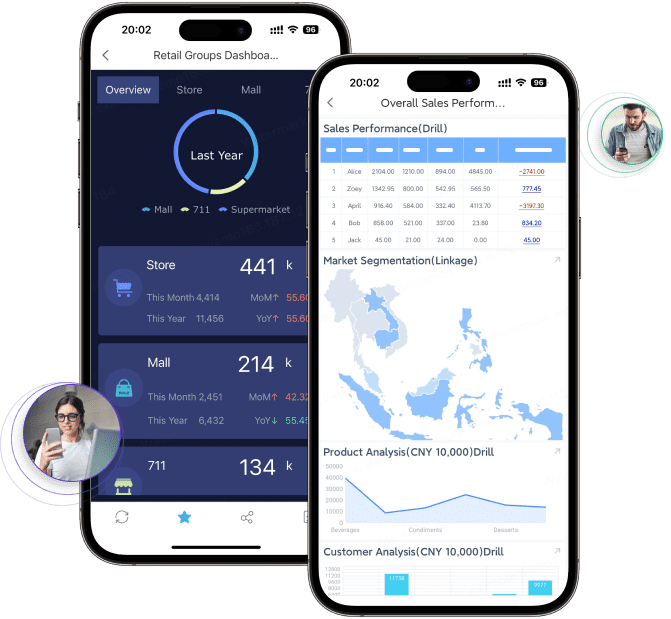
BI dashboards are designed for exploration. They are best when users need to monitor KPIs, filter by region or product, drill into details, and react quickly to changing business conditions.
Paginated reports for structured operational reporting
Paginated reports are built for consistency, precision, and print-ready output. They are usually the right choice for documents where layout is part of the requirement, not just the presentation layer.
This is where many pure BI tools become less comfortable. They may display data effectively but not handle strict operational formatting with the same degree of control.
Automated distribution for recurring delivery
Automated distribution solves the last mile of reporting. Even when dashboards are available, many organizations still need reports delivered on a schedule in the format stakeholders actually read.
Common distribution needs include:
Emailing weekly executive reports
Sending region-specific reports to managers
Delivering client-ready PDFs
Publishing reports to portals
Exporting files for archival or downstream workflows
Distributing burst reports based on recipient rules
This reduces manual effort and improves consistency. For BI teams, automated distribution is often the missing layer between analysis and action.
Top reporting software categories and leading tools to compare
There is no single winner across all reporting scenarios. The market is easier to understand when you compare tools by category.
Enterprise BI platforms
Enterprise BI platforms are built primarily for dashboards, analytics, and governed self-service. Common products in this category include Power BI, Tableau, Qlik, Looker, and Domo.
Formal paginated reporting may be weaker or require add-ons
Highly formatted exports can be limited
Distribution workflows may be basic for complex recipient scenarios
Administration and licensing can become complex at scale
These tools are often a strong fit when the main goal is faster decision-making through interactive analytics.
Dedicated paginated and operational reporting tools
This category focuses on highly structured reporting. It is most relevant when layout precision, printable output, report templates, and operational documents are business-critical.
Common evaluation factors include:
Formatting control
Export quality
Bursting and scheduling
Multi-page table handling
Template management
Parameter queries
Operational workflows
This category is often favored by finance, compliance, manufacturing, logistics, and enterprise reporting teams.
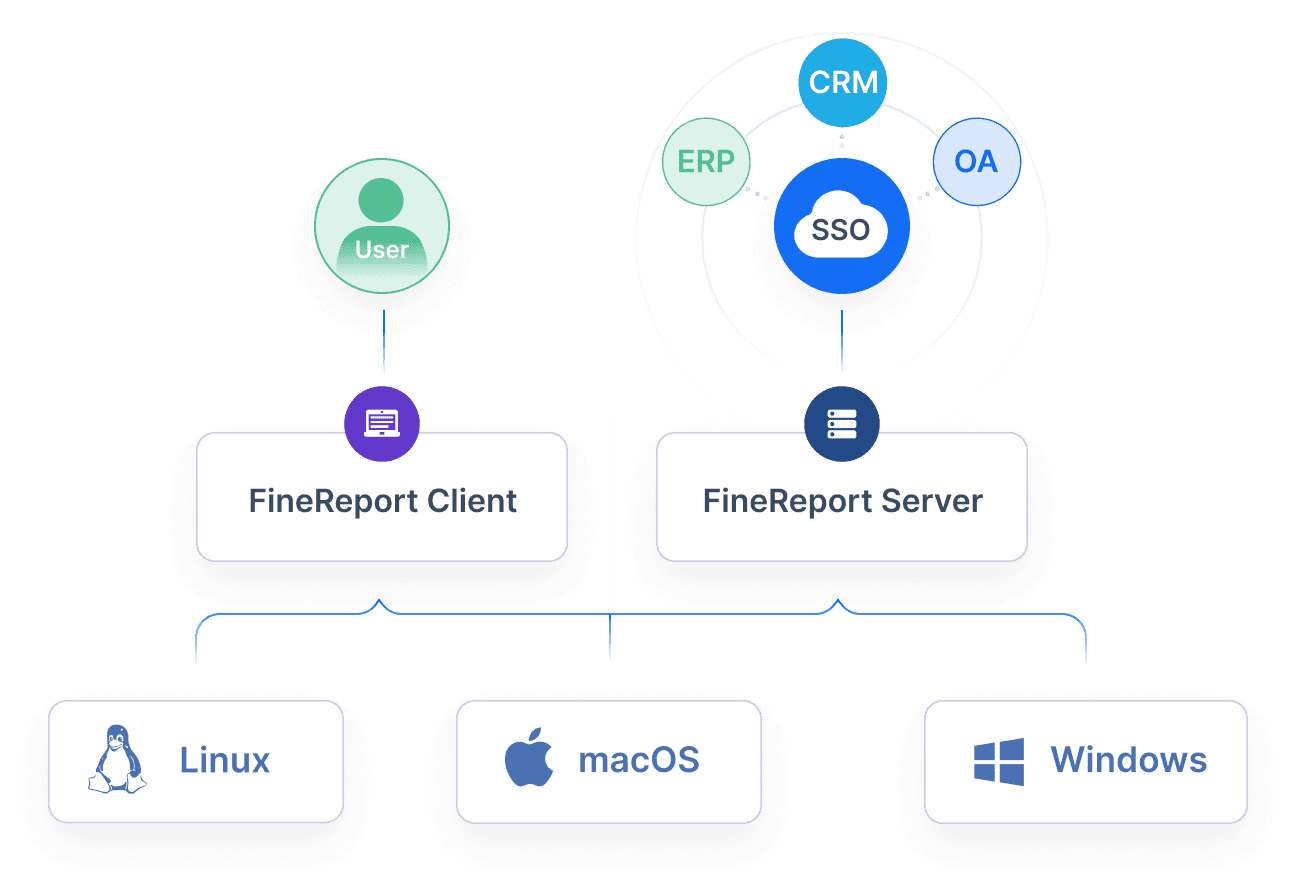
FineReport belongs strongly in this conversation because it is designed for enterprise reporting scenarios that require both structured reports and broader reporting workflows, rather than dashboarding alone.
Automated reporting and distribution platforms
These platforms focus on report delivery rather than replacing the BI layer. They are especially relevant for teams that already use Tableau, Power BI, Looker, or another BI tool but need better scheduling, packaging, or recipient-level distribution.
Typical strengths include:
Scheduled exports
Distribution orchestration
Recipient-based personalization
Presentation or document automation
Delivery to email, files, or collaboration tools
Their value is highest when the dashboard already exists, but the organization still depends on manual report preparation every week or month.
10 BI reporting tools and automated reporting options worth shortlisting
Below is a practical shortlist of data reporting tools and adjacent platforms worth comparing in 2026. These tools do not all solve the same problem, so shortlist them based on your reporting use case.
Best-fit tools for governed enterprise decisions
These tools are generally strong when organizations need centralized metrics, permissioning, governed reporting, and broad departmental rollout.
1. FineReport
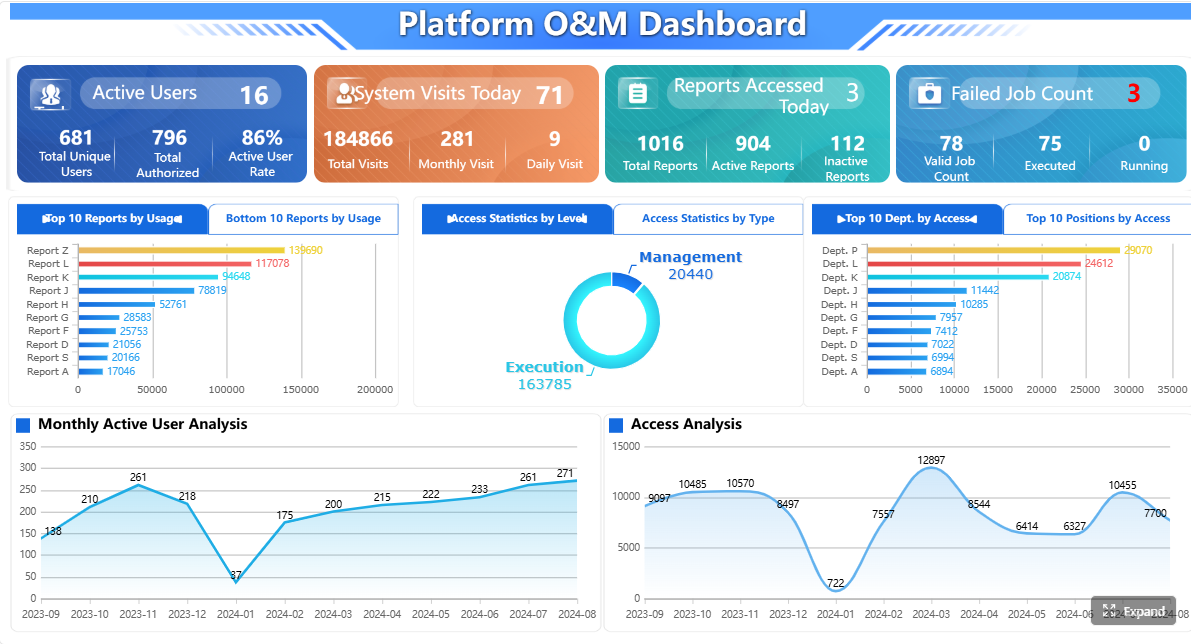
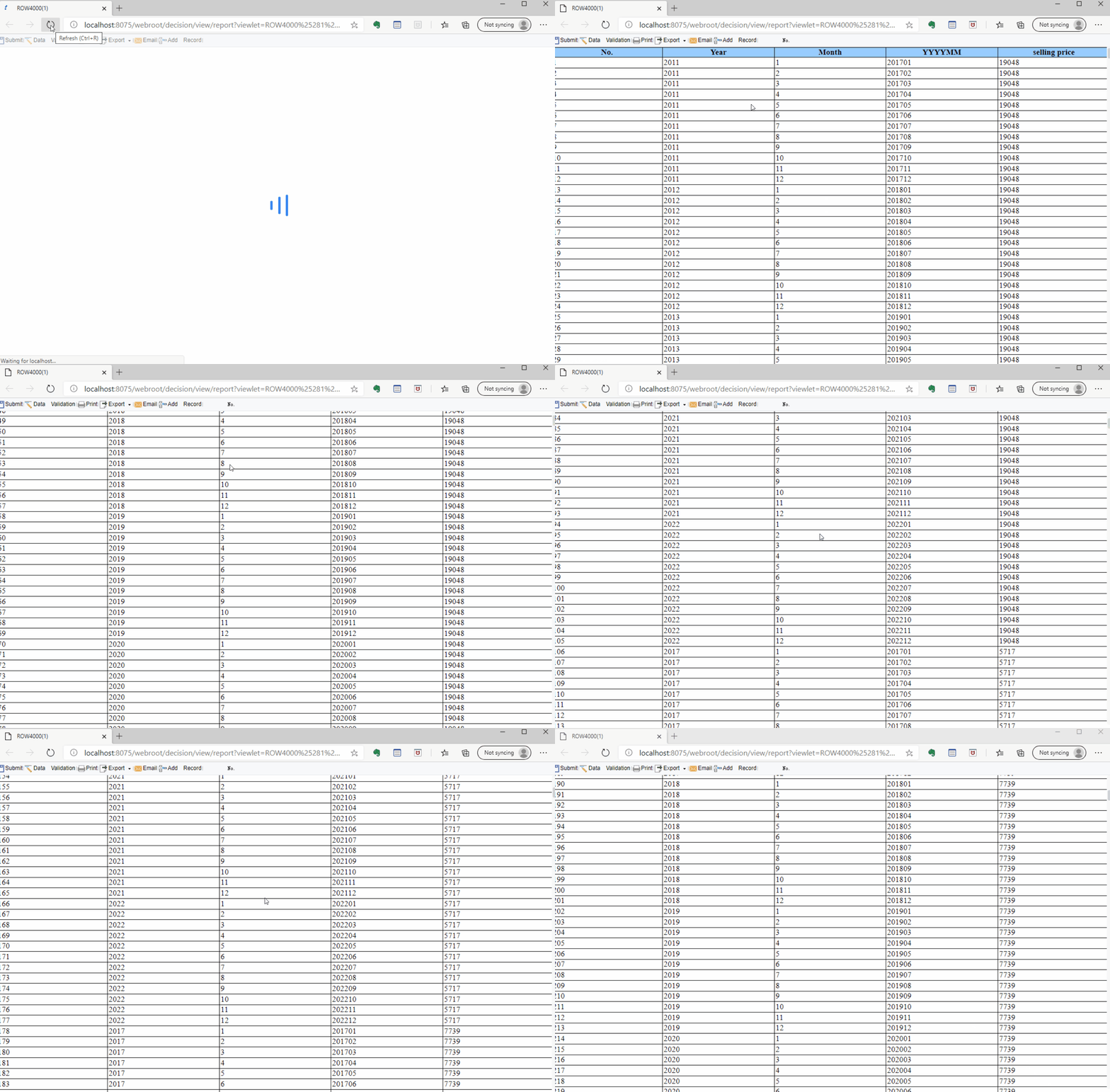
FineReport is well suited for organizations that need more than dashboards. It supports pixel-perfect reports, paginated layouts, dashboards, parameter queries, scheduled tasks, automated distribution, and data entry forms. That makes it especially relevant for operational reporting and enterprise reporting workflows.
Teams that need scheduled delivery and report governance
Watch for:
Best evaluated through a real proof of concept using your report templates and distribution needs
2. Microsoft Power BI
Power BI is widely adopted for dashboarding and self-service BI, especially in Microsoft-centric environments. It is often chosen for its ecosystem fit, data connectivity, and accessibility for business reporting teams.
Best fit:
Microsoft-heavy organizations
Governed BI rollouts
KPI monitoring and dashboard sharing
Watch for:
Formal reporting needs may require separate design considerations
Complex distribution workflows may need extra tooling or process work
3. Tableau
Tableau remains a strong option for visual exploration and analytical dashboarding. It is often favored by data teams that prioritize rich visual analysis and interactive storytelling.
Scheduled delivery is useful, but some organizations still need more robust last-mile reporting workflows
4. Looker
Looker is often considered by organizations that value governed metrics and centralized data definitions. It can be a good fit for teams that want a semantic approach to BI.
Best fit:
Metric governance
Shared definitions across teams
Scalable analytics programs
Watch for:
Report formatting needs should be evaluated carefully
Adoption may depend on internal technical capability
5. Qlik
Qlik is frequently evaluated for associative analysis and enterprise BI use cases. It can be suitable for teams that need flexible data exploration with governance.
The reporting experience should be tested against your operational document needs
Best-fit tools for speed and self-service
These tools are often preferred when analyst productivity and rapid iteration matter more than formal document control.
6. Looker Studio
Looker Studio is often used for lightweight dashboards and reporting in Google-centric environments. It can be useful for fast, accessible reporting projects.
Metabase is commonly shortlisted by teams that want quick setup and a relatively approachable BI experience. It is often attractive for internal analytics use cases.
Best fit:
Internal analytics teams
Fast deployment
Lightweight self-service reporting
Watch for:
Enterprise-scale governance and formal report delivery needs should be evaluated carefully
8. Domo
Domo is often positioned as a broad platform for data integration, dashboards, and business visibility. It can appeal to organizations looking for an all-in-one approach.
Best fit:
Broad business reporting initiatives
Organizations looking for a unified BI environment
Watch for:
Cost, administration, and fit with an existing data stack should be assessed early
Best-fit tools for distribution-heavy BI teams
These tools are most relevant when report delivery is a bigger challenge than dashboard creation.
9. SSRS
SQL Server Reporting Services remains relevant in some Microsoft-based reporting environments, especially where paginated reporting and structured delivery are priorities.
Final recommendations by use case and team maturity
Different teams should reach different conclusions.
Choose a BI-first platform if your main goal is interactive analysis and faster decisions
If your users primarily need visual exploration, KPI dashboards, and self-service analysis, an enterprise BI platform is often the right starting point. Tools like Power BI, Tableau, Looker, and Qlik are commonly considered here.
Choose a paginated reporting solution if formal layouts, print-ready outputs, or compliance reporting are core requirements
If your reporting success depends on exact layout, repeatable document design, or detailed operational tables, a dedicated reporting platform will usually serve you better than a dashboard-first tool alone.
Choose an automated distribution layer if your team already has dashboards but needs reliable, governed delivery at scale
If the main pain point is recurring report packaging and delivery, focus on automation, bursting, scheduling, and recipient-level control rather than replacing your existing BI tool unnecessarily.
Create a shortlist based on audience, governance needs, and the balance between flexibility and control
The best 2026 reporting stack is the one that aligns with how different stakeholders consume information, not the one with the broadest marketing claims.
Practical recommendations for selecting data reporting tools
Here are five practical steps that experienced reporting teams use to make better software decisions:
Separate analysis from delivery requirements early.
Do not assume the same tool will excel equally at dashboards, board packs, invoices, and burst distribution.
Test one high-stakes report in the evaluation.
Use a monthly finance pack, operational summary, or executive review template to see whether the platform handles real complexity.
Check governance before rollout.
Metric definitions, permissions, and template control become more important as reporting adoption grows.
Evaluate the full reporting workflow, not just design.
Build, refresh, review, distribute, archive, and secure the report end to end.
Choose for the audience, not the analyst.
A report consumer may need a printable statement, a scheduled PDF, or a portal-based view, even if the analyst prefers dashboards.
When FineReport is a strong fit for enterprise reporting
Tools like Tableau and Power BI are widely used for visualization and BI analysis, but teams with complex reporting workflows may also need a dedicated enterprise reporting platform like FineReport.
FineReport is especially relevant when organizations need to combine:
This makes it a practical option for finance, manufacturing, logistics, operations, management reporting, and other environments where dashboards alone are not enough.
In other words, if your team needs both interactive visibility and formal business reporting, FineReport may cover a broader range of reporting jobs in one platform than a dashboard-only approach.
Get Ready-to-Use Dashboard and Report Templates in Fine Gallery
Conclusion
The best data reporting tools for 2026 are not all trying to do the same job. Some are built for interactive BI dashboards. Some are built for highly formatted paginated reports. Others focus on automated distribution and last-mile delivery.
A smarter buying approach is to define your reporting jobs first, then choose the tool or combination of tools that fits them best. If your reporting environment includes dashboards, formal reports, scheduled delivery, and operational workflows, FineReport is worth including on your shortlist.
Most reporting tools fall into three groups: BI dashboard platforms for interactive analysis, paginated reporting tools for formal documents, and automated distribution tools for scheduled delivery. Some platforms, such as FineReport, combine these capabilities in one system.
BI dashboards are built for filtering, drill-down, and ongoing analysis, while paginated reports are designed for fixed layouts, print-ready formatting, and repeatable business documents. The right choice depends on how people need to consume the information.
Focus on your reporting workflow, not just feature lists. Key factors include dashboarding needs, pixel-perfect layout support, scheduling, governance, integrations, security, and total cost of ownership.
Automated distribution is useful when reports must be sent regularly to executives, clients, regional teams, or other large audiences without manual effort. It helps reduce repetitive work and ensures stakeholders receive the right report on time.



 Power BI is widely adopted for dashboarding and
  Tableau remains a strong option for visual exploration and analytical dashboarding. It is often favored by data teams that prioritize rich
  Looker is often considered by organizations that value governed metrics and centralized data definitions. It can be a good fit for teams that want a semantic approach to BI.
 Qlik is frequently evaluated for associative analysis and
 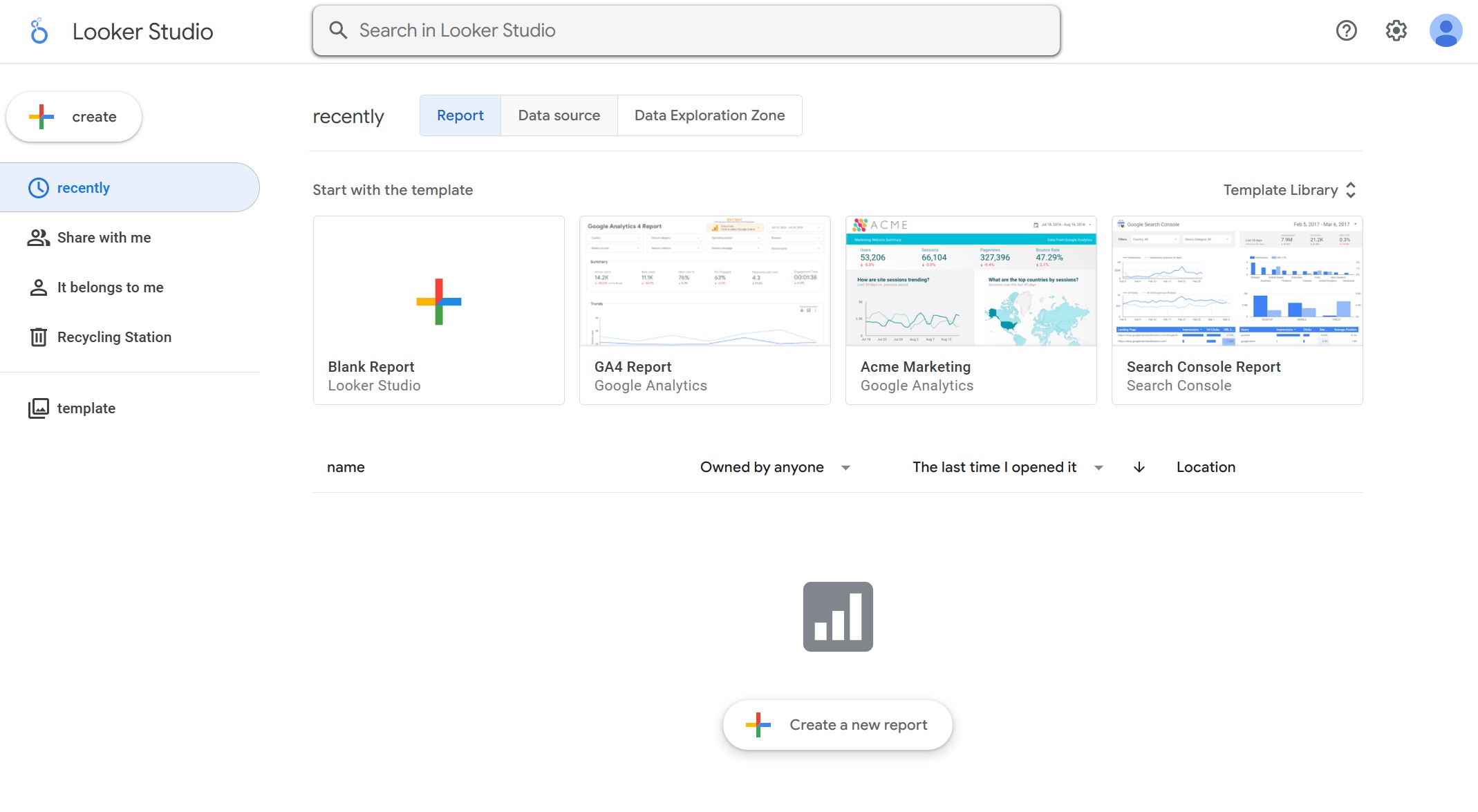 Looker Studio is often used for lightweight dashboards and reporting in Google-centric environments. It can be useful for fast, accessible reporting projects.
 Metabase is commonly shortlisted by teams that want quick setup and a relatively approachable BI experience. It is often attractive for internal analytics use cases.
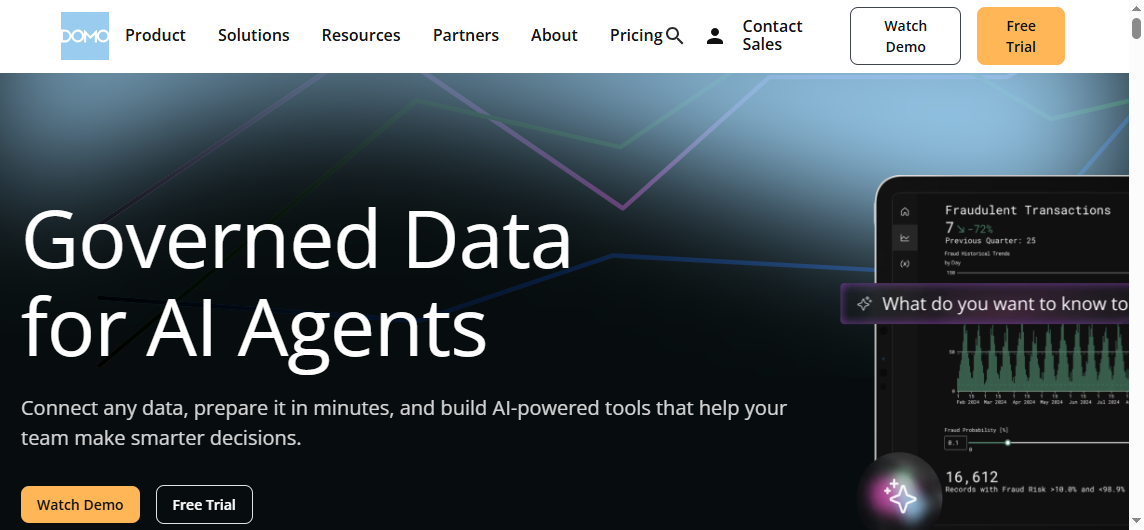 Domo is often positioned as a broad platform for
 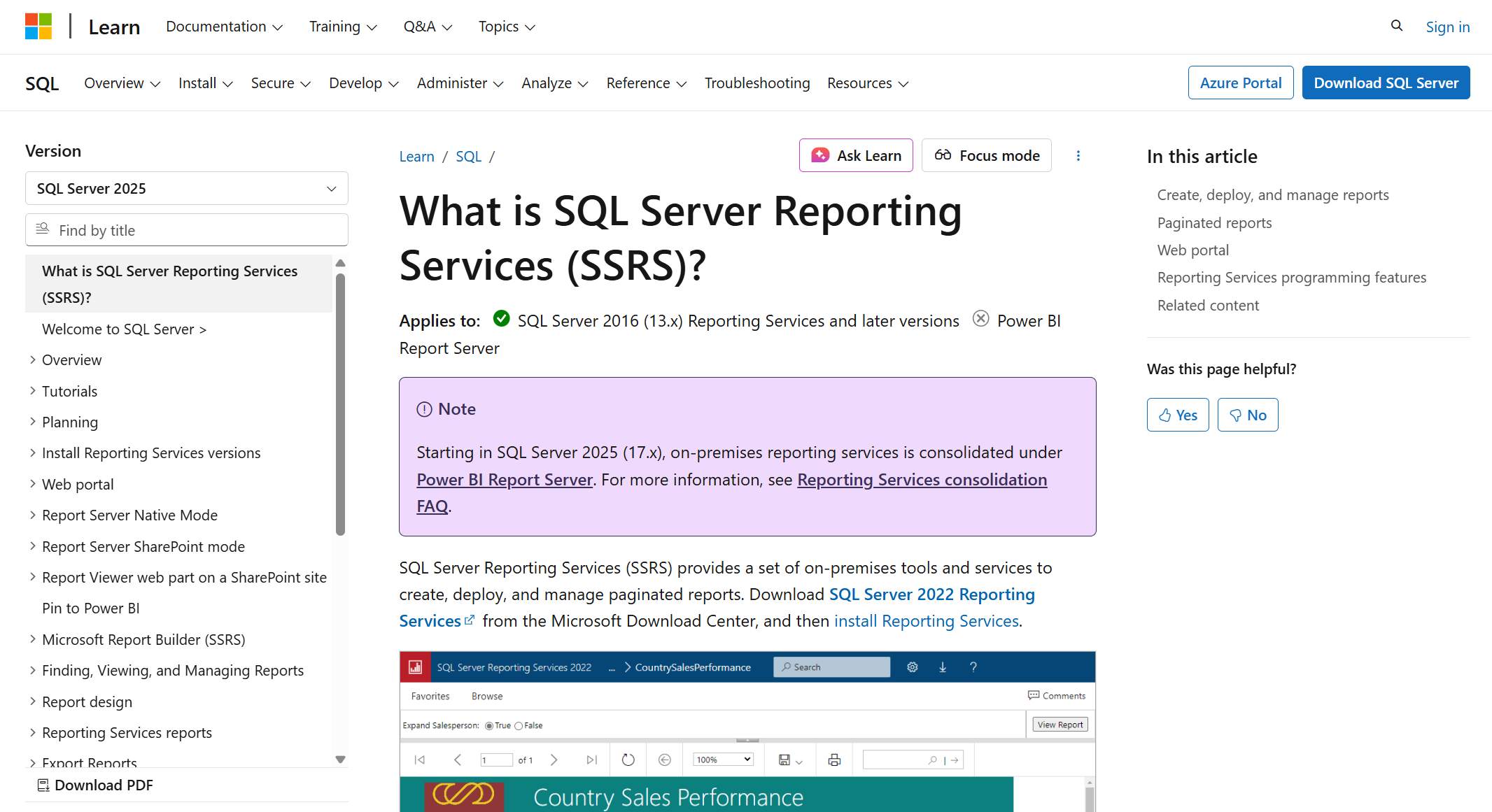 SQL Server Reporting Services remains relevant in some Microsoft-based reporting environments, especially where paginated reporting and structured delivery are priorities.