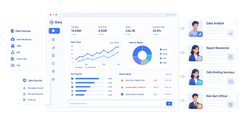
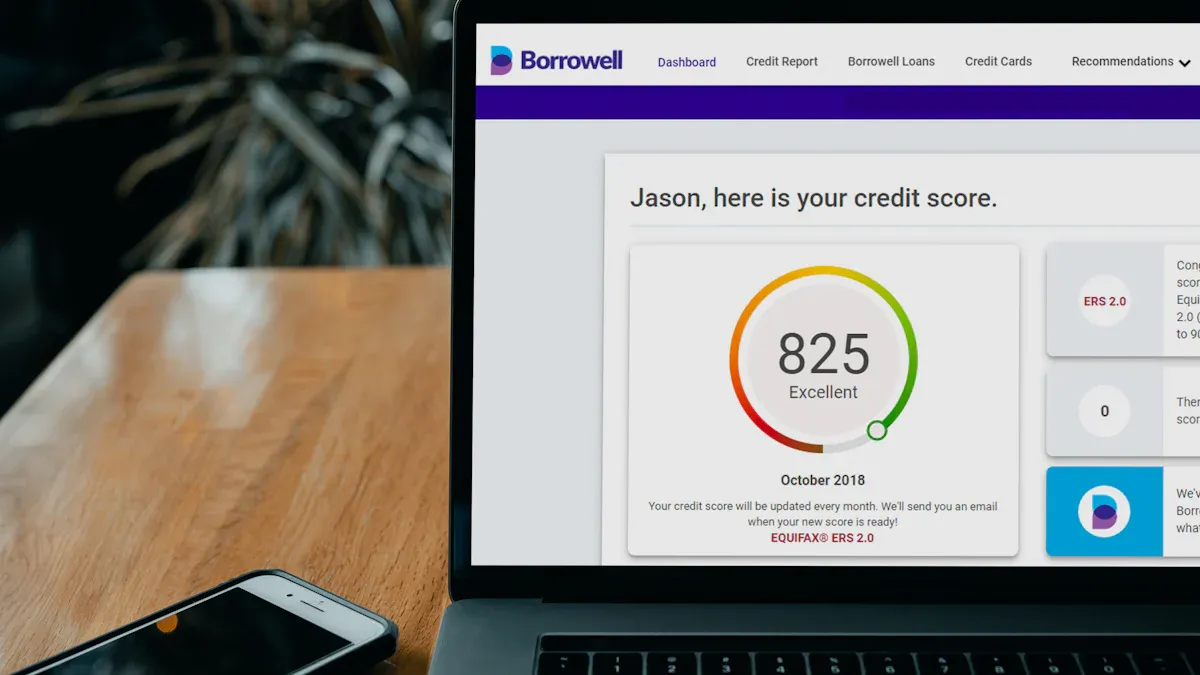
A facebook ads reporting tool is software that turns Meta campaign data into usable dashboards, automated reports, and performance insights across campaigns, ad sets, creatives, and conversions.
Comparison Table: 10 Best Facebook Ads Reporting Tools for 2026
FineReport is listed first as the recommended option for teams that need flexible dashboards, automation, and scalable reporting beyond basic Meta views.
Freelancers: Porter Metrics, Databox, or Meta Ads Reporting are often the simplest to adopt.
Growing brands:FineReport, Supermetrics, and Looker Studio connectors offer more flexibility as reporting complexity increases.
Agencies:FineReport, Whatagraph, and AgencyAnalytics are typically better fits for white-label delivery and multi-account reporting.
How to Choose the Best Facebook Ads Reporting Tool
A strong facebook ads reporting tool should help you measure performance at more than just the campaign level. At minimum, it should make it easy to monitor:
Campaign spend, reach, impressions, clicks, CTR, CPC, CPA, and ROAS
Ad set performance by audience, placement, geography, and device
Creative-level results, including top-performing ads, formats, and messaging patterns
Conversion trends tied to leads, purchases, revenue, or custom goals
Time-based changes so you can compare week-over-week and month-over-month movement
The right platform also depends on who is using it. In-house marketers usually need quick access to pacing, creative performance, and conversion visibility. Agencies need stronger client-facing dashboards, white labeling, scheduled delivery, and roll-up views across many ad accounts. Leadership teams often want executive summaries rather than granular campaign tables, so dashboard presentation matters as much as raw data access.
Before committing, compare these tradeoffs carefully:
Dashboard depth: Can the tool move from top-line KPIs into campaign, ad set, and creative drill-downs?
Automation: Does it support scheduled refreshes, recurring email delivery, and low-maintenance updates?
Attribution visibility: Can you see post-click and conversion outcomes clearly, or are you limited to platform-reported numbers?
Integrations: Does it connect only to Meta, or can it blend data from GA4, CRM, ecommerce, and other ad channels?
Total cost: Look beyond the base subscription and consider users, accounts, connector fees, setup effort, and internal maintenance time.
One-sentence overview:FineReport is a highly flexible reporting and dashboard platform that helps teams turn Meta Ads data into customized, automated, and presentation-ready performance reporting.
Key Features
Highly customizable dashboards for campaigns, ad sets, creatives, and conversions
Multi-source data integration for blending Meta Ads with CRM, ecommerce, GA4, or internal business data
Strong option for teams that need to combine Facebook Ads data with broader business metrics
Scales well for organizations with more advanced reporting requirements
Cons
Can require more planning than lightweight plug-and-play tools
Best value typically comes when you need more than simple one-channel reporting
Best For
Marketing teams and agencies that need branded dashboards, deeper customization, and a reporting system that can grow with more channels and more stakeholders
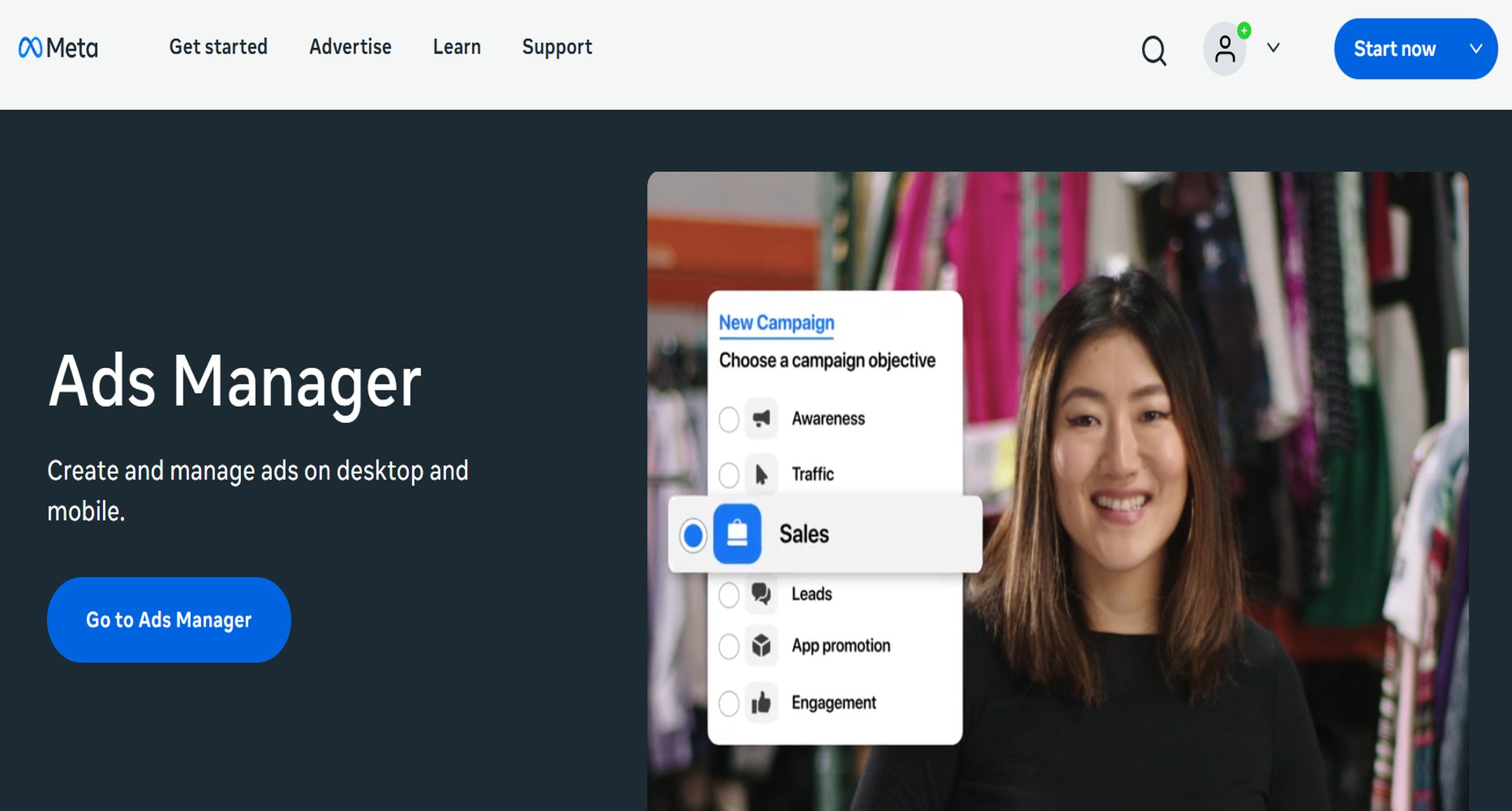
One-sentence overview: Meta Ads Reporting is the built-in reporting environment inside Ads Manager, offering direct access to native campaign and conversion metrics.
Key Features
Native reporting inside the Meta ecosystem
Standard breakdowns by campaign, ad set, ad, placement, age, gender, device, and location
Custom columns and saved reporting views
Attribution setting visibility based on Meta’s available reporting logic
Immediate access with no extra software required
Pros & Cons
Pros
No additional cost beyond ad spend
Fastest way to review day-to-day campaign performance
Useful for checking delivery, spend pacing, and core in-platform KPIs
Cons
Limited cross-channel analysis
Less suitable for executive dashboards or client-facing reporting
Collaboration and automation features are lighter than dedicated reporting platforms
Reporting is constrained by Meta’s native environment and attribution scope
Best For
Advertisers who mainly optimize inside Meta and do not need advanced dashboarding or multi-source reporting
One-sentence overview: Porter Metrics focuses on automated marketing reporting through spreadsheet and dashboard connectors, making recurring Facebook Ads reporting easier to maintain.
Key Features
Meta Ads connectors for Google Sheets, Looker Studio, and similar reporting setups
Prebuilt templates for common PPC and social reporting workflows
Automated data refreshes and scheduled updates
Cross-channel reporting support when connected to other marketing sources
Relatively fast setup for recurring reports
Pros & Cons
Pros
Good fit for teams that already work in spreadsheets or dashboard builders
Reduces manual exports from Meta Ads Manager
Template-based setup is straightforward for common use cases
Cons
Visualization quality depends partly on the destination tool
Less ideal if you want a fully self-contained reporting platform
Advanced customization may still require hands-on dashboard work
Best For
Small teams, consultants, and marketers who want automated Facebook Ads data in spreadsheets or BI dashboards
4. Looker Studio connectors
One-sentence overview: Looker Studio connectors let you build customizable Facebook Ads dashboards with flexible charts and blended reporting across multiple data sources.
Key Features
Flexible dashboard creation in Looker Studio
Broad compatibility with Google ecosystem tools
Connector-based access to Meta Ads data
Custom visualizations, filters, and date controls
Ability to combine Facebook Ads data with GA4, Google Ads, Search Console, and more
Pros & Cons
Pros
Strong flexibility for teams that want control over dashboard design
Good option for blended channel reporting
Familiar environment for many marketers and analysts
Cons
Connector quality varies by provider
Setup and maintenance can become time-consuming
Large or complex dashboards may need ongoing troubleshooting
Best For
Analysts and marketing teams that want flexible visualization and are comfortable managing setup effort
One-sentence overview: Whatagraph is a reporting platform designed to create polished multi-channel dashboards and automated client reports with minimal manual formatting.
One-sentence overview: Supermetrics is a data pipeline and connector tool that pulls Facebook Ads data into analytics environments like Sheets, Excel, BigQuery, and Looker Studio.
Key Features
Extensive connector ecosystem
Scheduled data transfers
Destination flexibility across spreadsheet, warehouse, and BI tools
Useful for combining Facebook Ads with multiple paid and organic sources
Strong support for custom reporting stacks
Pros & Cons
Pros
Very flexible for custom workflows
Popular among data-driven marketing teams
Good for centralizing performance data outside ad platforms
Cons
Not a complete dashboard platform on its own
Requires another destination tool for final presentation
Costs can increase depending on connectors and scale
Best For
Data-savvy teams that want control over how Facebook Ads data is stored, transformed, and visualized
One-sentence overview: Funnel centralizes and normalizes marketing data, helping larger teams build reliable Facebook Ads reporting across many channels and business systems.
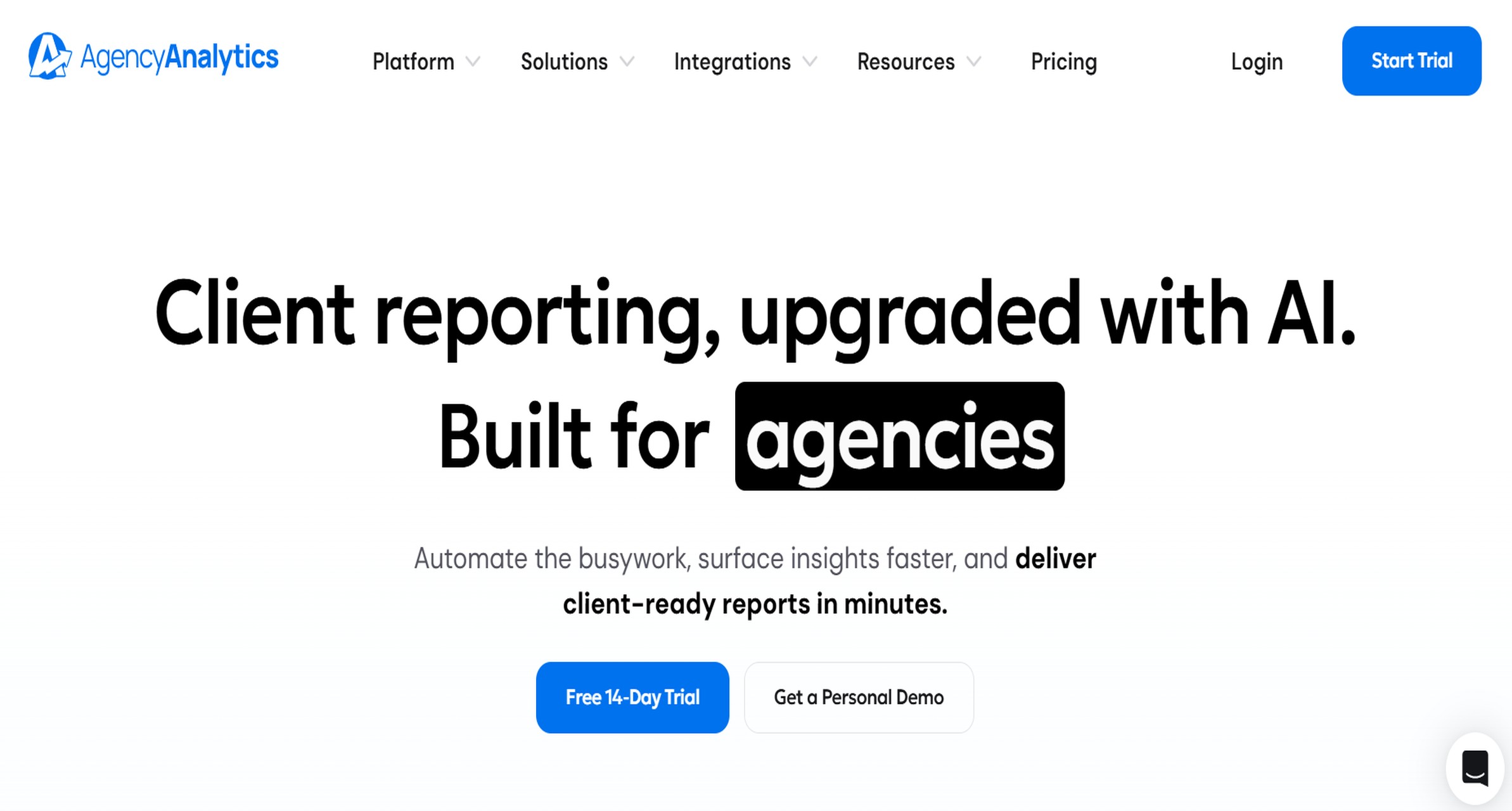
One-sentence overview: AgencyAnalytics is built for marketing agencies that need client dashboards, white-label delivery, and multi-account reporting in one place.
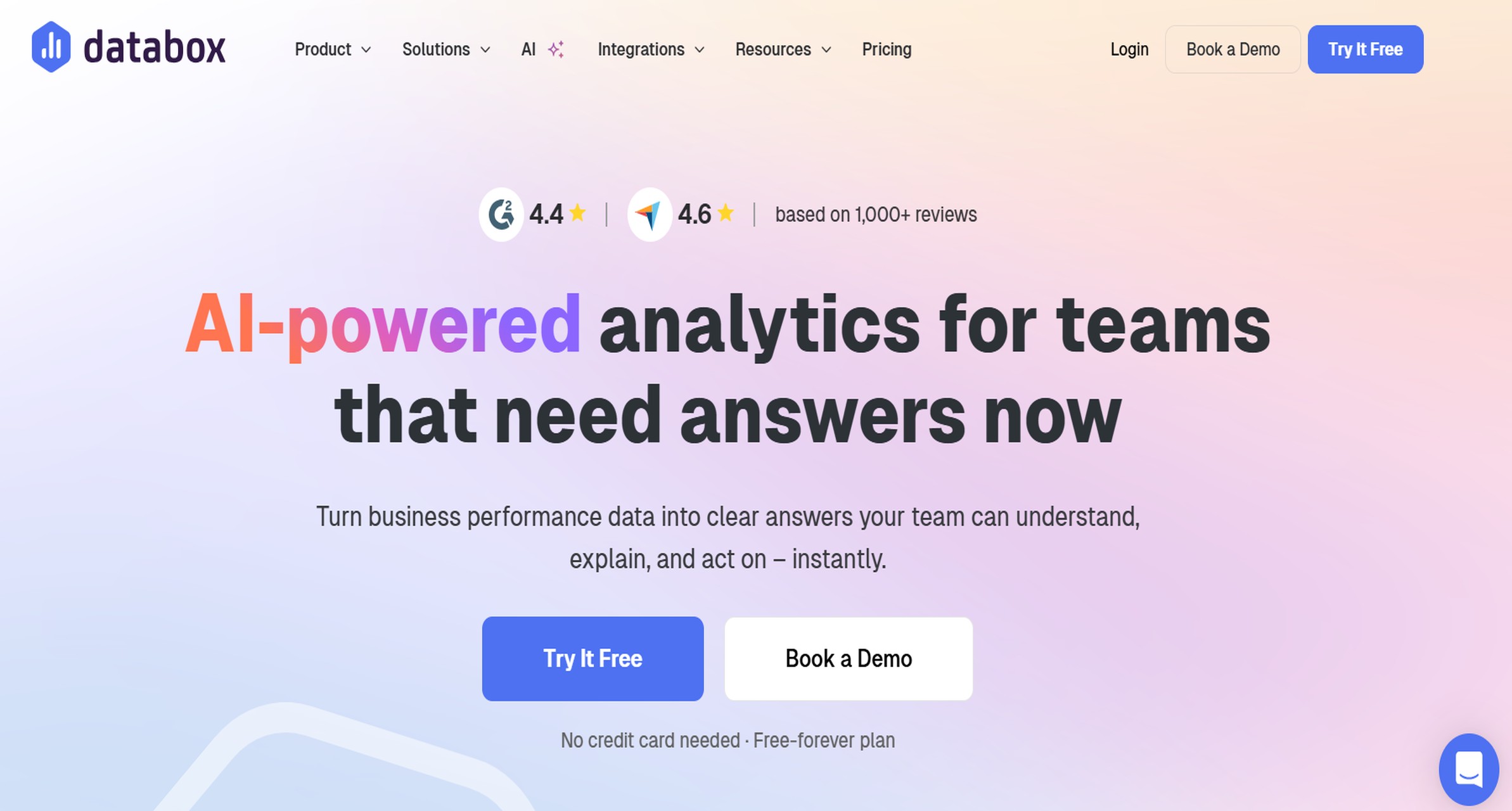
One-sentence overview: Databox helps teams track Facebook Ads KPIs through simple dashboards, scorecards, and automated updates for internal visibility.
Key Features
KPI dashboards and performance scorecards
Goal tracking and alerting
Dashboard templates
Executive summary views
Mobile-friendly monitoring
Pros & Cons
Pros
Easy to use for non-technical stakeholders
Useful for top-level reporting and routine performance checks
Deep drill-down reporting may be limited compared with specialized platforms
Best For
Growing brands that want quick, accessible dashboard visibility without a heavy reporting build
Features of Facebook Ads Reporting Tool That Matter Most in Dashboards, Automation, and Pricing
Dashboard usability and customization
The best facebook ads reporting tool should help you answer both tactical and strategic questions without forcing users to dig through cluttered tables.
When reviewing dashboard usability, look for:
Templates that save time: Prebuilt views can speed up setup, especially for campaign summaries and client reports
Drill-down capability: You should be able to move from account-level KPIs to campaign, ad set, and creative performance
Cross-channel reporting: If Facebook is only part of your acquisition mix, blended dashboards matter
Executive summaries: Leadership often needs concise overviews with trends, spend, efficiency, and conversion outcomes
Customization controls: Filters, date ranges, calculated fields, and branding can make the difference between generic reporting and useful reporting
Tools like FineReport stand out here because they support both polished summary dashboards and more detailed interactive analysis, which is valuable when one team needs operational visibility and another needs board-ready reporting.
Automation and report delivery
Automation determines whether reporting becomes a repeatable workflow or a recurring drain on team time.
Prioritize:
Scheduled reports: Daily, weekly, or monthly delivery should be easy to configure
Automatic refreshes: Data should stay current without manual exports
Anomaly alerts: Some teams benefit from notifications when spend spikes, CPA rises, or conversions fall unexpectedly
Stakeholder sharing: Dashboards, PDFs, portals, and email summaries all serve different reporting audiences
Low maintenance: The best setup is one that still works reliably three months later
If your team spends hours exporting CSVs from Ads Manager every reporting cycle, automation should be near the top of your selection criteria.
Pricing models and total cost
Pricing for a facebook ads reporting tool is rarely as simple as the homepage number.
Compare:
Flat-rate plans: Easier to budget, especially for smaller teams
Usage-based pricing: May scale with accounts, rows, destinations, or refresh frequency
Seat limits: Additional users can increase total cost quickly
Connector fees: Tools that rely on external connectors may have layered pricing
Implementation effort: Some tools are inexpensive upfront but costly in setup and maintenance time
Scalability costs: What is affordable for one brand account may become expensive across multiple clients or regions
For many teams, the cheapest tool is not the lowest-cost option once manual reporting time and maintenance are included.
Pros, Cons, and Best-Fit Recommendations of Facebook Ads Reporting Tool
Best option for small teams
For small teams, Porter Metrics is often one of the most practical choices when the goal is fast setup and low reporting overhead.
Works well with familiar tools like Sheets and dashboards
Reduces repetitive manual exports
Keeps costs and complexity lower than enterprise platforms
Potential downside
Teams wanting a fully polished reporting environment may outgrow spreadsheet-based workflows
If small teams need more presentation quality and long-term flexibility, FineReport can also be a strong option, especially when reporting needs are expanding beyond basic campaign summaries.
Best option for agencies
For agencies, FineReport is the strongest overall option when client reporting quality, customization, and scalability are priorities.
Why it fits
Supports branded, client-ready dashboards
Handles custom layouts and more advanced reporting scenarios
Works well when agencies need to combine Meta Ads with broader business or channel data
Better suited to organizations that need both operational reporting and executive/client presentation
Other strong agency options
Whatagraph for visual, template-driven client reporting
AgencyAnalytics for white-label portals and multi-client organization
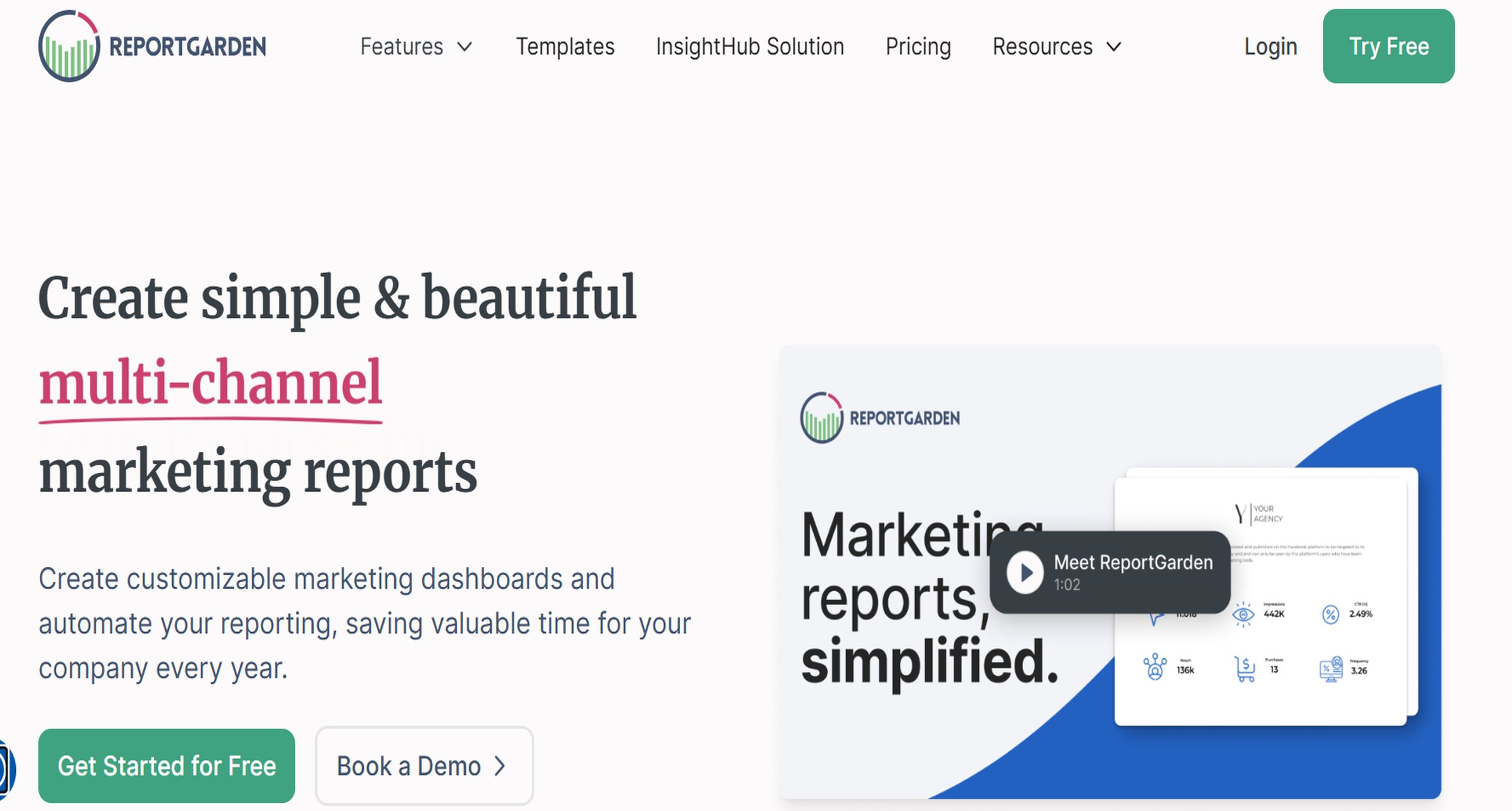
ReportGarden for PPC-focused reporting workflows
Best option for advanced analysis
For advanced analysis, FineReport and Supermetrics are two of the better choices, depending on how your team works.
Dashboard customization and stakeholder presentation are high priorities
You need to blend Facebook Ads with internal business data
Choose Supermetrics if
Your team already has a strong BI or analytics setup
You want maximum control over data movement and destination tools
Analysts are comfortable building the final reporting layer themselves
For brands where attribution depth and blended analysis matter, native Meta reporting is usually not enough on its own.
Final Verdict: Which Facebook Ads Reporting Tool Should You Pick?
The right facebook ads reporting tool depends on three things: budget, reporting complexity, and team workflow.
Use this simple selection framework:
Pick Meta Ads Reporting if you only need native in-platform visibility
Pick Porter Metrics if you want quick automation into spreadsheets or lightweight dashboards
Pick Looker Studio connectors if customization matters and your team can manage setup
Pick agency-focused platforms like Whatagraph, AgencyAnalytics, or ReportGarden if recurring client delivery is the priority
Pick FineReport if you need the best balance of dashboard flexibility, automation, polished reporting, and long-term scalability
Before committing to any platform, test:
How quickly you can build a dashboard your stakeholders will actually use
Whether campaign, ad set, creative, and conversion drill-downs are easy to access
How reliable the automated refresh and report delivery process is
What the real monthly cost looks like once users, connectors, and maintenance are included
For most teams that want more than basic Meta views, FineReport is the best overall choice in 2026 because it covers both daily reporting needs and higher-level performance communication without locking you into a limited template-only workflow.
A Facebook ads reporting tool helps you turn Meta campaign data into dashboards, automated reports, and clearer performance insights. It usually goes beyond Ads Manager by making trends easier to track and share.
Choose based on your reporting needs, team size, and data complexity. If you need cross-channel dashboards, automation, or client-ready reporting, look for strong integrations, customization, and scheduled delivery.
Meta Ads Reporting can work for basic in-platform monitoring if you only need campaign metrics inside Meta. Teams often outgrow it when they need deeper automation, executive dashboards, or blended reporting with GA4, CRM, and ecommerce data.
Agencies usually benefit most from tools that support white labeling, multi-account reporting, and recurring client delivery. FineReport, Whatagraph, and AgencyAnalytics are common fits for those needs.
A strong dashboard should cover spend, impressions, clicks, CTR, CPC, CPA, ROAS, conversions, and creative performance. It should also show audience, placement, device, and time-based trends so you can spot what is driving results.
Product Trial
FineReport
Pixel-perfect reports · Interactive dashboards · Easy data entry · Digital twins


 Website:
  Website:
  Website:
  Website:
  Website:
  Website:
  Website:
  Website: