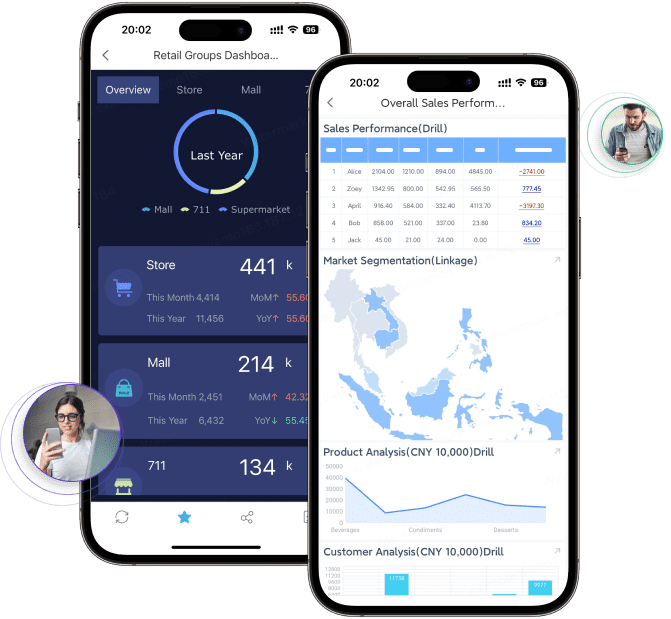
If you are searching for HR reporting tools, you are likely trying to solve a practical problem: how to turn people data into reports leaders can actually use. That may mean giving HR teams fast access to headcount and turnover dashboards, helping managers monitor attendance and hiring progress, or making sure compliance and audit reporting is consistent and secure.
For most organizations, the challenge is not finding some HR reports. It is finding the right balance between dashboards, compliance reporting, workforce analytics, access control, and usability. HR leaders, people operations teams, finance partners, and growing businesses all need reporting that is accurate, timely, and easy to share across stakeholders.
A good HR reporting platform should help teams answer questions like:
How is headcount changing by department, location, or manager?
Where are turnover and absenteeism trending in the wrong direction?
Can we deliver recurring compliance reports without manual work?
Can executives get high-level dashboards while HR analysts keep detailed access?
Will the tool scale from standard HR metrics to deeper workforce planning?
Scalable governance: Permissions, audit controls, and data handling suited to sensitive employee information.
Best HR reporting tools at a glance for 2026
Choosing among the best hr reporting tools starts with five areas: dashboard quality, compliance coverage, workforce analytics depth, integrations, and pricing model. These are the factors that most often determine whether a platform becomes a daily decision tool or just another system that stores HR data.
This guide is designed for:
HR leaders who need strategic visibility into hiring, retention, and workforce risk
People ops teams responsible for recurring reporting and executive updates
Finance partners aligning labor costs, headcount plans, and productivity metrics
Growing businesses that need simple reporting today but more analytics tomorrow
At a high level, the tools in this category differ in three major ways:
Reporting speed: Some platforms emphasize out-of-the-box HR dashboards, while others require more setup.
Customization: Some are excellent for standard HRIS reporting but less flexible for complex or highly formatted reports.
Ease of use: Some are built for business users, while others may need analyst or IT support to get the most value.
Interactive filters for date range, department, location, manager, and employment type
A useful HR reporting tool should also support non-technical users. HR teams often need to answer routine questions quickly without depending on IT every time a report needs a new filter or layout.
Another key requirement is role-based views. HR business partners, department managers, executives, and finance teams should not all see the same level of detail. The best tools make it easier to control access while still promoting self-service where appropriate.
Compliance reporting and audit readiness
For many organizations, HR reporting is not just about insight. It is also about defensibility, consistency, and recordkeeping.
This matters even more in organizations operating across regions or under changing labor and privacy expectations. A platform that works well for basic dashboards may still struggle when the reporting process must be controlled, repeatable, and reviewable.
Workforce analytics and decision support
Once reporting basics are covered, the next differentiator is analytics depth.
Drill-down from summary KPI to employee segment or department detail
The best HR reporting tools move beyond static tables and charts. They help teams identify patterns, compare populations, and support decisions around workforce planning, hiring strategy, and retention risk.
That said, not every company needs advanced predictive analytics on day one. Many teams are better served by a tool that gets the fundamentals right first: trusted data, consistent metrics, and reliable reporting workflows.
Small and midsize businesses usually need tools that are easy to adopt, reasonably priced, and fast to implement. In this segment, the strongest options tend to focus on:
Guided dashboards
Standard HR metrics
Simple report exports
Usable self-service reporting
Minimal technical overhead
These tools are often a good fit when the main need is visibility into headcount, hiring, employee records, time off, and basic retention metrics. For SMB buyers, usability usually matters more than deep customization.
The trade-off is that out-of-the-box reporting can become restrictive as the organization grows. If your team later needs more complex layouts, operational reporting, or highly specific executive packs, a lightweight tool may start to feel limiting.
Best for enterprise and multi-location organizations
Enterprise and multi-location organizations typically need more than a dashboard layer. They often require:
Integration across HR, finance, payroll, and operational systems
In this market, some platforms are strongest in analytics depth, while others are stronger in structured, repeatable reporting. Enterprise buyers should distinguish between a system that is excellent for visual exploration and one that is designed for formal operational or compliance reporting.
This matters when HR reporting must be shared across business units, distributed on schedule, or formatted to fit leadership and audit requirements.
Best for instant HR analytics and executive insights
Some products stand out because they make executive visibility fast. Their value is in helping teams spin up dashboards quickly and monitor KPIs such as:
Total headcount
Open roles
Time to hire
Voluntary turnover
Absenteeism
Diversity mix
Labor cost trends
These tools work especially well for organizations that want executive-ready summaries without a long build cycle. They may also support cross-functional reporting across HR, finance, and operations, which is valuable when workforce metrics need to connect with cost and productivity outcomes.
However, fast dashboard creation does not always translate into strong report governance. Buyers should verify whether the tool also supports recurring board packs, highly formatted HR reports, and distribution workflows.
Some businesses need a deeper people analytics layer than a standard HRIS can provide. This is common when teams want to analyze:
Flight risk and retention patterns
Talent planning scenarios
Skills gaps
Workforce segmentation
Long-term hiring and compensation trends
Drivers behind engagement or performance outcomes
In these cases, a specialized analytics platform may offer stronger modeling and exploratory analysis than a general HR reporting tool.
The trade-off is that specialized analytics products are not always the best choice for operational reporting, printable report packages, or compliance-oriented output. If your reporting needs include both strategic analytics and structured reporting, you may need to evaluate whether one platform can do both well or whether a broader reporting layer is needed.
Each category of HR reporting tool has legitimate strengths.
HRIS platforms with built-in reporting are often the first stop for HR teams because they keep reporting close to the source system. They are useful for standard employee data, predefined filters, and quick operational visibility.
BI dashboard tools are often strongest when organizations want interactive analysis across multiple business domains. They can be effective for blending HR with financial or operational data and presenting metrics in a more visual way.
Specialized workforce analytics tools are generally better suited to deeper talent analysis, workforce planning, and advanced insight generation.
Enterprise reporting platforms are most useful when teams need a mix of dashboards and more formal reporting workflows, especially if outputs must be printable, scheduled, highly structured, or shared across different stakeholder groups.
Common limitations to watch for
Even strong platforms can fall short in specific use cases. Common issues include:
Hidden costs tied to user tiers, data volumes, add-ons, or consulting support
Reporting complexity that makes simple changes harder than expected
Weak visualization options in tools built primarily for operational records
Formatting limitations in tools focused mainly on exploratory dashboards
Data cleanup requirements when pulling from multiple HR and payroll sources
Longer implementation times for enterprise-grade deployments
Training needs for teams expecting full self-service immediately
In practice, many reporting problems are not caused by the software alone. They come from inconsistent metric definitions, fragmented data sources, and unclear stakeholder requirements.
Choosing the right fit by business stage
A useful way to evaluate hr reporting tools is by business maturity.
Startups often need simple headcount visibility, hiring status, and basic workforce trends.
Scaling companies usually need more structured reporting, manager access, recurring executive dashboards, and cleaner cross-functional reporting between HR and finance.
Mid-market organizations often begin to care more about compliance consistency, permissions, scheduling, and standardized KPI definitions across departments.
Large enterprises typically need governed reporting, large-scale distribution, drill-down analytics, and support for regional complexity and sensitive-data controls.
As businesses grow, reporting needs often evolve from answering “How many people do we have?” to “Why are outcomes changing?” and then to “What should we do next?”
How to use HR reporting and analytics successfully
Build a practical reporting framework
The most successful HR reporting programs start small and stay closely tied to business decisions.
Begin with a practical metric set linked to:
Hiring
Retention
Productivity
Compliance
Cost visibility
Examples might include headcount, turnover rate, absenteeism, time to fill, offer acceptance rate, compensation trends, and internal mobility.
Before expanding dashboards, standardize:
Metric definitions
Time periods
Source systems
Organizational hierarchies
Access rules
Without this foundation, teams often spend more time debating the data than acting on it.
Turn reports into action
Good reports should drive discussion, not just distribution.
Use regular reporting reviews to:
Identify retention or attendance risks
Spot recruiting bottlenecks
Evaluate workforce cost changes
Surface department-level issues
Support leadership planning conversations
Different audiences also need different formats. HR analysts may need detailed drill-downs, managers may need exception-focused summaries, and executives may need a concise dashboard with trend context.
When reporting is matched to each stakeholder’s decision-making role, adoption improves significantly.
What systems need to connect?
HRIS, payroll, ATS, performance, finance, and time systems may all affect reporting quality.
How clean is the current HR data?
Even a strong reporting tool cannot fix unclear definitions or duplicate records by itself.
Who needs self-service access?
HR analysts, people managers, finance, and executives often need different levels of flexibility.
Do we need dashboards only, or also structured recurring reports?
This is one of the biggest buying mistakes in the category.
How much analytics depth do we need now versus next year?
Your current maturity may not justify a highly specialized analytics platform yet.
Practical recommendations for choosing HR reporting tools
Here are five practical recommendations from a reporting strategy perspective:
Separate dashboard needs from reporting needs.
A great HR dashboard does not automatically mean strong compliance or recurring report support.
Test real workflows, not just feature lists.
Ask vendors to show headcount reporting, turnover analysis, manager-level filtering, and scheduled executive distribution using realistic scenarios.
Prioritize permissions and governance early.
HR data is sensitive. Access control, audit readiness, and distribution rules matter as much as visualization.
Start with a small KPI model and expand gradually.
Standardizing 10 trusted metrics is usually more valuable than launching 50 inconsistent ones.
Plan for cross-functional reporting.
Many of the most useful workforce decisions happen when HR data connects with payroll, finance, and operations.
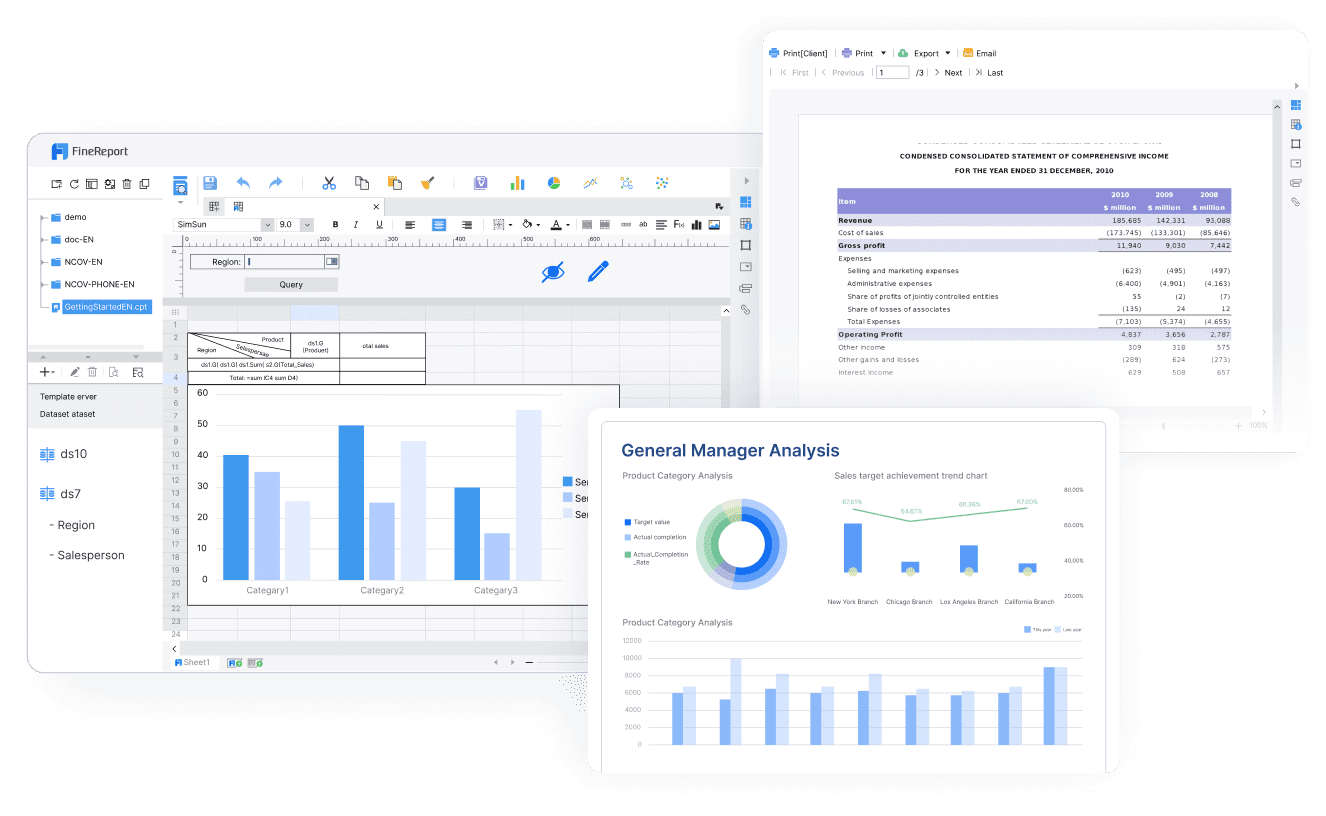
Tools built into HRIS platforms are often sufficient for basic employee reporting, and BI tools are widely used for visualization and interactive analysis. But teams with more complex reporting workflows may also need a dedicated enterprise reporting platform like FineReport.
This becomes especially relevant when HR reporting requirements include:
Paginated and printable reports for recurring business use
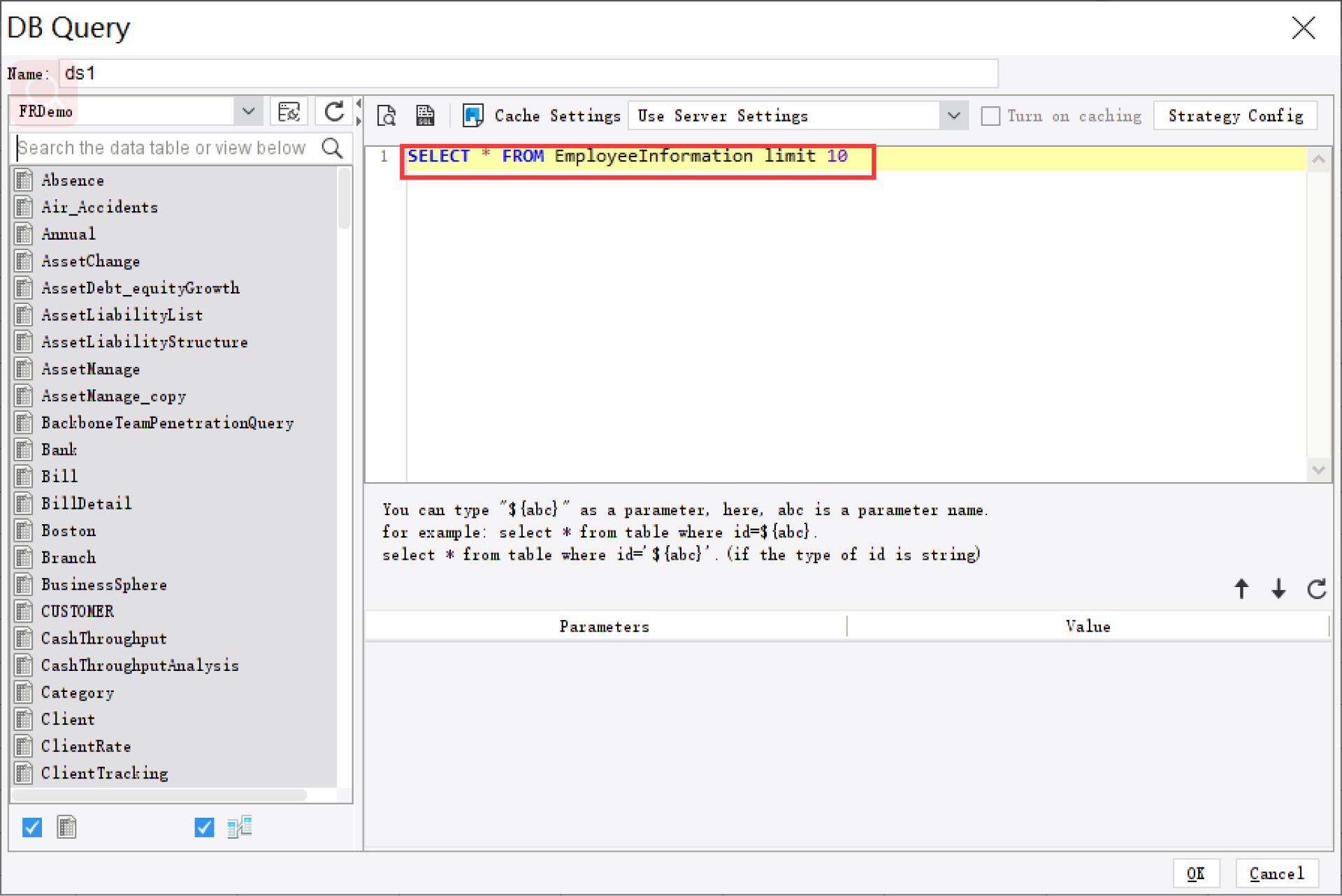
Parameter queries so users can filter by date, entity, department, or manager
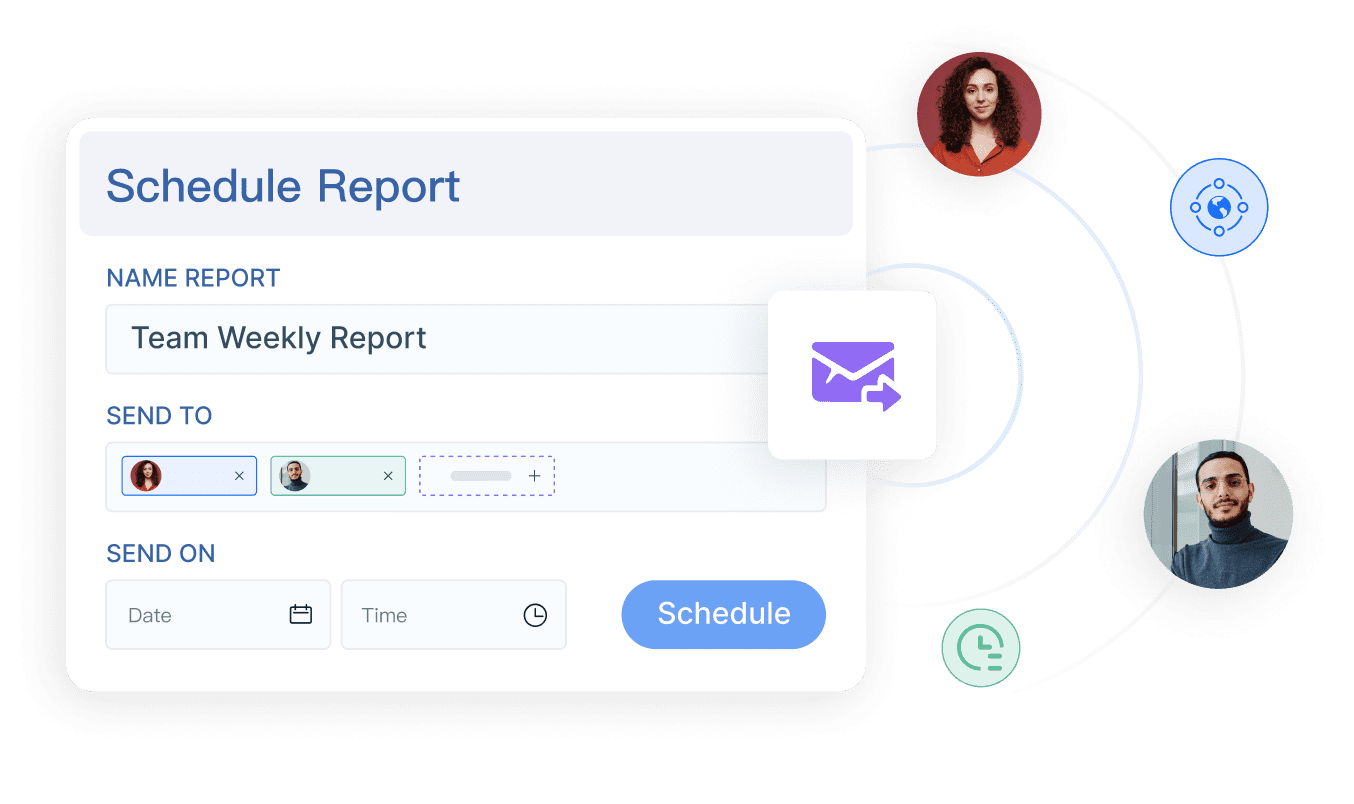
Scheduled report distribution to stakeholders on a recurring basis
Dashboard and report integration in one reporting environment
Role-based access and governed reporting
Form-style workflows or data entry scenarios where reporting connects to business processes
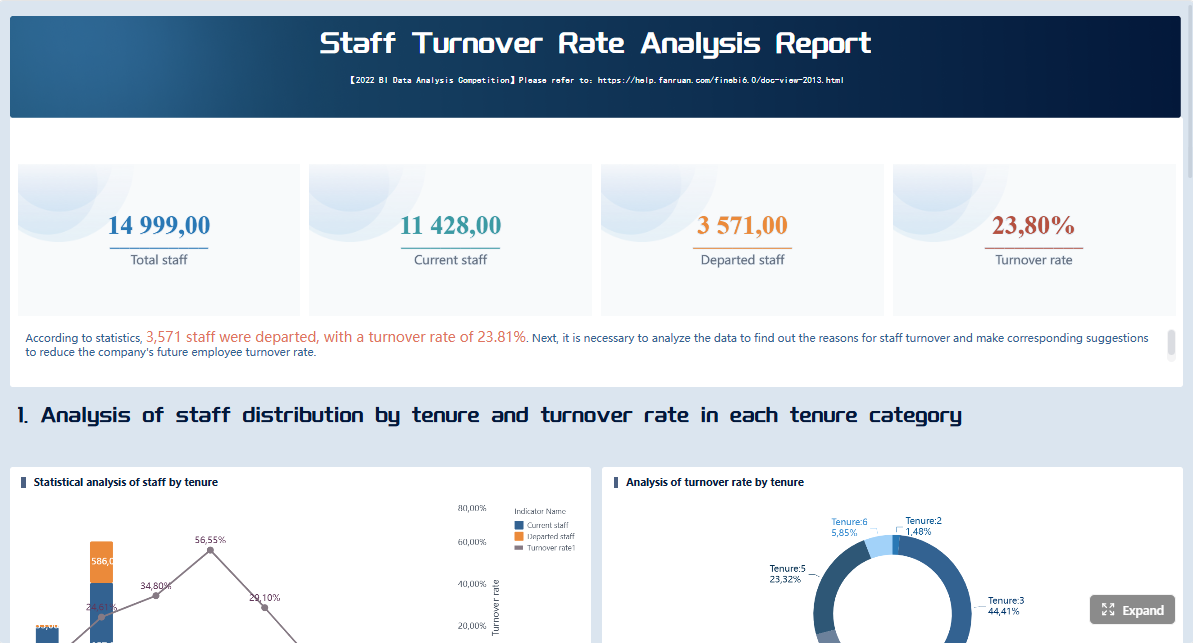
For example, an HR team may want a dashboard for turnover and absenteeism trends, while leadership also needs a structured monthly workforce report in a printable format. In some cases, organizations also need cross-functional reports that combine HR data with payroll, finance, or operational metrics. That is where a reporting platform with both visual dashboards and formal report output can be a practical fit.
FineReport is particularly relevant for organizations that treat reporting as an operational process, not just an analytics exercise. If your team needs reliable distribution, detailed layouts, and governed access alongside dashboarding, it is worth evaluating.
Get Ready-to-Use Dashboard and Report Templates in Fine Gallery
Final recommendation: how to shortlist the best option
The best hr reporting tools for 2026 are not all trying to do the same job. Some are better for standard HR operations, some are stronger in executive dashboards, and others are more capable when reporting must be structured, scheduled, and governed.
When building your shortlist, focus on three things first:
Company size and reporting complexity
Compliance and governance requirements
Current and future analytics maturity
A small business may value ease of use and standard HR metrics above all else. A multi-location organization may need stronger access control and standardized reporting workflows. A more mature HR function may need both deeper analytics and a formal reporting layer.
Most importantly, do not rely only on feature checklists. Test each platform against real reporting use cases:
HR reporting tools help teams turn employee data into dashboards, recurring reports, and workforce insights. They are commonly used to track headcount, turnover, absenteeism, hiring progress, and compliance-related metrics.
Focus on dashboard quality, custom report building, role-based access, scheduled exports, and compliance controls. Strong integration options and workforce analytics depth also matter if you plan to scale beyond basic reporting.
HR reporting shows what is happening through standard metrics and dashboards, while HR analytics helps explain why trends are happening and what actions to take next. Good platforms support both routine reporting and deeper analysis.
Yes, many HR reporting tools support audit-ready reporting with permissions, consistent exports, and data governance controls. This makes it easier to deliver repeatable reports for internal reviews, labor requirements, and recordkeeping.
Yes, the best tools are designed so HR users can filter data, build reports, and share dashboards without heavy IT support. Ease of use is especially important for teams that need fast answers for managers and executives.
Product Trial
FineReport
Pixel-perfect reports · Interactive dashboards · Easy data entry · Digital twins