Expense reporting is the operational process finance teams use to collect, review, approve, and reimburse employee business expenses with accuracy and control. When this process is unclear or manual, finance leaders face the same recurring problems: missing receipts, delayed approvals, coding errors, policy leakage, frustrated employees, and weak visibility into company spend. A well-designed expense reporting workflow solves these issues by standardizing submission, enforcing policy, accelerating reimbursement, and giving finance teams reliable data for compliance and decision-making.
Click To Try The Dashboard
All reports in this article are built with FineReport
For finance teams, expense reporting is more than a reimbursement form. It is a control mechanism that tracks employee-paid business costs, validates whether they comply with policy, and ensures those costs are posted correctly into accounting records. In practical terms, it connects employee spending behavior to cash control, tax documentation, audit readiness, and budget visibility.
An effective expense reporting process matters because it gives finance teams three things they cannot operate without:
Visibility: clear insight into where money is being spent by team, employee, vendor, category, or project
Compliance: evidence that expenses are business-related, properly documented, and aligned with internal policy
Reimbursement accuracy: assurance that employees are paid back correctly and on time
It is important to distinguish related terms that are often used interchangeably:
Expense report: the full submission package that includes one or more expense line items, supporting details, receipts, approvals, and totals
Receipt: the supporting document that proves a specific purchase occurred
Spend management: the broader discipline that includes expense reporting, corporate card controls, invoice management, budget oversight, and procurement governance
For finance teams, expense reporting typically covers employee out-of-pocket or reimbursable business costs such as:
Travel expenses, including flights, hotels, taxis, and mileage
Meals and client entertainment, where allowed by policy
Office supplies or small operational purchases
Training, conferences, and professional development fees
Mobile, internet, or remote work reimbursements, if approved
Project-specific or client-billable expenses
Cross-border expenses involving exchange rates, taxes, or VAT-sensitive items
Key Metrics (KPIs) for expense reporting
To manage expense reporting effectively, finance teams should monitor a focused set of KPIs:
Submission completeness rate: percentage of reports submitted with all required fields and receipts
Policy compliance rate: percentage of expenses that meet policy rules on first review
Exception rate: share of reports flagged for missing information, limit breaches, or manual review
Duplicate claim rate: frequency of repeated or overlapping expense entries
Average approval cycle time: time from employee submission to final approval
Average reimbursement time: time from approval to employee payment
Expense coding accuracy: percentage of expenses posted to the correct GL, cost center, or project
Receipt attachment rate: percentage of applicable transactions with valid documentation
Manual touch rate: proportion of reports requiring finance intervention
Spend by category: total expense volume by travel, meals, software, mileage, and other categories
The core expense reporting process from submission to reimbursement
A reliable expense reporting workflow should be standardized enough to enforce controls, but simple enough that employees can follow it without constant support from finance.
Employee submission and documentation
The process starts with the employee. To submit a valid expense report, employees usually need to provide:
Date of expense
Merchant or vendor name
Expense amount and currency
Business purpose
Expense category
Cost center, department, project, or client code where relevant
Payment method
Supporting receipt or invoice
Notes for exceptions or unusual circumstances
Complete documentation is what keeps the process moving. When reports are missing dates, business justifications, tax details, or receipts, finance teams lose time chasing employees for clarification. This creates avoidable delays, slows month-end close, and increases the risk of reimbursement disputes.
Well-designed submission rules also reduce ambiguity. For example, if employees know exactly when a receipt is required, what counts as adequate business purpose, and how to classify a taxi versus mileage, the first-pass approval rate improves immediately.
Review, validation, and policy checks
Once submitted, the report moves into review. Depending on the company, this step may be handled by a direct manager, a finance analyst, accounts payable, or a shared services team. The goal is to verify that each claim is legitimate, complete, and policy-compliant.
Typical validation tasks include:
Checking that expense categories are coded correctly
Verifying receipt amounts against submitted line items
Detecting duplicate claims or overlapping reimbursements
Confirming that spending falls within approved limits
Identifying personal, non-business, or unsupported expenses
Reviewing tax-sensitive items such as VAT, per diem treatment, or mixed-use transactions
Escalating out-of-policy items or incomplete reports
This is the stage where weak controls become expensive. If finance teams rely on spreadsheets, email chains, and disconnected folders, they often miss duplicates, inconsistent categories, and exceptions hidden across multiple files.
Out-of-policy items deserve a separate path. Some should be rejected outright, while others may qualify for documented exceptions. The key is consistency. Finance should not rely on memory or individual judgment when the same issue appears repeatedly.
Approval workflow and reimbursement timing
After validation, the report follows the approval chain. In most organizations, the path looks like this:
Employee submits the report
Line manager reviews business purpose and reasonableness
Finance or AP validates policy, coding, and documentation
Final approval triggers reimbursement or posting
More complex businesses may add additional approvers for:
High-value expenses
International travel
Client-billable costs
Department budget owners
Tax or compliance review
Approval timing has a direct effect on employee experience. If a valid report sits in a manager’s inbox for ten days, employees do not blame the workflow design—they blame finance. That is why status tracking matters. Employees should be able to see whether a report is submitted, under review, approved, rejected, or paid.
Payment method also matters. Reimbursement via payroll, bank transfer, or AP payment run affects timing, employee expectations, and reconciliation workload. The best expense reporting processes define clear service-level targets for both approval and payment.
Building an expense policy that supports accurate reporting
A good expense policy is not just a compliance document. It is an operating manual that reduces submission errors, shortens review time, and protects the company from inconsistent reimbursement decisions.
Required fields, spending limits, and receipt rules
The policy should explicitly state what employees must submit for every expense report. At minimum, define:
Required employee and department information
Date and location of the expense
Vendor or merchant name
Expense type and category
Business purpose
Receipt or proof of payment requirements
Currency and exchange rate treatment for international expenses
Manager or budget owner approval thresholds
It should also specify spending limits by category. Common examples include:
Hotel nightly rate caps
Meal limits by location or trip type
Mileage reimbursement rates
Ground transportation rules
Airfare class restrictions
Thresholds for pre-approval
Receipt rules should be equally clear. For example, the policy may require receipts above a certain amount, mandate itemized meal receipts, or define what alternatives are acceptable if a receipt is lost.
Eligible, ineligible, and exception-based expenses
Many reporting problems come from policy ambiguity, not employee intent. Finance teams should break expenses into three categories:
Eligible expenses may include:
Approved business travel
Client meetings tied to revenue activity
Authorized training or conference fees
Standard mileage or parking
Small operational purchases for approved business use
Ineligible expenses often include:
Personal purchases
Alcohol where not permitted
Commuting costs, unless expressly allowed
Late fees caused by employee delay
Unapproved upgrades or luxury travel
Missing-document claims that exceed policy tolerance
Exception-based expenses may include:
Emergency travel changes
Country-specific tax or transport issues
Executive travel under separate rules
Client-mandated or contract-specific costs
Business expenses without receipts but with formal justification
This structure reduces back-and-forth and gives reviewers a consistent basis for approval decisions.
Audit readiness, tax considerations, and record retention
Expense reporting also supports internal controls and external scrutiny. Whether the trigger is an internal audit, tax review, or financial close process, finance teams need complete and consistent records.
A strong policy should define:
How long expense reports and receipts must be retained
Which systems serve as the official record
How expense data maps to accounting codes
How tax treatment is applied to reimbursable expenses
What documentation is required for cross-border claims
Who is responsible for audit support and exception review
If tax-sensitive expenses are handled inconsistently, the company risks not only reporting errors but also challenges around deductibility, VAT recovery, and payroll treatment. Standardized record retention and policy enforcement reduce that risk significantly.
Common challenges in manual expense reporting
Manual expense reporting creates friction at every stage of the workflow. The most common issues are predictable, but still costly:
Lost or unreadable receipts
Inconsistent expense categorization
Duplicate entries across spreadsheets or email threads
Slow manager approvals
Missing business purpose descriptions
Reimbursement disputes caused by incomplete review
Delayed month-end reconciliation
Limited visibility into expense trends and policy leakage
When tools are fragmented, the problems compound. Employees may submit receipts by email, managers may approve in chat, and finance may track status in a spreadsheet. That makes the process difficult to audit and nearly impossible to optimize.
From an operational standpoint, weak controls create real business risk:
Policy leakage: employees are reimbursed for expenses that should have been denied or escalated
Reporting errors: spend is miscoded, making department or project reporting unreliable
Audit exposure: records are incomplete, inconsistent, or hard to retrieve
Employee dissatisfaction: reimbursement delays reduce trust in finance operations
For growing organizations, manual expense reporting rarely scales well. What works for twenty employees breaks quickly at two hundred.
How automation improves expense reporting workflows
Automation improves expense reporting by reducing manual input, tightening controls, and connecting submission, approval, accounting, and reporting into one governed process.
Receipt capture, categorization, and policy enforcement
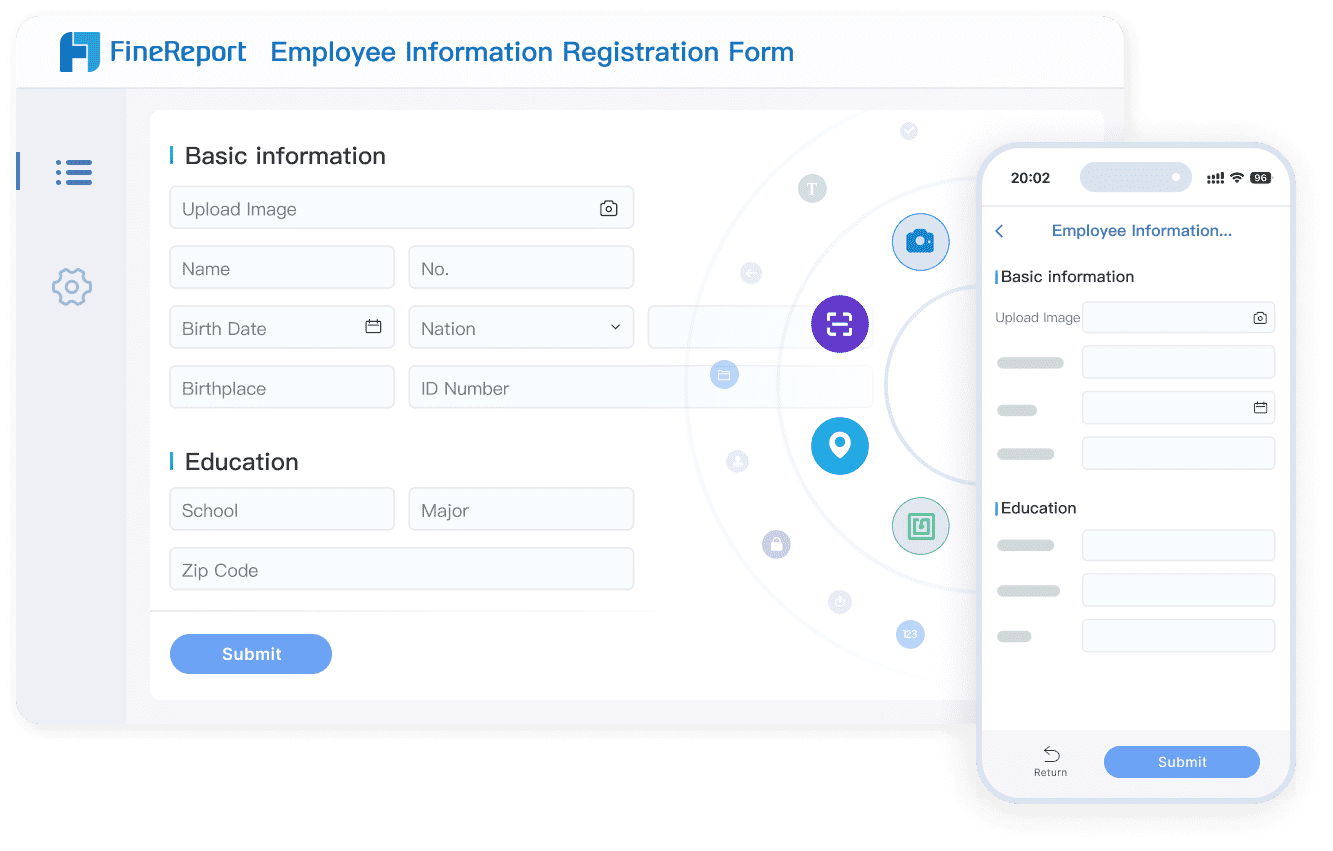
Modern tools simplify data capture by allowing employees to upload receipts from mobile devices, email, or web forms. This reduces forgotten documentation and speeds submission. Automated categorization can also suggest or apply expense types based on vendor, merchant code, or prior behavior.
The biggest value, however, comes from early policy enforcement. Instead of waiting for finance to identify problems later, automated workflows can flag issues at the point of submission, such as:
Missing receipts
Exceeded spending limits
Duplicate claims
Invalid categories
Required approvals not yet obtained
This shift-left approach reduces rework and increases first-pass approval rates.
Approval routing, integrations, and reporting insights
Automation also improves workflow routing. Reports can move automatically to the right approver based on department, amount, entity, or expense type. Escalations can trigger when approvals exceed SLA thresholds, and finance teams gain a live view of outstanding reports.
Integrated systems create additional value by connecting expense reporting with:
When finance teams evaluate spend management software, they usually focus on three practical factors:
Usability: will employees and managers actually use it correctly?
Controls: can policy rules, approvals, and audit trails be configured reliably?
Integration: does it sync cleanly with accounting, HR, payroll, and analytics environments?
Practical steps for improving your current process
If you want to improve expense reporting without creating disruption, start with a structured operational review.
1. Simplify and clarify the policy
Review your policy from the employee’s perspective. Remove vague language, define every required field, and make category rules explicit. If people need to ask finance how to classify common expenses, the policy is not clear enough.
2. Map the full approval workflow
Document every stage from submission to payment. Identify who approves what, where delays happen, and which exceptions require escalation. Many organizations discover that approvals are slow not because teams are overloaded, but because ownership is unclear.
3. Standardize coding and validation rules
Define category logic, cost center mapping, receipt thresholds, and exception handling rules. The fewer judgment calls reviewers must make, the faster and more consistent the process becomes.
4. Measure turnaround time and exception rates
Track approval cycle time, reimbursement time, exception rate, and receipt compliance rate. These metrics reveal whether your process is improving or simply becoming more administratively complex.
5. Centralize reporting visibility
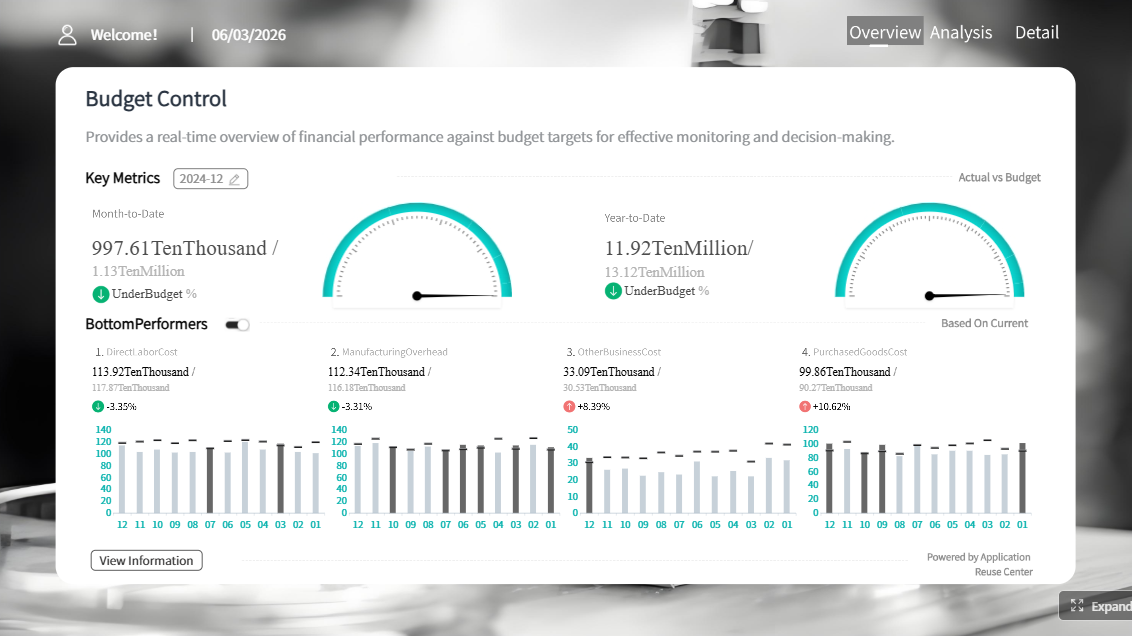
Create dashboards for finance, managers, and executives. Each group should be able to see status, bottlenecks, spend patterns, and policy violations without waiting for a manual report.
Building this manually is complex; use FineReport to automate the workflow
At a certain scale, building expense reporting manually becomes difficult to sustain. Finance teams end up stitching together forms, spreadsheets, email approvals, and accounting exports just to maintain basic control. That approach creates delays, weakens auditability, and limits the quality of spend analysis.
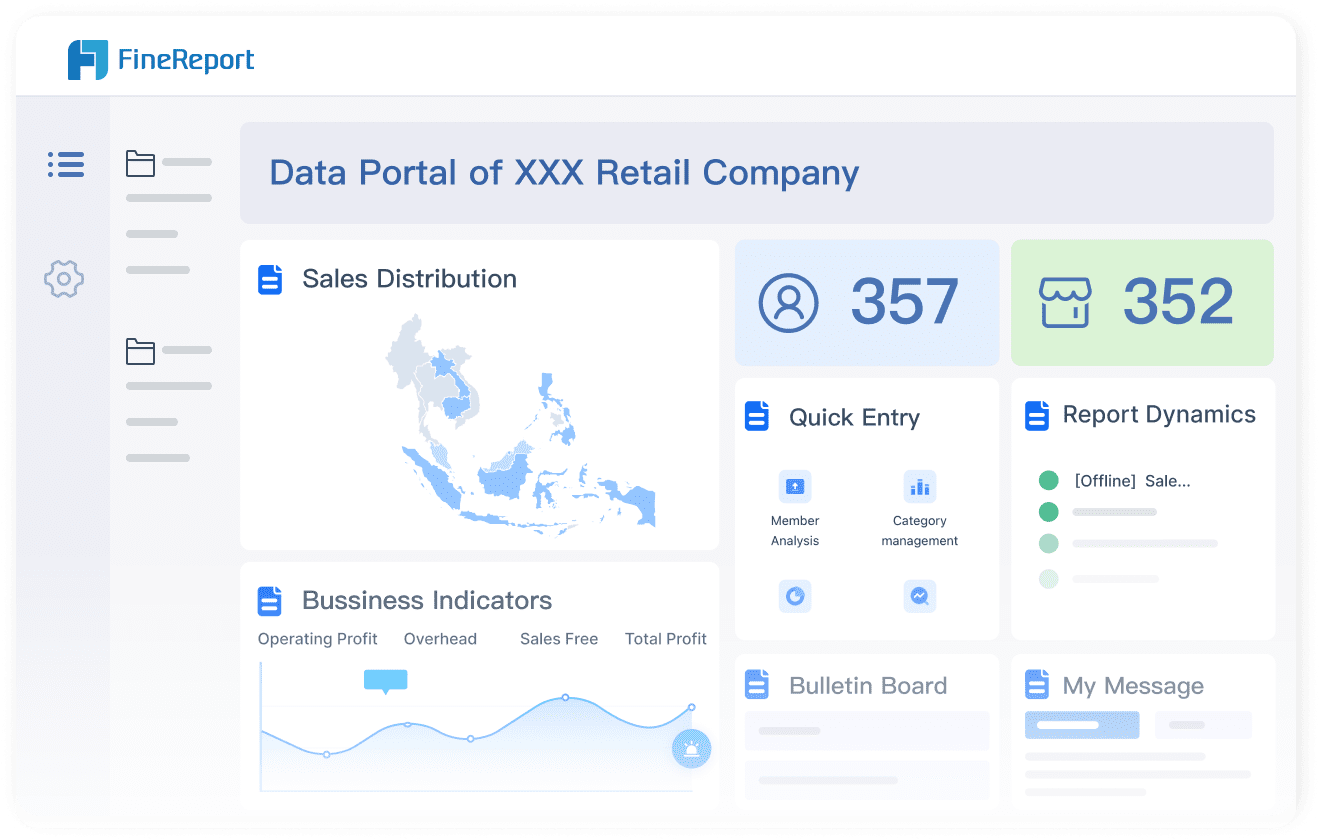
Building this manually is complex; use FineReport to utilize ready-made templates and automate this entire workflow.FineReport helps finance teams design structured expense reporting dashboards, monitor KPIs in real time, standardize approval visibility, and connect expense data with broader financial reporting. Instead of reacting to missing receipts and overdue approvals after the fact, teams can manage the process proactively with centralized reporting and workflow transparency.
Get Ready-to-Use Dashboard Templates in Fine Gallery
Build dashboards for expense reporting KPIs and workflow status
Track policy compliance, approval delays, and reimbursement performance
Consolidate data from multiple systems into one reporting layer
Give managers and executives self-service visibility into spend trends
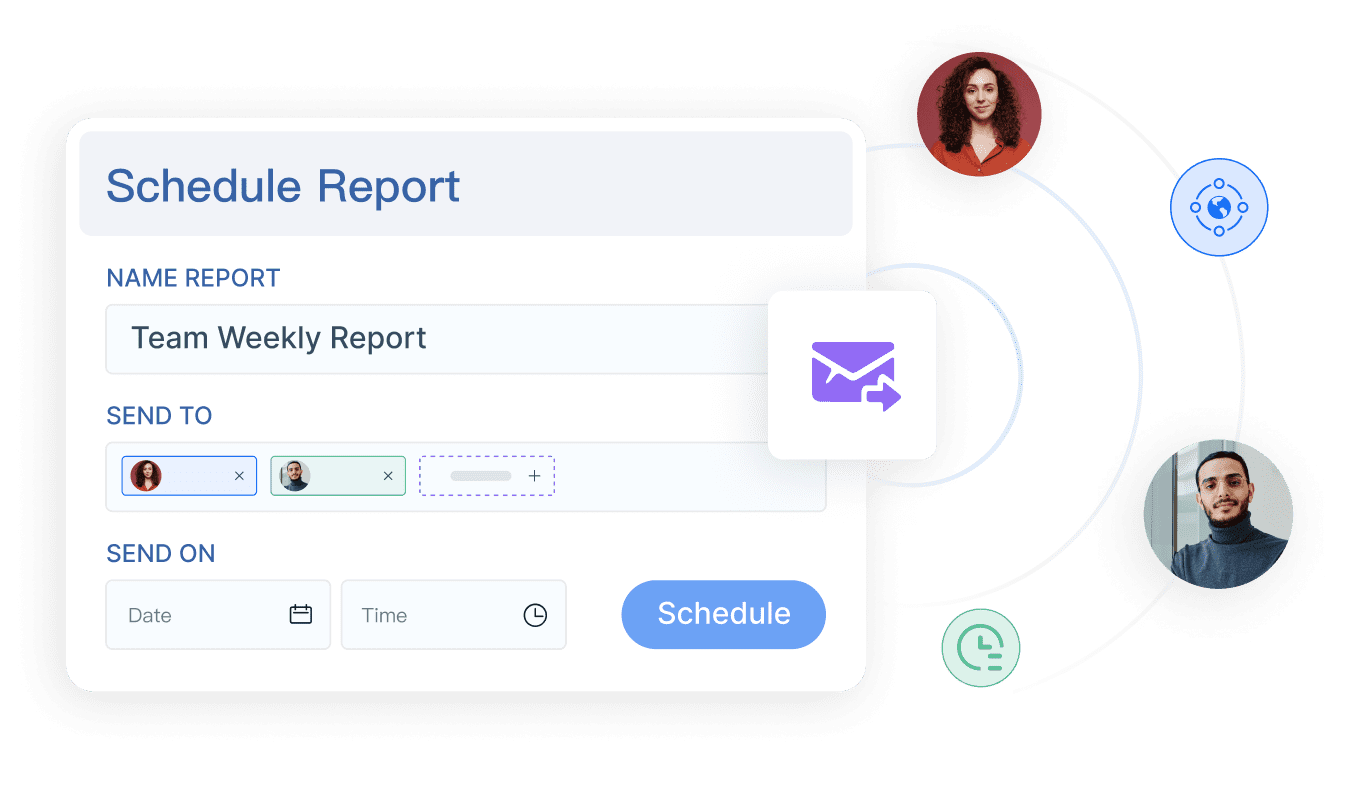
Reduce manual reporting work with reusable templates and automated distribution
For finance leaders, the goal is not just faster reimbursement. It is a more controlled, measurable, and scalable expense reporting process that supports compliance and better decisions.
Expense reporting is the process of collecting, reviewing, approving, and reimbursing employee business expenses. It helps finance teams control spend, enforce policy, and maintain accurate records.
A complete expense report usually includes the expense date, vendor, amount, currency, business purpose, category, payment method, and receipt. Some companies also require cost center, project code, or manager approval.
Employees submit expenses first, then managers or finance reviewers check documentation, policy compliance, and coding before approval. Once approved, the report moves to reimbursement and accounting posting.
The most common reasons are missing receipts, unclear business purpose, wrong categories, duplicate claims, or policy violations. Manual follow-up and incomplete submissions also slow approvals and reimbursement.
Finance teams can improve the process by standardizing submission rules, automating policy checks, and tracking KPIs like approval time, exception rate, and receipt attachment rate. Tools like FineReport also help teams monitor spend trends and workflow performance.
Product Trial
FineReport
Pixel-perfect reports · Interactive dashboards · Easy data entry · Digital twins