A training dashboard should do one thing exceptionally well: help leadership decide whether learning investments are improving workforce capability and business performance. If your dashboard only shows course completions, attendance, or satisfaction scores, it is reporting activity—not proving impact.
For L&D leaders, HR business partners, operations directors, and executives, the real challenge is not collecting training data. It is connecting learning activity to outcomes leadership actually cares about: productivity, quality, readiness, retention, compliance, and revenue contribution. A strong dashboard closes that gap.
Click To Try The Dashboard
What a training dashboard should show leadership
Leadership does not need more learning data. Leadership needs answers to business questions.
A useful training dashboard should start by clarifying what leaders want to know across four areas:
Participation: Who is taking the training, at what rate, and where are adoption gaps?
Performance: Are learners completing programs, passing assessments, and achieving certifications?
Capability growth: Are targeted skills improving across teams, roles, or business units?
Business impact: Is the training linked to better operational, customer, compliance, or financial outcomes?
This distinction matters because many organizations confuse training reporting with learning impact measurement.
Reporting activity vs. proving learning impact
Reporting activity is straightforward. It tells you:
how many people enrolled
how many completed
how many training hours were delivered
average satisfaction or attendance
That information is useful, but it is not enough for executive decision-making.
Proving learning impact requires a higher standard. It means your training dashboard can show:
whether training addressed a defined capability gap
whether knowledge or behavior changed after training
whether performance improved for the trained population
whether those improvements align with business priorities
In other words, activity explains what happened in the learning program. Impact explains why it mattered to the business.
Identify the audiences for the dashboard
A single dashboard rarely serves every stakeholder equally well. The best approach is to design views for specific audiences.
Typical dashboard audiences include:
Executives: Need a high-level summary of learning impact, strategic risks, and ROI signals
L&D managers: Need program performance, completion bottlenecks, content effectiveness, and cohort trends
HR partners: Need workforce capability insights, development coverage, internal mobility signals, and retention implications
Line managers: Need team-level participation, overdue training, skill readiness, and action items
Operations leaders: Need evidence that training is influencing quality, productivity, safety, or customer metrics
When you know the audience, you can reduce clutter and present only the metrics that support real decisions.
Set clear success criteria before building
A training dashboard becomes powerful when it supports decisions, not status updates. That requires explicit success criteria.
Before you choose charts or data fields, define:
the business objective behind each program
the target learner population
the expected change in behavior or capability
the business KPI the program is meant to influence
the time frame for observing results
the owner accountable for interpreting the data
For example, instead of saying, “We launched onboarding training,” define success as, “Reduce time to proficiency for new hires by 20% within 90 days of onboarding completion.”
That level of precision gives your training dashboard a clear job: measure progress against a business outcome.
Building a credible dashboard is not a design exercise first. It is a measurement design exercise. Start with strategic alignment, then define metrics, then build the reporting layer.
Start with leadership goals and learning outcomes
Every training dashboard should begin with leadership priorities, not with whatever data is easiest to extract from the LMS.
Map each training initiative to:
a business priority
a workforce capability gap
a target audience
a measurable learning outcome
an operational or business KPI
For example:
Sales enablement training may map to win rate, average deal size, or ramp time
Compliance training may map to audit performance, incident reduction, or policy adherence
Customer service training may map to first-contact resolution, CSAT, or complaint reduction
Leadership development may map to retention, promotion readiness, and team engagement
Once that mapping is complete, narrow your dashboard to a small set of high-value metrics leadership can scan quickly.
Key Metrics (KPIs) leadership should understand at a glance
Participation rate: Percentage of target learners who started the program
Completion rate: Percentage of enrolled learners who completed required training
Assessment pass rate: Share of learners meeting the required knowledge threshold
Certification status: Number or percentage of learners certified, expired, or pending
Time to completion: Average time required to finish the program
Skill progression: Measured change in proficiency before and after training
Manager validation rate: Percentage of learners whose skill application was confirmed by managers
Behavior adoption rate: Share of learners demonstrating the expected on-the-job behavior
Time to proficiency: Speed at which learners reach expected performance levels
Business outcome lift: Change in business KPI associated with trained groups over time
This is the foundation of a dashboard that can stand up in leadership reviews.
Choose the right metrics and data sources
A high-performing training dashboard combines learning data with workforce and business data. If you only pull from the LMS, your dashboard will stay trapped at the activity level.
You need a balanced measurement model that includes:
If these sources are not aligned, trust in the training dashboard will decline fast. Standardized definitions and consistent joins are essential.
Design for clarity, credibility, and action
A training dashboard should help leaders answer three questions in seconds:
What changed?
Why does it matter?
What should we do next?
That means your design priorities should be clarity, credibility, and actionability.
Design principles that work in enterprise settings
Use a simple layout: Put the most strategic KPIs at the top
Define every metric consistently: Avoid ambiguity around completion, active learner, certified, or proficient
Use clear time frames: Monthly, quarterly, YTD, and rolling 12-month views should be obvious
Show trends, not snapshots only: Leadership needs movement over time
Use comparisons: Compare cohorts, regions, roles, business units, or pre/post periods
Enable drill-downs: Start with the executive view, then allow deeper analysis for L&D and managers
Document data quality: Flag incomplete or delayed data
Assign reporting ownership: Every dashboard metric should have a business owner and a data owner
A polished visual with weak governance is dangerous. It looks credible while creating confusion. A simpler dashboard with strong definitions and accountability wins every time.
Not every metric belongs in an executive-facing training dashboard. To prove impact, focus on metrics that connect learner progress to workforce and business outcomes.
Core learning metrics to include
These are the essential building blocks. They tell you whether training reached the intended audience and whether learners progressed through the experience.
Core learning metrics:
Enrollment: Number and percentage of eligible learners enrolled
Completion: Number and percentage of learners who completed the program
Attendance: Presence in instructor-led or virtual sessions
Assessment scores: Average scores, pass rates, retake frequency, score distribution
Certification status: Certified, recertified, expired, or in-progress learners
Time to completion: How quickly learners complete required content
Participation by segment: Training activity by role, team, location, tenure, or business unit
These metrics help identify reach, adoption, and execution consistency. They do not prove impact alone, but they are necessary inputs.
Business and performance indicators to connect
This is where the training dashboard becomes strategic. Link learning participation and performance to downstream outcomes leadership already tracks.
Business indicators commonly tied to learning impact:
Productivity: Output per employee, cycle time, task completion speed
Lagging indicators confirm whether business results improved after training had time to take effect.
Examples include:
productivity improvement
fewer errors or incidents
improved customer metrics
reduced ramp time
higher retention
promotion readiness gains
The key is to interpret movement responsibly. If business outcomes improve after training, that is a strong signal—but not automatic proof of causation. Leadership will trust the dashboard more when you explicitly state:
what changed
what time period was analyzed
what comparison group was used
what other factors may have influenced results
This balanced interpretation builds credibility, especially in enterprise environments where multiple initiatives are running at once.
They work well when data volume is manageable and the goal is to validate metric definitions before automation.
Limitations include:
manual refresh effort
version control issues
weak governance
limited drill-down and scalability
BI tools
BI platforms are the better fit when you need:
automated refreshes
interactive filtering
role-based dashboard views
cross-system data models
stronger governance
reusable templates and enterprise scalability
For most mid-sized and large organizations, this is where a training dashboard becomes sustainable and credible.
What to learn from sample dashboards
Studying sample dashboards is useful, but copying them rarely works.
Instead, review examples to learn:
how KPIs are grouped
how much information appears above the fold
how trend lines are used
how drill-down paths are structured
how business outcomes are connected to learning metrics
how commentary or annotations guide interpretation
The best templates are starting points, not final answers. Your training dashboard should reflect your own business goals, data maturity, governance model, and leadership expectations.
Many training dashboards fail for predictable reasons. The good news is that these mistakes are preventable.
1. Tracking too many metrics
A dashboard overloaded with metrics creates noise and weakens decision-making.
How to avoid it:
Limit executive views to the few KPIs tied directly to leadership decisions. Keep supporting detail in drill-down tabs.
2. Showing learning data without business context
Completion rates alone do not tell leadership whether training mattered.
How to avoid it:
Always pair learning data with a business baseline, comparison group, trend, or downstream performance metric.
3. Using unclear definitions
If “completion,” “active learner,” or “proficiency” mean different things to different teams, trust disappears.
How to avoid it:
Create a metric dictionary with standardized definitions, owners, and calculation rules.
4. Ignoring baselines and comparison periods
A single snapshot can be misleading and impossible to interpret.
How to avoid it:
Use pre/post comparisons, cohort analysis, and benchmark views wherever possible.
5. Launching without governance
A dashboard without refresh rules, ownership, or validation processes quickly becomes stale or disputed.
How to avoid it:
Define:
data refresh frequency
source system owners
metric owners
validation steps
issue escalation process
Best practices for implementation
If you want a training dashboard that leadership actually trusts and uses, follow these practical steps:
Start with one priority use case.
Focus on one strategic program such as onboarding, compliance, sales enablement, or leadership development before scaling.
Build a KPI map before building visuals.
Define business goals, learning outcomes, measures, data sources, and owners in one document.
Validate definitions with stakeholders early.
Align L&D, HR, operations, and executives on what each KPI means before publishing anything.
Pilot with a limited audience.
Test the dashboard with a small group of leaders and managers to refine usability, relevance, and trust.
Review and iterate quarterly.
Business priorities change. Your training dashboard should evolve with them.
How to present the dashboard to leadership
Even the best training dashboard can fail if it is presented as a data dump. Leadership responds to a clear narrative tied to business decisions.
Turn dashboard data into a clear narrative
When presenting the dashboard, structure the discussion in this order:
State the business goal
Summarize what changed
Explain why it matters
Highlight risks and wins
Recommend next actions
A practical example:
Business goal: reduce new-hire ramp time in customer support
What changed: completion rates rose to 92%, assessment scores improved 14%, and time to proficiency dropped by 18 days
Why it matters: faster readiness improved service coverage and reduced escalations
Risk: one region still shows lower manager validation rates
Next action: reinforce manager coaching and localize support content
That is a leadership story. It uses dashboard data to support decisions.
Keep the dashboard useful over time
A training dashboard is not a one-time project. It is an operating tool.
To keep it relevant:
review KPI relevance regularly
retire metrics that no longer drive decisions
update views as programs and business priorities evolve
gather feedback from executives, managers, and L&D users
improve annotations, filters, and drill-down logic over time
The highest-performing organizations treat dashboards as products: governed, iterated, and aligned to changing business needs.
Building a reliable training dashboard manually is possible—but it is often slow, fragmented, and difficult to scale. Data lives across LMS platforms, HRIS tools, survey systems, and operational databases. Definitions drift. Refresh cycles break. Stakeholders question the numbers.
That is why many teams move beyond manual reporting.
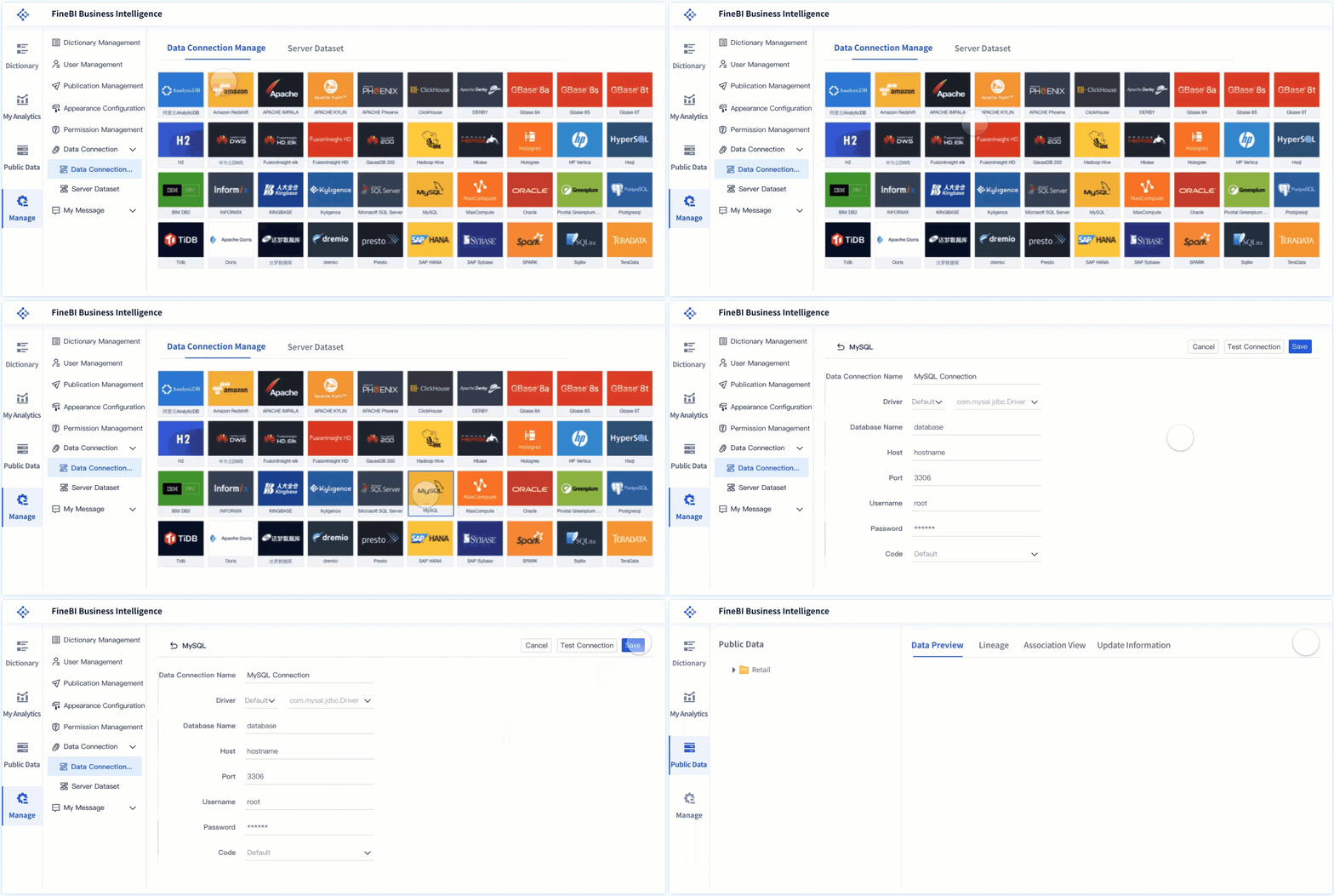
Building this manually is complex; use FineBI to utilize ready-made templates and automate this entire workflow.FineBI helps teams connect cross-system training data, standardize KPIs, create role-based dashboard views, and deliver interactive analysis without rebuilding reports every cycle.
integrate LMS, HR, survey, and business data into one model
use ready-made dashboard templates to accelerate deployment
automate refreshes and reduce manual reporting effort
enable drill-down analysis for executives, L&D, and managers
improve governance with consistent definitions and reusable logic
scale from pilot dashboards to enterprise-wide learning analytics
If leadership expects learning data that is credible, fast, and decision-ready, a modern BI approach is the practical next step. FineBI gives you the structure and automation to turn your training dashboard from a reporting asset into a business performance tool.
FAQs
A strong training dashboard should connect participation and completion data to capability growth, behavior change, and business KPIs. Leadership needs to see whether training improved outcomes like productivity, quality, compliance, retention, or revenue.
Basic reports show activity such as enrollments, completions, and satisfaction scores. A training dashboard built for leadership goes further by showing whether learning changed performance and supported business goals.
Executive views usually focus on participation rate, completion rate, assessment pass rate, skill progression, time to proficiency, and business outcome lift. The best KPI set depends on the program's stated goal and the business metric it is meant to influence.
Start by defining the business objective, target learner group, expected behavior change, and the KPI you want to improve before building the dashboard. Then compare post-training results over time to see whether trained groups show measurable improvement.
Training dashboards are most useful for executives, L&D leaders, HR partners, line managers, and operations leaders. Each audience should have a tailored view so they can quickly act on the metrics that matter to their decisions.
Product Trial
FineReport
Pixel-perfect reports · Interactive dashboards · Easy data entry · Digital twins