

Executive leaders do not need more data. They need decision-ready KPI reporting examples that match how often they review the business and what actions they are expected to take. A weekly executive dashboard should surface fast-moving risks and performance signals. A monthly report should explain departmental results against plan. A quarterly review should connect operating performance to strategic progress, capital allocation, and forward-looking risk. When dashboards fail, it is usually because they mix all three rhythms into one crowded scorecard that buries what matters.
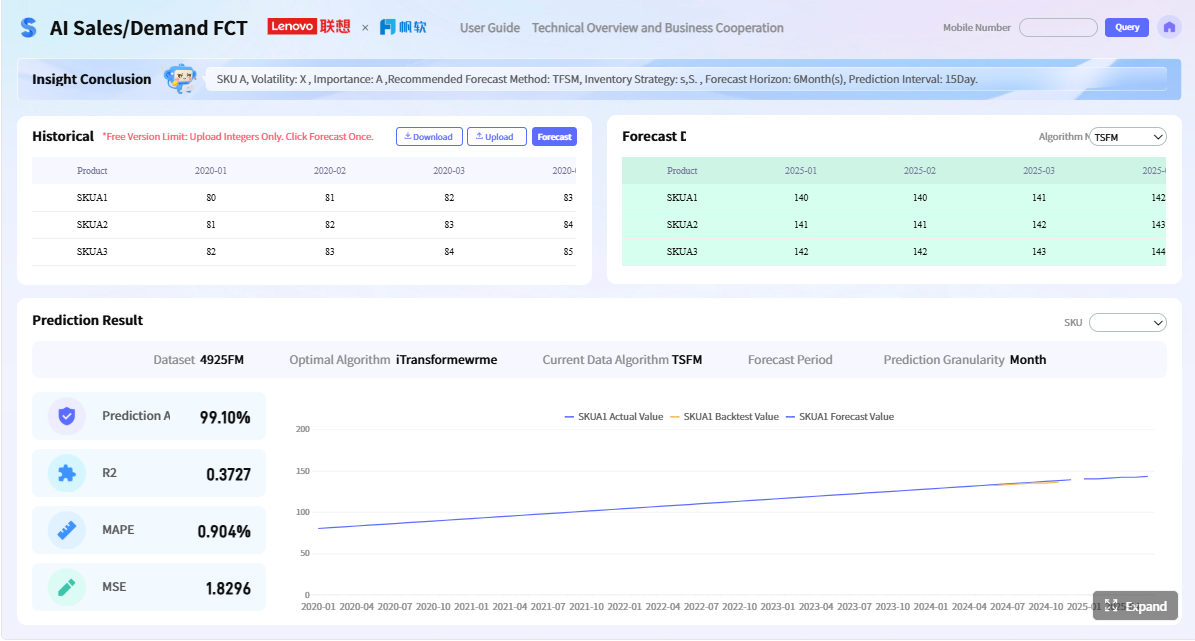 Click To Try The Dashboard
All reports in this article are built with FineReport
12 KPI Reporting Examples for Executive Dashboards
Executive dashboards turn raw metrics into a compact operating narrative. Instead of making leaders dig through spreadsheets, they show what changed, whether it matters, who owns it, and what decision is required. That is the real business value of KPI reporting: faster alignment, fewer blind spots, and more confidence in executive reviews.
The most effective executive dashboards are designed around reporting cadence:
- Weekly reporting highlights immediate performance signals and exceptions.
- Monthly reporting evaluates departmental execution and financial performance versus plan.
- Quarterly reporting supports strategic decisions, investment reviews, and risk assessment.
Useful executive KPI reporting is not about showing every available number. It is about showing the smallest set of indicators that helps leadership decide whether to accelerate, intervene, or reallocate resources. An overcrowded dashboard creates noise. A strong one creates action.
What Makes a Strong Executive KPI Report
A KPI report is a structured view of the metrics that best indicate whether the business is meeting its goals. For executives, the report must be tightly linked to outcomes such as growth, margin, customer retention, operational resilience, and strategic progress. If a metric cannot influence a leadership decision, it likely does not belong on the executive dashboard.
Executives need focused metrics because their decisions are time-bound and cross-functional. They are not reviewing activity for activity’s sake. They are asking:
- Are we on plan?
- Where are the emerging risks?
- Which teams need support or intervention?
- What trade-offs should we make next?
That means dashboard metrics should align with three dimensions:
- Company goals: Revenue growth, profitability, retention, expansion, risk control, innovation.
- Business units: Sales, marketing, finance, operations, HR, customer success.
- Decision timelines: Immediate operational response, monthly performance correction, quarterly strategic adjustment.
A good rule is to keep executive reporting lean. Show the indicators that are actionable, clearly defined, benchmarked, and easy to interpret at a glance.
Core Elements Every Dashboard Should Include
Every executive KPI dashboard should include these core elements:
- Target: The expected level of performance for the period.
- Current performance: The latest actual value.
- Trend direction: Whether performance is improving, flat, or declining.
- Variance: The gap versus target, budget, prior period, or forecast.
- Owner accountability: The executive or function responsible for explaining and acting.
- Context note: A short explanation for outliers, risks, or structural shifts.
- Visual status cue: Red, amber, and green indicators that highlight urgency.
- Exception logic: Rules that surface material deviations rather than minor fluctuations.
Key Metrics (KPIs) Executives Commonly Need
Below is a practical KPI framework executives can use across dashboard cadences:
- Revenue: Total recognized sales in the reporting period. Shows topline momentum.
- Pipeline coverage: Ratio of qualified pipeline to sales target. Indicates future revenue sufficiency.
- Win rate: Percentage of opportunities converted to closed business. Measures sales effectiveness.
- Gross margin: Revenue minus direct costs as a percentage of revenue. Reflects unit economics.
- Operating expense variance: Difference between actual spending and budget. Flags cost control issues.
- Cash position: Available cash and near-term liquidity. Critical for operational flexibility.
- Burn rate: Speed at which cash is being consumed. Important for growth-stage and capital-intensive firms.
- Cycle time: Time required to complete a process or deliver output. Signals operational efficiency.
- On-time delivery: Share of orders or projects delivered as promised. Indicates service reliability.
- Backlog: Work or demand not yet fulfilled. Helps identify capacity stress.
- Customer retention: Percentage of customers retained over time. Measures loyalty and revenue stability.
- Churn risk: Customers showing signs of likely loss. Provides an early warning signal.
- Customer acquisition cost: Cost to acquire a new customer. Evaluates growth efficiency.
- Expansion revenue: Additional revenue from existing customers. Shows account growth quality.
- Utilization: Productive use of people, equipment, or assets. Supports capacity planning.
- Defect rate: Frequency of errors or quality failures. Indicates process health.
- OKR progress: Degree of advancement toward strategic objectives. Connects execution to strategy.
- ROI: Return generated from investments, programs, or initiatives. Supports capital allocation.
- Forecast confidence: Reliability of projected outcomes based on data quality and assumptions.
- Compliance incidents: Material policy, legal, or regulatory exceptions. Highlights governance exposure.
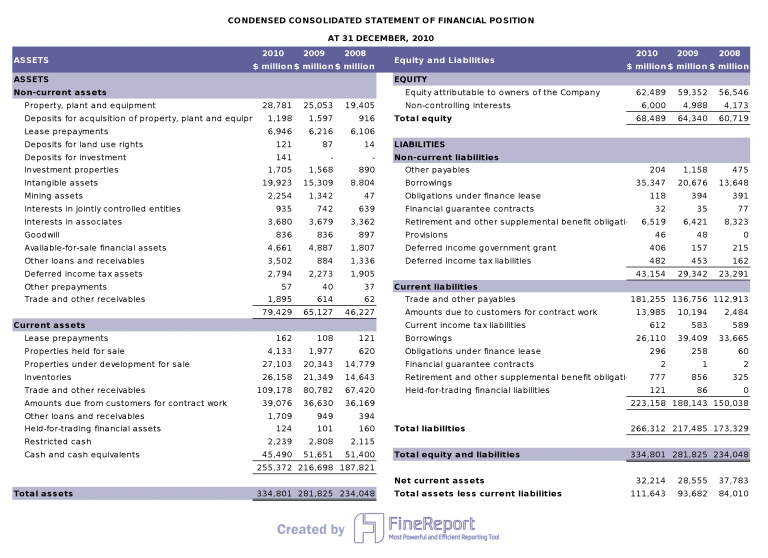
Weekly KPI Reporting Examples to Show Immediate Performance Signals
Weekly executive reviews should focus on performance changes that require fast decisions. The point is not to re-run the monthly close every Friday. The point is to catch movement early enough to respond.
1. Revenue and Pipeline Movement
Weekly sales reporting should show whether near-term revenue is strengthening or slipping. Executives need a concise read on:
- Bookings
- Pipeline coverage
- Win rate
- Average deal size
- Deal slippage
- Forecast movement
If bookings are on target but pipeline coverage is weakening, leadership may need to increase top-of-funnel investment. If win rate drops while average deal size rises, the issue may be qualification quality rather than seller productivity.
2. Operational Throughput and Service Levels
Operational leaders need weekly visibility into execution flow. Strong KPI reporting examples in this category include:
- Output volume
- Backlog
- Cycle time
- On-time delivery
- First response time
- SLA attainment
This reporting is especially important in manufacturing, logistics, shared services, SaaS support, and project-based operations. Weekly shifts in backlog or response times often indicate a resource bottleneck before it appears in customer complaints or revenue loss.
3. Cash, Costs, and Efficiency Alerts
A weekly finance view should not try to mimic a monthly P&L. It should focus on signals that affect short-term control:
- Cash position
- Burn rate
- Collections status
- Urgent expense variance
- Labor productivity
- Overtime spikes
This helps executives respond to liquidity pressure, delayed receivables, or emerging cost leaks before they become month-end surprises.
4. Customer and Team Health Signals
Some of the most useful weekly KPIs are soft-warning indicators. They may not hit the income statement immediately, but they are often early predictors of future problems:
- Churn risk accounts
- Open escalations
- Critical support tickets
- Employee capacity
- Absenteeism
- Staffing gaps
- Training completion for high-risk roles
An executive dashboard that combines customer and workforce signals often reveals cause and effect faster than isolated departmental reports.
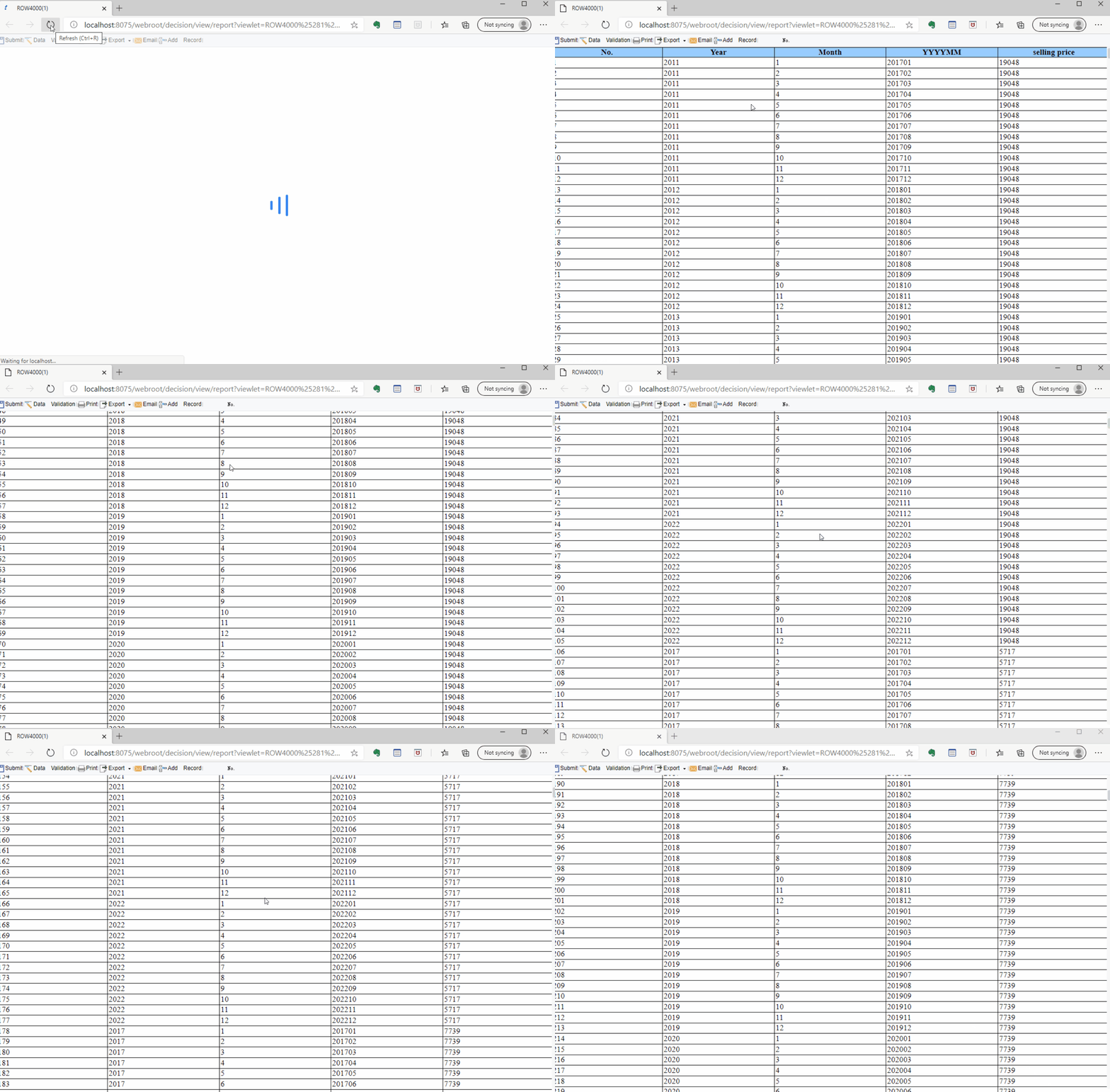
Monthly KPI Reporting Examples for Department and Management Reviews
Monthly executive reporting should provide a fuller performance picture. This is the cadence for evaluating whether departments are executing to plan and whether corrective action is needed before the quarter closes.
5. Financial Performance vs Plan
This is the foundation of most monthly executive dashboards. It should compare actual results with both budget and forecast across a focused set of metrics:
- Revenue
- Gross margin
- Operating expenses
- EBITDA or operating profit
- Net profit
- Budget variance
- Forecast variance
The key is not just to show whether the business missed plan, but where the miss came from. Margin compression from product mix requires a different response than overspending in a single function.

6. Marketing and Sales Effectiveness
Monthly reviews should connect demand generation and sales conversion into a single growth story. Useful examples include:
- Lead quality
- Marketing qualified to sales qualified conversion
- Opportunity conversion rate
- Customer acquisition cost
- Campaign contribution
- Sales velocity
- Sales cycle length
This reporting helps executives decide whether pipeline weakness is a volume issue, a quality issue, or a conversion issue. It also exposes whether growth is becoming too expensive.
7. Customer Success and Retention Trends
Monthly customer reporting should look beyond support activity and focus on revenue durability:
- Logo retention
- Revenue retention
- Renewal rate
- Expansion revenue
- Net revenue retention
- Satisfaction score
- Resolution quality
If revenue is growing but retention is weakening, the company may be funding growth with churn. That is a strategic warning sign executives should see clearly.
8. Operational Quality and Process Improvement
Monthly operations reporting should show whether process performance is becoming more scalable and reliable over time. Effective KPI reporting examples include:
- Defect rate
- Utilization
- Process compliance
- Inventory turns
- Scrap or rework
- Productivity trend
- Downtime or interruption frequency
Monthly trending matters here. A single bad week may be noise. A three-month rise in defects or falling inventory turns usually points to structural process drift.
Quarterly KPI Reporting Examples for Strategic Executive Decisions
Quarterly dashboards should help the executive team and board-level stakeholders decide where to invest, where to pause, and what risks are building. This is where operational reporting must connect to enterprise strategy.
9. Company Goal and OKR Progress
Quarterly reporting should summarize progress against strategic priorities, not just departmental activity. Key views include:
- Objective completion status
- Key result attainment
- Cross-functional milestone delivery
- Strategic initiative health
- Blocked dependencies
- Portfolio progress by business priority
This reporting gives executives a reality check on whether the company is advancing its stated agenda or simply staying busy.
10. Market Position and Growth Performance
Quarterly cadence is the right level for evaluating competitive and market movement. Strong examples include:
- Market share
- Growth by segment
- New geography or vertical traction
- Pricing impact
- Competitive win-loss movement
- Channel contribution
These KPIs help answer whether growth is broadening, whether pricing strategy is working, and whether competitors are changing the rules of the market.
11. Capital Efficiency and Investment Returns
Executive teams should use quarterly reporting to evaluate whether major investments are generating the expected return. Common KPIs include:
- ROI by initiative
- Payback period
- Headcount productivity
- Capex utilization
- Resource allocation by strategic priority
- Program performance versus business case
This is especially important when companies are balancing growth ambitions with cost discipline. Not all spending creates enterprise value at the same rate.
12. Risk, Governance, and Forward-Looking Indicators
Quarterly executive dashboards should end with the forward view. This section is often underdeveloped, yet it is one of the most valuable parts of KPI reporting. Include:
- Compliance issues
- Audit findings
- Forecast confidence
- Scenario risks
- Supply or vendor dependency exposure
- Leading indicators for next quarter
- Decision assumptions requiring validation
The goal is to reduce executive surprise. Good dashboards make uncertainty explicit instead of hiding it behind historical performance.

How to Choose the Right KPI Examples for Your Executive Dashboard
The best executive dashboard is not the one with the most metrics. It is the one that fits the audience, the meeting cadence, and the decisions expected in that review.
Start with audience design:
- CEO and executive committee: Enterprise growth, profitability, strategy execution, risk, and resource trade-offs.
- CFO: Cash, margin, forecast reliability, cost control, return on investment.
- COO: Throughput, service levels, quality, capacity, process resilience.
- CRO or sales leader: Pipeline, conversion, bookings, forecast health, retention risk.
- CHRO or people leader: Capacity, hiring gaps, attrition, productivity, critical role coverage.
Then match KPIs to review cadence:
- Weekly: Signals, exceptions, fast intervention points.
- Monthly: Performance versus plan, root causes, functional accountability.
- Quarterly: Strategic progress, investment returns, risk outlook, portfolio decisions.
A strong dashboard also balances leading and lagging indicators. Lagging metrics show what happened. Leading metrics show what is likely to happen next. Executives need both. Revenue without pipeline is backward-looking. Churn without renewal risk is reactive. Margin without pricing and cost drivers lacks decision value.
4 Best Practices for Building Executive KPI Reporting
Here is the implementation advice I give most often to leadership teams and reporting owners:
1. Design every dashboard around decisions, not departments
Before selecting a metric, ask: What decision should this KPI support? If there is no clear answer, remove it. Executive dashboards are not archives for departmental vanity metrics.
2. Standardize metric definitions and thresholds
Many reporting problems are not visual. They are definitional. Ensure revenue, pipeline stage, retention, utilization, and forecast categories are consistent across teams. Set clear threshold logic for red, amber, and green status.
3. Build exception-based views first
Executives should see what changed materially before they see every stable metric. Use filters, alerts, variance rankings, and trend breaks to surface the few numbers that need discussion.
4. Review cadence discipline matters as much as dashboard design
Do not overload weekly meetings with quarterly strategy metrics. Do not bury monthly operating reviews under daily noise. Keep each reporting rhythm focused so discussions stay productive.
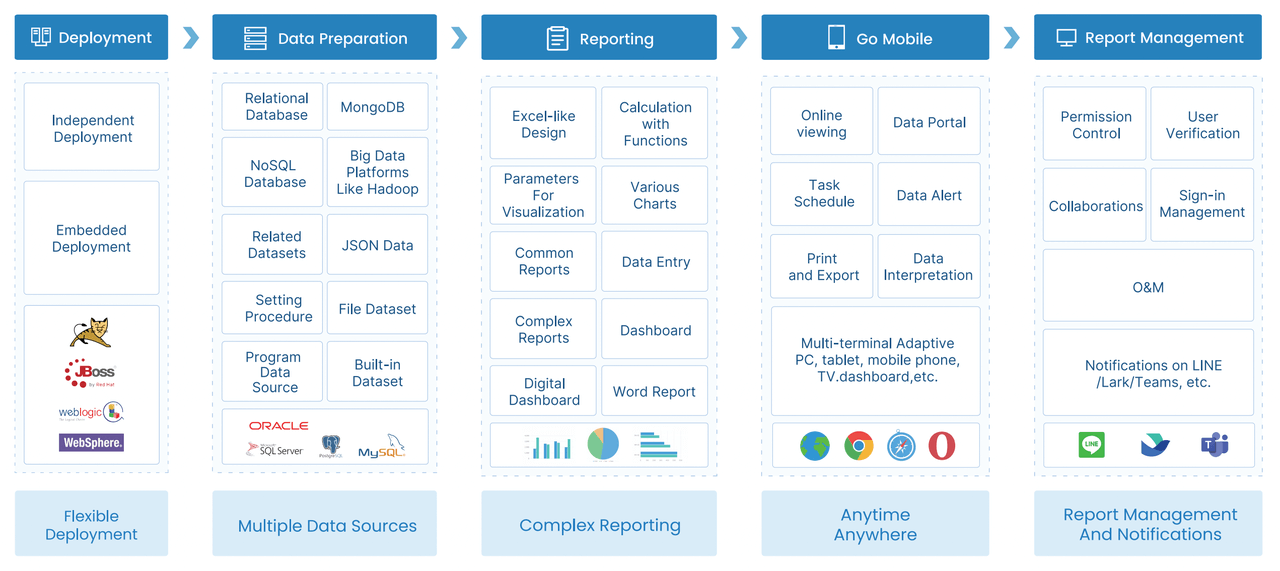
For teams that need to modernize executive reporting fast, it is often useful to prototype one weekly, one monthly, and one quarterly dashboard first, then refine definitions and owners before broader rollout.
Practical Checklist for a Concise, Consistent, Useful Dashboard
Use this checklist before finalizing your executive KPI report:
- Does each KPI tie to a business goal or decision?
- Is the reporting cadence appropriate for the metric?
- Are targets and benchmarks clearly visible?
- Is the owner for each KPI defined?
- Can executives understand status in under 30 seconds?
- Are both leading and lagging indicators included?
- Are trend direction and variance visible without explanation?
- Are exception thresholds standardized?
- Is there a concise note for major changes or risks?
- Has unnecessary metric clutter been removed?
Build Executive KPI Reporting Faster With FineReport
Building this manually is complex; use FineReport to utilize ready-made templates and automate this entire workflow.
Most executive teams outgrow spreadsheet-based reporting long before they replace it. The result is familiar: fragmented data sources, conflicting definitions, delayed updates, and decks that take too long to prepare. FineReport solves that by giving organizations a faster way to design, standardize, and automate executive dashboards across weekly, monthly, and quarterly reviews.
With FineReport, teams can:
- Connect data from multiple business systems
- Build role-based executive dashboards
- Standardize KPI formulas and thresholds
- Automate refresh schedules and recurring reporting
- Use drill-down views for root-cause analysis
- Deploy ready-made dashboard templates for faster rollout
This matters because the true cost of weak KPI reporting is not only reporting effort. It is slow decisions, unclear accountability, and missed opportunities.

Get Ready-to-Use Dashboard Templates in Fine Gallery
If your leadership team is still piecing together executive reports manually, now is the right time to move to a more scalable model. Start with the KPI reporting examples in this guide, align them to your meeting cadence, and build a dashboard system that helps leaders act faster and with more confidence.
FAQs
An executive KPI dashboard should show a small set of decision-ready metrics with targets, current performance, trend, variance, and ownership. It should also highlight exceptions and provide enough context for leaders to decide what action is needed.




