FineReport is a business intelligence and reporting platform that helps teams build highly customized dashboards, pixel-perfect reports, and connected analytics across CRM and operational data.
Best CRM Reporting Tools in 2026 at a Glance
Quick comparison table
Choosing among the best crm reporting tools usually comes down to five factors: pricing, dashboard depth, forecasting quality, report flexibility, and fit for your team size. The table below compares 10 leading options on those points.
| Tool | Best Use Case | Pricing Position | Dashboard Depth | Forecasting Features | Custom Report Flexibility |
|---|---|---|---|---|---|
| Salesforce | Enterprise sales orgs with complex reporting needs | High | Very advanced | Very advanced | Very high |
| HubSpot CRM | Growing teams that want ease of use | Mid to high | Strong | Strong | Moderate to high |
| Zoho CRM | Budget-conscious teams needing flexibility | Low to mid | Strong | Moderate | High |
| Microsoft Dynamics 365 | Microsoft-centric enterprises | High | Very advanced | Advanced | Very high |
| Pipedrive | Sales teams wanting simple pipeline reporting | Low to mid | Moderate | Moderate | Moderate |
| Freshsales | Teams wanting built-in insights without heavy admin | Mid | Moderate to strong | Moderate | Moderate |
| Insightly | Businesses managing sales plus project delivery | Mid | Moderate | Basic to moderate | Moderate |
| Monday CRM | Workflow-driven teams wanting visual customization | Mid | Strong | Basic to moderate | Moderate |
| Copper | Google Workspace-first teams | Mid | Basic to moderate | Basic | Moderate |
| Creatio | Process-heavy teams needing flexibility and automation | Mid to high | Advanced | Advanced | High |
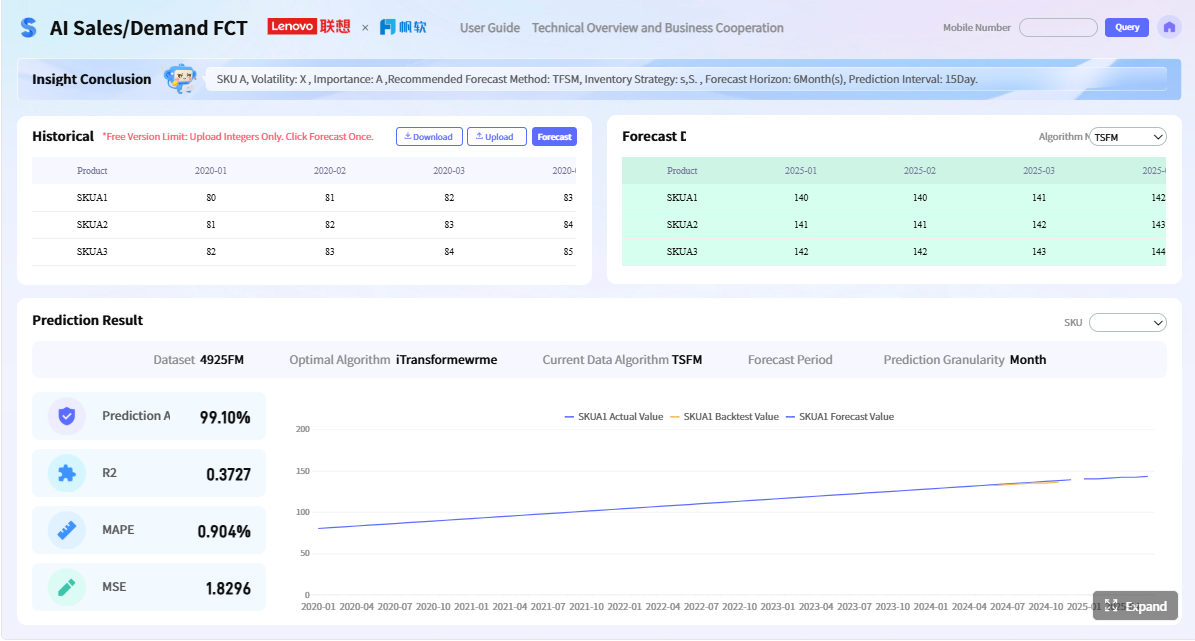 Click To Try The Dashboard
Best picks by team type
Here is the fast snapshot of which crm reporting tools fit different business profiles best:
- Best for startups: Pipedrive, HubSpot CRM
- Best for SMBs: HubSpot CRM, Zoho CRM, Freshsales
- Best for enterprise teams: Salesforce, Microsoft Dynamics 365, Creatio
- Best for RevOps-heavy organizations: Salesforce, HubSpot CRM, Dynamics 365
- Best for highly customized reporting: Salesforce, Creatio, Zoho CRM
The 10 options in this guide
This comparison covers:
- Salesforce
- HubSpot CRM
- Zoho CRM
- Microsoft Dynamics 365
- Pipedrive
- Freshsales
- Insightly
- Monday CRM
- Copper
- Creatio
If your native CRM dashboards are not enough, this is also where FineReport becomes relevant. It can sit on top of CRM data and help teams create more advanced dashboards, paginated reports, and cross-system analysis without replacing their CRM.
What to Look for in CRM Reporting Tools
Core reporting and dashboard capabilities
The best crm reporting tools should make it easy to answer everyday sales questions without requiring an analyst every time. At a minimum, look for:
- Prebuilt dashboards for pipeline, rep performance, activities, and revenue
- Drag-and-drop report builders for self-service reporting
- Filters and saved views by owner, team, region, product, or date
- Scheduled reporting sent automatically to managers and executives
- Role-based dashboards for reps, managers, leadership, and operations
Strong CRM reporting also means visibility beyond closed revenue. Good platforms help teams track:
- Pipeline value by stage
- Deal aging and stalled opportunities
- Sales activities by rep
- Lead source and campaign contribution
- Conversion rates across the funnel
- Cross-team performance between sales, marketing, and customer success
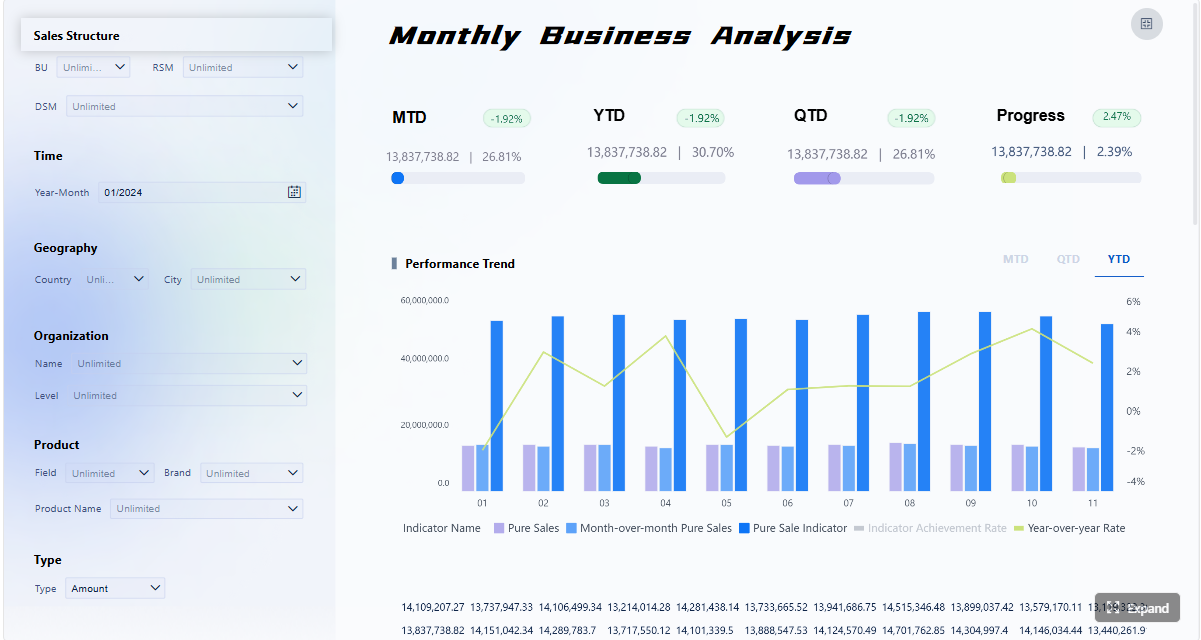
For many organizations, native CRM reports are enough for frontline management. But once reporting expands into board-level summaries, operational scorecards, or highly formatted external reporting, a dedicated reporting layer like FineReport can add much more control.
Forecasting, customization, and integrations
Forecasting is where many CRM platforms begin to separate themselves. If your revenue process depends on predictable planning, prioritize tools with:
- Weighted and category-based forecasting
- Scenario planning
- Territory and regional breakdowns
- Quota and goal tracking
- Historical trend analysis
- Forecast rollups by team and segment
Customization is equally important. A CRM may look good in a demo but become limiting once your data model gets more complex. Check whether the platform supports:
- Custom objects or custom entities
- Custom formulas and calculated fields
- Flexible report permissions
- Multi-object or cross-module reporting
- BI tool connections
- Integrations with marketing, support, and finance systems
This is another area where FineReport deserves consideration. If your sales data lives in a CRM but your finance, support, or ERP data lives elsewhere, FineReport can help unify those sources into executive dashboards and tailored reports.
How to choose the right platform for your team
The right crm reporting tools depend less on feature count and more on fit.
Ask these questions first:
- How complex is your sales process?
- How many users need to build reports themselves?
- Do you need simple dashboard visibility or advanced analytics?
- Will marketing, support, and finance data need to appear in the same reports?
- Do you have CRM admins or RevOps support?
- What is your budget now, and what happens as reporting needs grow?
A practical way to choose:
- Small teams: prioritize usability and quick setup
- Growing SMBs: balance reporting depth with affordability
- Mid-market teams: focus on customization, forecasting, and integration quality
- Enterprises: prioritize governance, multi-team support, and advanced analytics
- Complex reporting environments: consider connecting CRM data to FineReport for deeper customization
The biggest trade-off is usually ease of use versus flexibility. The more configurable the platform, the more setup and maintenance it typically requires.
The 10 Best CRM Reporting Tools Compared
1. Salesforce
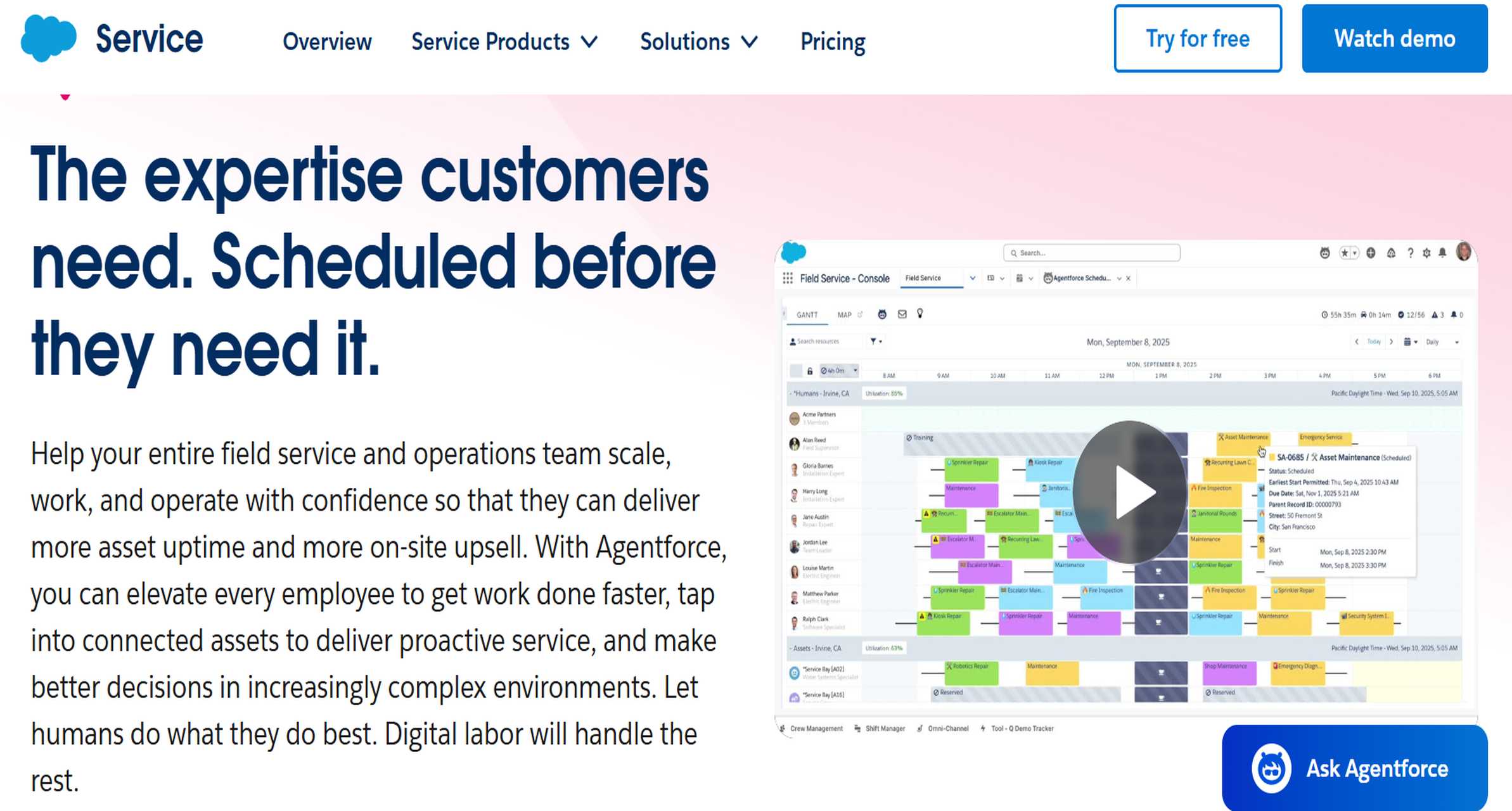
- One-sentence overview: Salesforce is the strongest option for organizations that need enterprise-grade reporting depth, advanced forecasting, and highly customized dashboards.
- Key Features:
- Advanced custom reports and dashboards
- Multi-object reporting
- Robust pipeline and activity analytics
- Enterprise forecasting and quota tracking
- Extensive integrations and AppExchange ecosystem
- Pros & Cons:
- Pros: Extremely flexible, strong forecasting, excellent for complex sales structures, deep ecosystem
- Cons: High total cost, steeper learning curve, often needs admin support
- Best For: Enterprise sales teams, global organizations, and RevOps-led companies with complex reporting needs
Salesforce remains a benchmark among crm reporting tools because it supports highly detailed reporting structures. Teams can build dashboards for reps, managers, regional leaders, and executives while working across custom objects and layered permissions.
Its strongest advantage is flexibility. If you need territory-based views, pipeline inspection, weighted forecasts, and highly customized KPIs, Salesforce is difficult to beat. The trade-off is complexity. Smaller teams often find it more powerful than necessary.
Pricing considerations: Salesforce reporting value increases at higher tiers, but so does cost. Implementation, customization, and admin resources should be included in the buying decision.
2. HubSpot CRM
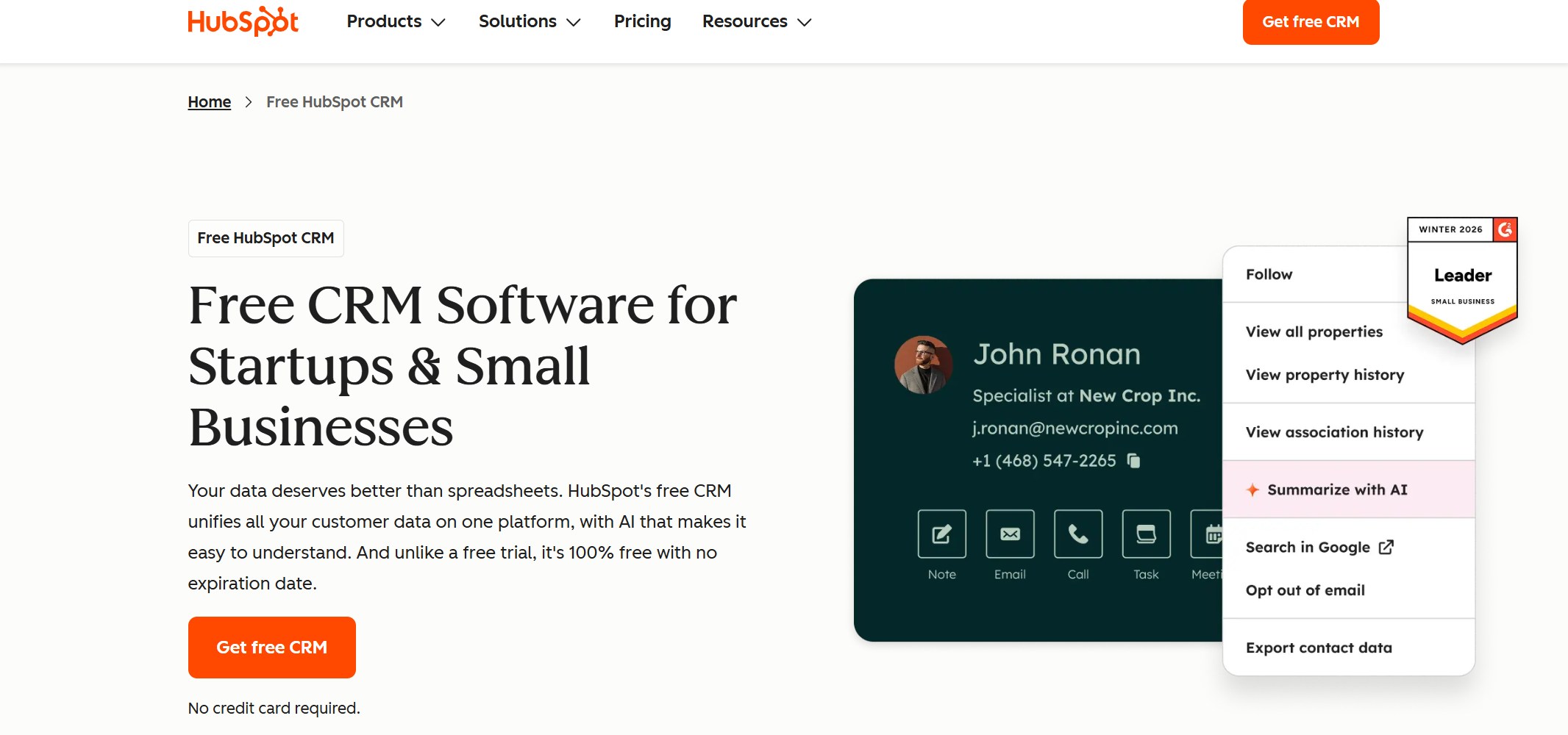
- One-sentence overview: HubSpot CRM is a user-friendly reporting platform that works especially well for growing teams that need strong sales and marketing alignment.
- Key Features:
- Prebuilt sales dashboards
- Drag-and-drop report builder
- Funnel and conversion reporting
- Pipeline and activity tracking
- Tight connection with HubSpot marketing data
- Pros & Cons:
- Pros: Easy to adopt, fast time to value, strong UI, excellent for marketing-sales visibility
- Cons: Advanced reporting may require higher plans, less flexible than enterprise-focused systems
- Best For: SMBs, startups, and growth-stage teams that want self-service reporting with manageable complexity
HubSpot CRM is one of the most approachable crm reporting tools for non-technical teams. Managers can quickly build dashboards for deal progress, activity output, conversion rates, and campaign-driven revenue.
Its biggest advantage is full-funnel visibility. If your team wants to connect lead generation, handoff quality, and closed-won revenue in one environment, HubSpot performs well. It is less ideal for organizations with highly specialized objects, complex territory models, or advanced governance requirements.
Pricing considerations: Entry-level access is attractive, but reporting power expands significantly in Professional and Enterprise plans.
3. Zoho CRM
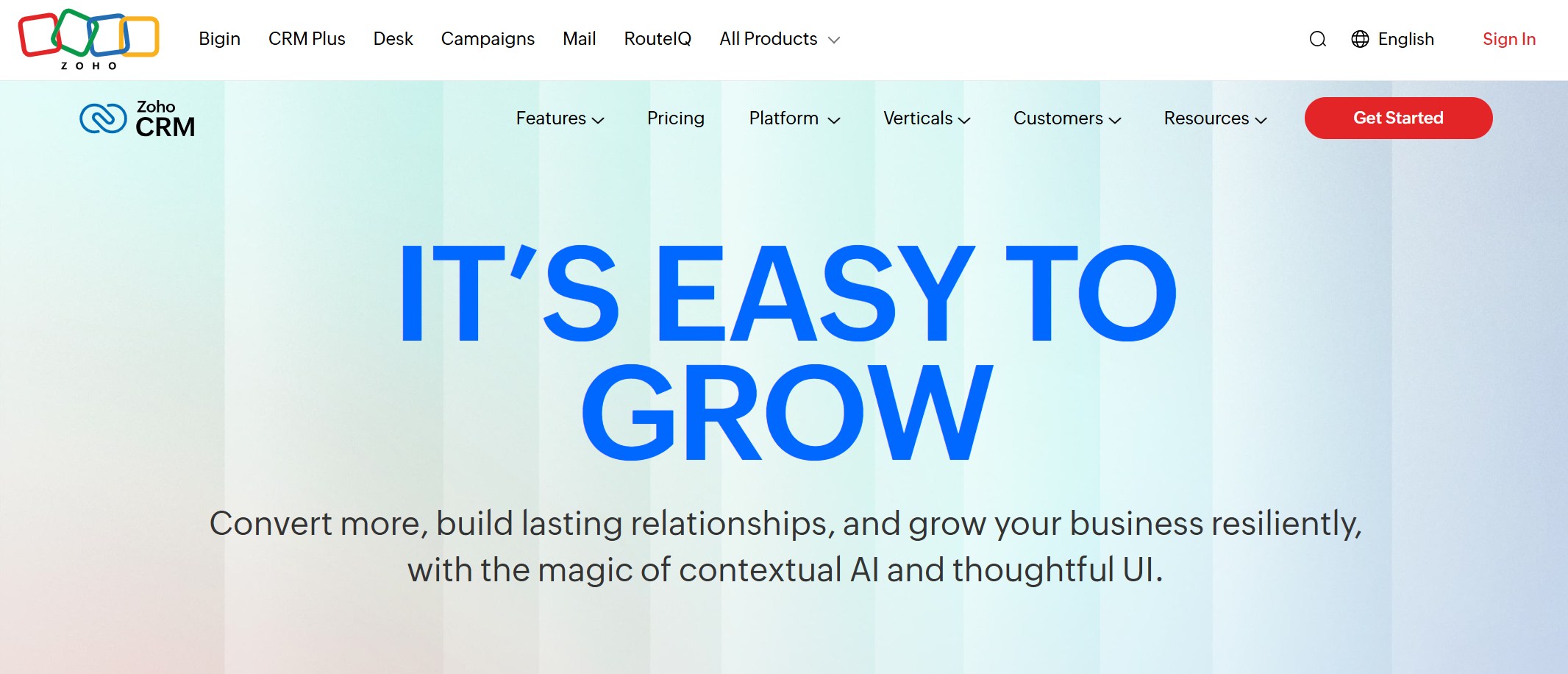
- One-sentence overview: Zoho CRM offers flexible reporting and useful customization at a lower price point than many larger CRM platforms.
- Key Features:
- Custom dashboards and report builder
- Sales trend and pipeline reports
- Forecasting tools
- AI-assisted insights in higher tiers
- Broad app ecosystem within Zoho
- Pros & Cons:
- Pros: Strong value, flexible customization, broad business suite integration
- Cons: User experience can feel less polished, some advanced use cases need setup effort
- Best For: Cost-conscious SMBs that need more flexibility than entry-level CRMs provide
Zoho CRM is a strong contender in the crm reporting tools market because it balances affordability with meaningful customization. Teams can create reports around deals, activities, sources, products, and custom workflows without moving into enterprise-level pricing.
It is especially appealing for companies already using Zoho apps for marketing, finance, or support. That ecosystem connection helps extend reporting beyond the sales pipeline.
Pricing considerations: Zoho is often one of the better-value options, though some advanced automation and analytics capabilities are unlocked at higher tiers.
4. Microsoft Dynamics 365
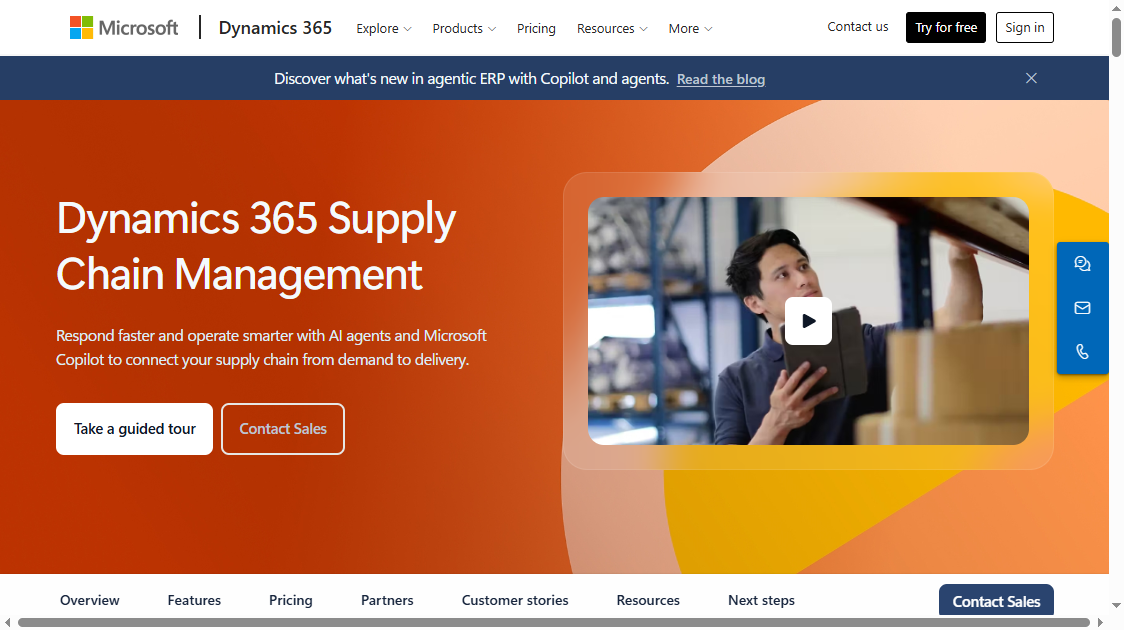
- One-sentence overview: Microsoft Dynamics 365 is a strong enterprise option for organizations that need deep ecosystem integration and advanced analytics potential.
- Key Features:
- Native CRM reporting
- Tight integration with Microsoft products
- Power BI connectivity
- Advanced forecasting and pipeline management
- Flexible enterprise data modeling
- Pros & Cons:
- Pros: Excellent for Microsoft environments, strong analytics potential, good enterprise scalability
- Cons: Can be complex to implement, higher cost, reporting value often depends on broader Microsoft stack
- Best For: Enterprises already invested in Microsoft 365, Azure, and Power BI
Dynamics 365 is one of the more capable crm reporting tools for enterprise teams, especially when paired with Power BI. Native reporting is solid, but its real strength appears when organizations want to blend CRM analytics with broader operational reporting.
For companies already standardized on Microsoft tools, Dynamics can create a unified reporting workflow. For smaller firms, however, the setup and administration burden may be too heavy.
Pricing considerations: Costs can scale quickly depending on modules, licensing, and related Microsoft analytics tools.
5. Pipedrive
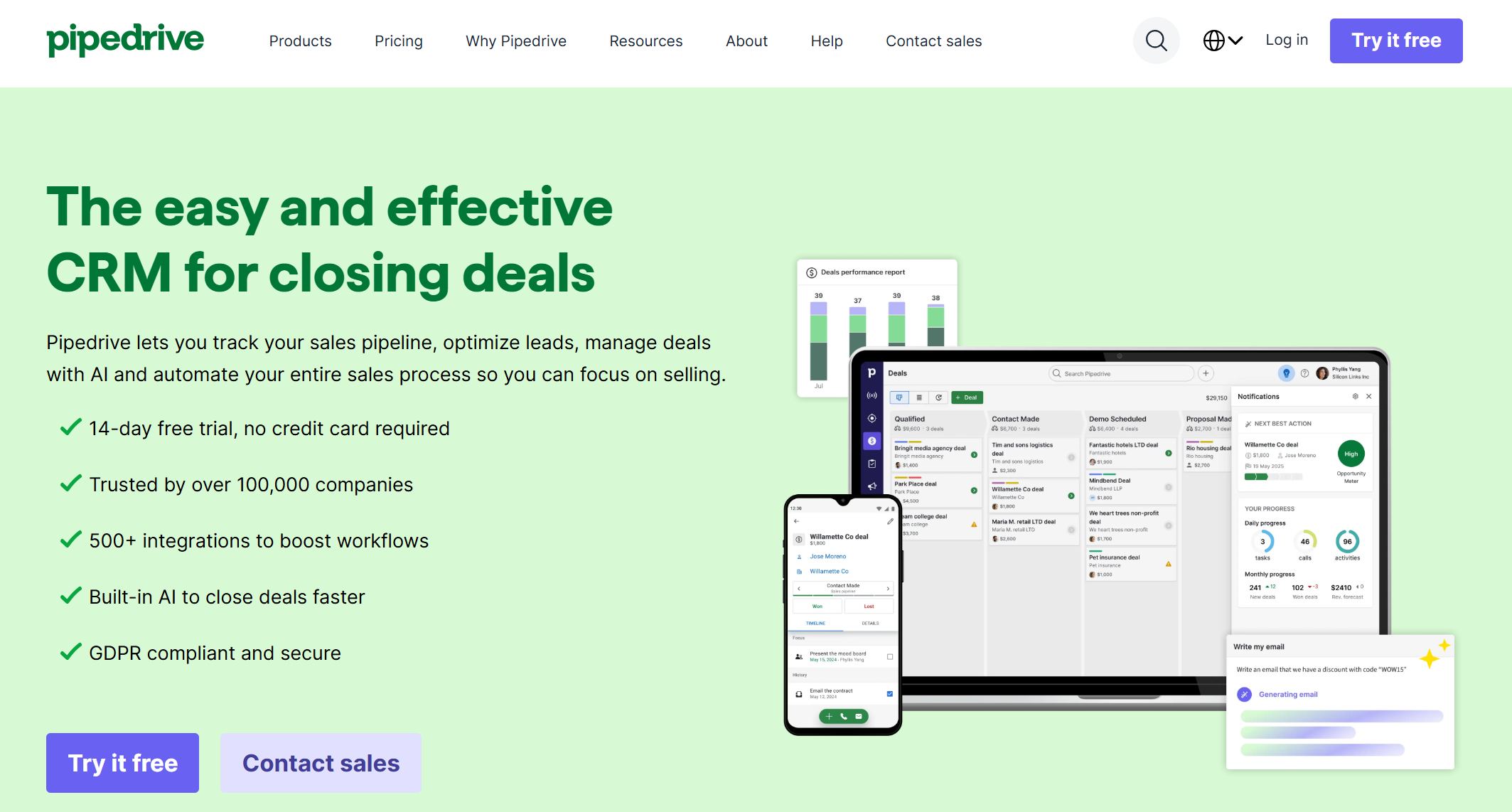
- One-sentence overview: Pipedrive is a sales-first CRM that offers simple dashboards and pipeline reporting for teams that prioritize speed and clarity.
- Key Features:
- Visual pipeline reporting
- Deal and rep performance dashboards
- Activity tracking
- Goal tracking
- Easy dashboard customization
- Pros & Cons:
- Pros: Very easy to use, fast setup, sales-focused interface, affordable
- Cons: Less advanced forecasting, lighter customization than enterprise tools
- Best For: Startups and small sales teams that need practical reporting without admin overhead
Pipedrive stands out among crm reporting tools for usability. Teams can quickly see stage distribution, open deals, rep performance, and basic activity metrics with very little training.
It is best for sales-led organizations that care more about operational visibility than broad cross-functional analytics. If you need advanced attribution, highly customized data models, or executive-grade analytics, you may eventually outgrow it.
Pricing considerations: Pipedrive is usually accessible for small teams, making it a strong option for budget-conscious growth.
6. Freshsales
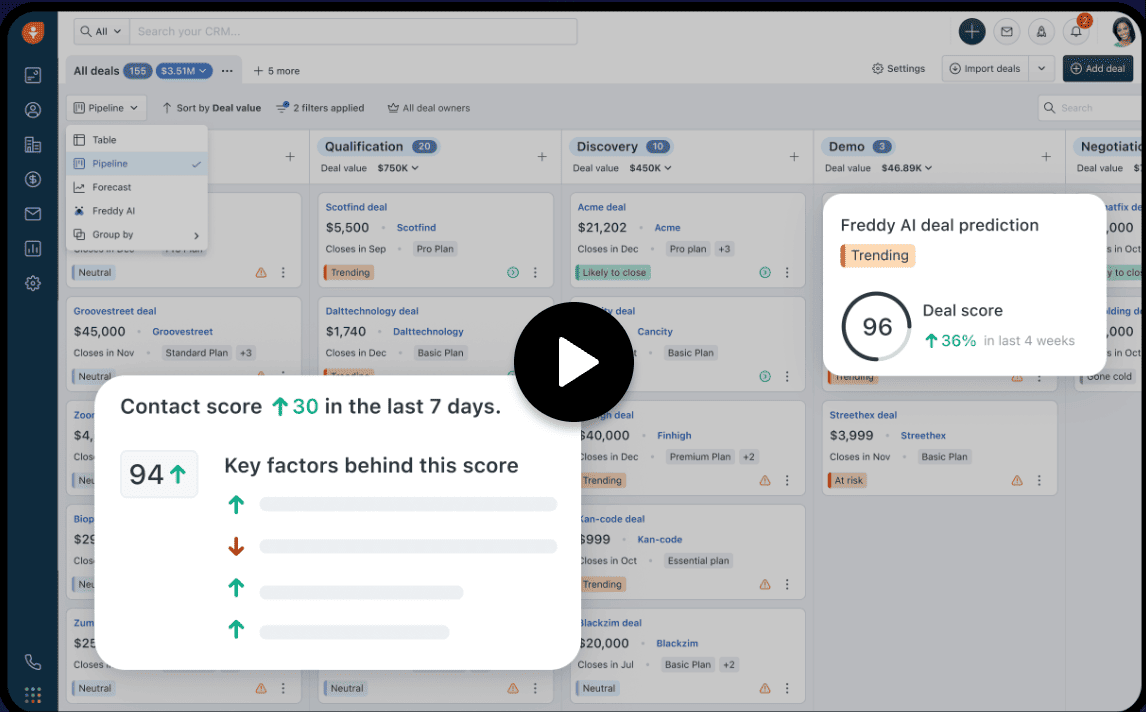
- One-sentence overview: Freshsales is a balanced choice for teams that want built-in sales insights and reporting without excessive complexity.
- Key Features:
- Sales dashboards and activity reports
- Pipeline and conversion analytics
- Built-in lead and deal tracking
- Forecasting support
- Native integrations within Freshworks ecosystem
- Pros & Cons:
- Pros: Good usability, sensible reporting depth, manageable learning curve
- Cons: Not as customizable as top enterprise options, some analytics are less advanced
- Best For: SMBs that want practical reporting and sales intelligence in one system
Freshsales sits in the middle of the crm reporting tools market. It provides enough reporting to support sales managers and team leads, while keeping implementation lighter than enterprise systems.
For teams that want basic forecasting, deal analytics, and rep visibility without a heavy RevOps function, Freshsales is often a solid fit.
Pricing considerations: Mid-range pricing makes it appealing for teams graduating from basic CRMs but not ready for enterprise spend.
7. Insightly
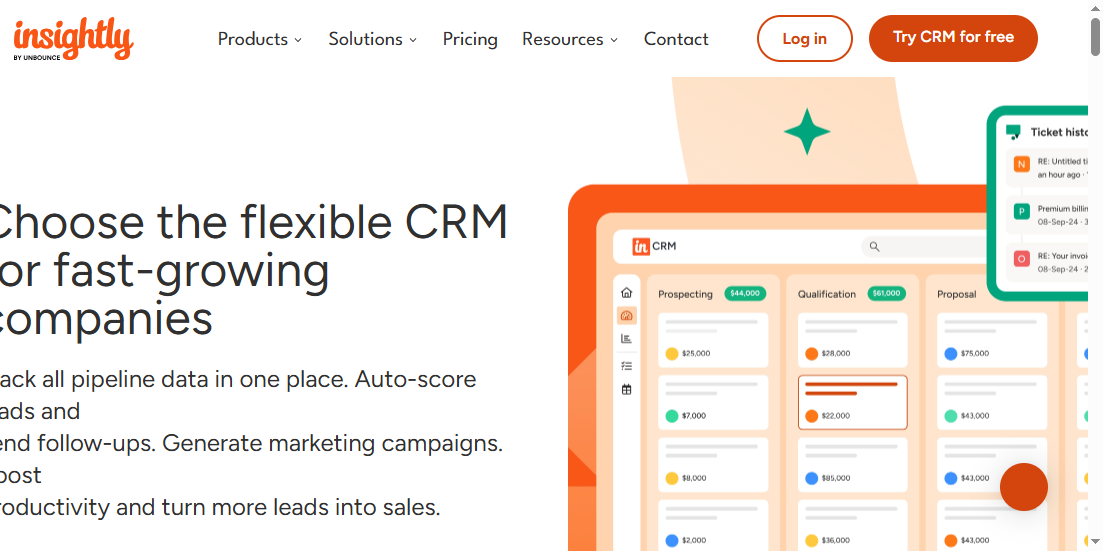
- One-sentence overview: Insightly combines CRM reporting with project and delivery visibility, making it useful for businesses that sell and then manage implementation work.
- Key Features:
- Sales and pipeline reports
- Project-linked visibility
- Workflow and task reporting
- Dashboard customization
- App integration support
- Pros & Cons:
- Pros: Helpful for service-based businesses, combines sales and post-sale tracking, moderate complexity
- Cons: Reporting depth is not as strong as specialist enterprise CRMs, UI may feel less modern
- Best For: Agencies, consultants, and service businesses that need both CRM and project visibility
Insightly is more niche than some other crm reporting tools, but that niche is valuable. Businesses that need to connect sales performance with project delivery can use it to avoid gaps between won deals and execution.
It is less compelling if your only priority is advanced sales analytics. But if post-sale workflows matter, it offers useful reporting continuity.
Pricing considerations: Best evaluated as a combined CRM-plus-project tool rather than a pure reporting platform.
8. Monday CRM
- One-sentence overview: Monday CRM is a visual, customizable platform for teams that want workflow-oriented reporting and flexible views.
- Key Features:
- Custom boards and dashboard widgets
- Visual workflow reporting
- Activity and pipeline visibility
- Team performance tracking
- Automation and collaboration features
- Pros & Cons:
- Pros: Flexible interface, visually clear dashboards, easy to adapt to workflows
- Cons: Forecasting is lighter, deep CRM analytics can require workarounds
- Best For: Teams that want customizable reporting around workflows, handoffs, and collaboration
Monday CRM is one of the more visual crm reporting tools available. It works well for organizations that want to build reporting around process flow, accountability, and team coordination.
It is not the best option for highly technical sales analytics or sophisticated forecasting. But for operationally driven teams, its flexibility can be a real advantage.
Pricing considerations: Usually reasonable for mid-sized teams, though costs rise with advanced capabilities and larger user counts.
9. Copper
- One-sentence overview: Copper is a lightweight CRM reporting option built for Google Workspace users who want simplicity over complexity.
- Key Features:
- Gmail and Google Calendar integration
- Basic pipeline and activity dashboards
- Contact and opportunity visibility
- Simple report customization
- Familiar interface for Google-centric teams
- Pros & Cons:
- Pros: Easy adoption, strong Google Workspace alignment, low-friction experience
- Cons: Less advanced dashboards, limited forecasting depth, not ideal for complex reporting
- Best For: Small teams already working heavily in Google Workspace
Copper is a practical choice in the crm reporting tools category when ease of use matters more than reporting sophistication. It keeps the CRM close to email and calendar workflows, which helps smaller teams maintain data quality.
The downside is limited analytical depth. For organizations with mature reporting needs, Copper often becomes too lightweight over time.
Pricing considerations: Best suited to smaller teams that value convenience and workflow fit.
10. Creatio
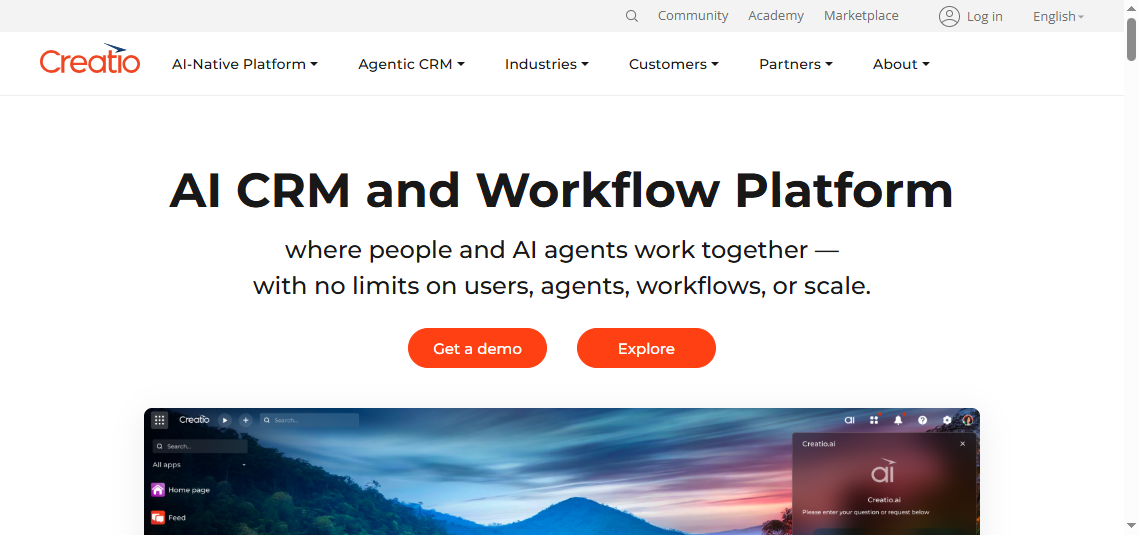
- One-sentence overview: Creatio is a flexible CRM platform for process-heavy teams that need customizable analytics and automation.
- Key Features:
- Configurable dashboards and analytics
- No-code process customization
- Sales forecasting and KPI tracking
- Role-based workflows
- Broad automation support
- Pros & Cons:
- Pros: Flexible process design, strong customization, good fit for structured operations
- Cons: Can require more setup, less straightforward for teams wanting instant simplicity
- Best For: Mid-market and enterprise teams with complex processes, regulated workflows, or specialized operating models
Creatio is one of the more adaptable crm reporting tools for organizations where process structure matters as much as pipeline visibility. Its no-code orientation helps teams shape workflows and reporting around their actual operations rather than forcing a standard template.
That makes it attractive for operationally complex businesses. It is less appealing for small teams that just want quick dashboards with minimal configuration.
Pricing considerations: Value depends on how much workflow and process customization your organization truly needs.
Must-Have CRM Reports and Dashboards for Sales Analytics
The 6 most powerful reports to run in your CRM
No matter which crm reporting tools you choose, there are six reports almost every sales team should build first.
1. Pipeline by stage
This report shows deal count and value across each stage of the pipeline. It helps managers spot bottlenecks, thin coverage, and inflated late-stage pipeline.
2. Win-rate by rep
Track closed-won percentage by sales rep, team, or territory. This is useful for coaching, hiring benchmarks, and identifying process gaps.
3. Forecast vs. target
Compare expected revenue against quota or plan. This report is essential for leadership reviews and helps teams separate optimistic pipeline from realistic forecast.
4. Lead source performance
Measure lead volume, conversions, and revenue by source or campaign. This connects marketing spend to sales outcomes.
5. Sales cycle length
Track the average time it takes to move from lead to close, or between stages. It helps identify friction in the funnel.
6. Activity-to-revenue reporting
Compare calls, emails, meetings, and follow-ups against pipeline creation and closed revenue. This helps teams understand which activities actually influence results.
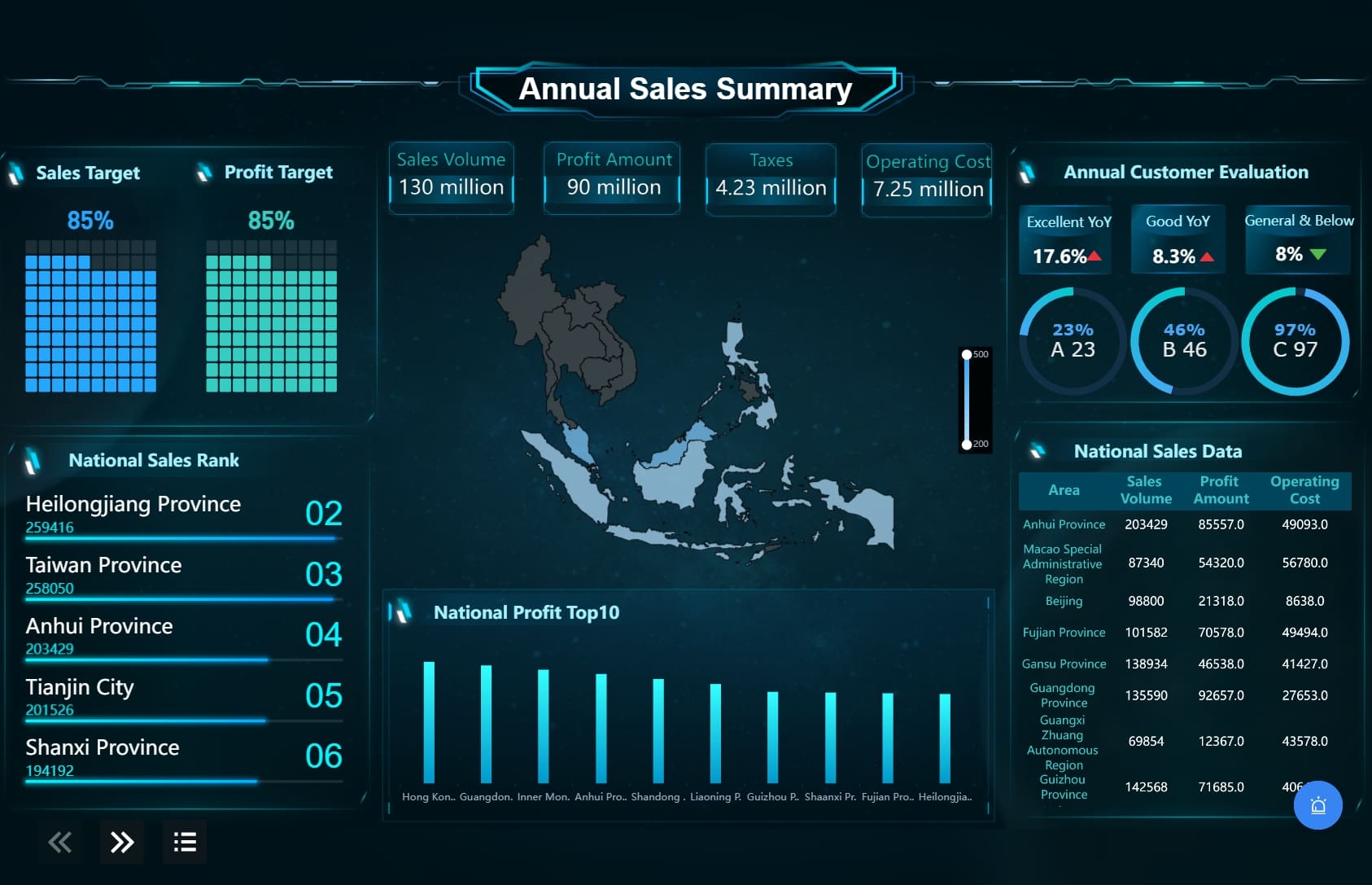
If your CRM cannot format or combine these reports the way leadership needs, FineReport can extend them into more polished and cross-functional dashboards.
Dashboards every team should build first
A good CRM dashboard should make decision-making faster, not just make data visible. Start with these five dashboards:
- Executive overview dashboard: revenue, forecast, pipeline coverage, win rate, and top risks
- Rep performance dashboard: activities, conversion rates, average deal size, and quota progress
- Pipeline health dashboard: stage distribution, deal aging, stalled deals, and expected close dates
- Forecasting dashboard: commit, best case, gap to target, and trend versus prior periods
- Campaign-to-revenue dashboard: sourced pipeline, influenced revenue, and conversion by channel
For many teams, native crm reporting tools will cover these basics well. For more advanced layouts, drill-through views, or print-ready reporting, FineReport can be a useful companion platform.
What good CRM reporting looks like in practice
Good CRM reporting is not just about charts. It depends on operating discipline.
The best reporting environments share four traits:
- Clear definitions: everyone agrees on what counts as a lead, opportunity, forecast category, and closed deal
- Clean data inputs: required fields, stage rules, and ownership standards reduce reporting noise
- Role-based visibility: reps, managers, and executives each see the metrics relevant to their work
- Reporting cadence tied to decisions: dashboards support weekly pipeline reviews, monthly forecasting, and quarterly planning
Even excellent crm reporting tools cannot compensate for poor data hygiene. Before upgrading software, many teams should first tighten process and field standards.
Which CRM Reporting Tool Is Right for You?
Best picks by business size and use case
Here are the clearest recommendations based on common buying scenarios:
-
Best for startups: Pipedrive
Best when you want simple pipeline reporting, quick setup, and low overhead. -
Best for small businesses: Zoho CRM
Best when budget matters but you still need flexible custom reporting. -
Best for growing teams: HubSpot CRM
Best when you want easy reporting, strong dashboards, and marketing-sales alignment. -
Best for mid-market process complexity: Creatio
Best when workflow structure, automation, and customization matter. -
Best for enterprises: Salesforce
Best when reporting depth, forecasting, and custom dashboards are mission-critical. -
Best for Microsoft-centric enterprises: Microsoft Dynamics 365
Best when your broader reporting stack is already built around Microsoft tools. -
Best for service-linked sales visibility: Insightly
Best when you need CRM reporting plus project or delivery tracking. -
Best for visual workflow reporting: Monday CRM
Best when process collaboration matters more than deep enterprise analytics. -
Best for Google Workspace simplicity: Copper
Best when ease of use and Google integration are the top priorities. -
Best for manageable built-in insights: Freshsales
Best when you want practical analytics without a steep setup burden. -
Best for custom reporting beyond CRM limits: FineReport
Best when your team needs more advanced dashboards, print-ready reports, or cross-system analytics than native CRM reporting can provide.
Final comparison: strengths, trade-offs, and buying advice
The best crm reporting tools are not always the ones with the longest feature list. They are the ones that help your team make better decisions consistently.
Prioritize usability when:
- Your team is small or fast-moving
- Managers need self-serve dashboards
- You do not have dedicated CRM admins
- Adoption is more important than deep customization
Prioritize advanced analytics when:
- Forecast accuracy directly affects planning
- You operate across regions, segments, or business units
- You need cross-object reporting and permissions
- RevOps and leadership need highly specific views
Prioritize customization when:
- Your sales process is not standard
- You rely on custom fields, objects, or workflows
- Reporting must support compliance or operational complexity
- Native templates are too limiting
Connect your CRM to a BI/reporting layer like FineReport when:
- CRM data must be combined with ERP, finance, support, or marketing systems
- Leadership needs more polished dashboards or paginated reports
- Native CRM reporting is too rigid for operational or executive requirements
- You want advanced visualization and tailored reporting without changing CRM platforms
In short:
- Choose Pipedrive or Copper for simplicity
- Choose HubSpot CRM for usability plus growth
- Choose Zoho CRM for affordability and flexibility
- Choose Freshsales for balanced functionality
- Choose Monday CRM or Insightly for workflow-specific needs
- Choose Salesforce, Dynamics 365, or Creatio for complexity and scale
- Choose FineReport when native CRM reporting is not enough and you need a more powerful reporting layer
For most buyers in 2026, the right path is to start with the CRM that matches your sales motion, then decide whether native reporting is sufficient or whether a platform like FineReport should extend it.
FAQs
CRM reporting tools help teams track pipeline, sales performance, lead sources, conversion rates, and revenue trends. They turn CRM data into dashboards and reports that support daily decisions, forecasting, and executive visibility.