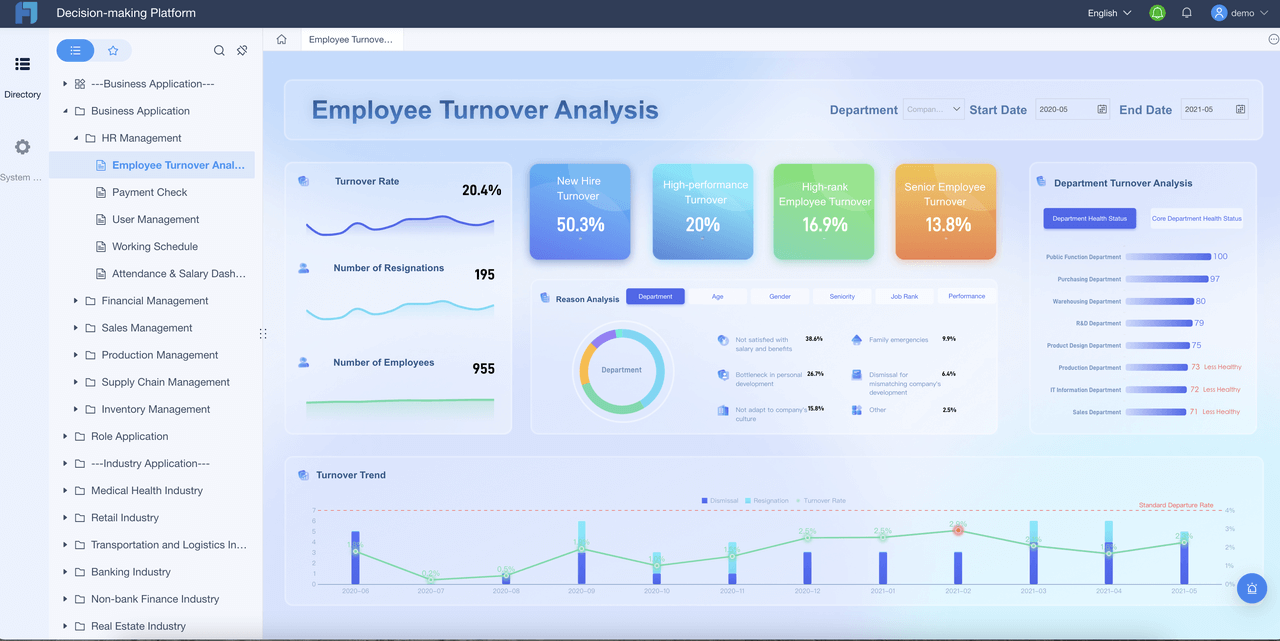
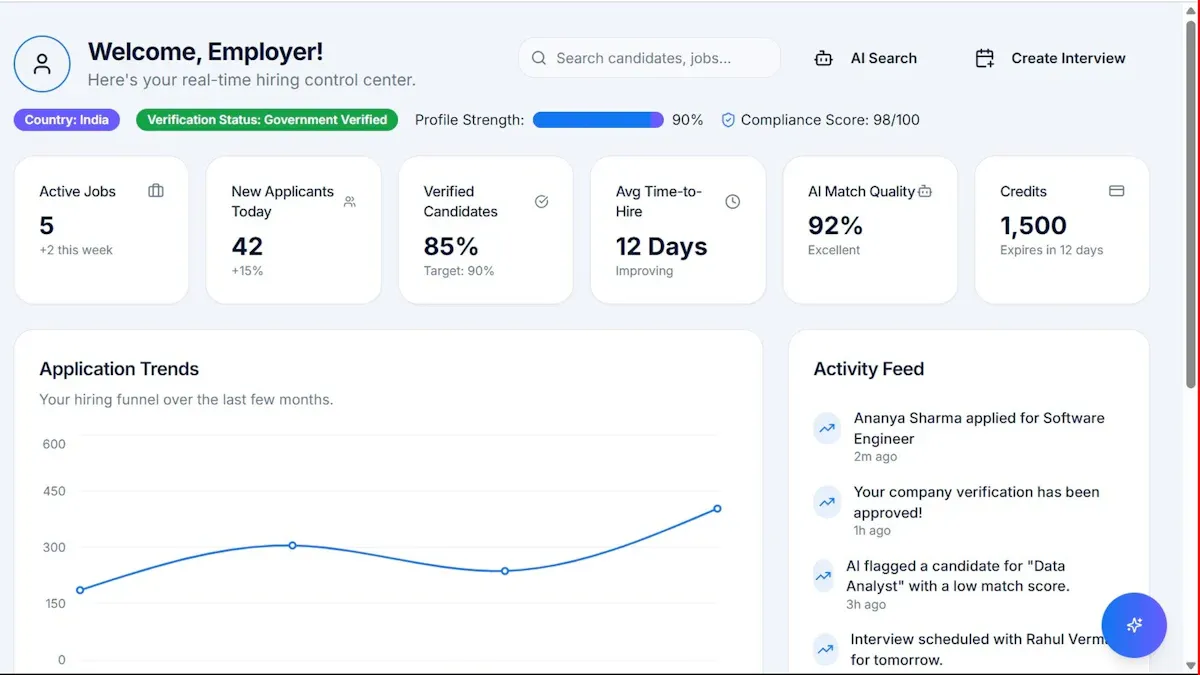
If you are searching for financial statement reporting software, you are probably trying to solve a very practical finance problem: how to produce accurate, reviewable, board-ready statements faster without relying on fragile spreadsheets and last-minute manual fixes.
For finance teams in 2026, the real question is not just which tool can display a P&L, balance sheet, or cash flow statement. It is which software can support the full reporting process around those outputs: consolidation, close speed, audit trails, approvals, recurring packs, compliance support, and collaboration between controllers, accountants, FP&A teams, and executives.
Some tools are built for enterprise consolidation and disclosure-heavy processes. Others help mid-market teams reduce month-end manual work. And some keep Excel at the center while adding stronger controls and automation.
Operational and enterprise reporting with highly formatted reports, dashboards, and workflow-based reporting
Strong
Strong
Strong
Strong
Strong
Strong
Moderate
Finance and business teams needing formatted statements, recurring packs, parameter queries, and integrated reporting workflows
This comparison is not about naming one universal winner. The right choice depends on whether your finance team primarily needs consolidation, disclosure control, spreadsheet continuity, management reporting, or highly formatted operational reporting.
Best financial statement reporting software in 2026: what finance teams should compare first
Before comparing brand names, define the reporting needs that matter most in your environment. Many software evaluations fail because teams focus on dashboards or AI claims before they map the actual reporting workflow.
Define the reporting needs that matter most
For most finance teams, the most important requirements include:
Consolidation support: Can the tool handle multiple entities, currencies, and intercompany reporting requirements?
Close speed: Does it reduce manual gathering, mapping, formatting, and reviewer follow-up during month-end and quarter-end?
Audit trails: Can reviewers see where numbers came from, what changed, who approved it, and when?
Board-ready outputs: Can the software produce polished statements and management packs that are printable, shareable, and consistent?
Compliance support: Does it help standardize outputs and controls for internal governance, audits, and regulated reporting processes?
A finance team preparing internal management reports has different needs from a public company handling controlled disclosures. Likewise, a growing company with one ERP and a lean accounting team needs a very different solution from a multinational group managing consolidations across regions.
Compare deployment fit across SMB, mid-market, and enterprise finance teams
Deployment fit matters as much as features.
SMB finance teams usually need speed, ease of setup, and less admin overhead.
Mid-market organizations often need stronger approvals, recurring reporting packs, and multi-entity visibility.
Enterprise finance teams tend to require governance, scale, standardized templates, permissions, and complex close workflows.
A tool can look impressive in demos but still be a poor fit if it requires too much technical administration or process redesign.
Shortlist tools based on ERP integrations, spreadsheet compatibility, automation, and reviewer workflows
The most useful shortlist usually starts with four evaluation filters:
ERP and GL connectivity: How easily can you connect source data and keep reports current?
Spreadsheet compatibility: Can finance users keep some familiar workflows without sacrificing control?
Automation: Does the tool actually reduce recurring manual tasks like refreshes, report generation, and distribution?
Reviewer workflow: Can controllers, CFOs, auditors, and business stakeholders review and approve efficiently?
Finance teams should think in terms of process maturity, not just feature count. A software platform that improves data flow but weakens review control may create new risks rather than solve old ones.
The 7 tools compared at a glance
The seven tools below represent different categories of financial statement reporting software rather than identical products. That matters, because financial reporting sits across consolidation, FP&A, board reporting, disclosure management, and operational reporting.
1. Tool categories and best-fit use cases
Enterprise platforms for complex consolidation and multi-entity reporting
These tools are generally best for large organizations with complicated structures, multiple entities, many stakeholders, and formal review controls.
Typical examples include:
OneStream
Workiva
Workday Adaptive Planning in planning-heavy environments
These platforms usually emphasize governance, scale, and structured workflows.
Mid-market solutions for faster monthly reporting with less manual work
These products often suit finance teams that need recurring monthly reporting and better collaboration without taking on a highly complex enterprise transformation project.
Typical examples include:
Prophix
Vena
They often appeal to controllers and finance leaders who want faster close support and cleaner monthly packs.
Spreadsheet-based add-ins for teams that want Excel familiarity with stronger controls
Some finance teams want to keep the flexibility of spreadsheets while improving consistency, refresh logic, and governance.
Typical examples include:
insightsoftware reporting products and add-ins
Vena, which is often attractive to Excel-oriented teams
This category can be effective when Excel remains central to the reporting culture.
2. Side-by-side comparison criteria
When evaluating financial statement reporting software, these are the criteria that matter most.
Reporting automation, dashboarding, audit readiness, permissions, and collaboration
Good software should do more than assemble reports. It should support the process around them:
That makes template flexibility essential, especially when statutory and management reporting differ in structure and audience.
Pricing approach, implementation effort, and learning curve
Some tools are easier to implement but less comprehensive. Others are more powerful but require more setup, process alignment, and training.
The right choice depends on how much transformation your team is ready for now.
How each financial statement reporting software option stacks up
Below is a practical look at seven commonly considered options in 2026.
FineReport
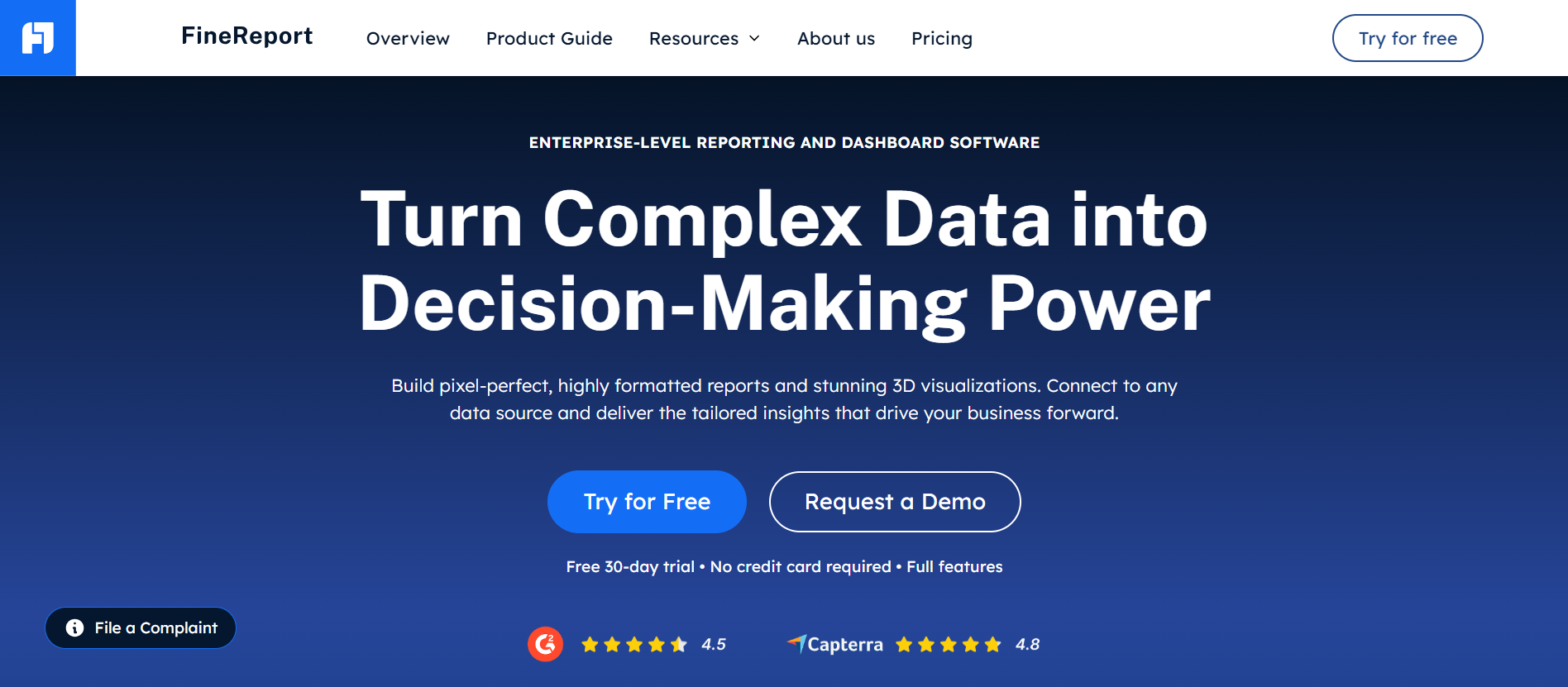
FineReport is different from CPM-first tools because it is positioned as an enterprise reporting platform rather than a consolidation suite. For finance teams, it is especially relevant when the problem is producing highly formatted, reusable, distributable financial reports and management packs across the organization.
Where it stands out
Supports pixel-perfect report design for formatted statements and board-ready outputs
Handles paginated and printable reports well
Enables parameter queries, so users can filter by period, entity, region, department, or scenario
OneStream is commonly considered by large enterprises that want a unified performance management and financial consolidation environment. It is especially relevant when consolidation complexity is high and reporting must align with structured controls.
Where it stands out
Strong fit for multi-entity consolidation
Good support for governed reporting processes
Suitable for organizations that want reporting tied closely to broader finance performance management
Potential trade-offs
Implementation can be substantial
May be more platform than smaller teams need
Usually best suited to more mature finance operating models
Workiva
Workiva is often associated with controlled, collaborative reporting environments, especially where finance teams need strong auditability, linked data, review workflows, and support for disclosure-related processes.
Where it stands out
Strong collaboration and review controls
Audit trail and linked reporting capabilities are often attractive to finance and compliance teams
Useful for teams that need to coordinate many contributors and reviewers
Potential trade-offs
May be more process-oriented than some teams need for routine internal reporting
Best value often appears when governance and formal review matter significantly
Vena
Vena is a known option for finance teams that want to retain Excel familiarity while adding workflow, centralization, and stronger control. It often appeals to organizations modernizing reporting without abandoning spreadsheet-centered practices.
Teams still heavily dependent on spreadsheet logic may not simplify as much as expected
Best results depend on good template and process design
Workday Adaptive Planning
Workday Adaptive Planning is often strongest in planning, modeling, and connected finance processes, but it is also used for reporting in organizations that want planning and reporting tied together.
Where it stands out
Useful for organizations linking financial reporting with budgeting and forecasting
Strong dashboarding and modeling capabilities
Well suited to cloud-first finance teams
Potential trade-offs
Teams seeking highly formatted financial statement packs may need to assess output flexibility carefully
Best fit is often broader FP&A and planning, not only statement reporting
Prophix
Prophix is frequently evaluated by mid-market teams seeking automation for finance processes, recurring reporting, and improved control over reporting cycles.
Good fit for teams wanting stronger governance without jumping to the most complex enterprise platforms
Potential trade-offs
Organizations with very complex global consolidation or disclosure demands may require deeper specialization
Output and workflow fit should be tested against actual board and close requirements
insightsoftware
insightsoftware is commonly associated with finance reporting products, ERP-connected reporting, and add-ins that help teams build reports in familiar environments while improving data connectivity.
Where it stands out
Good fit for finance teams that want ERP-friendly reporting
Strong appeal for spreadsheet-based workflows
Useful when users need controlled reporting without replacing all existing habits
Potential trade-offs
Product fit can vary depending on the specific insightsoftware solution under review
Teams should clarify whether they need add-in reporting, consolidation support, or broader finance workflow capabilities
Reporting automation and AI-assisted workflows
AI is now part of many software evaluations, but finance teams should separate useful automation from vague positioning.
Identify where AI helps in practice
In financial statement reporting, the most practical AI-assisted use cases usually include:
Variance explanations: Drafting first-pass commentary for changes in revenue, margin, expenses, or cash flow
Anomaly detection: Flagging unusual movements or exceptions for review
Narrative commentary: Assisting with management discussion drafts
Financial statement reporting software should not only make reporting faster. It should make reporting easier to defend.
Review version control, approvals, data lineage, and evidence collection
Finance leaders should assess whether the software supports:
Version history for reports and narratives
Approval routing and sign-off tracking
Traceability from report line item back to source data
Comment and evidence capture for reviewers and auditors
Controlled access to sensitive reports and schedules
These capabilities become more important as the business grows or audit expectations increase.
Assess whether the system supports consistent outputs across close, consolidation, and disclosure processes
A common reporting weakness is inconsistency between close outputs, management reporting, and external reporting preparation. The best-fit software helps standardize data definitions, templates, and review controls across the process.
For enterprise teams, this often matters as much as report speed.
Integrations, add-ins, and finance team usability
Finance software succeeds when accounting and finance users can actually operate it without constant technical intervention.
Check ERP, GL, and FP&A integrations, plus Excel or spreadsheet add-ins
Can finance teams preserve some Excel-based analysis where needed?
Is there support for pulling data into standardized templates?
Can reports be refreshed and distributed without manual effort?
Integration quality often determines whether the software becomes a trusted monthly reporting tool or just another layer on top of existing manual work.
Evaluate ease of adoption for controllers, CFOs, and accounting teams with limited technical resources
These tools can be a better fit than large enterprise suites when the reporting process is still relatively lean.
Best for mid-market and multi-entity organizations
Mid-market and multi-entity companies often need:
Consolidation support
Intercompany handling
Better approvals
Recurring board and management packs
Standardized reporting across business units
Best-fit options often include:
Vena
Prophix
Workday Adaptive Planning in planning-centered organizations
FineReport where highly formatted reports, scheduled packs, and cross-functional reporting are especially important
This segment often benefits most from balancing control with finance-user usability.
Best for enterprise finance functions
Enterprise finance functions usually need:
Governance and scale
Complex workflows
Multi-entity and multi-currency handling
Strong permissions
Audit support
Consistent outputs across large stakeholder groups
Best-fit options often include:
OneStream
Workiva
Workday Adaptive Planning
FineReport as a strong reporting layer where formatted enterprise reporting, dashboards, parameterized reports, and workflow-driven output distribution matter
The right enterprise choice depends on whether the dominant pain point is consolidation, disclosure control, planning integration, or report production and distribution.
How to choose the right tool for your reporting process
Choosing financial statement reporting software starts with mapping your real reporting process, not your ideal one.
Questions to ask before buying
Ask these questions before any demo shortlist:
What reporting outputs are required each month, quarter, and year-end?
List all key outputs, such as:
Income statement
Balance sheet
Cash flow statement
Entity packs
Department reports
Board books
Audit support schedules
Disclosure support documents
A tool that handles dashboards well may still fall short on recurring statement packages.
How much of the process still depends on spreadsheets and manual reconciliations?
This reveals where software can create the most value. If your team still spends days on copy-paste work, broken links, manual commentary, and version confusion, automation and workflow matter more than advanced visuals.
Which stakeholders need self-service access, review rights, or approval controls?
Not everyone needs the same access. Clarify the needs of:
CFO and executive reviewers
Controllers and finance managers
Accounting team members
Auditors
Business unit leaders
Permissions and approval design should reflect the actual governance model.
Common mistakes to avoid
Choosing based on dashboards alone instead of close and reporting workflow needs
Dashboards are useful, but financial statement reporting is often about consistency, format, approvals, traceability, and recurring delivery. A visually strong tool is not always a strong finance reporting tool.
Underestimating implementation complexity, data mapping, and change management
Even good software can disappoint if data structures, ownership, and workflow design are not addressed early. Finance teams should plan for report inventory, data mapping, review rules, and user adoption.
Ignoring total cost, support quality, and future reporting requirements
A low-friction initial purchase can become expensive if the platform does not scale with entity growth, governance needs, or new reporting demands.
Practical recommendations for finance teams evaluating software
Here are five practical recommendations from a reporting and finance process perspective:
Start with the reporting pack, not the product demo. Bring your actual monthly and quarterly outputs into the evaluation process.
Separate dashboard needs from statement reporting needs. Many tools do one better than the other.
Test reviewer workflows early. Controllers and CFOs care about approvals, comments, changes, and traceability as much as report design.
Check distribution and recurrence. If the software cannot automate recurring board packs and management reports, manual work will remain.
Assess future reporting scope. Choose a tool that can support not only today’s financial statements, but also broader management, operational, and cross-department reporting if your organization is growing.
When FineReport is a good fit for financial statement reporting software
Tools like OneStream, Workiva, Vena, Prophix, and Workday Adaptive Planning are widely used across finance for consolidation, planning, or controlled reporting. But teams with complex reporting workflows may also need a dedicated enterprise reporting platform like FineReport.
FineReport is especially relevant when the finance challenge is not only consolidating data, but also producing highly formatted, repeatable, printable, and distributable reports for different stakeholders.
Parameter-driven reports by entity, period, department, cost center, or region
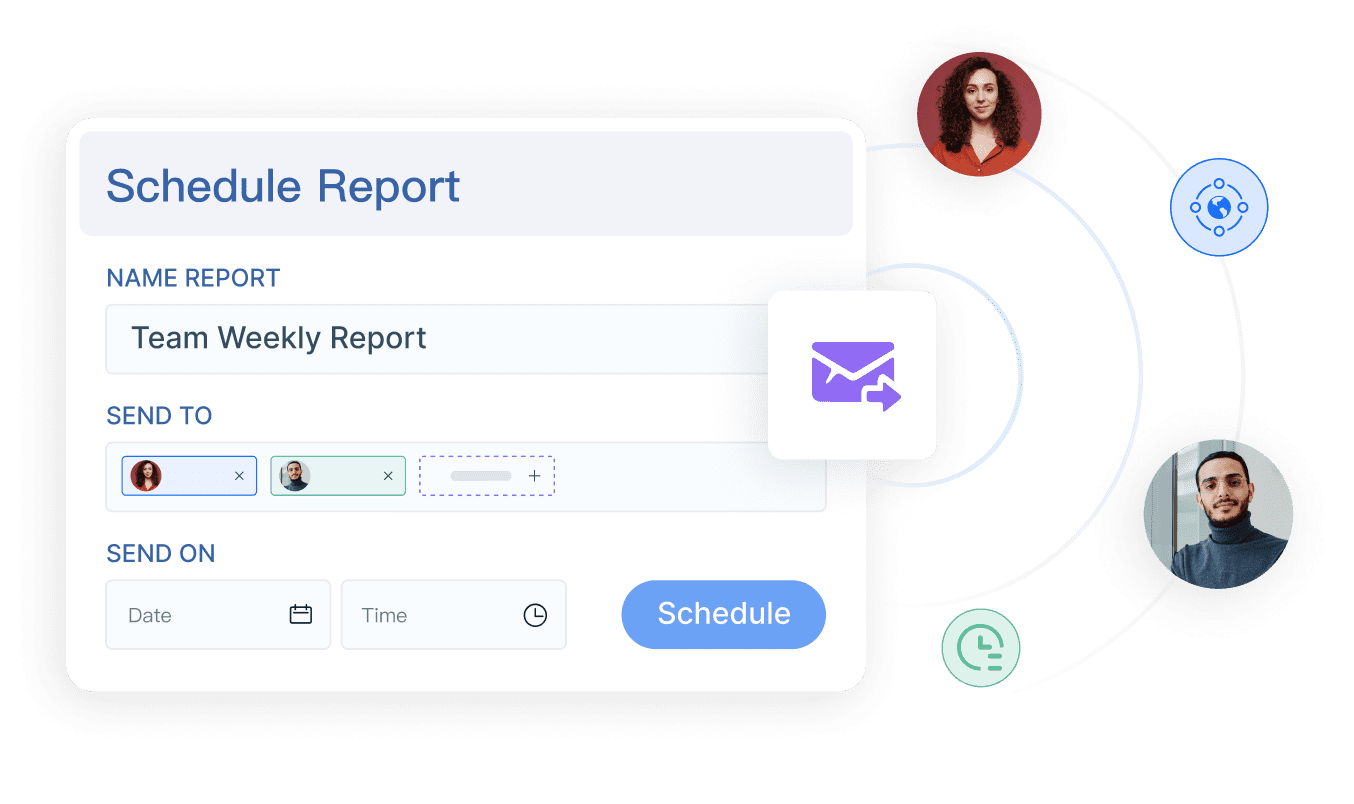
Scheduled report delivery to recurring stakeholder groups
Dashboards linked to underlying detailed statements
Data entry and workflow forms for reporting collection or operational follow-up
Cross-functional reporting that combines finance data with sales, operations, or management views
That makes it useful for organizations building a broader reporting layer across finance and business teams, especially when format, distribution, and recurring governance matter.
Why this matters in practice
A finance team may already have a planning or consolidation platform, yet still struggle with:
Final report formatting
Board-pack assembly
Departmental pack distribution
Parameterized recurring statements
Combining summary dashboards with drill-down tabular reports
Standardized report delivery across multiple user groups
In those cases, FineReport can be evaluated as a practical reporting solution for the output and workflow layer.
Get Ready-to-Use Dashboard and Report Templates in Fine Gallery
Final verdict: which software is worth it in 2026?
There is no single best financial statement reporting software for every finance team in 2026. The strongest option depends on your company size, reporting complexity, and process maturity.
Best choices by team profile
For small and growing businesses: prioritize usability, lower admin effort, and recurring monthly reporting. Prophix, Vena, or insightsoftware-style solutions may fit well.
For mid-market and multi-entity teams: focus on consolidation support, approvals, recurring reporting packs, and finance-user adoption. Vena, Prophix, Workday Adaptive Planning, and FineReport may be worth close evaluation depending on the process.
For enterprise finance functions: prioritize governance, scalability, review control, and consistency across reporting cycles. OneStream and Workiva are often strong contenders, while FineReport is highly relevant where enterprise reporting output, formatted reports, scheduling, and integrated reporting workflows are key.
How to balance speed, control, and audit readiness
The right buying decision usually comes down to three trade-offs:
Speed: Can the tool reduce recurring manual work?
Control: Can you standardize outputs, approvals, and reviewer access?
Audit readiness: Can you explain where numbers came from and how they were reviewed?
If your finance team needs a platform focused on polished, reusable, operationally deployable reports rather than only dashboards, FineReport is worth considering alongside more traditional finance reporting and CPM tools.
Financial statement reporting software helps finance teams produce income statements, balance sheets, cash flow statements, and management packs with better accuracy, control, and speed. It also supports workflows around approvals, audit trails, scheduling, and recurring reporting.
Start by matching the tool to your reporting complexity, entity structure, ERP environment, and reviewer workflow. The best choice depends on whether you need consolidation, disclosure control, Excel continuity, or highly formatted board-ready reports.
Not always, and many finance teams do not need a full replacement. Some platforms extend Excel with stronger controls and automation, while others move reporting into a more centralized environment.
The most important features usually include ERP and general ledger connectivity, audit trails, approvals, automation, multi-entity support, and polished printable outputs. Strong scheduling and secure distribution are also important for recurring monthly and quarterly reporting.
FineReport can be a strong fit for teams that need highly formatted statements, paginated reports, dashboards, parameter queries, and workflow-based reporting. It is especially useful when finance and business teams want recurring report packs with strong presentation control.
Product Trial
FineReport
Pixel-perfect reports · Interactive dashboards · Easy data entry · Digital twins


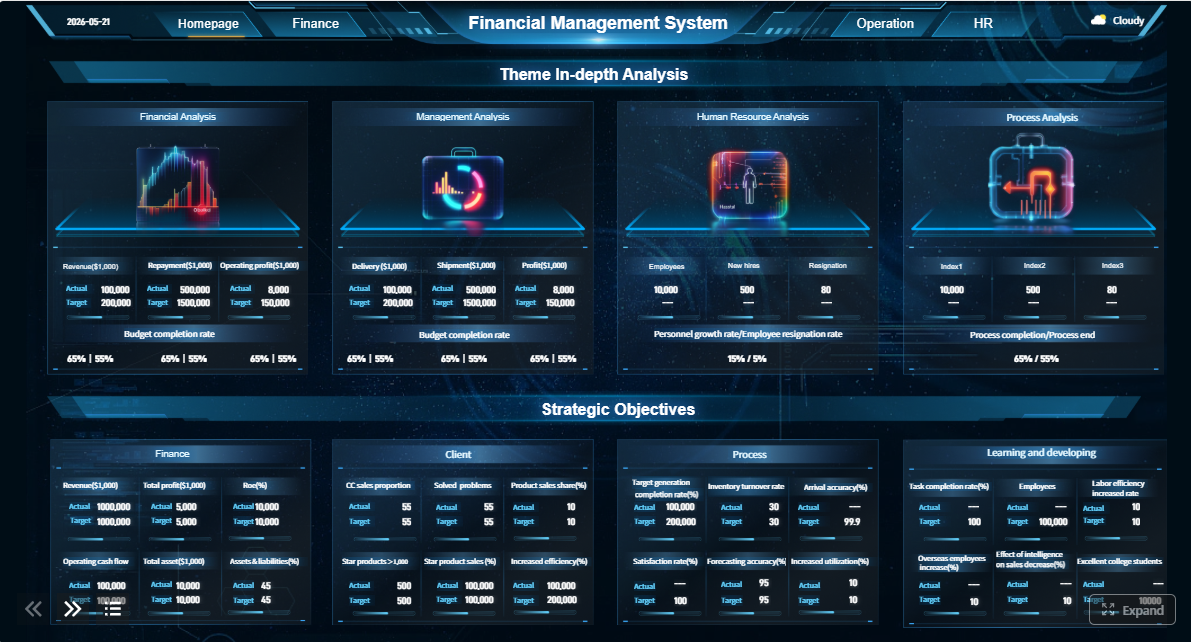
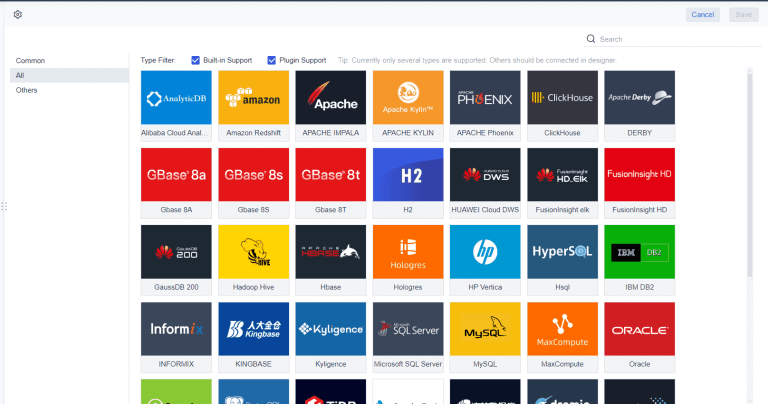
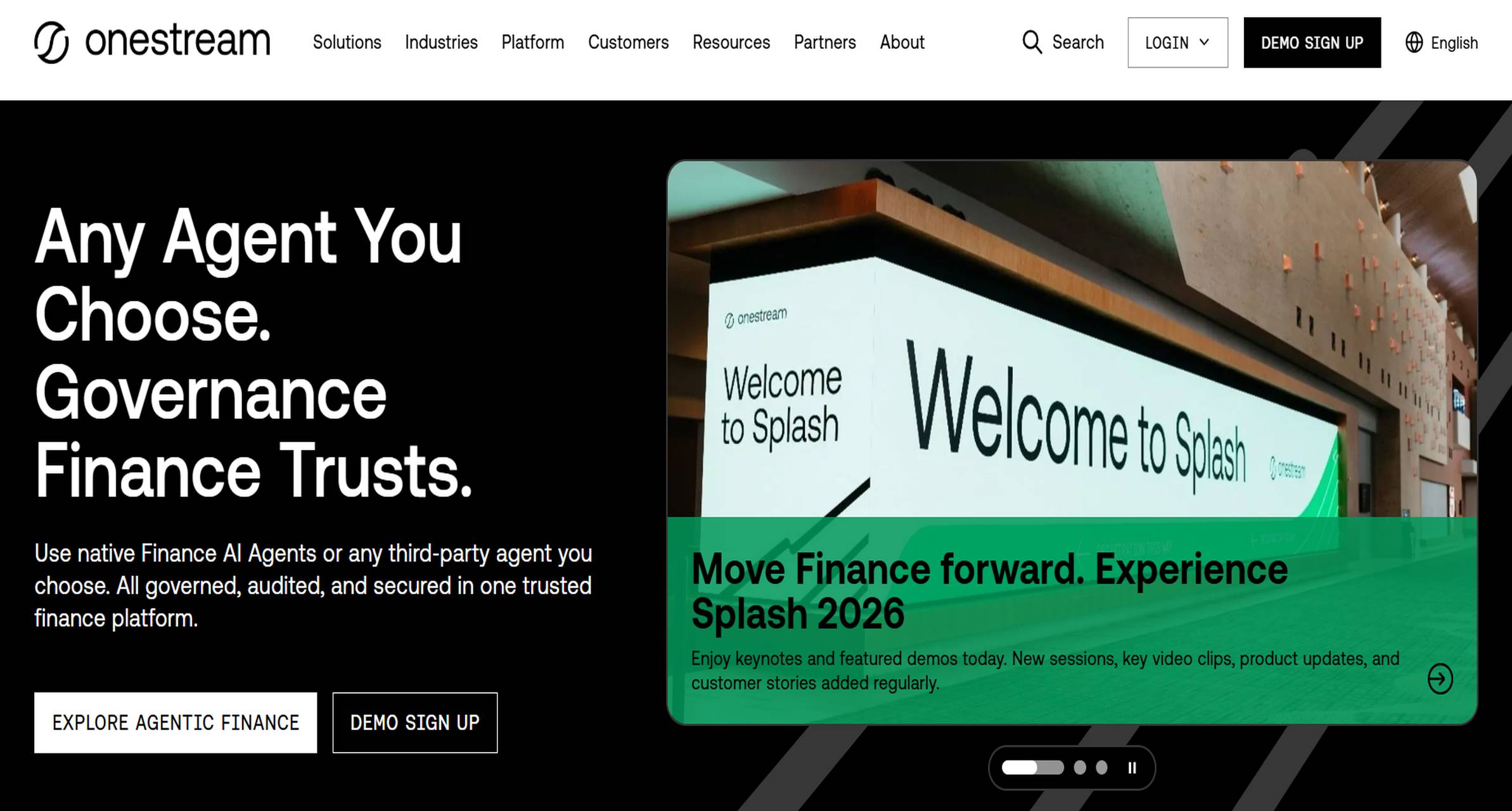 OneStream is commonly considered by large enterprises that want a unified performance management and financial consolidation environment. It is especially relevant when consolidation complexity is high and reporting must align with structured controls.
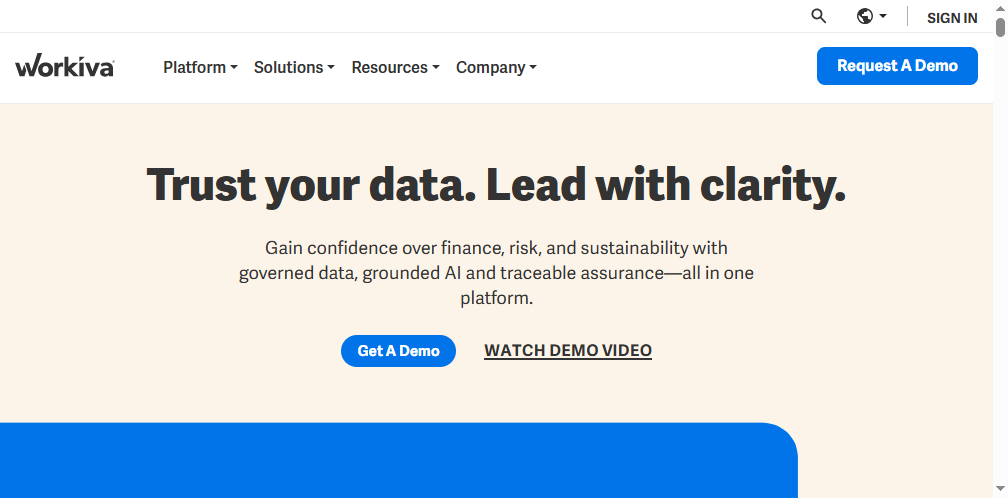 Workiva is often associated with controlled, collaborative reporting environments, especially where finance teams need strong auditability, linked data, review workflows, and support for disclosure-related processes.
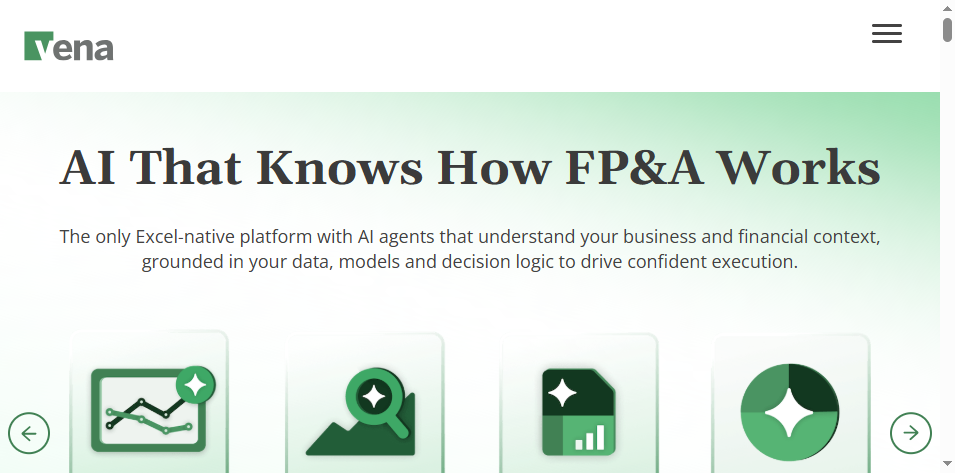 Vena is a known option for finance teams that want to retain Excel familiarity while adding workflow, centralization, and stronger control. It often appeals to organizations modernizing reporting without abandoning spreadsheet-centered practices.
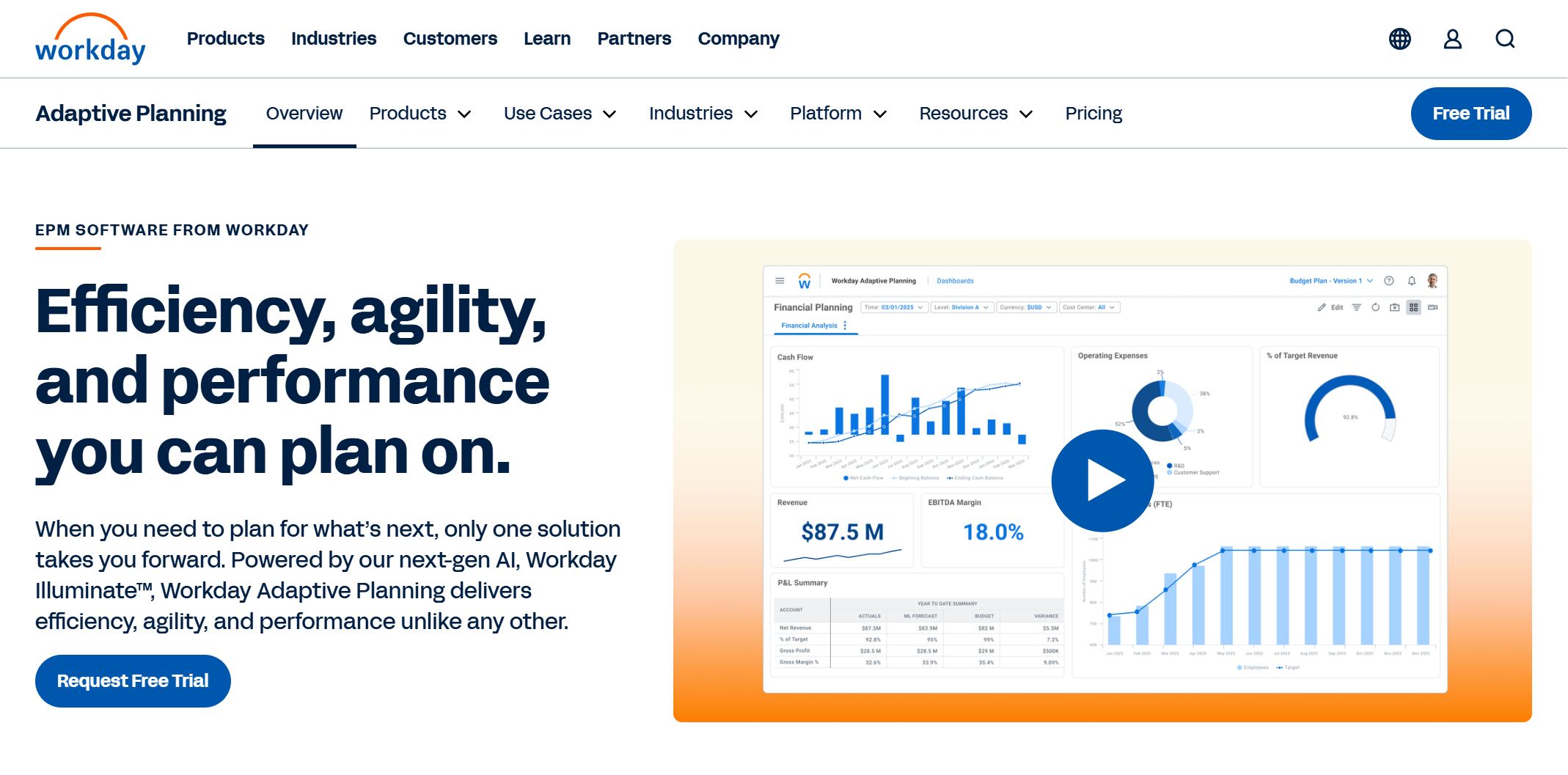 Workday Adaptive Planning is often strongest in planning, modeling, and connected finance processes, but it is also used for reporting in organizations that want planning and reporting tied together.
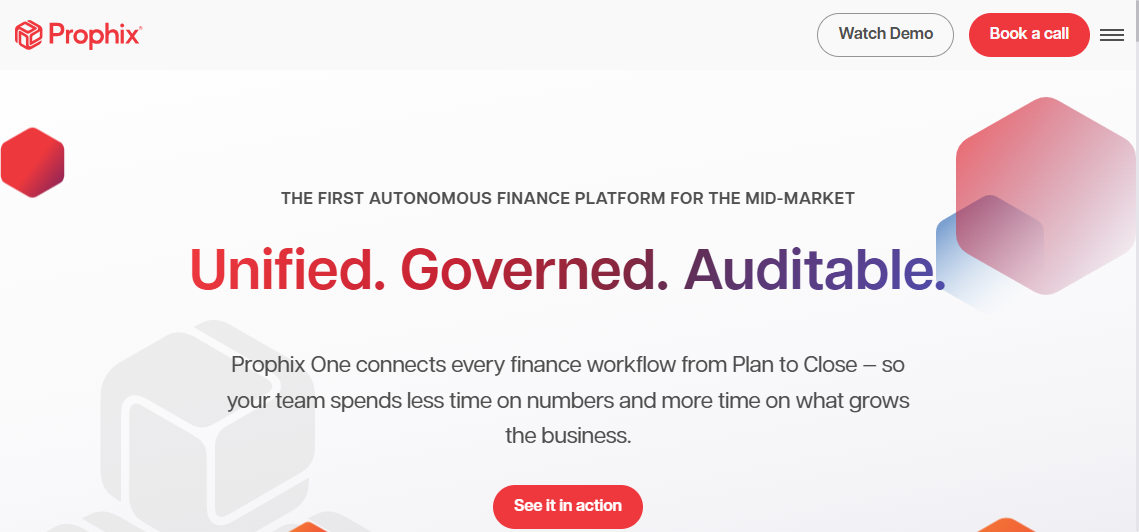 Prophix is frequently evaluated by mid-market teams seeking automation for finance processes, recurring reporting, and improved control over reporting cycles.
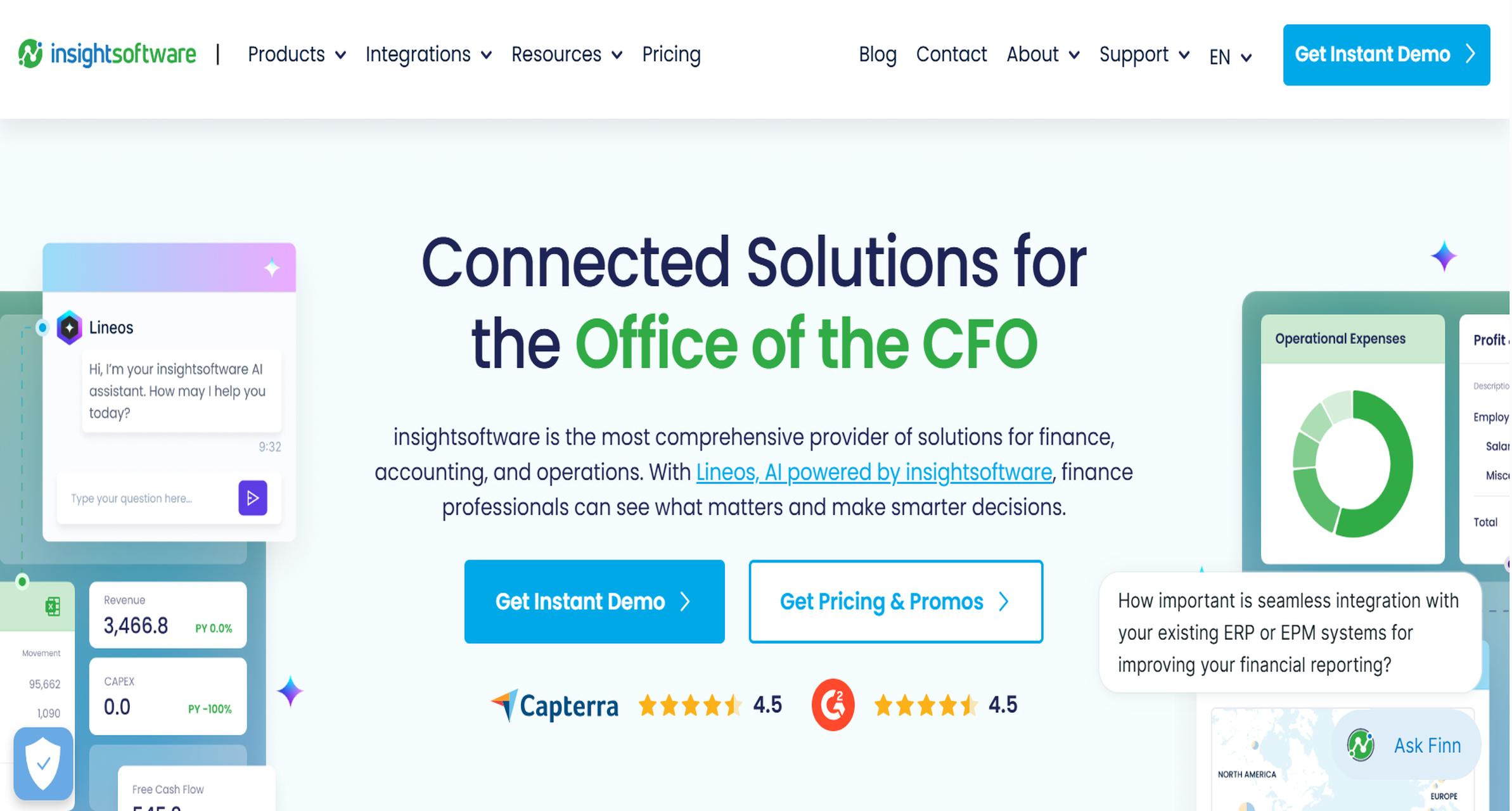 insightsoftware is commonly associated with