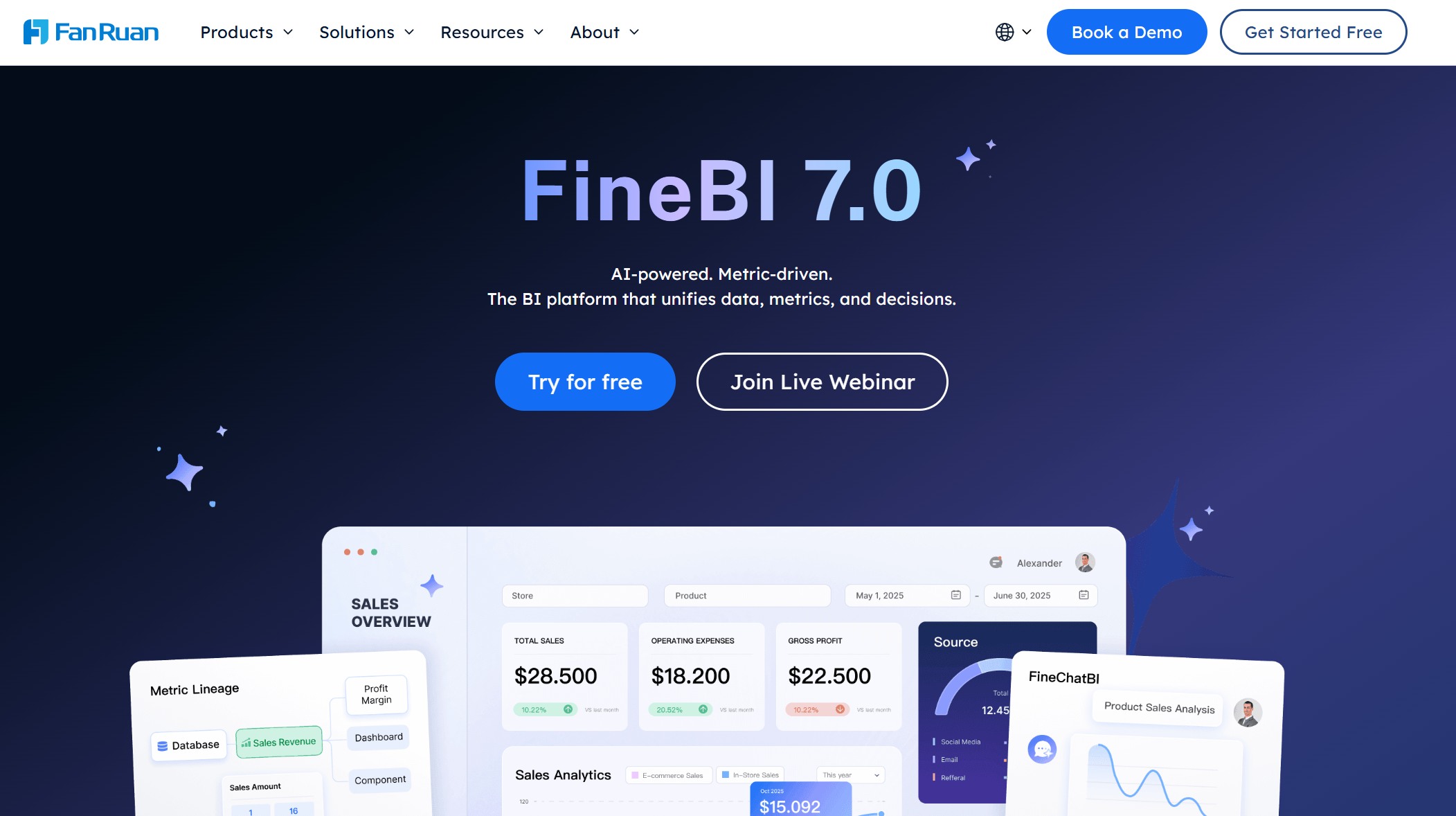
An OKR dashboard is a visual tool that helps you track objectives and key results, monitor progress, and align your team with business goals. You want to reach your goals faster and with less stress. The right OKR dashboard makes it easy to follow your OKR journey. FineBI gives you a simple dashboard for tracking OKR updates and sharing insights across your team. You get real-time feedback and a clear view of every OKR.
FineBI gives you a powerful yet simple way to manage your OKRs. You can connect data from over 60 sources, including databases, Excel files, and APIs. With its self-service analytics, you drag and drop charts to build dashboards that show your objectives and key results in real time. You don’t need to write code or wait for IT.
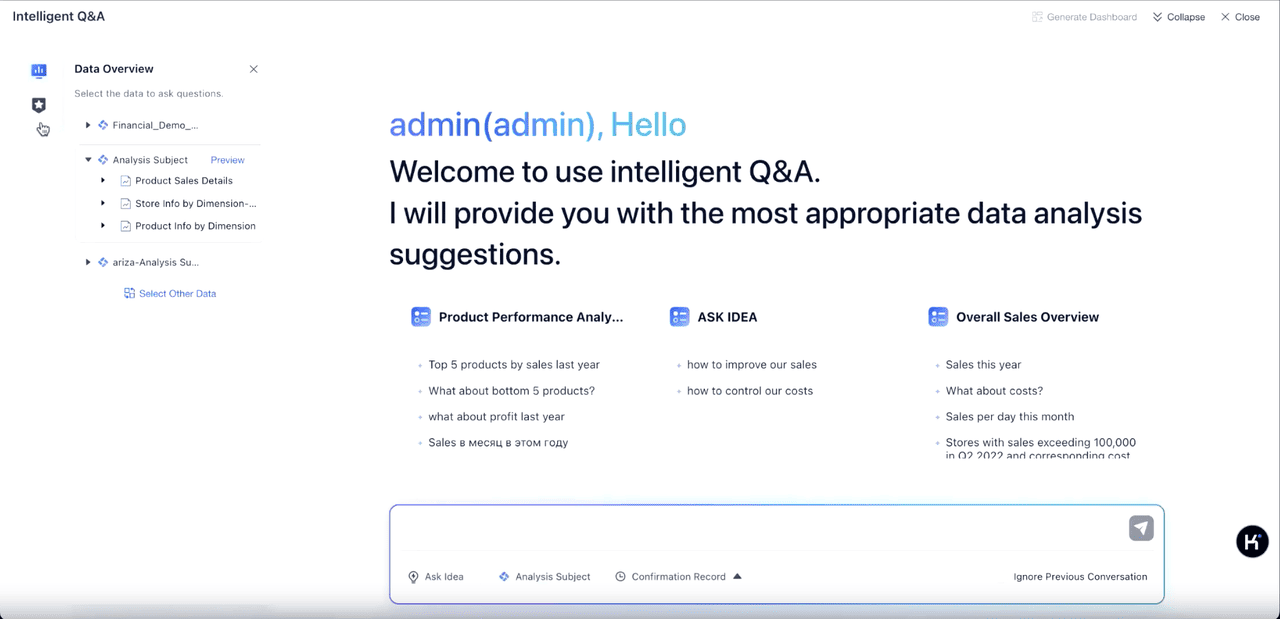
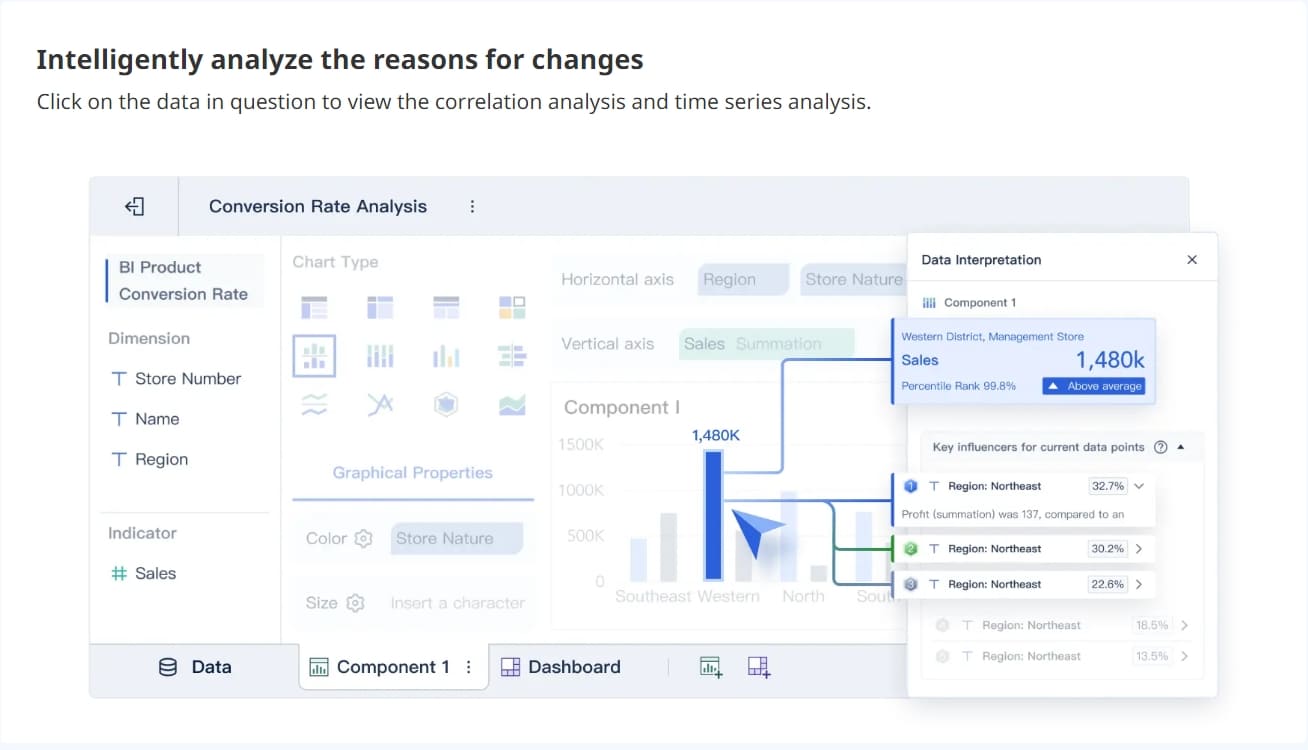
You can set up OKR dashboard templates that fit your business. These templates help you track progress, spot trends, and share updates with your team. FineBI’s dashboards update automatically, so you always see the latest numbers. You can filter data, drill down for details, and even use AI-powered tools to get deeper insights.
AI-powered tool of FineBI
Collaboration is easy. You can share dashboards with your team, set role-based permissions, and work together on the same OKR tracker. FineBI works on any device, so you can check your goals at your desk or on the go.
FineBI's collaboration
Customer Story: BOE, a global leader in IoT and displays, used FineBI to unify their data and build a single source of truth for OKRs. They cut inventory costs by 5% and boosted operational efficiency by 50%. Their teams now use dashboards to compare performance across factories and make faster decisions.
In manufacturing, companies use FineBI to track OEE (Overall Equipment Effectiveness). With real-time dashboards, you can see where machines slow down and fix problems before they hurt production. This helps you hit your OKRs for uptime and quality.
FineBI makes OKR tracking simple, visual, and collaborative. You get the tools to reach your goals faster.
2.Gtmhub OKR Dashboard
Gtmhub stands out for its real-time OKR dashboard templates. You get up-to-the-minute updates on your key results and can spot bottlenecks before they slow you down. Gtmhub connects with your favorite tools and databases, so your OKR tracker always shows the latest data.
Here’s a quick look at what you get:
Core Functionality
Description
Real-Time Progress Tracking
See updates instantly and react quickly to changes.
Robust Integration with Tools
Connects with databases and feedback platforms for live data.
Customizable Dashboards
Visualize how KPIs affect your OKRs and prioritize fixes.
AI spots delays and suggests where to focus your efforts.
Alignment of Goals Across Teams
Cascading OKRs make sure everyone works toward the same objectives.
Collaboration Features
Teams can chat, share feedback, and stay in sync.
Scalability and Security
Grows with your team and keeps your data safe.
With Gtmhub, you can build OKR dashboard templates that fit your workflow. The platform helps you align teams, automate updates, and keep everyone focused on what matters.
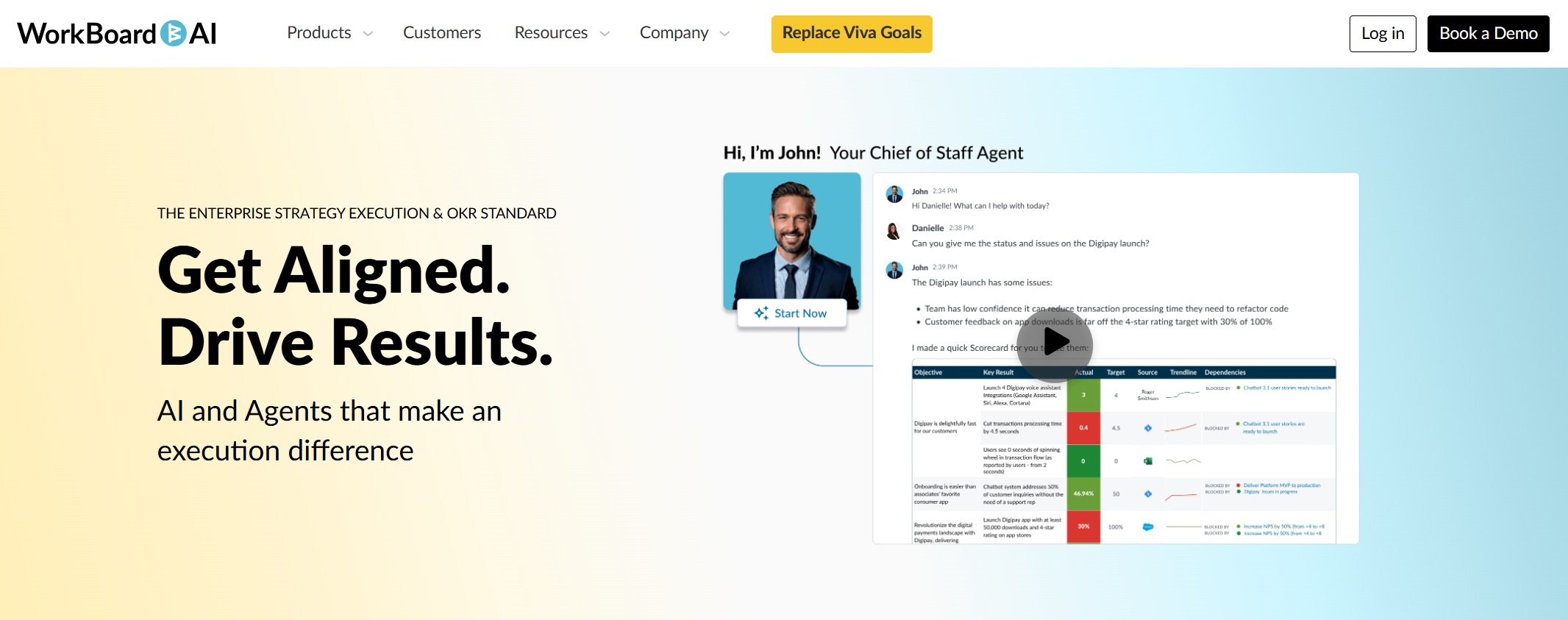
WorkBoard helps you align OKRs across your company. You can organize objectives, manage dependencies, and simplify meetings with one dashboard. WorkBoardAI even drafts OKRs for you, turning strategy into clear goals and key results.
Feature
Description
Align OKRs
Keep teams working toward the same objectives.
Simplify Meetings
Replace status meetings with a single dashboard view.
Manage Dependencies
Spot and manage cross-team dependencies.
AI Utilization
Let AI draft OKRs based on your strategy.
Transparency
See progress across all teams with scorecards and reviews.
Coaching
Get feedback and coaching to improve performance.
You can use the OKR Journey Center to learn, plan, launch, and improve your OKR process. WorkBoard makes it easy to measure progress, adjust key results, and keep improving. You get a clear OKR tracker that helps you reach your goals step by step.
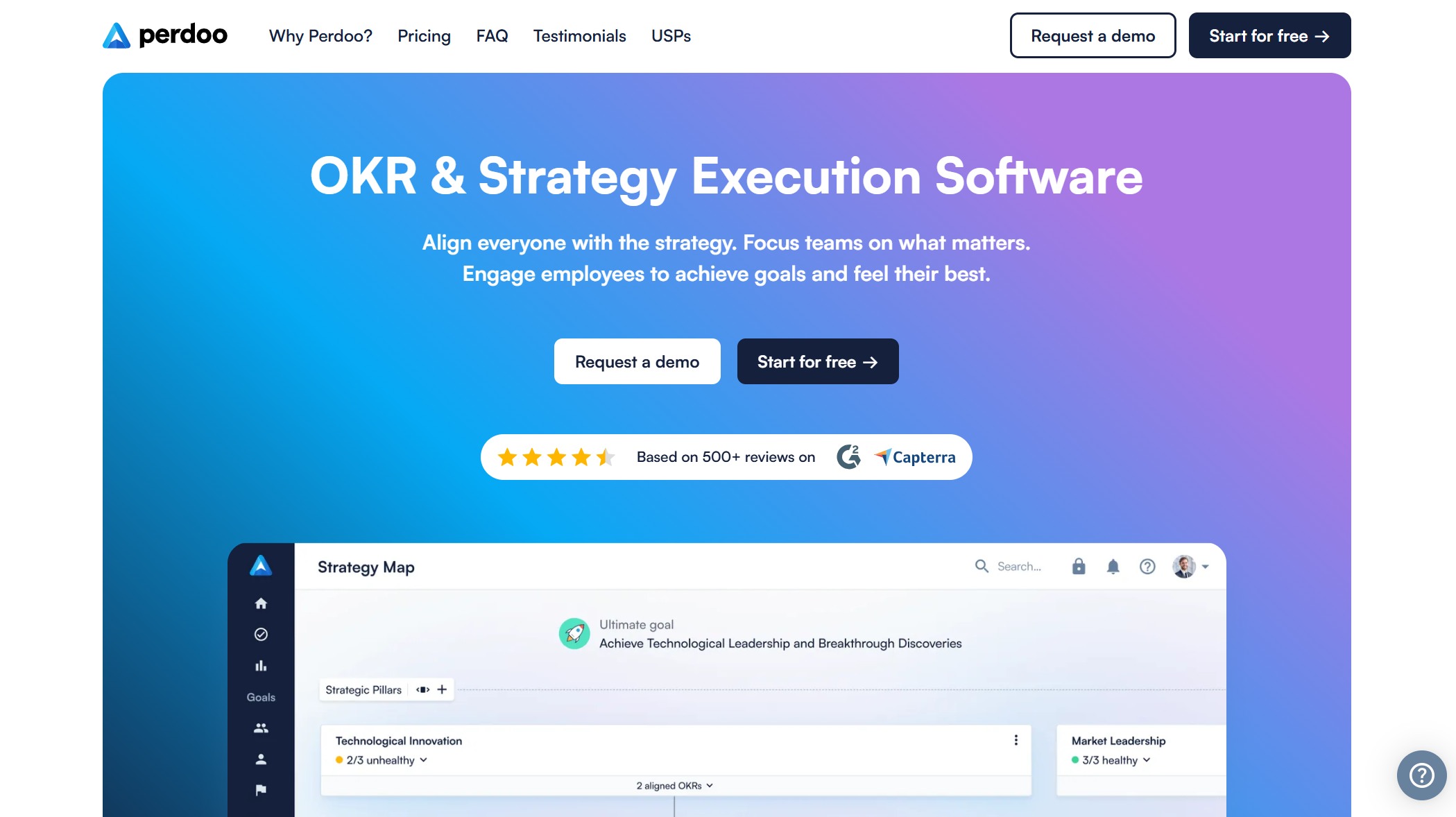
Perdoo gives you flexible OKR dashboard templates with strong integration features. You can connect Perdoo to Hubspot, Jira, Power BI, Slack, and Teams. This means your OKR tracker updates automatically as you work in other tools.
Integration Type
Description
Hubspot integration
KPIs and key results update from Hubspot automatically.
Jira integration
Progress on issues and epics in Jira syncs with your OKRs.
Power BI integration (two-way)
Power BI and Perdoo share data, so dashboards stay current.
Slack & Teams integrations
Update goals and reviews without leaving your chat app.
Mobile apps for iOS & Android
Track OKRs and submit reviews on your phone.
Engagement dashboards
See how engaged your team is with OKRs at a glance.
Localization
Use Perdoo in your preferred language.
Support for other frameworks
Try 4DX, Balanced Scorecard, EOS, OGSM, or OKR—customize as you like.
Perdoo’s OKR dashboard templates help you keep everyone involved and make sure your OKR tracker fits your workflow.
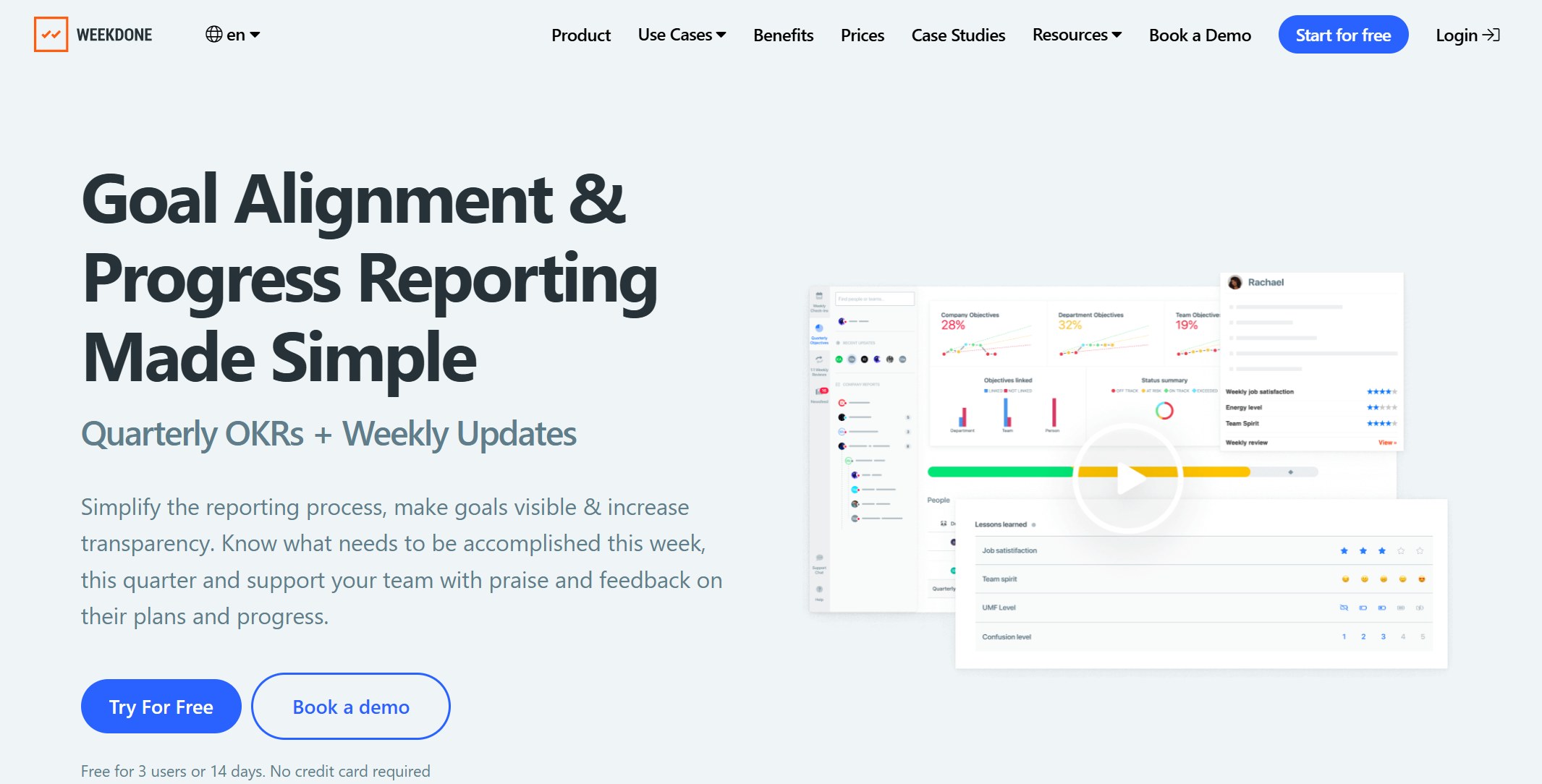
Weekdone focuses on team engagement and regular check-ins. You get OKR dashboard templates that tie weekly tasks to quarterly OKRs. The PPP (Plans, Progress, Problems) format keeps updates organized.
Feature
Description
Weekly update framework
Connects short-term tasks to long-term OKRs.
Structured PPP check-in format
Keeps updates clear and focused.
Team feeds
Show off wins and boost recognition.
Manager dashboards
Give leaders a real-time view of team progress.
Guided quarterly planning
Help teams set and align OKRs.
Visual progress indicators
Spot at-risk key results and act fast.
Weekdone’s dashboards let you see OKR status at a glance. You can track progress, align goals across teams, and make quick adjustments. Real-time data and visual tools make your OKR tracker easy to use.
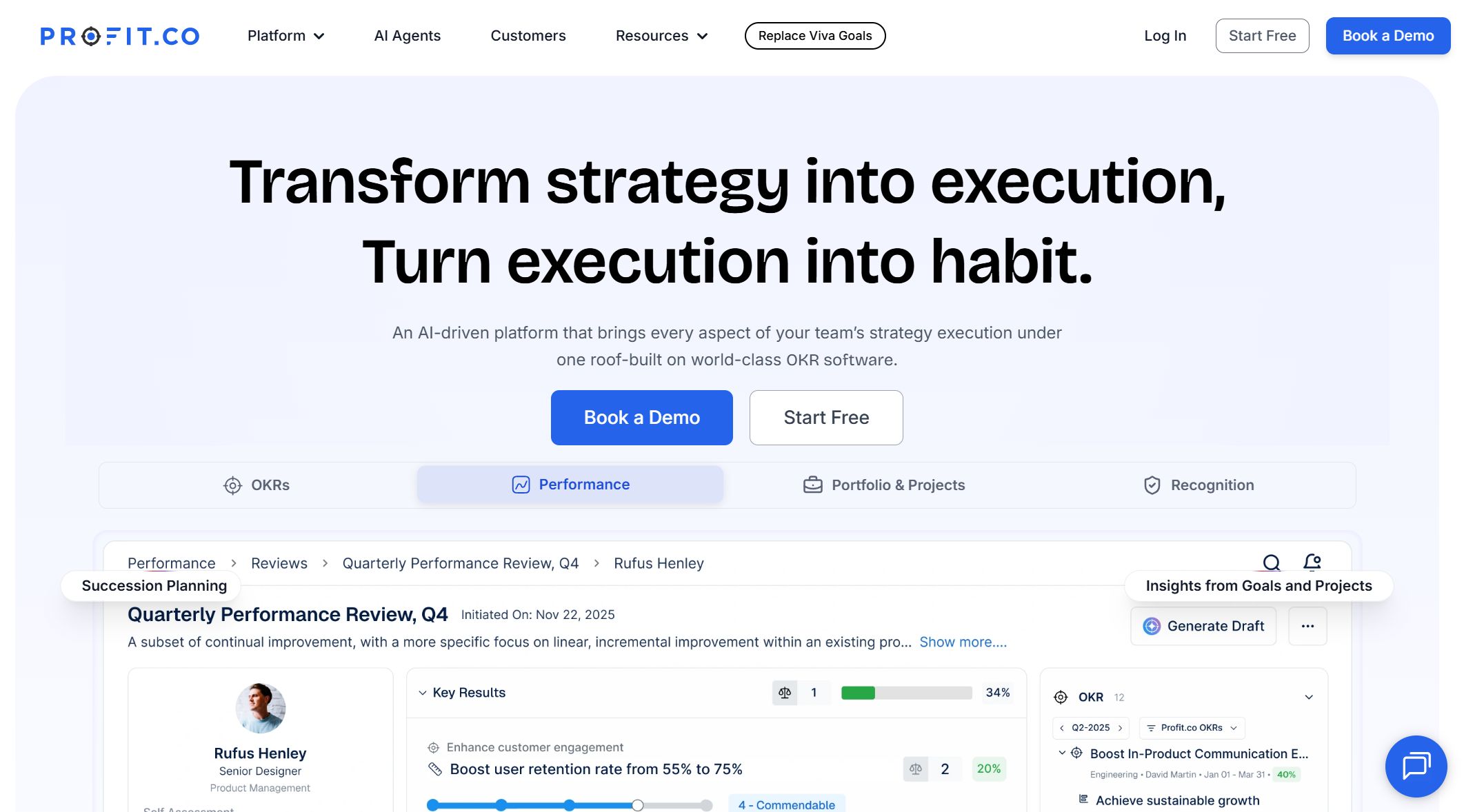
Profit.co offers advanced OKR dashboard templates with strong integration and analytics. You can connect to tools like Clio and Rocket Matter for seamless data flow. The dashboards give you real-time insights and predictive analytics, which is great for legal teams and other industries.
Integration Feature
Description
Native Integration
Connects with Clio and Rocket Matter for smooth workflows.
Advanced Dashboards
See OKR performance in real time with detailed analytics.
Predictive Analytics
Get forecasts and strategic advice based on your data.
Profit.co’s OKR tracker helps you stay ahead of problems and make smarter decisions.
7.Ally.io OKR Dashboard
Ally.io gives you a visual OKR dashboard that makes progress easy to see. You can connect to Google Analytics for extra insights and use anonymous feedback tools to keep communication open.
Feature
Description
Goal Progress Visualization
See how close you are to your objectives with clear visuals.
Integration with Google Analytics
Pull in website and user data for better decisions.
Anonymous Feedback Tools
Let employees share honest feedback to improve teamwork.
Ally.io’s OKR dashboard templates help you track key results, spot trends, and keep your team engaged.
8.Koan OKR Dashboard
Koan keeps OKR tracking simple and collaborative. You get lightweight OKR dashboard templates that make it easy to set goals, track progress, and keep everyone in the loop.
Key Features
Description
Lightweight OKR management
Track objectives and key results with ease.
Collaborative goal-setting
Involve your team in setting and updating goals.
Team-wide visibility into progress
Everyone can see how the team is doing.
Smart reminders and nudges
Stay on track with helpful prompts.
Templates and historical data
Use past data to plan better OKRs.
Koan’s OKR tracker boosts alignment and engagement. Teams can see each other’s goals, discuss progress, and stay accountable.
Koan helps teams align across departments, encourages open conversations, and makes sure everyone knows their role in reaching shared goals.
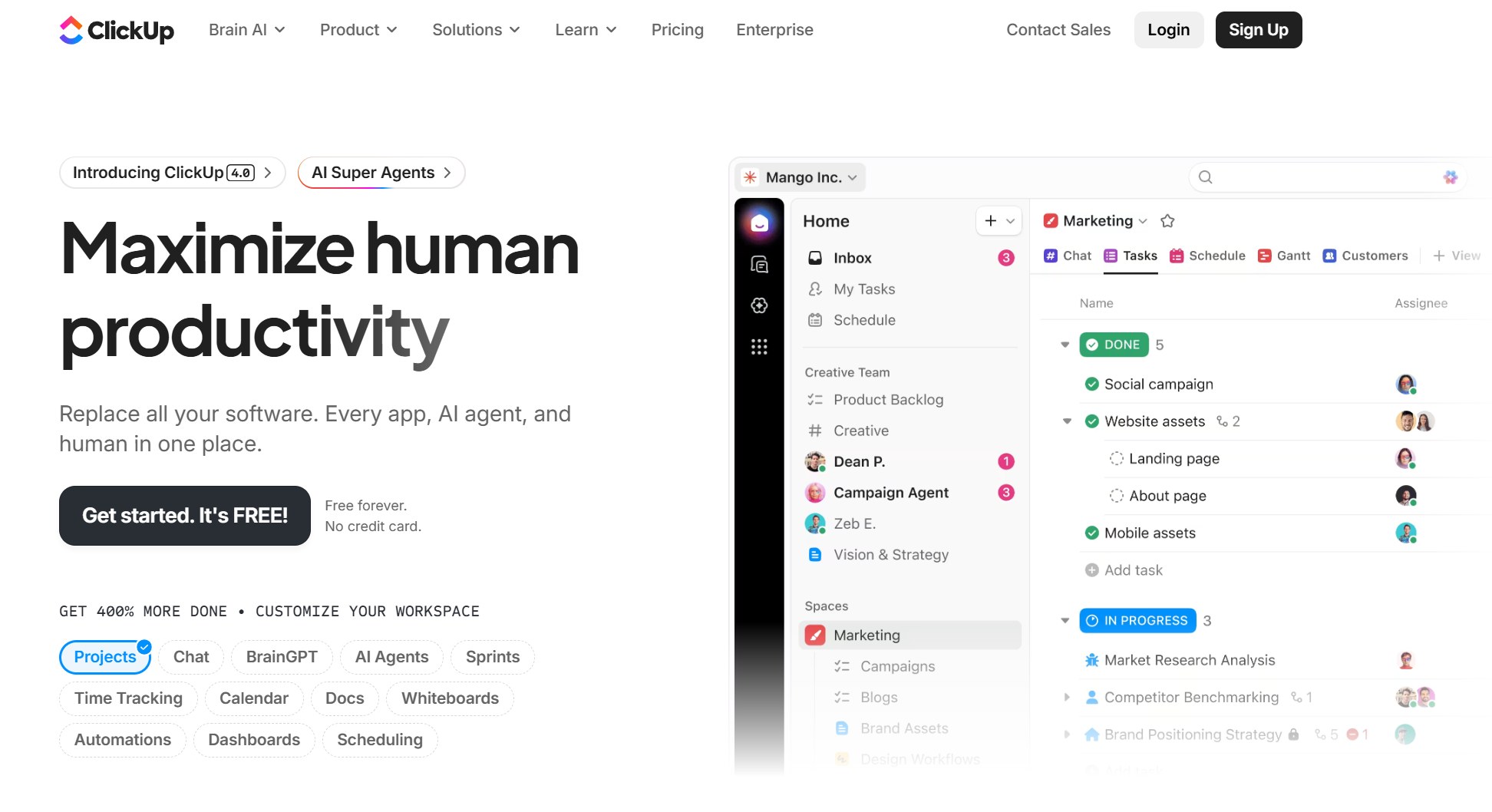
ClickUp gives you flexible OKR dashboard templates with over 50 widgets. You can customize dashboards, connect to apps like Slack, and track progress in real time. ClickUp Brain, the AI assistant, summarizes updates and highlights trends.
Feature
Description
Customization Options
Build dashboards your way with 50+ widgets.
Integration Capabilities
Connect to Slack, Everhour, Zapier, and more.
Real-time Progress Tracking
See live updates from all your ClickUp tools.
AI-driven Insights
Get automated summaries and spot bottlenecks fast.
ClickUp Goals let you break down key results and monitor progress visually. Sales teams use dashboards to track revenue and leads, while support teams can set goals like improving response time. The OKR tracker helps every team stay focused and hit their targets.
15Five gives you flexible OKR dashboard templates that adjust as your priorities change. You can track OKRs in real time, set goals together, and align individual objectives with company outcomes.
Functionality
Description
Create flexible objectives
Set quarterly or bi-annual OKRs and adjust as needed.
Real-time tracking
Watch progress live and keep teams focused.
Team collaboration
Set goals together for higher engagement.
Integration with other features
Use OKRs with other 15Five tools for better performance.
Goal alignment
Make sure everyone works toward the same company goals.
Regular feedback and adjustments
Keep communication open and adjust goals as work changes.
Research shows that flexible goals and team involvement lead to better performance and higher engagement. Managers who help align goals can boost productivity by over 50%.
15Five’s OKR tracker makes it easy to set, track, and adjust your goals as your business grows.
You now have a full list of OKR dashboard templates to choose from. Each dashboard offers unique features to help you track OKRs, align your team, and reach your goals faster.
What Makes an Effective OKR Dashboard
When you choose an OKR dashboard, you want something that makes your goals clear and easy to follow. Let’s break down the features that matter most.
Clear OKR Visualization
You need to see your objectives and key results at a glance. A good dashboard uses charts, graphs, and color-coded indicators so you can spot trends and track your OKRs without digging through spreadsheets. FineBI gives you drag-and-drop tools for building dashboards that show OKR visualisations in real time. You can filter data, drill down for details, and customize layouts to fit your team’s needs.
Here’s what industry experts say makes a dashboard effective:
Feature
Description
Easy-to-use interface
Lets you navigate quickly and reduces training time.
Clear, comprehensive dashboard
Shows individual and team OKR goals and progress visually.
Ability to track real-time progress
Keeps you updated on every step toward your goals.
Aligns with manager check-ins
Makes sure everyone’s priorities match the company’s direction.
Real-Time Progress Tracking
You want instant updates. Real-time progress tracking features help you adapt fast when things change. With FineBI, dashboards update automatically, so you always see the latest numbers. This keeps your team motivated and lets you catch problems early. Google uses real-time OKR dashboards to help teams stay agile and focused.
Real-time updates let you adjust strategies quickly.
You see performance instantly, which boosts ownership and motivation.
Early warnings help you fix roadblocks before they slow you down.
A strong dashboard connects to all your data sources. FineBI supports over 60 connectors, so you can pull in data from databases, Excel files, APIs, and more. This means your OKR tracker always shows the most current information. You get a complete view of your progress and can make decisions based on facts, not guesses.
User-Friendly Design
You want a dashboard that’s easy to use. Simple navigation and clear layouts help everyone on your team get involved. FineBI’s interface lets you build dashboards without coding, so you can focus on your OKRs instead of learning new software. Security features like role-based permissions keep your data safe while allowing collaboration.
Tip: Choose an OKR dashboard that updates in real time, connects to your favorite tools, and makes progress tracking simple. This helps you reach your goals faster.
FineBI for OKR Dashboard Success
Self-Service Analytics
You want an okr dashboard that lets you take control without waiting for IT. FineBI gives you self-service analytics, so you can build dashboards by dragging and dropping charts, tables, and indicators. You don’t need to know code. You just pick what you want to see and arrange it your way. Here’s a quick look at what you get:
Feature
Description
Connects to over 100 data sources
Bring in data from anywhere for your okr dashboard.
AI-driven predictive analytics
Forecast trends and spot risks before they happen.
Role-based access control
Share dashboards securely with your team.
Customizable dashboards
Tailor visualizations to match your okr tracker.
Real-time data updates
See instant changes as you work toward your goals.
Self-service analytics
Analyze data easily, even if you’re not technical.
Scalable for large datasets
Handle complex KPIs and big volumes of data.
Data Integration Capabilities
FineBI connects to databases, Excel files, APIs, and more. You can pull all your okr data into one dashboard. This means your okr tracker always shows the latest numbers. You get a complete view of your objectives and key results. BOE, a global tech leader, used FineBI to unify their data and build dashboards that helped them cut costs and boost efficiency. In manufacturing, companies use FineBI to track OEE and improve equipment performance with real-time dashboards.
Real-Time Collaboration
You can share dashboards with your team and work together on your okr tracker. FineBI lets you set permissions, so everyone sees what they need. You can comment, update, and review progress in real time. This keeps everyone focused and helps you reach your goals faster. Mobile access means you can check your dashboard anywhere.
Security and Access Control
FineBI keeps your data safe. You control who can view, edit, or share dashboards. Sensitive information stays protected with role-based permissions. You can trust your okr dashboard to keep your business secure while letting your team collaborate.
Tip: FineBI helps you track okr progress, share updates, and stay aligned with your team. You get a dashboard that’s simple, powerful, and built for success.
Practical OKR Dashboard Tips
Setting Up OKRs
Getting started with your okr dashboard is easier when you follow a few simple steps. Start by defining what you want to achieve. Set a clear time frame for each objective. List out key results that you can measure. Make sure your okrs match your company’s main goals. Work with your team to set these okrs together. Try to keep your list short—three to five okrs work best. When you keep things measurable and transparent, everyone knows what success looks like.
Tracking okrs is vital. It’s the only way to know if you are hitting each milestone and if you are on track to reach your main objective. A professional okr tracker template brings all your objectives and key results into one place for real-time updates.
Visualizing Progress
A great dashboard helps you see how you’re doing at a glance. Use your okr tracker template to show objectives and key results with charts, bars, and color coding. This makes it easy to spot trends and see which goals need attention. Real-time updates let you react quickly when things change. When you use FineBI, you can drag and drop charts and set up filters for instant insights.
Immediate insights help you act fast.
A clear overview lets everyone check progress.
Transparency keeps your team accountable.
Reviewing and Adjusting OKRs
Don’t just set okrs and forget them. Use your okr tracker template to check in often. Review progress, talk about what’s working, and adjust your okrs if needed. Regular reviews help you catch problems early and keep your team focused on what matters most. FineBI makes it easy to update dashboards and share changes with everyone.
Engaging Teams
When you share your okr tracker template with your team, you build trust and boost motivation. Let everyone see the dashboard and give feedback. Celebrate wins and talk about challenges together. This keeps everyone involved and working toward the same goals. FineBI’s collaboration tools make it simple to share dashboards and keep everyone in sync.
Tip: Keep your okr tracker template simple, visual, and up to date. This helps your team stay focused and reach your goals faster.
You want to reach your goals faster and with less hassle. A dedicated okr dashboard helps you track progress, stay focused, and work better as a team. FineBI gives you an objectives and key result dashboard that is easy to use and keeps your data up to date. Try out the dashboards in this guide and see which one fits your needs best. Start optimizing your dashboard today and watch your goals become reality!
Product Trial
FineReport
Pixel-perfect reports · Interactive dashboards · Easy data entry · Digital twins
Access a wealth of case studies, industry insights, and solution guides to accelerate digital transformation.
FAQ
What is an OKR dashboard?
An OKR dashboard helps you track your goals and key results. You see progress in real time. You can spot problems early and keep your team focused on what matters most.
How do I choose the right OKR dashboard?
Look for a dashboard that is easy to use. Make sure it connects to your data sources. Check if it updates in real time. Pick one that fits your team’s workflow and helps you track objectives and key results.
Can I use an OKR dashboard for any team size?
Yes! You can use an OKR dashboard for small teams or large companies. Many dashboards scale as your team grows. You can set permissions so everyone sees what they need.
Do I need technical skills to set up an OKR dashboard?
No, you do not need to be a tech expert. Most dashboards let you drag and drop charts. You can build and share dashboards without writing code.
How often should I update my OKR dashboard?
Update your dashboard as often as your data changes. Many dashboards update automatically. Regular updates help you stay on track and reach your goals faster.