

FineReport is an enterprise reporting and dashboard platform that helps businesses turn expense, reimbursement, and spend data into highly customizable reports for faster financial analysis and decision-making.
10 best expense reporting software tools compared
Quick comparison table
| Tool | Pricing approach | Ideal company size | Standout strengths | Possible limitations | Deployment complexity |
|---|---|---|---|---|---|
| Zoho Expense | Free tier and per-user pricing | Small businesses to mid-market | Affordable, strong OCR, flexible workflows | Advanced enterprise governance is lighter than some larger suites | Low |
| Expensify | Free individual plan, paid business plans | Small teams to mid-market | Easy receipt capture, reimbursements, BYOC card support | Some organizations may want deeper native analytics | Low |
| Fyle | Quote-based / tiered plans | SMBs and growing companies | Fast card reconciliation, email/SMS capture, accounting sync | Less suited to very complex global programs than enterprise-first platforms | Low to medium |
| Rydoo | Per-user / quote-based | Growing companies with travel spend | Good mobile UX, mileage, international travel expense handling | Reporting depth may vary by plan | Low to medium |
| Emburse Spend | Quote-based | Mid-market and finance-led teams | Strong controls, virtual cards, policy enforcement | Can be more than smaller teams need | Medium |
| Webexpenses | Quote-based | Mid-market to enterprise | Configurable workflows, audit readiness, multi-country use | Setup can take longer than SMB tools | Medium |
| BILL Spend & Expense | Free and platform-based pricing | SMBs to mid-market | Cards, budgets, reimbursements, expense workflows in one place | Best value often depends on broader BILL ecosystem fit | Low to medium |
| Ramp | Free core platform, paid premium tiers | Startups to mid-market | Real-time controls, cards, spend visibility, automation | Better fit for card-centric workflows than reimbursement-only use cases | Low to medium |
| SAP Concur Expense | Quote-based | Mid-market to enterprise | Global scale, travel integration, policy depth, ERP connectivity | Higher cost and heavier implementation | High |
| FineReport | Custom pricing | Mid-market to enterprise finance and operations teams | Deep expense analytics, highly customizable reports, cross-system dashboards | Not a standalone expense capture tool, best paired with transaction/expense systems | Medium |
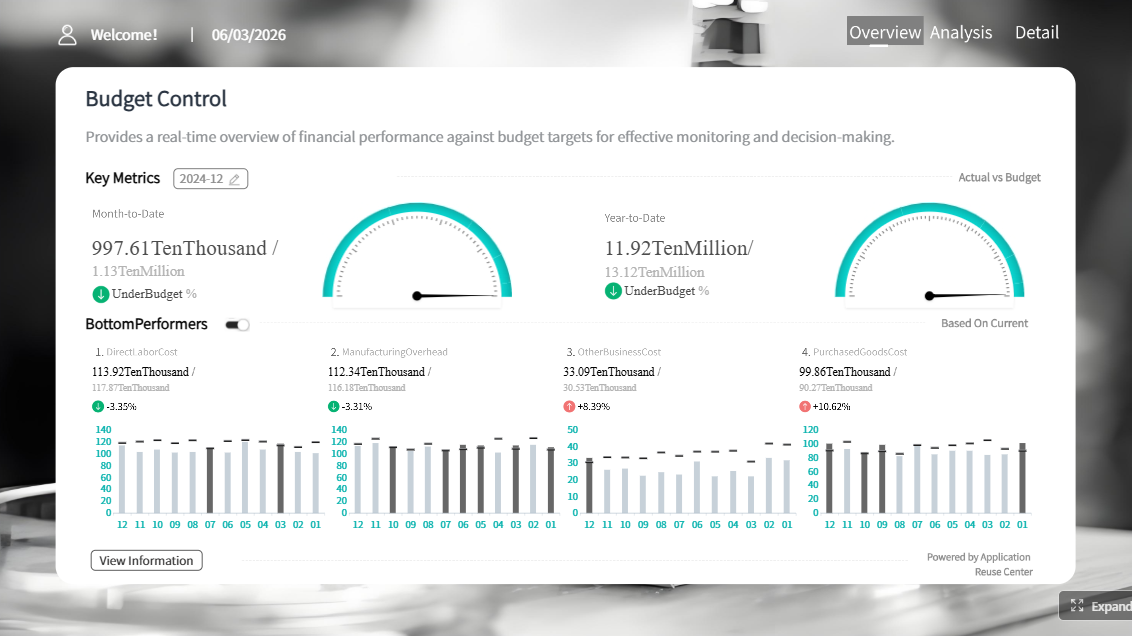 Click To Try The Dashboard
How the top tools were selected
To identify the best expense reporting software in 2026, the review focused on the capabilities buyers care about most in day-to-day finance operations:
- Receipt capture quality, including OCR accuracy, email forwarding, and mobile scan reliability
- Automated categorization and coding for faster month-end close
- Approval workflows for managers, finance, and multi-level policy checks
- Reimbursements and employee repayment options
- Policy controls such as spend limits, duplicate detection, and exception flagging
- Integrations with accounting software, ERP platforms, HR tools, and card programs
- Mobile usability for traveling and distributed employees
- Reporting depth for trend analysis, tax review, audit support, and management visibility
- Customer feedback themes, especially around ease of use, support responsiveness, and implementation experience
- Value for money, including free plans, pricing transparency, and whether advanced features require higher tiers
This list also reflects a practical reality: some tools are purpose-built for expense reporting, while others extend into spend management, travel, corporate cards, or analytics. That distinction matters because the right choice depends on whether your team mainly needs to submit receipts faster or govern spending at scale.
What makes the best expense reporting software in 2026
The best expense reporting software in 2026 does more than digitize receipts. It reduces manual work, enforces policy consistently, speeds reimbursement, and gives finance teams usable reporting instead of disconnected transaction logs.
Core evaluation criteria include:
- Receipt capture: Mobile photo scanning, email forwarding, card-feed imports, and OCR extraction
- Automated categorization: Suggested GL coding, merchant recognition, tax handling, and duplicate detection
- Approvals: Multi-step routing by manager, department, amount, entity, or exception type
- Reimbursements: Fast employee repayment with clear status tracking
- Policy controls: Spend rules, category caps, mileage rules, and audit flags
- Integrations: QuickBooks, Xero, NetSuite, Sage Intacct, ERP systems, payroll, and HRIS connections
- Mobile usability: Easy submission, approval, and receipt handling on the go
- Reporting depth: Dashboards, trend breakdowns, export flexibility, and drill-down analysis
Business context matters just as much as feature lists. A 20-person business with occasional employee reimbursements usually needs simplicity and low admin overhead. A fast-growing multi-entity company may need approval chains, tax logic, and card controls. A global enterprise likely prioritizes audit readiness, ERP sync, travel workflows, and governance across currencies and subsidiaries.
It also helps to separate three related categories:
- Expense reporting software: Focused on capturing receipts, creating reports, routing approvals, and reimbursing employees
- Expense management software: Broader than reporting; often includes policy controls, card reconciliation, and finance workflows
- Spend management platforms: The widest category; may combine cards, AP, procurement, budgets, reimbursements, and analytics
If your team already has strong accounting systems but weak visibility, pairing an expense platform with a reporting solution like FineReport can be especially effective. Instead of relying only on standard vendor dashboards, finance teams can build custom expense analysis by department, traveler, project, entity, reimbursement cycle, or policy exception trend.
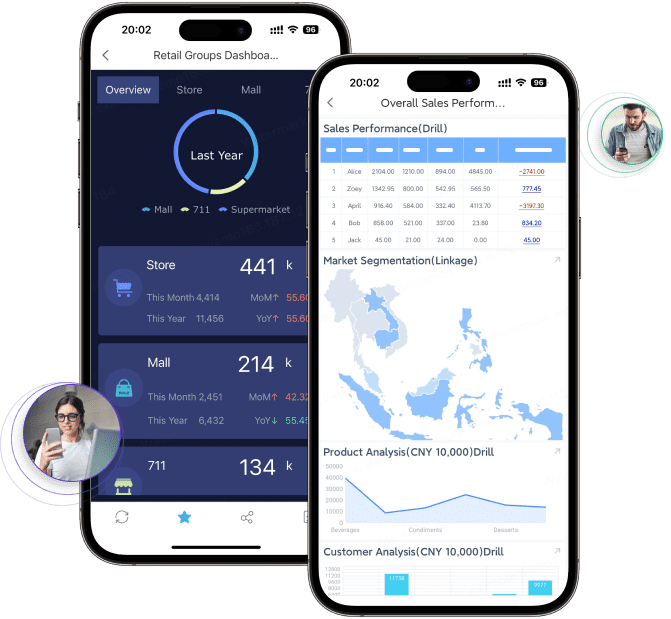
In-depth reviews of the top 10 tools
Best for small businesses and lean finance teams
1. FineReport

- One-sentence overview: FineReport is a powerful reporting and analytics platform that helps finance teams unify expense data from multiple systems into customized dashboards, statements, and management reports.
- Key Features
- Pixel-perfect report design
- Real-time dashboards for expense, reimbursement, and spend trends
- Integration with databases, ERP, accounting, and business systems
- Drill-down analysis by department, employee, project, or subsidiary
- Scheduled report distribution
- Data permissions and role-based access
- Mobile-friendly report access
- Pros & Cons
- Pros: Highly flexible reporting, excellent for cross-system expense analytics, strong fit for finance and operations reporting, useful for executive visibility
- Cons: Not a standalone receipt capture or reimbursement tool, so it works best alongside expense management software
- Best For (Target user/scenario): Enterprises and data-driven finance teams that need deeper expense reporting than standard software dashboards provide
FineReport deserves special attention because many organizations discover that expense platforms are good at collecting transactions but weaker at advanced analysis. FineReport fills that gap well. If your company wants to compare reimbursement cycle times by entity, identify policy violations by cost center, track travel expense inflation across regions, or blend expense data with budget and ERP figures, FineReport is a strong choice.
It is particularly useful when leadership wants one unified reporting layer across finance systems rather than separate dashboards inside each operational tool.
2. Zoho Expense
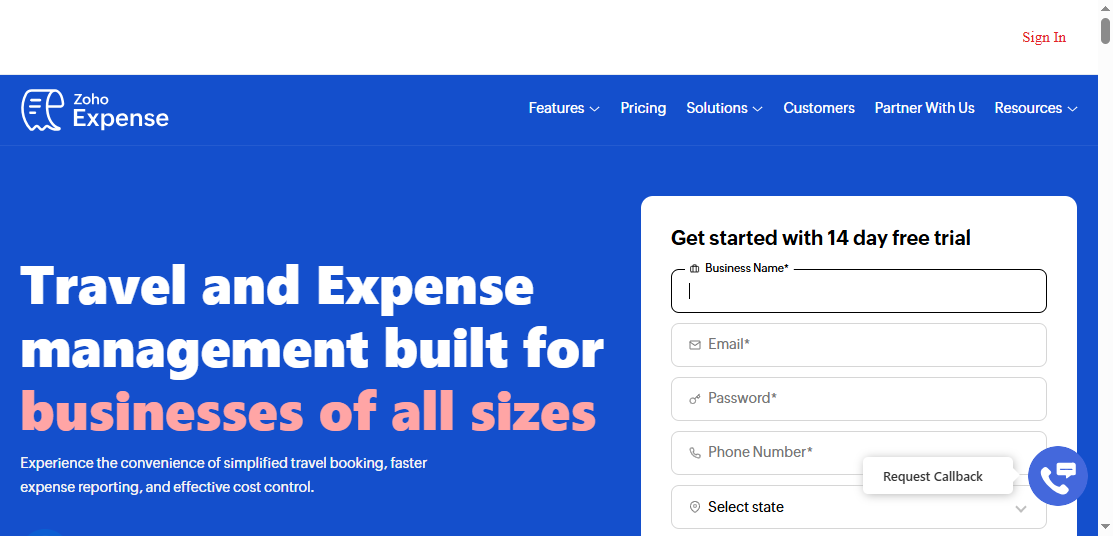
- One-sentence overview: Zoho Expense is a practical and affordable expense reporting platform that gives small businesses strong receipt capture, approvals, and reimbursement workflows without heavy setup.
- Key Features
- OCR receipt scanning
- Multi-level approval workflows
- Mileage tracking and per diem support
- Policy creation and rule-based controls
- Reimbursement workflows
- Accounting integrations
- Mobile app for employees and approvers
- Pros & Cons
- Pros: Competitive pricing, easy onboarding, useful automation for smaller teams, flexible enough for growing businesses
- Cons: Some enterprise-scale controls and analytics are less extensive than premium platforms
- Best For (Target user/scenario): Small businesses, startups, and budget-conscious teams that need reliable expense reporting without enterprise complexity
Zoho Expense consistently fits organizations that want a clean balance between usability and control. It handles the essentials well: receipt capture, categorization, approvals, travel-related expenses, and reimbursement processing. It is especially appealing for companies that already use other Zoho finance tools, though it also works independently.
3. Expensify
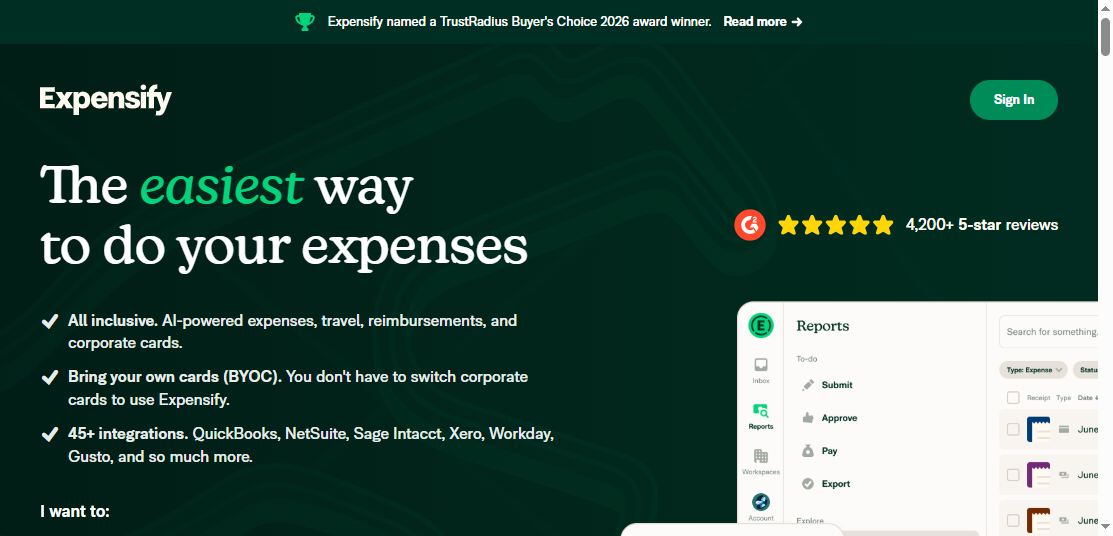
- One-sentence overview: Expensify is one of the easiest tools for receipt capture and reimbursement, making it a strong choice for small teams that want fast submission and minimal admin effort.
- Key Features
- Smart receipt scanning
- Email-forwarded receipt capture
- Mileage tracking
- Approval and reimbursement workflows
- Bring-your-own-card support
- Accounting integrations
- Mobile-first expense submission
- Pros & Cons
- Pros: Very intuitive user experience, fast setup, strong mobile app, useful for both individuals and teams
- Cons: Organizations with highly customized analytics needs may want a stronger external BI/reporting layer
- Best For (Target user/scenario): Small businesses, consulting teams, and companies that want easy employee adoption
Expensify remains a leading option in the best expense reporting software category because it removes friction from the employee side. Users can snap receipts, forward receipts by email, and submit quickly. For finance teams, that often translates into fewer missing receipts and faster reimbursement cycles.
4. Fyle
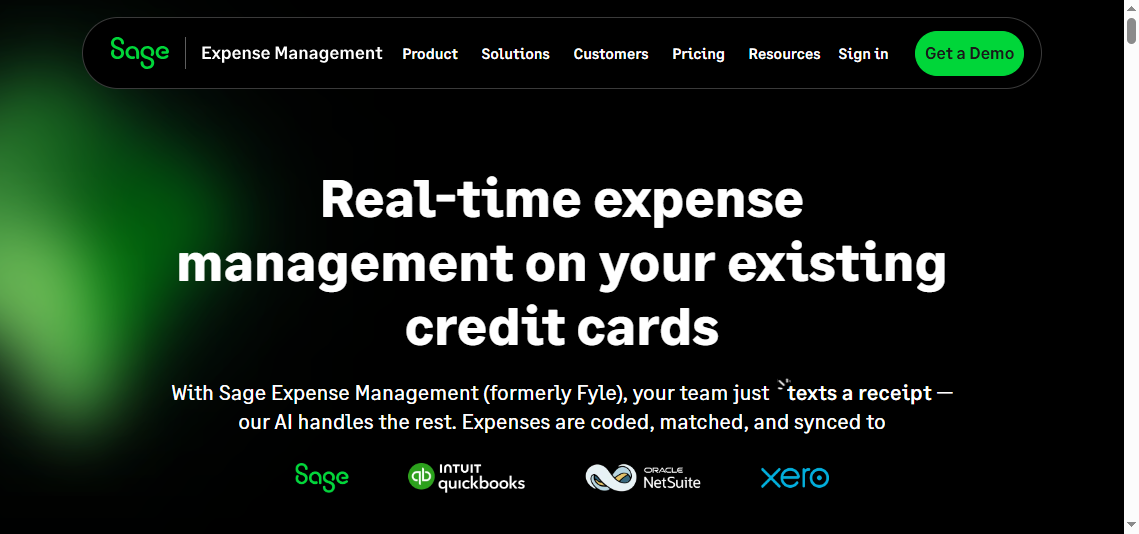
- One-sentence overview: Fyle is an automation-focused expense reporting tool that works well for lean finance teams that want strong reconciliation and flexible submission methods.
- Key Features
- Receipt capture from mobile, email, and card channels
- Real-time expense tracking
- Card reconciliation workflows
- Automated coding and accounting sync
- Approval routing
- Mileage support
- Pros & Cons
- Pros: Good automation, efficient reconciliation, flexible input methods, solid accounting alignment
- Cons: Brand familiarity is lower than larger incumbents, and enterprise-scale governance may be less extensive than global suites
- Best For (Target user/scenario): SMB finance teams that want less manual reconciliation and faster closes
Fyle stands out when finance teams care less about broad travel ecosystems and more about clean transaction handling, straightforward submission, and accounting accuracy.
Best for growing companies that need stronger controls
5. Rydoo
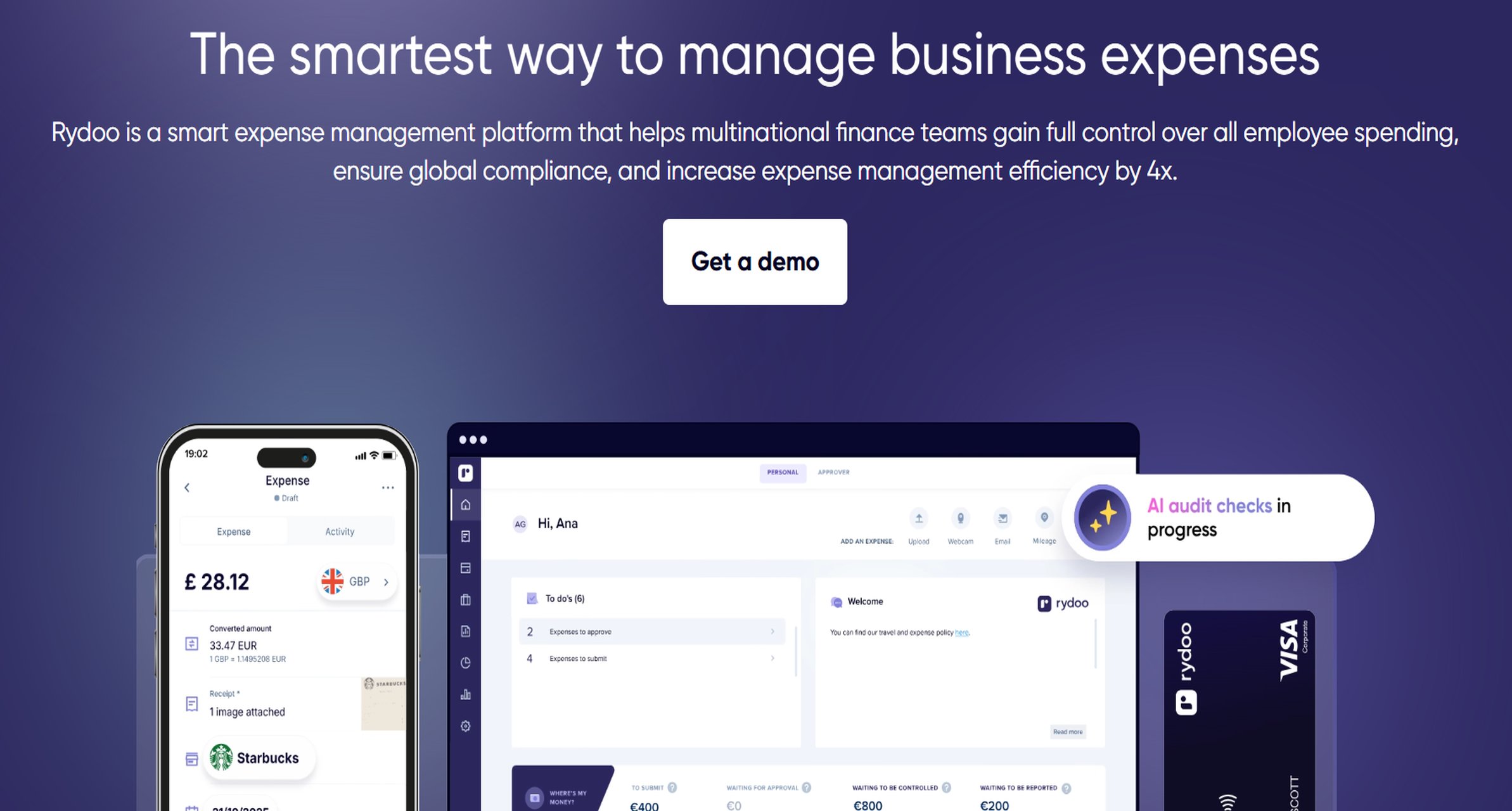
- One-sentence overview: Rydoo is a travel-friendly expense reporting platform designed for growing businesses that need better mobile usability, mileage support, and policy-aware workflows.
- Key Features
- Mobile receipt capture
- Travel and mileage expense handling
- Automated approval workflows
- Policy checks
- Reimbursement support
- International expense support
- Pros & Cons
- Pros: Strong mobile experience, good for traveling employees, helpful for international teams
- Cons: Some buyers may want deeper built-in analytics or broader spend modules
- Best For (Target user/scenario): Growing companies with field teams, traveling staff, or distributed operations
Rydoo is a good fit when employees are frequently on the move and expense submission speed matters. It reduces lag between purchase and reporting, which improves compliance and lowers the chance of lost receipts.
6. Emburse Spend

- One-sentence overview: Emburse Spend is a control-oriented platform that combines expense workflows with stronger policy governance and card-based spending oversight.
- Key Features
- Virtual and physical card support
- Policy enforcement
- Automated receipt matching
- Approval workflows
- Department and budget controls
- Integrations with accounting and finance systems
- Pros & Cons
- Pros: Strong controls, good for finance-led organizations, useful visibility into spend before reimbursement
- Cons: Can feel more complex than simpler expense-only tools for small teams
- Best For (Target user/scenario): Mid-market businesses that need tighter spend governance and policy compliance
Emburse Spend suits teams moving beyond basic expense reports into proactive control. If finance wants to prevent out-of-policy behavior rather than only flag it after submission, this category of tool becomes more compelling.
7. Webexpenses
- One-sentence overview: Webexpenses is a configurable expense management platform suited to organizations that need adaptable approval structures, audit support, and multi-country deployments.
- Key Features
- Receipt OCR and mobile submission
- Configurable approval workflows
- Policy and compliance controls
- Multi-currency capabilities
- Audit trail support
- Reporting and export options
- Pros & Cons
- Pros: Strong workflow flexibility, suitable for more complex organizations, good audit orientation
- Cons: Setup and administration may take longer than lightweight SMB tools
- Best For (Target user/scenario): Growing and upper mid-market organizations with more formal finance processes
Webexpenses is often attractive for buyers who have outgrown entry-level tools but do not necessarily need the full footprint of a large enterprise suite.
Best for enterprises and global spend visibility
8. SAP Concur Expense
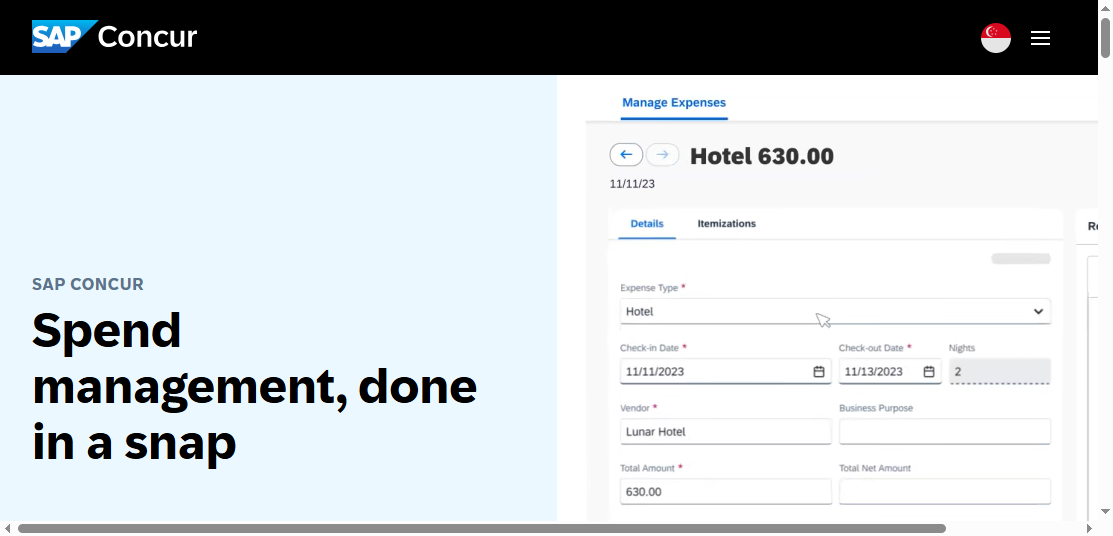
- One-sentence overview: SAP Concur Expense is an enterprise-grade platform built for large organizations that need global travel and expense standardization, compliance, and ERP connectivity.
- Key Features
- Enterprise expense reporting workflows
- Travel booking and travel expense connections
- Advanced approval chains
- Audit and compliance tools
- Policy controls across entities and regions
- ERP and finance system integrations
- Pros & Cons
- Pros: Deep functionality, strong global support, mature enterprise capabilities, broad ecosystem
- Cons: Higher implementation effort, quote-based pricing, and a steeper learning curve for some users
- Best For (Target user/scenario): Large enterprises, multinational organizations, and companies with complex T&E requirements
SAP Concur remains a benchmark for organizations with formal travel programs and strict compliance needs. It is not the lightest tool on this list, but it is often shortlisted when standardization and governance matter more than quick self-serve rollout.
Best for all-in-one spend and receipt management
9. BILL Spend & Expense
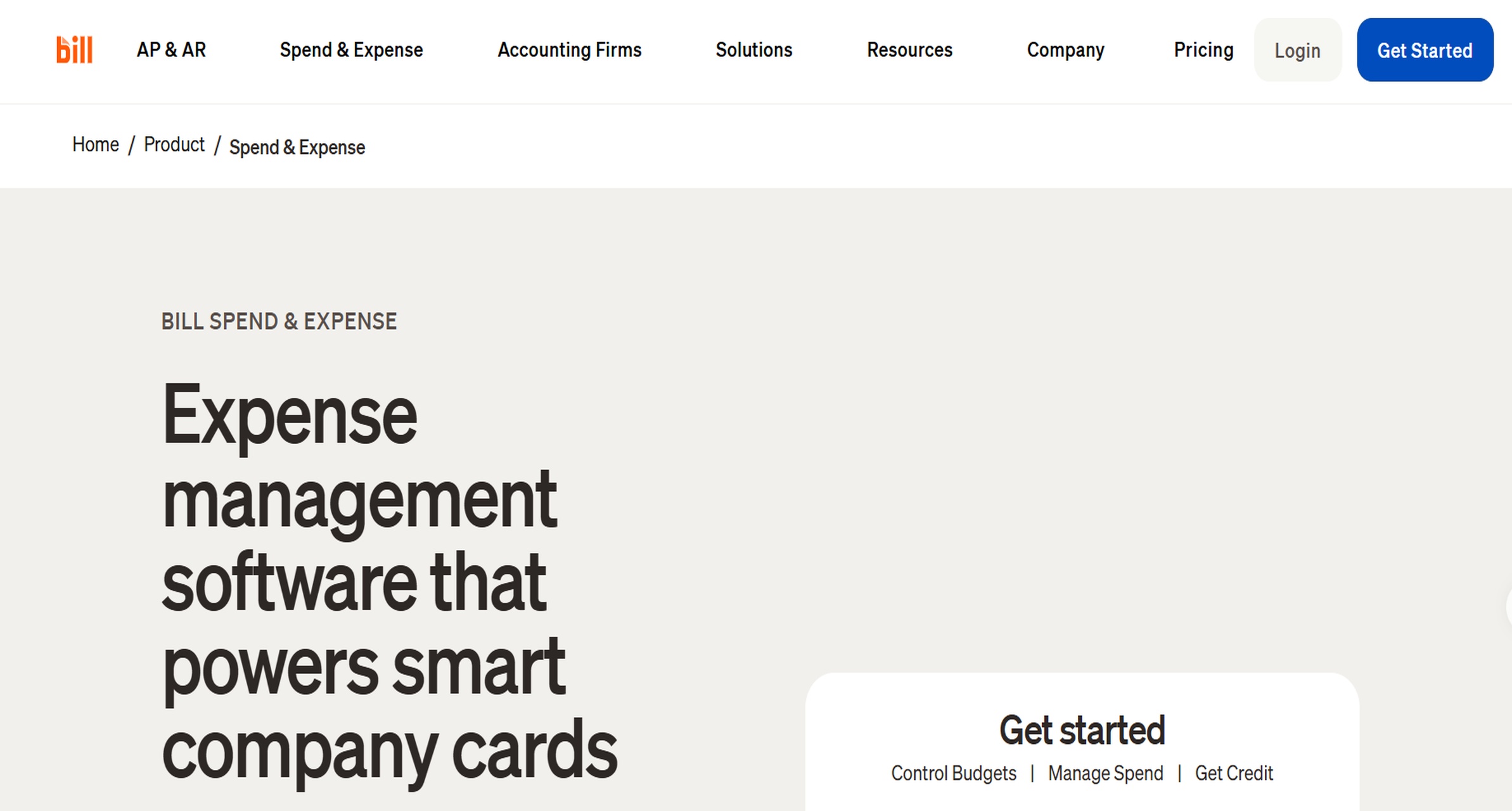
- One-sentence overview: BILL Spend & Expense combines cards, budget controls, receipt collection, and reimbursements in one workflow for finance teams that want fewer disconnected tools.
- Key Features
- Corporate cards and virtual cards
- Expense capture and reporting
- Reimbursement workflows
- Budget visibility
- Spend controls
- Finance ecosystem integrations
- Pros & Cons
- Pros: Good all-in-one value, useful for finance teams that want spend controls and expense reporting together
- Cons: Best experience may depend on alignment with the broader BILL platform and processes
- Best For (Target user/scenario): SMB and mid-market businesses that want a connected financial operations stack
BILL Spend & Expense is attractive to teams trying to reduce platform sprawl. Rather than bolt together separate tools for cards, reimbursements, and expense tracking, it offers a more unified operating model.
10. Ramp
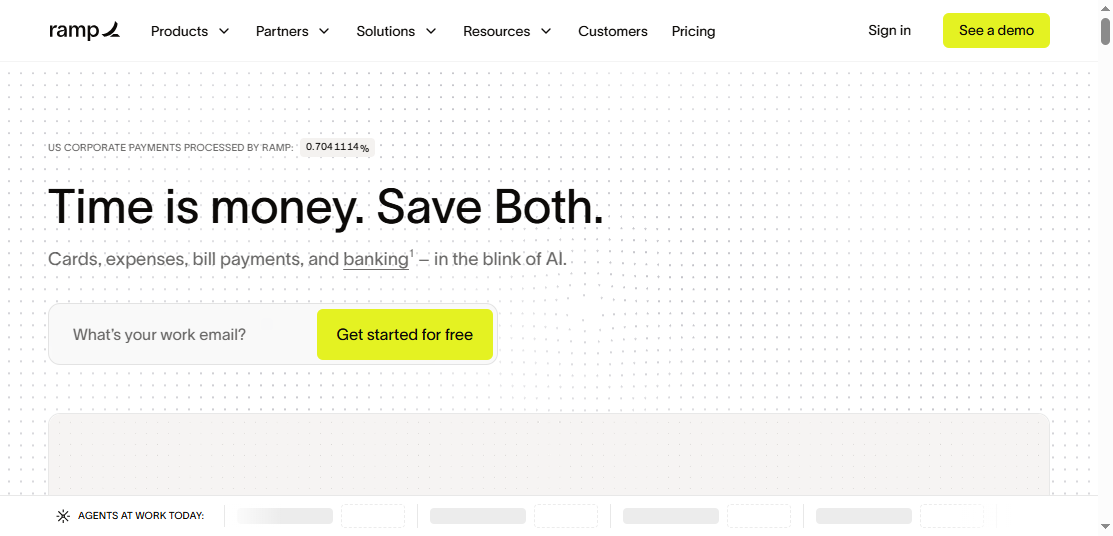
- One-sentence overview: Ramp is a spend management platform with strong expense automation and real-time card controls, making it ideal for companies that want reporting tied directly to active spend governance.
- Key Features
- Corporate cards
- Real-time expense automation
- Receipt matching
- Approval workflows
- Budget and department controls
- Accounting sync
- Spend visibility dashboards
- Pros & Cons
- Pros: Strong automation, excellent real-time visibility, useful controls before and after spend occurs
- Cons: Best fit is often for businesses willing to embrace a card-centric spend model
- Best For (Target user/scenario): Startups and growth-stage businesses that want spend management and expense reporting in a single platform
Ramp is less about old-style after-the-fact expense reports and more about controlling spend continuously. For some companies, that is exactly the right model. For others, especially those with many out-of-pocket employee expenses, a more reimbursement-centered platform may feel more natural.
Pros, cons, and best use cases for each platform
Key strengths buyers should prioritize
When comparing the best expense reporting software, the most valuable strengths usually fall into five areas:
- Automation: Auto-generated expense lines, card reconciliation, duplicate detection, and accounting sync reduce admin time
- Mobile receipt capture: Employees are far more likely to submit expenses on time if they can scan or forward receipts instantly
- Mileage tracking: Important for field teams, sales organizations, and businesses with frequent local travel
- Customizable approvals: Approval chains should reflect your management structure, policy thresholds, and entity setup
- Real-time dashboards: Finance needs current visibility, not just end-of-month exports
This is where different tools separate clearly:
- Zoho Expense and Expensify shine on usability and fast setup
- Fyle helps streamline reconciliation-heavy processes
- Rydoo supports travel-heavy and mobile-first teams
- Emburse Spend and Webexpenses offer stronger policy and workflow controls
- SAP Concur Expense supports large-scale governance
- Ramp and BILL Spend & Expense combine expense reporting with active spend control
- FineReport strengthens analytics, dashboarding, and executive reporting across all of the above
Common drawbacks and trade-offs
No expense platform is ideal for every business. Common trade-offs include:
- Learning curve: Enterprise and governance-heavy platforms usually require more training
- Implementation effort: Tools with deep workflows, multi-entity support, or ERP integration take longer to deploy
- Reporting limits: Many expense apps provide standard dashboards but limited customization
- Pricing transparency: Some vendors publish entry pricing while advanced plans remain quote-based
- Support quality: Fast-growing platforms can vary in onboarding and ongoing support experience
A simple rule helps here: the more control and system depth you need, the more setup and administration you should expect. Lightweight tools save time initially, while more robust platforms may save more money and reduce risk over time.
Best-fit scenarios by business type
Here is a practical match between platform type and business scenario:
- Startups: Ramp, Expensify, Zoho Expense
- Small businesses: Zoho Expense, Expensify, Fyle
- Mid-market teams: Emburse Spend, Webexpenses, BILL Spend & Expense, Rydoo
- Distributed workforces: Rydoo, Expensify, Zoho Expense
- Global organizations: SAP Concur Expense, Webexpenses, Emburse Spend
- Finance-led reporting organizations: FineReport paired with an expense platform
- Card-centric spend programs: Ramp, BILL Spend & Expense, Emburse Spend

How to choose the right software for your team
Questions to ask before you buy
Before selecting the best expense reporting software for your organization, ask these questions:
- Which accounting or ERP systems must the software integrate with?
- Do employees mostly submit out-of-pocket expenses, or do you rely on corporate cards?
- Do you need ACH or global reimbursements?
- How complex are your approval workflows?
- Do you require tax handling, mileage rules, or per diem support?
- How many entities, departments, or geographies need separate policies?
- Do managers need to approve expenses from mobile devices regularly?
- How detailed does reporting need to be for audits, budgeting, and board visibility?
- Will native dashboards be enough, or do you need a reporting layer like FineReport for advanced analysis?
The last question is often overlooked. Many software buyers focus on submission workflows, then later discover they still need better reporting for leadership and compliance. That is where FineReport can add meaningful value by turning raw expense data into tailored business insight.
Red flags to watch during evaluation
During product demos and trials, pay close attention to these warning signs:
- Hidden fees for implementation, reimbursements, card programs, or premium integrations
- Weak OCR accuracy that still requires too much manual correction
- Limited policy customization for your approval and compliance rules
- Poor mobile experience that discourages timely submissions
- Shallow reporting with limited filtering, export, or drill-down capability
- Rigid integrations that force manual rework in accounting
- Slow support response during onboarding questions
If a tool handles receipts well but cannot provide usable reporting, that should be treated as a serious gap rather than a minor inconvenience.
Final recommendations by use case and budget
If you need a practical shortlist, use this framework:
- Best for budget-conscious teams: Zoho Expense, Expensify
- Best for simple setup and quick adoption: Expensify, Zoho Expense
- Best for lean finance automation: Fyle
- Best for growing companies with stronger controls: Rydoo, Emburse Spend, Webexpenses
- Best for finance-led spend governance: Emburse Spend, Ramp, BILL Spend & Expense
- Best for enterprise scale: SAP Concur Expense
- Best for advanced expense analytics and executive dashboards: FineReport
- Best all-in-one spend and expense management: Ramp, BILL Spend & Expense
For many businesses in 2026, the smartest approach is not choosing the tool with the longest feature list. It is choosing the platform that best fits your workflow maturity:
- Go with Zoho Expense or Expensify if simplicity matters most
- Choose Ramp or BILL Spend & Expense if you want expense reporting tightly connected to card-based spend control
- Choose SAP Concur Expense or Webexpenses if scale and governance are the priority
- Add FineReport if your finance team needs deeper, more customizable expense reporting than operational tools can provide on their own
In short, the best expense reporting software is the one that reduces manual work for employees, gives finance better control, and produces reporting your business can actually act on.
FAQs
Expense reporting software focuses on capturing receipts, creating reports, routing approvals, and handling reimbursements. Expense management software usually goes further with policy controls, card reconciliation, budgets, and broader spend oversight.




